

.svg)
.webp)
How to Use QR Codes for Attendance Tracking: Event Owner’s Guide 2026
Learn how to use QR codes for attendance tracking to replace manual check-ins. Set up QR code generation, scanning stations, and integrations for key insights.
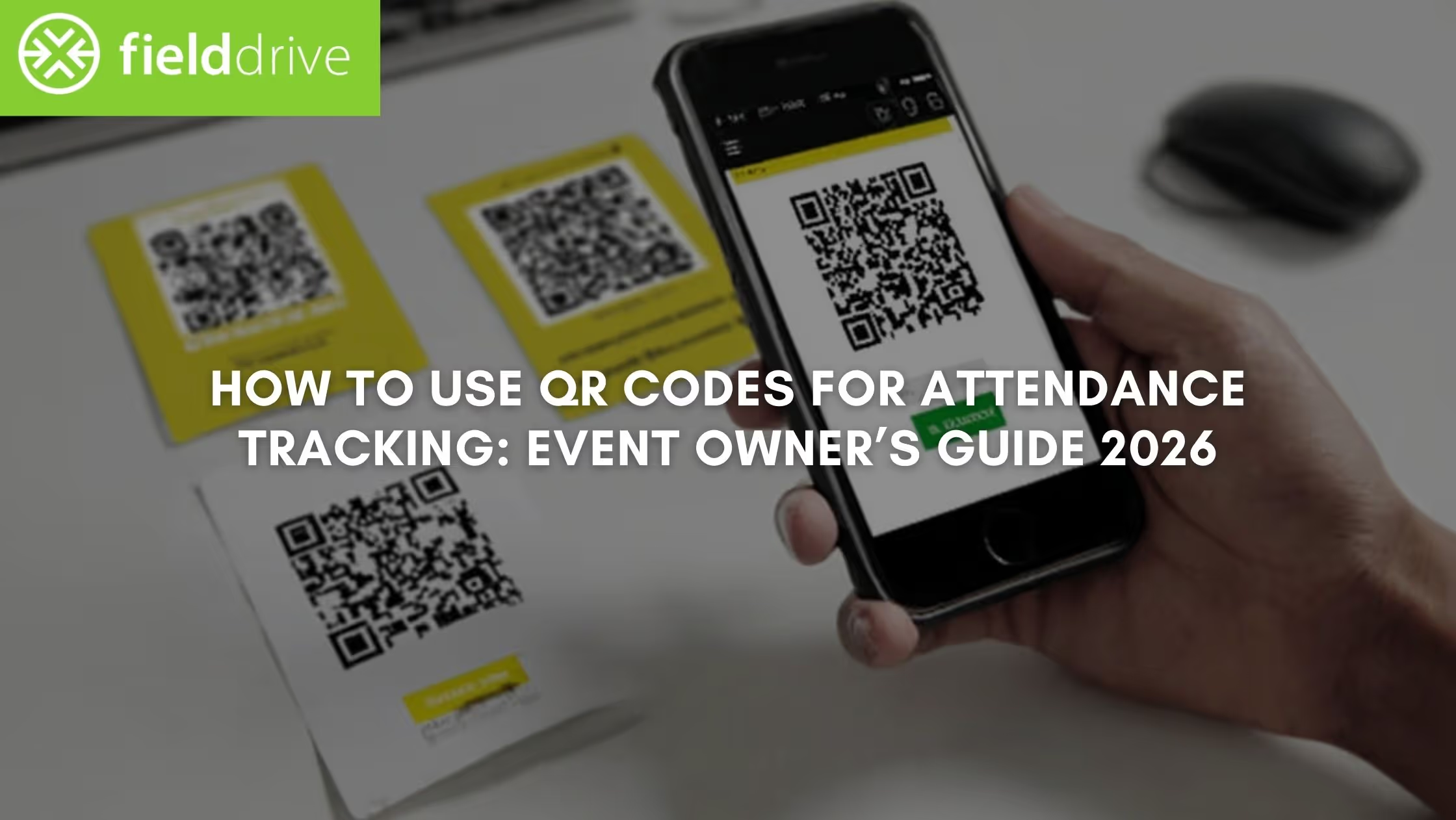
If you run conferences, trade shows, or corporate events, you’ve probably dealt with the chaos of manual attendance tracking. Registration surges create long lines, sign-in sheets slow down entry, and your team ends up chasing incomplete or inaccurate records after the event. Meanwhile, you still lack real-time visibility into who has checked in or which sessions are filling up.
That’s why many event owners and organizers are switching to QR code attendance tracking. Instead of manual check-ins, attendees simply scan a QR code at registration or session entrances, and their attendance is logged instantly. Your team gets accurate data in real time, queues move faster, and post-event reporting becomes far easier.
In this article, you’ll learn exactly how to use QR codes for attendance tracking at events. That’ll include how to generate attendee codes, set up scanners, track session attendance, best practices to follow, and more.
Quick Snapshot
- QR codes simplify attendance tracking by allowing attendees to scan a unique QR code at check-in or session entry, instantly logging attendance and eliminating manual sign-in sheets.
- QR-based check-ins reduce registration queues and give event teams live insights into arrivals, session attendance, and crowd flow.
- Setting up the system requires structured planning. Define tracking requirements, generate unique QR codes, distribute them effectively, and deploy reliable scanning infrastructure.
- Data integration unlocks real operational value. Sync QR scan data with registration platforms, CRM tools, and analytics dashboards to capture engagement and improve reporting.
- Optimized QR design ensures smooth scanning. Use dynamic codes, proper sizing, high contrast, and error correction to maintain fast scanning in real-world event environments.
Why QR Codes Are Essential in Modern Attendance Tracking
For most event teams like yours, the challenge is recording attendance quickly, accurately, and without disrupting attendee flow. At conferences, trade shows, and corporate events, hundreds of attendees may arrive within minutes. Manual verification simply can’t keep up.
This is where QR code attendance tracking becomes essential. Each attendee receives a unique QR code linked to their registration profile, usually delivered through a confirmation email, event app, or digital ticket.
Example: At a large industry conference, attendees scan their QR code at a touchless check-in kiosk, triggering automatic badge printing and confirming arrival within seconds.
Also Read: QR Codes for Events: The Ultimate Guide for Event Organizers and Planners

Must-Know Benefits of Using QR Codes for Attendance Tracking
QR code attendance tracking offers clear advantages over traditional sign-in methods. Beyond simply logging attendance, it improves operational efficiency, data accuracy, and the overall attendee experience.
1. Faster Check-ins with Fewer Manual Errors
One of the biggest operational challenges at events is managing registration surges, when large groups of attendees arrive simultaneously.
QR code scanning dramatically speeds up the process compared to searching for names on printed lists or manually entering data.
Operational impact:
- Eliminates manual data entry mistakes
- Reduces registration queues
- Allows smaller teams to manage high-volume arrivals
2. Smooth Integration with Event Technology Platforms
QR code attendance systems integrate easily with several event platforms. And when a QR code is scanned, the system automatically updates attendee data across connected platforms. This eliminates manual data transfers and keeps records consistent across systems.
Typical integrations include:
- Registration platforms
- CRM systems used by sales teams
- Email automation tools for post-event follow-ups
- Event analytics dashboards
Example: If an attendee scans into a sponsored breakout session, that interaction can automatically sync to the CRM. That allows sponsors to prioritize follow-ups with engaged participants.
3. Real-Time Attendance Data and Event Analytics
With QR code attendance tracking, you gain instant visibility into event activity. Every scan updates the system in real time, allowing you to monitor:
- Check-in volume during registration
- Session attendance levels
- Traffic patterns across the venue
For event owners responsible for attendee experience, this data enables live operational decisions. For instance, if a session reaches capacity, you can redirect attendees to overflow rooms or adjust staffing levels.
Moreover, after the event, the same data provides insights into session popularity, engagement patterns, and attendee behavior, helping you improve future events.
4. Touch-Free Check-in for Safer Event Operations
QR codes enable contactless check-ins, reducing physical interaction at registration desks. Attendees can scan their codes using touchless self-service kiosks or mobile scanning devices.
This reduces the risk of disease transmission and minimizes crowding around check-in counters. That’s particularly beneficial in post-pandemic environments.
5. Eco-Friendly and Paperless Event Operations
Traditional attendance tracking relies heavily on printed lists and paper forms. QR codes eliminate the need for most physical materials. Attendees receive their QR codes digitally through email or event apps, and check-ins are recorded automatically in the event platform.
For organizations prioritizing sustainability, this approach:
- Reduces paper usage
- Eliminates printed attendance sheets
- Supports environmentally responsible event operations
6. Flexible and Customizable Attendee Experiences
QR codes can do more than log attendance. They can connect attendees to event resources and engagement opportunities.
For example, you can link QR codes to:
- Event agendas or schedules
- Speaker presentations and downloadable resources
- Product demos and sponsor content
- Post-event feedback forms
Example: At a corporate product launch, scanning a QR code on an attendee badge might unlock demo videos or technical documentation. At a scientific congress, session QR codes could link to research papers or presentation slides.
This flexibility turns QR codes into a central access point for event content and engagement, extending their value beyond just attendance tracking.
Also Read: Designing QR Code Tickets: A Guide to Seamless Event Entry

The next step is turning QR code attendance tracking into a working system for your event. Setting it up involves more than generating codes. You need the right workflow for code creation, distribution, scanning, and data integration to ensure everything runs smoothly on event day.
How to Use QR Codes for Attendance Tracking: Setting Up a Comprehensive System
Implementing QR code attendance tracking isn’t complicated, but the difference between a smooth deployment and a chaotic check-in often comes down to planning the workflow. The goal is to design a system that connects registration, check-in, and attendance data into a single operational process.
For conferences, trade shows, and corporate events, this setup typically involves several components. Below is a practical step-by-step framework covering those aspects in detail.
1. Define Your Attendance Tracking Requirements First
Before generating any QR codes, clarify what you actually need to track. The complexity of your system should match the operational needs of your event. So, start by answering a few key questions:
Examples:
- A 3,000-attendee trade show may need to track entry check-in, session attendance, and exhibitor booth visits.
- A corporate leadership summit may only require main event check-in and workshop attendance.
2. Generate Unique QR Codes for Attendees or Sessions
Once your requirements are defined, the next step is generating the QR codes that will power your attendance system.
Each attendee typically receives a unique QR code tied to their registration profile. When scanned, the code automatically pulls their information from the event database and logs attendance.
Common QR code generation methods include:
- Registration platforms that automatically create attendee codes
- Bulk QR generators that convert attendee IDs into codes
- Event management tools with built-in QR code functionality
Pro tip: Customize QR code designs with event branding, colors, or sponsor logos. This improves recognition and reduces confusion at check-in.
3. Distribute QR Codes Through Multiple Touchpoints
Once generated, you must distribute QR codes in a way that is easy for attendees to access upon arrival. Common distribution channels include:
Digital distribution:
- Registration confirmation emails
- Event mobile apps
- Digital tickets or wallet passes
Physical placement:
- Printed on attendee badges
- Included in event brochures or welcome packets
- Displayed on venue signage
Example: At a tech convention, attendees may receive their QR code in their registration email. Upon arrival, they simply open the email and scan the code at a self-service kiosk to print their badge.
Why this matters: Making QR codes easy to access significantly reduces check-in friction.
4. Build a Reliable Scanning Infrastructure
Even the best QR code system will fail if the scanning process is poorly designed. You must decide how attendees will scan their codes. The most common options include:
Operational checklist:
- Ensure strong Wi-Fi or cellular connectivity at scan points.
- Place scanners in well-lit areas to speed up code recognition.
5. Integrate Attendance Data with Your Event Systems
QR code scans generate valuable data, but only if that data is captured in a centralized system. Your attendance tracking setup should automatically feed data into registration platforms, CRM systems, marketing automation tools, and analytics dashboards.
Key insight: Without integration, QR code attendance tracking becomes just another isolated dataset.
6. Run a Full System Test Before Event Day
Testing is one of the most overlooked steps in event technology deployment. Not all smartphones or scanners behave the same way. A QR code that works perfectly on one device may struggle on another. Therefore, before opening registration desks, stress-test the entire check-in process.
Test the following:
- Does every QR code scan correctly across multiple smartphones (iOS and Android)?
- Does the attendance form or check-in system load instantly?
- Is data correctly recorded in the database?
- Does the code scan across different scanning apps, lighting conditions (indoor, outdoor, dim rooms), or distances?
- Are badge printers or scanners responding quickly?
Pro tip: Run a mock check-in with staff members acting as attendees to identify potential bottlenecks.
Also Read: QR Checking Guide for Quick and Secure Scanning
7. Train Staff and Guide Attendees
Finally, ensure both staff and attendees understand how the system works. Provide the following:
- Clear signage such as “Scan Your QR Code to Check In.”
- Staff members guided about the workflow and positioned near check-in stations
- Quick visual guides or instructions in registration emails
With your system in place, another concern is ensuring the QR codes themselves perform reliably under real-event conditions.
Best Practices to Ensure Your QR Codes Scan Instantly at Events
Even the most sophisticated QR code-based attendance-tracking system can fail if the codes themselves are poorly designed. A QR code that is too small, difficult to scan, or misconfigured can slow check-in lines and frustrate attendees.
Ensuring fast and reliable QR code scanning is critical. The following best practices help ensure your QR codes scan quickly across devices, lighting conditions, and scanning distances.
1. Choose Dynamic QR Codes When Flexibility Matters
One of the most important design decisions is whether to use static or dynamic QR codes. Here’s a simple decision matrix you may follow:
Why dynamic codes are often better for events:
Dynamic QR codes let you update links or workflows without reprinting badges or signage. For example, if a session location changes or you need to update a form link, you can modify the destination behind the code.
Many dynamic QR systems also provide scan analytics, including:
- Number of scans
- Device type used (iOS or Android)
- Location of scans
Pro tip: If your QR code links to session content, feedback forms, or digital resources, use dynamic codes. They let you update content before, during, or after the event.
2. Make QR Codes Large Enough to Scan Quickly
Size plays a major role in how quickly a QR code can be scanned, especially in crowded environments like registration desks or session entrances.
General size guideline:
- Minimum size: 1 inch × 1 inch (2.5 cm × 2.5 cm)
- Larger sizes are recommended for signage or codes scanned from a distance.
3. Maintain High Contrast and Clean Design
QR codes rely on a clear contrast between the data modules (black squares) and the background. Poor contrast or busy designs can make scanning unreliable.
Best practices include:
- Using dark codes on a light background
- Avoiding patterned or textured backgrounds
- Maintaining sufficient white space around the code (called the quiet zone)
- Ensuring logos placed inside the code do not block key areas
Why this matters: A poorly designed QR code can add seconds to every scan, which quickly adds up when hundreds of attendees are waiting.
4. Enable High Error Correction Levels
QR codes include built-in error correction, which allows them to remain scannable even if part of the code is damaged or obscured. Higher error correction levels ensure codes still work if they are:
- Slightly scratched or folded
- Partially covered by badge holders
- Printed on reflective surfaces
This is especially important when QR codes are printed on lanyards, badges, or physical signage that may be subject to wear during multi-day events.
5. Design QR Codes with Real Event Environments in Mind
Event environments introduce unique scanning challenges. For instance, crowded entrances, narrow aisles, attendees moving quickly through queues, etc.
To address this, you should:
- Avoid reflective badge covers that interfere with cameras.
- Use multiple scanners or kiosks during peak arrival times.
Wrapping Up
QR code attendance tracking helps you replace slow manual check-ins with faster, data-driven processes. By using QR codes, you can simplify registration, track session participation, reduce errors, and gain real-time visibility into attendee activity throughout the event.
To make this process easier to implement, fielddrive provides touchless check-in kiosks designed for high-volume events. With support for QR-based check-in, visitors scan their codes at the kiosk, check in within seconds, and can instantly receive their printed badge. The system logs attendance automatically and syncs the data with your event platform.
Want faster check-ins and cleaner attendance data at your next event? Connect with fielddrive to see how our QR-enabled touchless kiosks can ease attendance tracking and help you deliver a smoother onsite experience.
Also Read: Routes and fielddrive: leveraging modern tech to host sustainable global events
FAQs
1. How can we prevent duplicate check-ins when using QR code attendance tracking?
Duplicate scans can occur if the same QR code is used multiple times. Most event attendance systems prevent this by validating scans against a registration database and flagging repeat entries instantly. This ensures only registered attendees are marked present and keeps attendance data accurate.
2. Can QR code attendance tracking work without internet connectivity?
Yes, many event check-in systems support offline scanning. Devices temporarily store scan data locally and sync it to the event database once connectivity returns. This approach is useful for venues with unstable Wi-Fi or remote conference locations.
3. What happens if an attendee forgets their QR code on event day?
Keep a backup process that allows staff to search the attendee database by name or email and resend the QR code instantly. Alternatively, the attendee’s badge can be printed manually and linked to their registration record.
4. Can QR codes track both event entry and exit times?
Yes. Some attendance systems allow attendees to scan once upon entry and again upon exit. This creates a time-stamped log of entry and exit activity, which can help you analyze session duration, crowd flow, and overall attendance patterns.
5. How do we track attendance using QR codes across multiple sessions?
To track attendance across sessions, assign a different QR code to each session room, or enable scanners to log session entries. Each scan records a timestamp and session ID, helping you understand which sessions attendees actually participated in.
.svg)
.svg)
.svg)
Want to learn how fielddrive can help you elevate your events?
Book a call with our experts today


.svg)