

.svg)
Onsite Event Check-in Solution for Fast, Secure Entry
Create a faster, safer arrival experience with self-service check-in flows that reduce queues, simplify verification, and speed up badge collection.
Scan your Invite


Hold your QR in the frame. Badge prints automatically

Look Straight into the camera

Your face is being matched with the uploaded photo.
Scanning your ID
Hold your ID document steady while it is being scanned

Type the First few Letters of Your Name

Walk-ins, replacements, missing QRs - the line never dead-ends.


How the fielddrive Check-in Flow Works Onsite
Attendees register before the event and get confirmation emails.
Attendees arrive onsite and head to self-service check-in kiosks.
Attendees verify themselves by using QR codes, biometrics, IDs, or name look up
Once verified, attendees collect their badges directly from the kiosks.
Attendees move into the event with fast, secure access.
Traditional Desk Check-in vs. the fielddrive Walkthrough Flow

Check-in Options For Every Event Need and Attendee Preference
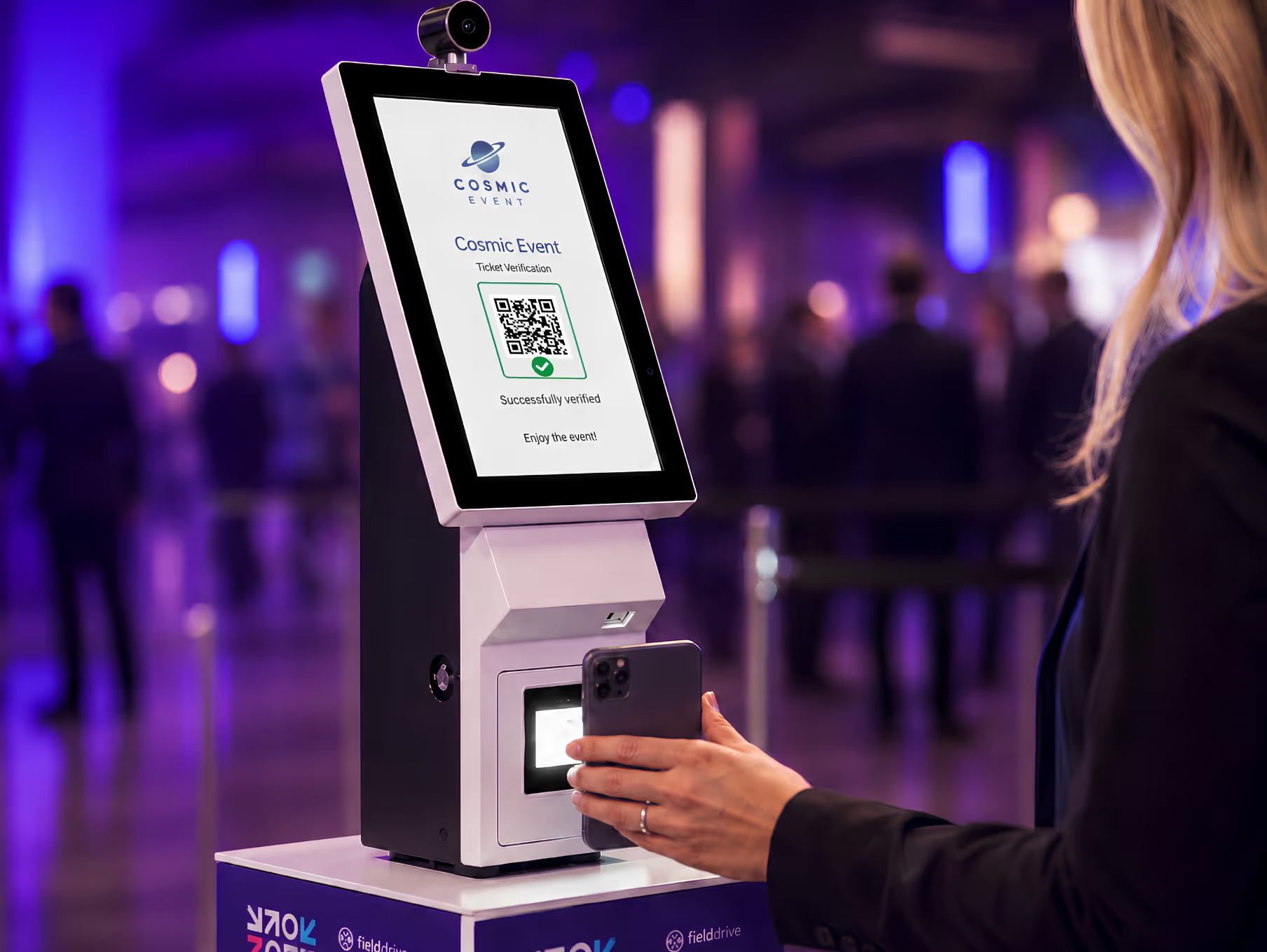

QR Code Check-in
Give attendees a fast, familiar way to check in using the QR code from their registration confirmation.
- Fast, familiar, and easy to use
- Ideal for general admission and high-volume entry
- Supports contactless check-in flows
- Helps reduce queues during peak arrivals
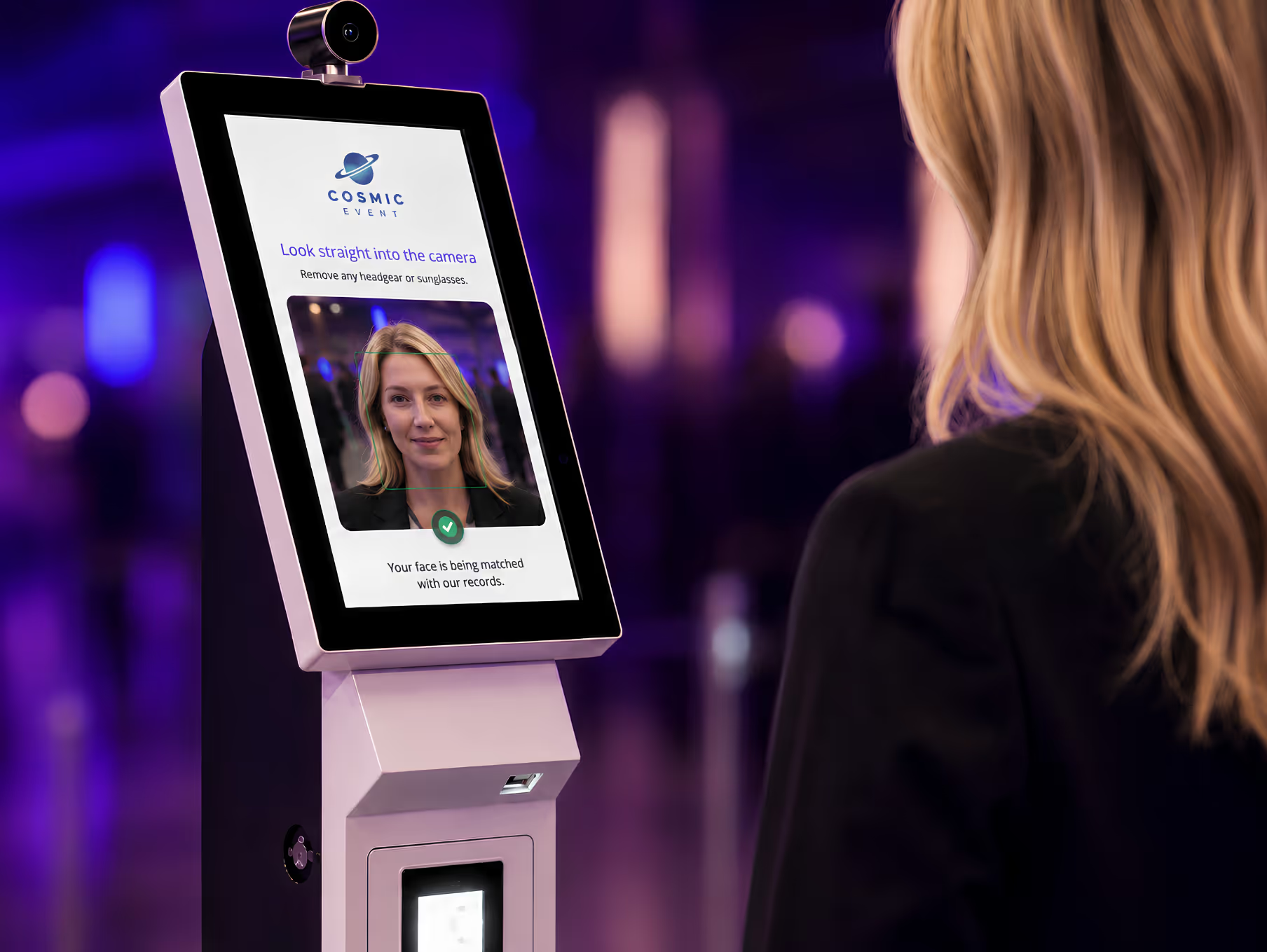

Facial Recognition Check-in
Offer a faster, low-friction check-in path for attendees who choose to use it.
- Optional and attendee-consent-driven
- Useful for VIPs, speakers, staff, and repeat attendees
- Works well for secure zones and busy entry points
- Includes opt-out and alternative check-in paths
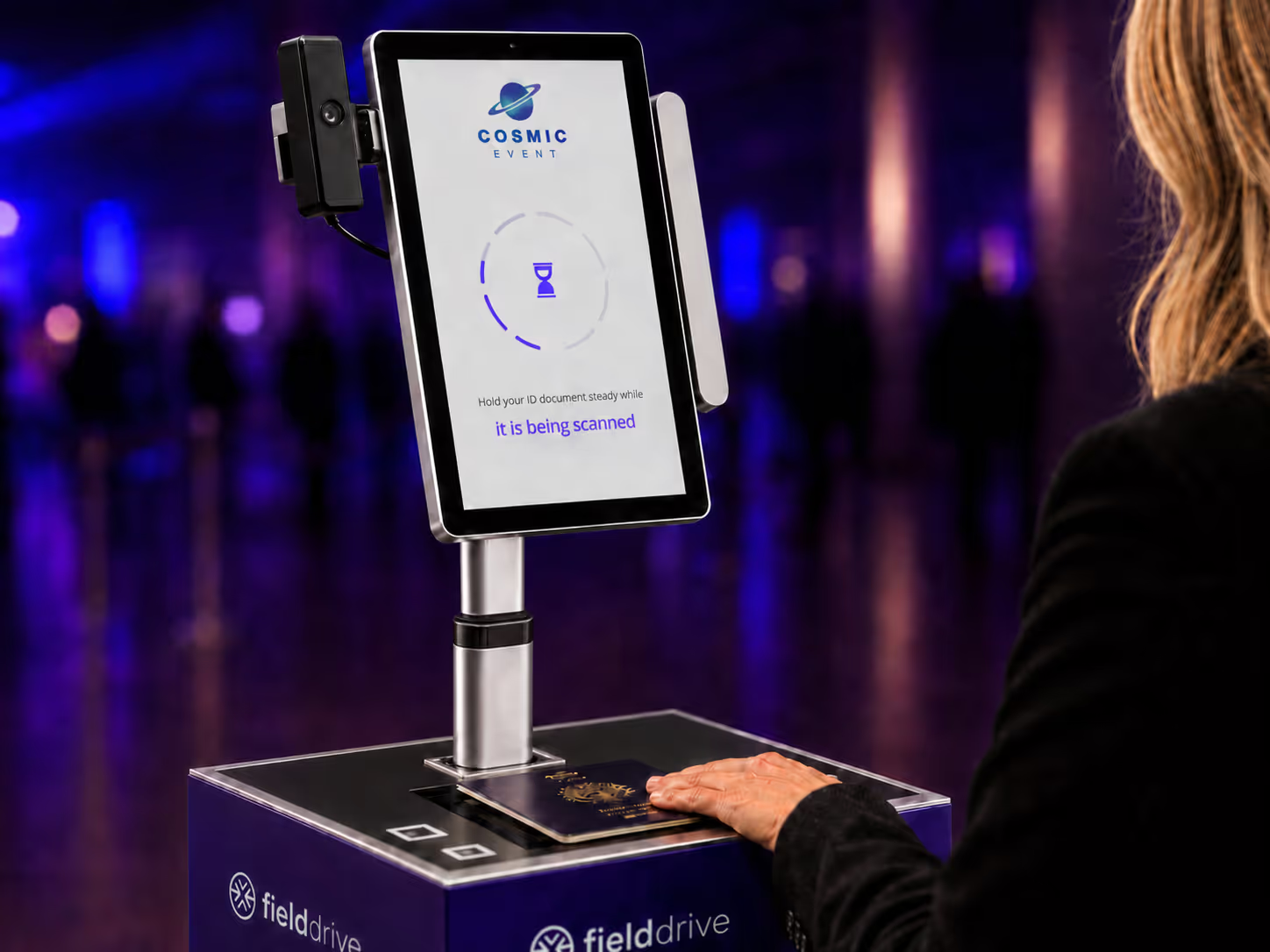

ID Scanning
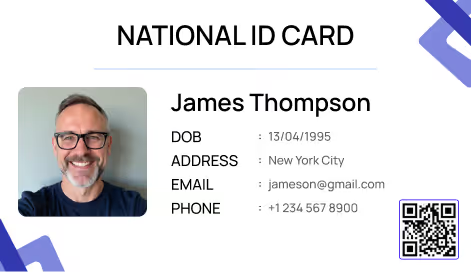
Add a stronger identity verification layer for events where attendee identity needs to be confirmed before badge printing.
- Scans government-issued IDs
- Matches attendee details against registration records
- Supports live face matching when required
- Configurable based on event requirements
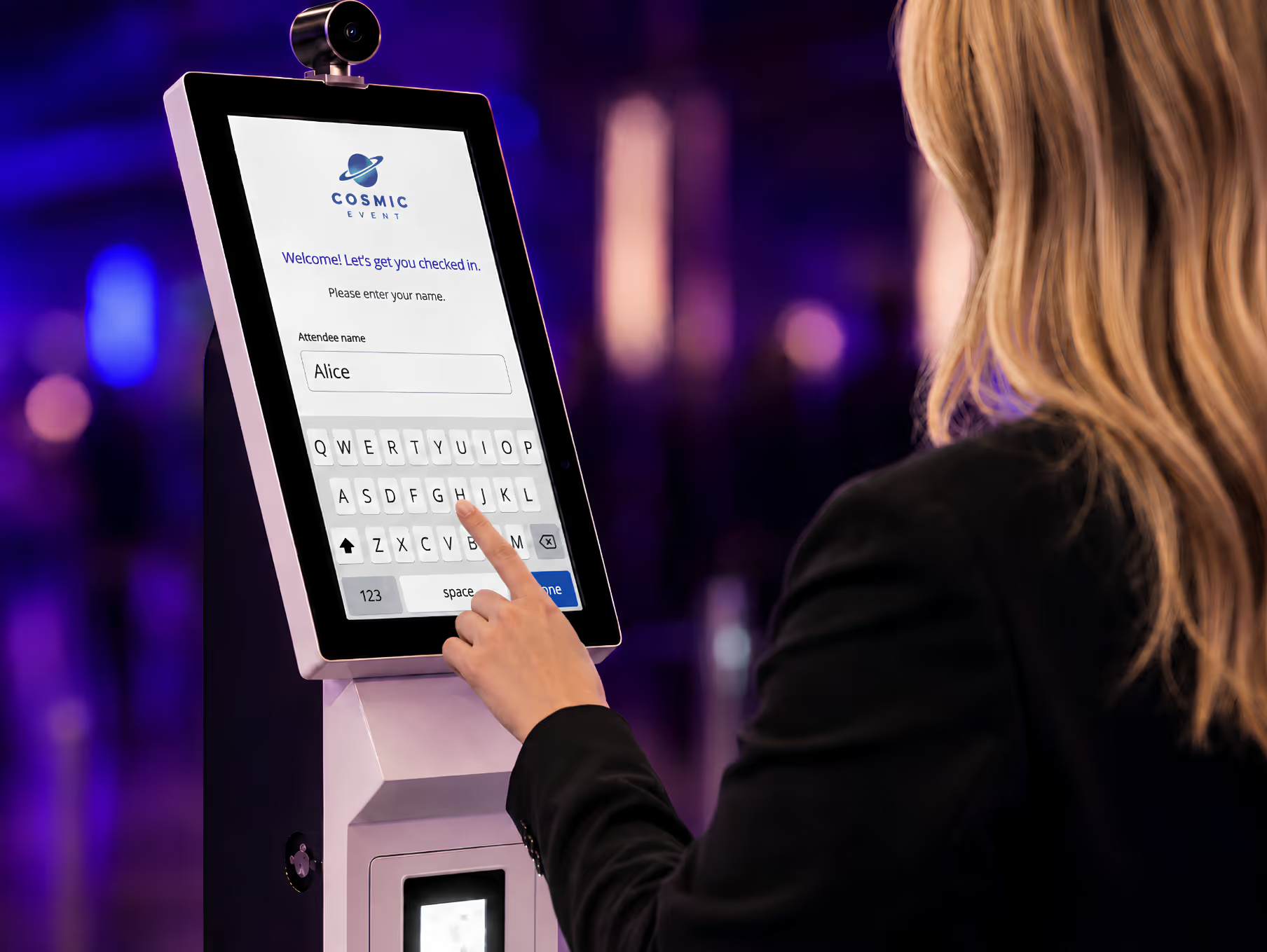

Manual Name Lookup
Manual lookup gives your team a reliable fallback, so check-in never hits a dead end.
- Helps with missing QR codes
- Supports name changes and spelling mismatches
- Useful for walk-ins and replacements
- Gives staff a reliable fallback workflow
Secure by Design


Biometric Data
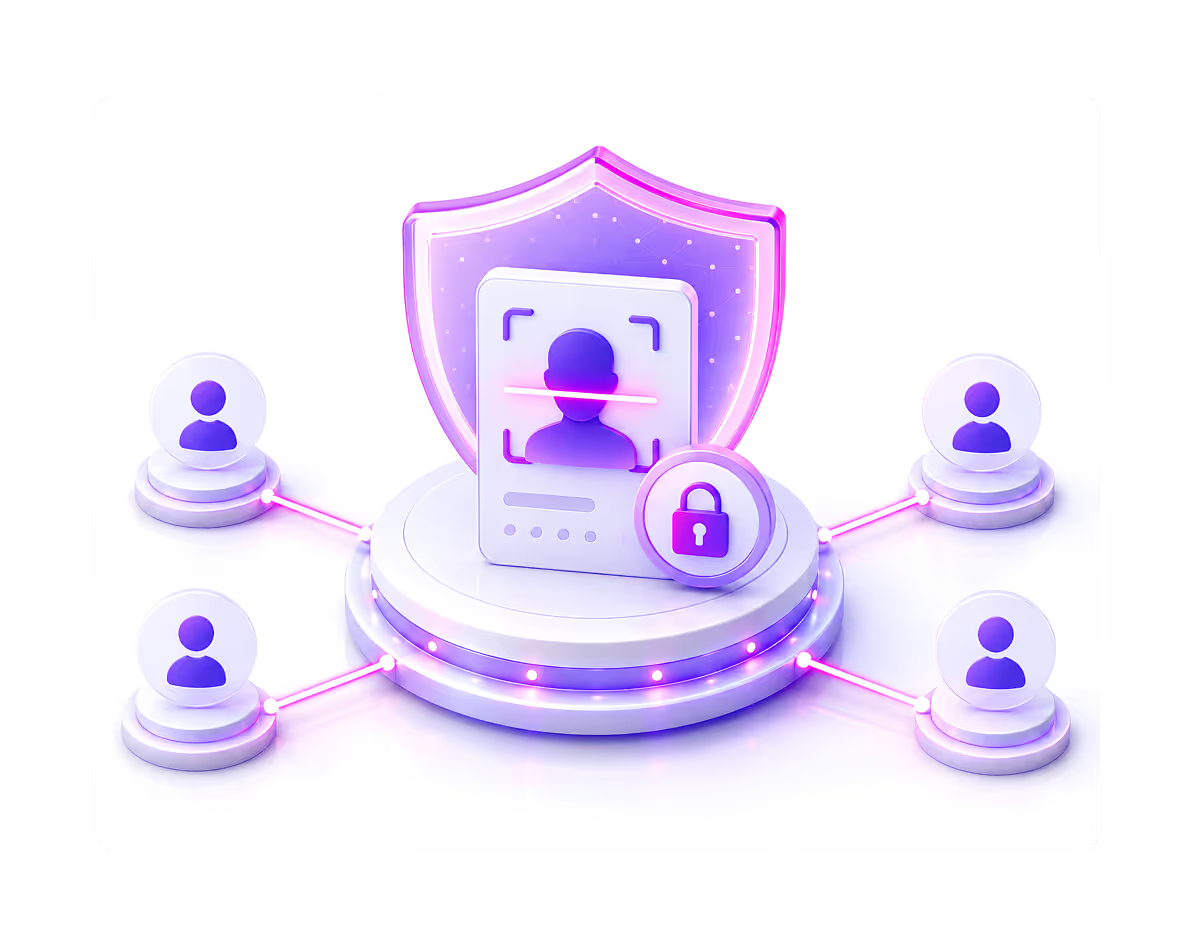
Facial recognition check-in is built around attendee consent, giving guests a faster way to enter while ensuring those who prefer another method can use QR code check-in, ID scanning, or manual name lookup.
- Explicit attendee opt-in required
- Alternative check-in methods always available
- Biometric data is pseudonymised
- Data is encrypted at rest and in transit
- Biometrics are stored separately from PII
Attendee Data
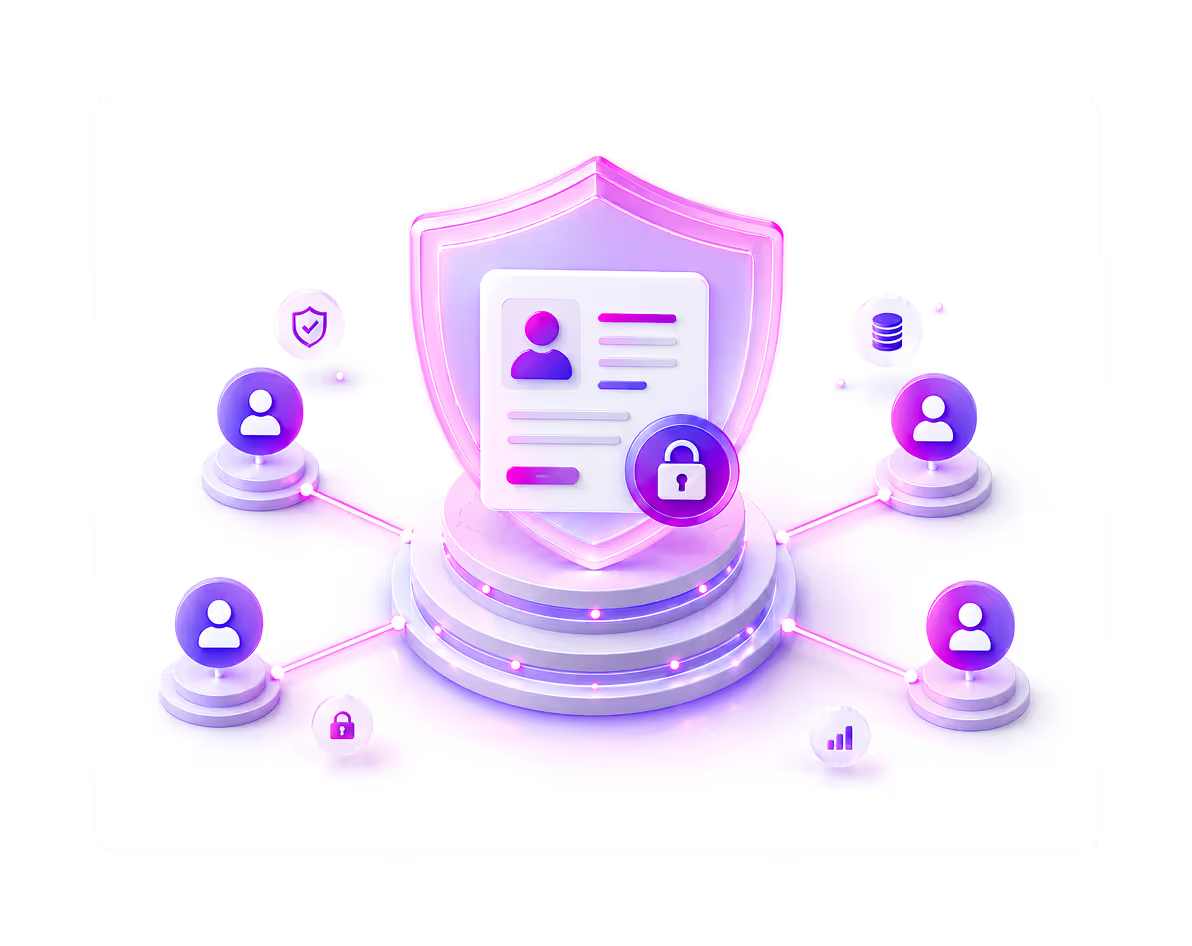
Attendee records are protected across every onsite touchpoint, from check-in and badge printing to reporting, with secure workflows that help organizers manage event data confidently.
- Secure attendee record handling
- Access limited to authorized team members
- Real-time check-in activity tracking
- Controlled data use across onsite workflows
- Data handling supports global privacy standards
ID Verification Data
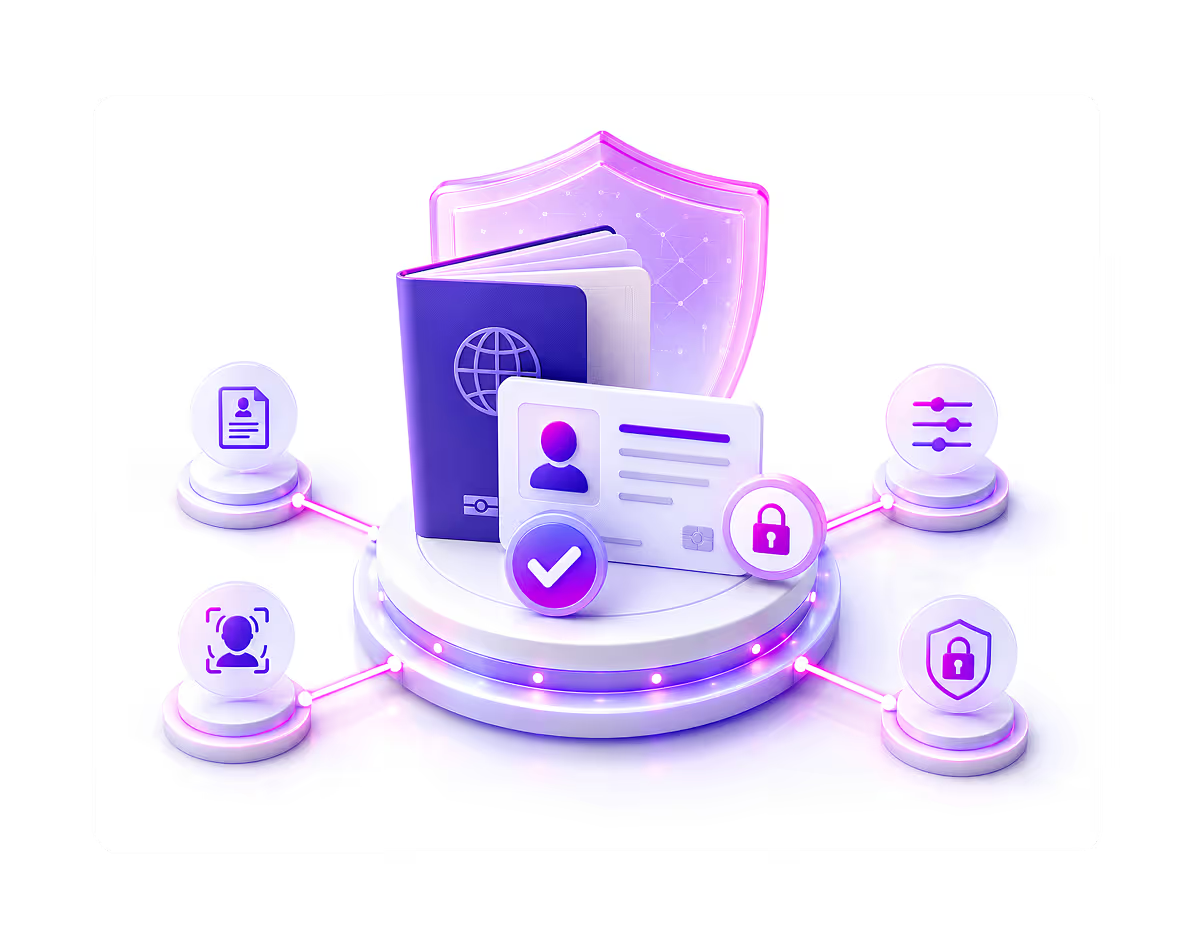
Built for high-security events, ID verification adds an extra layer of attendee validation before badge printing, helping organizers confirm that the right person receives the right badge while keeping sensitive identity data protected.
- Government-issued ID scanning
- Optional live face match at the kiosk
- Configurable matching rules per event
- Full-name matching by default
- Additional ID fields checked only when required
- Only the verification result is recorded
- Document scans are not stored
- Biometric matches are not stored
A Smoother Check-in Experience For Attendees and Organizers
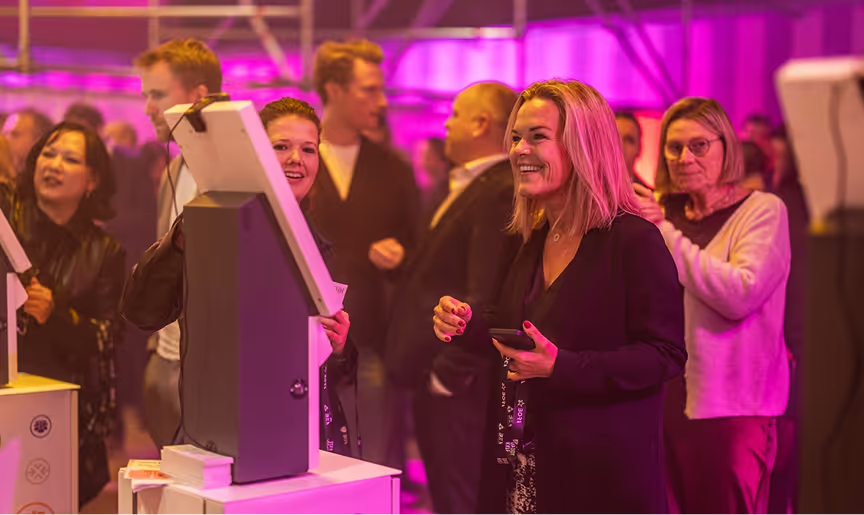
Benefits for Attendees
A better check-in experience means attendees can start the event without stress, confusion, or long waits.
- Faster entry
- Multiple ways to check in
- A simple, intuitive arrival flow
- Optional facial recognition with clear consent
- Alternative check-in paths if they opt out
- Badges printed on demand
- Faster entry
- Multiple ways to check in
- A simple, intuitive arrival flow
- Optional facial recognition with clear consent
- Alternative check-in paths if they opt out
- Badges printed on demand
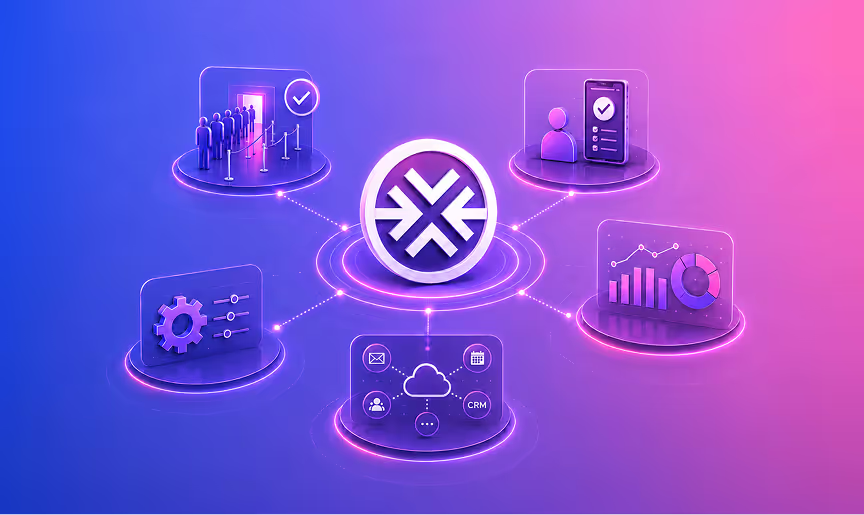
Benefits for Organizers
For organizers, check-in is where arrival flow, verification, badge issuance, and live event data come together.
- Reduce queues and desk congestion
- Manage peak arrivals with less friction
- Set up check-in from one central portal
- Track arrivals across kiosks and entrances
- Connect with your e-registration, CRM, and event tools
- Reduce queues and desk congestion
- Manage peak arrivals with less friction
- Set up check-in from one central portal
- Track arrivals across kiosks and entrances
- Connect with your e-registration, CRM, and event tools
Connected to Your Event Technology Stack
Your check-in data should not sit in a silo.
fielddrive integrates with a wide range of registration platforms, CRMs, and event systems, helping you keep attendee records, check-in status, and onsite activity connected.









A Check-in Solution for Events of Every Size and Type
Support fast conference check-in with QR scanning, badge issuance, and real-time arrival visibility.
Manage large attendee volumes, exhibitor arrivals, badge reprints, and branded check-in areas.
Create a polished arrival experience for employees, customers, partners, executives, and VIPs.
Support member check-in, attendee lookup, onsite registration, and badge printing.
Configure verification workflows for secure, controlled event access.
Enable smooth access for stadium zones, VIPs, athletes, and fans.
Frequently Asked Questions
An event check-in solution helps organizers verify attendees, record arrivals, manage entry workflows, and often print badges onsite.
fielddrive supports QR code check-in, optional facial recognition, ID scanning, and manual name lookup.
Yes. fielddrive supports on-demand badge printing, so attendees can receive their badges when they check in.
No. Facial recognition with fielddrive is optional and consent-driven. Attendees can opt out and use another check-in method, such as QR code scanning or manual name lookup.
Yes. Attendees who do not want to use facial recognition can check in using another available method, such as QR code scanning or manual name lookup.
fielddrive supports privacy-conscious biometric workflows, including attendee consent, opt-out options, restricted access, and anonymization or deletion practices based on agreed event requirements.
fielddrive supports multiple verification methods, including QR code scanning, optional facial recognition, ID scanning, and manual lookup. Badge printing can also be tied to verified attendee records, helping organizers manage onsite access more confidently.
Yes. fielddrive can support secure check-in workflows for VIP areas, staff access, speaker check-in, exhibitor entry, controlled access environments, and events that require stronger identity verification.
Yes. fielddrive can support multi-lane and multi-entrance check-in setups, helping teams manage arrivals across different access points.
Yes. fielddrive integrates with a wide range of registration platforms, CRMs, and event systems.
Yes. fielddrive event check-in works without reliable internet. Attendees can continue checking in through QR scanning or name lookup, and badges can still be printed onsite. Check-in activity is stored locally and synchronized with the connected platform once internet access is restored.
fielddrive handles walk-ins, attendee corrections, and badge reprints directly at the check-in kiosk. Attendees can correct their details while checking in, and badges can be reprinted from the same kiosk. For walk-ins, the attendee’s information is added to the event registration platform and synced with fielddrive, making the record available at the kiosk for check-in and badge printing with minimal delay.
Each fielddrive kiosk can process up to 200 attendees per hour, including check-in and on-demand badge printing. This helps keep queues short and attendee arrivals moving smoothly, even during peak check-in periods.
Organizers can monitor check-in activity, attendee arrivals, badge issuance, kiosk activity, and arrival flow across the onsite setup. Available views and reports depend on the connected fielddrive solutions and event configuration.
The right number depends on expected peak arrivals, attendee volume, check-in method, badge-printing time, entrance layout, and acceptable wait time. fielddrive can use these inputs to recommend a kiosk and lane configuration for the event.
Ready To Create A Smoother Check-In Experience?
Speed up attendee arrivals, simplify identity verification, manage onsite access, and keep every check-in flowing with fielddrive.


With 6 major logistics hubs around the globe, fielddrive has catered to event tech needs in 50+ countries!

.svg)
Stay informed with us
Sign up for our newsletter today.