

.svg)
.webp)
Introduction
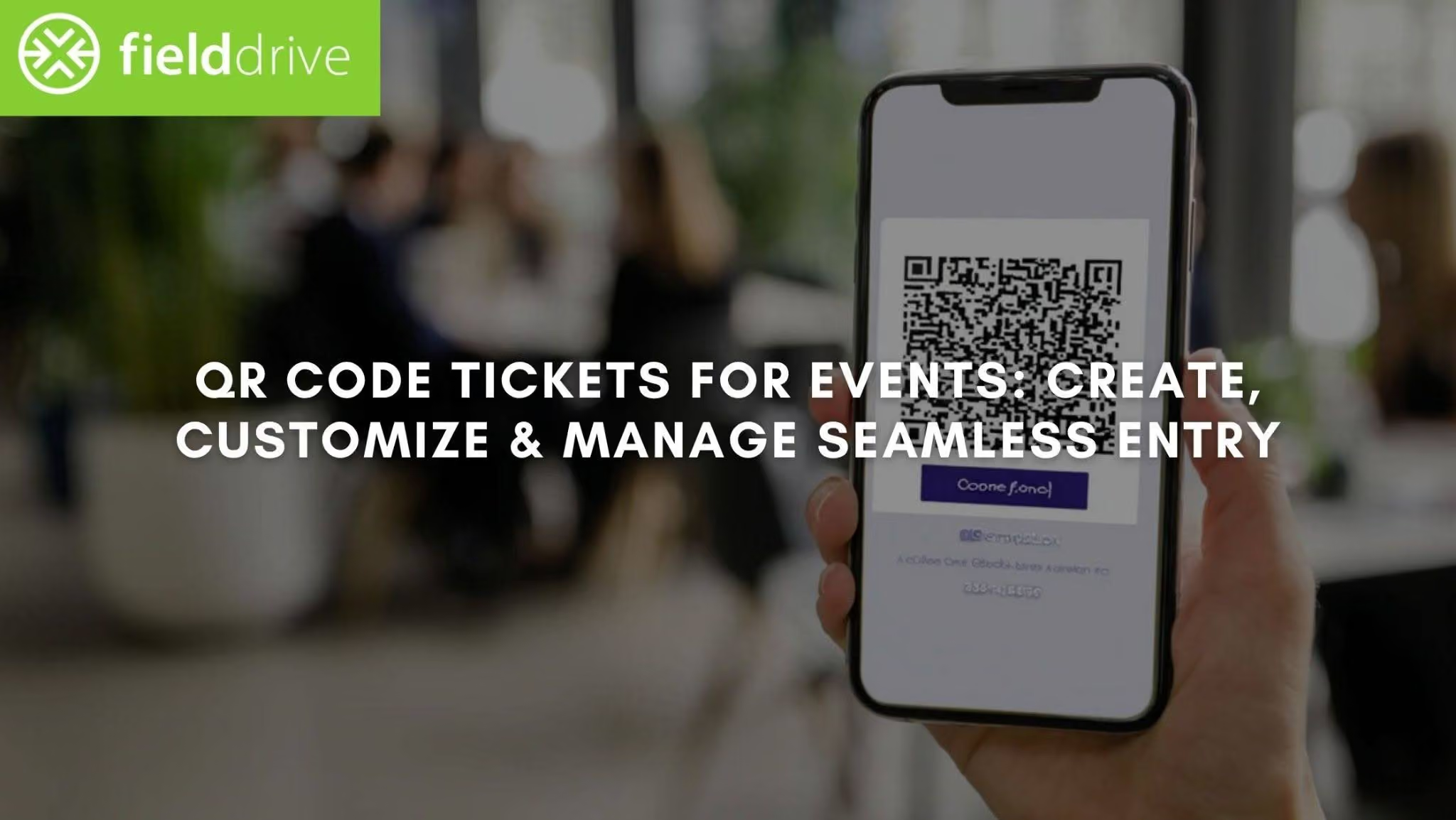
Event entry can often be a challenge for organizers, especially with long lines, lost tickets, or the stress of manual checks. QR code tickets offer a solution that simplifies the process for both attendees and organizers, turning chaos into smooth, secure entry.
Modern event systems have found that QR-based check-in systems not only speed up entry but also reduce data entry errors to less than 0.5%, ensuring greater accuracy and reliability. This significant improvement makes QR codes an essential tool for events of all sizes.
In this article, you'll learn how to design, customize, and distribute QR code tickets to enhance your event's check-in process, improve security, and provide a seamless experience for your attendees.
Quick look
- QR code tickets enable faster check-ins by scanning codes from mobile devices, reducing wait times at event entrances.
- Enhanced security through unique, encrypted QR codes, ensuring that only authorized attendees gain access.
- Real-time data tracking allows event organizers to monitor attendee flow and adjust operations instantly.
- Customizable QR code tickets with branding and event details enhance the attendee experience and streamline operations.
- fielddrive integrates seamlessly with event platforms, offering touchless check-ins, live badging, and post-event data insights.
What Are QR Code Tickets and How Do They Work?
QR code tickets are digital tickets with a scannable QR code that contains attendee information. Instead of physical tickets or manual lists, these tickets streamline event entry by enabling quick, automated verification. The entire process of registration, ticketing, and access becomes smoother, faster, and more secure.
Here’s how QR code tickets work:
- Ticket Generation: Once an attendee registers, a unique QR code is generated that links to their event details (e.g., name, event schedule, entry time). This code serves as the attendee's ticket and can be scanned for quick entry.
- Storage on Digital Devices: Attendees can store their QR code tickets on their phones or digital wallets (e.g., Apple Wallet, Google Wallet) for easy access at the event.
- QR Code Scan for Entry: At the event entrance, event staff use QR code scanners to quickly verify the ticket. A single scan checks the validity and grants entry, helping reduce delays at the door.
- Fraud Prevention: QR codes themselves are not inherently encrypted, but their security comes from the ticketing and check-in system. These systems track each code’s usage and ensure that it cannot be used more than once, reducing the risk of fraud.
- Real-Time Tracking: Every scan is logged with real-time data (e.g., time of entry, attendee info), allowing event organizers to monitor check-in progress and track attendance.
- Instant Updates: QR code scanning systems can instantly update event organizers with insights into attendee behavior and entry status, enabling dynamic adjustments to event operations when needed.

Now that you understand the basics of QR code tickets, let’s explore how to create them for your event.
How to Create QR Code Tickets for Your Event?
Creating QR code tickets for your event doesn’t require technical expertise and can be done quickly with the right tools. Most event management platforms integrate QR code generation, streamlining the process for both organizers and attendees.
Step 1: Choose the Right Event Management System
Start by selecting an event management platform that supports QR code generation. Popular platforms like Eventbrite, Cvent, or even custom solutions will allow you to enter your event details such as:
- Event name, date, and location
- Ticket types (e.g., VIP, General Admission)
- Pricing and quantity
Once entered, the system will automatically generate unique QR codes for each attendee, ready for distribution.
Step 2: Customize Your QR Code Design
To make your QR code tickets more professional and aligned with your event branding, customization is key:
- Design: Adjust the color, font, and logo to match your event’s theme.
- Details: Include important information such as event name, venue, and time near the QR code for easy access, without compromising scannability.
- Digital wallet compatibility: Ensure your QR codes work seamlessly with platforms like Apple Wallet and Google Wallet, so attendees can easily save and access their tickets.
Step 3: Distribute QR Code Tickets Securely
Once your QR codes are ready, distribute them securely through:
- Email: Send QR codes directly to attendees via email with clear instructions on how to use them.
- App integration: Leverage your event’s mobile app to deliver QR codes directly to attendees’ phones for easy access.
- SMS/Instant Messaging: For faster distribution, send QR codes via SMS or WhatsApp, ensuring attendees have their tickets on the go.
If you’re looking to optimize the check-in process, fielddrive offers QR code-based check-in solutions that integrate with your existing ticketing system, providing real-time data insights and enhancing security during event entry.
Now that your QR codes are created and distributed, let’s explore how to use them effectively during the event.
Also Read: Key Event Planning Trends to Watch
Effective Methods for Distributing QR Code Tickets Securely and Efficiently
Distributing QR code tickets needs to be fast, secure, and reliable. Here are some effective methods to ensure smooth delivery to your attendees:
1. Email Distribution
One of the most common and effective ways to send QR code tickets is via email. Once attendees purchase or register, automatically send the QR code ticket to their inbox with clear instructions on how to use it.
Ensure that the email includes a "Download your ticket" button and a backup option, such as a direct PDF attachment in case the email link fails.
2. App Integration
Many event apps now offer QR code ticketing functionality. Attendees can easily access their tickets through these apps, which can also provide real-time updates, making the process more seamless.
Encourage attendees to download the event app to access not just their ticket but also event schedules, venue maps, and exclusive content. Integration with digital wallets (e.g., Apple Wallet or Google Wallet) ensures attendees have quick access to their ticket without opening an app.
3. SMS & Instant Messaging
For last-minute event updates or quick delivery, SMS or instant messaging apps like WhatsApp can be effective. This method is especially useful for attendees who need to retrieve their tickets on the go.
A personalized message containing the QR code, along with instructions like "Scan this code at the event entry", ensures no confusion. Additionally, SMS reminders with the QR code can help reduce event-day stress.
4. Website Integration
Integrating QR code distribution directly on your event website can make it easy for attendees to access their tickets at any time. After registration, attendees can log into their personal event portal and access their QR code tickets anytime.
Providing secure login with multi-factor authentication (MFA) ensures that only authorized individuals can access the tickets.
5. Direct Download Links via Event Platforms
For large events or conferences, you can use event platforms to provide attendees with a download link to their QR code ticket. Once an attendee registers, they receive an email with a direct link to their event dashboard where they can download the QR code ticket to print or save to their phone.
Additionally, these platforms can trigger automatic reminder emails leading up to the event with the QR code and updated event details.

Now that you know how to distribute your QR code tickets, let’s look into how to optimize their use during the event to ensure smooth and secure entry.
Also Read: Essential Guide to On-Site Event Management Success
Best Practices for Using QR Code Tickets at Your Event
To ensure your event runs smoothly and efficiently, it’s crucial to follow these best practices when using QR code tickets for check-in and access control:
1. Set Up Multiple Scanning Stations
Make sure you have multiple QR code scanning stations at each entrance to avoid long lines. Place scanners at strategic locations to avoid bottlenecks, especially during peak entry times.
Each station should be equipped with a QR code scanner (either a tablet, smartphone, or dedicated scanning device). Ensure that your scanners are connected to your event’s check-in system, enabling seamless and quick verification.
For Example: LEAF, Inc. Transforms Event Operations with fielddrive’s Live Badging and Touchless Check-In
LEAF, Inc., an event organizer with ~1,000 attendees, faced long check-in queues due to manual sign-ins and time-consuming badge handling.
By implementing fielddrive’s touchless check-in kiosks with live, on-demand badge printing, LEAF reduced check-in wait times drastically and removed the need for pre-printed badge sorting. With fielddrive’s kiosks, the process became more efficient, secure, and professional.
Results:
- Eliminated long check-in queues and reduced wait times significantly.
- Removed the need for pre-printing and manual badge sorting.
- Enabled instant badge printing for walk-in attendees.
- Improved access control with unique, event-specific badges.
- Delivered a faster, more professional check-in experience.
2. Train Staff to Handle Issues and Maintain a Backup System
Not all attendees will have access to their phones or may experience technical issues. Train your staff on the following:
- How to scan QR codes with different devices (smartphones, tablets, kiosks).
- What to do in case of discrepancies (e.g., incorrect or expired codes).
- How to manage an alternative check-in method, such as a manual list or look-up tool, to ensure that no attendee is left behind.
- Prepare for unexpected issues like offline scanners by ensuring the system supports offline mode and can sync when the connection is restored.
3. Use Real-Time Data for Monitoring Attendee Flow
QR codes allow for real-time data tracking, which is essential for event management. Monitor metrics like:
- Attendance counts: Track how many attendees have entered at any given time.
- Peak entry times: Use this data to adjust staffing or open more check-in stations during busy periods.
- No-shows: Identify empty spots or session attendance rates and adjust logistics or seat assignments as necessary. Real-time data helps you make immediate adjustments and prevents chaos.
How fielddrive Optimizes QR Code Ticketing and Event Check-In?
fielddrive revolutionizes event check-in with its QR code-based solutions, ensuring a smooth, secure, and efficient process for both event organizers and attendees.
fielddrive's QR Code Check-In Solutions:
fielddrive offers a touchless check-in system that eliminates long queues and reduces the risk of counterfeit tickets:
- Fast, secure entry with real-time ticket validation.
- Seamless integration with your existing event management system.
- Customizable badges for enhanced branding and security.
Introducing fielddrive 2.0:
fielddrive 2.0 takes event check-in to the next level by offering an intelligence-driven approach:
- On-site Tech Advisory to optimize event flow and identify bottlenecks.
- Real-time data insights to monitor and adjust event operations on the fly.
- Enhanced security with dynamic QR codes and custom badging.

Wrapping Up
QR code tickets simplify event entry by offering faster check-ins, improved security, and real-time data collection. With their ability to streamline access, reduce queues, and enhance attendee experiences, QR code tickets are quickly becoming the go-to solution for modern events.
fielddrive enhances QR code ticketing with its touchless check-in kiosks and real-time data insights. With fielddrive 2.0, event organizers gain a consultative partner that optimizes event flow, improves security, and ensures seamless entry for a streamlined attendee experience.
Request a demo today to see how fielddrive can transform your event check-ins with QR code technology.
FAQs
1. How secure are QR code tickets for events?
QR code tickets are highly secure as each code is uniquely generated and encrypted, making it nearly impossible to replicate or duplicate. They ensure only authorized attendees gain entry.
2. Can QR code tickets be used for virtual events?
Yes, QR code tickets can be used for virtual events to authenticate attendee access, ensuring smooth and secure entry to online sessions or webinars.
3. How do QR codes help with event data analytics?
QR codes provide real-time data on attendee movements, session engagement, and check-in times. This data allows organizers to optimize event logistics and make data-driven decisions.
4. Are QR code tickets customizable for branding?
Yes, QR code tickets can be customized with event logos, colors, and branding elements, ensuring they align with your event’s theme while maintaining functionality.
5. How do you handle QR code ticket scanning issues?
If scanning issues arise, staff can use backup systems like manual ticket lookup or have offline scanners that sync data once connectivity is restored.
.svg)
.svg)
.svg)
Want to learn how fielddrive can help you elevate your events?
Book a call with our experts today


.svg)