

.svg)
.webp)
QR Codes for Events: Uses, Benefits and 2026 Guide
Use QR code for event check-in, badge printing, session access, lead retrieval, and attendee updates. Learn setup tips, scan best practices, and tracking data.
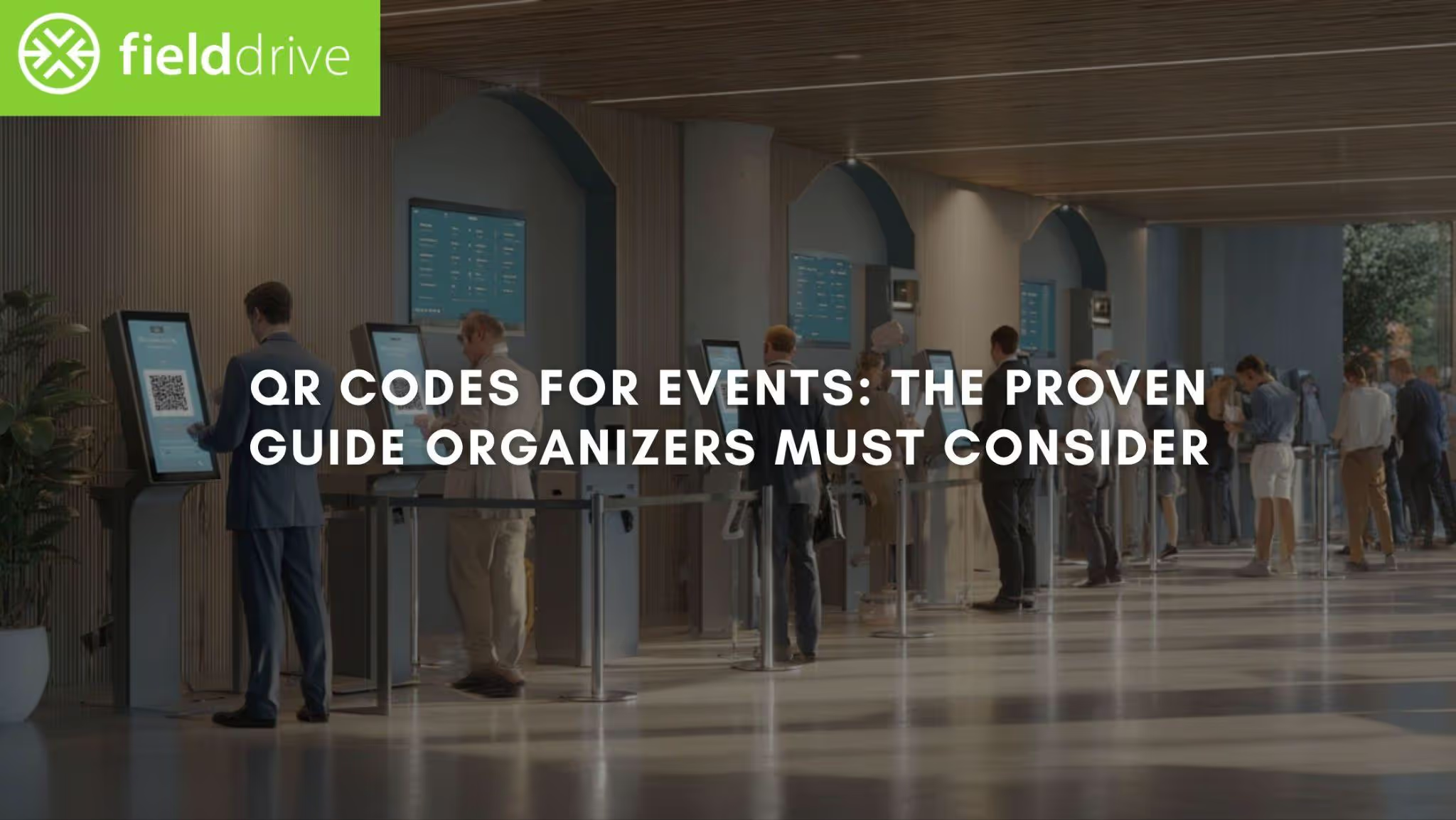
When your team is still checking people in from manual paper lists or last-minute badge lookups, registration becomes the first bottleneck your attendees experience. A QR code for event entry gives you a faster, cleaner way to move people from arrival to badge pickup without the stop-start friction. In a 2025 event-management study, QR-based check-in reduced the average check-in time from 45 seconds to 7 seconds while handling more simultaneous check-ins.
For event organizers like you trying to reduce queues and keep attendee flow under control, that matters well beyond the front desk. The way you use QR codes affects check-in speed, badge printing, session access, and the event's professionalism from the first scan onward.
In this article, you’ll get a practical guide to using QR codes for registration, entry, and more in a way that improves onsite logistics. In the process, you’ll learn how it reduces congestion and supports a more polished arrival experience.
In a Nutshell
- Queue control: QR codes eliminate manual name lookups and paper-list check-ins, helping you move people from arrival to badge pickup faster and with less front-desk pressure.
- Workflow fit: The real value is not the code itself but the process around it. QR check-in works best when registration sync, badge printing, and access validation are integrated rather than handled as separate steps.
- On-site flexibility: QR codes can do more than entry. They also support live badge printing, session scanning, attendee updates, and resource access, which reduces friction across the venue.
- Scan reliability: A poorly sized, poorly placed, or overdesigned code can slow entry rather than speed it up. So, testing across real devices, lighting, and print conditions matters.
- Mobile usability: QR-linked pages need to be mobile-friendly, up to date, and easy to understand. Otherwise, attendees are likely to abandon the scan, and staff will end up answering avoidable questions onsite.
- Operational insight: Each scan provides real-time visibility into arrivals, room traffic, and engagement, helping teams respond faster during the event and report more clearly afterward.
- Exhibitor value: QR codes also enable cleaner lead capture and faster follow-up, as exhibitors can scan attendee credentials instead of relying on paper forms or business cards.
QR Codes for Events: Meaning and What They Actually Do Onsite
A QR code, or Quick Response code, is a scannable two-dimensional barcode that stores digital information in a square grid. In an event setting, it often replaces paper tickets by giving each attendee a unique code on their smartphone or device. On arrival, the code can be scanned at check-in, badge pickup, session entry, or other controlled access points.
Once scanned, a QR code can instantly do the following:
- Confirm registration
- Mark an attendee as checked in
- Validate ticket type or access level
- Support smoother attendee flow across busy arrival periods.
QR codes are also easy to distribute in advance of the event. You can include them in registration confirmations, digital tickets, emails, mobile passes, websites, social posts, and printed event materials. In most cases, the technology required is simple. This includes a device camera to scan the code and a built-in or connected app to read it and convert it into usable event data.

Why QR Codes Make High-Volume Events Easier to Run
For event organizers, QR codes are more than just a faster way to validate tickets. They help remove manual check-in steps, reduce lookup errors, and keep people moving from arrival to badge pickup, session entry, and beyond. At busy events, that level of operational control matters just as much as speed.
Here’s a quick look at its key benefits in the context of events.
Example (what QR-based check-in looks like at a busy event):
At a conference, your first keynote starts at 9:00 AM, and most attendees arrive between 8:15 and 8:50. With manual check-in, your team may be under pressure to search for names, correct registration details, and reprint badges.
With QR codes tied to touchless kiosks or staffed scanning points, attendees can move through check-in faster. That way, your team can focus on exceptions rather than on every arrival.
Pro tip: Use QR codes as part of one connected onsite workflow, not as a standalone feature. The biggest gains usually come when QR code check-in, badge printing, and session scanning work together. That ensures attendees do not have to repeat the same steps.
Also Read: QR Check In System for Events: Features, Use Cases, and Setup
Must-Know Applications of QR Codes in Events (Apart From Check-Ins)
Beyond simplifying check-ins, QR codes offer versatile applications for improving event management. They reduce friction before the event, make information easier to access, and give teams better visibility into what is actually driving engagement. Here’s a list of potential uses:
Event Marketing and Advertising
QR codes help you connect offline promotion with digital action. Instead of asking someone to search for your event later, you can take them straight to the next step with a single scan.
You can place QR codes on:
- Posters, flyers, and banners
- Direct mail and printed invitations
- Brochures, magazine ads, and venue signage
- Social posts, email campaigns, and digital ads
- Event merchandise or branded promotional materials
Depending on the campaign goal, those codes can link directly to:
- Registration or ticket purchase pages
- Speaker pages or teaser videos
- Event schedules or venue information
- Social channels or branded event hashtags
- Special offers, raffles, or competition entry forms
This is especially useful when you want to shorten the path from interest to action. A strong visual on a poster or ad can grab attention. However, the QR code removes the extra step and gets people to register, learn more, or engage right away.
Promotions, Giveaways, and Audience Participation
QR codes are useful for driving interaction before and during the event. You can let attendees scan to enter a giveaway, claim a discount, or join a competition in seconds.
That makes participation easier for attendees and for your team to manage. You can track entries more accurately, monitor which offers are getting attention, and keep campaign activity organized without adding manual admin work.
QR codes on promotional materials (flyers, emails, ads) also link directly to exclusive event offers or early-bird ticket sales, increasing sign-ups and engagement.
Social Media, Hashtags, and Pre-Event Buzz
If part of your goal is building awareness before doors open, QR codes can help direct people to the right digital channels quickly. A scan can take attendees straight to your event hashtag, Instagram page, LinkedIn event, or speaker announcement page without forcing them to search manually.
Digital Ticketing and Pre-Event Information Access
QR codes also work well as part of the ticketing and pre-event communication flow. A code included in a confirmation email, mobile ticket, or attendee portal can help participants access key information before they arrive, such as:
- Ticket details and registration confirmation
- Arrival instructions
- Venue maps and parking information
- Session schedules or agenda updates
- Important event announcements
This becomes even more valuable when details change. Printed materials can become outdated quickly. However, a QR code linking to live information gives attendees a quick way to access the latest version without requiring new print runs.
Also Read: QR Code Tickets for Events: Create, Customize & Manage Seamless Entry
Onsite Attendee Interaction and Information
Around the venue, they help you deliver timely information, reduce reliance on printed materials, and give attendees quick access to useful content when needed. Here are some of the most effective onsite uses:
Real-time updates and live calls to action
Place QR codes on screens, signs, and session slides to share schedule changes, room updates, announcements, or next-step actions. Attendees can scan to access product information, FAQs, resources, videos, or exclusive content without waiting for staff support.
Session materials and handouts
Instead of printing presentation decks or speaker notes, use QR codes specific to the session. That lets attendees download slides, whitepapers, handouts, or follow-up resources on their own devices during or after the session.
Event app access
QR codes can prompt attendees to quickly download the event app, making it easier to access schedules, networking features, session details, and event updates.
Surveys and feedback collection
QR codes placed outside session rooms, at sponsor booths, or in common areas make it easy to gather feedback quickly and in a paperless way.
Gamification and engagement activities
QR codes can support scavenger hunts, polls, trivia, competitions, and other interactive experiences that keep attendees involved throughout the event.
Accessibility support
QR codes can improve the experience for attendees who need additional support. For example, they can link to hearing loop instructions, transcripts, digital presentation materials, or visual aids that attendees can view at a comfortable size on their own devices.
Hybrid event participation
For hybrid formats, QR codes can connect in-person attendees to online chats, digital materials, or virtual networking spaces. Remote attendees can use them to access live streams, resources, or shared event experiences.
Social sharing and user-generated content
QR codes can direct attendees to event hashtags, social pages, photo upload folders, or gallery pages. That makes it easier for them to share content and contribute to the event conversation in real time.
Lead Retrieval
QR codes make lead capture faster and easier for exhibitors, while giving you a more reliable way to support networking and exhibitor ROI. They allow teams to capture attendee details with a quick scan and move straight into a more useful follow-up workflow.
Networking and contact exchange
QR codes on attendee badges can be scanned to share contact details instantly, making conversations easier to continue after the event without swapping physical cards.
Lead retrieval at exhibitor booths
Exhibitors can scan attendee QR codes to capture key details directly and log interest in real time. This creates a cleaner record of booth interactions and reduces the risk of lost or incomplete leads.
Faster follow-up
QR codes can link attendees to short forms, product pages, demo requests, or downloadable brochures. That way, exhibitors can collect both contact information and context on what each visitor was interested in.
Designing QR Codes for Events Without Causing Scan Failures
Creating QR codes for an event is not complicated, but getting them right takes more than generating a link and dropping it into your signage. If the code is poorly designed, too small, or difficult to scan under event-day conditions, it can slow people down instead of helping attendee flow. The goal is simple: make every code easy to scan, easy to trust, and clearly tied to the attendee action you want.
1. Start early and plan the use case first.
Do not leave QR codes to the last minute. Build them into your event planning early. That way, you’ll know exactly where they will appear, what they should link to, and how they fit into the attendee journey. You can create the codes in advance and update the final destination later if needed.
2. Use a reliable QR code generator.
Choose a dependable QR code generator that supports:
- High-resolution downloads
- Editable or dynamic links
- Scan tracking
- Multiple file formats for design and print use
This gives your team more flexibility if details change after artwork is approved or signage has already gone to print.
3. Brand the code without hurting scan performance.
A QR code should look like part of the event, not a random add-on. Customizing it with your event branding can make it feel more polished and more trustworthy to attendees.
You can improve the design by:
- Using brand colors that match the event theme
- Adding your logo in the center where appropriate
- Testing softer design changes like rounded corners or alternative shapes
That said, function comes first. Keep the foreground dark, the background light, and preserve the quiet zone around the code so scanners can read it quickly.
4. Design for both print and digital use.
QR codes need to work wherever attendees see them, whether that is on a badge, welcome screen, poster, session slide, kiosk, or expo booth sign. Export them in formats that suit different applications. For instance, JPG or PNG for simple use cases and SVG or EPS for larger-format print and design flexibility.
Pro tip: For physical materials, avoid printing QR codes smaller than 2 x 2 cm (about 0.8 x 0.8 in). In most cases, larger is better, especially in busy registration areas or large venues where attendees may be scanning from a distance or while moving.
5. Test across real event conditions.
Always test the code before launch. A QR code that scans perfectly on one phone may perform differently on older devices, in poor lighting, on glossy signage, or with weak connectivity.
Test for:
- Different phone models and camera types
- Bright and low-light environments
- Printed and digital surfaces
- Online and offline conditions, where relevant
- Multiple scan attempts in quick succession
6. Prepare your team to use them confidently
Your staff should not be seeing the workflow for the first time on event day. Run a short rehearsal to help the team practice scanning QR codes. This also lets them understand what a successful scan looks like and troubleshoot common issues such as duplicate scans, damaged badges, or unreadable screens.
Best Practices To Keep in Mind for QR Code Usage
QR codes only help when the experience behind the scan is clear, current, and easy to use under real event conditions. For you, that means thinking beyond the code itself and ensuring the linked content, signage, support, and data handling work together.
1. Keep linked content current.
A QR code is only as useful as the destination it opens. Check regularly that every linked page, map, schedule, form, or resource is still live, accurate, and relevant. This is especially important for event agendas, speaker details, venue information, and session materials that may change close to show day.
2. Design for mobile first.
Most attendees will scan QR codes on their phones, so the destination needs to work well on a small screen. That means:
- Using responsive pages that adjust to different screen sizes
- Making maps easy to zoom and navigate
- Keeping speaker bios short and easy to skim
- Offering mobile-friendly PDFs instead of print-style handouts
3. Tell people what the code does.
Do not assume that every attendee knows why they should scan. Add a short instruction next to the code, such as:
- Scan to register.
- Scan for the latest schedule.
- Scan for session slides.
This small detail improves usability, especially on printed materials and venue signage. It is also good practice to include a visible web address for people who prefer not to scan or who cannot easily access the code.
4. Plan for accessibility and attendee support.
Not every attendee will want or be able to use their own phone. Have staff available to help with scanning where needed, and consider placing a few tablets at information points for attendees without smartphones.
5. Protect privacy and build trust.
If your QR codes collect attendee data or connect to registration, lead capture, or feedback forms, treat privacy as part of the setup. Use secure HTTPS links and make it clear what data is being collected and why. For attendees, transparency builds trust. For you, it reduces risk and supports a more professional event experience.
Also Read: QR Checking Guide for Quick and Secure Scanning
Tracking and Analyzing QR Code Performance
Tracking QR code performance is essential to understanding attendee engagement, optimizing strategies, and measuring event ROI. You can make data-driven decisions to enhance future events by monitoring scans and interactions.
- Monitor Scan Metrics: Use analytics tools to track the number of scans, engagement times, and device types, providing insights into audience interaction patterns.
- Adjust Strategies with Real-Time Data: Use live scan data to adapt event flow, such as opening additional check-in counters if traffic increases.
- Measure ROI: Compare the total engagement and leads generated against event costs to calculate ROI, helping gauge the effectiveness of QR code usage.
- Track High-Engagement Areas: Identify high-traffic locations and QR code hotspots to understand popular event areas and adjust layouts or signage.
- Audience Behavior Insights: Analyze data on which sessions, materials, or activities receive the most scans, helping refine content and placements for future events.
Make QR Code Workflows Easier to Run with fielddrive
When QR codes are part of your event setup, the real challenge is not generating the code itself. It’s more about ensuring the scan leads to a faster, more controlled on-site experience, from arrival to badge pickup to session entry. That is where fielddrive fits.
fielddrive helps you turn QR code-based check-in into a practical onsite workflow that supports higher attendee volumes without adding friction for staff or guests. With integrated hardware, software, and onsite expertise, fielddrive supports the moments where QR codes matter most. Those include getting people through the entrance quickly, printing the right badge, validating access, and capturing clean event-day data as people move through the venue.
Here are its key capabilities:
- Fast QR code check-in: fielddrive’s touchless check-in kiosks help attendees scan their code and move through entry faster, reducing pressure at registration during peak arrival times.
- Real-time registration sync: It integrates with registration platforms so attendee status updates accurately at the point of scan. That helps you avoid manual workarounds and duplicate records.
- On-demand badge printing: QR codes can trigger instant on-site printing, reducing pre-printing waste while keeping badge collection fast and personalized.
- Session access and scanning: QR-based session validation helps you manage room access more efficiently and track attendance with less manual effort.
- Actionable event data: It gives you real-time analytics into check-in activity, attendance patterns, and flow so you can respond faster during the event and report more clearly afterward.
To understand how all these come into life, go through this real-world case study: REBA + fielddrive: Turning Event Costs into Profits
Conclusion
QR codes are most useful when they solve real operational problems. For event organizers like you, that usually means reducing check-in delays, improving attendee flow, simplifying badge pickup, and making event information easier to access.
That is why the value of QR codes is in how well the onsite workflow is designed around it. When registration, scanning, badging, and access control work together, you can move attendees more efficiently while capturing cleaner data for follow-up and reporting.
fielddrive helps bring those pieces together in a way that is practical for high-volume events and visible to attendees from the moment they arrive. So, if you are looking for a better way to use QR codes to reduce queues and improve on-site execution, request a free demo.
FAQs
1. Do attendees need an app, or can they use the QR code from email?
No, attendees do not always need a dedicated app to use an event QR code. In most setups, they can present the code from an email, mobile message, or printed pass. It works as long as the code is unique, accessible upon arrival, and linked to the registration record being validated onsite.
2. Can the same QR code be used for session access and attendance tracking?
Yes, the same attendee credential can also support session access and attendance tracking when your on-site workflow is configured for it. That gives you cleaner room-entry data, better visibility into attendance patterns, and less reliance on manual counts at breakouts, workshops, or controlled-access areas.
3. What should we do if an attendee cannot find their QR code or if it doesn’t scan?
The best backup is a staffed exception flow with manual search, badge reprint rules, and a clear process for unreadable or missing codes. Teams should rehearse duplicate scans, lost badges, and sync issues before show day, so one check-in problem does not stall the entire entrance line.
4. How many QR code check-in points are required for a busy event?
The right number depends on your peak arrival window, not just total attendance. If most guests arrive within 30 to 45 minutes, you need enough scan capacity to handle that surge without building a queue.
5. Can QR codes still work if the venue's internet is unreliable?
Yes, QR code workflows can still work in low-connectivity environments if your setup includes offline or failover planning. The important part is deciding in advance how scans, badge printing, and attendee record syncing will behave if the connection drops. It ensures that staff don’t have to improvise under pressure.
.svg)
.svg)
.svg)
Want to learn how fielddrive can help you elevate your events?
Book a call with our experts today


.svg)