

.svg)
Seamless Integrations for Smarter Onsite Events
fielddrive helps bring the right attendee data into your check-in, badging, access control, tracking, and reporting workflows without forcing your team to change platforms or manage a complex setup.
Works With Leading Event and Business Platforms
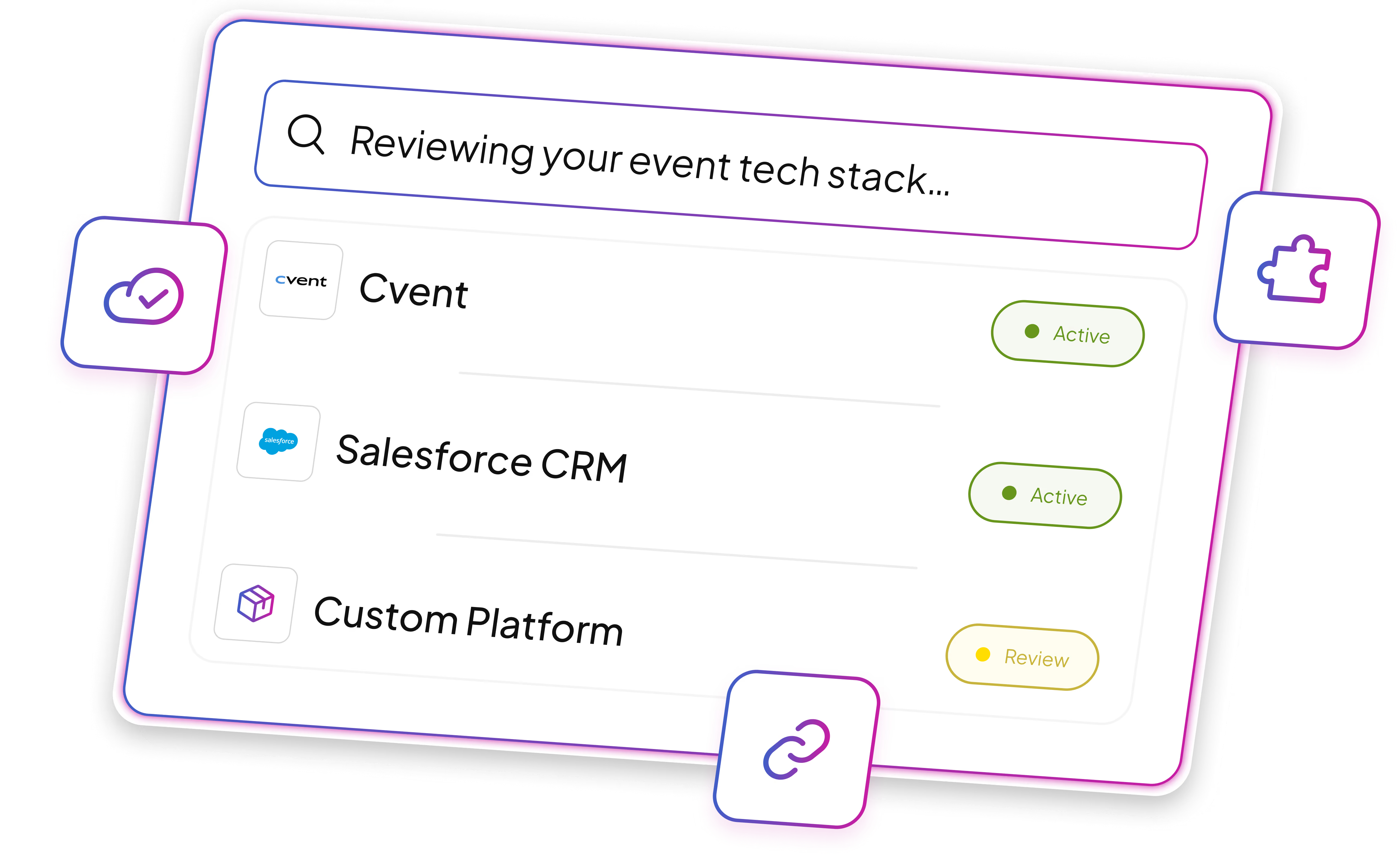
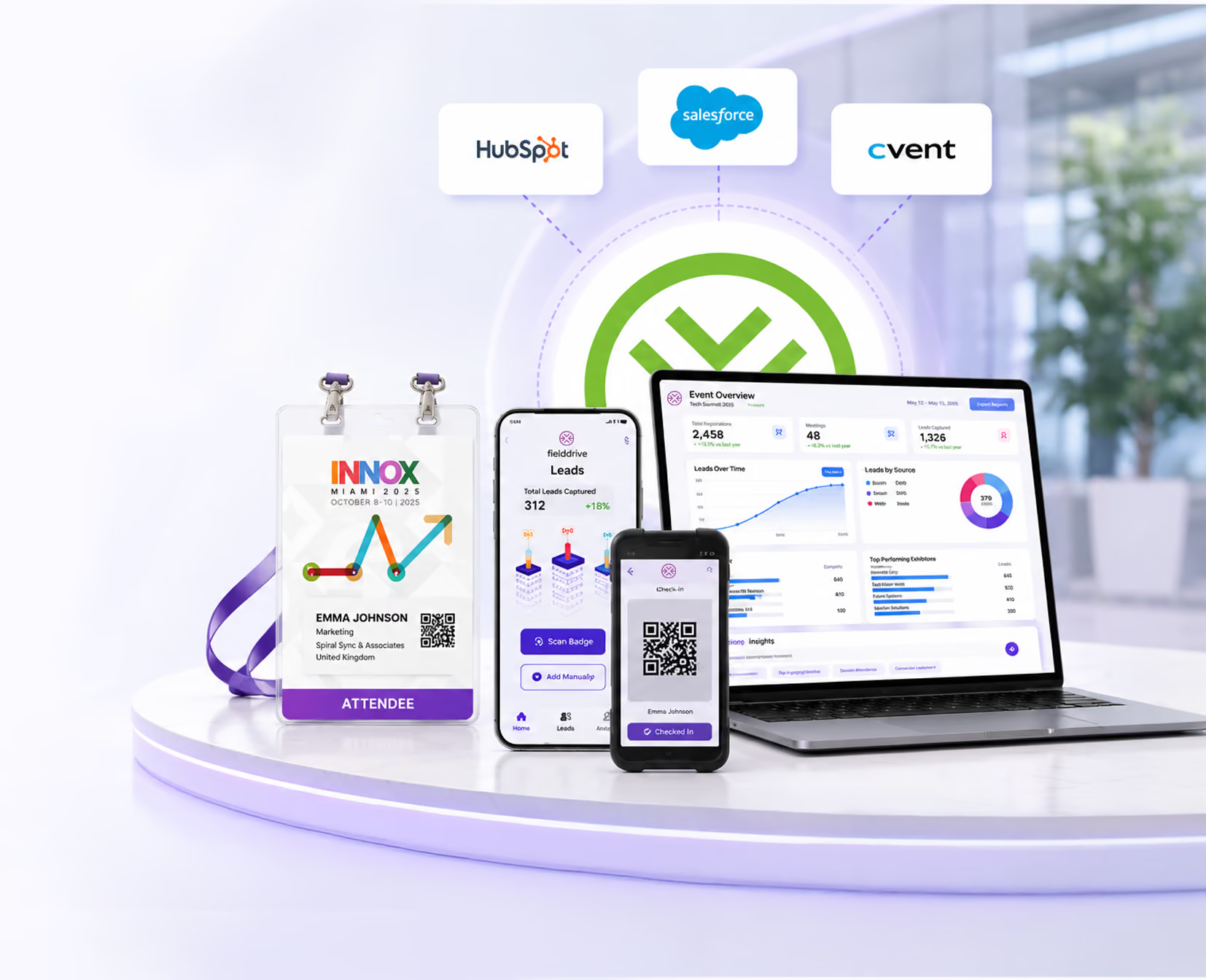
fielddrive integrates with CRMs, marketing automation tools, event management systems, custom-built event solutions, and 35+ leading e-registration platforms.




































How fielddrive Integration Works
Your team shares the basics. fielddrive handles the setup, testing, and support, so you can focus on your event.
We assign a CustomerSuccess Manager (CSM)to understand your needs and get aligned.
Our Integrations Team handles the setup and configuration based on your requirements.
We test the integration with your team to ensure everything works as expected.
Once everything is ready, we go live and our support team is there if you need us.
We Handle Your Event Integrations, End to End
fielddrive supports integration setup with onboarding, templates, expert configuration, pre-event testing, and event-day assistance. A dedicated Customer Success Manager coordinates the process and ensures everything is ready before the event.

Less work for your team
fielddrive manages the setup while your team provides the key integration details.

Simple setup templates
Easy-to-use templates collect the platform, event, and attendee data needed for the integration.

Guided by Customer Success
A dedicated Customer Success Manager guides the process and keeps each step on track.

Configured by Integration Experts
Our integration specialists configure the connection and support pre-event testing.

Tested before the event
We test the integration before launch to make sure everything works as expected.

Support on event day
Our support team is available during the event to resolve or escalate integration issues.
Secure Data Handling Throughout the Integration Process
Data security is a top priority at fielddrive.
Certified Data Security
We comply with GDPR guidelines and hold ISO 27001 certification, reflecting our commitment to recognized data security best practices.

Secure Data Handling
Throughout the integration process, fielddrive uses secure communication methods, encryption protocols, and strict access controls to help protect your event and attendee data.
Keep Your Onsite Event Data Connected
fielddrive integrations help connect the systems and data points that shape your onsite event experience, from registration and check-in to walk-ins, attendance tracking, and reporting.

End-to-End Data Management
Keep attendee, check-in, badge, and onsite activity data connected across your event systems.

Walk-In Registration Support
Capture new onsite registrations and help ensure attendee data remains up to date throughout the event.

Real-Time Check-In Tracking
Track attendee arrivals as they happen across your onsite setup.

Proprietary System Integration
Connect fielddrive with internal or proprietary systems where technically feasible.

Custom Integrations
Assess tailored integration options for specific event requirements, platform setups, or data-sharing needs.
Frequently Asked Questions
fielddrive supports integrations with several leading e-registration platforms, including systems like Stova, Cvent, Certain, EventsAir, Swoogo, and others.
If your platform is not listed, our team can review your setup and recommend the best available integration path.
If your platform is not listed, fielddrive can review your event tech stack and recommend the best way to connect your registration platform, CRM, proprietary system, or attendee data source with your onsite setup.
Yes. fielddrive can assess custom integration requirements for proprietary systems or internal platforms.
Custom integrations are best suited for organizations with internal technical teams, specific data-sharing requirements, or event workflows that require a more tailored setup.
Yes. For smaller events or simpler data requirements, fielddrive can support attendee data through a standard CSV upload format.
No. For standard integrations, fielddrive provides a simple setup template and your Customer Success Manager guides your team through the required information.
Our integration experts handle the configuration and assist with testing before the event.
Yes. Before your event goes live, fielddrive tests the integration with your team to make sure the setup is working as expected.
Once the integration is tested and approved, it is signed off for event use.
During the event, fielddrive’s support team is available to help resolve integration-related issues or escalate them to the right internal team.
Data security is our top priority. We comply with global regulations such as GDPR and hold ISO 27001 certification, reflecting our commitment to industry best practices.
Throughout the integration process, we use secure communication methods, encryption protocols, and strict access controls to keep your data safe.
fielddrive partners with a wide range of industry leaders, including top registration platforms, event management software providers, CRM systems, and marketing automation platforms.
Our partners include Swoogo, Cvent, Salesforce, and HubSpot, and many more.
Depending on the integration, fielddrive can connect attendee records, registrations, check-in status, badge data, walk-ins, access permissions, attendance activity, and onsite reporting. The supported fields and sync direction are agreed during setup and testing.
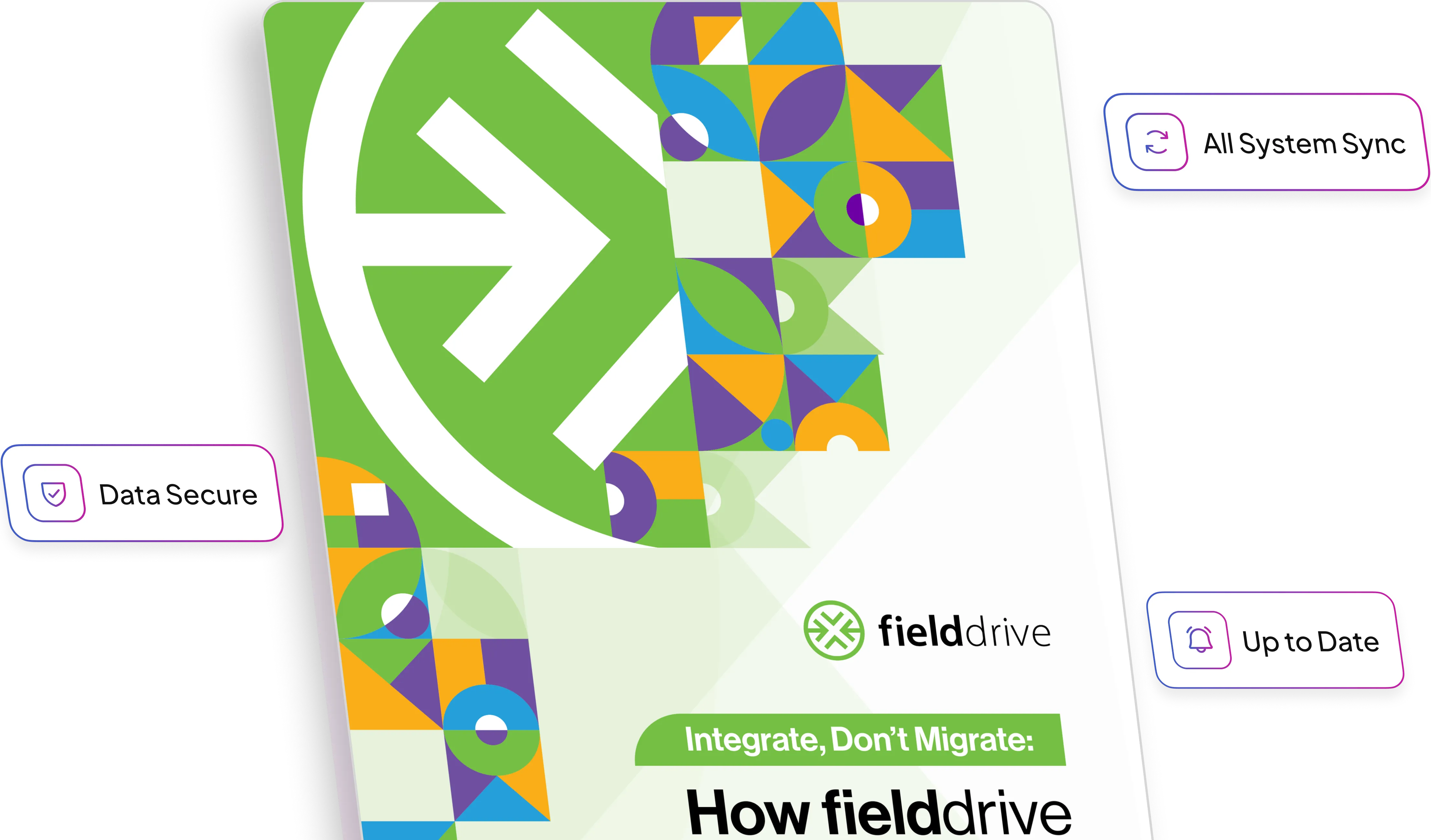
Yes. fielddrive is designed to connect onsite check-in, badge printing, access control, lead retrieval, and analytics with an existing registration platform or attendee data source. The goal is to extend the onsite workflow rather than require a registration-platform migration.
fielddrive can support CRM and marketing automation workflows that pass relevant onsite attendance or engagement data into connected systems for follow-up and reporting. Available fields, timing, and sync direction depend on the platforms and agreed integration design.
When the selected integration supports two-way or real-time synchronization, walk-in details captured onsite can be passed to the connected registration system so attendee records remain current. The exact fields and timing depend on the platform and configuration.
Integration planning should begin early enough to confirm data fields, permissions, workflows, and test records before the event. The required lead time varies with platform complexity, custom development, approval processes, and the number of connected systems.
Yes. A connected fielddrive setup can use the attendee record across check-in, badge printing, onsite tracking, access permissions, and reporting. The available connections depend on the registration source and selected fielddrive solutions.
Ready to Connect Your Event Tech Stack With fielddrive?
Whether you use a leading registration platform, CRM, proprietary system, or CSV-based setup, fielddrive helps you connect your event data with your onsite experience.
With 6 major logistics hubs around the globe, fielddrive has catered to event tech needs in 50+ countries!

.svg)
Stay informed with us
Sign up for our newsletter today.