

.svg)
.webp)
Introduction
Long queues at registration can quickly disrupt the start of an event. When attendees arrive all at once, manual check-in and paper tickets slow entry, create confusion, and put pressure on event teams trying to keep things moving. A QR check-in system helps reduce these issues.
Adoption of QR technology continues to grow across industries. The QR Code Labels Market is projected to reach USD 4.1 billion by 2035, with a compound annual growth rate of 8.7% during the forecast period, according to market research reports. As more events shift toward contactless entry and digital registration, QR-based check-in has become a common approach for managing attendee arrivals.
In this article, you will learn what a QR check-in system is, how it works at events, the key features event teams should look for, and how to choose the right option for conferences, trade shows, and corporate gatherings.
Key Takeaways:
- Faster Entry: QR codes reduce queues by enabling quick attendee check-in at entry points
- Contactless Process: Attendees scan codes from their phones or printouts, avoiding manual handling
- Accurate Tracking: Systems record attendance in real time for better visibility and reporting
- Flexible Setup: Works across kiosks, mobile devices, and multiple entry locations
- Planning Matters: Device testing, signage, and backup options are key to a smooth check-in on event day
What Is a QR Check-In System for Events?
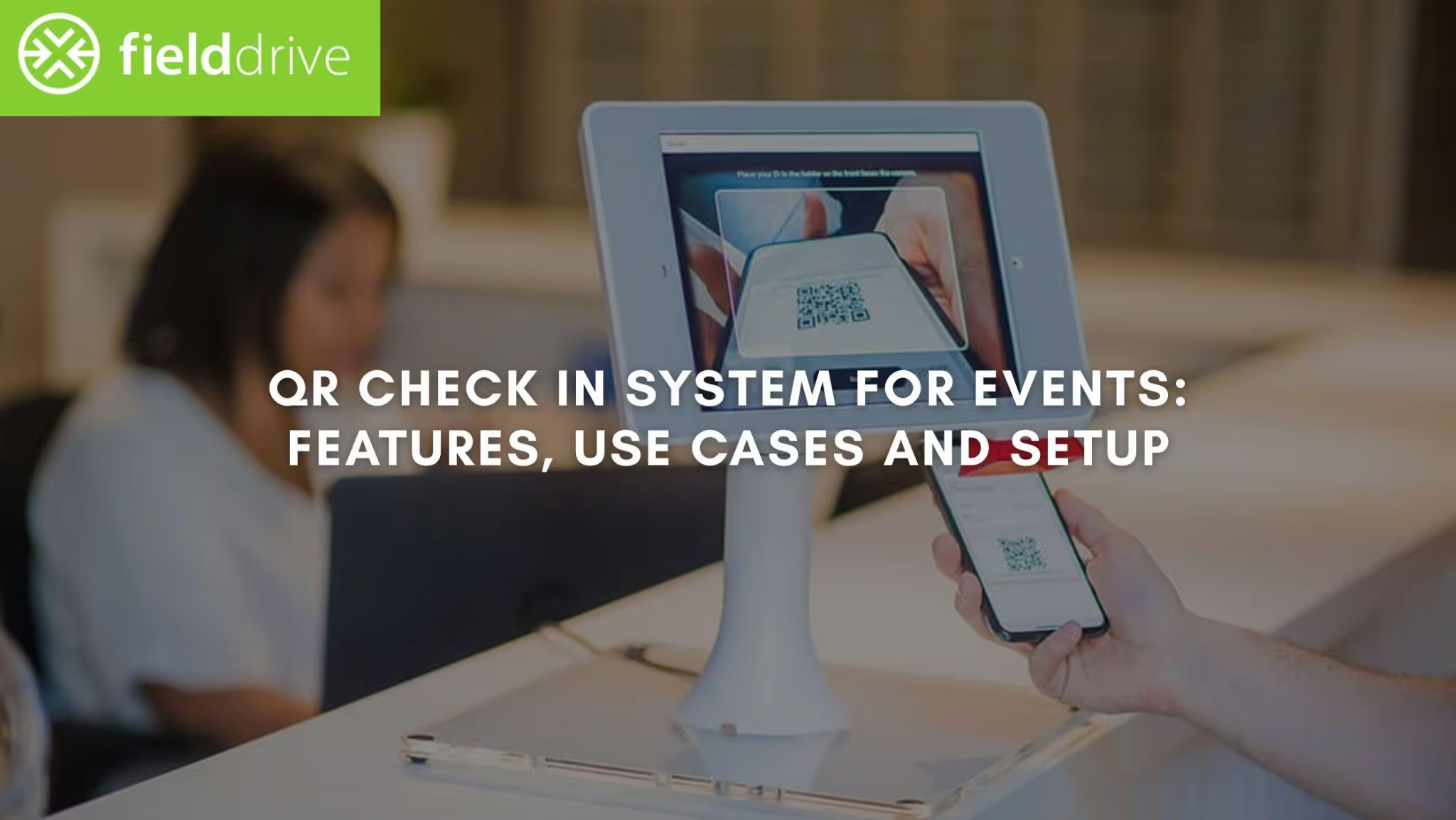
A QR check-in system is a digital method used to register attendees at events by scanning a unique QR code. Each attendee receives a QR code during registration and presents it at the venue entrance. Staff or self-service kiosks scan the code to verify the attendee and record their arrival instantly.
With the definition covered, you can now examine the practical benefits event teams gain from using a QR check-in system.

Key Benefits of Using a QR Check-In System for Events
A QR check-in system helps event teams manage attendee arrivals with fewer delays and better visibility into attendance. Many conferences, trade shows, and conventions now rely on QR code check-in systems to manage large volumes of attendees.
Here are some key benefits event teams gain from using a QR check-in system:
- Touchless, Hassle-Free Entry: QR codes eliminate the need for physical tickets or badges, allowing for a smooth, contactless check-in process.
- Reduced Wait Times: Attendees can check in quickly, minimizing queue time and getting them to the event faster.
- Cost-Effective and Easy to Implement: QR check-in systems often require minimal infrastructure, making them budget-friendly and easy to integrate into existing event setups.
- Improved Security: Each attendee receives a unique QR code, reducing the risk of fraud and ensuring only authorized individuals gain entry.
- Real-time attendee data: Event organizers can instantly capture and track attendee information in real-time, improving attendee management and post-event reporting.
To understand how these benefits are achieved, let’s look at how QR check-in systems work.
How do QR Check-in Systems Work?
QR check-in systems take the hassle out of managing event arrivals by simplifying the process into just a few simple steps. From sending out QR codes to welcoming attendees, these systems ensure a smooth and efficient flow, cutting down on wait times and improving the overall event experience.
Most QR code check-in systems follow these steps:
- Pre-Event Process: Before the event, attendees receive their unique QR codes via email or the event app, which they can use upon arrival.
- QR Code Generation: The system generates each QR code with a unique identifier linked to the attendee's registration details, ensuring secure and personalized access.
- Check-in at the Event: On the day of the event, attendees present their QR code, either on their phone or a printed version, at the check-in station.
- Instant Scanning: A mobile device or dedicated scanner quickly scans the QR code, verifying the attendee’s details in real-time.
- Host Notification: Once the system checks in an attendee, it immediately notifies event hosts or staff, allowing them to provide a warm welcome or direct the attendee to specific areas.
- Real-Time Data Sync: The system automatically updates the attendee list, ensuring accurate tracking and reporting throughout the event.
With the process understood, it’s time to explore the top features that make the best QR check-in systems stand out.
Also Read: Designing QR Code Tickets: A Guide to Seamless Event Entry
Key Features to Look for in a QR Check-In System
Top QR check-in systems do more than just scan codes. They give event organisers tools to monitor arrivals and manage attendee flow during busy registration periods. Many QR code check-in systems also record attendance data and support different check-in setups at the venue.
Here are the key features that make the best QR check-in systems stand out:
- Real-Time Tracking: Instantly track attendee check-ins and monitor event flow as it happens.
- Mobile Integration: Allow attendees to check in using their smartphones, reducing the need for additional hardware.
- Advanced Analytics: Access detailed insights into check-in times, attendee demographics, and event engagement.
- Touchless Experience: Provide a simple and hygienic check-in process with minimal physical interaction.
- Multi-Device Compatibility: Use tablets, smartphones, or kiosks for flexible, scalable check-in options.
- Cloud-Based Data Storage: Store data securely in the cloud for easy access and retrieval during and after the event.
These features support different event scenarios, so it helps to see where QR check-in systems are applied in Practice.

QR Check-In Setup: Use Cases and Best Practices
A QR check-in system records attendee arrivals by scanning a code linked to each registration. Event teams, campus organisers, and reception desks use QR codes to confirm attendance, log visitor entry, and manage entry points.
The table below shows common use cases and practical setup tips for each event type.
Best Practices by Event Type
Pre-Launch Checklist
- Device testing: Test QR codes on both iOS and Android scanning devices before the event.
- Connectivity: Confirm stable internet or verify the check-in app supports offline capture with later sync.
- QR visibility: Printed codes and posters should be large enough for fast camera focus and easy scanning.
- Lighting check: Avoid glare from laminated posters or glass surfaces. Use matte prints or anti-glare placement.
- Queue signage: Place “Have your QR ready” signs before the check-in desk to reduce delays.
- Staff tip: If a code fails to scan, ask the attendee to increase their phone screen brightness.
- Help desk lane: Set up a separate assistance line for attendees with scanning issues so the main queue keeps moving.
- Backup access: Keep a manual search-by-name option for attendees who cannot display their code.
- Data handling: Retain only necessary attendee details and follow data protection regulations such as GDPR or CCPA when storing or exporting attendance records.
Once your setup is in place, you can consider how upcoming developments may influence future event check-in processes.
Innovations Shaping the Future of Event Check-In
QR check-in technology is evolving fast, and the future holds even more exciting innovations that will shape the way events manage attendance. As the demand for touchless, seamless experiences grows, here’s a look at the trends set to dominate the industry:
- AI-Powered Visitor Management: AI will drive smarter check-in systems, offering personalized attendee experiences, predicting wait times, and even enhancing security through facial recognition.
- Biometric Integration: Combining QR check-in with biometric data (like fingerprints or facial scans) will further streamline the process and add an extra layer of security for high-profile events.
- Augmented Reality (AR) Integration: AR will be used to create interactive check-in experiences, guiding attendees through the venue and offering event information in real-time.
- Seamless Multi-Platform Support: In the future, more QR systems will be integrated across multiple platforms, ensuring a smooth check-in experience whether attendees are using their mobile, desktop, or wearable devices.
- Environmental Sustainability: QR codes will continue to replace paper tickets and badges, reducing waste and supporting more eco-friendly, sustainable events.
As new approaches gain attention, you should evaluate platforms that support both current operations and future requirements.
How Fielddrive Supports Modern Event Check-In
For event owners, directors, and operations leads, check-in is often the first pressure point on show day. A QR code check-in system helps teams record arrivals quickly and maintain accurate attendance records, even when large groups arrive at the same time. fielddrive offers onsite solutions designed for events that require fast entry, live badging, and reliable data capture.
Here are a few ways fielddrive supports QR-based event check-in:
- QR code check-in kiosks: Attendees scan their QR code at a self-check-in kiosk or with staff assistance to record their arrival.
- Multiple check-in methods: Events can support QR code scanning, facial recognition check-in, or name lookup, depending on attendee preference.
- Live badge printing: Badges print at the registration desk immediately after QR check-in, so attendees can proceed directly into the venue.
- Offline check-in support: Kiosks continue recording check-ins even if the internet connection drops, and sync data once the connection returns.
- Session scanning and lead capture: QR codes can also be scanned during sessions or at exhibitor booths to record participation and capture leads.
- Event analytics and reporting: Organisers can review attendance numbers, entry times, and visitor flow after the event through a central dashboard.
Event teams that run conferences, trade shows, or association events often use fielddrive when they need fast QR check-in, onsite badge printing, and accurate attendance data across multiple entry points.

Conclusion
A QR check-in system gives event teams a faster way to record arrivals, control entry points, and track attendance during busy events. From conferences and trade shows to campus events and corporate meetings, QR-based check-in helps organisers replace manual sign-in with a quick scan at the entrance.
For teams that manage large events or multiple entry points, the setup and planning behind check-in matter just as much as the technology. fielddrive works with event organisers earlier in the planning process through its On-site Tech Advisory program, helping teams review attendee flow, check-in layouts, and data capture before show day.
If you are planning an upcoming conference, exhibition, or corporate event and want to review your on-site check-in setup, talk to the fielddrive team to explore QR-based kiosks, live badge printing, and on-site event technology support.
FAQs
1. How to create a QR code check-in system?
Start by choosing an event registration platform that generates unique QR codes for each attendee. Share these codes via email or event apps. At the venue, use scanning devices or kiosks to verify entries and record attendance. Test the setup in advance to avoid delays during check-in.
2. What are the different formats of QR codes?
QR codes come in two main formats: static and dynamic. Static QR codes store fixed information and cannot be edited after creation. Dynamic QR codes allow updates, tracking, and analytics without changing the code itself, making them suitable for events.
3. Can QR check-in systems work without internet access?
Many systems support offline mode, allowing devices to scan and store check-in data locally. Once the connection is restored, the data syncs with the main database. This is useful for venues with weak or unstable networks.
4. How can you prevent duplicate or fraudulent check-ins?
Assign each attendee a unique QR code linked to their registration. The system can flag repeated scans or block reused codes after the first successful check-in. Adding ID verification or photo matching can further reduce misuse.
5. What hardware is required for a QR check-in setup?
Most setups need only smartphones or tablets with scanning apps. For larger events, organisers may add dedicated scanners, kiosks, and badge printers. The choice depends on attendee volume and entry point complexity.
.svg)
.svg)
.svg)
Want to learn how fielddrive can help you elevate your events?
Book a call with our experts today


.svg)