

.svg)
.webp)

Convention growth exposes hidden weaknesses in your registration process. What worked for 300 attendees quickly breaks down at 3,000. Payment records don’t align with badge data. Session upgrades aren’t reflected at check-in. Exhibitors complain about incomplete attendee profiles. And your operations team spends the final week before show day manually reconciling spreadsheets instead of refining the on-site experience.
That said, too many convention registration services focus on collecting names and processing payments, but stop short of supporting the operational reality of large-scale events. They don’t integrate tightly with badge printing and on-site access control. And they rarely provide the kind of structured data you need to prove ROI after the event.
Moreover, conventions are becoming more complex with tiered pricing, sponsored sessions, gated workshops, and stricter data privacy requirements. As a result, the gap between basic tools and true enterprise-ready convention registration services becomes impossible to ignore.
In this article, we’ll break down the best convention registration services for high-stakes events. You'll also get a fair idea of the crucial aspects to keep in mind while evaluating one. Let's begin.
Quick Snapshot
- Registration should power the entire on-site journey, not just sign-ups. Platforms like fielddrive connect ticketing, badge printing, session access, and real-time analytics into one cohesive operational system.
- Cvent and Bizzabo offer multi-tier pricing, session analytics, and CRM/API integrations; Jotform and Eventcube are better for basic paid tickets and simple workflows.
- Whova excels at in-app networking and agenda engagement, whereas Eventbrite and RSVPify provide fast online registrations with less emphasis on on-site control.
- Scalability is the real differentiator. High-volume check-in, live badge printing, and smooth syncing between online and on-site systems determine whether queues move or stall.
- Revenue visibility and a clean data structure are critical. Multi-tier pricing, paid session upgrades, integrations, and exhibitor lead mapping must update instantly, without spreadsheet reconciliation.
How Modern Convention Registration Services Go Beyond Sign-Ups
A common misconception is that convention registration services exist purely to sign up the largest number of people or reduce queues at check-in. In reality, the right convention registration service shapes everything from revenue visibility to exhibitor ROI to post-event reporting. Apart from being a gateway, registration is your event’s operational backbone.
Instead of managing fragmented systems, you gain:
1. Centralized Registration Control
Create customized forms with conditional logic, ticket tiers, sponsor add-ons, VIP upgrades, and session selections within one structured workflow. This ensures your attendee data is standardized from day one, reducing manual cleanup before badge printing or on-site execution.
2. Real-Time Ticket Sales Tracking
Monitor revenue by ticket type, promo code, or registration wave. Strong convention registration services provide live dashboards to help you answer critical questions instantly. Those include:
- Which pricing tier is converting best?
- Are early-bird discounts driving volume or unnecessarily discounting revenue?
- Are paid workshops pacing behind projections?
With live data, you can adjust pricing strategy before revenue gaps become permanent.
3. Stronger Attendee Communication
Automated confirmations, reminders, upsell emails, and session updates ensure attendees feel guided, not confused.
Registration becomes the first touchpoint in the attendee journey, setting expectations early and reducing support tickets.
4. Structured Data Access
Your registration form is a data engine. Demographics, industry roles, purchase authority, session preferences, and add-on behavior all shape your buyer persona insights. Instead of exporting spreadsheets after the event, foolproof convention registration software allows you to:
- Segment enterprise buyers vs. general attendees
- Identify high-value ticket holders
- Track session popularity before doors even open
5. Remove Event-Day Chaos
When registration data connects directly to on-site workflows, you can:
- Enable QR-based self-check-in
- Trigger live badge printing
- Control session access automatically
- Monitor real-time attendance dashboards
No manual lookups. No duplicate entries. No scrambling to reconcile last-minute upgrades.
Example: Enterprise Convention Operations
Consider a technology association running a 2,500-attendee annual convention with multiple ticket tiers, paid workshops, and sponsored networking sessions.
Before structured convention registration services:
- 6 disconnected tools (ticketing, payment gateway, email platform, CRM, badge system, access control)
- Manual export/import cycles before badge printing
- Exhibitor complaints about incomplete attendee profiles
- Finance team reconciling payments post-event
- Delayed board-level reporting
After implementing integrated convention registration services:
- Single dashboard for ticket sales and revenue tracking
- Automated confirmations, invoices, and session updates
- Clean data syncing directly into on-site event registration software
- Real-time workshop attendance tracking
- Post-event ROI reporting delivered within days, not weeks
Also Read: Event Registration Form Essentials: Best Practices + Examples

That said, the real question is which convention registration services give you the right level of control, scalability, and data visibility. Let’s break down the best convention registration services built for serious teams.
Best Convention Registration Services for Revenue Growth and Operational Precision
Not all convention registration services are built for complex, high-volume events. The best platforms in 2026 give you visibility into revenue pacing, attendance patterns, and performance metrics before, during, and after the show.
Below, we’ll explore the ones that help you move from fragmented systems and reactive troubleshooting to scalable execution and measurable ROI.
1. fielddrive

fielddrive is an intelligence-driven on-site event partner built for convention owners who need more than a basic sign-up tool. While many convention registration services focus only on online forms and payment collection, fielddrive supports the full event lifecycle. That ensures registration data translates into smooth on-site execution, clean reporting, and measurable ROI.
How fielddrive Provides Convention Registration Services
fielddrive delivers enterprise-grade convention registration services combined with intelligent on-site execution, so your event operations don’t depend on manual exports or last-minute troubleshooting.
Instead of managing disconnected systems, you gain:
- On-site tech advisory program: Before registration opens, fielddrive advisors help you map attendee journeys, define badge data logic, structure ticket tiers, and align CRM and reporting requirements. This prevents operational gaps between online registration and on-site execution.
- Seamless registration platform integrations: fielddrive integrates with major registration platforms such as Cvent, Swoogo, Eventbrite, Stova, Hubilo, and custom systems via API. This ensures your registration syncs directly with badge printing, check-in kiosks, session access control, and analytics dashboards without manual CSV uploads or data mismatches.
- Live badge printing: Badges print in approximately six seconds at check-in. This eliminates pre-print waste, supports last-minute upgrades, and keeps registration lines moving during peak arrival times.
- Touchless check-in kiosks: High-throughput kiosks with QR code, barcode, or facial recognition scanning reduce queues and instantly verify attendee records.
- Session access & attendance tracking: Control entry into paid or restricted sessions and accurately track participation. This strengthens sponsor reporting and post-event performance analysis.
- fielddrive Leads for exhibitor ROI: Registration data integrates with fielddrive Leads, enabling exhibitors to scan badges, apply custom qualifiers, and access real-time lead dashboards, improving follow-up speed and measurable ROI.
- Real-time analytics & post-event insights: Live dashboards track check-ins, attendance patterns, and ticket performance. Post-event performance walkthroughs provide actionable insights against initial registration numbers.
- fielddrive Easy Badging (up to 500 attendees): An all-inclusive service for smaller events, including:
- On-site support for up to 3 days
- No additional shipping fees
- Portable kiosks with offline capabilities
- Live sticker badge printing
- Real-time dashboards and reporting
- Available across the US, UK, and Europe.
Best suited for:
- Large-scale conventions and congresses
- Corporate summits and partner events
- Academic and scientific conventions
- High-quality conventions up to 500 attendees, needing enterprise-level execution
Proven in real-world events:
- Shaping the Future of Events: How fielddrive Deployed Innovative Solutions Like Emotional Tracking at BAM Marketing Congress 2024
- Enhancing Environmental Events: SETAC’s Journey with fielddrive
What clients say:
- "fielddrive always goes above and beyond, and I couldn’t be happier! You wow’d all of our attendees. Here’s to the next one!” — Matt Cannon, Event Manager at Keller Williams Realty International
- “fielddrive makes the registration process like a dream!” — Lisa Leary, Senior Project Manager at IMEDEX
Pricing:
Custom, based on event size, complexity, format, and on-site requirements.
2. Eventbrite
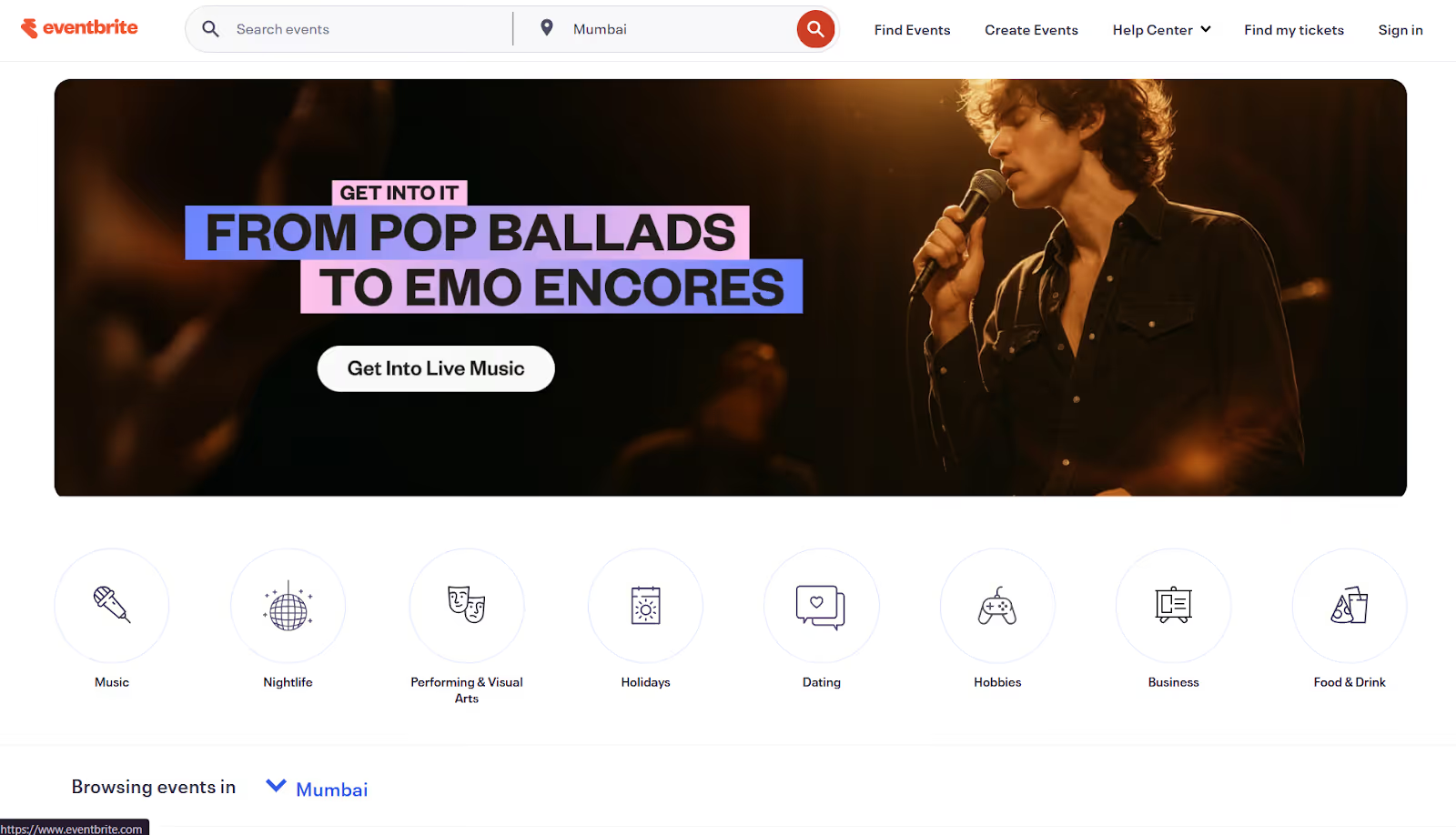
Eventbrite is a widely used event registration platform built for organizers who want a fast, self-serve way to launch events and sell tickets online. It is commonly used for public-facing conventions, community events, workshops, and paid seminars where marketing reach and online ticket sales are the primary focus. However, it is not designed as a comprehensive on-site solution for complex, high-volume conventions.
Registration capabilities:
- Online event registration and payment: Eventbrite lets you quickly create events, configure ticket types, and start selling within minutes. It supports multiple pricing tiers, promo codes, and add-ons.
- Customizable event pages: You can launch a branded event registration website with an integrated checkout experience. The process is designed to reduce friction and support mobile purchases.
- Embedded checkout: Registration can be embedded directly into an external website, Facebook page, or blog, allowing attendees to complete their online event registration and payment without leaving your primary event site.
- Mobile payments: Supports Apple Pay and Google Pay for fast mobile checkout.
- Automated event notifications: Reminder emails and updates are triggered automatically when attendees register or follow events.
Other key features:
- Eventbrite marketing tools: Includes built-in marketing capabilities, including social media ad integrations, automated multi-event Facebook and Instagram campaigns, and intelligent audience targeting.
- Eventbrite Organizer app (On-site check-in): The mobile app lets you monitor event registrations in real time, check in attendees via contactless QR code scanning, and view live attendance data.
- Sell on social: Drive event registration directly through Facebook and LinkedIn.
- Email marketing tools: Send promotional emails with no contact limits and up to 10,000 daily sends.
Where it falls short for conventions:
- Limited customization flexibility: Advanced workflow logic and deeper badge-level customization are restricted compared to top event registration software built for enterprise conventions.
- Customer service and refund handling complaints: Users frequently report frustration during disruptions or refund scenarios.
- Mobile responsiveness concerns: Some users note slow or inconsistent mobile performance.
- Group ticket complexity: Managing bulk registrations and distributing individual tickets can be cumbersome.
Pricing:
- No fees for free events
- 3.7% + $1.79 service fee per paid ticket
- 2.9% payment processing fee per order
- Ticket buyers typically pay fees unless you absorb them
3. Whova
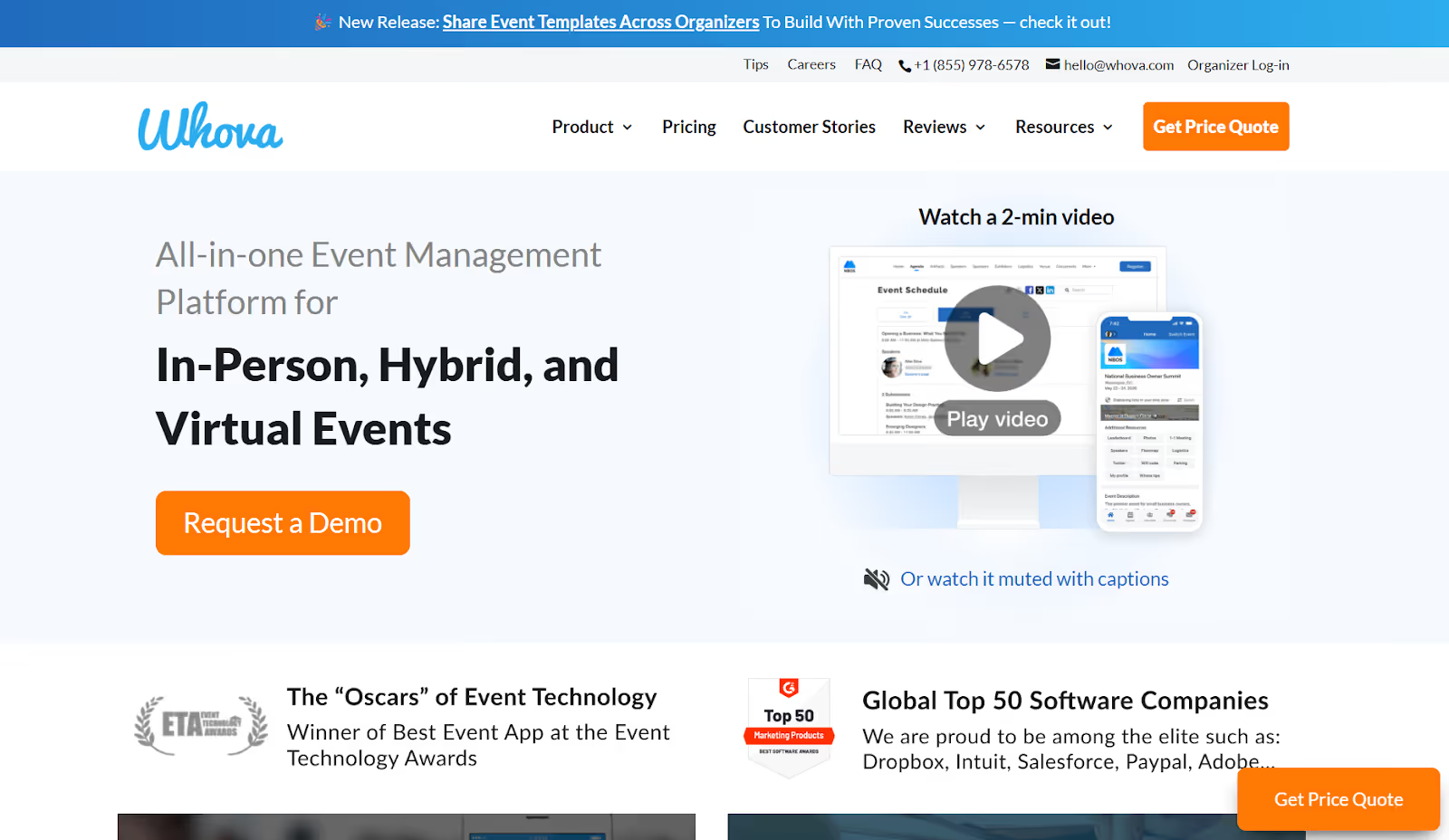
Whova is a mobile-first event platform commonly considered by convention, association, and workshop organizers who prioritize attendee engagement inside an event app. It is often evaluated when teams want to improve networking, session interaction, and in-app communication. Its strength lies less in complex ticketing logic or revenue workflows and more in what happens after attendees download the app.
Registration capabilities:
- Online event registration and payment: It lets you quickly create and launch online ticketing pages, including free, paid, and group tickets, early-bird pricing, discount codes, and customizable confirmation emails.
- Customizable registration forms: You can tailor registration fields to gather specific attendee information and preferences, which then syncs with attendee profiles in the platform.
- Session enrollment and tracking: You can set session capacities, manage session enrollment, and enable waitlists, giving you basic control over attendance for individual sessions.
- Early payout to help cover event expenses: Offers early registration payouts, allowing you to access ticket revenue before the event. This can help cover upfront costs such as venue deposits, catering, speaker travel, and production expenses.
Other key features:
- Mobile and kiosk check-in: It supports self-service check-in using QR codes via the mobile app or kiosk stations. Attendees can check in by scanning their code or searching by email, with check-in data updating instantly across the system.
- Mobile event app experience: Agendas, session listings, speaker bios, sponsor profiles, and real-time updates are centralized in a native mobile app environment.
- Engagement and interaction tools: Live polls, Q&A, surveys, gamification, and announcements are designed to increase participation during sessions.
- Networking tools: Discussion boards, direct messaging, contact exchange, and content sharing support networking before, during, and after the event.
Where Whova falls short for conventions:
- Navigation complexity: Attendees may struggle to quickly locate sessions, room details, or key information inside the app.
- Push notification fatigue: Frequent notifications can reduce the visibility of important announcements.
- Data inconsistencies: Some teams report missing attendee contact details or discrepancies between mobile and desktop views.
- Limited registration depth: Advanced ticketing structures, payment workflows, badge-level customization, and exhibitor-grade data capture may require additional platforms.
Pricing: Custom pricing based on event size, format, and selected features.
Also Read: Top 10 Whova Alternatives and Competitors in 2026
4. Jotform
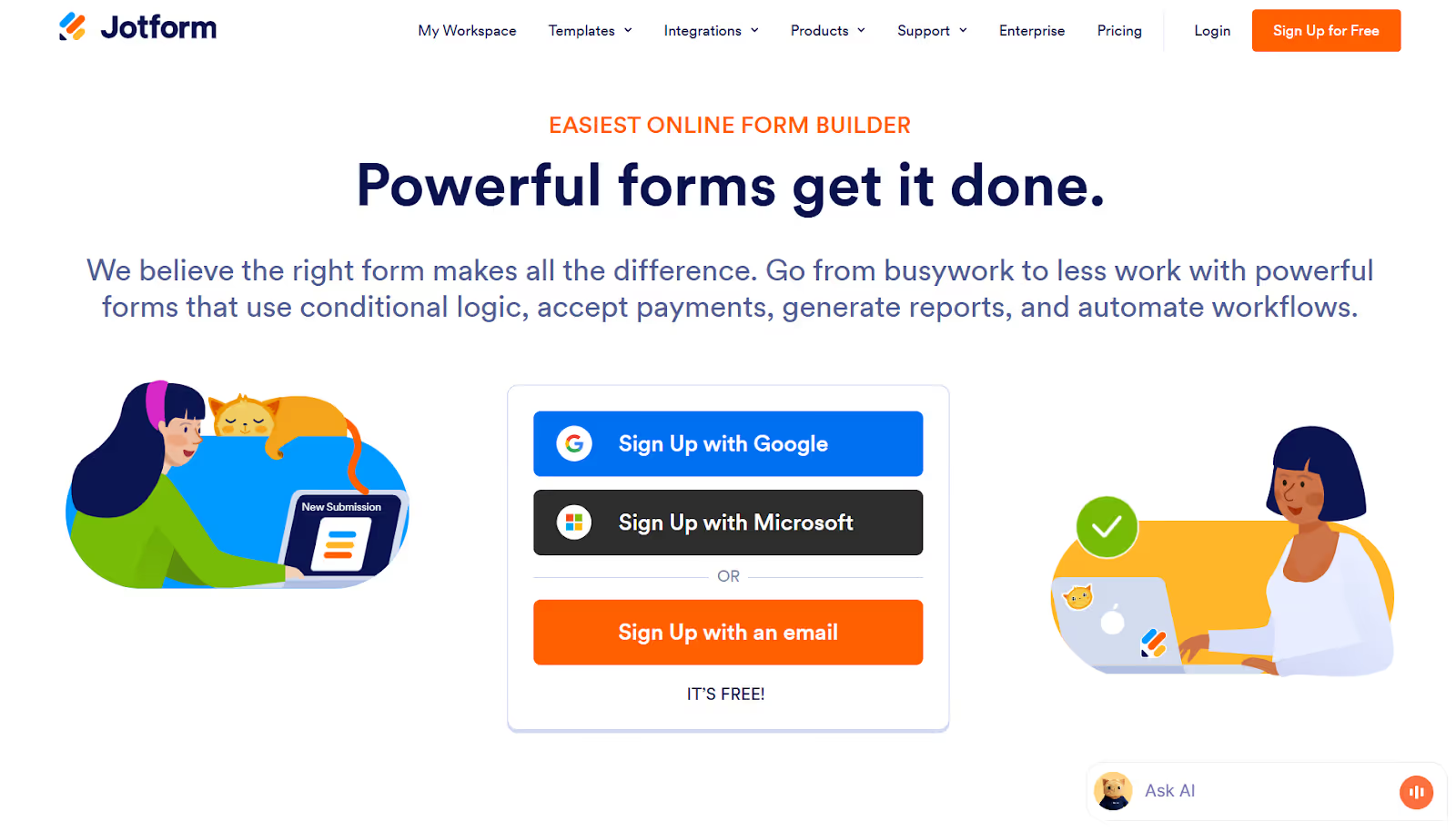
Jotform is a form-first registration tool commonly used by organizers seeking a flexible, no-code way to collect event sign-ups and payments. It is often evaluated by small teams looking for a lightweight alternative to full-scale convention registration services. Its strength lies in flexibility and ease of setup.
Registration capabilities:
- Ready-made templates: Pre-built templates that can be customized with a drag-and-drop editor, allowing you to launch a website for event registration quickly.
- Custom online registration forms: You can build tailored forms to collect attendee details, ticket selections, custom fields, and segmented data without writing code.
- Built-in payments: Supports 40+ payment integrations, including PayPal, Stripe, and Square. You can accept ticket fees and add-on purchases directly within the registration form.
- Automated workflows and approvals: Trigger confirmation emails, internal alerts, or approval workflows automatically based on form responses.
- Recurring payments and tiered pricing: Allows multiple ticket types and recurring contribution options, supporting membership-based events or subscription-style programs.
Other key features:
- Centralized submission management: All registrations are stored in Jotform tables, where you can filter by payment status, export attendee lists, and track responses.
- Integrations with third-party tools: Connects with Google Sheets, Mailchimp, Slack, Zoom, and various CRM systems to sync registration data and automate communications.
- Affordable access: Offers a free starter plan, with discounted pricing available for qualifying organizations.
Where it falls short for conventions:
- Limited customization depth beyond forms: Advanced ticketing logic, dynamic pricing models, and structured badge-level data management are restricted compared to top event registration software.
- App feature gaps: Users report missing advanced capabilities within Jotform apps for event-specific execution.
- Multi-user cost scaling: Adding multiple administrators can significantly increase costs.
- Enterprise pricing escalation: As data limits, submissions, and integrations scale, pricing rises quickly.
Pricing:
- Free starter plan available
- Paid plans range from approximately $34 to $99 per month (billed annually)
- Custom enterprise options available
5. Bizzabo

Bizzabo is an enterprise-level event management platform built to support large-scale, branded conventions. It is often evaluated by organizations running complex, multi-track conventions that require advanced customization and CRM-connected data workflows. Its strength lies in enterprise scalability and integrated event experiences.
Registration capabilities:
- Customizable registration flows: Personalize registration journeys using custom fields, conditional logic, promo codes, and ticket visibility controls.
- Branded registration forms: Embed registration widgets directly into your website or use pop-out forms that align with your brand design.
- Session-level tracking: Monitor early session registrations to identify high-demand topics, optimize room allocation, and adjust promotional strategies.
- CRM data sync: Automatically sync attendee and session registration data into connected CRM systems for segmentation and campaign tracking.
Other key features:
- All-in-one event experience platform: Centralizes registration, communications, analytics, and event management into a unified system.
- Payment processor integrations: Native integrations support secure processing of ticket payments and related transactions.
- Contactless check-in: Supports on-site check-in and session tracking using Klik smartbadge technology.
- Communication tools: Built-in email and engagement features help manage attendee outreach and event updates.
Where it falls short for conventions:
- Limited customization depth in specific scenarios: Some advanced workflows require workarounds to achieve desired outcomes.
- Missing feature feedback: Users report gaps, including limited waitlist functionality and other usability enhancements.
- Registration design constraints: Design flexibility can feel more limited than on newer online event registration platforms.
- Confusing setup workflows: Registration and email configuration processes may be complex for new users.
- High pricing barrier: Cost can be prohibitive for smaller teams or mid-sized conventions.
Pricing: $499 per user per month (billed annually), 3-user minimum requirement, with premium add-ons available
6. Convention Strategy

Convention Strategy is a registration management provider focused on customized, technology-enabled event registration services for conventions. It positions itself as a full-service partner offering online, pre-show preparation, and on-site registration.
Registration capabilities:
- Secure online registration: Integration with your event website, allowing attendees, exhibitors, and speakers to register through a secure online payment system with automated email confirmations.
- Custom-built registration systems: Platforms are tailored to client requirements and designed for flexibility and adaptability.
- On-site registration terminals: Complete registration stations including custom software, computers, RFID encoders, and printers.
- Real-time reporting: Live reporting across all aspects of the registration process, with the ability to generate custom reports pre-show and on-site.
- Downloadable registrant tracking: Instantly access and export registration data for internal tracking and operational planning.
- Integrated lead retrieval compatibility: Registration systems connect with lead retrieval services to provide unified event data.
Other key features:
- Badge fulfillment support: Collation, stuffing, badge mailing services, custom badge stock printing, and badge holder ordering.
- Integrated on-site tracking: Continuous synchronization between online pre-registration and on-site systems for accurate attendance management.
- On-site staffing and management: Senior staff oversee registration operations and train/supervise on-site personnel.
Where it falls short for conventions:
- Less self-serve flexibility: A heavily service-driven model limits real-time internal control compared to modern cloud-based convention registration software.
- Custom build dependency: Tailored systems require longer setup timelines and deeper coordination before launch.
- Limited marketing ecosystem: Does not emphasize built-in marketing automation or promotional tools, unlike some online event registration platforms.
- Proposal-based structure: Lack of transparent pricing may make early budgeting comparisons more difficult.
Pricing: Custom proposal-based pricing depending on event size, scope, technology requirements, and on-site service level.
7. Cvent
Cvent is an enterprise-grade event management and convention registration software platform designed to support complex, large-scale events. It is widely used by corporations, associations, and global organizers that require structured invitee management, automation, and advanced reporting. Its strength lies in the depth of functionality and enterprise control.
Registration capabilities:
- Customizable registration templates: Modern templates that can be tailored to match your brand’s design and visual identity.
- Automated invitee management: Eliminates manual data entry by automating invitations, approvals, and registration workflows for complex attendee groups.
- Capacity management and waitlists: Automate waitlists, regulate session capacity, and configure restrictions and permissions for backend control.
- Self-service attendee management: Attendees can modify registrations, cancel tickets, and process refunds independently.
- Integrated payment processing: Built-in payment solutions allow secure transaction handling within the registration flow.
Other key features:
- Comprehensive event marketing tools: Supports promotion, targeted campaigns, and registration tracking across multiple channels.
- Built-in content library: Resource hub for policies, maps, floor plans, brochures, and supporting documentation.
- Advanced attendee engagement tools: Designed to enhance personalization and participation throughout the event lifecycle.
- Extensive analytics capabilities: Detailed reporting and data insights covering registrations, engagement, and performance metrics.
Where it falls short for conventions:
- Steeper learning curve: Setup and configuration can be complex compared to more intuitive online event registration platforms.
- Customer support feedback: Support responsiveness has been noted as inconsistent during onboarding and troubleshooting.
- Higher cost structure: Significantly more expensive than many other convention registration services, which may limit accessibility for smaller teams.
Pricing: Annual license fee + per registrant fee
8. Eventmobi
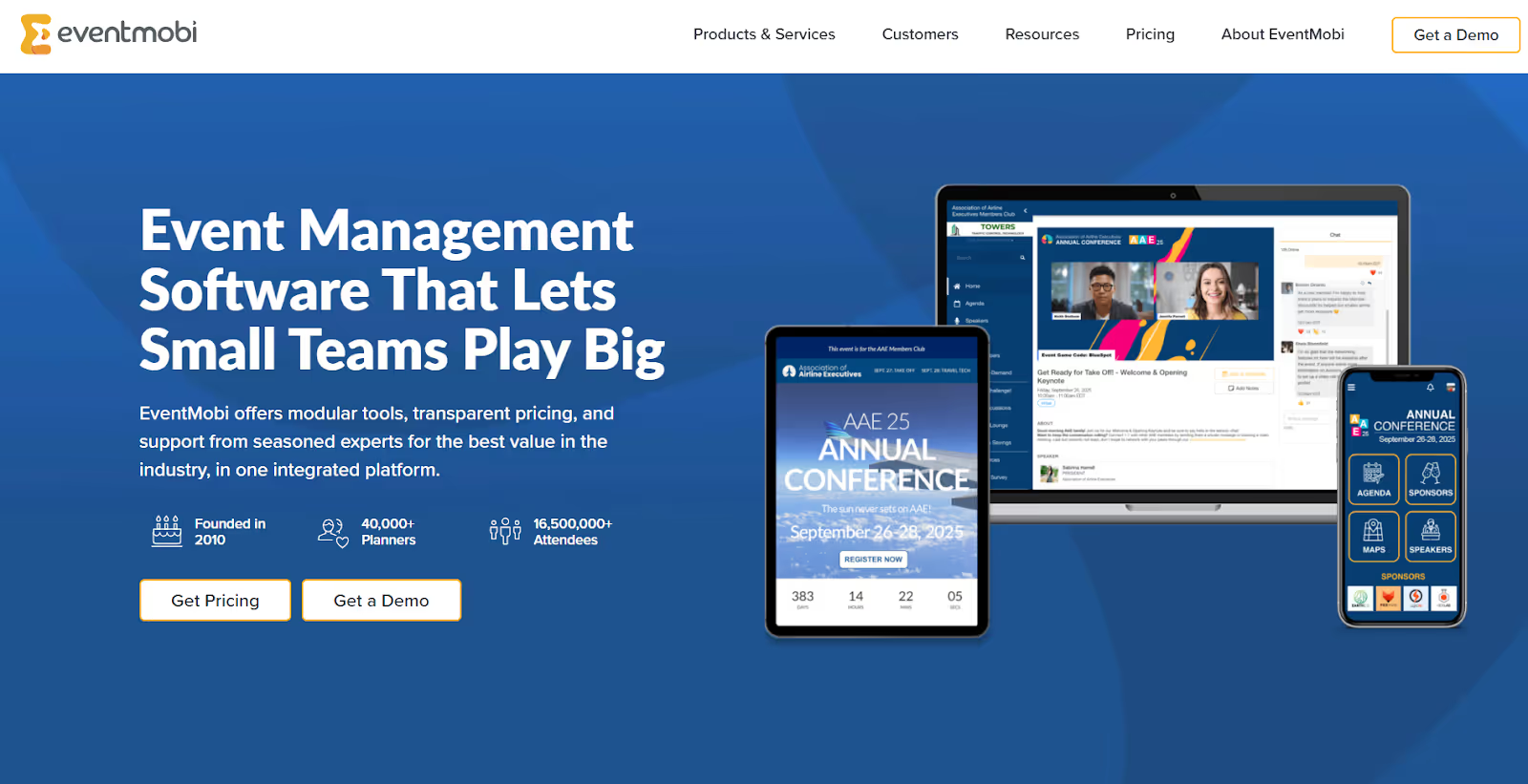
Eventmobi is a comprehensive event management platform that combines registration, mobile apps, and engagement tools into one ecosystem. It is often considered by organizations running hybrid, virtual, or in-person conventions that require branded experiences and structured attendee journeys. Its strength lies in centralized oversight of the registration process and flexible configuration options.
Registration capabilities:
- Personalized registration websites: Create branded event websites and registration pages directly within the platform.
- Flexible registration categories: Set up multiple ticket types with specific rates, discounts, and access rules.
- Custom registration forms: Tailor fields to collect attendee data, screen invitees through pre-registration filters, and manage approval workflows.
- Integrated payment processing: Offer secure payments, connect to external gateways, apply promo codes, and generate financial reports and documentation.
- Full registration oversight: Provides a centralized dashboard to monitor categories, invitee lists, and payment tracking.
Other key features:
- Drip email campaigns: Send automated welcome, confirmation, reminder, and onboarding emails directly from the dashboard, with customizable sender details.
- External API integrations: Connect to external systems via APIs to extend functionality as needed.
- Admin profile management: Create custom admin roles to control backend access and permissions.
- Security certifications: Includes ISO 27001, SOC 2, PCI compliance, and GDPR alignment.
Where it falls short for conventions:
- Third-party integration gaps: Users report limitations requiring external tools for more advanced session management and bilingual support.
- Fragmented app structure: The platform’s offerings are divided into multiple apps, which can create confusion for attendees and internal teams.
- Registration page design limits: Users report limited design flexibility for registration forms and confirmation emails.
- Confirmation email limitations: Some users want confirmation emails to display more attendee-submitted information.
Pricing:
- From $3,000 per event
- From $8,900 per year for multi-events
9. RSVPify
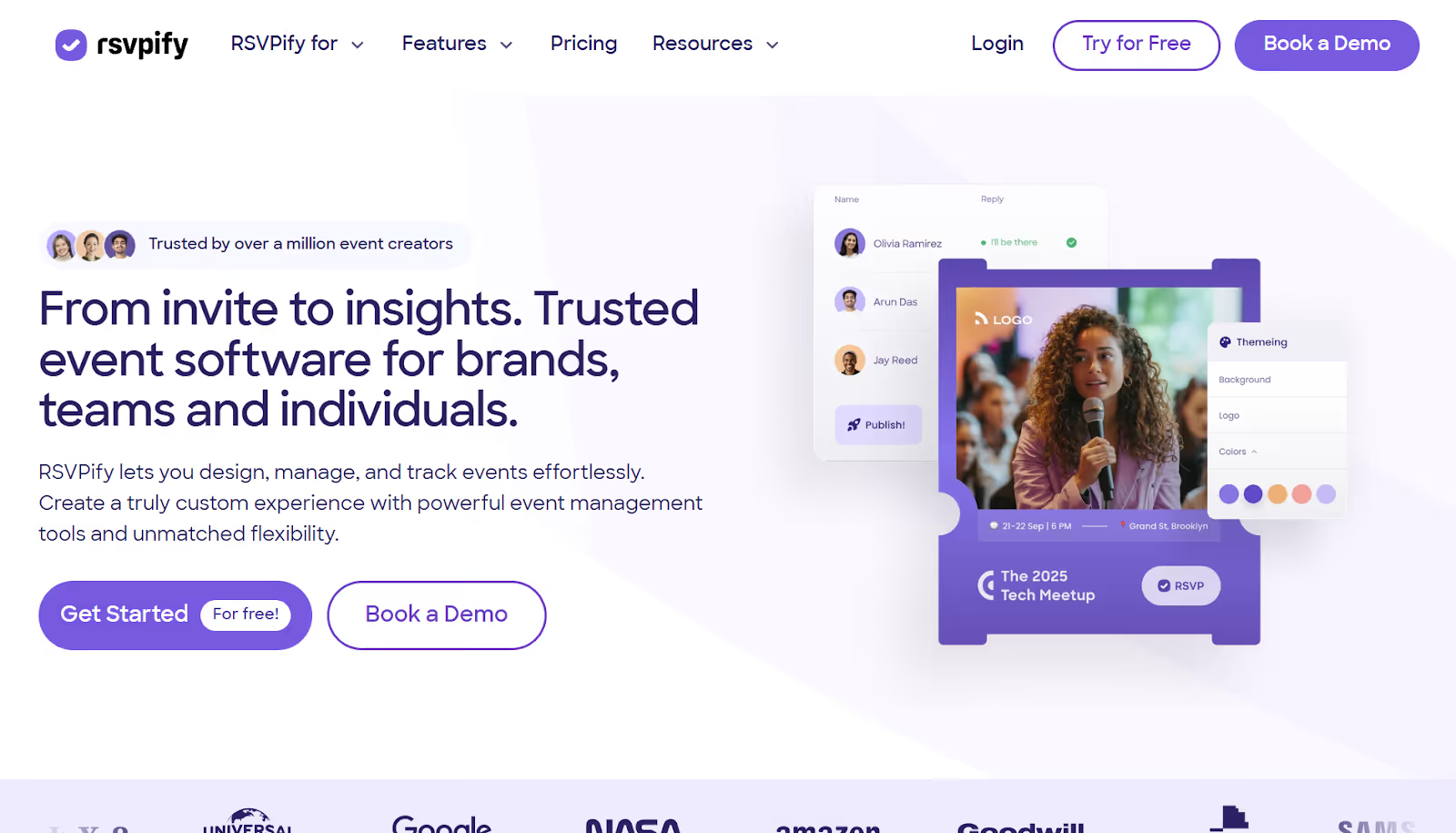
RSVPify is a registration and RSVP management platform designed for organizations that prioritize branded invitations, structured guest lists, and controlled access to conventions. It is often chosen by teams that need to launch events quickly, from invitation to check-in, without deploying a full-scale convention registration software stack.
Registration capabilities:
- Custom-branded event pages: Create fully customized invitations and registration landing pages that align with your brand aesthetic.
- Open or exclusive registration links: Generate public registration links or restrict access to invite-only attendees for VIP or gated events.
- Integrated payments and donations: Collect ticket fees directly through the platform, with tiered pricing and accounting exports.
- Flexible ticket tiers: Offer multiple pricing levels and manage different attendee categories.
- Automated confirmation and reminders: Send automated confirmation and reminder emails while maintaining control over your guest list.
Other key features:
- Event check-in: Admit attendees using any internet-connected device for streamlined on-site entry.
- Custom tagging: Apply tags during registration to control access to private sessions or exclusive experiences.
- Multi-event workspace: Manage multiple events and add collaborators within a single organizational account.
- Secure and ad-free experience: Platform emphasizes data security and a clean user experience, free from advertising distractions.
Where it falls short for conventions:
- Limited customization depth: While branding options are strong, deeper design and workflow customization can be restrictive.
- Interface navigation: Some users find certain areas less intuitive during setup and configuration.
- Formatting and email constraints: Reports include image-sizing limitations and occasional email delivery concerns.
- Free plan limitations: Guest caps and restricted advanced features apply without upgrading.
Pricing:
- Plans range from $24 to $299 per month (billed annually)
- Custom pricing available for larger requirements
10. Eventcube
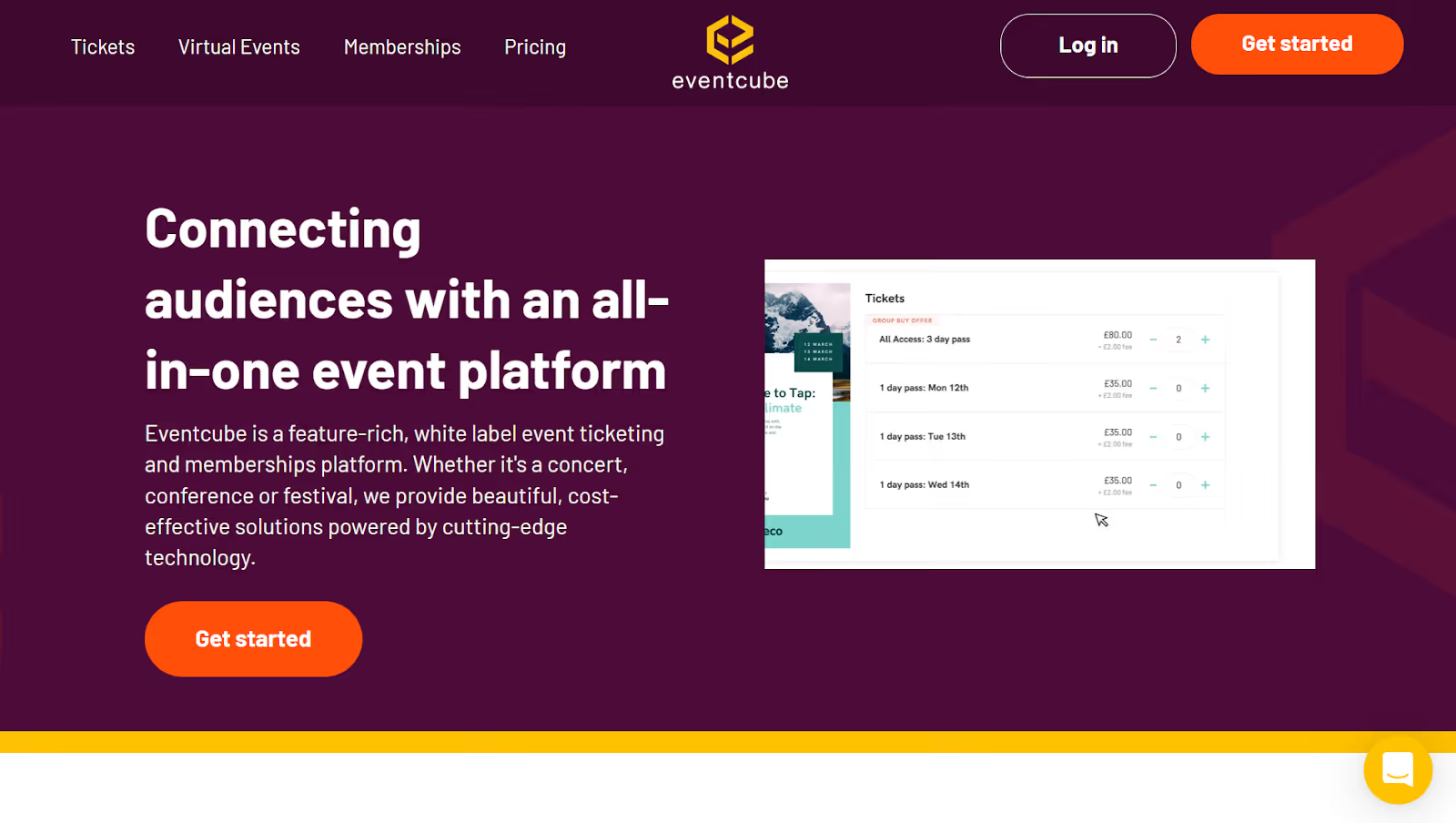
Eventcube is an online ticketing and event registration platform designed for those who want a customizable, secure ticketing experience without deploying complex enterprise software. It is often chosen by teams seeking flexible ticket configuration, branded checkout flows, and built-in promotional tools.
Registration capabilities:
- Secure online ticketing: Create and sell secure barcode tickets designed to protect personal and payment information.
- Flexible ticket options: Offer multiple ticket categories, pricing tiers, social discounts, secret links, and upsells to drive conversions and integrate with tools like Mailchimp for audience communication.
- Installment payments: Provide attendees with the option to pay for tickets in installments.
- Booking fee control: Decide how booking fees are structured and retain control over ticketing revenue.
Other key features:
- Social promotion tools: Promote tickets using built-in marketing features and audience targeting capabilities.
- Custom solution flexibility: Platform positioning allows you to tailor ticketing workflows to match event needs.
Where it falls short for conventions:
- Limited backend reporting depth: Users report that reporting features lack detailed segmentation and advanced ticket analytics.
- High fee concerns: Some users feel pricing and associated fees reduce overall value.
- Ticket tracking clarity: Segmentation and tagging options may lack clarity for complex attendee categorization.
- Design limitations: Users cite frustrations with certain design constraints, including event photo upload requirements.
Pricing:
- Starter plan available
- Pro plan at $99 per month (billed annually)
- Custom enterprise plan available
Also Read: Expert Tips for Streamlining Event Registration and Check-In

With so many platforms available in the market, it's crucial to evaluate them based on your specific needs, constraints, and growth plans for your convention.
Key Aspects to Consider Before Selecting Convention Registration Services
The right convention registration services are more than a digital form or payment gateway. They become your revenue control center, your data backbone, and the operational engine that determines whether check-in feels smooth or chaotic.
Based on what consistently works (and fails) at high-volume conventions, here’s how to evaluate platforms in a way that protects revenue and reduces risk.
1. Operational Scalability (Not Just Online Sign-Ups)
Many platforms handle online event registration and payment well, but struggle when 2,000 attendees arrive within 45 minutes.
What to look for:
- High-throughput check-in options (kiosk-based, QR, barcode, facial recognition)
- Native support for live badge printing
- Real-time data syncing between online and on-site systems
- Offline capabilities for unstable venue Wi-Fi
- Session access control integration
Why it matters: If your convention registration software cannot scale on-site, your registration desk becomes a bottleneck.
Pro tip: Ask vendors: “How many attendees can your on-site event registration software process per hour per station?” If they cannot answer clearly, that’s a red flag.
2. Revenue & Ticketing Control
Your convention registration service must give you financial visibility before, during, and after the event. Essential features include:
- Multi-tier ticket structures (VIP, sponsor, exhibitor, workshop add-ons)
- Dynamic pricing (early bird, tier-based visibility)
- Real-time revenue dashboards
- Discount code management and sponsor tracking
- Refund and modification workflows
Step-by-step evaluation framework:
- Create 4–5 ticket tiers with different pricing rules.
- Add session-level paid upgrades.
- Apply a discount code to one segment.
- Verify whether total revenue and segmentation updates are instantaneous.
3. Data Structure & Integration Depth
Capturing registrations is step one. Where that data flows next determines ROI.
What to look for:
- Native CRM integrations
- API connectivity (not just CSV exports)
- Clean field mapping between registration and badge data
- Integration with on-site event registration software
- Real-time exhibitor lead retrieval compatibility
Why it matters: Disconnected systems create duplicate records, badge errors, and reporting delays. Clean integrations ensure that your convention registration services support post-event analytics without spreadsheet cleanup.
Edge case to test: Change a ticket type 48 hours before the event. Confirm that badge logic, access permissions, and reporting adjust automatically.
4. Session & Access Control Management
Modern conventions include paid workshops, sponsor-only sessions, and capacity-limited tracks. Here's what you need to consider about session access:
- Session enrollment caps and waitlists
- Automated access permissions tied to ticket type
- Real-time session attendance tracking
- Sponsor visibility tracking
Why it matters: Without structured session access control, staff are forced to manually validate attendees, slowing entry and creating inconsistencies in reporting.
5. Reporting & Post-Event Insights
Many online event registration platforms provide ticket sales reports. Few provide operational intelligence. Evaluate whether the platform can measure:
- Check-in speed and queue performance
- Session attendance trends
- Dwell time and visitor flow
- Ticket conversion rates by campaign source
- Revenue breakdown by segment
6. User Experience (For Both Teams and Attendees)
Convention registration services must work for your operations, finance, and marketing teams, as well as exhibitors and attendees. Test the following areas:
- Dashboard clarity
- Role-based permissions
- Mobile registration flow
- Confirmation email accuracy
- Attendee self-service modifications
Reality check: If your team is still building workarounds in spreadsheets, Slack threads, or external payment links, the platform is creating friction.
Also Read: Expert Tips On How To Find Your Perfect Event Registration Platform
Wrapping Up
When evaluating the best convention registration services, one reality stands out: not every platform is built for operational precision. Some tools excel at marketing and ticket sales. Others focus on mobile engagement or branded invitations. But very few are designed to connect online event registration and payment with high-volume on-site execution, structured badge workflows, and post-event performance insights.
That’s where fielddrive approaches convention registration differently. As an intelligence-driven on-site event partner, fielddrive works with you early. It helps you map attendee journeys, align integrations with your existing registration platform, optimize live badge printing, and ensure data flows cleanly into dashboards and CRM systems.
If you're ready to move beyond basic convention registration software to strengthen on-site control, exhibitor ROI, and executive reporting, it’s time to rethink your approach. Book a demo today to discover how a design-first, intelligence-driven on-site strategy can transform your next convention.
FAQs
1. Can small event registration software handle multi-track conventions?
Most small-event registration software works well for simple pricing and limited sessions. However, multi-track conventions with capacity controls, sponsored access, and session-level permissions typically require more advanced convention registration services with automation and integration support.
2. How should we evaluate on-site event registration software for peak check-in windows?
Ask vendors for processing benchmarks per station per hour. Test QR scanning speed, badge-printing timing, and offline-fallback capability. True on-site event registration software should handle surges without slowing lines or requiring manual verification.
3. How can we reduce no-shows after online event registration and payment?
Use automated reminder workflows, calendar sync options, and dynamic QR confirmations. Some online event registration solutions also allow reconfirmation emails 48–72 hours before the event to improve attendance accuracy.
4. Is it better to choose all-in-one online event registration companies or modular tools?
It depends on your requirements. All-in-one platforms simplify vendor management but may limit flexibility. Modular convention registration services provide best-in-class tools for ticketing, badge printing, and analytics, but they require more robust integration planning.
5. Can an online event registration platform support hybrid conventions effectively?
Yes, but only if it integrates virtual attendance tracking with on-site check-in data. Look for session-level analytics and cross-format reporting to consistently measure engagement across in-person and virtual audiences.
.svg)
.svg)
.svg)
Want to learn how fielddrive can help you elevate your events?
Book a call with our experts today


.svg)