

.svg)
.webp)

Planning events in 2025 isn’t what it used to be. With attendee expectations at an all-time high and event budgets under closer scrutiny, organizers are rethinking the tools they rely on to deliver seamless, high-impact experiences. The global events industry is on the rise, projected to grow from $1.23 trillion in 2024 to $1.34 trillion in 2025, according to The Business Research Company.
As the industry expands, so does the need for smarter, faster, and more flexible event technology. Platforms like Cvent have long dominated the market, offering comprehensive tools for registration, analytics, and engagement.
Yet many event professionals now find that Cvent’s complex setup, steep pricing tiers, and slower innovation curve make it less suited to today’s agile, data-driven events.
The competitors to Cvent step into this conversation to offer genuine answers to the practical frustrations that busy teams face every day.
Ready to discover which Cvent competitors might fit your goals? Let's go beyond the surface-level comparisons, so you can find the platform that helps you create memorable, seamless events from start to finish.
Key Takeaways
- Cvent competitors have emerged to address common pain points like high costs, poor integrations, limited engagement tools, and a lack of customization.
- When looking for an alternative, prioritize features like real-time engagement, seamless integrations, flexible customization, and clear pricing.
- fielddrive leads the pack in on-site event excellence with facial-recognition check-ins, real-time analytics, and integrations, delivering 50%+ faster check-ins and processing up to 200 attendees per kiosk per hour.
Why Are Event Organizers Looking for a Cvent Alternative?
Cvent has earned its reputation as an all-in-one event management powerhouse. From registration to reporting, it covers nearly every stage of the attendee journey. However, for many organisers, the challenge lies in its complexity, cost, and limited on-site flexibility. These pain points are echoed consistently across trusted review platforms like G2, Capterra, and Trustpilot.
Here’s why more teams are making the switch.
1. Engagement Limitations
Today’s attendees expect a more interactive, dynamic experience, especially in virtual or hybrid events. Cvent’s engagement tools, such as live polling and gamification features, are often criticized for being too basic for events that demand real-time interaction and deeper audience connection.
2. Integration Challenges
One of the most frequently cited frustrations is Cvent’s fragmented integrations, particularly with CRMs like Salesforce and marketing tools. Because much of the platform has grown through acquisitions, modules often feel loosely stitched together, creating inefficiencies and inconsistent data flow. Many users report relying on manual workarounds or needing additional support to maintain their tech stack, which slows down operations.
3. Mobile App Limitations
Cvent’s mobile apps, designed for both attendees and administrators, often fall short of modern expectations. Users highlight issues with slow performance, unintuitive navigation, and limited offline capabilities. The apps also offer minimal configuration for custom branding or content delivery, making them feel generic and mismatched for branded or high-touch experiences on-site or virtually.
4. Branding & Personalization Restrictions
For planners aiming to deliver a fully branded event experience, Cvent’s customization options are often too rigid. Registration forms, emails, and landing pages offer templates, but meaningful design flexibility requires coding support or expensive add-ons. This limits the ability of organizers to align the platform’s UX/UI with their event’s identity and marketing standards.
5. Complex and Expensive Pricing
Cvent’s pricing model is widely seen as complex and not well aligned with transparency. Many customers discover key features, such as advanced reporting, badge printing, or website customization are not included in the base price, leading to unexpected costs. Small to mid-sized organizations in particular find this cost structure difficult to justify, especially for events with modest budgets or simpler needs.
6. Steep Learning Curve
The platform’s extensive feature set can be overwhelming, particularly for teams without dedicated tech support. Many users report a steep learning curve during onboarding, with interfaces that are functional but unintuitive. This can slow down implementation, increase reliance on external support, and make it harder for cross-functional teams to collaborate effectively.
7. Regional Compatibility Challenges
Several users based in international markets, especially in regions with strict internet regulations or slower connection speeds, report performance issues with Cvent. Slow page loading and difficulty accessing certain modules are common concerns, where infrastructure or policy barriers affect usability.
These challenges don’t suggest that Cvent is ineffective, but they do highlight a growing mismatch between what many users need and what the platform delivers.
8 Features to Look for In a Cvent Alternative
When searching for a Cvent alternative, it’s important to identify features that not only address common pain points but also enhance your event planning and execution. Here are the key capabilities to prioritize:
1. Engagement & Interactivity
Choose a platform that offers efficient tools for live polling, Q&A sessions, gamification, and real-time attendee interaction. These features elevate participation and create dynamic event environments, especially critical for virtual and hybrid formats where keeping attendees engaged requires innovative approaches.
2. Customization & Branding
Look for solutions that allow extensive customization of registration forms, email communications, and the overall event branding. The ability to tailor the event experience visually and functionally ensures your event’s theme and identity resonate with attendees and stakeholders alike.
3. Seamless Integrations
A strong alternative will support seamless integration with your existing CRM, payment gateways, marketing automation, and other essential event-related tools. Open and reliable APIs enable smooth data flow and automate workflows, reducing manual effort and errors.
4. User Experience (UI/UX)
An intuitive and easy-to-navigate user interface is essential. Platforms that simplify administrative tasks and empower both organizers and attendees with frictionless experiences improve overall efficiency and satisfaction.
5. Mobile App Functionality
Modern events demand mobile apps that deliver real-time notifications, instant schedule updates, personalized agenda views, and interactive features. A flexible mobile app ensures attendees stay informed and engaged anytime, anywhere.
6. Pricing Transparency & Flexibility
Seek vendors that provide clear, upfront pricing without hidden fees, offering flexible plans that can accommodate events of varying sizes and budget requirements. Transparent pricing enables better planning and avoids unexpected costs.
7. Customer Support
Reliable, responsive customer support is crucial, especially for large or complex events. Access to knowledgeable support teams for onboarding, troubleshooting, and on-site assistance helps ensure smooth event delivery under any circumstances.
8. Security & Compliance
Verify that the platform adheres to GDPR and any industry-specific compliance standards relevant to your events. Sturdy security measures protect participant data and maintain trust.
With these key features in mind, let’s take a closer look at Cvent alternatives that stand out in delivering a tailored, flexible event management experience.
Also Read: Top 10 Software for Event Management and Planning in 2026
Top 10 Cvent Alternatives in 2025
The surge in demand for faster, smarter, and more flexible event technology isn’t slowing down. According to Polaris Market Research’s 2025 Event Management Software Report, the global event-management software market was valued at $10.73 billion in 2024 and is projected to grow at a 14.8% CAGR through 2034.
This rapid expansion signals a clear shift: organizers are prioritizing adaptable, connected tools that simplify logistics and elevate the attendee experience.
It’s not just about finding a cheaper or simpler substitute for Cvent: it’s about choosing a solution that aligns with modern expectations for automation, analytics, and seamless integration.
Below are the top 10 Cvent alternatives in 2025, carefully selected for their performance, innovation, and scalability, helping you find the right fit for your event goals.
1. fielddrive

fielddrive helps event planners around the world manage visitor flows with “the fastest check-in, highest security, and live analytics” for touchless on-site experiences. fielddrive system integrates with “more than 140 registration systems and association management platforms,” ensuring compatibility with your existing tools. And with a kiosk throughput of “200 guests per kiosk per hour,” aim to eliminate long check-in queues.
Best for: Large conferences, trade shows, or corporate events that prioritize fast on-site check-in, badge printing, and real-time data.
Key Features:
- Touchless Check-In: Reduce long lines and improve attendee satisfaction with facial recognition and QR code-based check-ins.
- On-Demand Badge Printing: Instant badge printing in full color, fully customizable for every attendee.
- Lead Retrieval: Real-time lead capture for exhibitors, with customizable options to track valuable attendee data.
- Analytics & Insights: Actionable data and real-time analytics to track attendee engagement, session participation, and event success.
- Session Scanning & Access Control: Ensure smooth access to sessions and manage attendance with reliable scanning features.
- Sustainability Focus: Eco-friendly, biodegradable badge materials to promote a greener event experience.
- Facial recognition check-in: fielddrive reports facial recognition can slash check-in times by ~50%, delivering a near-instant entry flow.
- Live badge printing: High-speed onsite printing, averaging ~6 seconds per badge, with offline printing capability to avoid downtime.
Kiosk throughput / touchless check-in: Touchless kiosks support QR/barcode scanning, name lookup, and assisted modes, with stated check-in speeds advertised as low as 8–9 seconds per attendee in some use cases.
G2 Rating: NA
Pricing: Custom quote. Request for a proposal.
2. Whova
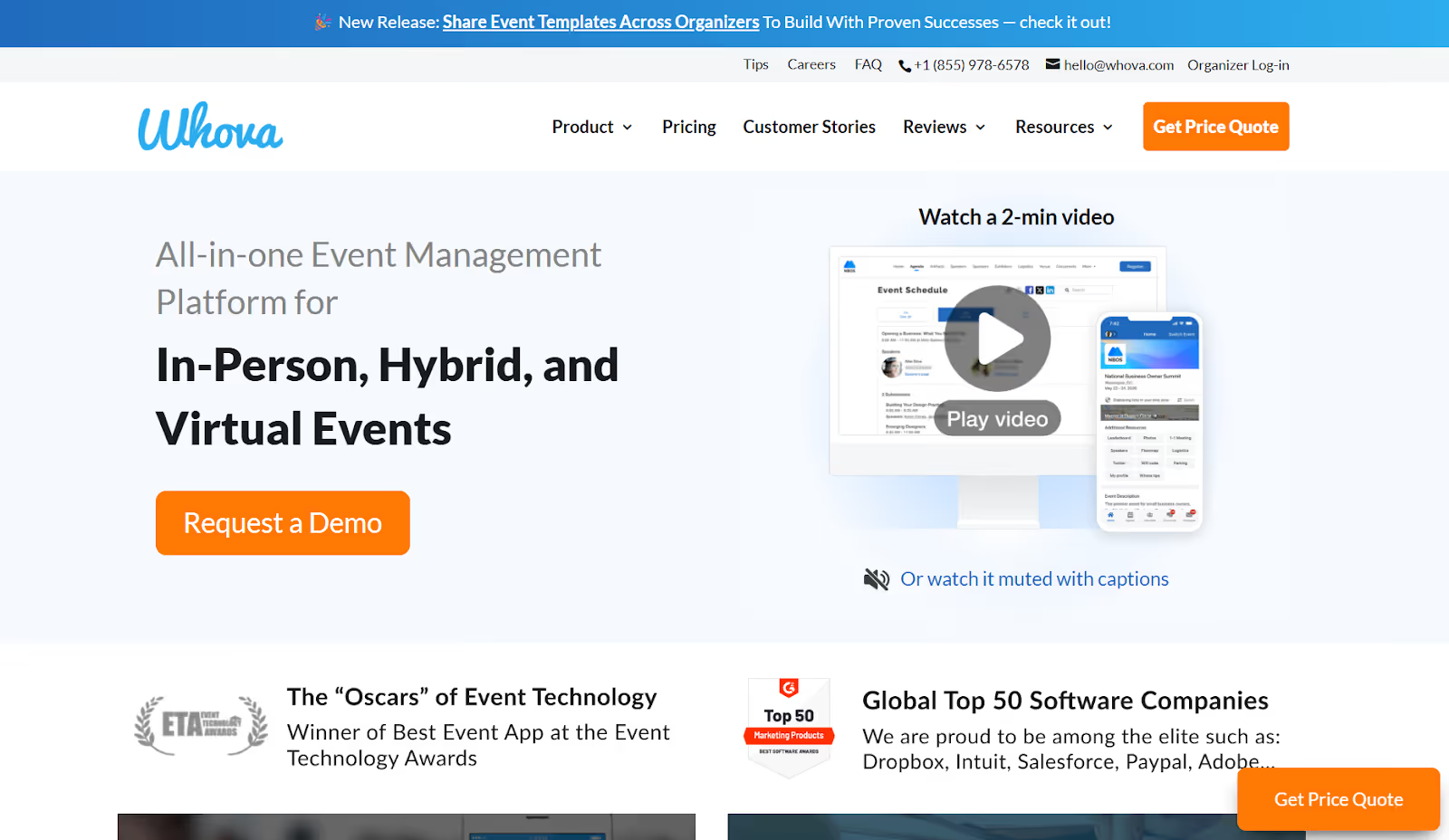
Whova is an “all-in-one event management solution that makes events modern and trendy, attracts and engages attendees effectively, and helps event organizers save time when managing event logistics.” The platform includes registration, a mobile event app, marketing tools, and event logistics features, all in one place. Whova serves in-person, hybrid, and virtual events, aiming to boost networking, engagement, and attendee experience.
Best for: Medium-to-large events where attendee engagement, networking, and mobile app experience are key.
Key Features:
- Event mobile app with agenda, attendee profiles, messaging, and networking.
- Online registration setup in minutes, including tickets and custom forms.
- Engagement tools like live polling, community boards, gamification, and sponsor/exhibitor profiles.
- Lead-capture capability via mobile app scan and exhibitor tools.
- Cross-platform analytics and support for in-person, virtual, and hybrid formats.
G2 Rating: 4.5/5
Pricing: Whova does not list standard pricing tiers publicly. Event organizers must request a quote.
3. Bizzabo

Bizzabo is a “modern, all-in-one event management platform … designed for flexibility and scale.” It supports in-person, hybrid, and virtual formats, offering capabilities like a branded mobile event app, personalized registration flows, and integrated analytics.
Best for: Enterprise and large-scale corporate events that demand advanced analytics, full branding control, and multi-format (in-person + virtual) flexibility.
Key Features:
- Fully branded mobile event app with networking, live polling & attendee profiles.
- Personalized registration engine with custom flows and ticketing integrated into event websites.
- Unified platform for in-person, hybrid & virtual events (studio-quality video, networking, analytics).
- Real-time analytics and CRM/marketing automation integrations to measure ROI.
- Recognized leader: G2 Grid Leader in Event Management Platforms (Spring 2025).
G2 Rating: 4.3/5
Pricing: Starts at $17,999 per year, billed annually (3-user minimum).
4. EventMobi
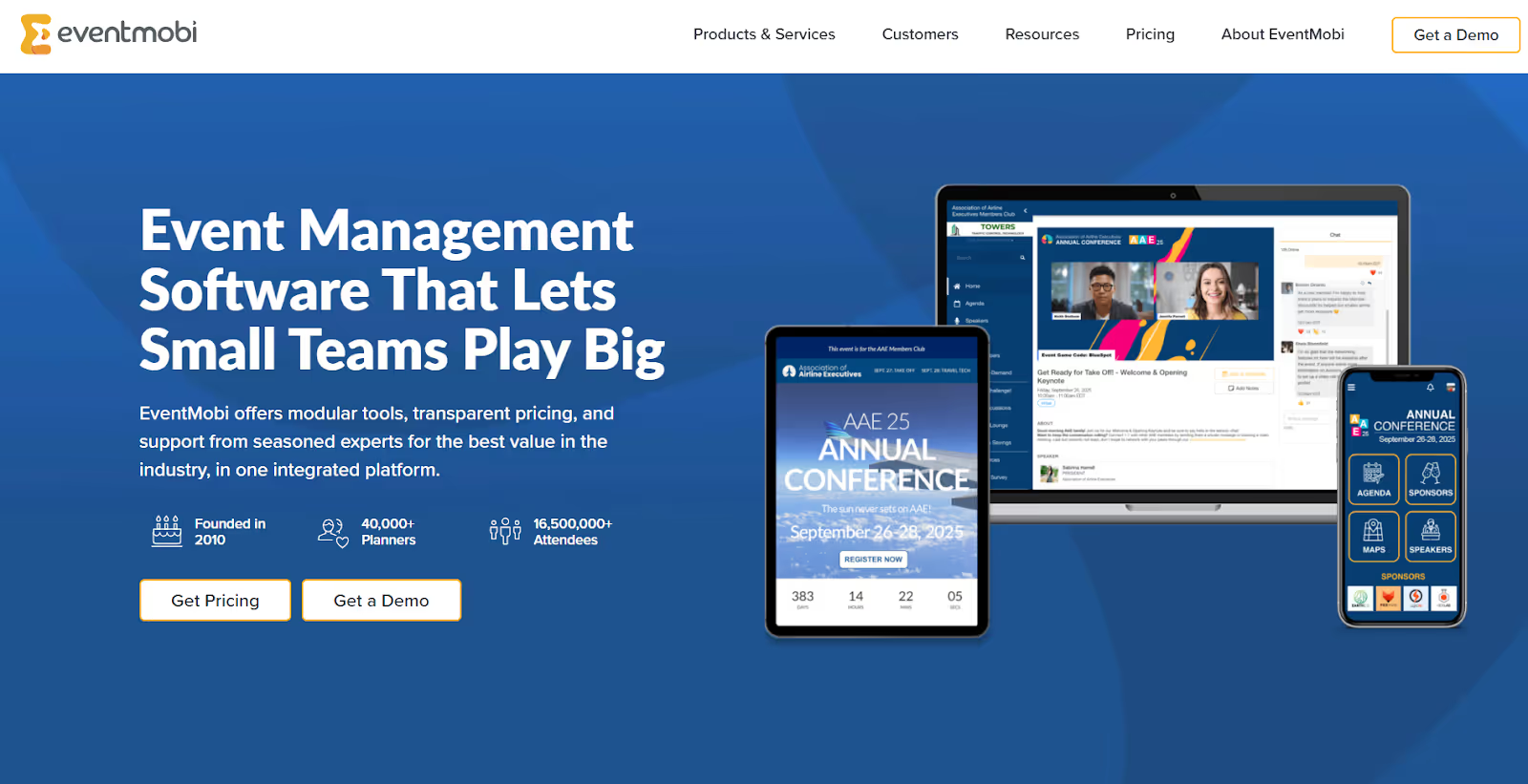
EventMobi is a flexible, modular platform ideal for associations and companies managing internal or client-facing events. It's known for strong mobile app capabilities, hybrid event functionality, and attendee engagement tools, making it suited for planners who want everything in a single ecosystem.
Best for: Organizers who prioritise branded mobile event apps, attendee engagement (gamification, networking), and hybrid/virtual capabilities.
Key Features:
- Mobile event apps with custom branding, networking, and engagement tools.
- Online registration + event website + ticketing in one platform.
- Hybrid/virtual event support – live streaming, virtual booths, on-site check-in.
- Analytics & reporting + lead-capture tools for exhibitors.
- Flexible pricing: per-event or annual subscription.
G2 Rating: NA
Pricing: Starts at $3,000 per event (Event App & Virtual/Hybrid) and $8,900 per year for unlimited events under the annual plan.
5. vFairs
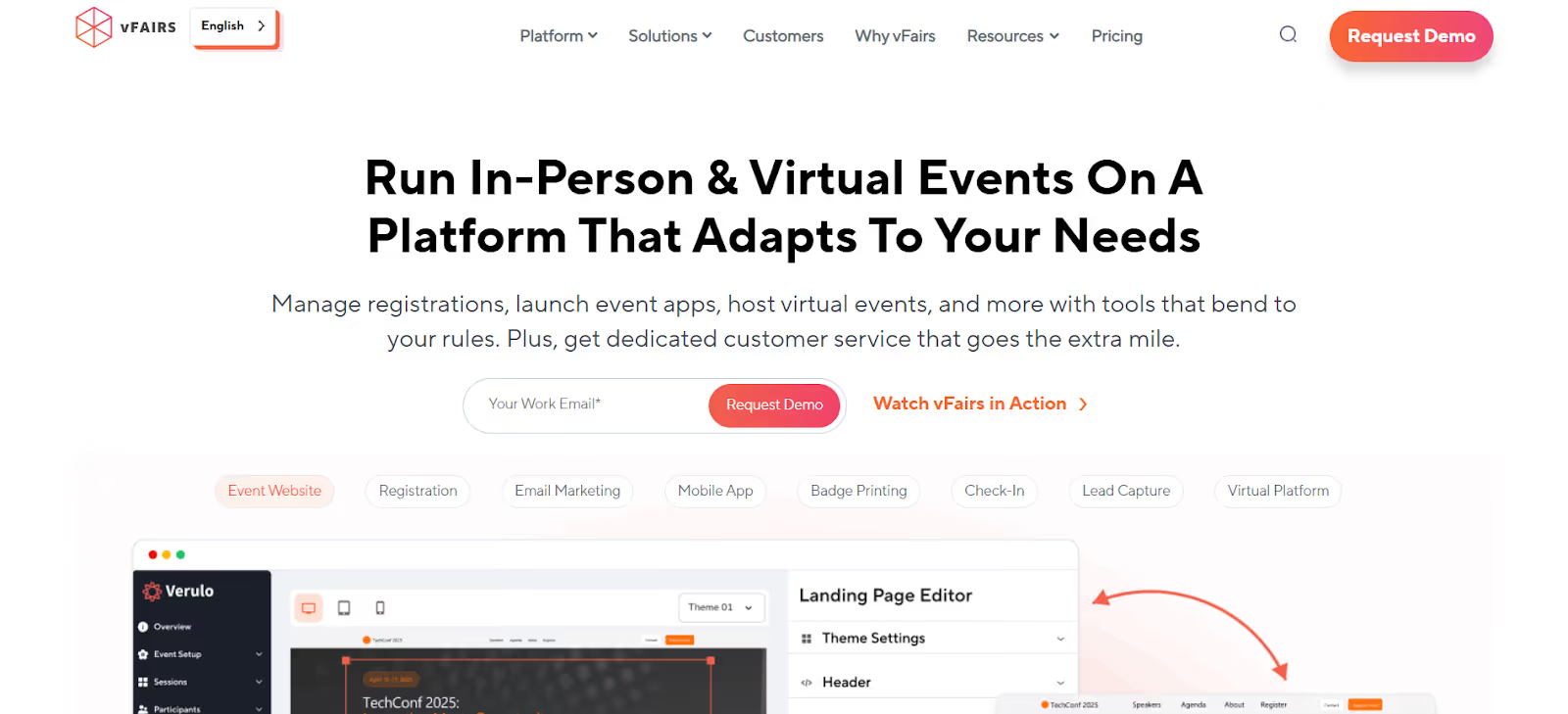
vFairs is an easy event-management software that helps plan, manage, and host events, stress-free, including in-person, virtual, and hybrid formats. The platform reports powering “50K events and serving 100 M+ attendees” globally.
Best for: Large-scale virtual or hybrid conferences that require immersive environments, full custom branding, and strong on-site or online check-in capabilities.
Key Features:
- Custom event websites + registration + ticketing (drag-&-drop forms + payment integrations).
- On-site tools including badge printing, check-in kiosks & facial recognition support.
- Real-time analytics & event-reporting dashboards for virtual/onsite attendee behaviour.
- Fully branded mobile event apps, networking & immersive virtual booths/venues.
G2 Rating: 4.7/5 based on approx. 1,740 reviews.
Pricing: Custom quote only.
6. EventsAir
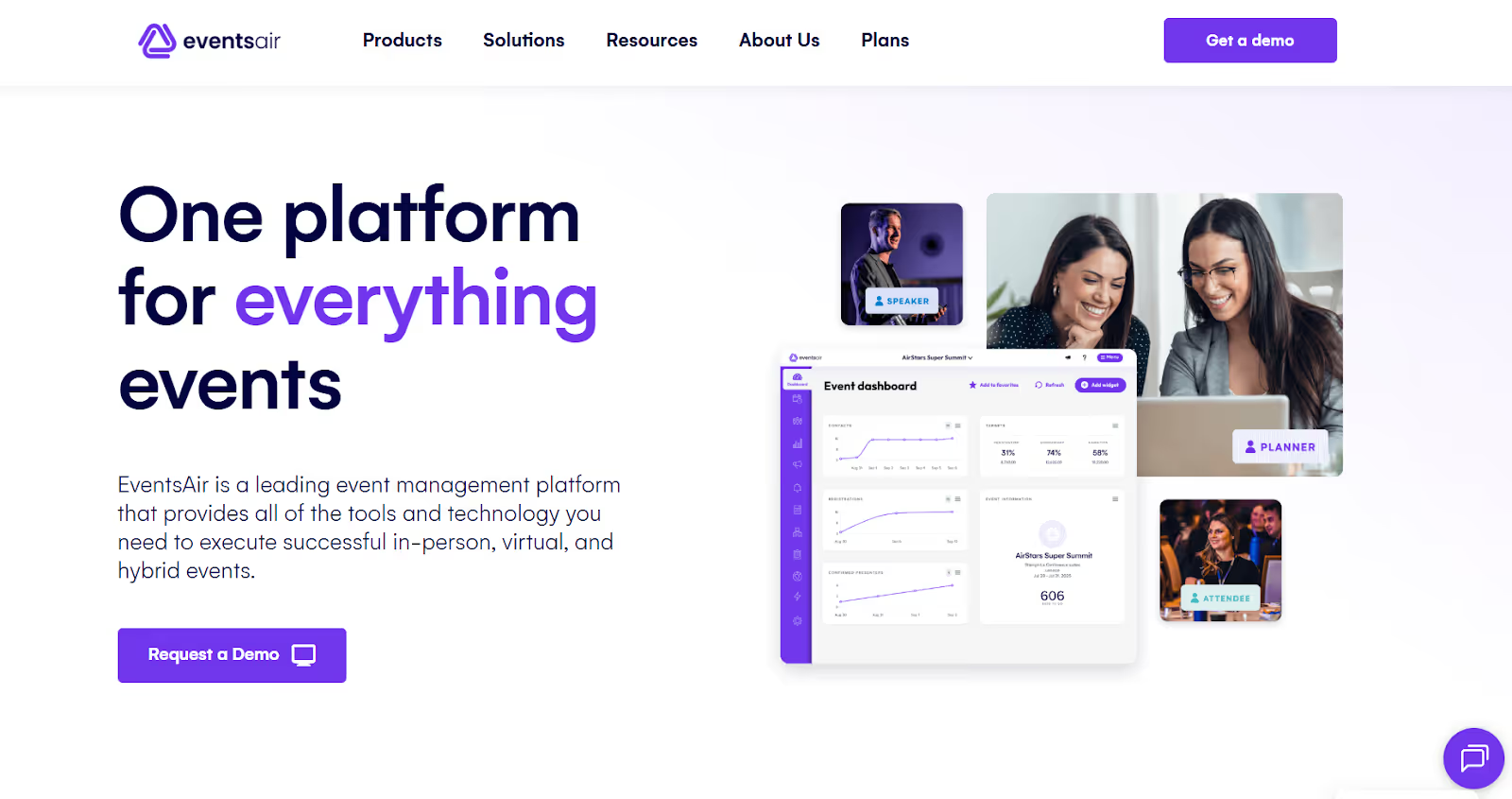
EventsAir is an all-in-one event management system that makes it easy for event managers to create in-person, virtual & hybrid experiences that impress. The platform states that it’s powered by “350,000+ events worldwide” and supports every event type with one central system.
Best for: Organizers running large, complex events, such as global congresses, associations or hybrid conferences, who need deep data, compliance, and multi-format flexibility.
Key Features:
- Dynamic registration & ticketing with drag-and-drop builder for custom journeys.
- Comprehensive check-in & onsite tool, including kiosks & data capture for attendee tracking.
- Custom event mobile apps with live polls, networking, gamification, and branded experiences.
- Over 150 purpose-built reports for real-time analytics and post-event insights.
- Built-in compliance: PCI-compliant infrastructure, multi-currency, multi-language resources, and global scalability.
G2 Rating: 4.5/5
Pricing: Custom quote only.
7. Eventzilla
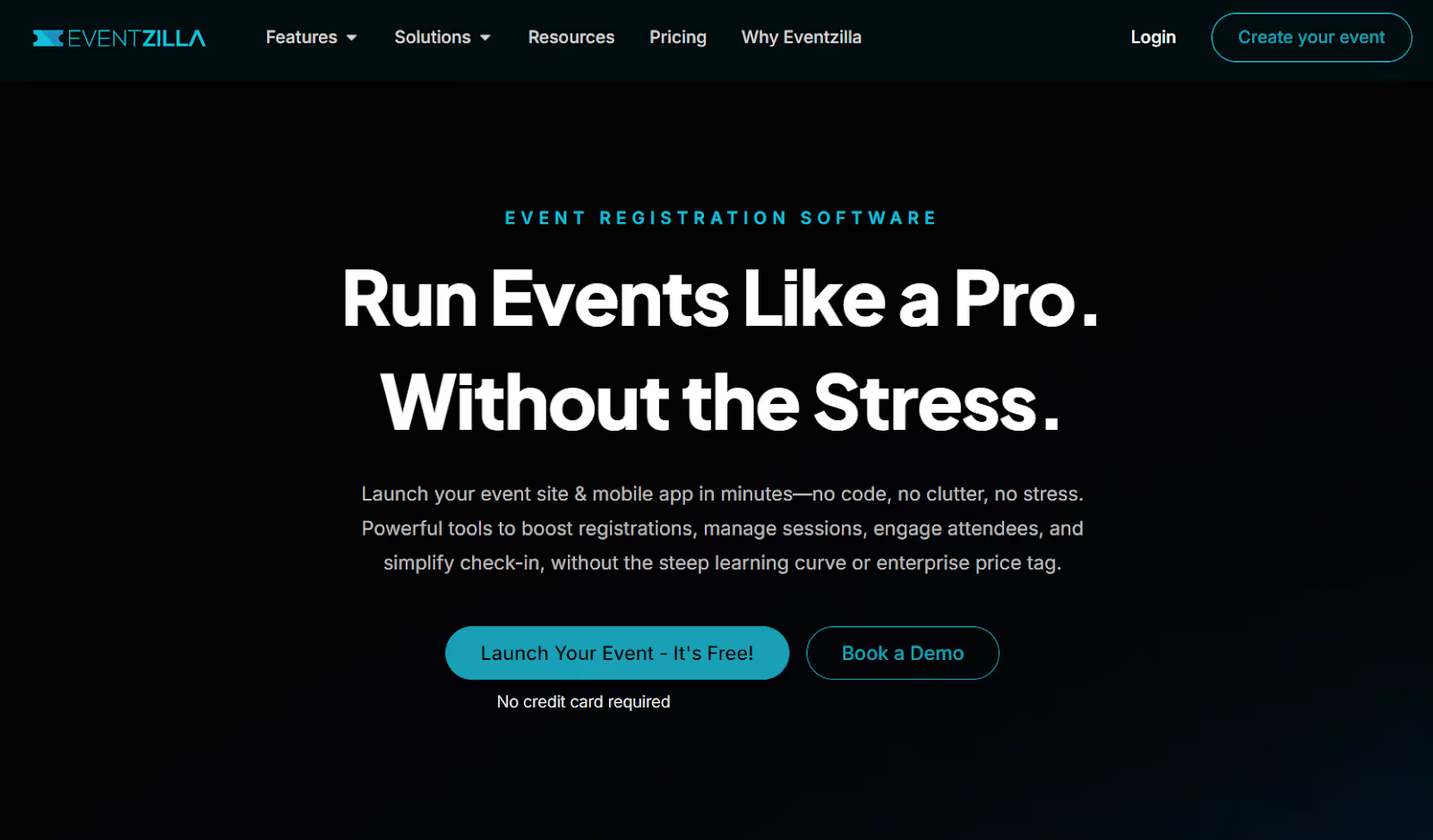
Eventzilla is an all-in-one event management platform for in-person, virtual, and hybrid events with powerful tools to boost registrations, manage sessions, engage attendees, and simplify check-in, without the steep learning curve or enterprise price tag. The platform offers comprehensive features like mobile check-in, badge printing, live streaming, session scheduling, and analytics.
Best for: Organizers of smaller conferences, fundraisers, or workshops who need a full-featured event system but at a lower cost and simpler setup.
Key Features:
- Multi-track, multi-session registration with mobile app, self-service attendee portal, and kiosk mode.
- Self-service check-in kiosk plus badge printing built in.
- Live streaming from a browser and built-in virtual/ hybrid event support.
- Extensive analytics and custom reports via dashboard.
- Budget-friendly ticketing plan: “Plus Plan” at 2.9% + $1.50 per ticket sold.
G2 Rating: 4.4/5
Pricing: Pay-as-you-go pricing: Starting at $1.50 per paid ticket for the basic unlimited events plan.
8. Hopin
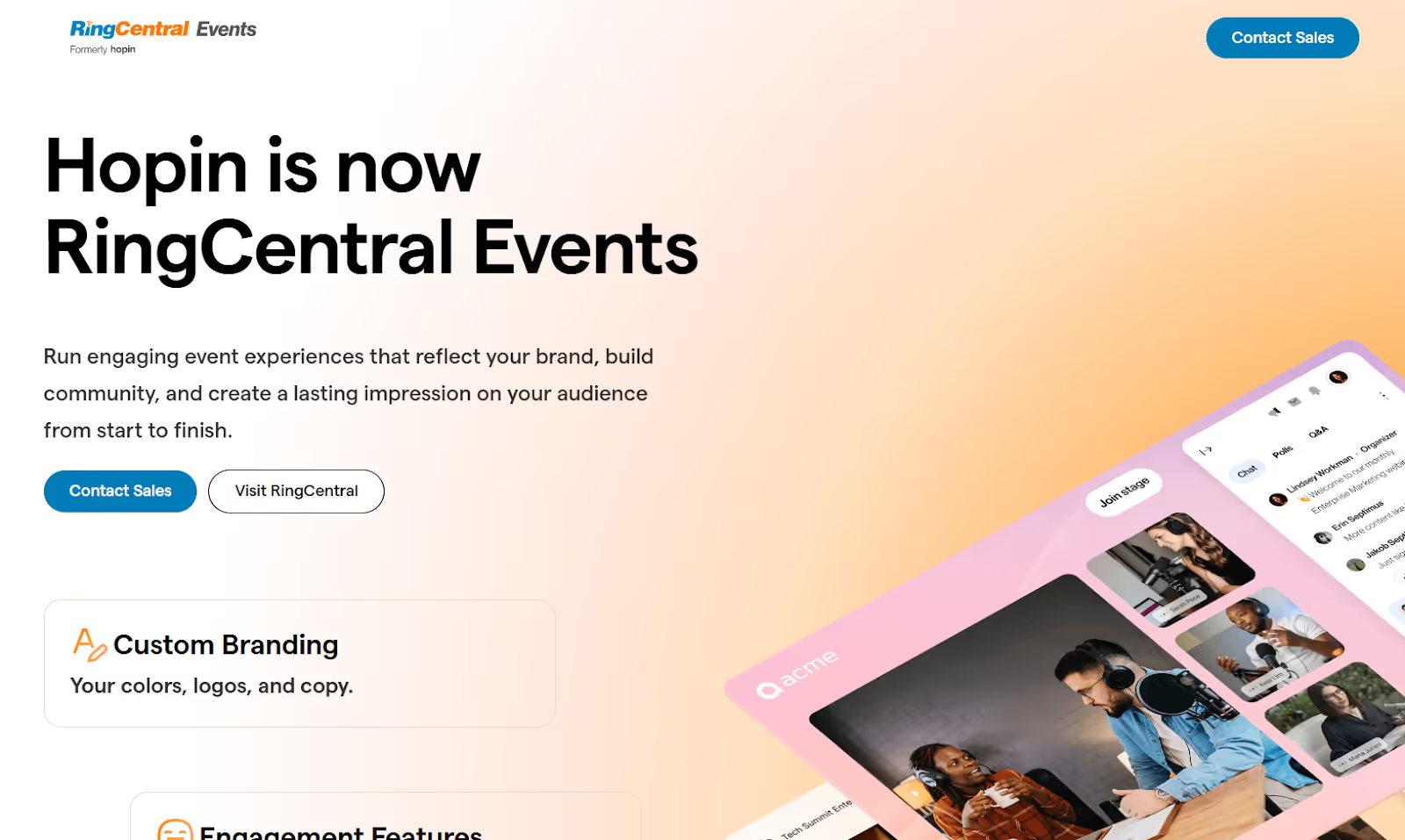
Hopin describes itself as “an all-in-one live events platform … built for virtual, hybrid and in-person formats” and reports over 145,000 event organisers using their platform to host more than 275,000 events. It offers features such as virtual venues, studio-quality livestream production, expo halls, networking rooms, and full event lifecycle support, all in a single platform.
Best for: Large-scale virtual or hybrid conferences that require broad reach, professional streaming, and interactive attendee experiences.
Key Features:
- Immersive “Virtual Venue” for 50,000+ attendees with live/recorded sessions, expo booths, and networking rooms.
- Studio livestream production tools: live + pre-recorded video, greenrooms, branding overlays, and multi-stage support.
- Advanced networking: 1:1 video meetings, group networking, chat, and attendee matchmaking.
- Extensive branding & customization: full colour/logo control, custom emails and interface branding.
- All-in-one platform approach: registration, ticketing, virtual delivery, analytics, and attendee engagement in one solution.
G2 Rating: 4.8/5
Pricing: Pricing is by custom quote.
9. Glue Up
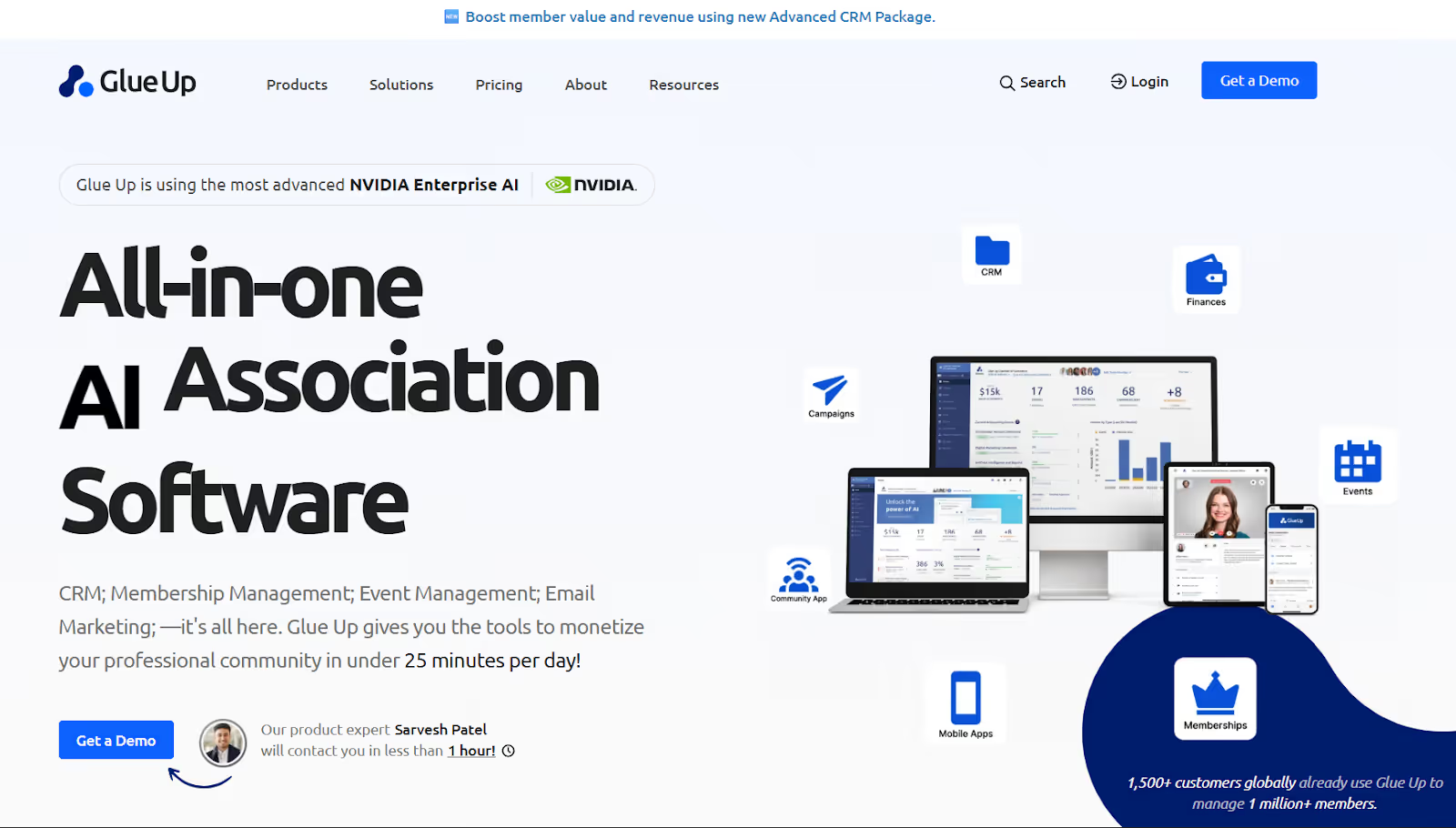
Glue Up is an all-in-one engagement management platform … designed to handle registrations, memberships, payments, and events in a single system” for associations, chambers, and nonprofits.
Best for: Organizers of associations, membership-based organizations, or recurring event series who want event management integrated with CRM and membership workflows.
Key Features:
- Custom registration and ticketing, plus event websites for online or offline experiences.
- Built-in marketing & engagement tools (email campaigns, segmentation) to drive attendance and community involvement.
- Real-time analytics and CRM integration so you can track member behaviour, event participation, and revenue.
- Fully integrated membership and event management: one database handles both functions.
- Global support & compliance: works across multiple countries, languages, and currencies.
G2 Rating: 4.5/5
Pricing: Custom quote.
10. Splash
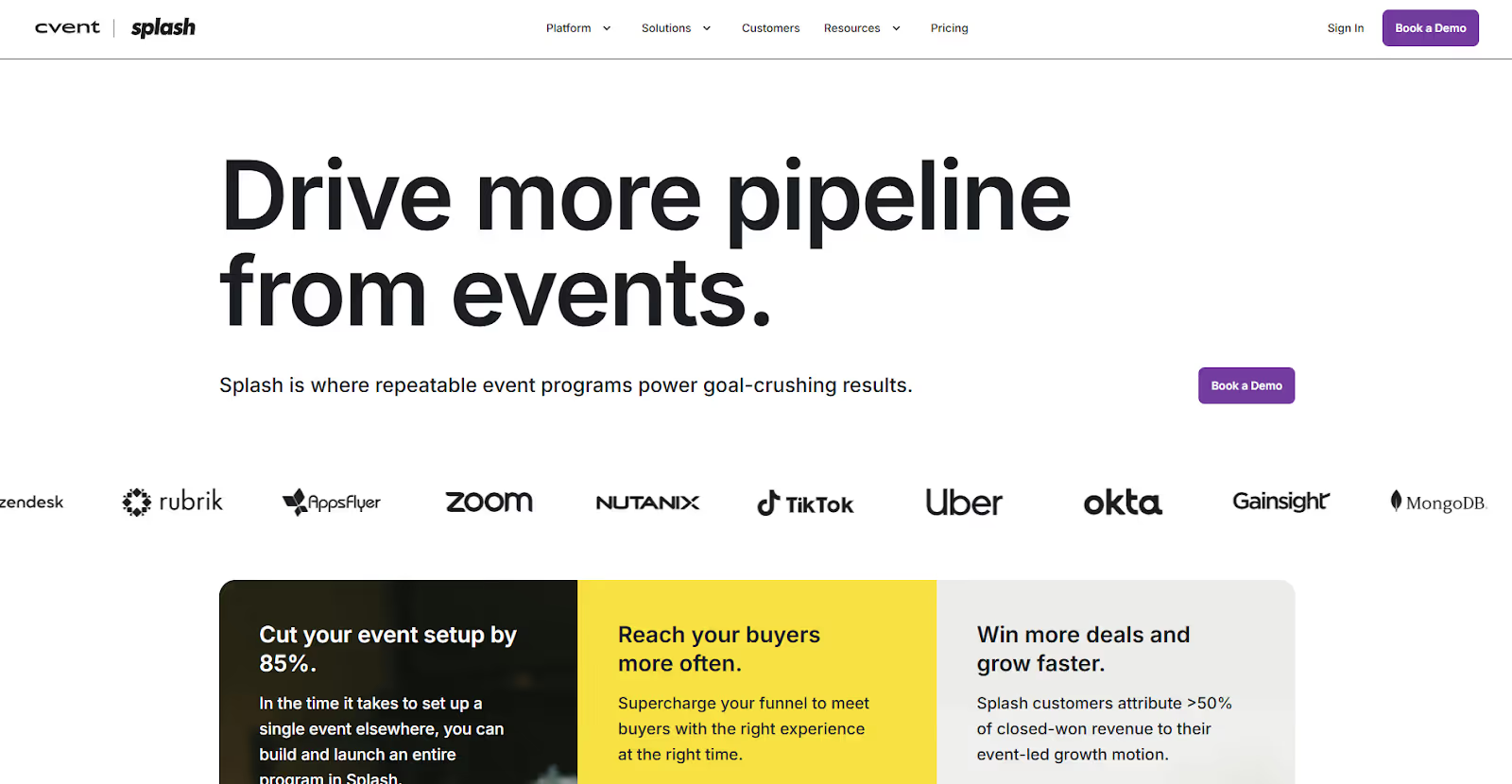
Splash helps companies market, manage, and measure their live, virtual, and hybrid event programs, all on one platform. The company says users can “cut your event setup by 85%” through their brand-first, data-driven approach. Splash also highlights integrations with major CRMs like Salesforce and Marketo, letting marketers track event ROI and lead impact.
Best for: Marketing-led organizations or agencies that focus on branded event experiences, campaign landing pages, and measurable lead generation.
Key Features:
- Branded event pages & registration forms built without code, integrated with marketing campaigns.
- Full funnel event-marketing analytics: capture lead data, sync with CRMs, track pipeline outcomes.
- Supports live, virtual, and hybrid events with one platform and reusable templates.
- Integrations with Salesforce, Marketo, Slack, Zoom, and API access for custom stacks.
- No-code editor for landing pages and email campaigns.
G2 Rating: 4.4/5
Pricing: “Pro” and “Enterprise” plans available by quote.
Choosing the right platform goes beyond features; you need to ask the right questions to ensure it meets your current needs and supports your future goals.

Suggested Read: 15 Best Event Management Systems to Streamline Your Events in 2026
10 Questions to Ask Before Going For a Cvent Alternative
To help you make an informed, future-ready choice, use this intent-driven checklist to sharpen your focus beyond surface-level features and align your selection with your unique event goals and operational needs.
1. What specific challenges are you currently facing with your event management?
Identify whether issues stem from budget constraints, limited customization, integration weaknesses, attendee engagement, or reporting gaps. Pinpointing these helps prioritize critical requirements.
2. Does the platform support your event formats and scale?
Confirm that it’s proven effective for your event types, be it in-person, virtual, hybrid, or recurring events, and can grow alongside your organizational needs.
3. How flexible is the platform in tailoring attendee experiences and branding?
Can you customize registration forms, emails, websites, and tickets extensively? Is white-labeling available to maintain your brand’s identity throughout?
4. Will it integrate smoothly with your existing technology stack?
Look for seamless connections with CRMs, marketing tools, payment gateways, and analytics software to streamline workflows and data management.
5. What reporting and analytics capabilities does the platform offer?
Seek real-time dashboards, detailed exportable reports, attendee engagement metrics, and ROI insights that empower data-driven improvements.
6. Is pricing transparent, and are there any hidden fees?
Understand pricing models clearly, whether subscription, per-registration, or per-event. Ask about costs related to premium features, support, or integrations to avoid surprises.
7. What level of customer support and onboarding is provided?
Prioritize platforms that offer personalized onboarding, responsive live support, comprehensive training materials, and ongoing assistance.
8. How manageable is the transition process?
Switching platforms involves migrating data, retraining teams, and revising workflows. Choose providers who assist with data migration and offer change management resources.
9. Does the vendor actively innovate and keep pace with industry trends?
Ensure your chosen platform has a clear roadmap for future enhancements such as hybrid functionality, personalization with AI, and evolving compliance standards.
10. Can you try the platform before committing?
Hands-on experience through free trials, demos, or pilot events is invaluable for validating usability and suitability.
While Cvent delivers strong enterprise analytics, fielddrive outpaces it in on-site efficiency and modern automation. Instead of a large, all-in-one suite that can take weeks to configure, fielddrive delivers plug-and-play check-in performance, designed for speed, simplicity, and scalability.
Experience event check-in redefined. Request a Demo and see how fielddrive transforms attendee experiences.
Also Read: 8 Best Event Attendance Tracking Types & Tools 2025
Conclusion
Selecting a Cvent competitor involves choosing a platform that can genuinely strengthen your event management capabilities. It must address the specific pain points that led you to explore alternatives in the first place.
By focusing on platforms that align with your unique event goals and workflows, you prepare your organization to deliver more engaging, efficient, and compliant experiences.
If you are seeking a future-ready event management solution defined by responsiveness, transparency, and partnership, exploring fielddrive could be your next strategic move.
Request a Demo today and discover why event organizers worldwide trust fielddrive to redefine on-site efficiency.
Frequently Asked Questions
1. Which is the best alternative to Cvent for on-site event check-in?
fielddrive is the top choice for on-site efficiency. Its touchless kiosks and facial recognition check-in process up to 200 attendees per kiosk per hour, cutting registration times in half compared to manual methods.
2. Does fielddrive integrate with registration or CRM tools?
Yes. fielddrive integrates with registration systems and CRMs, allowing organizers to sync attendee data, session tracking, and analytics in real time, without complex manual imports.
3. Are these Cvent alternatives secure and GDPR-compliant?
Yes. Leading platforms like fielddrive follow global data protection standards, including GDPR and SOC 2 compliance, ensuring attendee and organizer data is securely handled.
4. How do I know which Cvent alternative fits my organization?
Start by listing your event types, attendee volumes, and must-have features (on-site tools, virtual support, CRM integration). Then compare 2–3 shortlisted platforms through free demos; most, including fielddrive, provide personalized walkthroughs.
.svg)
.svg)
.svg)
Want to learn how fielddrive can help you elevate your events?
Book a call with our experts today


.svg)