

.svg)
.webp)

CONTENT
If you’re running large conferences, trade shows, or multi-day events, the real test of your event tech starts on-site. Peak-hour check-ins, badge reprints, session access control, exhibitor lead capture, and real-time reporting all need to work flawlessly under pressure. When they don’t, long queues form, exhibitors complain, and your team spends the event fixing problems instead of managing the experience.
Many organizers using PheedLoop run into these issues as their events scale. While it covers core registration and agenda needs, teams often struggle with limited on-site check-in flexibility and rigid badge-printing workflows. These gaps push organizers to look for Pheedloop competitors better equipped for real-world, on-site execution.
In this article, we break down the best PheedLoop competitors for 2026. We'll be comparing platforms based on on-site performance, scalability, data capabilities, and how well they support complex, high-attendance events from check-in to post-event reporting.
At a Glance
- PheedLoop often struggles as events scale, especially around onboarding complexity, rigid badge workflows, limited integrations, multilingual execution, and on-site reliability during peak moments.
- The strongest alternatives are built for live conditions. That includes fast check-in, on-demand badging, session access control, exhibitor lead capture, and real-time visibility throughout the event.
- Best fits by event type include: fielddrive (execution-first, on-site intelligence), Bizzabo (enterprise engagement), Cvent (global governance), RingCentral Events (virtual-first), Swapcard (networking-led).
- Focus on attendee flow design, hardware performance under load, clean data handoff to CRMs, predictable scaling costs, and the level of support.
The Operational Gaps Event Teams Encounter with PheedLoop
PheedLoop is often positioned as an all-in-one event management platform, offering tools for registration, agendas, mobile apps, and engagement. For teams looking to centralize their event tech stack, it can initially appear like a comprehensive solution, especially for prioritizing content and session management.
However, as events scale or move into more operationally complex territory, many organizers begin to experience friction. Feedback from real users highlights recurring challenges that surface before, during, and after the event lifecycle, particularly around onboarding, usability, integrations, and on-site execution.
1. Onboarding and Usability Friction
One of the most frequently cited issues is the lack of clear onboarding guidance. Because PheedLoop is less widely adopted than some mainstream platforms, new users often struggle to find best practices, templates, or intuitive workflows early on.
- Dense, complex user interface that feels overwhelming for first-time users
- Steep learning curve requiring significant internal training
- Limited in-product guidance during setup and configuration
- Registration workflows can feel unintuitive without prior familiarity with the platform.
2. Integration Limitations Create Workarounds
As event tech stacks grow, smooth integrations become critical. Users report that PheedLoop integrations, particularly with content management systems, can be inconsistent or limited in scope.
Instead of reducing complexity, these gaps can push you toward manual fixes or parallel systems.
3. Bilingual & Multilingual Execution Gaps
For international or bilingual events, delivering a polished, consistent attendee experience is non-negotiable. Users report that managing bilingual content in PheedLoop can be cumbersome.
- Inconsistent formatting in bilingual PDFs
- Extra effort required to manage multilingual email communications
- Attendee-facing materials don’t always render cleanly across languages.
4. On-site & Hardware-Related Pain Points
While PheedLoop supports on-site operations, some users report reliability issues during physical execution. These include:
- Badge printing inconsistencies, including missing text due to sticker residue or printer issues
- Limited visibility into resolving on-site hardware problems quickly
Apart from these, platform updates are sometimes released without proactive notifications, creating uncertainty for teams managing live or upcoming events.
When planning tools start creating friction on-site, it’s a clear signal that your event technology needs to evolve with your operational demands, not work against them. That's where these alternatives come in handy.
Top PheedLoop Competitors for Execution-Driven Events in 2026
Moving away from PheedLoop is rarely about replacing registration alone. Event teams evaluating Pheedloop competitors are typically looking for platforms that deliver stronger on-site control, faster check-in and badging, reliable hardware performance, and real-time data visibility.
The following solutions are commonly chosen by organizers running high-volume, exhibitor-heavy, or multi-day events where on-site execution and live intelligence are critical to success.
1. fielddrive

fielddrive stands apart from traditional event platforms by focusing on what happens when planning ends and execution begins. While tools like PheedLoop concentrate heavily on registration, agendas, and digital engagement, fielddrive is built as an intelligence-driven on-site event partner. It supports teams like yours across the whole event lifecycle, from early design decisions to post-event performance analysis.
Rather than being introduced days before doors open to “handle check-in,” fielddrive works with organizers well in advance. Its team collaborates with event stakeholders to design attendee flow, plan venue layouts, determine optimal hardware placement, and define data-capture strategies before anything goes live. This early involvement helps eliminate bottlenecks that registration-first platforms often can’t solve once workflows are already locked in.
What Sets fielddrive Apart
Best Fit Use Cases
fielddrive is best suited for large conferences, exhibitions, trade shows, conventions, and corporate events where fast entry, secure access, branded badging, exhibitor ROI, and real-time operational visibility are non-negotiable.
Proven in Real-World Events
- How fielddrive Improved Event Check-Ins and Badging for Burger King UK
- GlobalFoundries + fielddrive: Event Check-ins, Simplified and Supercharged
What Event Teams Say
- "Adding fielddrive to our event was one of the best decisions we've made in a very long time. From start to finish, the experience with the fielddrive team was outstanding. We cannot wait to start planning for our next event with fielddrive!" — Erika Dyer, United Soccer Coaches
- “The member experience is always key for me. Now that we’ve switched to fielddrive’s electronic check-in and on-site printing, our members just love it! The staff time that it saves makes it worth every penny. Partnering with fielddrive has been great!” — Melanie Seiden, Membership Director, LEAF, Inc.
Pricing Overview: Custom pricing based on event size, format, and on-site requirements.
.avif)
2. Bizzabo

Bizzabo is an enterprise-focused event management platform designed primarily for B2B conferences and large, multi-event programs. It supports in-person, virtual, and hybrid formats. Compared to platforms like PheedLoop, which many teams adopt for content-heavy or agenda-centric events, Bizzabo positions itself as an end-to-end “Event Experience OS.” It unifies registration, engagement, marketing, and reporting within a single ecosystem.
Core Capabilities:
- Event Registration & Program Management: Branded registration flows, agenda creation, session scheduling, and centralized management for teams running multiple events under one platform.
- Attendee Engagement Features: Built-in networking tools, live chat, polls, surveys, gamification, and interactive content designed to drive participation.
- Sponsor & Exhibitor Analytics: Lead capture tools and analytics dashboards that track engagement across booths, sessions, and digital touchpoints to help sponsors measure ROI.
- Klik SmartBadges™: Wearable networking technology to increase attendee networking and exhibitor lead volume.
- Bizzabo Studios: Enables full-service creative production
- Event Marketing & Promotion: Email automation, customizable campaigns, and promotional workflows aimed at increasing registrations and audience reach.
- Enterprise-Level Controls: Features such as gated registrations, single sign-on (SSO), custom-branded apps, dedicated IP addresses, and centralized video libraries for large organizations.
Where Teams Often Encounter Limitations:
- Pricing is on the higher end, which can be difficult to justify for smaller teams, single events, or organizations without recurring programs.
- Advanced configurations often require onboarding support or training, increasing time-to-value for new users.
- Despite its enterprise positioning, some users find customization more limited than expected, particularly without developer involvement.
- Occasional registration-related issues and platform bugs are noted in user feedback.
- Customizing the website builder frequently requires HTML/CSS knowledge, and some teams report limitations when extracting granular insights.
Pricing Overview: Tiered pricing model based on event size and feature access. Plans typically start at $499 per user per month (billed annually, with a three-user minimum), with custom pricing and premium add-ons for larger or enterprise deployments.
3. RingCentral Events (Hopin)
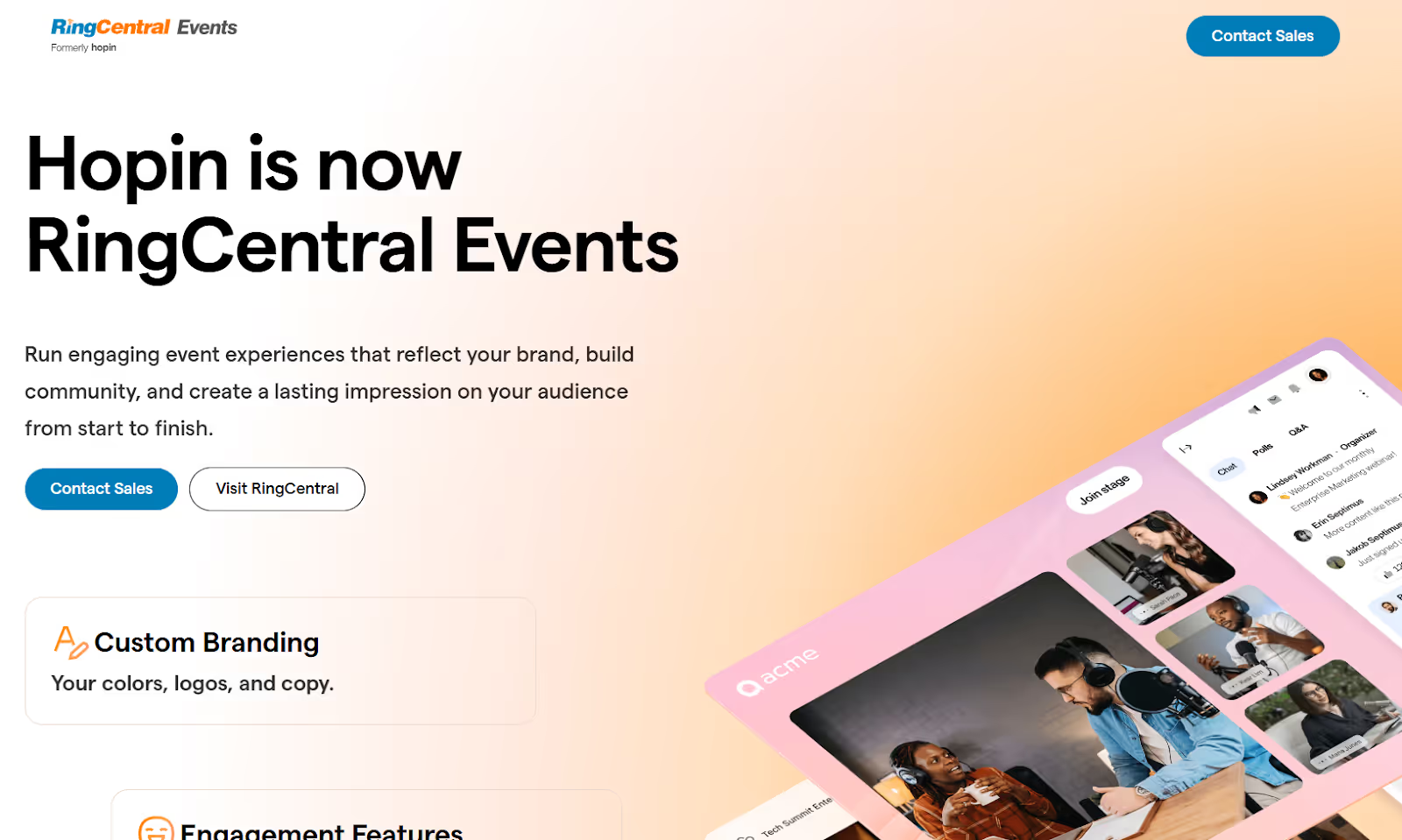
RingCentral Events, previously known as Hopin, is a unified events platform built initially with a virtual-first mindset. It’s most commonly used for webinars, virtual conferences, sales kickoffs, and online summits where livestream quality and digital engagement take priority. While the platform has expanded to support hybrid and limited in-person use cases, its strengths still lean heavily toward online event production rather than on-site execution.
Core Capabilities:
- Virtual Event Environment: Designed to host significant online events with multiple live and on-demand sessions, virtual expo spaces, and networking areas.
- Livestream & Production Tools: Studio-grade broadcasting features including pre-recorded and live video, greenrooms, overlays, and multi-stage production setups.
- Registration & Ticketing: Built-in registration flows, ticketing, and attendee management for virtual and hybrid events.
- Audience Networking & Interaction: One-on-one video meetings, group networking rooms, chat, and matchmaking features to replicate social interaction in virtual settings.
- Integrations: Connects with popular tools such as Slido, Miro, Salesforce, Mailchimp, and HubSpot to support marketing and sales workflows.
- Analytics & Reporting: Dashboards covering attendance, engagement levels, and session performance.
- Branding & Interface Customization: Event-level branding, customizable visuals, and branded attendee communications.
Where It Falls Short:
- On-site features are limited compared to those of platforms designed specifically for physical events.
- Branding flexibility is limited in certain areas, particularly for complex or highly customized event experiences.
- Users report video playback issues when switching tabs and access problems due to strict firewalls.
- No Zoom integration, no built-in live captioning, and email-only support during live events.
Pricing Overview: RingCentral Events offers a 30-day free trial, with paid plans typically ranging from $99 to $299 per organizer per month, billed annually.
4. Cvent

Cvent is a large-scale, enterprise event management platform typically considered when you move beyond mid-market tools. While PheedLoop is often selected for conference programs centered on agendas, content, and engagement, Cvent is built to support end-to-end event operations across complex events. This breadth makes it a frequent choice, especially when venue sourcing, compliance, and centralized governance are priorities.
Key Capabilities:
- Venue Sourcing & Housing Management: Integrated tools for venue discovery, RFP distribution, contract management, and hotel room blocks.
- On-site Event Technology: Check-in kiosks, badge printing, RFID-based tracking, and attendance management designed for high-volume, enterprise events.
- Registration & Attendee Management: Advanced registration workflows with configurable forms, approval processes, group registrations, and automated communications tailored for large audiences.
- Enterprise Governance & Controls: Role-based permissions, single sign-on (SSO), multi-factor authentication (MFA), budget tracking, and task management to support large, distributed teams.
- Analytics & Reporting: Cross-event dashboards covering registration trends, attendance, and engagement, giving leadership a consolidated view of performance across programs.
- CRM & MarTech Integrations: Native integrations with Salesforce, HubSpot, Marketo, and other enterprise marketing and CRM systems to support data continuity.
- Attendee Engagement Features: Personalized schedules, networking tools, live chat, polls, Q&A, and session interaction.
Limitations:
- The platform can be difficult to onboard, particularly for smaller teams or first-time enterprise users.
- Pricing is significantly higher than mid-market alternatives, and costs can increase quickly when scaled across multiple events.
- The sheer volume of features can feel overwhelming, slowing down everyday tasks without dedicated training.
- No published pricing, free plan, or trial.
Pricing Overview: Cvent operates on custom pricing, typically combining an annual platform license with per-registrant fees.
Also Read: Top 10 Cvent Alternatives and Competitors
5. Swapcard
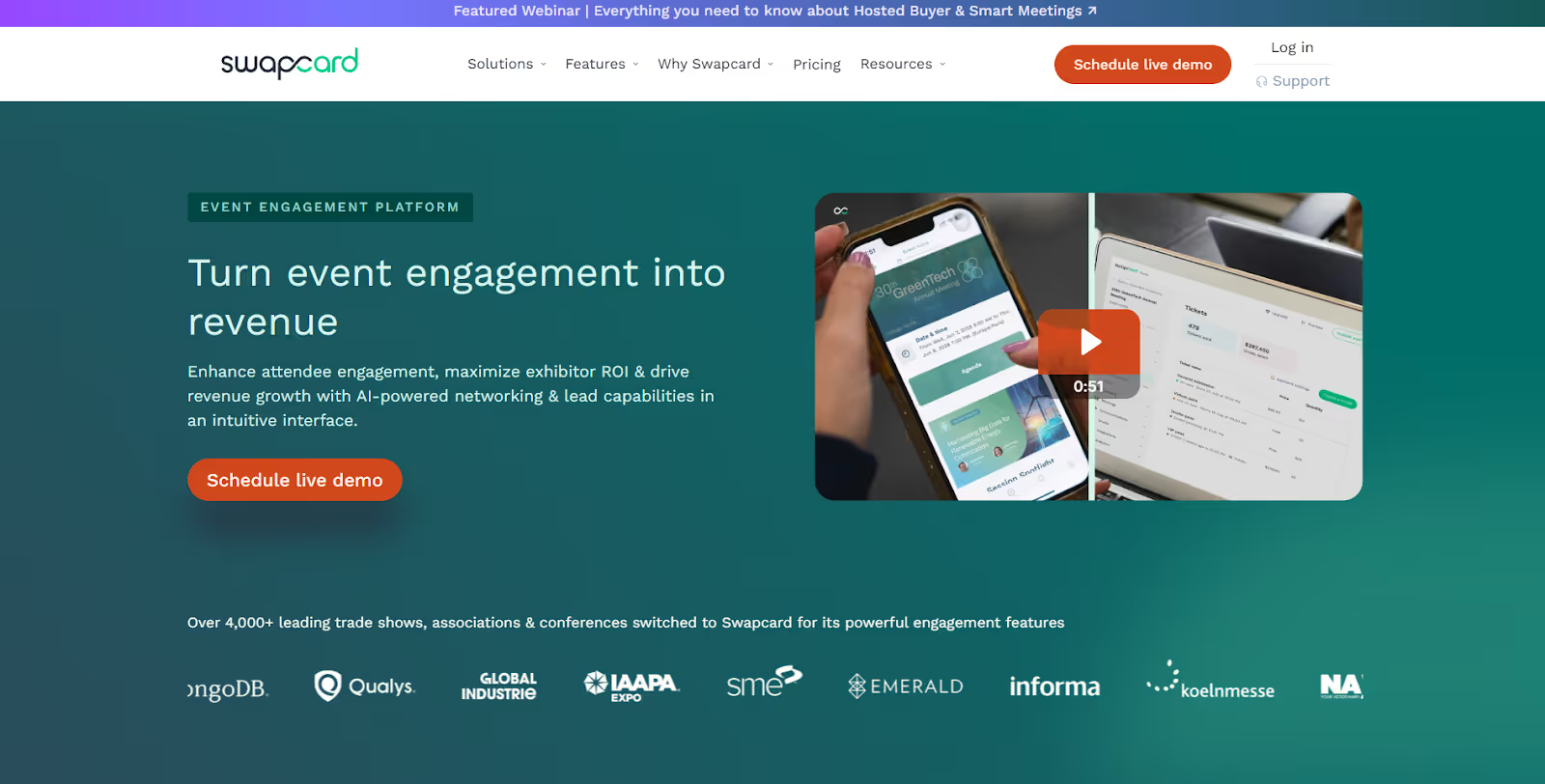
Swapcard began as an AI-driven networking tool and has since expanded into a broader event management platform supporting in-person, virtual, and hybrid events. It’s commonly used for conferences, exhibitions, trade shows, and corporate programs across a wide range of industries, from non-profits to large technology organizations.
Swapcard’s value proposition centers on helping attendees, exhibitors, and sponsors discover relevant connections and sustain those interactions beyond the event.
Core Capabilities:
- Event Planning & Promotion: Tools to organize, promote, and manage events across physical, virtual, and hybrid formats.
- On-site Event Support: Features for on-site production and attendee management at in-person events.
- Registration & Access Management: Ticketing, attendee access controls, and secure entry workflows to manage who can access which parts of the event.
- AI-Powered Networking: Intelligent matchmaking, attendee messaging, and meeting scheduling designed to surface relevant connections before and during the event.
- Community Building: Persistent engagement spaces that allow communities to stay active and connected after the event concludes.
- Sponsor & Exhibitor Lead Tools: Lead capture and analytics that help sponsors measure engagement and evaluate ROI.
- Integrations & Security: Native integrations, enterprise-grade security controls, and compliance features.
- Enterprise Solutions: Swapcard also offers white-label options, single sign-on (SSO), dedicated customer success management, and support for formal security reviews.
Common User Pain Points:
- Networking and interaction workflows offer less flexibility than some teams expect.
- Messaging features can feel basic for complex or exhibitor-heavy events.
- Users report occasional problems with agenda accuracy and synchronization.
Pricing Overview: The Starter plan costs $610 per year, with custom enterprise plans available.
6. Whova
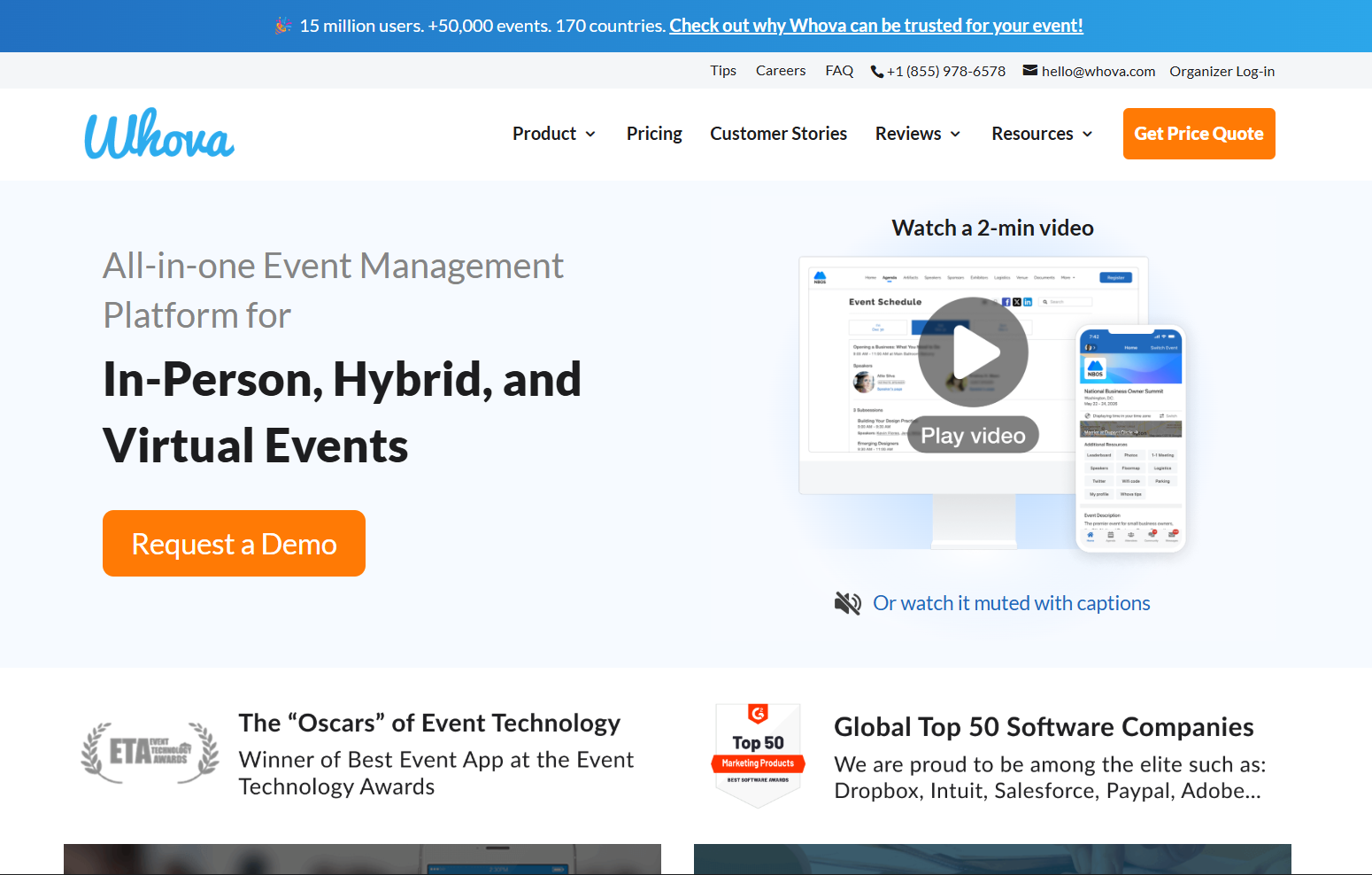
Whova is a mobile-first event management platform often compared to tools like PheedLoop, especially for conferences, workshops, and association events. It’s best known for driving attendee interaction through its app, rather than supporting complex registration logic or heavy on-site operations.
Key Features:
- Registration & Mobile Check-In: Ticket scanning and attendee check-in through mobile devices for in-person events.
- Event Operations Management: Session scheduling, speaker management, exhibitor listings, and agenda updates managed centrally.
- Attendee Networking & Community Building: Discussion boards, direct messaging, contact exchanges, and photo sharing that keep conversations active before, during, and after the event.
- Engagement Features: Live polls, Q&A, surveys, gamification, and announcements designed to increase session participation.
- Analytics & Reporting: Post-event reports focused primarily on attendance and engagement activity.
- Mobile Event App: A native app with personalized agendas, speaker and sponsor profiles, session access, and real-time push notifications.
- Additional Platform Features:
- Self-service kiosk check-in with on-demand badge printing
- Speaker Center for abstract submission and content management
- Community Boards that automatically connect attendees with shared interests
- QR-code-based lead capture for exhibitors via a dedicated lead retrieval app
- Zoom integration to support hybrid event delivery
Where Whova Often Falls Short:
- Some users find it challenging to navigate the mobile interface efficiently.
- Frequent alerts can overwhelm attendees, making it harder to identify critical updates.
- Reports of missing contact details or mismatches between mobile and desktop data views.
Pricing Overview: Custom pricing, typically based on event size, format, and selected features.
Also Read: Top 10 Whova Alternatives and Competitors in 2026
7. EventMobi
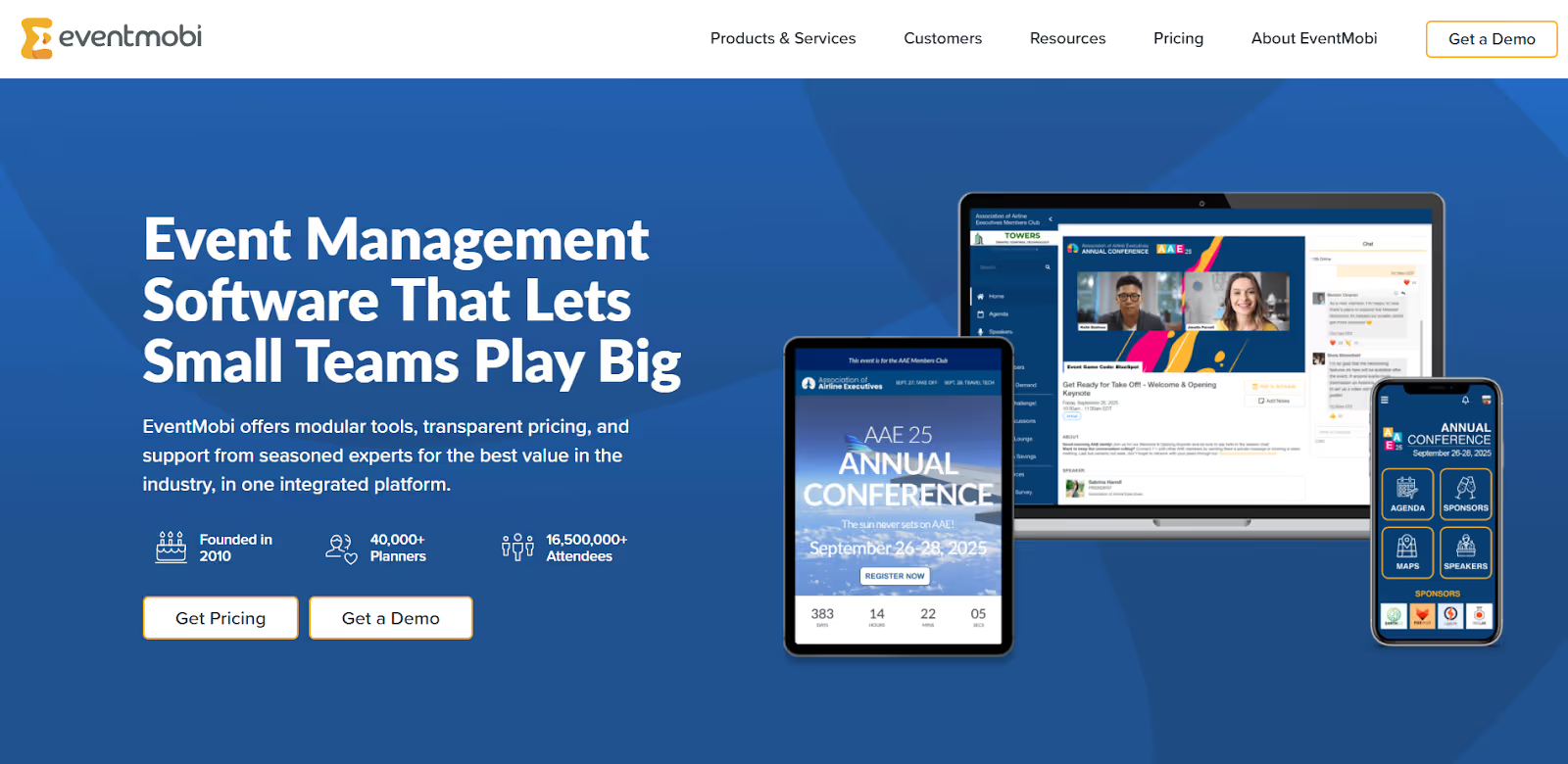
EventMobi is a modular event management platform often chosen by smaller teams running multiple events each year. It’s designed for organizers who prioritize simplicity and consistency over deep customization or complex operational control. Compared to platforms like PheedLoop, which are commonly used for content-heavy conferences, EventMobi focuses on a straightforward setup for registration, mobile apps, and basic on-site needs.
Core Capabilities:
- Registration & Attendee Management: Basic registration tools to manage attendees across single or multiple events.
- Mobile Event App: A native app that allows attendees to access agendas, speaker information, and event updates in one place.
- Badge Printing: Supports on-site badge printing as part of its event operations toolkit.
- Networking Features: Attendee messaging and networking tools to encourage interaction during events.
- Multi-Event Management: Enables organizations running recurring programs to manage multiple events from a single platform.
- Professional Services: Optional services for event design, setup, and on-site support, helping teams that lack in-house technical resources.
Common Limitations Reported by Users:
- The platform is less comprehensive than purpose-built or enterprise-grade solutions, making it harder to scale for large or exhibitor-heavy events.
- Occasional glitches or slower performance during active event periods.
- Branding and layout options are limited, and EventMobi branding cannot be entirely removed due to the lack of a white-label option.
- Badge-printing workflows are often described as cumbersome, which can slow down on-site operations during peak check-in times.
- Fewer native integrations mean teams often rely on third-party tools to manage workflows, increasing overall tech stack complexity.
Pricing Overview: EventMobi pricing typically starts at $3,000 per event, with annual plans starting around $8,900, depending on the features and services selected.
8. Stova
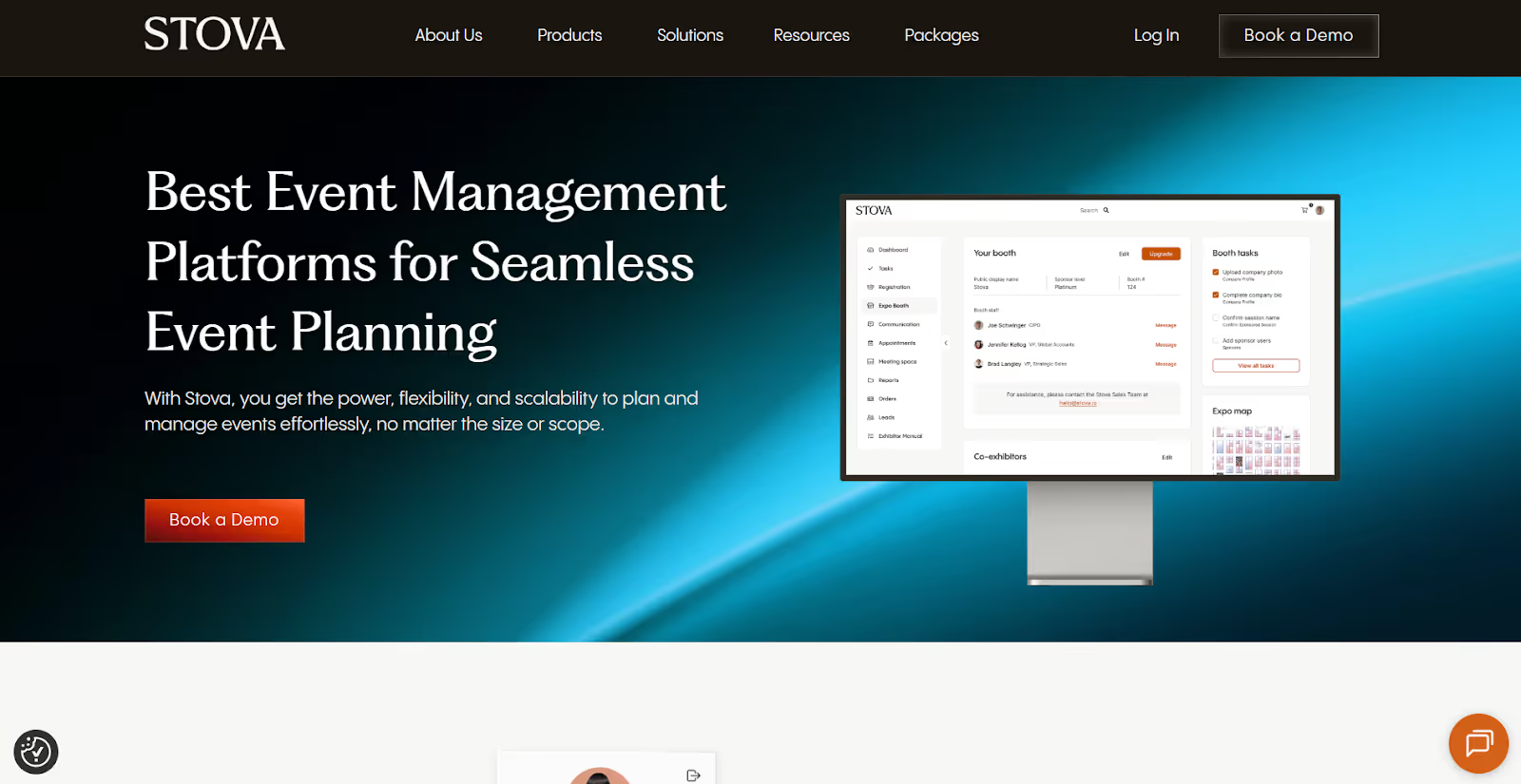
Stova is a unified event management platform formed through the consolidation of Aventri, MeetingPlay, and Eventcore. It’s designed to serve a broad range of organizations, including corporate event teams, non-profits, educational institutions, and public-sector agencies. Stova positions itself as a comprehensive solution that covers multiple event formats and workflows under one umbrella.
Core Capabilities:
- Attendee Networking & Engagement: Tools that support interaction and networking before, during, and after events.
- On-site Check-In & Attendance Tracking: In-person check-in tools to manage arrivals and track participation during live events.
- Enterprise Scalability & Controls: Role-based access, multi-user environments, configurable workflows, and security infrastructure built for larger organizations.
- Event Registration & Management: Online registration, attendee tracking, and meeting management to support a range of event types.
- Virtual & Hybrid Event Delivery: Live streaming, content hosting, and digital engagement features designed for hybrid and virtual programs.
- Reporting & Insights: Standard reports covering registrations, attendance, and engagement metrics.
Common Challenges Reported by Users:
- Layout and design changes often require technical expertise, limiting agility for non-technical teams.
- Some users report confusion with navigation and settings following the merger of multiple platforms into a single system.
- Advanced customization scenarios can feel restrictive, particularly for complex or highly branded events.
Pricing Overview: Stova’s pricing structure varies by event size and complexity:
- Starter plans typically begin at a flat fee of around $4,995 for smaller events.
- Higher-tier plans start at approximately $1,995, plus per-registrant fees (generally ranging from $3.00 to $5.60), with custom enterprise pricing available.

As this list makes clear, PheedLoop competitors solve very different problems. Before choosing a platform, it’s critical to evaluate each option through a consistent, execution-first lens focused on what actually happens on-site.
What Separates Effective PheedLoop Alternatives from Ones That Fall Short?
Choosing between PheedLoop competitors isn’t about swapping one registration tool for another. Instead, it involves selecting a platform that can reliably support your event from first registration to on-site execution and post-event analysis, without forcing workarounds.
The framework below is designed to help you evaluate alternatives based on how events actually unfold in real life.
1. Registration That Scales Without Breaking Workflows
Registration sets the foundation for everything that follows. When it’s rigid or fragile, teams feel the pain on-site. Evaluate whether the platform supports:
- Multiple ticket types (VIP, early bird, exhibitors, staff, speakers)
- Conditional logic, approvals, and role-based access
- Late or on-site registrations without manual fixes
- Reliable payment gateways (Stripe, PayPal, invoicing)
- Automated confirmation, reminder, and update emails
2. On-site Execution & Attendee Flow Control
This is where many PheedLoop alternatives truly differentiate, or fail. Look for platforms that offer:
- Contactless check-in via QR codes, barcodes, or facial recognition
- High-speed, on-demand badge printing that holds up at peak arrival times
- Session scanning and access control with offline capability
- Hardware that performs consistently under load
- Backup workflows for connectivity or printer failures
Also Read: On-site Badge Printing Methods: How to Reduce Check-In Delays
3. Brand Ownership Across the Attendee Journey
Your event experience should feel like your brand, not the platform’s. Assess support for:
- Full white-labeling across apps, kiosks, emails, and signage
- Custom domains and branded touchpoints
- Personalized agendas and content recommendations
- A consistent experience across mobile, desktop, and on-site touchpoints
4. Engagement That Produces Usable Data
Engagement features should lead to insight, not just vanity metrics. Verify whether engagement data:
- Includes polls, Q&A, networking, and session interaction
- Supports structured 1:1 meetings and matchmaking
- Is tracked at the individual attendee level
- Feeds into reporting and CRM systems
5. Integration Depth & Data Ownership
Event data shouldn’t live in isolation. Ensure the platform provides the following:
6. Scalability Without Surprise Costs
Unexpected operational costs often surface at scale. A viable alternative should support both growth and consistency. Evaluate whether it can:
- Handle small internal events and large conferences equally well
- Scale performance during peak concurrency
- Support multi-event or multi-region programs
- Maintain predictable pricing as attendance grows
7. Live Analytics & Post-Event Intelligence
If insights arrive weeks later, they’ve already lost value. That's where strong analytics eliminate guesswork. Look for platforms that provide:
- Real-time dashboards for check-ins and session attendance
- Engagement metrics tied to individuals and accounts
- CRM-linked reporting for pipeline and ROI analysis
- Post-event reports without heavy manual cleanup
8. Support Model & Strategic Partnership
Technology alone isn’t enough during live events. Assess whether the provider offers:
- Structured onboarding and implementation support
- Clear SLAs and escalation paths
- A transparent product roadmap
- Regional on-site or logistics support (where applicable)
9. Security, Compliance & Enterprise Readiness
Event platforms handle sensitive data. That increases the level of risk. Confirm support for:
- SOC 2 Type II / ISO 27001 certifications (where applicable)
- GDPR, CCPA, and regional compliance
- Encryption in transit and at rest
- Role-based permissions, SSO, and MFA
- Audit trails and incident reporting
A Practical Checklist for Choosing the Right PheedLoop Alternative
To turn evaluation into confident decision-making, particularly for large-scale or high-stakes events, the checklist below provides a practical next step.
- Map real operational needs: Document attendee volume, peak check-in windows, badging needs, session access rules, exhibitor expectations, and reporting depth.
- Define non-negotiables early: Separate must-haves (contactless check-in, live badging, CRM sync, security) from features that can be added later.
- Match the platform to your format: Ensure it supports your dominant format (in-person, hybrid, or virtual) without forcing manual workarounds.
- Prioritize relevant case studies: Favor platforms with proven execution at your scale, complexity, and geographic footprint.
- Validate live performance: Look beyond demos. Review user feedback on peak arrival handling, last-minute changes, and support responsiveness.
- Consider the total cost of ownership: Include per-attendee fees, add-ons, hardware, on-site services, training, and post-event support, not just license costs.
Final Thoughts
Evaluating PheedLoop competitors highlights an important reality: no single platform excels at everything. Some tools prioritize engagement, others focus on virtual delivery, and a few aim for enterprise governance. The right choice depends on how complex your events are. It should also consider how much control you need on-site, and whether your team can rely on the platform when volumes spike and timelines compress.
For in-person and hybrid events, that reliability is tested on-site. This is where many registration-first platforms struggle. fielddrive takes a different approach as an intelligence-driven on-site event partner. It works with teams early to design attendee flow, plan the proper on-site setup, and deliver expert-led execution. That includes touchless check-in, six-second live badge printing, session scanning, and real-time analytics without last-minute firefighting.
If you’re ready to move beyond PheedLoop and choose a solution built for real-world event execution, request a demo today. See for yourself how on-site intelligence changes the way your events run.
FAQs
1. Can PheedLoop alternatives work alongside an existing registration platform, or do they require a complete switch?
Yes. Many alternatives, especially onsite-focused solutions, are designed to complement existing registration systems rather than replace them. This allows you to keep current workflows while improving on-site execution, data capture, or analytics without a complete platform migration.
2. How hard is it to migrate historical event data when moving away from PheedLoop?
It depends on the data structure and export access. Most platforms allow raw data exports. That said, mapping attendee history, engagement metrics, and custom fields into a new system often requires planning to avoid data loss or reporting inconsistencies.
3. What should you test during a demo that isn’t obvious from feature lists?
You should simulate real scenarios: peak check-in volumes, badge reprints, offline mode, late registrations, and exhibitor lead scans. Asking vendors to walk through failure scenarios often reveals more than polished feature walkthroughs.
4. What reporting gaps usually appear after switching platforms?
Common gaps include inconsistent attendee IDs, lost engagement history, and mismatched session data. Platforms with strong post-event walkthroughs and data validation processes help you avoid reporting blind spots during the transition period.
5. How do PheedLoop competitors differ in handling last-minute agenda or speaker changes?
Differences show up in how quickly changes propagate across attendee apps, on-site signage, session access rules, and reporting. Platforms with centralized data models update instantly, while others require manual fixes across multiple modules under time pressure.
.svg)
.svg)
.svg)
Want to learn how fielddrive can help you elevate your events?
Book a call with our experts today


.svg)