

.svg)
.webp)
Top 10 EventsAir Competitors Modern Event Teams Must Know in 2026
Explore the 10 best EventsAir competitors like fielddrive, Cvent, Whova, Bizabbo, and more. Learn which aspects each handles well, and where each falls short.
CONTENT
For large conferences, trade shows, or complex corporate events, you know where things get exposed fast: on-site, during peak arrival. You’re moving thousands of attendees through check-in within tight time windows. You’re handling last-minute badge changes, access-controlled sessions, and exhibitor lead capture, all while leadership expects clean data and a smooth first impression. These are the moments where your on-site tech either supports you or slows your entire operation down.
That said, when you start evaluating EventSair competitors, it’s usually for practical reasons, not always because something is “broken.” Maybe your requirements have changed. Maybe your events are growing in size or becoming more international. Or you need more flexibility in on-site check-in and badging, better control over session access, or lead data. Whatever the trigger, comparing Eventsair competitors is often about finding a platform that matches the operational reality you’re accountable for.
In this article, we break down the top EventsAir alternatives for 2026, focusing on how they support high-volume on-site execution, operational control, and post-event insight. That will help you choose a solution that works under real event pressure.
In a Nutshell
- As events scale, fragmented portals, exhibitor limitations, and on-site reliability issues become operational risks, especially during peak arrivals and high-pressure show days.
- Platforms like fielddrive, Cvent, Swapcard, and Bizzabo serve very different needs, from on-site execution and enterprise governance to networking and engagement.
- Verify speed at check-in, live badge printing, access control, exhibitor lead quality, and real-time visibility, not just registration features or app engagement.
- Use an execution-first framework covering registration resilience, on-site flow design, integrations, analytics, scalability, and support ownership.
- Match platforms to your real operating conditions, total cost of ownership, and proven case studies at your scale, rather than relying solely on demos.
Where EventsAir Starts to Strain: The Operational Gaps That Push Teams to Look Elsewhere
EventsAir is widely used by associations, government bodies, and large conference organizers looking for a structured, end-to-end event management platform. It covers registration, abstracts, housing, and program management, making it appealing for complex, content-heavy events.
However, when accountable for execution, especially across exhibitions, sponsorships, and on-site operations, many teams start to notice friction. Based on consistent user feedback and real-world usage patterns, the following challenges tend to surface as events scale, diversify revenue streams, or demand more flexibility.
1. Confusing, Fragmented User Experience
One of the most common issues reported by teams is the platform’s fragmented structure. EventsAir relies on multiple separate portals for different functions (registration, abstracts, exhibitions, sponsorships), which can feel disconnected in practice.
- Navigation across portals is not always intuitive, especially for infrequent users.
- Teams have to manage multiple logins and interfaces for a single event.
2. Missing or Limited Features for Exhibitions & Partnerships
If your event revenue depends heavily on sponsors, exhibitors, or partners, feature gaps become more visible over time. Users frequently note that EventsAir’s tooling around exhibitions and partnerships feels limited or inflexible.
- Limited customization for exhibitor workflows and data capture
- Gaps in partnership reporting make it harder to measure sponsor ROI
These limitations often force teams to bolt on additional tools or manual processes. That's exactly what an “all-in-one” platform is supposed to avoid.
3. Platform Stability, Bugs, and Performance Issues
As events approach show day, reliability becomes non-negotiable. Multiple users report recurring technical issues that add stress during critical phases.
- Slow loading times and lag during setup or live usage
- Occasional system logouts or unsaved changes
- Bugs affecting speaker onboarding and session delivery, especially outside ideal browser or device conditions
4. Onboarding Complexity and Unclear Error Handling
EventsAir’s depth comes at the cost of accessibility. Teams that don’t use the platform regularly often find it overwhelming.
- New staff or volunteers often require training to understand where tasks live.
- Limited flexibility in the website builder and visual presentation
- Generic error messages (“there has been an error”) that don’t explain root causes or next steps
When problems arise, unclear error reporting slows troubleshooting and pushes you toward support tickets rather than self-resolution.
5. Data Access, Reporting, and Payment Friction
While EventsAIR offers comprehensive exports, users report that not all data types are easily accessible or consolidated.
- Specific datasets require manual workarounds to extract.
- The reviewer and presentation portals feel dated, affecting the contributor experience.
- Third-party payment gateway integrations can introduce new errors, including unexplained payment codes.
.avif)
These operational challenges are why many event owners and ops leads actively compare EventsAir competitors.
Top EventsAir Competitors for High-Pressure, On-Site-Driven Events in 2026
As your events grow more complex, adding exhibitions, sponsors, access control, and higher arrival volumes, platform limitations become operational risks. The EventsAir alternatives below are used by event owners running large, exhibitor-heavy, and multi-day events who need clearer event intelligence under real show-day pressure.
1. fielddrive

fielddrive is an intelligence-driven on-site event partner built for event owners and organizers who are accountable for real-world execution, not just digital engagement. While many platforms focus on registration flows, agendas, or mobile apps, fielddrive is purpose-built for the moment your event is truly tested.
Unlike engagement-first platforms that step in late to “handle check-in,” fielddrive gets involved earlier. Through its On-Site Tech Advisory Program, fielddrive works with you during the planning phase. It helps you design attendee flow, identify bottlenecks, align venue layouts, and map how data should move across check-in, sessions, exhibitors, and post-event reporting. This design-before-deliver approach helps eliminate long queues, last-minute workarounds, and fragmented on-site data that often surface at scale.
What sets fielddrive apart:
- High-speed touchless check-in kiosks: Scalable kiosks supporting facial recognition, QR and barcode scanning, name lookup, and assisted check-in. These are built to process high volumes quickly while maintaining a professional first impression.
- Live badge printing in ~6 seconds: Full-color, double-sided badges printed on demand at check-in, reducing waste, reprints, and the rigidity of pre-printed badges. These are especially valuable for last-minute changes.
- fielddrive Easy Badging (for events up to 500 attendees): An all-inclusive check-in and badging solution using portable kiosks, customizable badge templates, live sticker printing, offline capability, and on-site support, without enterprise-level complexity or hidden costs.
- Sustainability-first options: Eco-friendly badge materials and on-demand printing workflows that reduce waste while maintaining high-quality branding.
- Exhibitor lead retrieval with fielddrive Leads: Enables exhibitors to scan badges, apply custom qualification questions, score leads, share materials, and access real-time data. That improves follow-up speed and exhibitor ROI.
- Session scanning & access control: Mobile and offline scanners secure paid or restricted sessions, accurately track attendance, and ensure reliable data even in challenging on-site conditions.
- Clean integrations: Smooth data flow into CRMs, registration platforms, and event-management systems, so on-site data doesn’t become fragmented or delayed.
- Real-time dashboards & post-event insights: Live visibility into check-in volumes, session attendance, dwell times, and visitor flow, followed by post-event analytics that help prove ROI and inform future improvements.
- Global logistics & on-site execution: Proven delivery across 50+ countries with regional logistics hubs and experienced on-site teams who understand tight timelines and high-pressure environments.
Best suited for: Large conferences, exhibitions, trade shows, conventions, and corporate events where fast entry, secure access, branded badging, exhibitor ROI, and real-time operational insight are critical. Also, at small-scale events where small teams need simple systems that make them feel enterprise-level.
Real-world results:
- How fielddrive Helps Vivium Elevate Event Operations
- fielddrive + ADS Group: Elevating Security With Cutting-Edge Event Tech
What clients say:
- "Adding fielddrive to our event was one of the best decisions we've made in a very long time. From start to finish, the experience with the fielddrive team was outstanding. We cannot wait to start planning for our next event with fielddrive!" — Erika Dyer, United Soccer Coaches
- “fielddrive always goes above and beyond, and I couldn’t be happier! You wow’d all of our attendees. Here’s to the next one!” — Matt Cannon, Event Manager, Keller Williams Realty International
Pricing: Custom quotes based on event size, format, and on-site requirements.
2. Swapcard
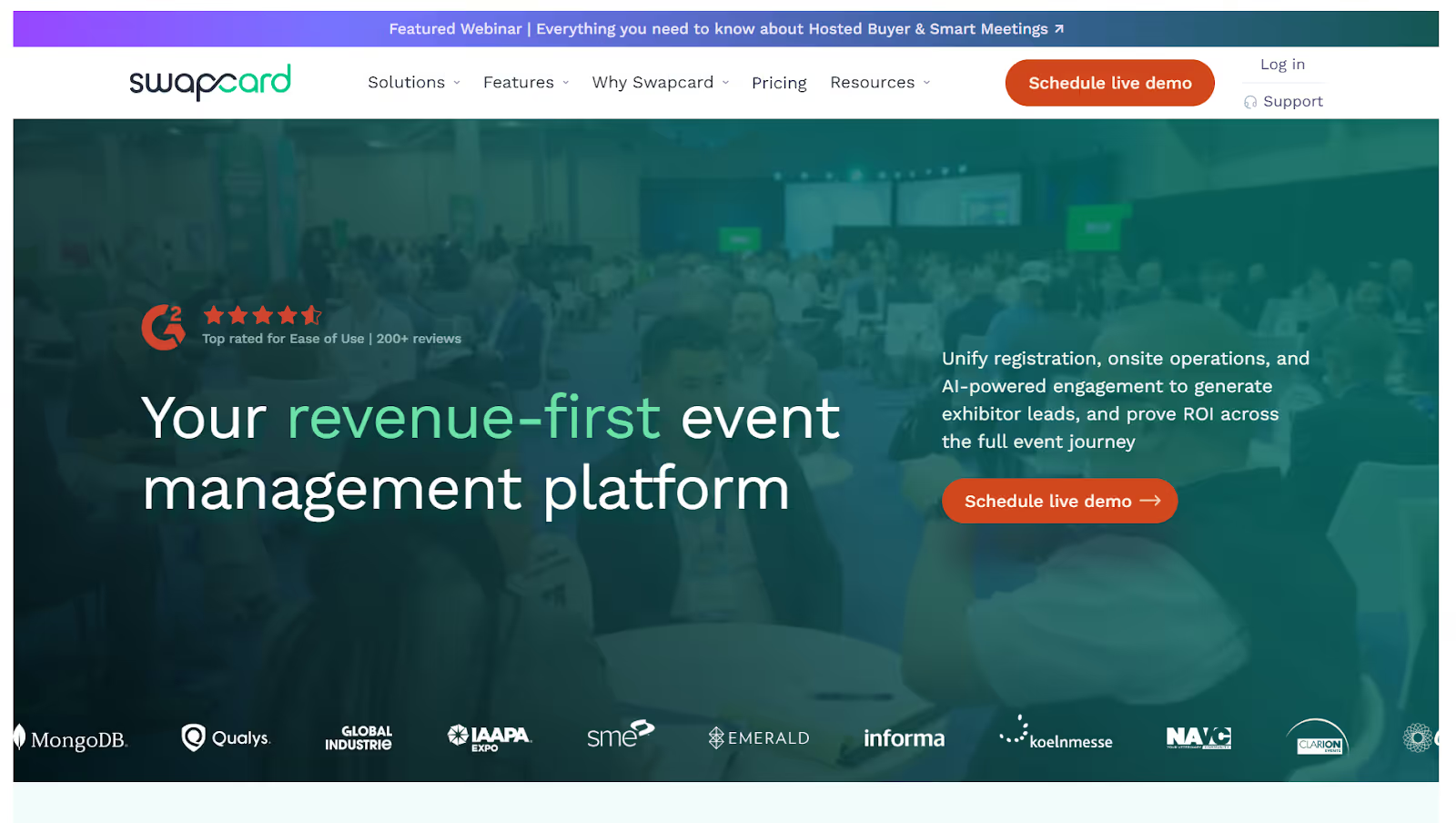
Swapcard originated as an AI-driven networking solution and has gradually expanded into a broader event management platform supporting in-person, virtual, and hybrid formats. It’s widely used for conferences, exhibitions, trade shows, and corporate events where networking, sponsor visibility, and community engagement are central to the event’s value.
Among Eventsair competitors, Swapcard is typically evaluated by teams that want to improve how attendees, exhibitors, and sponsors discover and connect.
What Swapcard is known for
- Tools to plan, promote, and manage events across physical and digital formats
- On-site support features for attendee management and event production
- Registration, ticketing, and access control to manage permissions and entry
- AI-powered matchmaking, messaging, and meeting scheduling
- Community spaces that keep participants engaged beyond event dates
- Lead capture and analytics tools for sponsors and exhibitors
- Native integrations, enterprise security controls, and compliance support
- Advanced options such as white-labeling, SSO, dedicated customer success teams, and support for formal security reviews
Where teams report limitations
- Networking workflows can feel rigid for highly customized or exhibitor-heavy programs.
- Occasional issues with agenda accuracy and synchronization have been reported.
- Messaging features are relatively basic for complex sponsor interactions.
Pricing: Starter plans begin at around $610 per year, with custom enterprise pricing available.
3. Cvent

Cvent is a full-scale enterprise event management platform most often considered once your event program moves beyond mid-market tools. It is designed to centralize end-to-end event operations, governance, and compliance across large, distributed organizations. It’s a common choice for global enterprises managing multiple events, venues, and stakeholders under a single system.
Where Cvent is strongest
- On-site event technology, including check-in kiosks, badge printing, RFID tracking, and attendance management for large volumes
- CRM and MarTech integrations with Salesforce, HubSpot, Marketo, and other enterprise systems
- Attendee engagement tools like personalized schedules, networking, live chat, polls, and Q&A
- Advanced registration workflows with approvals, group registrations, conditional logic, and automated communications
- Enterprise governance controls such as role-based permissions, SSO, MFA, budget tracking, and task management
- Cross-event analytics and reporting that give leadership visibility across multiple programs
- Venue sourcing and housing with built-in RFPs, contract workflows, and hotel room block management
Where teams often feel friction
- Onboarding can be complex, especially for smaller teams without dedicated admins.
- The breadth of features can slow down day-to-day tasks without formal training.
- Pricing is significantly higher than many EventsAir alternatives and can escalate quickly at scale.
- No public pricing, free plan, or trial, making early evaluation harder.
Pricing: Cvent operates on custom pricing, typically combining an annual platform license with per-registrant fees.
Also Read: Top 10 Cvent Alternatives and Competitors
4. Stova
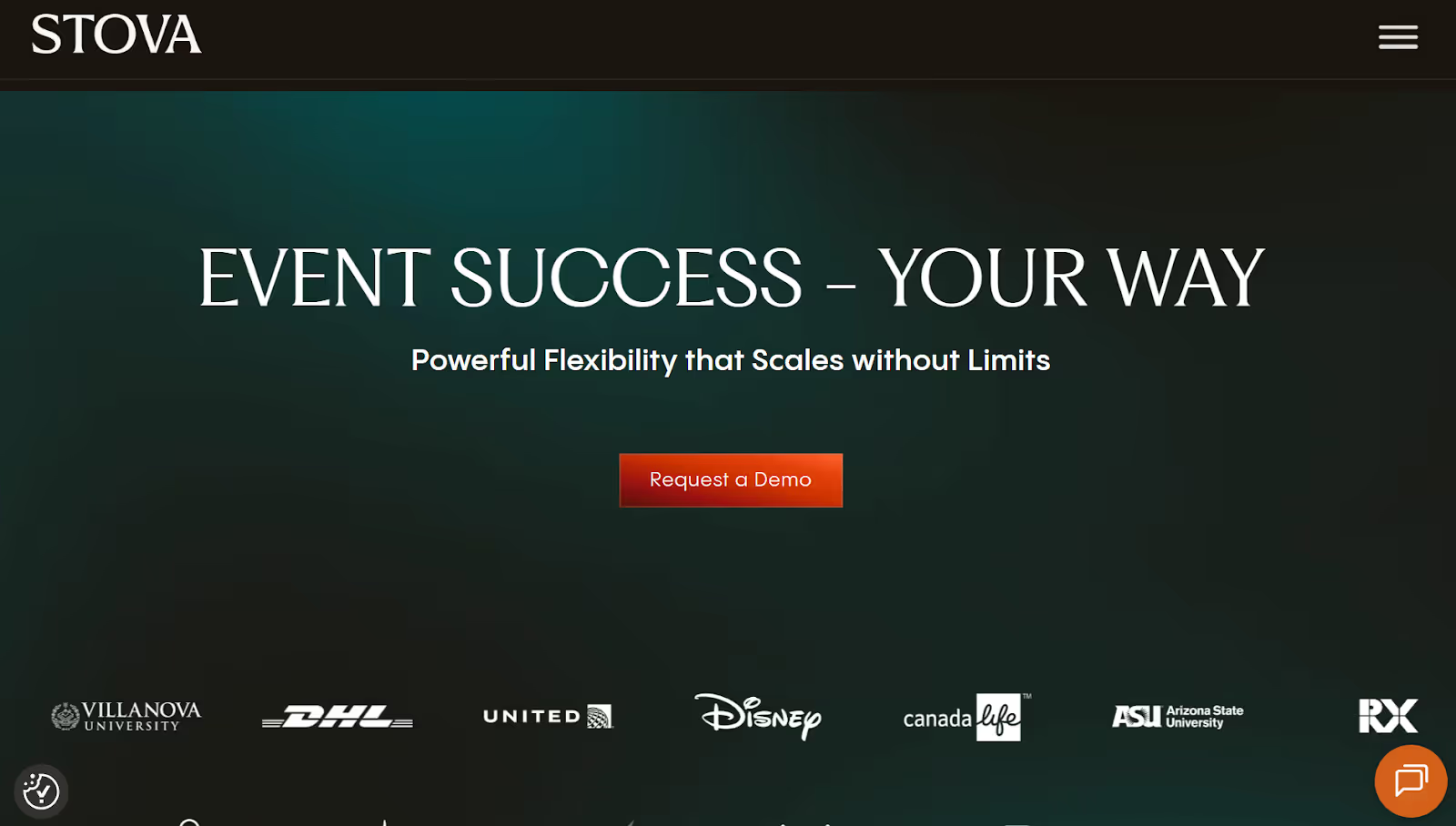
Stova is a unified event management platform created through the merger of Aventri, MeetingPlay, and Eventcore. It’s positioned as an all-in-one solution for organizations running a mix of in-person, virtual, and hybrid events. That includes corporate teams, non-profits, education providers, and public-sector agencies. For teams reviewing EventsAir competitors, Stova is considered when a single platform is needed to cover multiple event formats.
What Stova covers
- On-site check-in and attendance tracking for in-person programs
- Registration and event management workflows supporting varied event types
- Attendee networking and engagement before, during, and after events
- Standard reporting across registrations, attendance, and engagement
- Virtual and hybrid delivery with livestreaming and digital engagement tools
- Enterprise-scale controls, including role-based access, security, multi-user environments, and configurable workflows
Where teams report friction
- Layout and design changes often require technical support, which can slow down lean teams.
- Advanced customization can feel restrictive for complex or highly branded events.
- Navigation and settings can feel confusing due to the consolidation of multiple legacy platforms.
Pricing: Varies based on event size and complexity. Starter plans typically begin around $4,995 for smaller events. Higher-tier plans often start from $1,995, plus per-registrant fees (generally $3.00–$5.60), with custom enterprise pricing available.
5. Whova
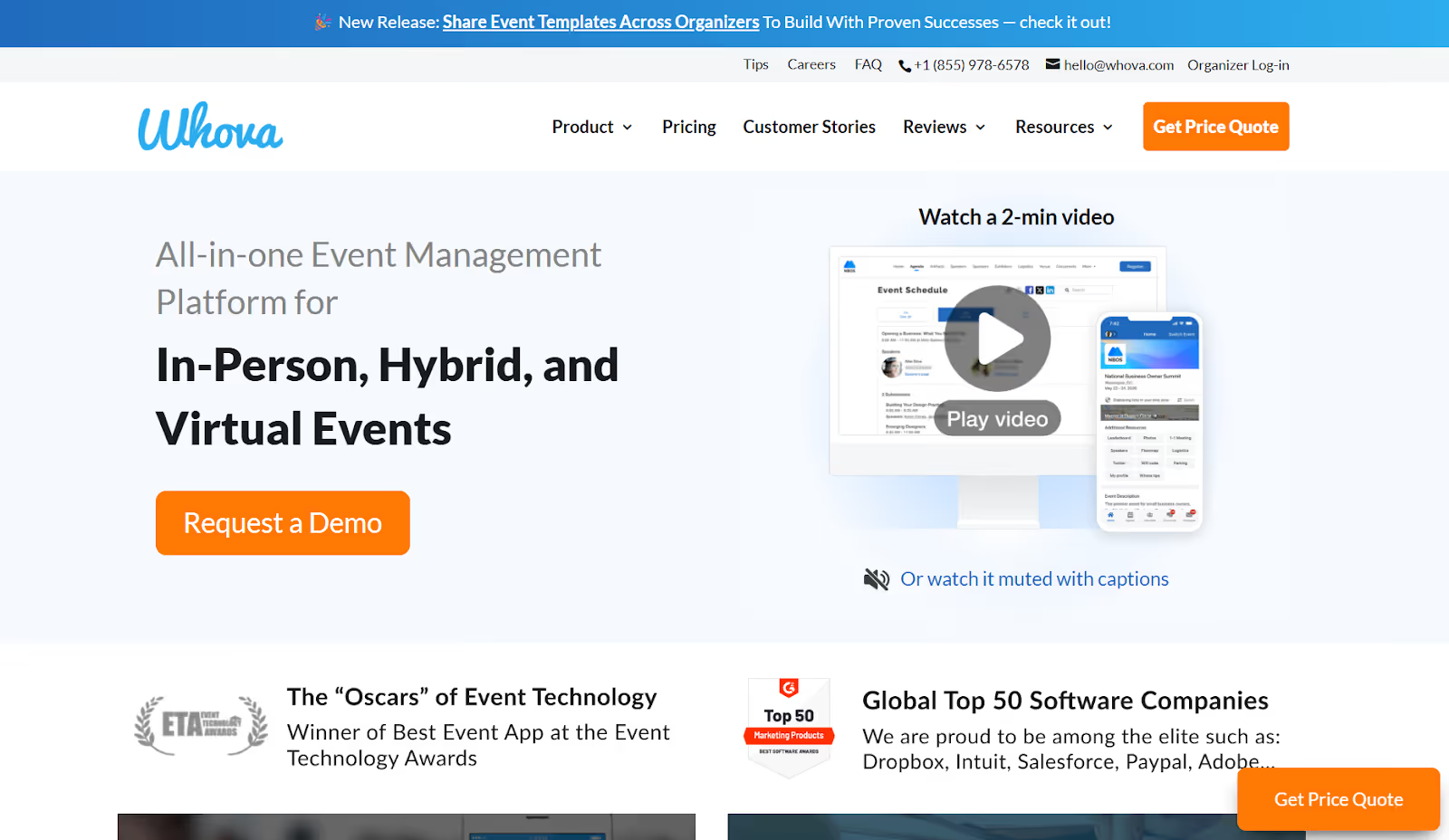
Whova is a mobile-first event management platform frequently compared with tools like EventsAir, especially for conferences, workshops, and association-led events. Its core strength lies in attendee engagement and community interaction, rather than complex registration logic or large-scale on-site execution. Whova appeals to teams that want a strong attendee-facing app experience with minimal operational overhead.
What Whova is designed to do
- Mobile-based self-service registration check-in using QR codes and ticket scanning
- Centralized agenda, speaker, exhibitor, and session management
- Native mobile app with personalized schedules, sponsor profiles, and push notifications
- Engagement tools such as live polls, Q&A, surveys, gamification, and announcements
- Community features, including discussion boards, direct messaging, contact exchange, and photo sharing
- QR-code-based lead capture for exhibitors through a dedicated lead retrieval app
- Zoom integration to support hybrid and virtual sessions
- Post-event reports focused on attendance and engagement activity
- Speaker Center for abstract submission and content management
Where teams often hit limits
- Navigation within the mobile interface can feel unintuitive for some users.
- High volumes of notifications may overwhelm attendees and dilute critical updates.
- Data inconsistencies reported between mobile and desktop views
Pricing: Whova uses custom pricing, typically based on event size, format, and selected features.
Also Read: Top 10 Whova Alternatives and Competitors in 2026
6. Bizabbo

Bizzabo is an enterprise-focused event management platform built primarily for B2B conferences and organizations that run multiple events per year. It supports in-person, virtual, and hybrid formats and positions itself as an “Event Experience OS,” combining registration, engagement, marketing, and reporting into a single ecosystem. It is typically considered by teams prioritizing brand experience, attendee engagement, and marketing performance at scale.
What it brings to the table
- Branded registration flows, agenda creation, and centralized program management across multiple events
- Built-in engagement tools, including networking, live chat, polls, surveys, and gamification
- Klik SmartBadges™ to support wearable-based networking and passive lead capture
- Sponsor and exhibitor analytics that track engagement across booths, sessions, and digital touchpoints
- Event marketing capabilities, such as email automation and customizable promotional campaigns
- Bizzabo Studios for creative production and content delivery
- Enterprise-grade controls, including gated registrations, SSO, dedicated IP addresses, custom-branded apps, and centralized media libraries
Where teams often feel constraints
- Pricing sits at the higher end, making it less accessible for smaller teams or one-off events.
- Advanced configurations typically require onboarding support or training, slowing time-to-value.
- Website customization and granular reporting often require HTML/CSS knowledge and developer expertise.
- User feedback occasionally points to registration-related issues and platform bugs.
Pricing: Bizzabo uses a tiered pricing model based on event size and feature access. Plans generally start at $499 per user per month (billed annually, with a three-user minimum), with custom pricing and add-ons for larger enterprise programs.
7. Accelevents
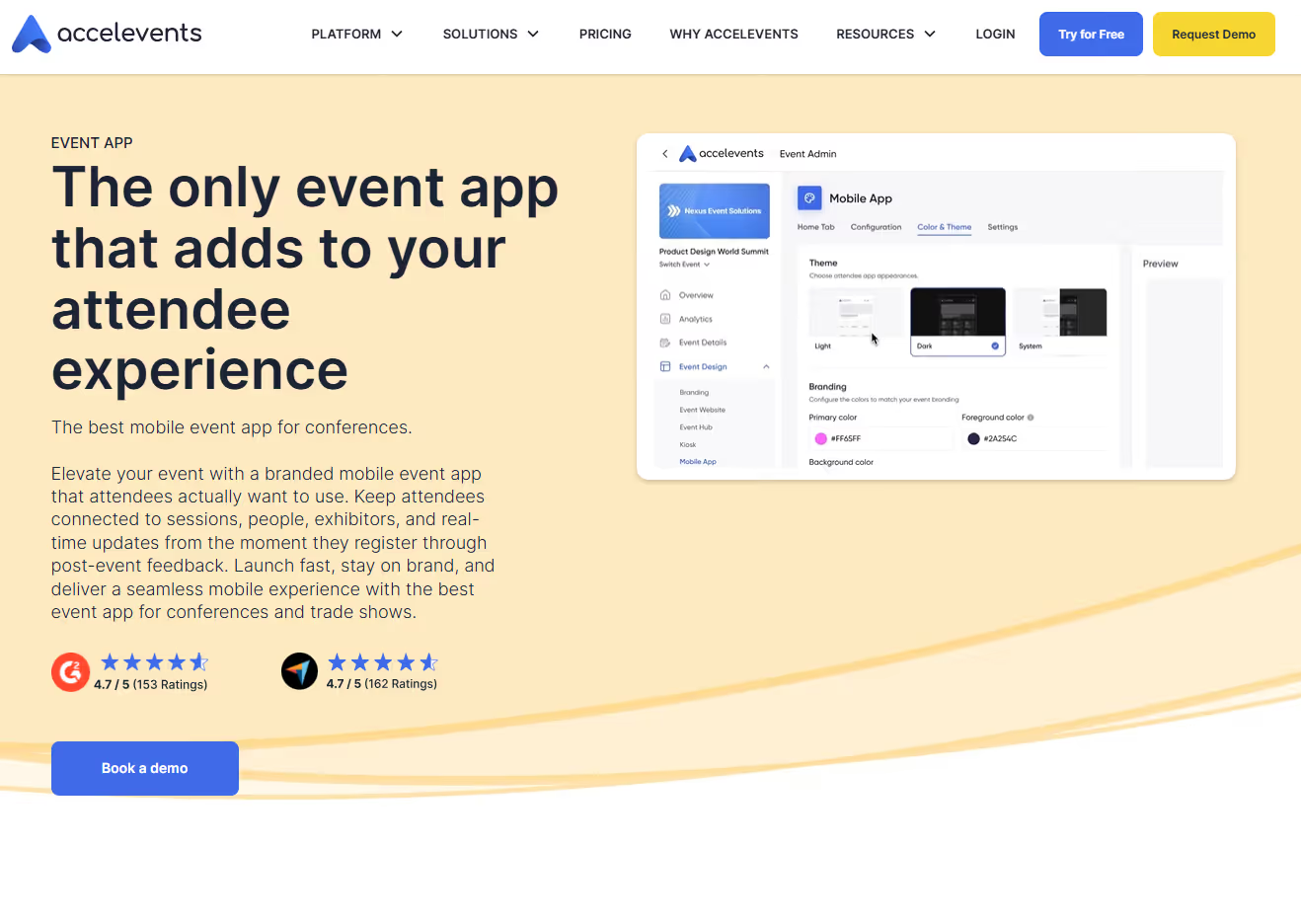
Accelevents is another all-in-one event management platform built with an emphasis on speed and flexibility. It supports in-person, virtual, and hybrid formats and is often evaluated as an EventsAir alternative by teams that want stronger on-site functionality without moving into heavy enterprise complexity. It’s commonly used for conferences, trade shows, and multi-day events where fast setup and attendee throughput are critical.
What Accelevents does well
- Flexible registration and ticketing with customizable forms and ticket types
- Contactless check-in using QR codes, self-service kiosks, and on-demand badge printing
- Drag-and-drop badge design to simplify on-site setup
- Analytics to track attendance, engagement, and exhibitor ROI
- Native integrations with Salesforce and HubSpot for lead follow-up and reporting
- Highly responsive customer support, especially during live events
Where teams report constraints
- The integration ecosystem is smaller than enterprise platforms like EventsAir.
- Customization options are limited in some areas, impacting accessibility and event hub design.
- Budgeting and financial tools are less advanced than those in higher-end systems.
- Users cite occasional software bugs that can slow configuration or execution.
Pricing: Accelevents offers tiered pricing starting around $7,500 for a single event and $13,500 for multiple events, with custom enterprise and white-label plans available.
8. RingCentral Events (formerly Hopin)
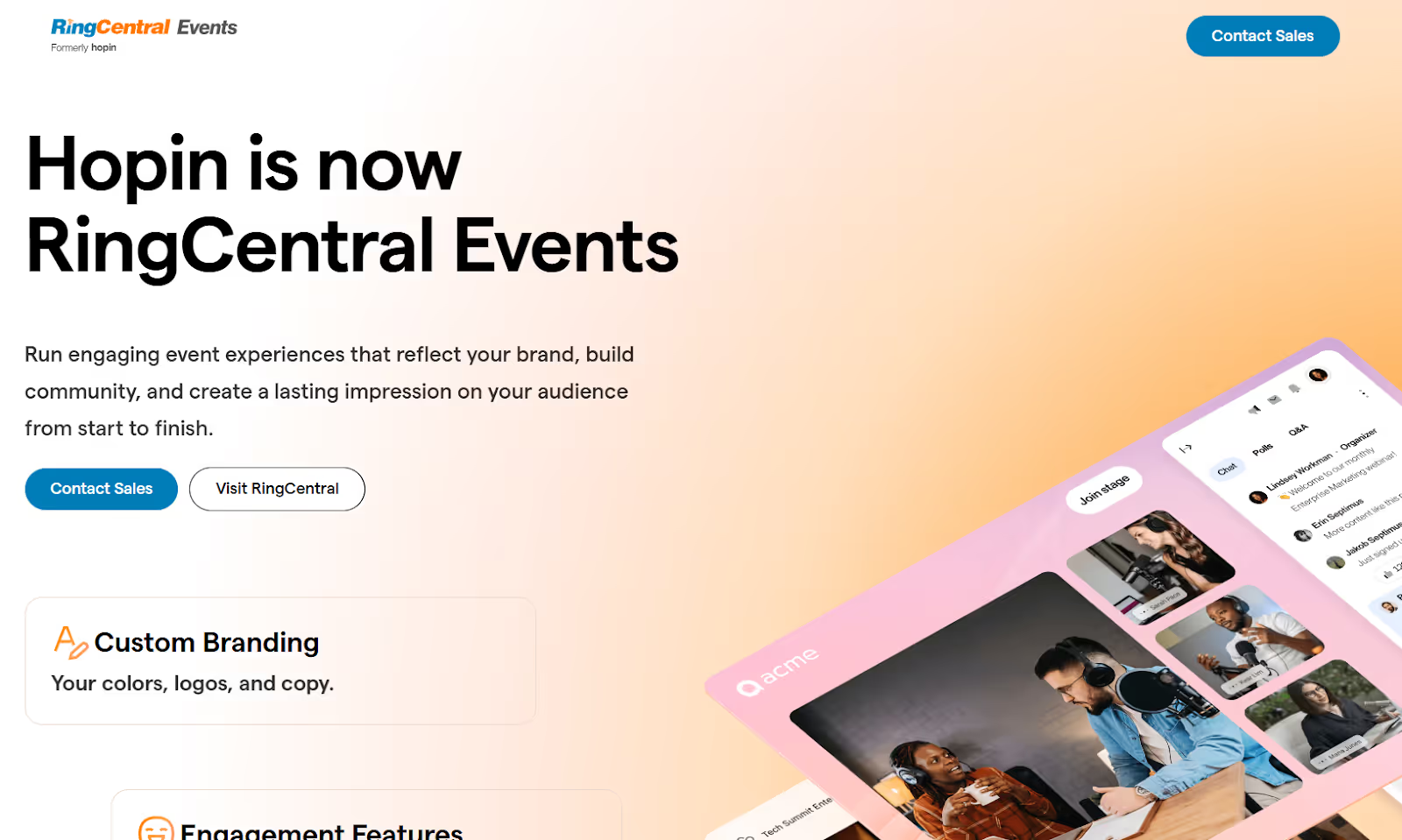
RingCentral Events is a virtual-first events platform designed for webinars, online conferences, and internal or external virtual summits. Its core strength lies in livestream production and digital engagement rather than on-site execution. That makes it a different fit from platforms like EventsAir that focus on in-person complexity.
Where it does well
- Studio-grade livestreaming with live and pre-recorded sessions, green rooms, and speaker controls
- Virtual event spaces for sessions, expos, and sponsor booths
- Built-in registration and ticketing for virtual and hybrid events
- Audience interaction tools, including chat, Q&A, polls, matchmaking, and networking rooms
- Event-level branding, customizable visuals, and branded attendee communications.
- Integrations with Salesforce, HubSpot, Mailchimp, Slido, and Miro
- Engagement analytics covering attendance and session participation
Where it’s limited
- Minimal on-site capabilities, especially for check-in, badging, and access control
- Users report video playback issues when switching browser tabs.
- Access challenges in corporate environments with strict firewalls
- No Zoom integration and no built-in live captioning
- Live-event support is primarily email-based.
Pricing: RingCentral Events offers a 30-day free trial, with paid plans typically ranging from $99 to $299 per organizer per month, billed annually.
9. PheedLoop
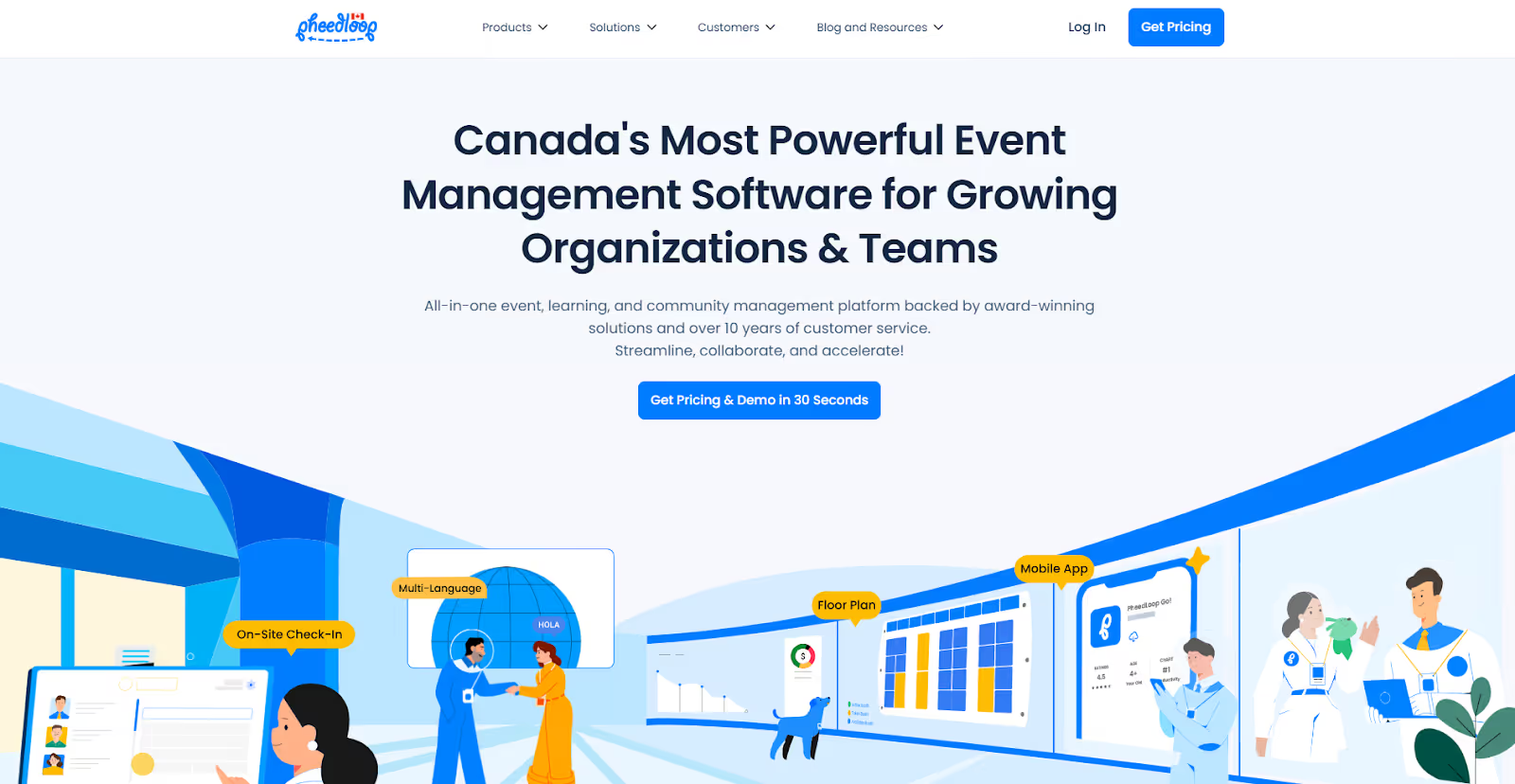
PheedLoop is a cost-effective, modular event management platform aimed at SMBs, associations, and mid-sized teams running conferences, AGMs, trade shows, and fundraising events. It’s often evaluated as a lighter alternative to more administrative platforms like EventsAir. While EventsAir is frequently chosen for highly structured conference workflows (abstracts, complex programs), PheedLoop appeals to teams that want flexibility without exorbitant pricing.
What PheedLoop covers
- Mobile event app with personalized agendas, networking, and live updates
- On-site check-in and badge printing for in-person events
- Custom registration and ticketing with automated attendee communications
- Built-in event website builder and live display tools for on-site signage
- Multi-language support for international audiences
- Virtual and hybrid streaming with HD video delivery
- Automation for emails, scheduling, and operational workflows
- Reporting across registrations, attendance, and engagement
Where users report trade-offs
- Fewer enterprise-grade integrations compared to larger platforms
- Integration challenges reported with WordPress
- Initial onboarding can feel complex for first-time users.
Pricing: PheedLoop offers flexible, pay-as-you-go pricing based on the modules and features you select.
10. vFairs
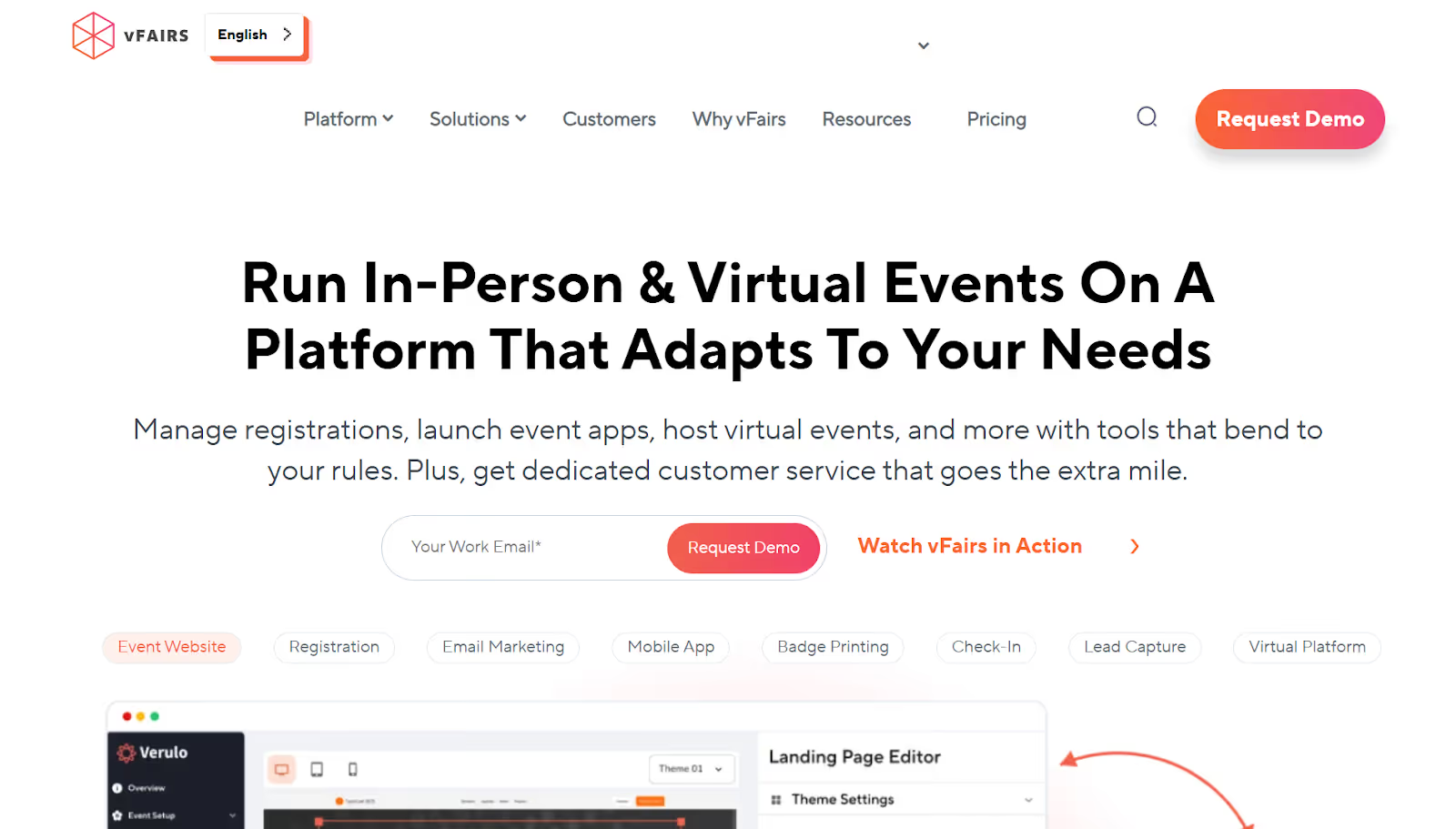
vFairs is a virtual-first events platform best known for its immersive, 3D-style digital environments. It’s frequently evaluated alongside tools like EventsAir for online conferences, virtual expos, career fairs, and hybrid events. It's beneficial when visual experience and virtual interaction matter more than physical event logistics.
What vFairs focuses on
- Immersive 3D virtual halls, auditoriums, and booths that create a more exploratory, game-like experience
- Support for fully virtual and hybrid events, including conferences, expos, and recruitment programs
- Extensive branding and theme customization options for virtual environments and sponsor spaces
- Built-in registration, ticketing, and access controls for virtual participation
- Event marketing tools such as landing pages, email campaigns, and promotional workflows
- Live-streamed sessions, on-demand content libraries, and session replays for engagement
Where teams report challenges
- Administrative tasks like content updates, configuration changes, and reporting can be time-consuming.
- Limited operational depth, such as limited sales-rep visibility and slower feature rollout compared to platforms focused on in-person or hybrid execution
- Usability hurdles that affect organizer setup and attendee navigation
- Reports of technical reliability issues during live sessions
- Delays in session replays and occasional lag in chat or interaction features
Pricing: vFairs uses custom pricing based on event size, format, and selected features.
Also Read: Top 8 vFairs Alternatives Event Teams Can Consider Switching To (2026)

As the list shows, EventsAir competitors vary widely in what they optimize for. The right choice depends more on how closely a platform aligns with the operational pressure your events face. To make that decision easier, the following section outlines how to evaluate them using a practical, execution-first framework.
How to Evaluate EventsAir Competitors: A Practical Framework for Event Owners
If you’re comparing EventsAir competitors, you’re likely past surface-level feature lists. You’re accountable for attendee flow, exhibitor ROI, data integrity, and post-event reporting, not just whether an app looks good in a demo.
The framework below combines and refines the most critical evaluation criteria, based on how events actually operate before, during, and after show day.
1. Registration Architecture That Doesn’t Collapse Under Pressure
Registration is the backbone of every downstream workflow. In simple words, it is the first operational gate. If it’s brittle, every following workflow breaks.
A viable alternative should support:
- Multiple ticket classes (VIPs, exhibitors, speakers, staff, media, early bird, groups)
- Smooth late and on-site registrations without manual overrides
- Automated confirmations, reminders, and last-minute updates
- Reliable payment handling (Stripe, PayPal, invoicing, refunds)
- Conditional logic, approval workflows, and role-based access
Reality check: If your team has to “hack” registration on-site, the platform isn’t built for scale.
Pro tip: Ask how the platform handles on-site last-minute registrations. Many tools work well weeks before the event, but fall apart at the door.
2. Arrival-Phase Performance & Attendee Flow Design
Peak arrival is where most platforms are exposed. Therefore, look beyond “check-in supported” and verify:
- Contactless check-in via QR, barcode, or facial recognition
- High-throughput, on-demand badge printing that performs at peak loads
- Session scanning and access control (with offline fallback)
- Hardware proven to operate with low latency under stress
- Backup workflows for connectivity, printer, or power failures
Key insight: Platforms that treat check-in as an add-on are fine for small meetups, not for events where flow design determines success.
3. End-to-End Brand Control (Not Just a Branded App)
Fragmented branding breaks trust, especially for sponsors and VIPs. To ensure the event feels like your brand, not the platform’s, evaluate whether you get:
- True white-labeling across websites, apps, kiosks, emails, and signage
- Personalized agendas and intelligent session recommendations
- A consistent experience across mobile, desktop, and physical touchpoints
- Custom domains and branded attendee communications
4. Engagement That Converts Into Actionable Intelligence
Engagement metrics are useless if they can’t drive decisions. Confirm that engagement data:
- Includes polls, Q&A, networking, session interaction, and meetings
- Is tracked at the individual attendee level
- Feeds directly into analytics and CRM reporting
- Supports structured 1:1 matchmaking
Red flag: Platforms that only report “clicks” or aggregate activity can’t tell you who engaged, or why it mattered.
5. Integration Depth & Data Freedom
Your event data should flow, not get trapped in silos. Ensure the platform offers the following integrations:
6. Scalability Without Cost or Performance Surprises
Many platforms fail quietly as events grow. They look affordable at first, but the scale reveals hidden fees.
Assess whether the platform:
- Performs equally well for small internal meetings and large conferences
- Supports multi-event and multi-region programs
- Auto-scales during peak concurrency
- Maintains predictable pricing as attendance grows
Pro tip: Ask for pricing scenarios at 2x and 5x your current attendance.
7. Live Visibility & Post-Event Intelligence
Insights lose value the longer they’re delayed. If they arrive weeks later, they’re already outdated.
Look for:
- Real-time dashboards for check-ins, sessions, and engagement
- Metrics tied to individuals, accounts, and pipeline via CRM
- Predictive indicators (session popularity, attendance trends)
- Post-event reporting without manual data stitching
8. Support Model, Partnership Mindset & Roadmap Clarity
Live events don’t pause for ticket queues or support emails. Evaluate whether the platform supports:
- Structured onboarding and implementation support
- Clear SLAs and escalation paths
- Transparent, proactive product roadmap communication
- Regional logistics or on-site support (where applicable)
Insight: The best partners help you design success before show day, not just troubleshoot during it.
9. Security, Compliance & Enterprise Readiness
Events are data-dense environments with real risk exposure. And event platforms often handle sensitive personal and commercial data. So, confirm support for:
- Role-based access, SSO, MFA
- GDPR, CCPA, and regional compliance
- Encryption in transit and at rest
- SOC 2 Type II / ISO 27001 (where applicable)
- Audit logs and incident reporting
A Handy, Actionable Checklist for Decision-Makers
Before you commit, pressure-test your shortlist. Use this actionable checklist to move from shortlisting to confident decision-making:
- Map real operations: Document attendee volume, peak check-in windows, badging needs, session access rules, exhibitor expectations, and reporting depth.
- Define non-negotiables early: Separate must-haves (contactless check-in, live badging, CRM sync, security) from nice-to-haves.
- Validate ownership of on-site execution, not just software access: Clarify who is accountable when things go wrong on-site. Does the provider simply offer a platform, or do they take responsibility for hardware readiness, on-site setup, troubleshooting, and live execution?
- Calculate total cost of ownership: Include hardware, on-site services, integrations, training, and post-event support, not just license fees.
- Match platform to your prominent format: In-person, hybrid, or virtual, without workarounds.
- Prioritize relevant case studies: Look for proof that aligns with your scale, geography, and complexity.
- Assess how early the platform can add value in your planning cycle: Some solutions only become useful once registration opens. Others contribute earlier, helping you design attendee flow, map data requirements, and plan on-site logistics before layouts and processes are locked.
- Validate live performance: Go beyond demos. Review peer feedback on peak arrivals and last-minute changes.
Conclusion
Looking at EventsAir competitors forces an important question: what actually makes your event succeed on show day? For most teams, it’s not about more features. Instead, it is fewer breakdowns when arrivals peak, sessions fill up, and stakeholders expect answers in real time. The gap between planning and execution is where many platforms struggle to deliver consistent results.
fielddrive is built specifically for that gap. Instead of focusing solely on registration or administration, it helps you plan how people move through the venue, how on-site data is captured, and how insights are surfaced. That combination of early planning, reliable on-site delivery, and actionable intelligence changes how events perform under pressure.
So, if you’re reviewing EventsAir competitors and want a solution designed for how events actually run, not just how they’re configured, book a demo. See the difference firsthand.
FAQs
1. When does it make sense to switch from EventsAir instead of extending it with add-ons?
If your team relies on multiple third-party tools or manual processes to handle on-site check-in, exhibitor leads, or reporting gaps, switching platforms often makes sense. It reduces complexity and risk more effectively than layering add-ons onto an already fragmented setup.
2. Can EventsAir alternatives handle international, multi-location events more effectively?
Some alternatives, like fielddrive, offer stronger global logistics, regional support teams, and localized workflows. This matters when running parallel events across regions, where shipping hardware, compliance, and on-site support consistency become operational risks.
3. What differences exist in how platforms manage speaker and VIP access?
Not all platforms support role-based access dynamically. Stronger EventsAir competitors allow differentiated check-in, badge rules, and session permissions for speakers, VIPs, media, and staff, without creating separate registration workflows for each group.
4. What role does hardware ownership vs. rental play in platform choice?
Some platforms rely entirely on third-party hardware, while others control their own devices. Platforms with owned, standardized hardware typically offer better reliability, faster replacements, and greater transparency in accountability during on-site execution.

.svg)
.svg)
.svg)
Want to learn how fielddrive can help you elevate your events?
Book a call with our experts today


.svg)