

.svg)
.webp)
Event registration often feels harder than it should be. You’re dealing with drop-offs, payment issues, and messy attendee data, all before your event even begins. A slow or confusing registration flow can quietly hurt your turnout, and the impact adds up fast.
In fact, every additional step in the ticket purchase process causes 10% of potential attendees to drop off before completing registration. That means even small friction points, extra form fields, unclear pricing, or clunky checkout can cost you real attendance and revenue.
In this article, you’ll learn what event registration is, how it works step by step, the best event registration software to consider in 2026, how to choose the right platform for your needs, and how to set up a registration process that reduces drop-offs and improves attendee experience.
Key Takeaways:
- Pick based on event type: Choose event registration software that fits your event size, format, and audience.
- Keep registration simple: Fewer steps in online event registration lead to higher sign-up rates.
- Watch pricing and data control: Compare event registration platforms on fees and who owns attendee data.
- Connect to onsite tools: Registration software should sync with check-in and badge printing systems.
- Set up for speed and accuracy: A strong registration setup supports fast entry and clean attendee data.
Quick Picks: Find the Right Event Registration Software in 60 Seconds
The right event registration platform affects conversion rates, attendee experience, and on-site operations. Choosing the wrong one can lead to drop-offs, payment issues, and long check-in queues.
Find your match in 60 seconds. Not sure where to start? Use these shortcuts:
- Want the lowest cost → Ticket Tailor
- Want the best design → Splash
- Want networking → Whova
- Want virtual events → vFairs
- Want hybrid → Hubilo (now Virtual PRO)
Still unsure? Refer to the table below:
⚠️ = Notable trade-offs (cost, complexity, or limitations)
Note:
- “Starting price” reflects the smallest viable event size in that category. Pricing scales with attendees.
- All prices in USD (approximate). Verify with vendors. Last updated: April 2026.
- Categories are guidelines, not strict limits
Key Notes (Prevents Cost & Setup Surprises)
- Ticket Tailor: Subscription becomes cheaper at ~40+ tickets/month
- Splash: Lower tiers include branding; full white-label requires higher plans
- Whova: Pricing scales non-linearly; always request a quote
- vFairs: Hybrid setups typically ~$6k–$15k+
- Zeffy & Givebutter: Tip prompts shown at checkout may reduce conversion
- Pretix: No per-ticket fees if self-hosted
Why Isn’t Eventbrite the “Best Choice” Anywhere?
Eventbrite is widely used and reliable, but:
- Fees increase quickly for paid events
- Branding limitations on lower tiers
- Less flexibility compared to specialised tools
- Best suited when you need built-in marketplace discovery
It’s still a strong default for simple, public-facing events.
But before choosing an event registration platform, you should understand how event registration systems work and what they manage behind the scenes.
What is Event Registration? (And Why It Matters More Than Ever)
Event registration is the system that turns interest into confirmed attendance. It includes the form, ticketing, and a real-time attendee data hub that tracks every interaction from sign-up to check-in. It’s also your event’s first impression, setting the tone for how attendees perceive the experience from the very first click.
Modern event registration is built around four core pillars:
Experience (What Attendees Feel)
- Attendee data capture (name, preferences, access levels)
- Ticket and pass delivery (QR codes, mobile tickets, digital wallets)
- Verified identity integration (Google, LinkedIn, Apple sign-in)
- Adaptive registration flows (content changes based on attendee type)
Operations (How the Event Runs)
- Payment handling (cards, invoices, multi-currency support)
- Automated confirmations and reminders (email, SMS)
- On-site check-in (QR scanning, mobile apps, biometric check-in, face-to-badge systems)
Intelligence (What You Learn and Act On)
- Analytics and reporting (attendance rates, no-shows, audience insights)
- Real-time attendee tracking and segmentation
Lifecycle (What Happens After the Event)
- Post-event follow-ups (surveys, content sharing, re-engagement)
- Audience retargeting for future events
- Sponsor reporting and ROI measurement
- Personalised communication based on attendee behaviour
In 2026, friction is a failure. Registration is a zero-wait experience, where attendees sign up in one tap using saved profiles, while organisers get instant access to structured data they can act on before, during, and after the event.
For organisers, event registration goes beyond collecting sign-ups; it helps predict revenue and plan resources like staffing and catering. It also connects your systems, syncing attendee data across CRM, marketing tools, and onsite operations.
The best platforms bring everything into one place, removing the need for manual tracking and disconnected workflows.
11 Top Event Registration Software Tools for 2026
Choosing the right event registration platform is not just about features; it directly impacts attendance rates, revenue, and how smoothly your event runs on the day. The right tool reduces drop-offs, captures clean data, and sets the foundation for everything from check-in to post-event follow-up.
To make this easier, here’s a breakdown of the best event registration software in 2026, grouped by event size and use case so you can quickly find what fits your needs.
Small Events (50–500 attendees)
1. Ticket Tailor
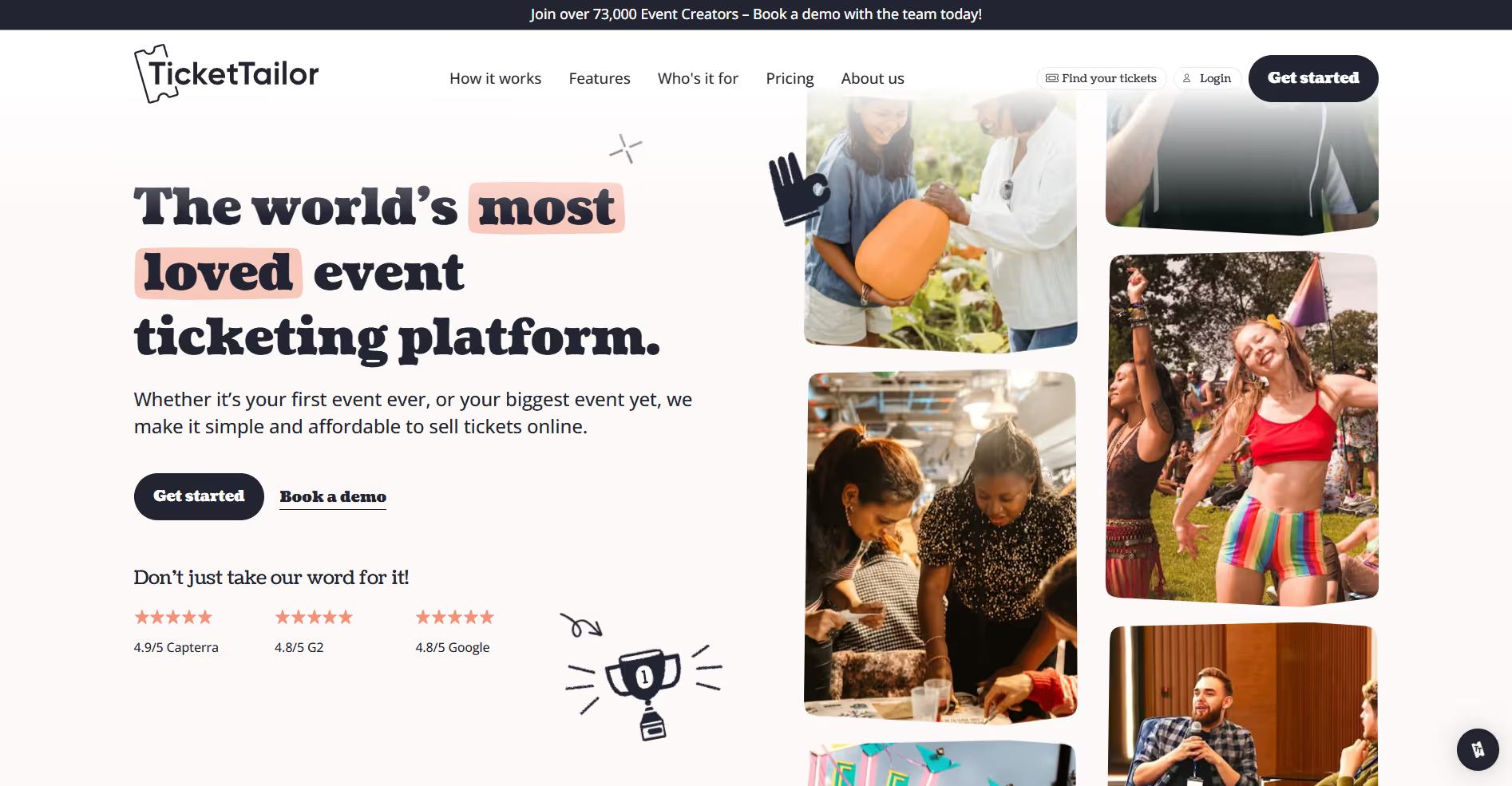
Best for: Nonprofits, community organizers, budget-conscious planners, and events with higher ticket prices
Ticket Tailor excels in cost efficiency, organizer control, and strong privacy-first practices. Organizers retain full ownership of attendee data, with built-in GDPR tools including a privacy policy generator and clear data processing agreements.
Key features:
- Flat low per-ticket fees with no platform percentage cut
- White-label checkout and custom domains
- Email sequences, reminders, and discount codes
- Mobile check-in app with QR codes
- Flexible pricing tiers and seating charts
2026 edge:
- Predictable pricing and B Corp certification aligned with sustainability and data sovereignty priorities
- Built-in AI tools for generating event descriptions and email campaigns
- Smart scheduling suggestions based on past attendee behaviour
Pricing: ~$0.85/ticket; free for free events
Limitations: No discovery marketplace; limited advanced automation and reporting
2. Eventzilla
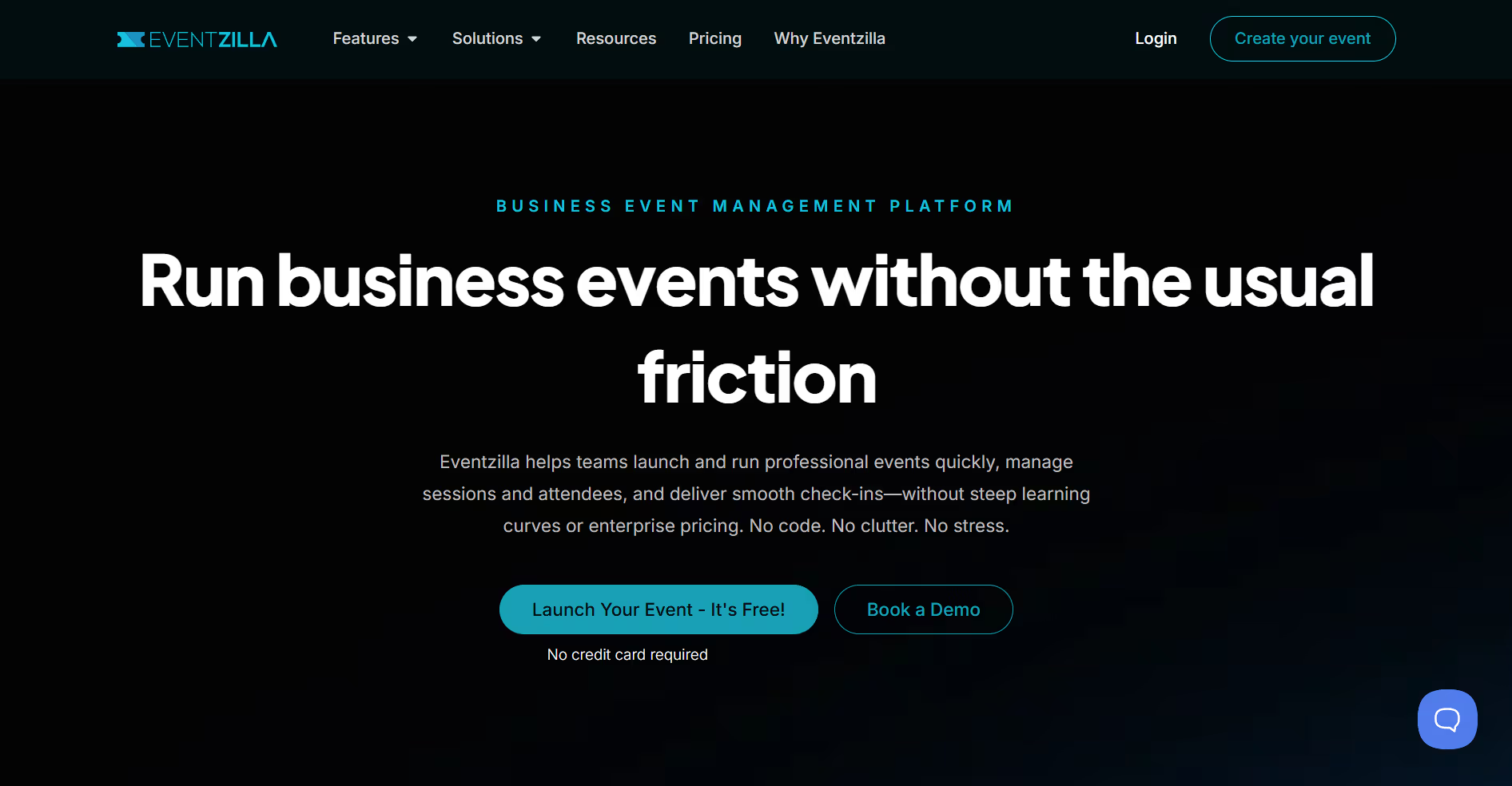
Best for: First-time organizers and simple, low-complexity events
Eventzilla focuses on straightforward registration and ticketing without unnecessary complexity.
Key features:
- Drag-and-drop form builder
- Built-in payment processing
- Email confirmations and reminders
- Mobile check-in
- Basic analytics
2026 edge:
- Fast setup with minimal configuration
- Suitable for short lifecycle events without advanced requirements
Pricing: ~$1.50 per ticket in basic plan or tiered plans
Limitations: Limited integrations and automation
3. Luma
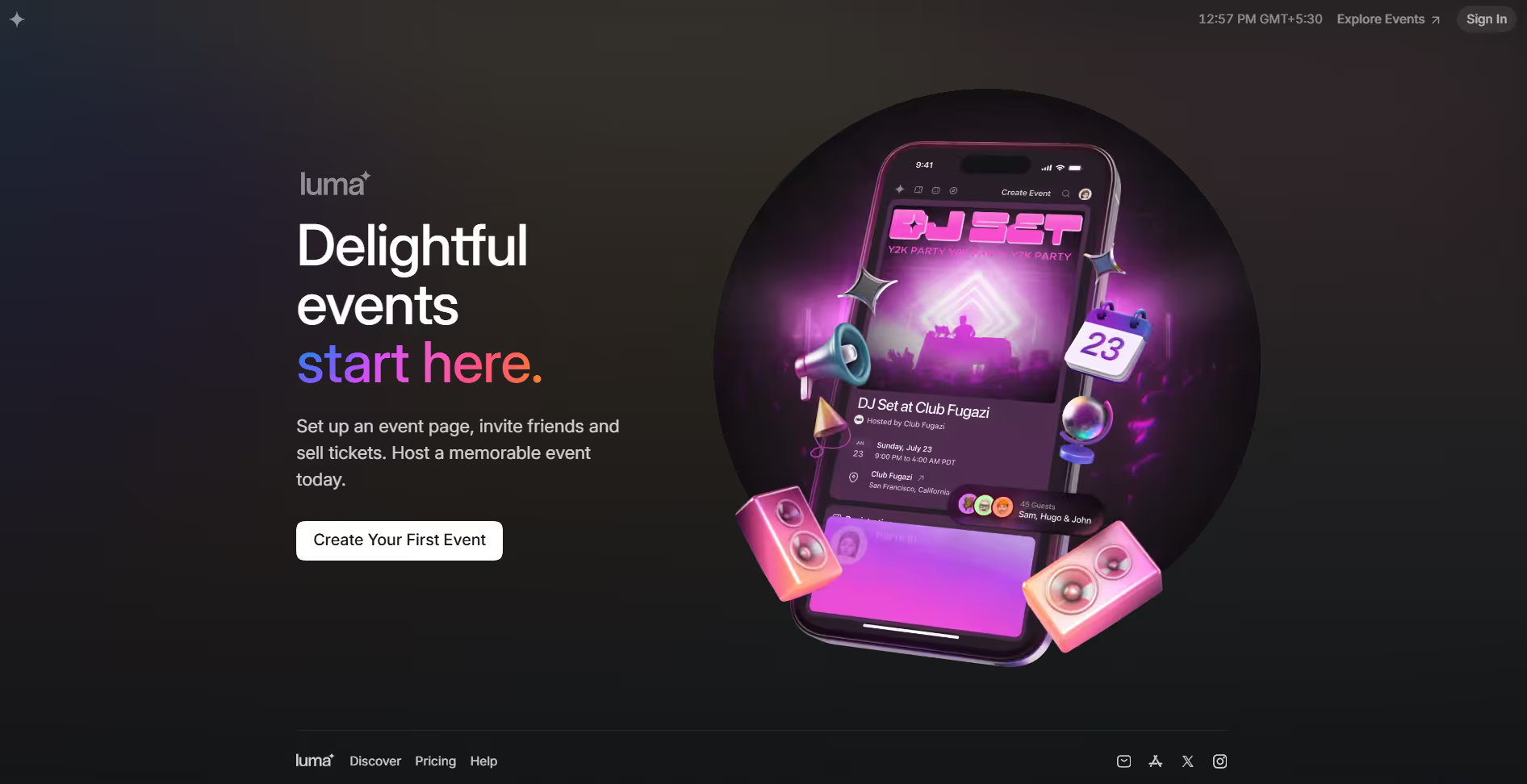
Best for: Social events, community-led gatherings, and discoverability-driven events
Luma prioritizes social sharing and community growth with a clean, modern interface.
Key features:
- Social-first event pages
- Free and paid ticketing
- Email + SMS notifications
- QR-based check-in
- Engagement analytics
2026 edge:
- One-tap registration using passkeys and identity-based flows
- AI-assisted event page creation and messaging
- Smart timing recommendations based on audience engagement patterns
Pricing: Free + ~5% fee on paid tickets; paid plans ~$59/month
Limitations: High percentage fee for paid tickets; limited control for structured events
4. Tito
Best for: Developer-first events and custom workflows
Tito offers flexibility through APIs and privacy-first infrastructure.
Key features:
- API and webhook automation
- Real-time reporting
- Mobile check-in
- Custom registration logic
2026 edge:
- Strong integration into custom tech stacks
- Identity-first registration flows with reduced login friction
Pricing: ~3% per ticket (capped); free for free events
Limitations: Limited built-in marketing tools
Mid-Market Events (300–2,000 attendees)
5. Splash (by Cvent)
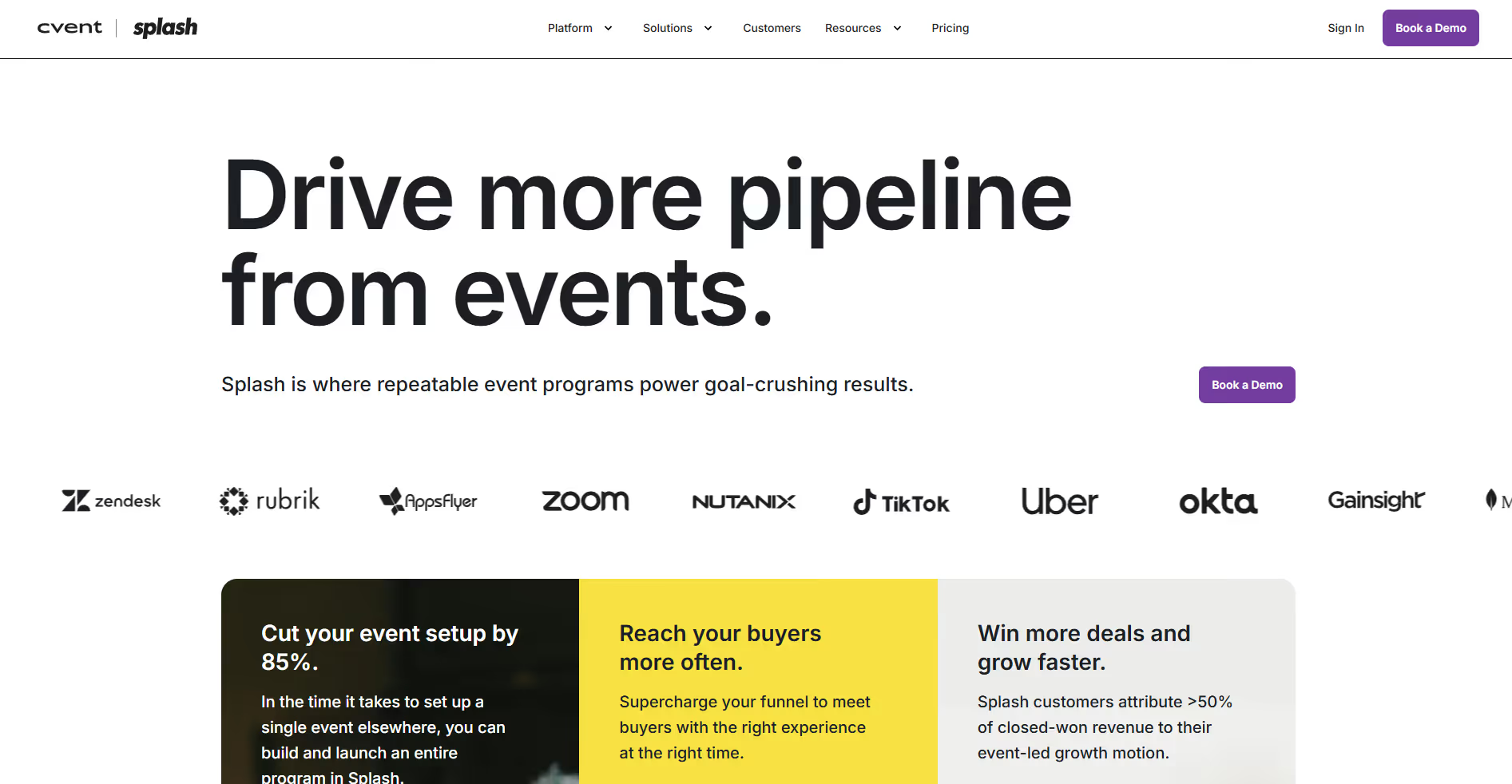
Best for: Marketing-led, design-focused event programs
Splash acts as the front-end experience layer within the Cvent ecosystem, combining branding with enterprise capabilities.
Key features:
- Drag-and-drop event pages with advanced branding
- Email campaigns and waitlist management
- Conversion-focused analytics
2026 edge:
- Bridge between marketing execution and enterprise event operations
- Improved data flow for lead tracking and ROI measurement
Pricing: Custom subscription pricing
Limitations: Advanced features are limited on lower tiers
6. Eventbrite
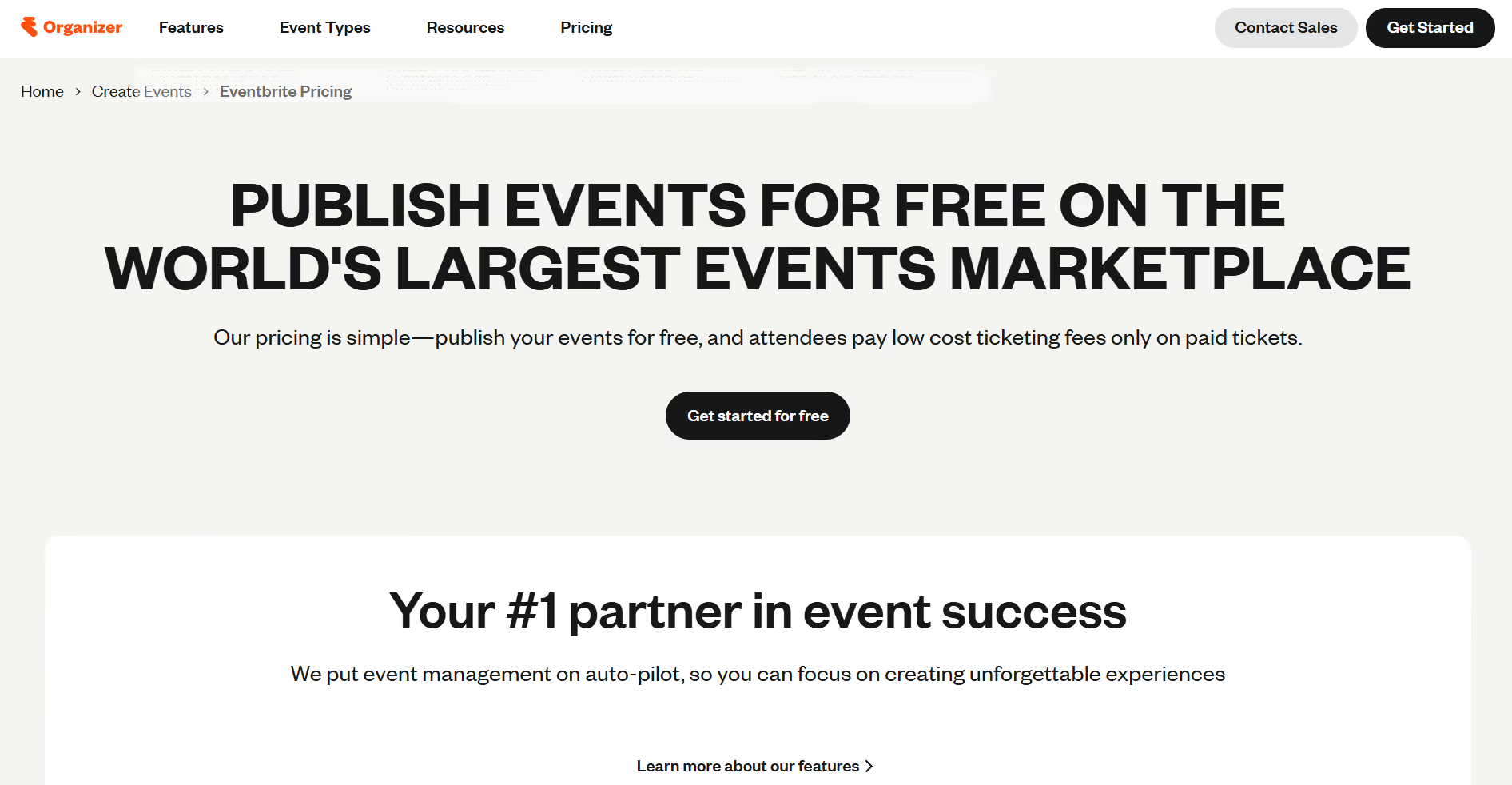
Best for: Events that rely on audience discovery and external reach
Eventbrite functions as a marketing and distribution platform rather than just ticketing.
Key features:
- Built-in marketplace discovery
- Mobile check-in
- Email marketing tools
- Analytics dashboard
2026 edge:
- Strong audience acquisition and distribution tools
- Social promotion and discovery-driven registrations
Important 2026 reality: Eventbrite may show competing events alongside yours, reducing control over the attendee journey.
Pricing: ~3.7% + $1.79 service fee per paid ticket. ( +2.9% payment processing fee per order)
Limitations: High fees; limited branding control; less useful if you own your audience
7. RegFox
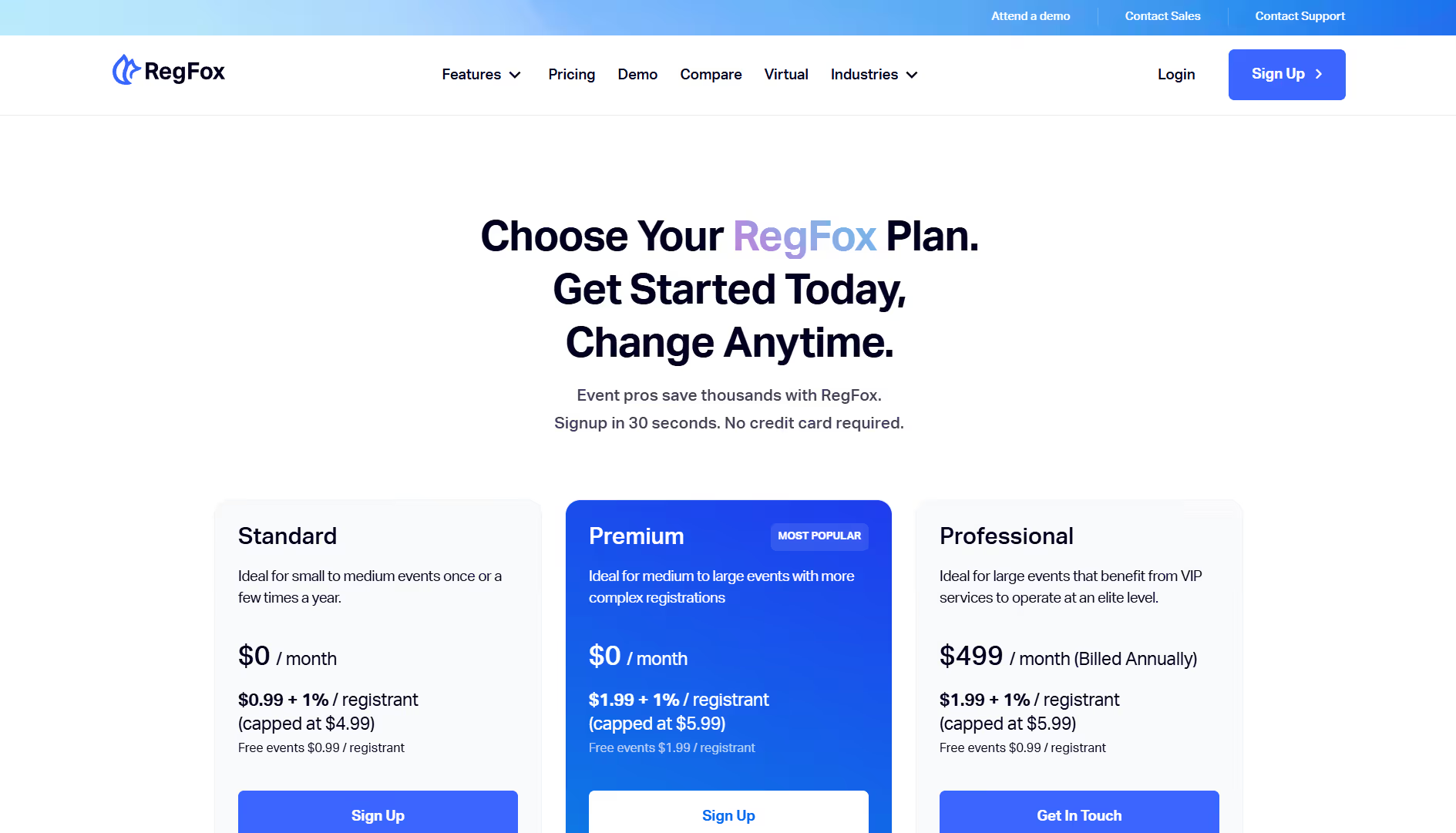
Best for: Complex registration flows and segmented audiences
RegFox provides flexibility for advanced data collection and workflows.
Key features:
- Conditional logic and custom fields
- Multi-tier ticketing
- Email automation and reporting
- API access
2026 edge:
- AI-driven pricing adjustments based on registration velocity
- Strong control over attendee segmentation and workflows
Pricing: ~$0.99–$1.99 + 1% per registrant
Limitations: Smaller ecosystem
8. Whova
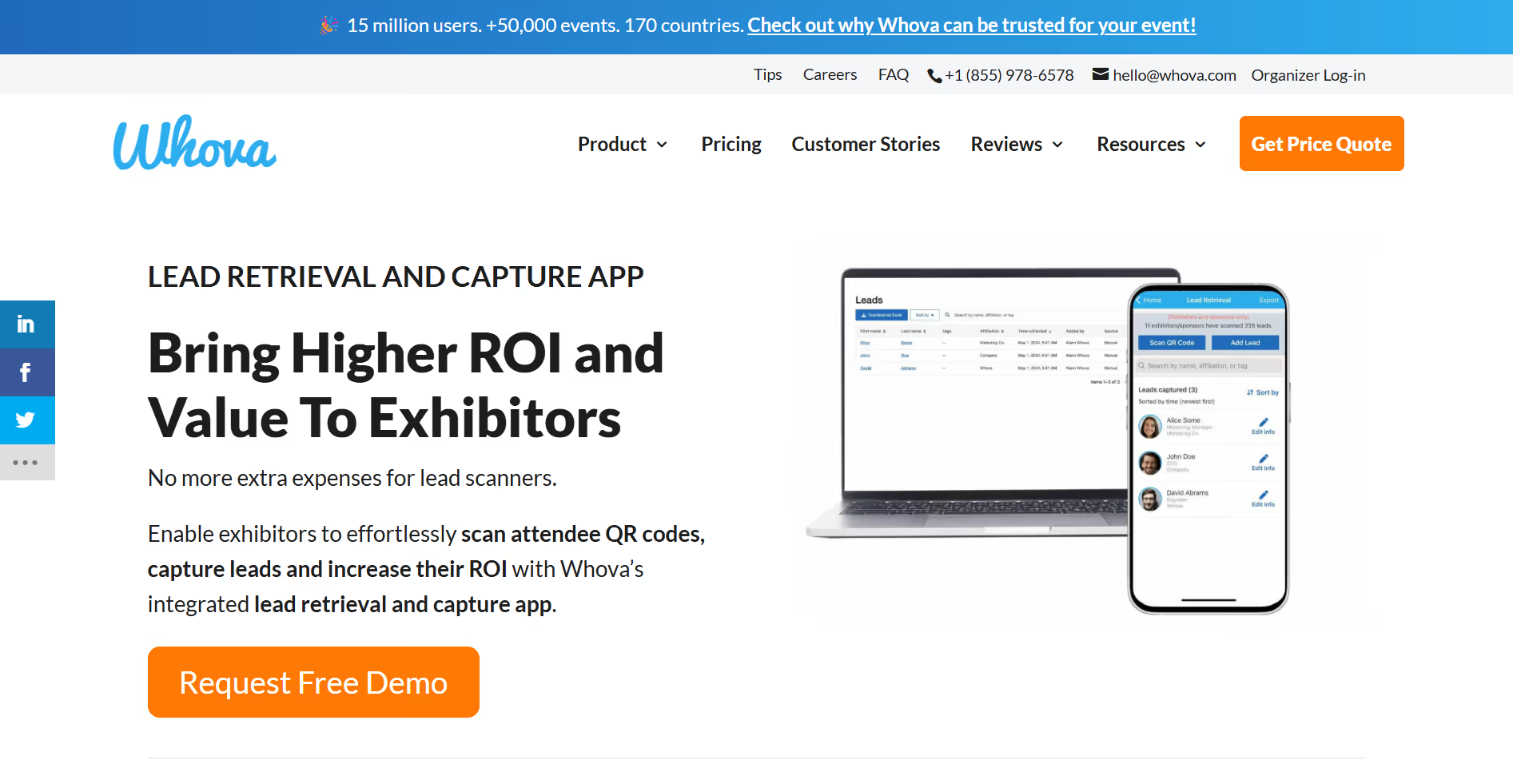
Best for: Conferences and engagement-focused events
Whova emphasizes attendee interaction and session engagement.
Key features:
- Mobile app with agenda and networking
- Live polling and Q&A
- Sponsor tools
2026 edge:
- AI-generated personal agendas based on attendee profiles
- Behaviour-driven session and networking recommendations
- Engagement analytics tied to attendee activity
Pricing: Free for free events; 3.0% + $0.99 processing fee for each ticket sold.
Limitations: Pricing increases with scale; less focused on ticketing
Enterprise Events (2,000–10,000+ attendees)
9. Cvent
Best for: Large-scale enterprise events with full lifecycle management
Cvent provides an end-to-end system covering registration, logistics, and reporting.
Key features:
- Conditional registration flows
- Venue and hotel management
- CRM integrations
- Advanced reporting
2026 edge:
- Predictive analytics for no-show rates and resource planning
- AI-assisted reporting and insights
- Carbon footprint tracking based on attendee travel and accommodation data
Pricing: Enterprise quotes ~$10k–$100k/year depending on scale
Limitations: Complex setup and learning curve
10. Bizzabo
Best for: Community-driven and hybrid experiences
Bizzabo focuses on networking and long-term engagement.
Key features:
- AI-powered networking
- Messaging and community tools
- Hybrid event support
2026 edge:
- AI-driven meeting recommendations tied to business outcomes
- Real-time engagement intelligence and attribution
Pricing: ~$17,999+/year
Limitations: Higher cost; learning curve
11. Hubilo (now Virtual PRO)

Best for: Hybrid events at scale
Hubilo connects virtual and in-person experiences in one platform.
Key features:
- Unified registration and attendee tracking
- Streaming and engagement tools
- Mobile app
2026 edge:
- AI-powered networking and unified attendee profiles
- Cross-channel analytics across physical and virtual attendance
- Carbon impact visibility comparing in-person vs virtual participation
Pricing: ~$15k - 125k+ /year
Limitations: Premium pricing; onboarding required
To make your decision easier, here’s a side-by-side comparison of the best event registration software based on pricing, features, and trade-offs.
Side-by-Side Comparison of Top Event Registration Platforms
Comparing platforms side by side helps you quickly eliminate poor fits based on cost, control, and event type. This breakdown focuses on what actually impacts your decision—how much you pay, who owns your audience, and what trade-offs you’ll deal with during setup and execution.
Use this table to shortlist the right platform for your event:
With multiple platforms available, you need a clear framework to choose the best event registration platform for your event goals.
How to Choose the Right Event Registration Platform
The right platform depends on your event size, budget, and how much control you want over your data and attendee experience. Instead of chasing features, focus on what directly impacts registrations, payments, and what happens when attendees arrive.
Start with these key decision factors:
Event Size and Complexity
Your event scale determines how much structure your registration system needs. What works for a small meetup won’t hold up for a multi-track conference.
Use these signals to assess fit:
- Small events (under 250 attendees): Simple setup, fast launch, minimal configuration
- Mid-size events (250–2,000 attendees): Flexible ticketing, branding, and reporting
- Large events (2,000+ attendees): Session management, access control, detailed reporting
- Multi-day or multi-track events: Agenda handling and attendee segmentation
Pricing and Fee Structure
Costs vary widely across platforms, and small differences can have a big impact at scale.
Focus on how pricing actually works:
- Per-ticket fees: Easy to start, but increase with volume
- Flat subscription: Predictable cost for recurring events
- Processing fees: Typically ~2.9% + fixed fee per ticket
- Hidden charges: Refunds, chargebacks, premium features
- Break-even point: When subscription becomes cheaper than per-ticket fees
Data Ownership and Control
Your attendee data is one of your most valuable assets. Not all platforms treat it the same way.
Check how each platform handles your data:
- Full ownership: You retain complete control over attendee information
- Marketplace platforms: May promote other events to your audience
- Export options: CSV downloads or CRM sync
- Data policies: Transparency in storage and usage
- Custom domains: Keeps your branding consistent
Registration Experience and Conversion
Your registration flow directly impacts how many people complete sign-up. Even small friction points reduce conversions.
Look closely at the attendee experience:
- Form length: Fewer fields increase completion rates
- Checkout flow: Clear pricing and minimal steps
- Mobile experience: Most users register on phones
- One-click signup: Social or saved profile options
- Page speed: Delays increase drop-offs
On-Site Requirements
Registration doesn’t end when someone signs up. The onsite experience is where first impressions are formed, and delays here are just as costly as drop-offs during signup.
Keep this in mind when evaluating platforms:
- QR code check-in: Faster entry and shorter queues
- Badge printing speed: Aim for under 6 seconds per badge to avoid bottlenecks
- Walk-in registration: Capture last-minute attendees without delays
- Offline capability: Works even with unstable internet
- Staff tools: Mobile apps for quick check-in and issue handling
- Sustainability options: Eco-friendly badge printing and reduced material waste
Pro Tip: Just as extra form fields reduce registrations, slow check-in creates queues and frustration. Your registration system and onsite tools should work together, not separately.
Integrations and Tech Stack Compatibility
Your registration platform should connect smoothly with the rest of your event setup. Manual data handling creates errors and delays, especially on event day.
Check how well the platform fits into your workflow:
- API access: Allows data to move between systems automatically
- Third-party connections: CRM, email tools, analytics platforms
- On-site tech compatibility: Check-in systems, badge printing, access control
- Real-time syncing: Attendee data updates instantly across systems
- Scalability: Supports future tools without major rework
Pro Tip: No matter which registration platform you choose, confirm it supports integrations with your on-site setup. Without this, you risk manual data syncing and delays during check-in.
Event Format (In-Person, Virtual, Hybrid)
Different formats require different capabilities. Not every platform handles all formats equally well.
Match your platform to your event type:
- In-person events: Focus on check-in, ticket validation, and flow
- Virtual events: Built-in streaming and engagement tools
- Hybrid events: Unified tracking across physical and virtual attendees
- Networking-focused events: Attendee interaction and matchmaking
- Expos and trade shows: Exhibitor and booth management
After choosing the right platform, you need to build your event registration flow to reduce drop-offs and improve attendee experience.
How to Set Up Event Registration (Step-by-Step)
Setting up event registration is where strategy meets execution. A clean setup reduces drop-offs, captures better data, and prevents issues on event day. The goal is simple: make it easy for attendees to sign up and even easier for you to manage them from registration to check-in.
Follow these steps to build a registration flow that works:
- Define your event structure: Decide event type, ticket categories, pricing tiers, and capacity limits before setting up anything
- Choose the right platform: Pick a tool based on your event size, budget, and required features. Don’t choose a registration tool in isolation. Confirm it connects with your onsite tech so that someone registering on the way to the venue can walk in and have their badge ready instantly.
- Create your registration page: Add event details, agenda highlights, location, and clear pricing to avoid confusion during signup.
- Build a short, focused form: Collect only what you need (name, email, key preferences) to reduce drop-offs.
- Set up ticketing and pricing:
Include early bird tickets, discount codes, and clear refund policies. Use live badge printing instead of pre-printing to avoid the no-show waste that typically gets discarded. - Configure payment options: Add supported payment methods and test transactions before launch.
- Enable confirmation and reminders: Set up automated emails or SMS for confirmations, updates, and reminders.
- Test the full registration flow: Run through the process as an attendee to catch errors, broken links, or delays. Check that your data sync supports fast badge printing. If printing takes longer than 6 seconds, you’re creating a bottleneck before the event even begins.
- Prepare onsite registration and check-in:
Set up QR codes, badge printing, and staff tools before event day to avoid queues. For high-volume or VIP events, consider facial recognition by collecting attendee photos during registration for faster, hands-free entry. - Connect your tools and data: Sync your registration platform with your CRM, email tools, and onsite systems to avoid manual work and duplicate data.
Registration and check-in are part of the same system. If your tools don’t sync in real time, delays at the entrance are inevitable.
The Missing Link: Bridging Registration and Onsite Execution
Choosing a registration platform is only the first step. What happens at the venue depends on how well your registration data connects to your on-site setup. If systems don’t sync, even small issues, like a typo or delayed update, can slow down check-in and create queues.
Here’s how fielddrive connects both sides into one system:
- Works with your existing registration platform: Connect fielddrive with tools like Cvent, Eventbrite, HubSpot, Salesforce, Tito, and more
→ No need to switch platforms to upgrade your onsite experience - Live two-way data sync: Keep attendee data consistent across systems at all times
→ If you update attendee details in your registration platform, it reflects instantly in check-in and badge printing - 6-second badge printing with predictable throughput: Plan entry flow with clear numbers
→ With ~6 seconds per badge, a single kiosk can process 200+ attendees per hour, helping you avoid bottlenecks - Fast, contactless check-in: Give attendees multiple entry options
→ QR code scanning and touchless check-in allow attendees to breeze through entry points without the friction of manual handling - Facial recognition for high-volume entry: Speed up access for VIP or large-scale events
→ Attendees can check in using pre-registered identity data without scanning - Offline resilience: Keep check-in running even with unstable internet
→ Local system support allows registration data to be accessed and processed without relying on venue Wi-Fi - Walk-in registration support: Capture last-minute attendees without disrupting your flow
→ New registrations sync instantly with your existing data - End-to-end data visibility: Track attendance from registration through post-event reporting
→ Check-in data feeds directly into your analytics and follow-up workflows - Lead retrieval connection for exhibitors: Turn registration data into sponsor value
→ fielddrive Leads uses the same synced registration data to give exhibitors access to enriched, real-time attendee profiles for faster follow-ups - Sustainable badge printing: Reduce waste with on-demand printing
→ Avoid pre-printing excess badges and lower material usage with two-sided printing options
Registration and check-in should function as one connected system. When data flows in real time, entry becomes predictable, fast, and easier to manage at scale.

Conclusion
Event registration sets the tone for your entire event. A clear, fast, and connected setup improves attendance, reduces friction, and keeps operations under control from sign-up to entry. The right platform helps you capture demand—but what happens onsite determines the experience attendees remember.
If your registration and check-in systems work together in real time, you avoid delays, reduce manual work, and keep everything running as planned.
Want to see how this works in practice? Book a demo with fielddrive and explore how faster check-in, real-time data sync, and 6-second badge printing can improve your next event.
FAQs
1. What features matter most in event registration software?
The most important features are those that affect speed, data accuracy, and system sync. Look for platforms with real-time API syncing, fast data updates, and reliable payment processing. If registration data takes minutes to update, new attendees may not appear at check-in systems immediately, creating delays and confusion at the venue entrance.
2. Can I use event registration software without a website?
Yes, most event registration platforms allow you to create and share hosted registration pages without needing a website. These pages can be distributed via email, social media, or direct links. Many tools also support embedding forms into landing pages if you want more control over branding and user experience.
3. How do I handle group registrations or team bookings?
Group registrations should allow individual attendee access within a single booking. The best platforms send unique QR codes or tickets to each participant, even if one person completes the payment. This allows each attendee to check in and print their badge independently without relying on the original booker.
4. Are AI features useful in event registration software?
AI is most useful for reducing friction during entry and improving attendee experience. For example, some systems use facial recognition linked to registration data, allowing attendees to check in instantly without scanning a code. AI can also personalise event journeys by suggesting sessions or networking connections based on attendee profiles when implemented with proper consent and compliance controls.
5. Do I need to change my registration software to use high-speed onsite kiosks?
No, you do not need to change your registration platform to upgrade your onsite experience. Platform-agnostic systems like fielddrive connect directly to tools such as Cvent, Eventbrite, or HubSpot through APIs. This allows you to keep your existing workflow while improving check-in speed, badge printing, and data accuracy.
.svg)
.svg)
.svg)
Want to learn how fielddrive can help you elevate your events?
Book a call with our experts today


.svg)