

.svg)
.webp)
Nonprofit event teams rarely have the luxury of excess staff, extra budget, or operational slack. Yet they’re expected to deliver flawless galas, fundraising runs, annual conferences, donor appreciation events, and community programs, often with high accountability to boards and stakeholders.
And if you’re leading events for a nonprofit, you already know how much rides on registration. It’s about collecting names, securing donations, managing ticket tiers, tracking sponsorships, and capturing clean data for follow-up. Yet too often, registration becomes a patchwork of spreadsheets, disconnected payment tools, manual check-in processes, and last-minute fixes that drain your team before the event.
When registration breaks down, attendees abandon forms, donors get frustrated with payment issues, and staff scramble on-site to fix badge errors or reconcile lists. And after the event, pulling accurate reports for your board or finance team becomes a time-consuming headache. That’s why choosing the right event registration software for nonprofits is more than just an operational decision; it’s a revenue and reputation decision.
In this article, you’ll discover the top event registration software for nonprofits and their key features apart from registration. You'll also learn how to evaluate them based on your fundraising and reporting goals.
At a Glance
- Registration impacts revenue, not just attendance. The right event registration software for nonprofits directly affects donations, sponsor tracking, donor segmentation, and the confidence you have in reporting outcomes to your board.
- Platforms serve different priorities. fielddrive emphasizes on-site execution and data control, Wild Apricot focuses on membership management, GoFundMe Pro prioritizes peer-to-peer fundraising, and Bizzabo supports enterprise-scale conferences.
- Core capabilities must go beyond basic forms. Tiered ticketing, CRM integrations, real-time revenue dashboards, sponsor management, and hybrid functionality are essential for sustainable fundraising growth.
- Operational fit determines long-term success. User experience, mobile optimization, clean reporting exports, and scalable pricing models decide whether your team gains efficiency or falls back into manual workarounds.
- Always pressure-test before committing. Simulate registrations, validate integrations, test reporting, and confirm scalability to ensure the registration system supports both current events and future expansion.
Why Nonprofits Need Event Registration Software (And How to Use It Strategically)
If you’re responsible for hitting fundraising targets, managing donors, and delivering smooth events with a lean team, registration can’t be an afterthought. An event registration software for nonprofits centralizes planning, ticketing, marketing, and reporting into one unified system, so you’re not juggling spreadsheets, payment links, and disconnected tools.
Instead of managing chaos, you gain:
- Centralized operations: Ticketing, registrations, donations, email confirmations, and reporting in one platform.
- Secure, flexible payments: Multiple ticket tiers, donation add-ons, and integrated payment gateways with real-time revenue tracking.
- Faster event page launches: Drag-and-drop landing pages with built-in forms, agenda management, and CRM integration.
- Stronger marketing execution: Automated emails, promo codes, and analytics to track what drives registrations.
- Smooth on-site check-in: QR-based entry, live dashboards, and accurate attendance tracking.
For example, a mid-sized nonprofit running an annual fundraising gala can move from manual tracking and reconciliation to a single dashboard that shows ticket sales, sponsorship revenue, and attendee data in real time. That saves hours of admin work and improves donor follow-up.
Before vs. After: Operational Impact
Before Structured Software:
- 5+ disconnected tools
- Manual attendee reconciliation
- Delayed reporting
- Volunteer burnout
After Implementing Unified Event Registration Software:
- Single dashboard visibility
- Automated confirmations & receipts
- Real-time revenue tracking
- Accurate donor segmentation
- Faster board reporting
Also Read: Expert Tips for Streamlining Event Registration and Check-In
That said, the real question is which platform gives you the right level of control, scalability, and fundraising insight. Let’s break down the top event registration software for nonprofits.
Top Event Registration Software for Nonprofits: Driving Donations, Data, and Operational Control
Not all platforms are designed with nonprofit realities in mind. The top event registration software for nonprofits in 2026 goes beyond basic sign-up forms. It supports secure donations, tiered ticketing, sponsor management, CRM integrations, and board-ready reporting, all while reducing manual work for lean teams.
Below, we'll explore the leading platforms that help nonprofit teams move from operational stress to measurable fundraising impact.
1. fielddrive

fielddrive is an intelligence-driven on-site event partner designed for event owners who need more than a basic sign-up tool. While many platforms focus solely on online registration forms, fielddrive is built for the full event lifecycle. It comes in handy when on-site experience, data accuracy, and revenue visibility matter.
For nonprofit events, registration is only as strong as the system behind it. fielddrive works with you early in the planning cycle, not just days before the event. That early collaboration ensures registration and attendee flow, badge design, data capture, and check-in processes are intentionally structured. The result? Fewer on-site bottlenecks, cleaner donor data, and faster post-event reporting.
How fielddrive Supports Nonprofit Event Registration and More
fielddrive delivers enterprise-grade event registration software for nonprofits, combined with intelligent on-site execution, so your fundraising operations don’t rely on manual workarounds.
Key capabilities:
- On-Site Tech Advisory Program: Before registration opens, fielddrive advisors help you map attendee journeys, define check-in layouts, identify sponsorship touchpoints, and define data workflows. This ensures registration data aligns with your CRM, donation tracking, and reporting needs.
- Advanced Attendee & Donor Data Capture: Capture more than basic registration details. Track donor tiers, log custom fields (giving interests, membership status, sponsorship level), and add notes in real time, so your CRM reflects not just attendance, but engagement. This enables faster, more targeted fundraising follow-up.
- Live, On-Demand Badge Printing: Badges are printed in roughly six seconds at check-in, ensuring attendee names, donor tiers, sponsor levels, and access permissions are always accurate. This eliminates pre-print waste and reduces last-minute corrections, especially valuable for fundraising galas and conferences with tiered access.
- Touchless Check-In Kiosks with Clean Data Output: High-throughput kiosks with QR code, barcode, or facial recognition scanning, and assisted check-in options ensure attendee records are verified instantly. For nonprofits, that means accurate attendance tracking and reliable donor engagement data from the moment guests arrive.
- fielddrive Easy Badging: For nonprofit events up to 500 attendees, fielddrive Easy Badging delivers an all-inclusive solution with fast check-in, live sticker badge printing, real-time dashboards, and on-site support. And all of these without enterprise-level complexity or surprise logistics costs. Ideal for community fundraisers, member meetings, and regional conferences.
- Advanced Data & CRM Integrations: Registration and on-site data sync cleanly with CRMs and fundraising platforms, eliminating manual exports. Your team can segment donors, track attendance, and follow up within hours.
- Session Scanning & Access Control: Track which sessions donors and members attend to enrich engagement profiles. Also, use this feature to control access to specific sessions as desired.
- Real-Time Analytics & Reporting: Live dashboards provide visibility into check-in counts, attendance patterns, and donor participation. Post-event analytics help you measure engagement, sponsorship performance, and overall ROI.
- Global Logistics & On-site Support: With operations in over 50 countries, fielddrive supports nonprofit events internationally with experienced on-site teams who understand the pressure of live event environments.
- Sustainability-Focused Workflows: Eco-friendly badge materials support nonprofits that prioritize environmental responsibility.
Best suited for:
- Fundraising galas and donor appreciation events
- Association conferences and annual meetings
- Corporate-sponsored charity events
- Membership-driven nonprofit conferences
- Community events requiring professional on-site registration
Proven in real-world events:
- ICCA and fielddrive: showcasing best-in-class, sustainable in-person events
- Enhancing Environmental Events: SETAC’s Journey with fielddrive
Client testimonials:
Event leaders consistently note that fielddrive’s impact comes from designing the entire on-site system, not just providing hardware.
- "Adding fielddrive to our event was one of the best decisions we've made in a very long time. From start to finish, the experience with the fielddrive team was outstanding. We cannot wait to start planning for our next event with fielddrive!" — Erika Dyer, United Soccer Coaches
- "fielddrive always goes above and beyond, and I couldn’t be happier! You wow’d all of our attendees. Here’s to the next one!” — Matt Cannon, Event Manager at Keller Williams Realty International
Pricing:
Custom, based on event size, format, and on-site requirements.
2. Wild Apricot
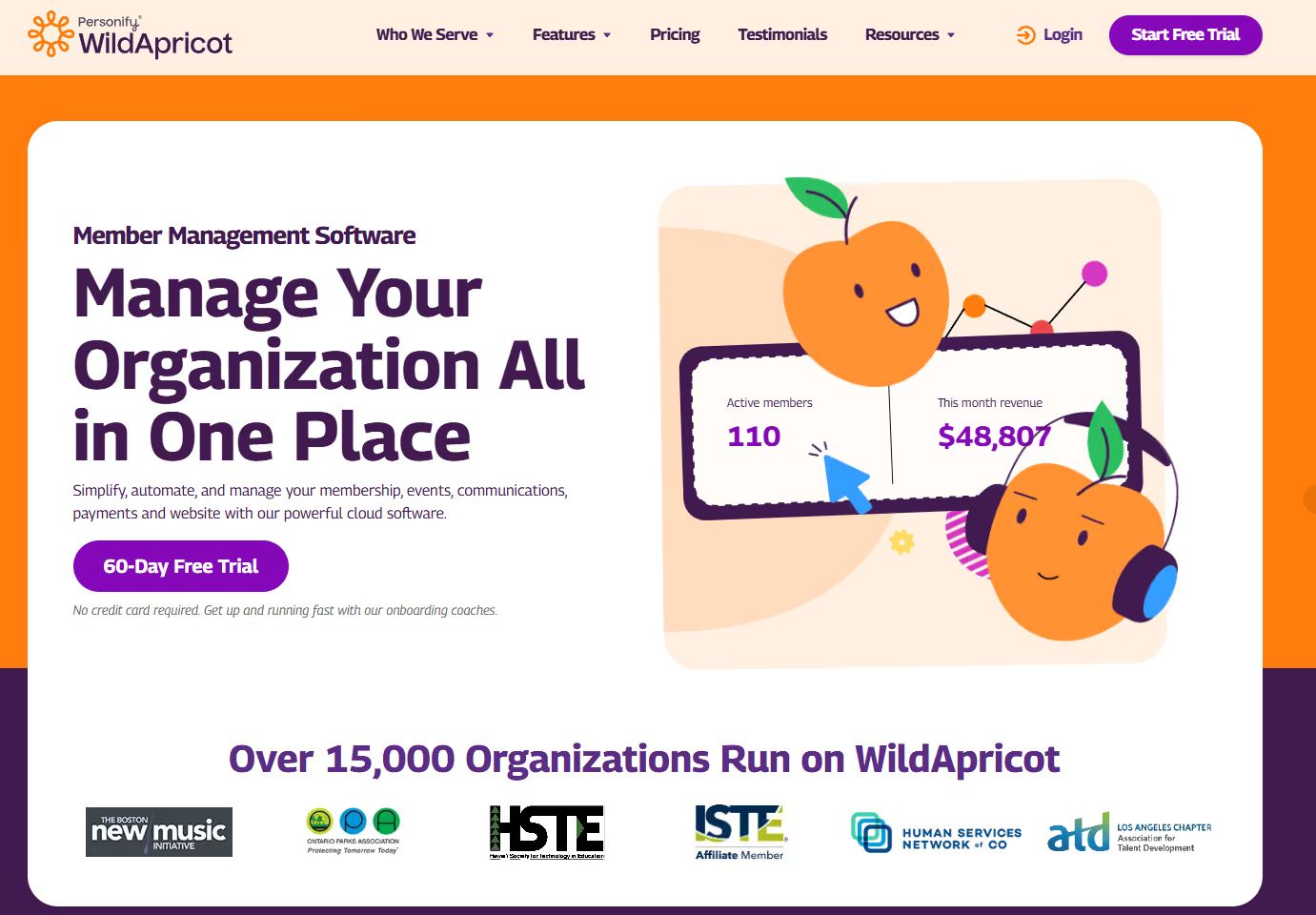
Wild Apricot is built specifically for associations, nonprofits, clubs, and membership-based organizations. Unlike general-purpose platforms, it combines event registration with built-in membership management. That makes it attractive for organizations that run recurring member events, annual conferences, and chapter meetings.
Event registration capabilities:
- Integrated event & membership database: Event registrations sync directly with member records, reducing manual updates and duplicate entries.
- Member-only pricing & access: Create member-exclusive ticket tiers and automate discounts based on membership status.
- Renewals & new member acceptance: Trigger membership renewals during event registration or approve new member applications within the same system.
Other key features:
- Website builder: Basic tools to create member portals and event pages.
- Payment and attendance tracking: Real-time updates on donations, ticket sales, and who checks into your event
- Contact Management: Centralized database for member communications.
- Integrated email and text messaging tools
Where it falls short:
- Outdated interface & limited customization: Users frequently report a clunky interface, limited design flexibility, and outdated email templates.
- Email system limitations: Email functionality lacks advanced segmentation and modern design options, and event emails may operate separately from membership communications.
- Payment processing restrictions: Limited flexibility with payment gateway integrations outside their native system.
- Pricing concerns: Multiple reported price increases pose challenges for smaller nonprofits.
- Development & support concerns: Some users note slower product innovation and limited feature evolution.
Pricing: Tiered, starting at $63/month (100 contacts), increasing based on contact volume.
3. GoFundMe Pro
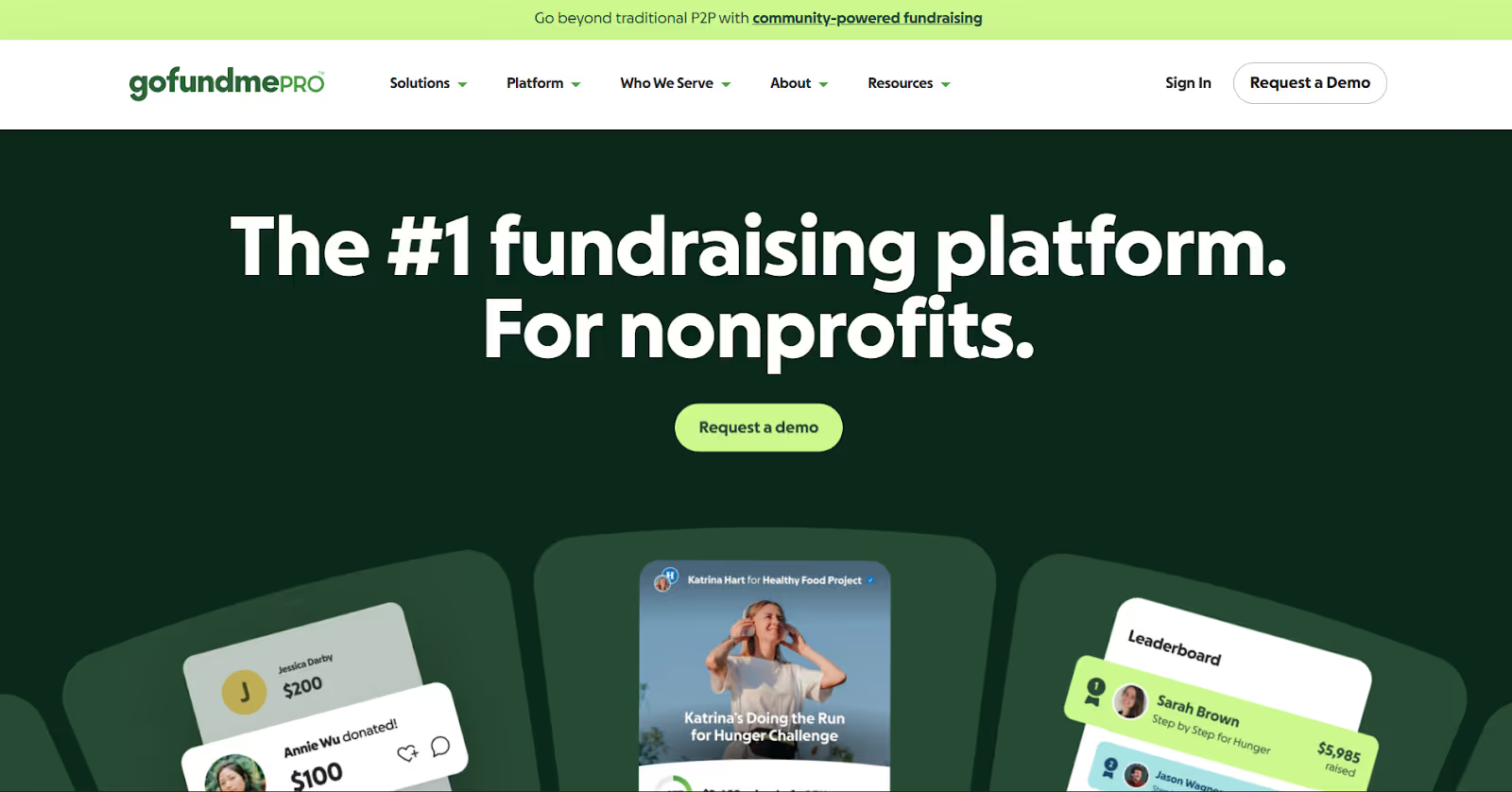
GoFundMe Pro is a fundraising-first platform designed for nonprofits that prioritize donation-driven events. Unlike traditional event management platforms, it focuses heavily on peer-to-peer fundraising, branded campaign pages, and supporter engagement. That makes it well-suited for charity runs, fundraising galas, and large-scale donor campaigns.
Event registration capabilities:
- Custom event fundraising pages: Create fully white-labeled registration and fundraising pages tailored to your brand and mission.
- Tailored ticketing: Offer discount codes and unique ticket types for VIPs, sponsors, and virtual attendees.
- Peer-to-peer fundraising tools: Enable personal and team fundraising pages that supporters can share across social channels.
- Preview & engagement features: Showcase event highlights directly on the registration page to drive early excitement.
Other key features:
- Secure payment infrastructure: Operates in a level 1 PCI-compliant environment with SSL security, built on AWS.
- Powerful reporting: Access fundraising health metrics, event performance dashboards, and donor activity reports.
- Automated engagement: Send milestone fundraising emails and automated supporter communications.
- Sponsor & matching tools: Allow sponsors to match donations or contribute directly through integrated workflows.
- Event data management: Segment, sort, and export attendee and fundraising data for follow-up and reporting.
Where it falls short:
- High fees: Users frequently cite the cost of donor and annual platform fees as a major drawback.
- No multi-step forms: Lacks support for multi-step registration practices, which can impact conversion optimization.
- Limited analytics integrations: Cannot integrate with tracking tools like Google Tag Manager, Optimize, or Hotjar.
- Weak Mailchimp integration: Email integration capabilities are limited.
- No trial option: You must commit before testing fully.
- Support gaps: Some users report disconnects between sales and technical teams regarding feature availability.
Pricing: Flexible custom pricing, based on organization size and fundraising needs.
4. Event Smart

Event Smart positions itself as a flexible and affordable event registration software for nonprofits, charities, and NGOs. It allows you to sell tickets, accept donations, and manage registrations through a dedicated event website. That makes it a practical choice for teams that want simplicity without high commission fees or enterprise-level complexity.
Event registration capabilities:
- Custom event registration pages: Build a standalone event registration website where attendees, donors, and volunteers can register online.
- Multiple ticket types: General admission, VIP, sponsor tickets, merchandise (e.g., t-shirts), and donation-based entries.
- QR and barcode ticketing: Deliver electronic tickets with QR or barcodes that can be scanned at check-in using a mobile device or 2D barcode scanner.
- Custom registration forms: Collect detailed attendee or donor data, including contact information, business name, preferences, and custom questions (e.g., “How did you hear about us?”).
Other key features:
- Safe and easy payment processing: Accept payments via PayPal, Stripe, or credit cards. No commission fees per ticket sold (standard card processing fees apply).
- Donation acceptance: Allow supporters to contribute even if they cannot attend the event.
- Attendance tracking: Monitor ticket sales, donations, and check-ins across virtual, hybrid, or in-person events.
- Fundraising visibility: Track revenue in real time to measure progress toward fundraising goals.
Where it falls short:
- Feature limitations post-trial: Users report that many useful features become unavailable after the trial expires.
- Limited customization: Event page design flexibility is more limited than on other platforms.
- Learning curve for advanced tools: Some advanced features may require additional setup time for new users.
Pricing: 2-week trial, basic free plan available, paid plans range from approximately $50 to $100 per month.
5. Jotform
Jotform offers event registration software for nonprofits centered around customizable online forms. It’s designed for organizations that want a flexible, no-code way to collect registrations, accept payments, and manage event sign-ups without investing in a full-scale platform.
Event registration capabilities:
- Ready-made templates: Pre-built templates for fundraising events, volunteer sign-ups, and community programs that can be customized with drag-and-drop editing.
- Custom online registration forms: Collect attendee details, donor information, volunteer preferences, and custom data fields without coding.
- Built-in payments and donations: Accept ticket fees or donations directly within the form using 40+ integrations, including PayPal, Stripe, and Square.
- Recurring donations and tiered pricing: Set up different ticket types or recurring contributions for ongoing fundraising initiatives.
Other key features:
- Automated workflows and approvals: Trigger confirmation emails, internal notifications, or volunteer approvals automatically based on form responses.
- Centralized attendee management: Store all submissions in Jotform Tables to filter by payment status, track volunteer shifts, and export attendee lists.
- Integrations with nonprofit tools: Connect with Google Sheets, Mailchimp, Slack, Zoom, and various CRMs to sync data and automate communications.
- Affordable access: Free starter plan available, with qualified nonprofits eligible for a 50% discount on paid tiers.
Where it falls short:
- Limited customization depth: While forms are customizable, users report restrictions beyond basic design templates.
- App feature gaps: Some users cite missing advanced features, especially within Jotform Apps.
- Learning curve: Certain functions require navigating multiple settings, making setup less intuitive for new users.
- Multi-user access limitations: Adding multiple admin users can become costly, particularly on higher-tier plans.
- Enterprise pricing escalation: Costs increase significantly as you scale to enterprise-level features.
Pricing: Free starter plan available. Paid plans range from approximately $34 to $99 per month (billed annually), with custom enterprise options.
6. Bizzabo

Bizzabo is an enterprise-level event management platform built to support large-scale, branded events. While not exclusively focused on nonprofits, it offers nonprofit event-planning software that helps organizations manage fundraising events, conferences, and hybrid experiences at scale.
Event registration capabilities:
- Customizable registration flows: Personalize every registration journey using custom fields, conditional logic, promo codes, and ticket visibility settings.
- Branded registration forms: Embed registration widgets or use pop-out modals that match your nonprofit’s website design.
- Session-level insights: Track early session sign-ups to identify popular topics, promote under-filled sessions, and optimize room allocation.
- CRM enrichment: Sync event and session registration data directly into your CRM for improved donor outreach and campaign tracking.
Other key features:
- All-in-one event experience platform: Centralizes event planning, communications, and analytics into a single system.
- Contactless check-in: Offer on-site event and session check-in using Klik Smartbadge™ technology.
- Communication tools: Built-in tools to support marketing outreach and attendee engagement.
- Payment processor integrations: Native integrations help process fundraising payments securely.
- Scalable event management: Designed to support in-person, hybrid, and virtual event formats as organizations grow.
Where it falls short:
- Limited customization depth: Some users report restrictions that require workarounds for specific event needs.
- Missing features: Feedback includes a lack of options, such as waitlists and other usability enhancements.
- Registration design constraints: Limited design flexibility and less intuitive registration setup compared to newer platforms.
- Confusing workflows: Some users find registration and email configuration processes complex.
- High pricing: Cost may be prohibitive for smaller nonprofits.
Pricing: $499 per user per month, billed annually (3-user minimum), with premium add-ons available.
7. Qgiv (now Bloomerang Fundraising)
Qgiv, now Bloomerang Fundraising, is a giving-focused platform designed specifically for nonprofits that want to connect event fundraising directly to their donor database. It combines event registration, donation tools, and CRM integration into a single ecosystem.
Event registration capabilities:
- Customizable, mobile-friendly registration forms: Create branded event pages with multi-attendee sign-ups and smooth website integration.
- Flexible ticketing and discounts: Offer multiple ticket types, apply promo codes, and manage group registrations.
- Custom data fields: Collect dietary restrictions, preferences, or additional donor details to personalize the event experience.
- Donation add-ons during registration: Increase event ROI by allowing donors to contribute during checkout, with optional fee coverage through GiftAssist.
Other key features:
- CRM integration: Sync event and donation data directly into Bloomerang CRM for unified donor management.
- Drag-and-drop table seating: Manage guest seating arrangements for galas and formal events.
- QR-based check-in: Enable quick on-site check-in with scannable QR codes.
- Promotion tools: Built-in email invites, reminders, and social sharing tools to drive attendance.
- Reporting and dashboards: Access customizable reports and dashboards to monitor ticket sales, attendance, and donation performance.
Where it falls short:
- Learning curve: Some users report an initial setup process that feels complex, especially for less technical teams.
- Pledge tracking challenges: Entering and managing unpaid pledge donations can be cumbersome.
- Pricing flexibility concerns: Some nonprofits prefer more modular pricing options to bundled packages.
- Not fully intuitive: Users note that the system may require time to navigate comfortably.
Pricing: Starting at $40 per month (billed annually), must be purchased as part of a bundle with Bloomerang CRM.
8. Eventify
Eventify positions itself as an event registration platform designed to simplify ticketing and form management. It focuses on creating customizable registration experiences while keeping the setup process accessible for teams and third-party collaborators. For nonprofits hosting conferences, community gatherings, or sponsor-driven events, Eventify offers structured registration workflows, branding flexibility, and stakeholder-specific forms.
Event registration capabilities:
- Customizable registration forms: Use drag-and-drop tools to create branded forms with multiple layout options and custom data fields.
- Stakeholder-specific forms: Build and share separate forms for attendees, exhibitors, speakers, and sponsors.
- Flexible ticketing setup: Create customized tickets and distribute them via email campaigns or landing pages.
- Secure purchasing experience: Enable quick, secure ticket transactions with automated confirmation emails and optional password protection.
- Independent registrations: Allow different stakeholder groups to register themselves while maintaining centralized data tracking.
Other key features:
- User-friendly interface: Designed for ease of adoption by internal teams and external service providers.
- Dashboard configuration: Add external registration links and manage all form settings within a centralized dashboard.
- Automated confirmations: Auto-generate confirmation emails for registrants to simplify communication.
- Brand-focused setup: Tailor forms and ticket flows to match nonprofit branding and event identity.
Where it falls short:
- Limited customization depth: Some users report constraints in advanced design flexibility and branding control.
- Subscription and notification issues: Feedback includes missed event notifications and setup challenges.
- Registration scalability concerns: Handling very large attendee volumes may require additional support, though customer support is generally responsive.
- Email delivery challenges: Users report occasional issues with email invitations landing in spam or difficulty managing contact lists.
Pricing: Custom, flexible pricing based on selected feature stack.
9. RSVPify
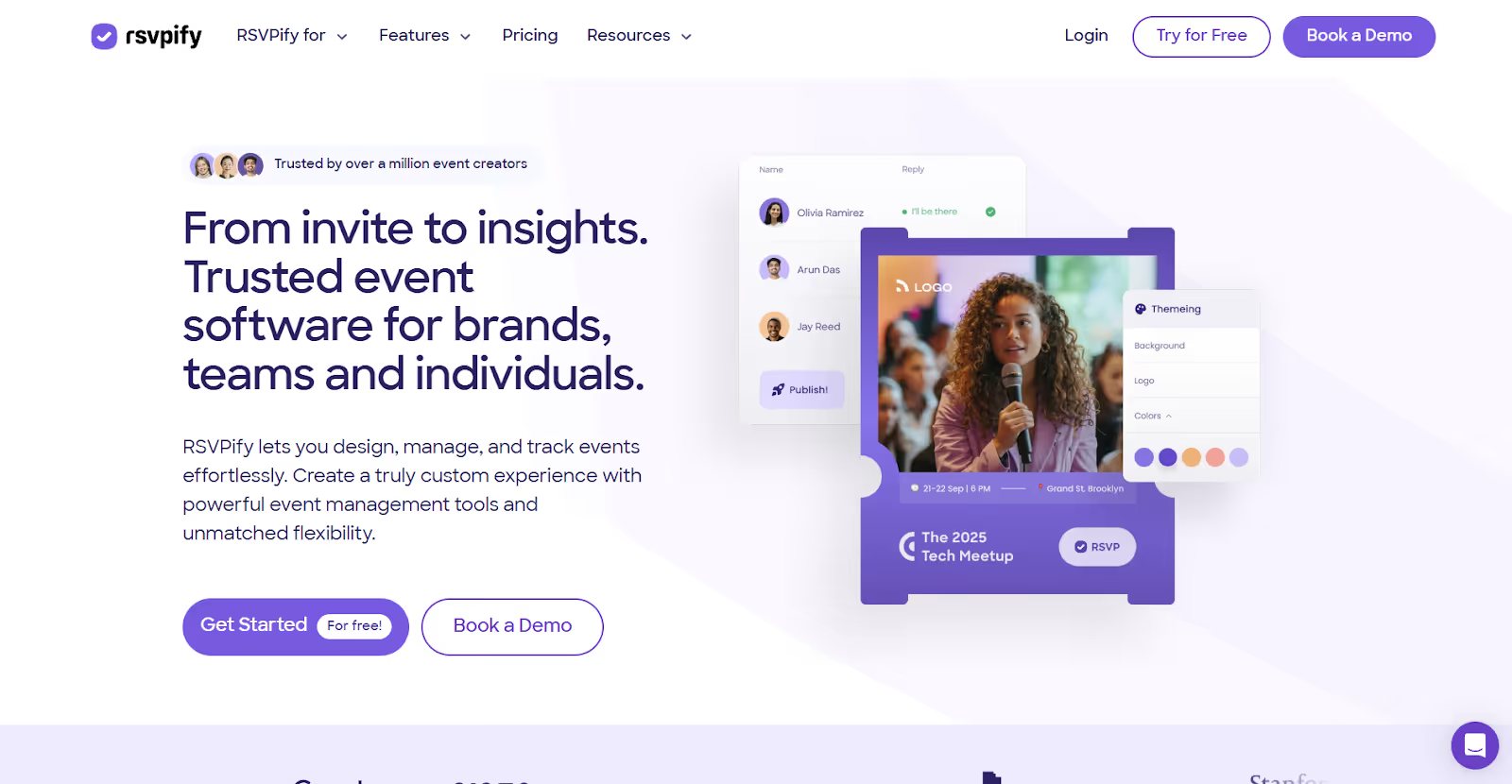
RSVPify is a registration and RSVP management platform built for organizations that prioritize branded invitations, structured guest lists, and controlled access to events. It supports nonprofits running donor networking events, VIP receptions, and annual fundraising galas where guest management and presentation matter.
Event registration capabilities:
- Custom-branded event pages: Fully customize invitations and event websites to match your nonprofit’s branding.
- Integrated payments and donations: Collect ticket payments or donations directly through the platform, with tiered ticket options and accounting exports.
- Event check-in: Admit attendees using any internet-connected device for simplified on-site entry.
- Scalable setup: Suitable for small VIP gatherings up to large fundraising galas and conferences.
- Advanced guest segmentation: Categorize attendees with custom tags and manage complex guest lists.
- Real-time registration tracking: Monitor sign-ups to adjust outreach and planning decisions.
Other key features:
- Custom tagging: Tag guests during registration to manage access to private or VIP sessions.
- Multi-event workspace: Add collaborators and manage multiple organization events from a single account.
- Flexible ticket tiers: Offer multiple pricing levels and manage donor categories easily.
Where it falls short:
- Limited customization depth: While branding is strong, advanced design and functionality customization can be restrictive.
- Pricing concerns: Costs increase significantly for advanced features, making them challenging for nonprofits hosting occasional events.
- Interface navigation: Some users find the platform less intuitive.
- Formatting and email issues: Reports include image-sizing limitations and occasional email-delivery concerns.
- Free plan limitations: Guest limits apply, and advanced features are restricted without upgrading.
Pricing: Plans range from $24 to $299 per month (billed annually), with custom pricing available.
Also Read: Event Registration Form Essentials: Best Practices + Examples
Each of these platforms offers a different balance of fundraising depth, operational control, and scalability. Before making a final decision, it’s important to evaluate them against the specific needs, constraints, and growth plans of your nonprofit.
Crucial Aspects to Look for in Event Registration Software for Nonprofits
The right event registration software for nonprofits is more than a sign-up form. It becomes your fundraising engine, donor database bridge, and reporting backbone. Based on what consistently works (and fails) at real nonprofit events, here’s how to evaluate platforms in a way that protects revenue and operational sanity.
1. User-Friendliness
If your staff or volunteers struggle to navigate the system, adoption drops, and mistakes increase.
What to look for:
- Clean, intuitive dashboard
- Logical registration → payment → confirmation flow
- Minimal training required for daily users
- Clear permission settings for staff and volunteers
Why it matters: Nonprofit teams are often small and time-constrained. If the platform feels complex, workarounds, such as manual spreadsheets, external payment links, and disconnected emails, begin to emerge.
Pro tip: Request a live demo and have a first-time user create a test event during the call. If they hesitate repeatedly, that friction will multiply on real event days.
2. Nonprofit-Specific Features
Generic tools often miss nonprofit realities. Your event registration software for nonprofits should support fundraising and stakeholder management, not just ticket sales.
Essential features include:
- Registration and tiered ticketing with custom branding
- Built-in fundraising tools and donation add-ons
- Reporting and revenue dashboards
- Sponsor management capabilities
- Constituent engagement tracking
- Clear workflows and user roles
- Marketing tools and email automation
3. Integrations
Capturing registrations is step one. Where the data flows next determines long-term value.
What to look for:
- Native CRM integration
- Email marketing sync
- Website CMS compatibility
- Clean data mapping (no CSV-only exports)
Why it matters: Disconnected systems lead to duplicate records and delayed donor follow-ups. Strong integrations allow registration data to sync instantly with your donor database.
4. Hybrid & Virtual Capabilities
If you host virtual or hybrid fundraisers, your event registration software must support those formats.
What to look for:
- Livestream integrations
- Virtual sponsor visibility options
- Interactive tools (polls, Q&A, live reactions)
- Session-level attendance tracking
Why it matters: Hybrid events add complexity. Without built-in virtual tools, you’ll rely on multiple disconnected systems.
5. Pricing Transparency
The cheapest platform is rarely the most affordable in the long term. Evaluate the following before jumping into a decision:
- Free plan limitations
- Feature access per pricing tier
- Add-on costs for fundraising or integrations
- Per-contact or per-user pricing models
Why it matters: If fundraising tools are offered as expensive add-ons, total costs rise quickly. Ask upfront what is included versus what requires an upgrade.
Reality check: A slightly higher monthly cost may be justified if it reduces manual reconciliation, improves donor segmentation, and accelerates reporting.
6. Technical Support
Event software becomes mission-critical during registration deadlines and live events.
Ask vendors:
- What onboarding support is included?
- Is live chat available during event days?
- Are there additional support fees?
Why it matters: Delayed support during a live fundraising event directly impacts revenue and attendee experience.

Actionable Checklist: Before You Choose Event Registration Software for Nonprofits
Once you’ve narrowed your options, don’t rely on feature lists alone. Use this hands-on checklist to validate whether the event registration software for nonprofits you’re considering will actually perform under real event conditions.
- Simulate a full registration journey: Create a test event, complete a live payment, and review confirmation emails to ensure the experience feels smooth and donor-friendly.
- Test a last-minute change: Update pricing, add a ticket tier, or modify a form field to see how quickly the system portrays the change and how your team can adapt under pressure.
- Check real-time revenue visibility: Verify that you can instantly view total funds raised, ticket performance, and donor segmentation without exporting data.
- Validate multi-user collaboration: Have multiple team members log in and make edits to confirm permissions, visibility, and real-time updates work smoothly.
- Evaluate mobile experience: Complete the full registration and donation flow on a phone to ensure it’s fast, clear, and conversion-friendly.
- Stress-test reporting exports: Export attendee and revenue reports to confirm the data is clean, structured, and board-ready without heavy spreadsheet cleanup.
- Assess scalability: Ask what happens if attendance doubles next year and confirm pricing, features, and system performance can grow with you.
Also Read: Expert Tips On How To Find Your Perfect Event Registration Platform
If your chosen event registration software for nonprofits meets all of the above, you’re truly going beyond managing registrations. You’re protecting donor relationships, improving reporting accuracy, and strengthening your event ROI.
Wrapping Up
When evaluating the top event registration software for nonprofits, one thing becomes clear: not every platform is built for fundraising accountability. Some tools prioritize simple forms, others emphasize peer-to-peer campaigns, and a few focus heavily on membership management. The right choice ultimately depends on how central events are to your revenue strategy. It also relies on how clean your donor data needs to be, and how much operational control you require before, during, and after event day.
This is where many platforms fall short. They help you collect registrations, but they don’t assist you in designing the full on-site journey or in proving impact afterward. fielddrive approaches event registration differently. As an intelligence-driven on-site event partner, fielddrive works with your team early. It helps you structure attendee flow, optimize check-in and badging, integrate clean data into your systems, and provide real-time visibility into performance. From touchless check-in kiosks and live badge printing to advanced data capture and post-event analytics, everything is built to support measurable event ROI.
If you’re ready to move beyond basic sign-up forms and run nonprofit events that feel organized, professional, and data-driven, it’s time to rethink your on-site strategy. Connect with fielddrive today and discover how the right event registration system can enhance donor experience, simplify operations, and strengthen your fundraising outcomes.
FAQs
1. How do I migrate historical attendee and donor data into new event management software for nonprofits without losing records?
Most platforms allow CSV imports, but you should first standardize fields (names, emails, donation history) to match the new system’s structure. Run a small test import before full migration, and confirm duplicate detection rules to prevent messy records.
2. Can event registration platforms for nonprofits handle both ticket sales and peer-to-peer fundraising in one workflow?
Some platforms support integrated ticketing and peer-to-peer pages, but not all cleanly connect those fundraising totals to attendee records. Verify whether individual fundraising pages sync directly to your CRM and reporting dashboards before committing.
3. Is free event registration software for nonprofits safe for handling donor payments?
Free plans can be secure if they use PCI-compliant payment gateways. However, check transaction fees, data ownership policies, and payment integration limitations. Free tiers often restrict advanced reporting or branding controls.
4. What’s the difference between nonprofit event planning software and fundraising event management software?
Nonprofit event planning software typically focuses on logistics like registration, ticketing, and check-in. Fundraising event management software goes deeper into donation tracking, pledge management, fee coverage options, and post-event donor segmentation.
5. Can nonprofit event planning software handle multi-day or multi-track conferences?
Yes, but functionality varies. Ensure the platform supports session-level registration, capacity limits, waitlists, and attendee schedule building. Without these, managing overlapping sessions becomes manual and error-prone.
.svg)
.svg)
.svg)
Want to learn how fielddrive can help you elevate your events?
Book a call with our experts today


.svg)