

.svg)
.webp)
9 Best Badge Scanning Apps for Sales Events in 2026 You Can’t Ignore
Discover the best badge scanning apps for sales events in 2026 that help you capture cleaner leads on-site. Learn to choose tools that help boost your pipeline.

CONTENT
If you’re responsible for event outcomes or sales pipeline, you’ve likely seen how lead capture breaks down at the worst possible moment, during honest conversations. Your reps juggle badge photos, handwritten notes, and delayed uploads. Leads get misqualified, follow-ups happen days too late, and you’re left with incomplete data. When you own revenue impact, those gaps become real risks.
In that context, badge scanning has become central to operational decision-making. In the 2025 Enterprise Occupancy Tracking Report, more than 76% of respondents reported using badge scanning to track occupancy. At sales events, the same principle applies: if you can’t scan, qualify, and act on leads in real time, you’re leaving revenue on the show floor.
In this article, we’ll walk you through the best badge scanning apps for sales events 2026. You'll also learn how to evaluate and use the right app to capture cleaner data, prioritize conversations on-site, and prove ROI after the event ends.
Quick Snapshot
- The best badge scanning apps go beyond check-ins, helping you qualify intent in real time, prioritize high-value conversations, and move faster from interaction to pipeline.
- Platform fit matters. Tools like fielddrive, Cvent, and Bizzabo support complex, high-volume sales events, while a few others focus more on engagement, registration, or modular event needs.
- Ease of use, native CRM sync, offline reliability, real-time reporting, and flexible lead qualification consistently determine on-site adoption and data quality.
- Badge scanning works best when planned early, with attendee flow, badge accuracy, and lead workflows designed before the event, not patched together on the spot.
- Clean data, faster follow-up, and live visibility during the event are what turn badge scans into measurable sales results.
Why a Good Badge Scanner Matters for Your Sales Event Success
For a conference, partner summit, or customer-facing sales event, the math is simple. Every meaningful conversation on the floor is an opportunity to build a pipeline. You invest heavily to make the sales event work. You brief your sales team, align messaging, coordinate travel, and design experiences meant to attract the right buyers. The entire point is to meet potential customers and move them closer to a buying decision. But when lead capture fails, all that effort loses momentum.
Why Old Lead Capture Methods Fall Short At Sales Events
Many sales teams still rely on outdated workflows during live events, such as:
- Writing notes on the back of business cards
- Taking photos of badges to “log later.”
- Using paper forms or disconnected apps
- Uploading leads days after the event ends
These approaches create predictable problems:
- Slow follow-up: By the time leads reach your CRM, the conversation has gone cold.
- Data errors: Handwritten notes and manual entry lead to missing or incorrect details.
- Lost context: No way to capture intent, product interest, or deal stage at the moment it matters
How a Good Badge Scanner Changes the Outcome
A well-designed badge-scanning app gives your sales team a structured, repeatable way to capture leads the moment a conversation begins. Instead of juggling tools, reps can focus on selling.
With a strong badge scanner in place, you can:
- Instantly capture attendees' contact details by scanning their badge
- Add notes while the conversation is still fresh
- Qualify leads on the spot using custom questions (budget, timeline, interest level)
- Sync data directly to your CRM for same-day follow-up
Instead of spending weeks cleaning spreadsheets, your sales team starts follow-up within 24 hours, with context, prioritization, and confidence.
.avif)
Note: Badge scanning works best when paired with clean, accurate badges from the start. With on-demand badge printing at check-in, every attendee enters your sales event with a badge that’s up to date and easy to scan. This eliminates mismatches between registration data and what your team sees on the floor. That’s where choosing the right technology/app becomes critical.
The Best Badge Scanning Apps for Sales Events: Built for Revenue, Not Just Check-Ins
Not all badge scanners are designed with sales outcomes in mind. The best badge-scanning apps for sales events in 2026 go beyond just capturing contact details. They help your team qualify intent in real time, prioritize high-value conversations, and accelerate the transition from booth interaction to pipeline impact. Below, we review the badge-scanning apps/platforms that enable sales teams to turn live event engagement into measurable revenue.
1. fielddrive

fielddrive is an intelligence-driven on-site event partner built for sales and event teams that need far more than a basic badge scanning app. While many tools focus narrowly on registration or simple lead capture, fielddrive is designed for the entire on-site sales journey.
For sales-driven events, badge scanning is only as valuable as the system around it. fielddrive works with event owners like you early in the planning cycle, not just on show day. This way, it ensures badge data, lead workflows, and on-site movement are intentionally designed. That early involvement helps prevent the common issues sales teams face at events, such as incomplete scans, poor data quality, disconnected systems, and delayed follow-up.
How fielddrive Incorporates Badge Scanning for Sales Events
At the core, fielddrive delivers enterprise-grade badge scanning built for real-time sales execution, not post-event cleanup.
Key capabilities:
- On-Site Tech Advisory Program: Before scanning ever begins, fielddrive advisors help map attendee flow, booth placement, session traffic, and data capture points. This ensures badge scans happen at the right moments, during demos, meetings, or sessions, and sales data reflects real intent, not just foot traffic.
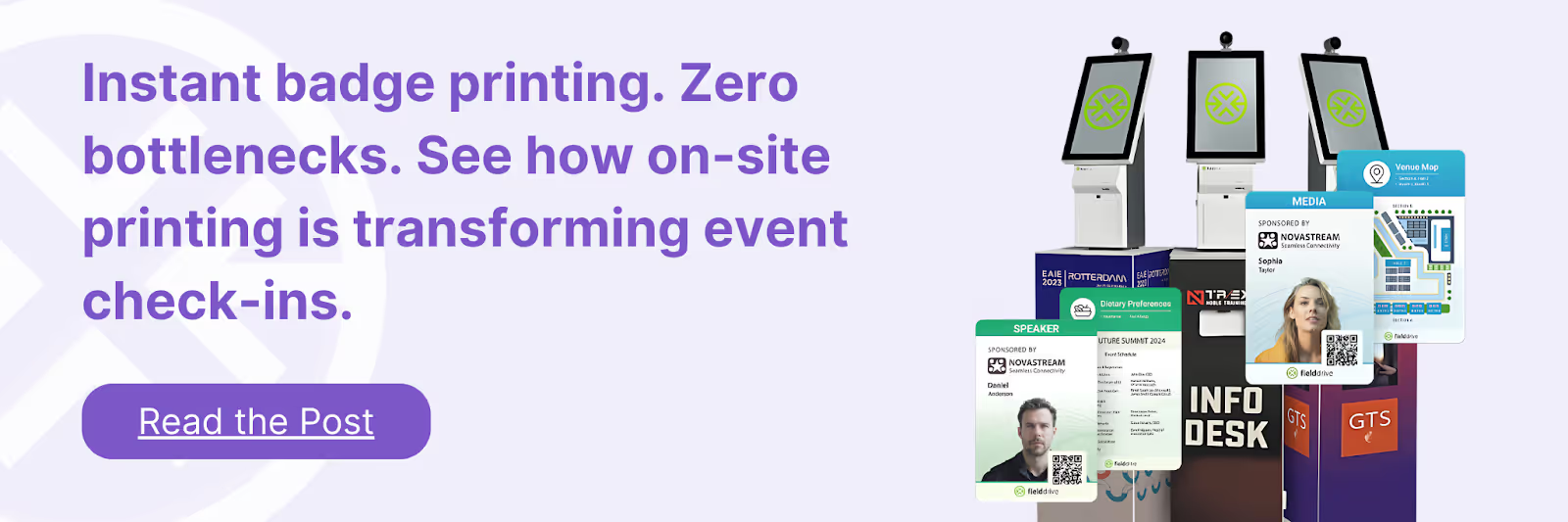
- Live, On-Demand Badge Printing: Badges are printed in roughly six seconds at check-in, ensuring names, roles, companies, and access levels are always current. For you, this means fewer scan errors and better context during conversations.
- Touchless Check-In Kiosks with Clean Data Output: High-throughput kiosks using QR codes, barcode scanning, facial recognition, and assisted check-in ensure attendee records are accurate from the start. That ensures every badge scan downstream captures reliable data.
- fielddrive Easy Badging: For events up to 500 attendees, fielddrive Easy Badging delivers a lightweight yet comprehensive solution. It includes fast badge scanning, live sticker printing, real-time dashboards, and on-site support, without enterprise complexity or surprise logistics costs.
- Advanced Lead Retrieval: With fielddrive Leads, you get access to scanned leads, custom qualification questions, scoring, and instant data. It lets you instantly capture contact details, add notes, apply custom qualification questions, and score leads on the spot.
- CRM and Platform Integrations: Badge scans sync cleanly with CRMs and registration platforms, eliminating manual exports and ensuring sales teams can follow up within hours, not weeks.
- Session Scanning & Access Control: Track which sessions prospects attend to enrich lead profiles with behavioral data. That's critical for prioritizing follow-ups and tailoring sales conversations.
- Real-Time Analytics & Reporting: Live dashboards show badge-scan volume, engagement trends, and lead quality during the event, allowing you to adjust staffing and focus in real time.
- Global Logistics & On-Site Support: With operations in over 50 countries, fielddrive supports international sales events with experienced on-site teams who understand the pressure of live environments.
- Sustainability-Focused Workflows: Eco-friendly badge materials reduce waste while maintaining a professional, branded experience.
Best suited for: Sales-led conferences, partner conventions, corporate roadshows, exhibitions, and significant customer events/expos where badge scanning must translate directly into pipeline, prioritization, and measurable ROI.
Proven in real-world events:
- How fielddrive Improved Event Check-Ins and Badging for Burger King UK
- LEAF, Inc. Transforms Event Operations with fielddrive’s Live Badging and Touchless Check-In
User reviews: Event leaders consistently note that fielddrive’s badge scanning works because it’s part of a designed system, not a standalone app.
- “The member experience is always key for me. Now that we’ve switched to fielddrive’s electronic check-in and on-site printing, our members just love it! The staff time that it saves makes it worth every penny. Partnering with fielddrive has been great!” - Melanie Seiden, Membership Director, LEAF, Inc.
- “fielddrive always goes above and beyond, and I couldn’t be happier! You wow’d all of our attendees. Here’s to the next one!” - Matt Cannon, Event Manager at Keller Williams Realty International
Pricing: Custom, based on event size, format, and on-site requirements.
2. Whova
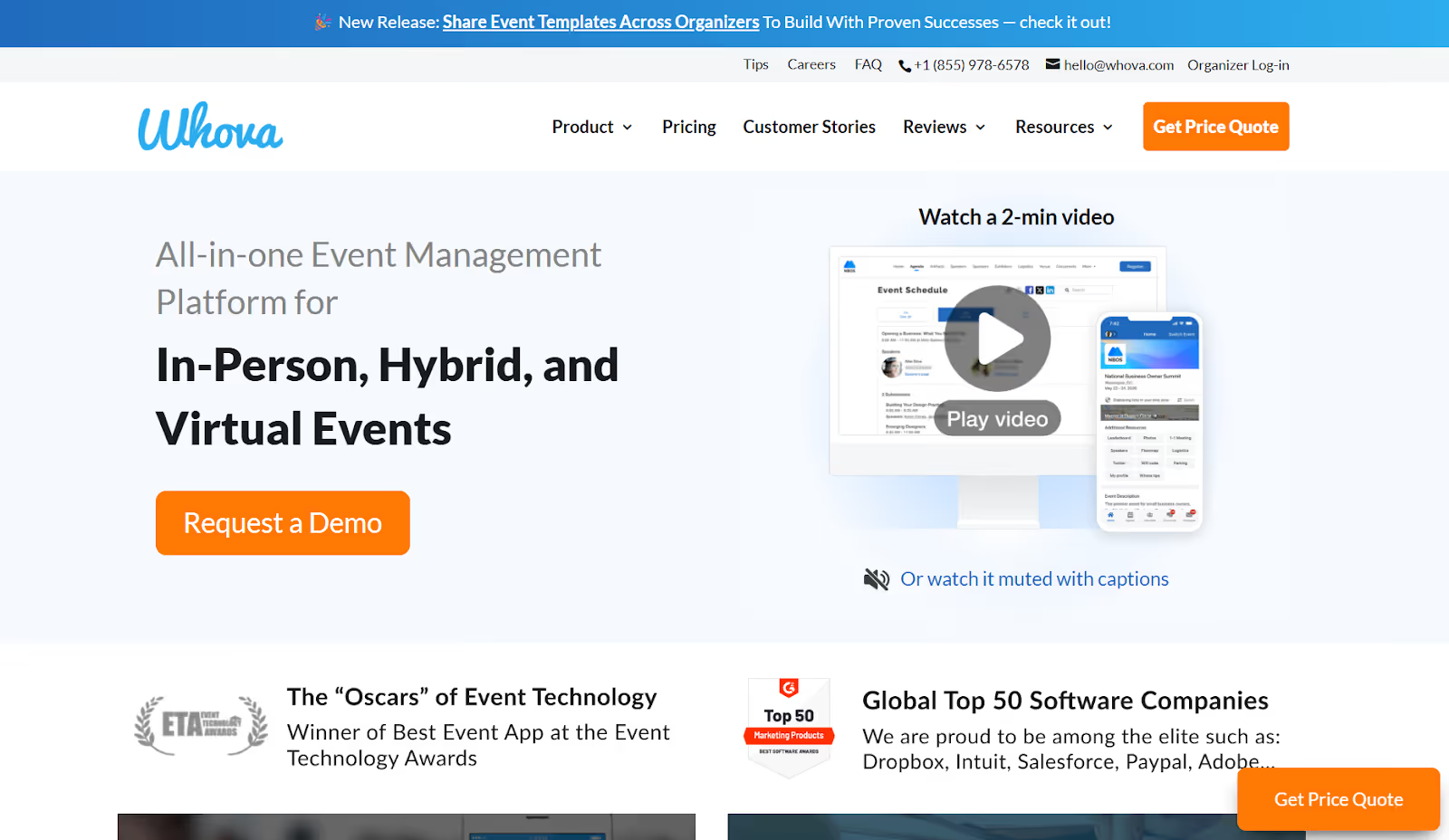
Whova is a mobile-first event platform often used for conferences and association-led sales events, where attendee engagement in the mobile app is the primary focus. It works best for teams that prioritize agendas, networking, and in-app communication. From a badge-scanning standpoint, Whova supports basic mobile check-in and ticket scanning, but it is not built as a dedicated badge-scanning app for sales events.
Badge scanning capabilities:
- Mobile-based badge and ticket scanning: Event teams can scan QR codes or tickets using mobile devices to manage attendee check-in and access.
- App-integrated attendee data: Badge scans connect directly to attendee profiles in the event app, keeping participation and attendance information in one place.
Other key features:
- Mobile Event App Experience: Personalized agendas, speaker and sponsor profiles, session listings, and push notifications keep attendees informed throughout the event.
- Engagement & Interaction Tools: Live polls, Q&A, surveys, and gamification drive session participation.
- Networking & Community Features: Messaging, discussion boards, and contact exchanges support attendee networking before and after the event.
- Post-Event Analytics: Reporting focuses on app engagement and attendance trends rather than real-time on-site operations.
Where Whova falls short:
- App navigation complexity can slow on-site flow.
- Notification overload reduces the impact of essential messages.
- Inconsistent attendee data between mobile and desktop views
Pricing: Custom, based on event size and feature set.
Also Read: Top 10 Whova Alternatives and Competitors in 2026
3. Cvent

Cvent is an enterprise-grade event management platform commonly used by large organizations running complex, high-volume events across regions. It’s often adopted when teams need a single system to manage planning, registration, on-site execution, and post-event reporting at scale.
Cvent includes badge scanning through its LeadCapture app, which sits within the broader Cvent ecosystem and is typically provided to exhibitors by the event organizer.
Badge scanning capabilities:
- QR code and RFID badge scanning: Exhibitors and event staff can scan attendee badges using QR codes or RFID-enabled credentials to capture lead and attendance data.
- Real-time lead scoring and tracking: Badge scans can be scored and tracked in real time, helping you identify higher-priority leads during the event.
- Custom qualification questions: You can configure lead forms with custom fields to capture interest level, buying stage, or other qualification criteria during scans.
Other key features:
- Advanced registration and attendee management: Highly configurable registration flows support approvals, group registrations, complex form logic, and automated communications.
- Analytics and performance reporting: Cross-event reporting that consolidates registration, attendance, and engagement data across multiple events.
- Enterprise integrations and governance: Native integrations with platforms like Salesforce, HubSpot, and Marketo, along with SSO, role-based access, and security controls.
Common challenges reported by users:
- A firm reliance on event-specific badges, with limited support for scanning business cards or external credentials
- Lead nurturing is typically handled outside the app rather than within the badge scanning workflow.
- A steeper onboarding and learning curve, particularly for smaller teams or those new to enterprise platforms
- Higher overall cost compared to more modular or lightweight event technology solutions
Pricing: Custom pricing, typically structured as an annual license with additional per-registrant fees.
Also Read: Top 10 Cvent Alternatives and Competitors
4. iCapture
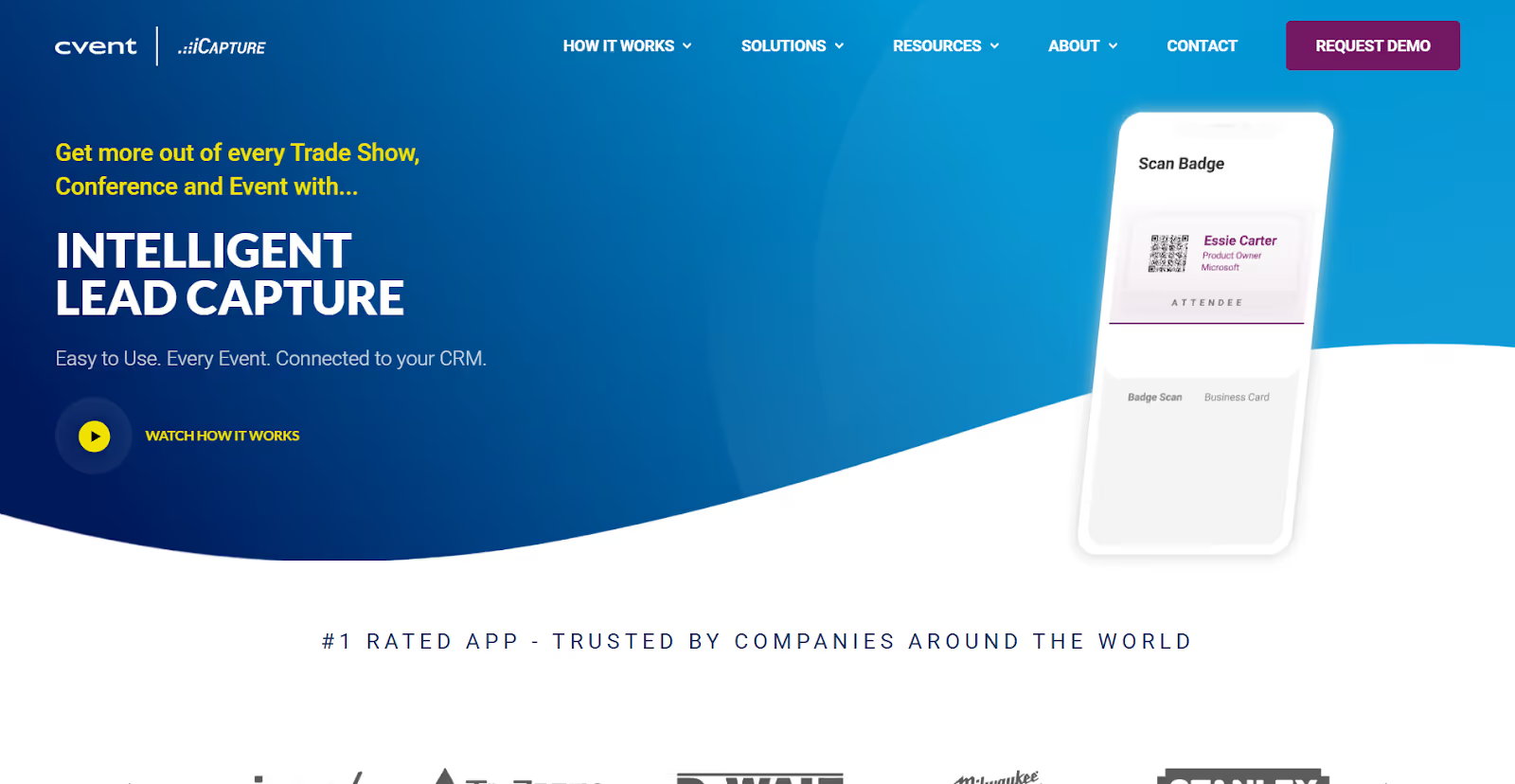
iCapture is a lead capture solution widely used by exhibitors who want a simple, device-based way to scan attendee information at sales events. It’s often chosen for its straightforward approach to quickly capturing leads on smartphones or tablets, without requiring extensive on-site infrastructure.
Badge scanning capabilities:
- Badge scanning using your own device: You can scan event-issued badges directly from your mobile devices to capture attendee details.
- Business card scanning: Supports scanning physical business cards, which can be helpful when badges aren’t available or during informal sales conversations.
- Offline lead capture: Leads can be captured without an internet connection and synced later, enabling sales teams to work in low-connectivity environments.
- Custom qualification questions: Allows teams to add qualifying fields to capture interest level, notes, or other context during the scan.
Other key features:
- CRM integrations: Integrates with platforms like Salesforce and HubSpot to pass captured lead data into existing sales workflows.
- Flexible lead capture workflows: Designed for exhibitors who want a focused tool for collecting contacts without managing broader event operations.
Common challenges reported by users:
- Technical stability issues, including random app cutouts and inconsistent site or badge mappings during syncing
- Setup and configuration can be time-consuming, particularly when integrating with Salesforce.
- Lead nurturing features are limited within the app, with most follow-up handled externally.
- Additional API access may be required at some events to enable badge scanning.
- Pricing may be a consideration for smaller exhibitors or teams with limited budgets.
Pricing: Available via an annual service agreement, with pricing starting at $8,000. Multiple pricing options and feature tiers are available.
5. Eventtia
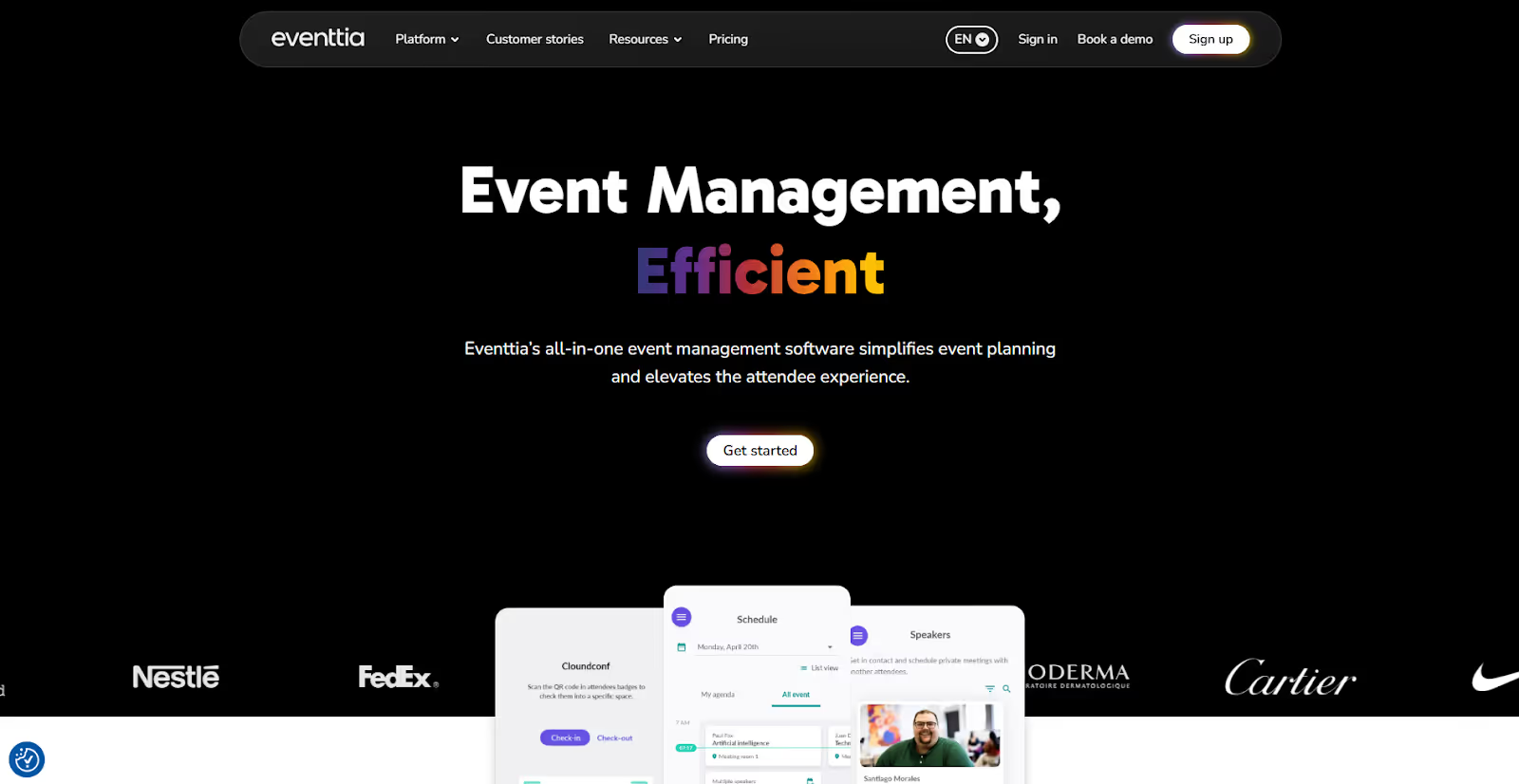
Eventtia is a configurable event management platform used by organizations running corporate, B2B, and multi-event programs where structure and back-office control matter. From a badge-scanning perspective, Eventtia supports QR code–based check-in and basic badging as part of its broader event operations toolkit. It’s typically evaluated by teams that want badge scanning to plug into a wider registration, networking, and event management system.
Badge scanning capabilities:
- QR code–based check-in and badge scanning: You can manage attendee arrivals via QR code scanning in Eventtia’s on-site app, enabling controlled, efficient entry.
- On-site badging support: Badge printing is available during the on-site check-in workflow, enabling attendee identification at in-person events.
- App-connected attendee data: Badge scans tie back to attendee profiles within the Eventtia system, helping maintain consistency between registration and on-site data.
Other key features:
- Centralized multi-event management: A unified portal and event calendar allow you to manage multiple events and ongoing programs from a single environment.
- Multilingual event support: Language options built for international audiences and globally distributed events.
- Networking and matchmaking tools: Structured networking features, including attendee matchmaking and one-on-one meeting scheduling.
- Built-in marketing and promotion: Email campaigns, landing pages, and social integrations to support event promotion without relying entirely on third-party tools.
- Enterprise-grade controls and extensibility: White-label branding, SSO, role-based permissions, audit logs, unlimited API calls, custom portals, data lake integrations, and premium support SLAs.
Considerations noted by users:
- Integration constraints with specific invoicing systems and CRMs, such as Salesforce
- Limited flexibility in guest-facing web content, including fewer built-in content editing tools
- A backend interface that may require onboarding time to use effectively
Pricing: License-based, tiered pricing starting at $1,600, with usage credits valid for 12 months.
6. Accelevents
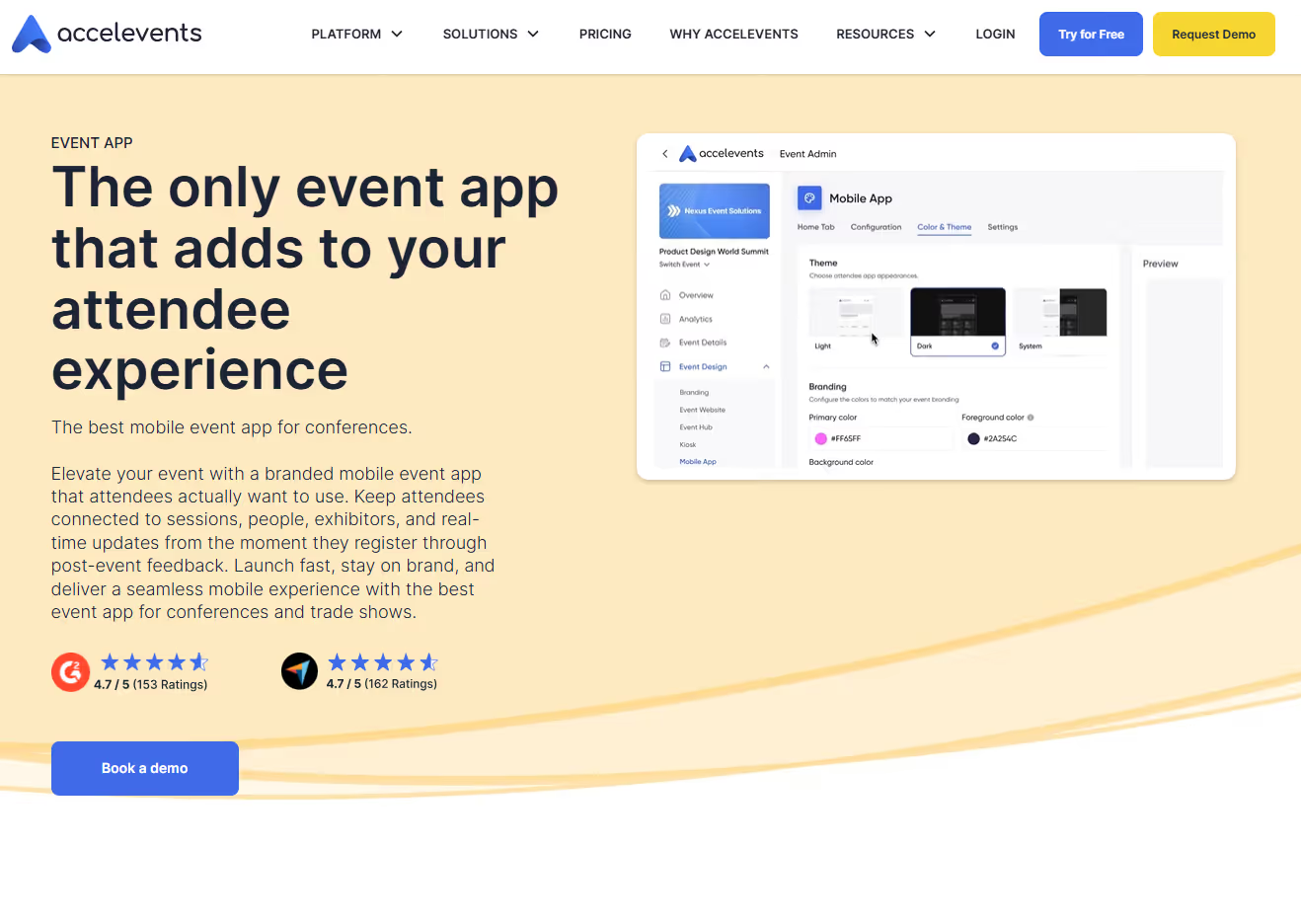
Accelevents offers strong contactless check-in and badge-scanning capabilities, making it a common choice for teams that want fast attendee entry without heavy infrastructure. It’s typically considered for conferences and multi-day programs where quick badge scans, self-service check-in, and on-demand badge printing are essential to keeping lines moving.
Badge scanning and on-site capabilities:
- QR-based contactless check-in: Attendees can check in via self-service or staff-assisted workflows using QR codes, helping reduce entry congestion.
- On-site kiosks and live badge printing: It supports kiosk-based check-in and on-site badge printing via a drag-and-drop badge designer, producing badges as attendees arrive.
- App-connected attendee data: Badge scans are linked to attendee records in the platform, enabling attendance tracking and exhibitor visibility.
Other key features:
- Custom registration and ticketing: Flexible registration forms and ticket types designed to accommodate different event formats and access rules.
- Analytics and ROI reporting: Reporting tools to track attendance, session engagement, and exhibitor-related activity across the event.
- CRM and marketing integrations: Integrations with tools like Salesforce and HubSpot to support lead follow-up and post-event reporting.
Considerations noted by users:
- Initial setup and configuration can require significant time for onboarding.
- Occasional software bugs or glitches are reported during setup or execution.
- Customization limits some accessibility and event hub features.
- A smaller integration ecosystem compared to long-established enterprise platforms
Pricing: Tiered pricing starting at $7,500 for a single event and $13,500 for multiple events, with enterprise and white-label options available.
7. Splash
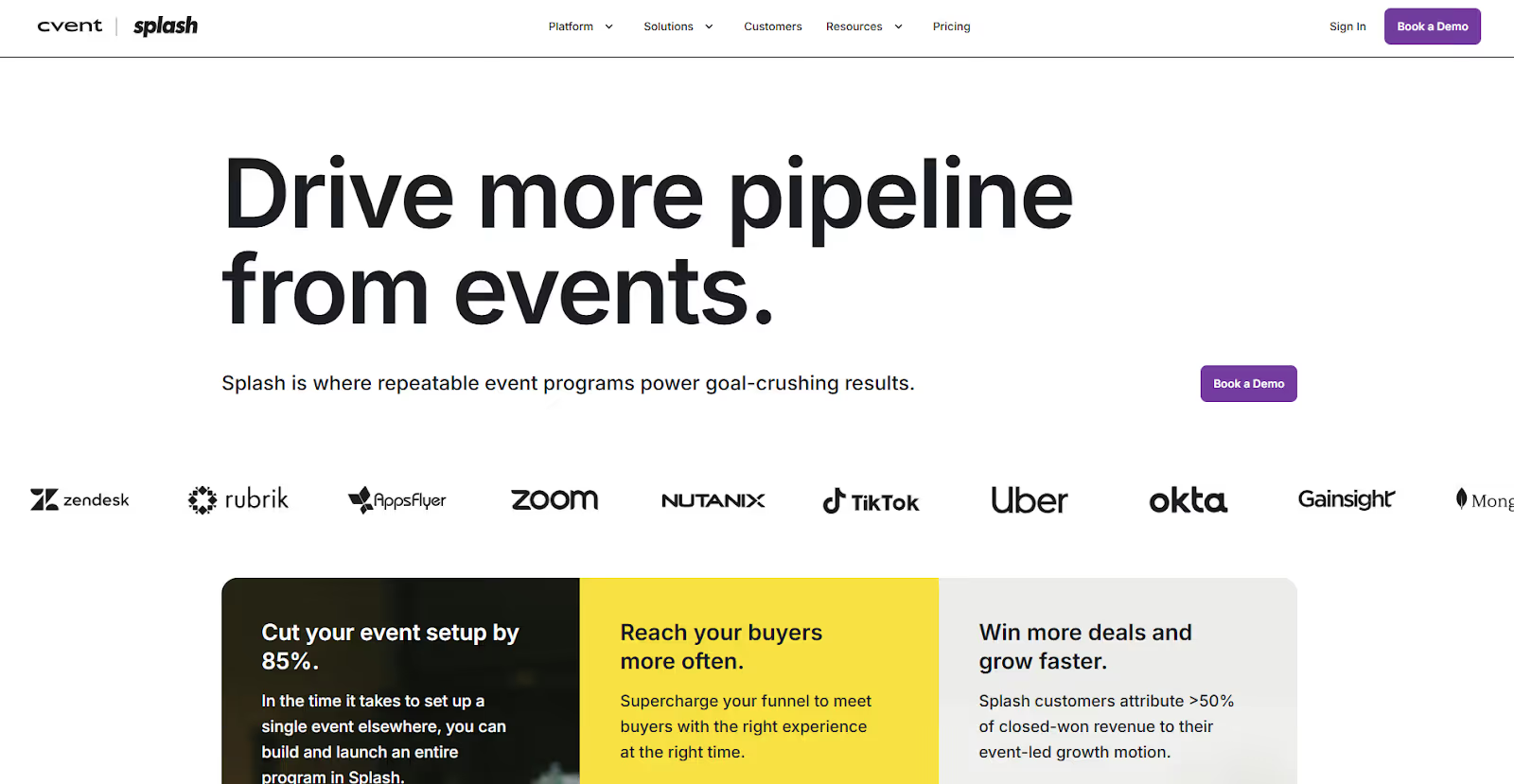
Splash is a marketing-led event platform built for teams that focus on branded experiences, campaign execution, and audience engagement. From a badge-scanning perspective, Splash includes basic on-site check-in and badge printing as part of a broader marketing and communications toolkit. It's not a standalone sales or lead-capture system.
It’s typically evaluated by marketing teams that want badge scanning to support attendance tracking and branded entry experiences while keeping promotion, email, and design connected.
Badge scanning and on-site capabilities:
- App-based check-in and badge scanning: Event staff can scan attendee credentials at entry using Splash’s check-in app to manage arrivals at in-person events.
- On-site badge printing: Available to support identification and access control during live events.
- Attendance tracking: Scans tie back to attendee records, giving you visibility into who attended and when.
Other key features:
- Guest and attendee management: RSVP handling, ticketing, payments, and attendee tracking for both gated and open registration models.
- Event websites and landing pages: Branded event pages created using drag-and-drop templates, enabling fast launches without custom development.
- Email marketing and communications: Native tools for invitations, reminders, and follow-ups connected directly to attendee data.
- Reporting and analytics: Dashboards and data exports for tracking registrations, attendance, and engagement metrics.
- Integrations and API access: Integrations with platforms such as Salesforce, Marketo, Eloqua, Slack, Zoom, and GoToWebinar, plus open APIs for custom workflows.
Considerations noted by users:
- Design customization may require higher-tier plans or workarounds.
- Interface navigation may feel complex for new users.
Pricing: Tiered Pro and Enterprise plans with unlimited events and registrations, supporting in-person, virtual, and hybrid formats.
8. PheedLoop
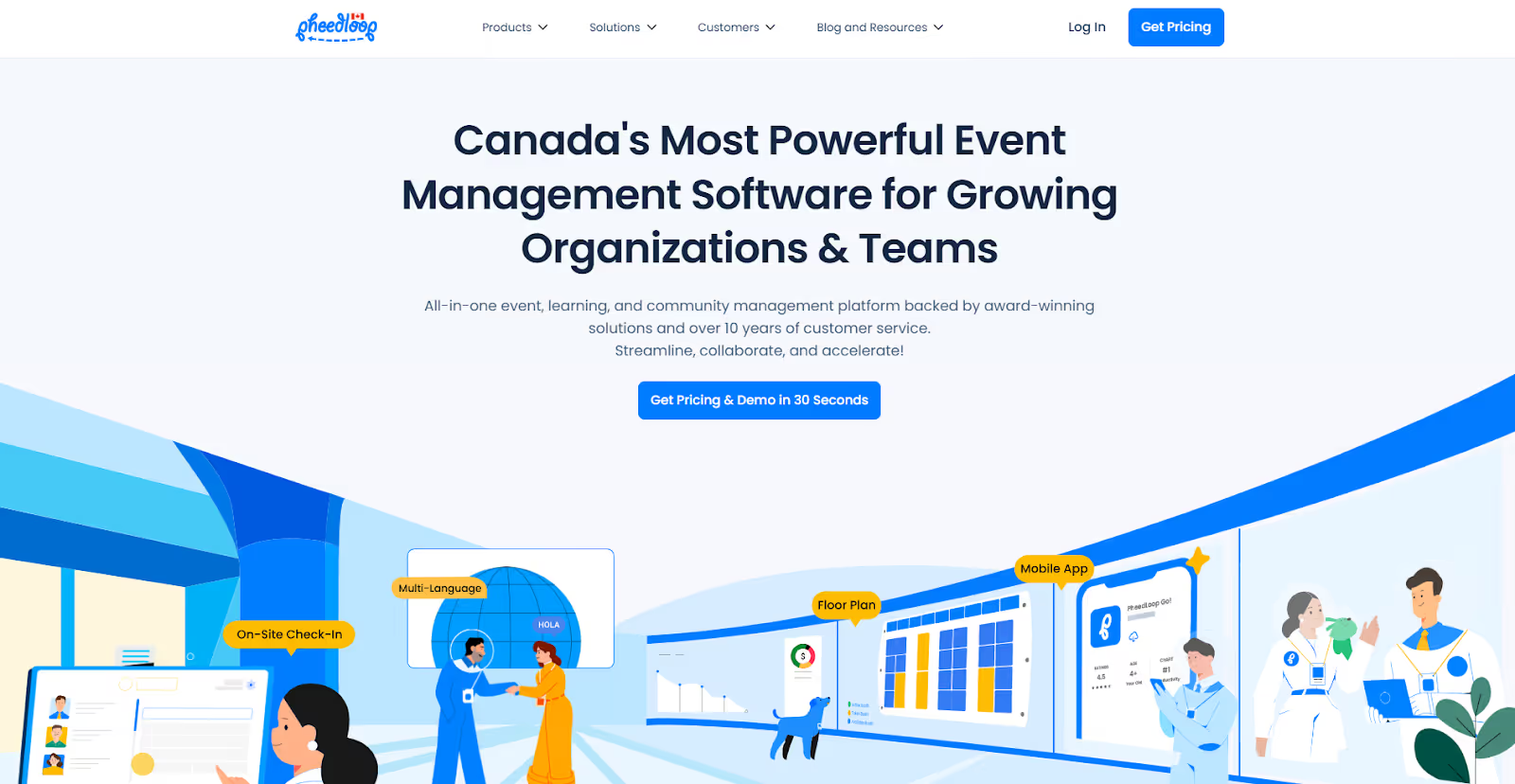
PheedLoop offers a modular, budget-conscious event management platform for SMBs, associations, and mid-sized organizations running sales conferences and community-driven events. From a badge-scanning angle, it provides core on-site check-in and badging tools that support attendee entry and identification without requiring a full enterprise stack. It’s a great choice if you want functional badge scanning and printing as part of a flexible, pay-for-what-you-use system.
Badge scanning and on-site capabilities:
- On-site check-in and badge scanning: Event staff can manage attendee arrivals using QR code–based scanning tied to registration records.
- Badge printing and staff coordination: Supports badge printing and entry management workflows for in-person events.
Other key features:
- Event registration and ticketing: Custom registration paths, ticket sales, and automated email communications.
- Automation and workflow tools: Session scheduling, reminders, and task workflows to reduce manual coordination.
- Multi-language support: Built-in language options for international or multilingual audiences.
- Analytics and reporting: Standard reports covering registrations, attendance, and engagement.
- Event website and on-site displays: Integrated website builder and live display tools for signage and announcements.
Limitations faced by users:
- Integration challenges with WordPress-based websites
- A smaller set of enterprise-grade integrations compared to larger platforms
- Some onboarding time is required to configure modular features effectively.
Pricing: Pay-as-you-go pricing based on selected modules and features. Prices as low as $1 per module per user.
9. Bizzabo

Bizzabo is an enterprise-focused event management platform built primarily for large B2B conferences and multi-event programs. From a badge-scanning and on-site perspective, Bizzabo positions itself as part of a broader “Event Experience OS.” Attendee identification, engagement, and sponsor visibility are connected across in-person, virtual, and hybrid events.
Badge scanning and lead capture capabilities:
- Klik SmartBadges™: Wearable smart badges enable contact exchange and interaction tracking, designed to increase networking activity and exhibitor lead volume without manual scanning.
- Exhibitor lead capture and engagement tracking: Badge-related interactions connect to sponsor and exhibitor dashboards, enabling monitoring of engagement across booths, sessions, and touchpoints.
- Attendee identification across formats: Badge data ties into attendee profiles used across in-person, virtual, and hybrid experiences.
Other key features:
- Event registration and program management: Branded registration flows, agenda creation, session scheduling, and centralized management for organizations running multiple events.
- Event marketing and promotion: Email automation, campaign workflows, and promotional tools to drive registrations.
- Enterprise-level controls: Gated registrations, single sign-on (SSO), custom-branded apps, dedicated IPs, and centralized video libraries.
- Creative production services: Bizzabo Studios supports full-service creative and production needs.
Cons noted by teams:
- Higher price point, often best suited for organizations with recurring or large-scale event programs
- Advanced configuration and setup may require onboarding support.
- The depth of customization can depend on the developer's resources.
- Some users report occasional issues with registration or platform stability.
Pricing: Tiered pricing based on event size and feature access, typically starting at $499 per user per month (billed annually, three-user minimum), with custom enterprise plans available.
Choosing between these platforms ultimately comes down to how central badge scanning is to your sales outcomes. Before comparing app features, clarify what a strong badge scanner needs to do for your sales event.
What to Look for in a Good Badge Scanner for Sales Events
The right badge scanner becomes a revenue tool. Based on what consistently works (and fails) at real sales-driven events, here’s how to evaluate badge scanning apps in a way that actually protects ROI.
1. Ease of Use
If your sales or booth team can’t use the scanner confidently within minutes, lead quality will suffer, no matter how powerful the app is.
What to look for:
- Clean, uncluttered interface
- Clear scan → qualify → save flow
- Minimal taps per scan
- No training manuals required on-site
Why it matters: At a busy sales event, reps default to the fastest option. If the app feels slow or confusing, they’ll skip scans altogether or jot notes to attach later, which rarely happens.
Pro tip: Ask vendors how long it takes a first-time user to complete their first successful scan. That answer tells you more than a feature list.
2. CRM Integration
Capturing leads is only step one. It doesn’t end at the scan. What happens after the scan determines whether your event drives the pipeline.
What to look for:
- Native CRM integrations (Salesforce, HubSpot, etc.)
- Automatic syncing (not CSV exports)
- Field mapping that preserves context (notes, qualifiers, scores)
Why it matters: Sales follow-up loses effectiveness by the hour. If leads don’t hit your CRM quickly and cleanly, momentum dies, and attribution becomes guesswork.
3. Cost Effectiveness
The cheapest scanner is rarely the most affordable in the long run. Evaluate the total cost, including:
- Licensing vs per-event fees
- Device rentals (if required)
- API or integration add-ons
- On-site support or training costs
Why it matters: Hidden fees and bolt-ons often appear after contracts are signed, especially around integrations and badge compatibility.
Reality check: A higher upfront cost can be justified if it reduces manual cleanup, accelerates follow-up, and improves lead-to-opportunity conversion.
4. Customization: Qualification + Branding
Every sales event has a purpose: product launches, upsells, partnerships, and your badge scanner should reflect that. Customization is what transforms raw data into sales intelligence.
What to look for:
- Custom qualification questions (budget, timeline, product interest)
- Lead scoring or priority tagging
- Branded interface or forms for professional presentation
Example: Instead of “Nice chat at booth,” your rep captures:
- Interest: Product A
- Timeline: 3–6 months
- Authority: Decision-maker
That’s a follow-up email sales will actually act on.
5. Real-Time Visibility & Reporting
Waiting until after the event to see the performance is too late. Select apps that support real-time analytics data.
What to look for:
- Live dashboards during the event
- Visibility into scan volume per rep or booth
- Ability to spot high-intent leads early
Why it matters: Real-time data lets you:
- Reassign reps to busy areas
- Identify underperforming booths
- Escalate hot leads to senior sales staff while the event is live
6. Offline Capability
Event WiFi is bound to fail at some point. That’s not a risk, it’s a certainty. If your scanner stops working when connectivity drops, you lose leads permanently. Offline functionality protects data when conditions are unpredictable.
What to look for:
- Full offline scanning functionality
- Local data storage on the device
- Automatic syncing once connectivity returns
Key insight: If a vendor can’t clearly explain how offline data is stored and synced, that’s a red flag.
Also Read: Post-Show Badge Data Analysis: Improve Lead Conversions
Additional Evaluation Signals (Often Overlooked)
- Badge compatibility: Works with event-issued badges without extra API fees
- Data accuracy: Clean scans, low error rates, consistent field mapping
- Support model: Who helps when something breaks on-site?
- Scalability: Performs just as well at 5,000 scans as it does at 50
Actionable Checklist: Before You Choose a Badge Scanner
Use this checklist before signing anything:
- Test the app with a first-time user (no training).
- Confirm offline scanning and sync behavior.
- Validate native CRM integration (not CSV-only).
- Review qualification and scoring flexibility.
- Ask about badge compatibility and API requirements.
- Check real-time reporting access during events.
- Request a full cost breakdown (licenses, hardware, add-ons).
- Clarify on-site support options for live events.
If a badge scanner meets all of the above, it’s capturing leads while protecting the return on your sales event investment.
Wrapping Up
Looking at the best badge scanning apps for sales events in 2026, one reality stands out: no single platform is built for every use case. Apart from badge scanning, some emphasize engagement or marketing, others focus on registration, and a few are designed for enterprise governance. The right choice depends on several factors. That includes how critical lead quality is to your event, how much on-site control you need, and whether the system performs reliably during peak volumes.
This is where many badge scanners struggle. However, fielddrive takes a different approach as an intelligence-driven on-site event partner. By working with teams early, fielddrive helps design attendee flow and lead capture before show day. Then it delivers fast badge scanning, supported by touchless check-in, live badge printing, session scanning, and real-time analytics.
So, if you’re ready to move beyond simple scanners and run sales events that perform under pressure, reach out today. See how fielddrive turns on-site badge scans into valuable leads and measurable results.
FAQs
1. What happens to badge scan data after the event ends?
Post-event, scan data is typically stored in the platform’s database and synced to connected CRMs or analytics tools. Advanced solutions also support historical analysis, allowing you to compare lead quality and engagement across multiple events.
2. Can badge scanning apps support international events with different badge formats?
Some platforms are built to handle varying badge layouts, languages, and regional standards. This typically requires early configuration so scanners recognize the correct fields, especially for multi-country events with localized registration systems.
3. Do badge scanning apps work for invite-only or closed-door sales events?
They can, provided access control and badge rules are correctly configured. In invite-only settings, scanners often double as access validation tools, ensuring only approved attendees enter sessions or private demos.
4. How do badge scanning apps handle shared booths or partner-led sales events?
Some solutions support role-based access or partner-specific views. That allows multiple teams to scan the same attendee while maintaining clear ownership and attribution in downstream CRM and reporting systems.
.svg)
.svg)
.svg)
Want to learn how fielddrive can help you elevate your events?
Book a call with our experts today


.svg)