

.svg)
.webp)
8 Proven Eventcube Alternatives in 2026: What Top Event Teams Consider
Explore the best Eventcube alternatives like fielddrive, Eventbrite, Whova, and more. Find out where each excels and where limitations appear across the event.

CONTENT
Quick Snapshot
- Most Eventcube alternatives fall into two camps. That includes tools optimized for selling tickets and managing registrations, as well as platforms built to handle real on-site pressure, such as peak arrivals, access control, and live data capture.
- As attendance grows, speed of check-in, live badging, session access, and reliability under load matter more than pre-event setup or marketing features.
- Different platforms solve different parts of the problem. fielddrive, Accelevents, and Eventtia focus more on operational control, while TicketSauce, Eventbrite, and Whova lean toward ticketing, discovery, or engagement.
- Not all alternatives deliver real-time dashboards, clean CRM sync, or post-event insight without manual work. That's a key gap for teams accountable to leadership.
- The right choice depends on accountability for execution. If you own attendee flow, exhibitor ROI, and on-site outcomes, execution-first platforms tend to outperform ticketing-first tools when pressure is highest.
Running high-attendance events means your margin for error is thin. Arrival windows are compressed, expectations are high, and there’s little room for manual workarounds once doors open. Attendees need to get inside quickly. Access needs to be controlled without friction. Data has to be captured accurately as the event happens. When on-site systems can’t keep pace, the impact shows up immediately in queues, frustrated stakeholders, and lost insight.
That said, if you’re evaluating Eventcube alternatives, it’s often a response to that reality. Platforms that work well for ticketing and basic event setup don’t always give you the flexibility, speed, or on-site control you need in high-pressure situations. That’s where comparing alternatives shifts from features to execution under real conditions.
In this article, we break down the best Eventcube alternatives and competitors for 2026, focusing on on-site execution, operational flexibility, and post-event insight. Going through this will help you assess each option based on how it performs when it matters most, and where it doesn't.
How We Evaluate and Rank the Best Eventcube Alternatives
Eventcube alternatives vary considerably in what they are built to do. Some are primarily ticketing and registration platforms, while others extend further into attendee engagement, hybrid experiences, on-site operations, and event analytics. That means comparing them purely by the number of features they offer doesn’t tell the whole story.
For this list, we looked at each platform through the lens of the operational challenges that often lead teams to explore an Eventcube alternative in the first place. Our evaluation considers:
- Overall capabilities and event fit: What each platform is designed to handle and the types of events, teams, and workflows it is best suited for.
- On-site execution: The depth of capabilities around attendee check-in, badge printing, session scanning, access management, and handling live event operations.
- Registration and ticketing: How well the platform supports ticket types, payments, registration workflows, attendee management, and last-minute changes.
- Integrations and event data: How effectively attendee and event data can move between the platform, CRM, marketing, and other systems.
- Reporting and analytics: The visibility organizers get into attendance, engagement, event performance, and post-event outcomes.
- Scalability and operational flexibility: How well the platform can adapt as event size, complexity, formats, or requirements change.
- Ease of use, support, and value: Setup requirements, available customer support, reported usability considerations, and pricing where publicly available.
We also consider recurring strengths and limitations reported by users alongside publicly available product information.
The order of the alternatives reflects the focus of this comparison rather than a universal ranking for every event team. Because this article is particularly concerned with what happens as events become larger and more operationally demanding, platforms with stronger on-site execution, data visibility, and support for complex event flows receive greater consideration. A ticketing-first or engagement-focused platform may still be the better choice when those capabilities are your main priority.
Eventcube Alternatives Built for High-Pressure, On-Site Event Operations
Selling tickets is only one part of running a successful event. As attendance grows and expectations rise, you need systems that can handle arrivals at scale, support access control, and deliver usable data during the event. The Eventcube alternatives below are commonly chosen by teams who need more than a transactional setup.
1. fielddrive

fielddrive is built for event owners who are accountable for what happens when attendees arrive, not just what happens during registration or ticket sales. While Eventcube focuses on ticketing, marketing, and checkout experiences, fielddrive is designed around on-site execution, flow control, and performance insight for in-person and hybrid events.
Instead of entering late to “fix check-in,” fielddrive works with teams earlier in the planning cycle. Its on-site specialists help you design attendee flow, align technology with venue layouts, and define how data should be captured and used. And all of these before show day pressure hits. This approach helps reduce queues, eliminate manual workarounds, and prevent fragmented data that often appears when ticketing-first tools are pushed beyond their limits.
What sets fielddrive apart:
A right-fit option for smaller events, too:
fielddrive Easy Badging extends these capabilities to smaller teams and budgets. This makes enterprise-grade check-in and badging accessible without unnecessary complexity. Here's how:
- All-inclusive solution for events up to 500 attendees
- Portable kiosks with offline capability
- Pre-designed but customizable badge templates
- On-site sticker printing for accurate attendee info
- On-site support included, with no hidden shipping fees
Best suited for:
- Large conferences and conventions
- Trade shows and exhibitions
- Corporate events and product launches
- Association and membership events
- Any event where fast entry, secure access, exhibitor ROI, and operational insight are critical
Real-world results:
- Efficiency in action: OMcollective’s check-in success story with fielddrive
- ICCA and fielddrive: showcasing best-in-class, sustainable in-person events
What clients say:
- “fielddrive always goes above and beyond, and I couldn’t be happier! You wow’d all of our attendees. Here’s to the next one!” - Matt Cannon, Event Manager at Keller Williams Realty International
- “Our delegates had an amazing check-in experience with fielddrive, we received excellent feedback from our attendees.” - Adam Clay, Director of Finance at Royal Microscopic Society
Pricing: Custom quotes based on event size, format, and on-site requirements.
.avif)
2. TicketSauce
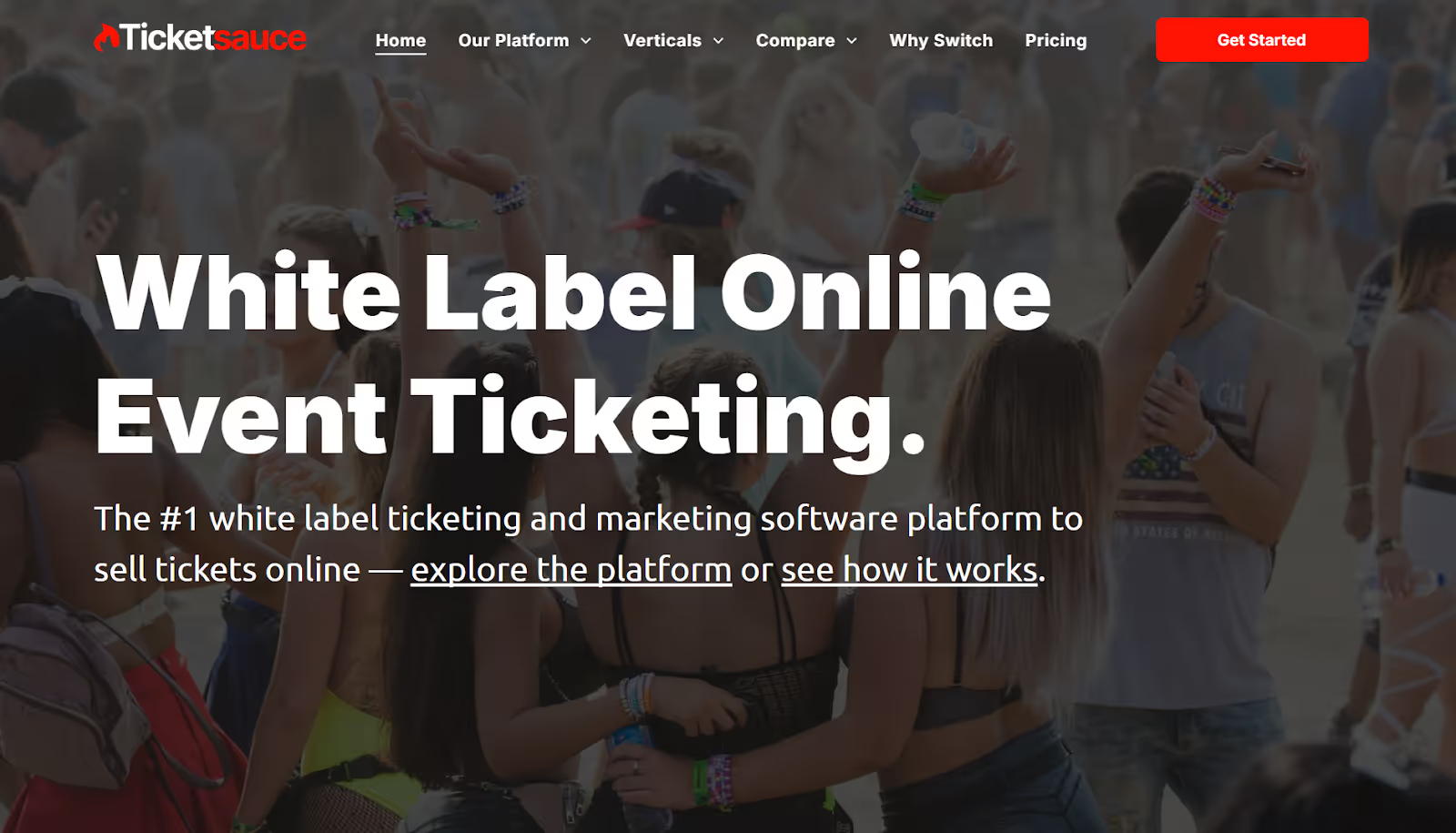
TicketSauce is a ticketing and event marketing platform designed primarily for selling tickets to live events, performances, and community-driven experiences. It’s commonly used by organizers running concerts, fundraisers, cultural events, and smaller-scale recurring events where ease of ticket sales and checkout reliability are core priorities.
Among Eventcube alternatives, TicketSauce is typically considered by teams looking for a straightforward ticketing-first solution with embedded marketing tools.
What TicketSauce is known for
- Online white-label ticket sales with customizable ticket types and pricing
- Built-in promotional tools, including tracking links and basic analytics
- Mobile-friendly ticket purchasing and digital ticket delivery
- Features like single-page checkout and self-serve ticket upgrades, downgrades, and swaps boost conversions and reduce support time.
- Tools to manage attendee lists, orders, and basic check-in
- Multiple payment options are supported online and on-site, including Apple Pay, Google Pay, tap-to-pay, and POS hardware.
Where teams report limitations
- Workflows and layouts can feel rigid, especially for teams with specific branding or checkout requirements.
- Users report challenges managing recurring events, including setup complexity and reduced ease of use for both staff and returning attendees.
- The checkout flow requires a lot of information entry, which can feel cumbersome for second-time ticket purchasers.
- Tracking link data and analytics are sometimes reported as inconsistent or inaccurate, limiting confidence in performance reporting.
- Some users note slower or less responsive customer service when issues arise.
Pricing: Custom pricing offered
3. Whova
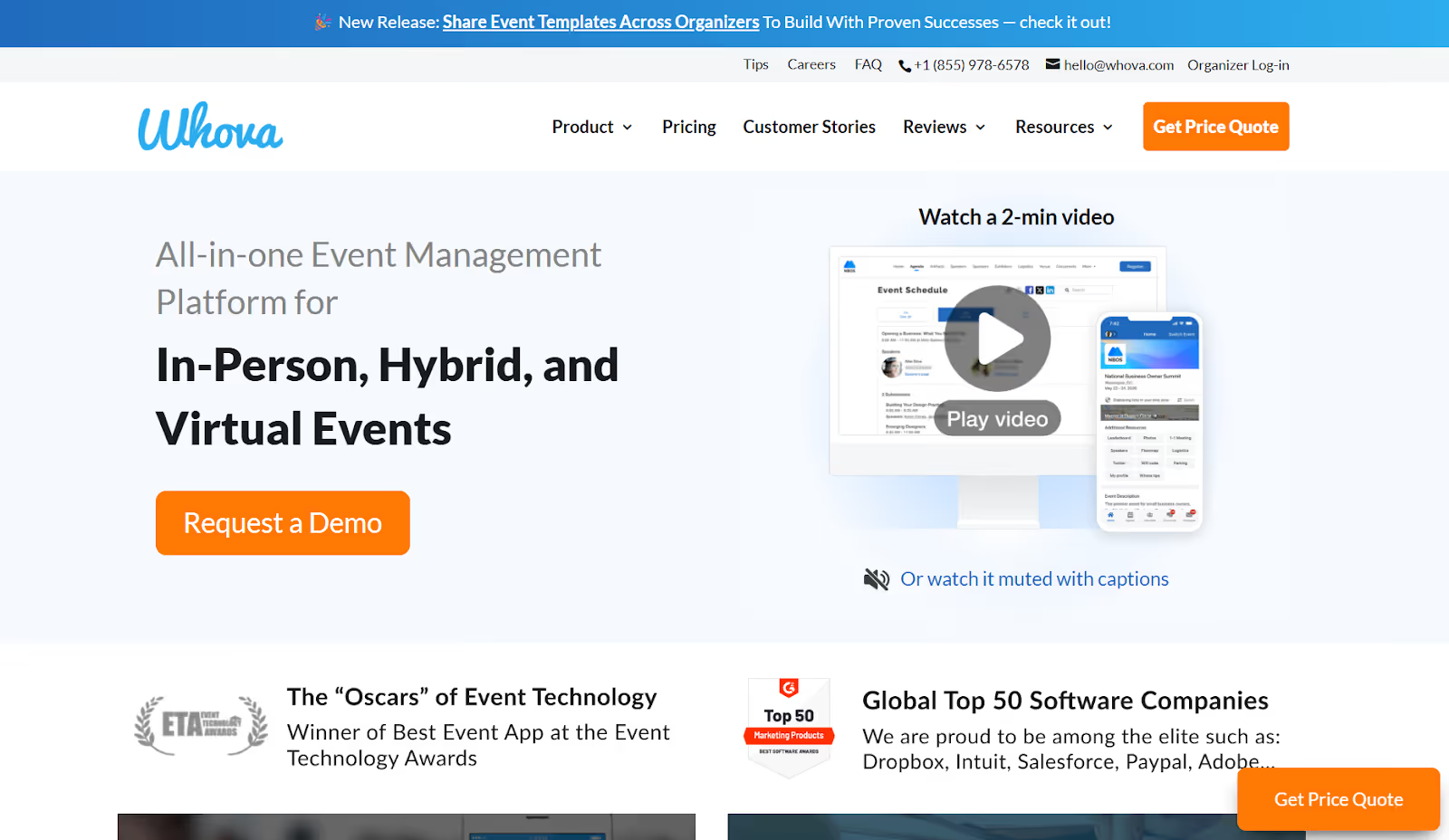
Whova is a mobile-first event platform commonly considered by conference, association, and workshop organizers who place a strong emphasis on attendee engagement and in-app interaction. It’s often evaluated alongside tools like Eventcube when teams want to improve communication, networking, and agenda visibility.
Compared to ticketing-led platforms such as Eventcube, Whova’s strength lies less in registration depth or transactional workflows and more in what happens inside the app.
What Whova is known for
- Mobile ticket scanning and basic attendee management for in-person events, typically suited for moderate volumes.
- A native app that centralizes agendas, session details, speaker profiles, sponsor listings, and event updates in one place.
- Built-in polls, live Q&A, surveys, gamification, and announcements designed to drive session participation and interaction
- Tools to manage session schedules, speaker bios, exhibitors, and real-time agenda changes
- Discussion boards, direct messaging, contact exchanges, and content sharing that support networking before, during, and after the event.
- Reports focused on session participation, app usage, and engagement trends
Where teams report limitations
- Attendees sometimes struggle to quickly locate sessions, rooms, or key information within the app.
- Frequent push notifications can reduce the effectiveness of critical messages.
- Reports of missing attendee contact details or discrepancies between mobile and desktop views.
Pricing: Whova offers custom pricing based on event size, format, and selected features.
Also Read: Top 10 Whova Alternatives and Competitors in 2026
4. Eventbrite
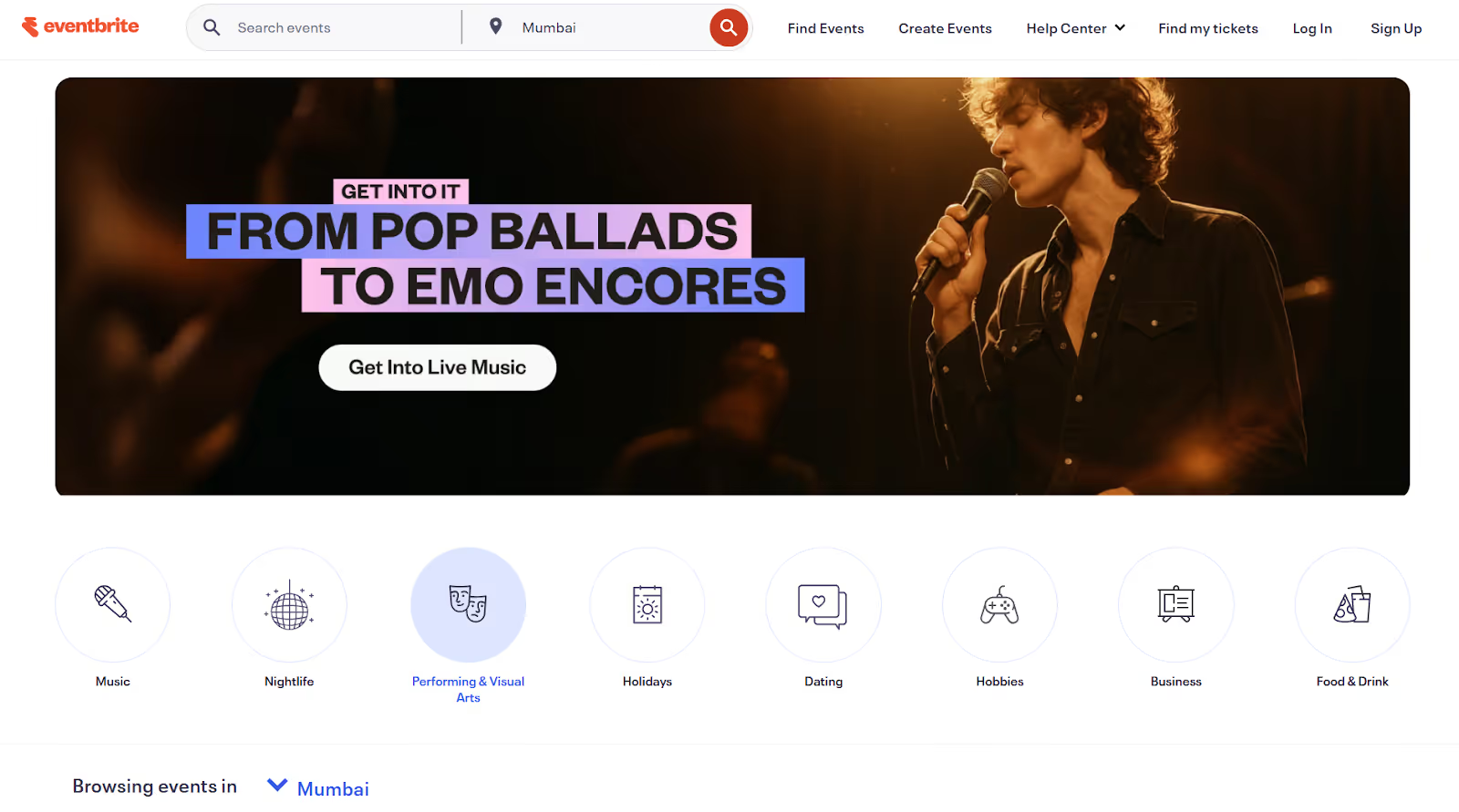
Eventbrite is a globally recognized event ticketing and management platform that helps organizers create events, sell tickets, and grow attendance. It enables these through a powerful combination of event publishing, marketing tools, and payment processing. Unlike tools focused on operational execution, Eventbrite’s strength lies in enabling event discovery, rapid setup, and broad ticket reach via its marketplace and integrated promotion.
What it does well
- Creation of ticket tiers, promo codes, add-ons, and custom event pages quickly, for both free and paid events.
- Enables you to tap into a global consumer audience through Eventbrite’s event directory and search ecosystem.
- The Eventbrite Organizer app provides real-time ticket sales tracking, mobile check-in, and on-site order management from iOS or Android devices.
- Built-in social sharing, email campaigns, and partner marketing features to help drive attendance and boost visibility.
- Integrated payments with Apple Pay, Google Pay, and flexible checkout options that simplify purchasing for attendees.
- You can monitor attendance stats and performance trends from a centralized dashboard.
Where teams report limitations
- Service and payment processing fees can significantly increase total costs for paid events, especially at scale.
- Restricted flexibility in branding, checkout flow, and attendee experience compared to more configurable platforms.
- Users report slow or inconsistent support responses, with refund handling often cited as a significant pain point.
- Reports of ticket-delivery issues and data security incidents that undermine organizer trust.
- Limited control over workflows makes it harder to adapt the platform for complex or non-standard event requirements.
Pricing:
- Free events: No Eventbrite fees
- Paid events:
- 3.7% + $1.79 service fee per ticket
- 2.9% payment processing fee per order
5. Micepad
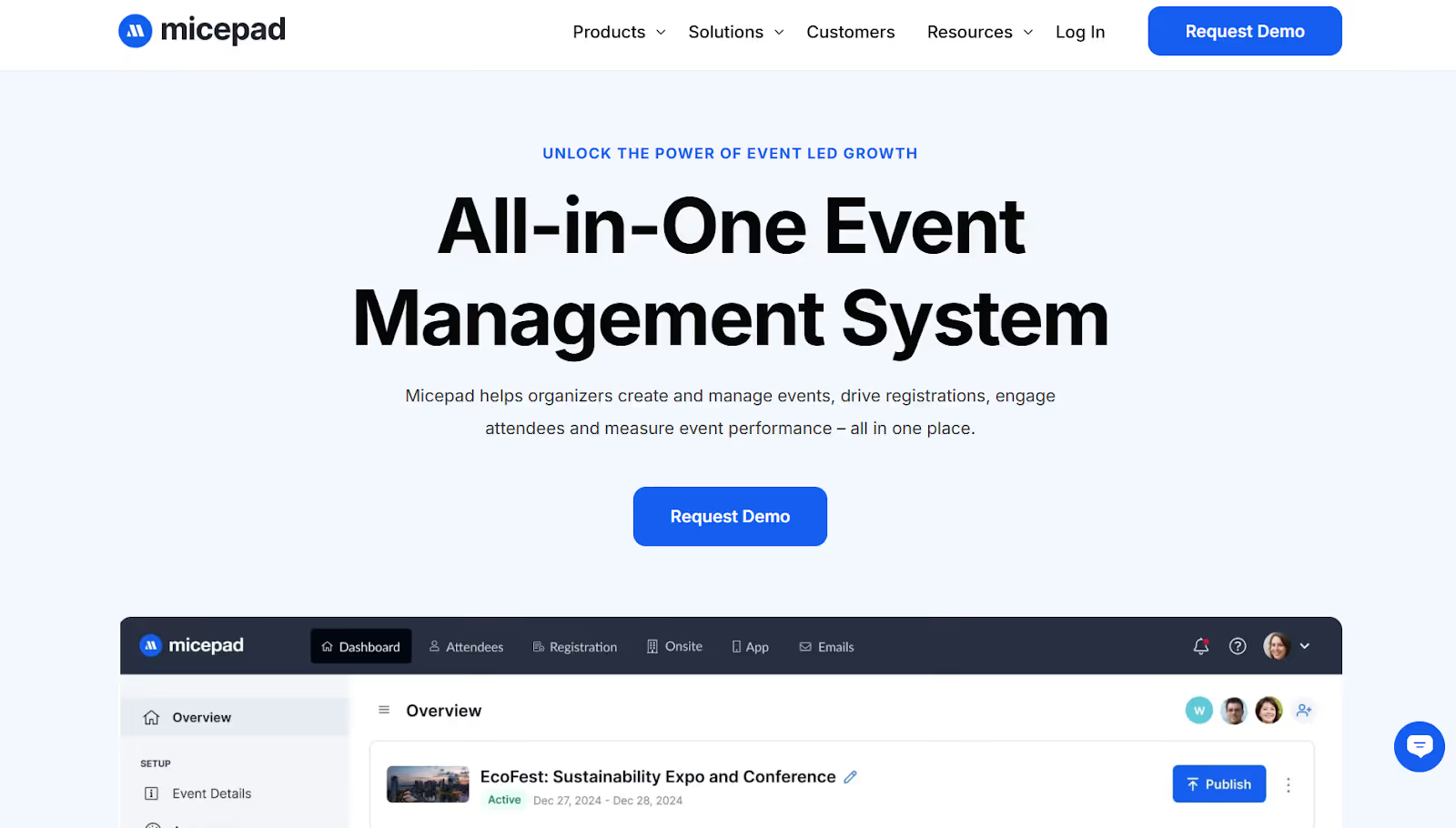
Micepad is a modular event management platform primarily adopted for virtual and hybrid events. It’s often reviewed alongside tools like Eventcube by teams seeking greater control over branding, engagement, and registration workflows. It has been used by global organizations such as Standard Chartered, Tableau, and Experian, and supports a broad mix of formats. That includes large-scale conferences and summits, as well as smaller, community-led events.
Compared to ticketing-first platforms like Eventcube, Micepad leans more toward experience design and engagement across digital and hybrid environments. On-site capabilities act as an extension rather than the core focus.
Core capabilities
- Custom registration forms, multiple ticket types, and support for different payment methods to match varied event models.
- A customizable event environment built to support interactive programming, branded experiences, and large online audiences.
- Contactless check-in for in-person or hybrid events, including support for late registrations and on-demand badge printing.
- Interactive schedules, speaker profiles, document libraries, and information pages that keep attendees and speakers aligned.
- Real-time and post-event reporting focused on participation levels and engagement metrics across formats.
Where teams report limitations
- Teams without prior event-tech experience may find setup and configuration more demanding.
- Reports of latency between video and audio, particularly in live translation or multi-language scenarios.
- Requires upfront planning to configure workflows, branding, and engagement features fully.
- Limited immersive elements, such as the lack of a 3D lobby for large forums or summits.
Pricing: Micepad offers tiered, per-event pricing starting at approximately $697 per event, with custom enterprise plans available.
6. Accelevents
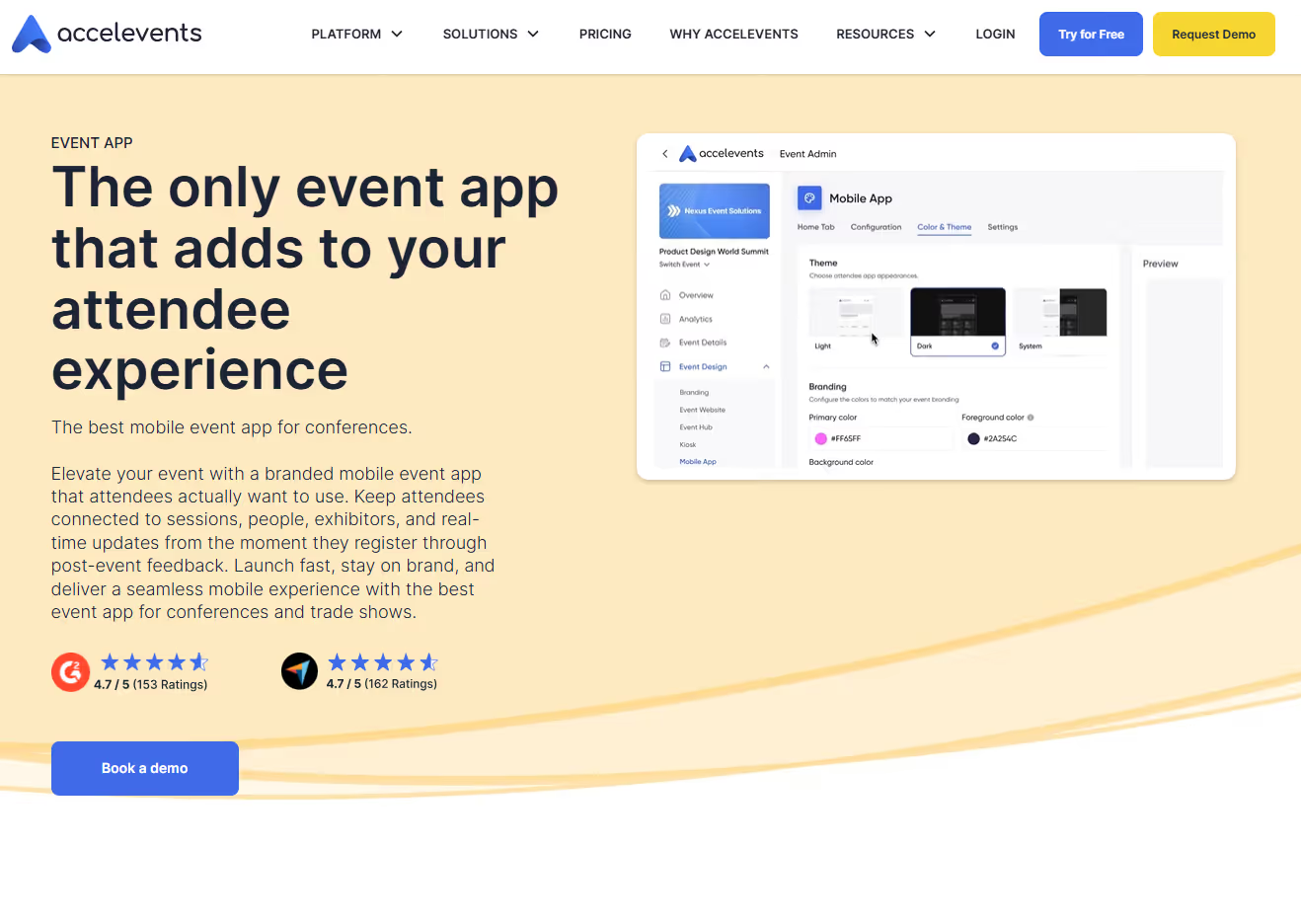
Accelevents is a full-suite event management platform designed to help teams launch events quickly while supporting both digital engagement and on-site execution. Compared to ticketing-centric tools like Eventcube, which focus primarily on selling and managing entry, Accelevents positions itself as a broader operational platform. It combines registration, engagement, and on-site tooling in a single system.
Key strengths
- Custom forms, ticket types, and registration paths designed to support multiple audiences and event formats.
- QR-based self check-in, on-site kiosks, and on-demand badge printing using a drag-and-drop badge designer to reduce entry friction.
- Dashboards that surface attendance metrics, engagement activity, and exhibitor ROI.
- Hands-on customer support that many teams rely on during high-pressure show days.
- Native integrations with platforms like Salesforce and HubSpot to support lead follow-up and post-event reporting.
- Tools to manage sessions, track attendance, and monitor engagement across in-person and virtual touchpoints.
Key operational gaps
- Initial configuration can feel heavy, particularly for lean teams or first-time users.
- Less depth than high-end enterprise systems designed for complex financial tracking.
- Fewer native integrations compared to long-established enterprise platforms.
- Occasional bugs or glitches are reported during setup or live execution.
- Certain areas of the event hub and accessibility features offer less flexibility than expected.
Pricing: Accelevents offers tiered pricing starting at $7,500 for a single event and $13,500 for multiple events, with custom enterprise and white-label plans available.
7. PheedLoop
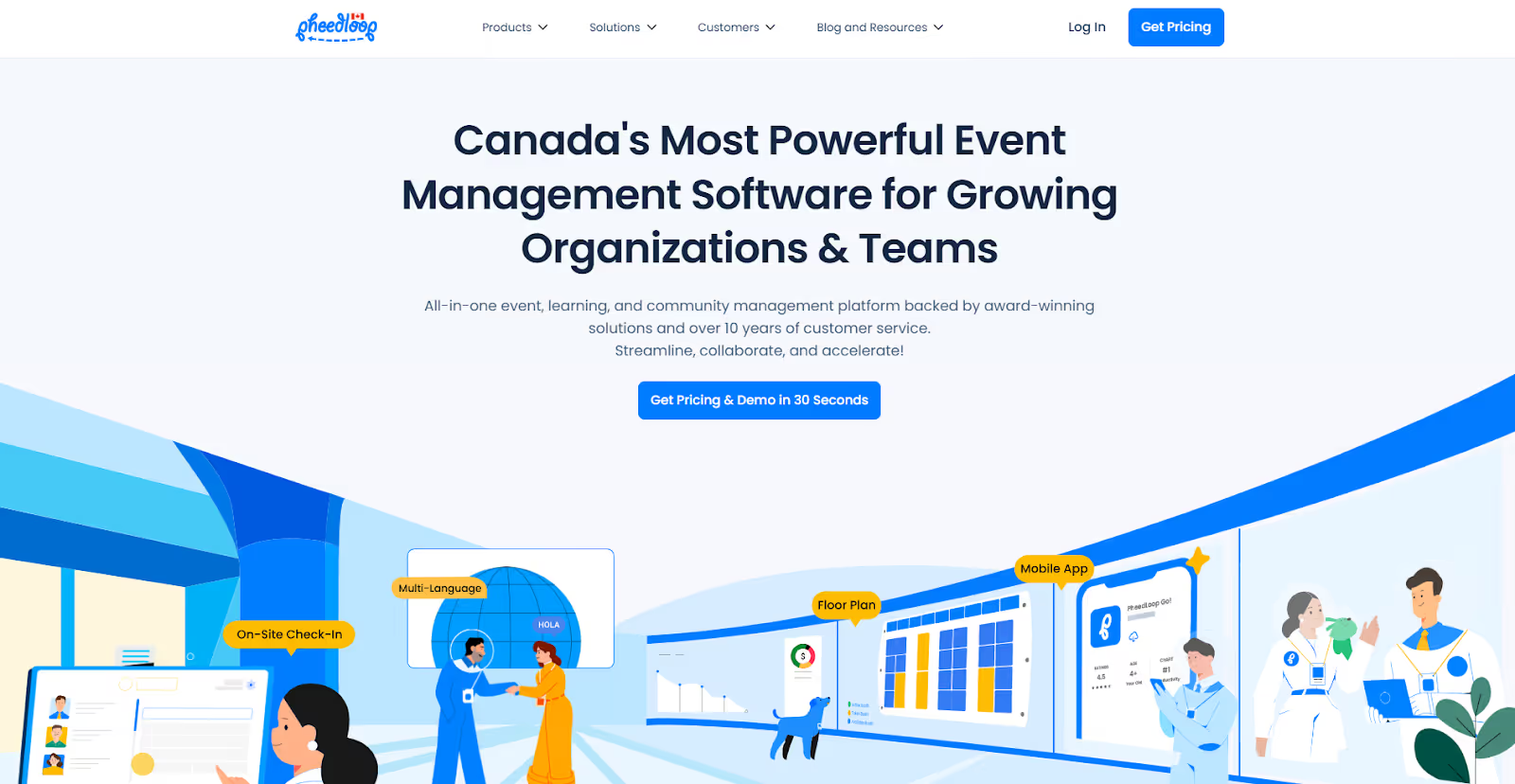
PheedLoop is a modular event management platform designed for cost-conscious teams running conferences, association meetings, trade shows, fundraisers, and community-focused events. It’s frequently adopted by SMBs and mid-sized organizations that want flexibility without committing to a rigid, all-inclusive package.
Unlike ticketing-led platforms such as Eventcube, PheedLoop’s value lies in its pick-and-choose structure, which lets you activate only the tools you need for each event.
Where PheedLoop adds value
- Custom registration flows, ticket sales, and automated attendee communications to simplify sign-ups.
- Native language options that suit international audiences or multilingual events.
- Badge printing, staff coordination tools, and attendee check-in for in-person events.
- HD streaming capabilities to support virtual sessions and hybrid formats alongside physical events.
- Reporting on registrations, attendance, and engagement across event formats.
- Built-in automation for reminders, session scheduling, and task management to reduce manual effort.
- An integrated website builder paired with live display systems for on-site signage, announcements, and room information.
Limitations you should be aware of
- Fewer enterprise-grade integrations compared to larger platforms, particularly for complex tech stacks.
- Reported challenges for teams heavily dependent on CMS-driven websites, especially WordPress
- First-time users may need additional time to understand and configure the platform’s feature-based structure.
Pricing: PheedLoop uses a pay-as-you-go pricing model.
8. Eventtia
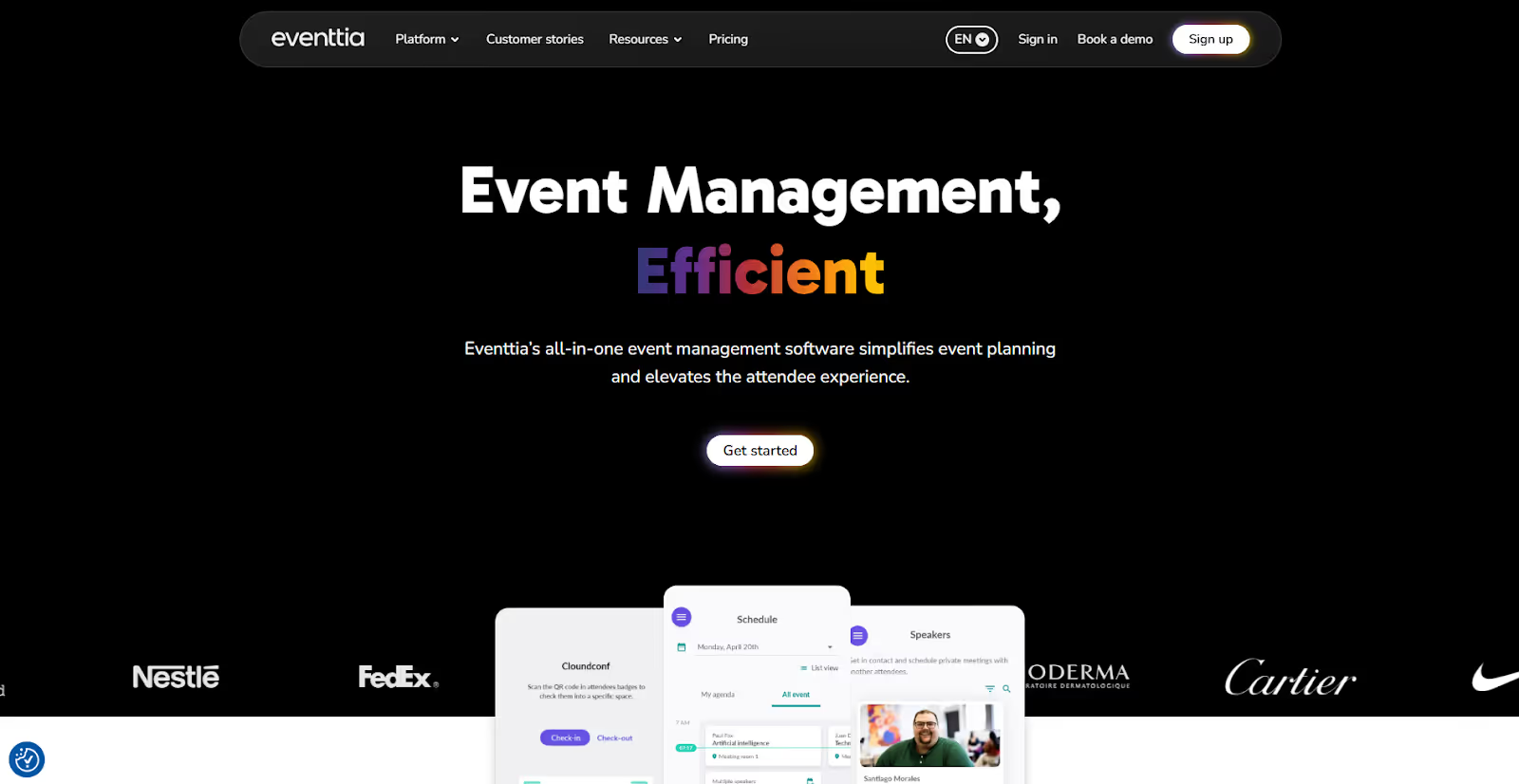
Eventtia is a highly configurable event management platform built for organizations running consumer, corporate, and B2B events at scale. It’s used by a wide range of teams globally, from retail brands and pharmaceutical companies to NGOs, public-sector bodies, and professional event agencies. It positions itself as a modular, back-office–driven system that combines registration, marketing, and on-site tools with deeper administrative controls.
What it is known for
- Secure ticket sales and payment processing through integrations with Stripe and PayPal.
- Customizable registration workflows for in-person, virtual, and hybrid events, designed to adapt to different audiences and use cases.
- Built-in email campaigns, landing pages, and social integrations to support promotion and attendee acquisition.
- Advanced features include SSO, white-label branding, role-based permissions, audit logs, unlimited API access, custom portals, data lake integrations, and premium SLAs. That extends well beyond what many ticketing-led tools offer.
- A unified portal and event calendar to manage multiple events, programs, or roadshows throughout the year.
- QR code–based check-in and badge printing are supported via a dedicated mobile app.
- Structured attendee matchmaking and one-on-one meeting booking to support purposeful networking.
Where teams report limitations
- Limited native integrations with invoicing systems and some CRMs, including Salesforce.
- The administrative interface can feel complex and less intuitive, especially for new users.
- No dedicated guest-facing web app and limited basic content features, such as image or photo cropping.
Pricing: Eventtia uses a tiered, license-based pricing model starting at approximately $1,600, with usage credits valid for 12 months.
Also Read: 8 Best Event Attendance Tracking Types & Tools 2025
These platforms make it clear: there’s no shortage of tools that can sell tickets, manage agendas, or support engagement in isolation. That’s where a more structured evaluation becomes essential.
Where Eventcube Falls Short at Scale: The Operational Friction Driving Teams to Look for Alternatives
Eventcube is often chosen for its strong ticketing, branded checkout, registration workflows, and suitability for paid events. For many teams, it works well at the point of sale. But once you’re responsible for day-to-day execution, reporting, and scale, recurring friction points emerge. Based on consistent user feedback and real-world usage, these challenges tend to surface as events grow in volume, complexity, or internal accountability.
1. Cost Pressure as Events Scale
One of the most frequently cited concerns around Eventcube is cost, especially as ticket volumes increase or multiple events are run annually. For event teams like yours, this creates pressure to justify spending internally, particularly when leadership expects clearer performance insight and ROI.
- Fees can feel disproportionately high relative to the depth of features and the corresponding operational control.
- Cost sensitivity increases for repeat or multi-event organizers.
2. Limited Visibility Into Ticket Types & Segmentation
As soon as you need to segment attendees beyond basic sales totals, data clarity becomes an issue. This becomes a blocker for teams trying to personalize experiences, manage access, or report accurately post-event.
- Difficulty tracking ticket types at a granular level
- Purchase data isn’t always easy to interpret or segment.
- Extra manual effort is often required to build meaningful attendee groups.
3. UI Friction and Learning Curve
Several users point to usability challenges that slow setup and increase dependency on training or support.
- Navigation isn’t always intuitive, especially for new or infrequent users.
- Automations and event flows take time to configure correctly.
- The interface feels less polished than newer platforms.
4. Media & Form Constraints That Interrupt Workflow
Eventcube’s strict upload and form requirements often create pain points, particularly for less technical users. These constraints seem minor, but they create repeated friction across marketing, registration, and event setup workflows.
- Very specific image size requirements (e.g., 1200 × 800)
- Photo upload errors that interrupt form completion
- Limited flexibility for novice users managing content
5. Reporting & Analytics Gaps
While Eventcube supports ticket sales tracking, users report limitations once they need deeper performance insight. For teams accountable for post-event reporting, this makes it harder to answer basic questions about what worked and where to improve.
6. Reliability & Integration Issues Under Pressure
Technical reliability becomes non-negotiable as event day approaches, yet users report issues that pose a risk. For high-demand or sold-out events, even a single failure like this can damage trust with attendees and stakeholders.
- Occasional synchronization problems with third-party tools like Qflow
- Complex troubleshooting when integrations fail
- Reported cases of ticket overselling due to technical errors, requiring refunds
These challenges explain why many teams start evaluating Eventcube alternatives that offer stronger control, clearer insight, and fewer compromises as events move beyond simple ticket sales.

What to Look for When Comparing Eventcube Alternatives
When you’re evaluating Eventcube alternatives, surface-level features won’t tell you whether a platform will actually hold up on show day. What matters is how well it performs under pressure, how cleanly data moves across systems, and whether you can prove ROI after the event.
Below is a practical, operations-first framework to help you compare alternatives effectively.
1. On-Site Performance, Reliability & Scale
Ticketing works until show-day pressure kicks in. That’s where many platforms get exposed.
Look for platforms that can handle real-world load:
- Proven performance during peak arrival windows and keynote sessions
- Clear uptime commitments (99.9%+), plus transparency on historical performance
- Infrastructure that scales automatically during traffic spikes
- Offline or failover capabilities for check-in and session scanning
Pro tip: Ask vendors how their system behaves when Wi-Fi drops, or 5,000 attendees arrive in 20 minutes. The answer matters more than the feature list.
2. Full Event Lifecycle Coverage (Not Just Ticketing)
Many teams evaluating EventCube alternatives discover they’re juggling too many tools. A strong platform should cover the following:
If any phase requires spreadsheets or manual exports, the lifecycle isn’t fully covered.
3. Registration Control That Supports Reality
Registration is the first operational gate, and errors here cascade throughout the rest of the system. Platforms built mainly for ticket sales often struggle once registrations become layered.
Evaluate whether the platform supports:
- Multiple ticket types (VIP, staff, partners, press, group passes)
- Last-minute registrations without breaking check-in flows
- Reliable payment gateways and automated confirmations
- Conditional logic, approval workflows, and access rules
4. On-Site Flow Design & Entry Management
Once doors open, speed and accuracy matter more than polish. Prioritize alternatives that offer the following:
5. Branding & Attendee Experience Ownership
Your event should look and feel like an extension of your brand, not a third-party tool. This is a major differentiator among Eventcube alternatives.
Check for:
- True white-labeling (custom domains, no third-party branding)
- Consistent branding across web, app, kiosks, and signage
- Smooth attendee journeys across mobile and desktop
- Personalization options (agendas, recommendations, messaging)
6. Data Flow, Integrations & Ownership
Event data only creates value if it moves cleanly across your stack. Ensure the platform offers:
- Native integrations with CRMs (Salesforce, HubSpot)
- Marketing automation support (Marketo, Eloqua, etc.)
- Full data ownership and unrestricted export access
- Well-documented APIs with bi-directional sync
7. Analytics That Prove ROI (Not Vanity Metrics)
Basic attendance counts aren’t enough anymore. Strong platforms help you measure:
- Live check-in volumes and session attendance
- Dwell time, content engagement, and participation
- Exhibitor and sponsor ROI
- Engagement that's tied directly to CRM records and pipeline
Advanced solutions go further with predictive insights and optimization signals during the event, not weeks later.
8. Security, Privacy & Compliance
If you’re running enterprise or global events, this is non-negotiable. Verify the following:
9. Scalability & Long-Term Partnership
Your event strategy won’t stay static. Your platform shouldn’t either. Ask the following questions to ensure a proper long-term fit.
- Can it support both small internal meetings and events with 10,000+ attendees?
- Does pricing scale predictably, without surprises?
- Is onboarding guided, or purely self-serve?
- How transparent is the product roadmap?
Reality check: Many teams start evaluating Eventcube alternatives after they outgrow their original setup. Choosing for scale at the outset saves painful migrations later.
Final takeaway: When comparing Eventcube alternatives, the real question isn’t “What features does it have?”
It’s “Will this platform still work when my event is under pressure, and will it help us prove impact afterward?” If the answer isn’t a confident yes across on-site performance, data quality, and long-term scalability, keep looking.
Also Read: 10+ Affordable Lead Retrieval Apps That Will Skyrocket Your Event ROI in 2026
A Practical Decision Checklist for Event Owners & Ops Leads
Before locking in an Eventcube alternative, it’s worth pressure-testing your shortlist against how your events actually run. The checklist below is designed to move you from shortlisting to a confident, execution-ready decision with clarity on cost, accountability, and real-world performance.
1. Ground the Evaluation in Real Operations
Start with facts, not assumptions. Document the conditions your platform must handle.
2. Separate Non-Negotiables From Nice-to-Haves
Avoid feature overload by drawing a clear line early. This prevents late-stage compromises when pressure is highest.
3. Confirm Who Owns On-Site Execution
Not all platforms take responsibility beyond software access. Ask the following questions before finalizing.
- Who prepares and tests hardware? This prevents last-minute failures.
- Who supports setup on-site? This reduces dependency on your team.
- Who troubleshoots live issues? This protects the attendee experience.
- Is accountability shared or owned? This clarifies risk ownership.
Key insight: Platforms that stop at software often leave your team holding the risk.
4. Calculate Total Cost, Not Just License Fees
Software prices rarely reflect the actual investment. Often, per-registrant fees, add-ons, integrations, hardware, on-site services, training, and support costs are overlooked. A lower license fee can mask higher operational costs throughout the event lifecycle. Ensure all these costs are considered.
5. Match the Platform to Your Dominant Event Format
Avoid forcing a platform into workflows it wasn’t built for. Map them according to the framework below.
- In-person events → prioritize throughput, badging, and flow control
- Hybrid events → require tight coordination between physical and digital
- Virtual events → focus on engagement and content delivery
6. Demand Proof That Matches Your Reality
Case studies matter, but only when they’re relevant.
7. Validate Live Performance, Not Just the Demo
Demos show features. Live performance shows reality.
- Ask about peak arrival performance.
- Review peer feedback on last-minute changes.
- Understand how issues are escalated during live events.
Final check: If a platform can’t prove it performs under pressure, it shouldn’t make your shortlist.
Final Thoughts
When you step back and assess EventCube alternatives, the real differentiator is whether the platform's technology holds up during the event. Many platforms perform well during setup, but struggle once execution takes over.
fielddrive takes a different approach by focusing on the moments that matter most on-site. It supports you earlier in the planning cycle by helping you design attendee flow before layouts are locked. Then it delivers fast, reliable check-in, on-demand badge printing and scanning, and data capture during the event. That comprehensive setup makes it easier to stay in control on show day and walk away with insights you can actually use.
If you’re reviewing Eventcube alternatives and need a solution built for real-world event operations, not just pre-event configuration, book a demo with fielddrive. Verify for yourself how it performs under pressure.
FAQs
1. How hard is it to migrate data when switching from Eventcube to another platform?
Migration difficulty depends on the data structure and integrations. Most teams export historical ticketing and attendee data, then rebuild workflows in the new system. Platforms with open APIs and onboarding support significantly reduce transition effort and downtime.
2. Do Eventcube alternatives support hybrid events without duplicating work?
Yes, but capabilities vary. Comprehensive platforms allow shared registration, unified attendee profiles, and consolidated reporting across in-person and virtual touchpoints. That reduces the need to manage parallel systems or reconcile fragmented data after the event.
3. How early should an alternative platform be involved in the planning process?
Ideally, before layouts and workflows are finalized. Platforms that contribute early can help design attendee flow, map data needs, and plan logistics. Late involvement often limits impact and increases last-minute operational risk.
4. What should we test during a live demo of an Eventcube alternative?
Go beyond registration screens. Ask to simulate peak arrivals, badge reprints, offline check-in, session access changes, and real-time reporting. These scenarios reveal far more about operational readiness than polished UI walkthroughs.
5. Can Eventcube alternatives reduce staffing requirements on show day?
Yes, when designed around automation and flow. Faster self-check-in, live badge printing, and more precise access control reduce the need for manual intervention. That allows smaller teams to manage higher volumes without adding temporary staff.
.svg)
.svg)
.svg)
Want to learn how fielddrive can help you elevate your events?
Book a call with our experts today


.svg)