

.svg)
.webp)
Quick Snapshot
- Why teams switch: EventMobi can strain at scale due to customization limits, badge-printing friction, session-booking complexity, and integration gaps, forcing workarounds when on-site pressure is highest.
- Top options by use case: On-site-first execution (fielddrive, Cvent), engagement-led mobile events (Whova, Bizzabo), virtual-heavy experiences (vFairs, Micepad), and modular flexibility (Stova, Eventtia, etc.)
- What to evaluate first: Registration control (tiered tickets, VIP/group logic), on-site readiness (contactless check-in, session scanning, badge printing), and integration strength (CRM + marketing automation + payments).
- How to avoid missteps: Review and test live performance, model total cost (add-ons, integrations, on-site services), and validate fit using case studies that match your attendee volume and exhibitor complexity.
Running conferences, trade shows, or significant corporate events today means you’re constantly under pressure to deliver smooth on-site experiences while proving measurable ROI. You’re expected to move thousands of attendees through check-in quickly, keep sessions secure, provide exhibitors with meaningful lead data, and maintain a polished, branded experience. When any part of that flow breaks, long queues, manual fixes, and disconnected data affect your team directly.
If you’re using EventMobi, you may already feel where the platform starts to strain. While it’s well-regarded for mobile agendas and attendee engagement, many organizers report friction once events become more complex. For operations-heavy teams, that often means adding extra tools or manual processes to make the event run the way you need it to.
In this article, we break down the top EventMobi alternatives for event management. We'll focus on platforms that better support high-volume on-site operations, real-time data visibility, and the level of control you need to run events.
How We Evaluate and Rank the Best EventMobi Alternatives
Event platforms can solve very different problems, so we don’t rank EventMobi alternatives based on feature count alone. Instead, we look at how well each option addresses the needs that typically lead teams to explore an alternative in the first place, while also considering where each platform is strongest.
Our evaluation takes into account:
- Core capabilities: The main event management, engagement, registration, onsite, virtual, or hybrid features each platform offers.
- Onsite execution: Check-in, badge printing, attendee tracking, access control, and other capabilities that affect the live event experience.
- Integrations and data: How effectively the platform connects with CRM, marketing, registration, and other event systems, as well as the reporting and analytics it provides.
- Scalability and flexibility: How well the solution supports different event formats, attendee volumes, workflows, and levels of complexity.
- Ease of use and support: Setup and learning requirements, alongside the implementation or customer support available.
- Pricing and value: Available pricing information, the capabilities included, and the types of events or teams for which the investment makes the most sense.
- User feedback: Recurring strengths, limitations, and usability concerns reported by customers and reviewers.
The order of the alternatives also considers best-fit use cases rather than treating every capability as equally important for every event. A platform built primarily for virtual events, for example, may be an excellent choice for that use case even if another solution offers stronger onsite capabilities.
The result is a practical comparison designed to help you identify which EventMobi alternative best matches your event format, operational priorities, technology stack, and scale.
Top EventMobi Alternatives Built for Real-World Event Management in 2026
Once engagement tools stop being enough, organizers need platforms that can keep up with what’s actually happening on-site. The EventMobi alternatives below are used by teams who prioritize smooth entry, operational reliability, and actionable event data over app-only functionality.
1. fielddrive

fielddrive is an intelligence-driven on-site event partner built for teams who need more than a mobile app or registration layer. While platforms like EventMobi excel at agendas and in-app engagement, fielddrive is purpose-built for what happens when attendees arrive on-site. It supports you across the whole event lifecycle. That involves helping design, execute, and measure attendee journeys for in-person and hybrid events where speed, control, and accuracy matter.
Rather than stepping in late to “handle check-in,” fielddrive engages earlier in the planning process. Its specialists collaborate with your event teams to map attendee flow, assess venue layouts, plan hardware deployment, and align data capture with event goals. This proactive approach helps eliminate the queues, manual fixes, and fragmented data that engagement-first platforms often struggle to solve on their own.
What sets fielddrive apart:
- On-site Event Flow Designing: Early-stage consulting to design end-to-end attendee journeys, identify operational risks, and align technology, layout, and data strategy before execution begins.
- High-Speed Touchless Check-In: Scalable kiosks supporting facial recognition, QR and barcode scanning, name lookup, and assisted check-in. These are built to process large volumes quickly while maintaining a polished first impression.
- On-Demand Live Badge Printing: Full-color, double-sided badges printed in roughly six seconds per attendee, reducing waste, errors, and the rigidity of pre-printed badges, familiar with app-focused tools.
- fielddrive Easy Badging: A simplified, all-inclusive check-in and badging solution for events up to 500 attendees, combining customizable templates, sticker printing, and on-site support without enterprise-level complexity.
- Live Event Analytics: Real-time dashboards showing check-in volumes, session attendance, visitor movement, and engagement.
- Exhibitor Lead Retrieval: fielddrive Leads enables exhibitors to capture badge scans, apply custom qualification questions, score leads, and access data in real time, supporting faster, more effective follow-up.
- Session Scanning & Access Control: Mobile and offline scanning tools that secure sessions, track attendance accurately, and ensure reliable data even in challenging on-site conditions.
- Global Logistics & On-site Teams: Proven delivery across 50+ countries, supported by regional logistics hubs and experienced on-site staff who understand live event realities.
- Smooth Integrations: Clean data flow into CRMs, registration platforms, and event-management systems, preventing on-site data from becoming siloed or delayed.
- Sustainability-First Options: Eco-friendly badge materials and on-demand printing that reduce waste and support greener event operations.
Best suited for: Large conferences, exhibitions, trade shows, conventions, and corporate events where fast entry, secure access, branded badging, exhibitor ROI, and real-time operational insight are critical.
Real-world results:
- How fielddrive Helps Vivium Elevate Event Operations
- fielddrive + ADS Group: Elevating Security With Cutting-Edge Event Tech
What clients say:
- “The member experience is always key for me. Now that we’ve switched to fielddrive’s electronic check-in and on-site printing, our members just love it! The staff time that it saves makes it worth every penny. Partnering with fielddrive has been great!” — Melanie Seiden, Membership Director, LEAF, Inc.
- “fielddrive always goes above and beyond, and I couldn’t be happier! You wow’d all of our attendees. Here’s to the next one!” — Matt Cannon, Event Manager at Keller Williams Realty International
Pricing: Custom quotes based on event size, format, and on-site requirements.
.avif)
2. Whova
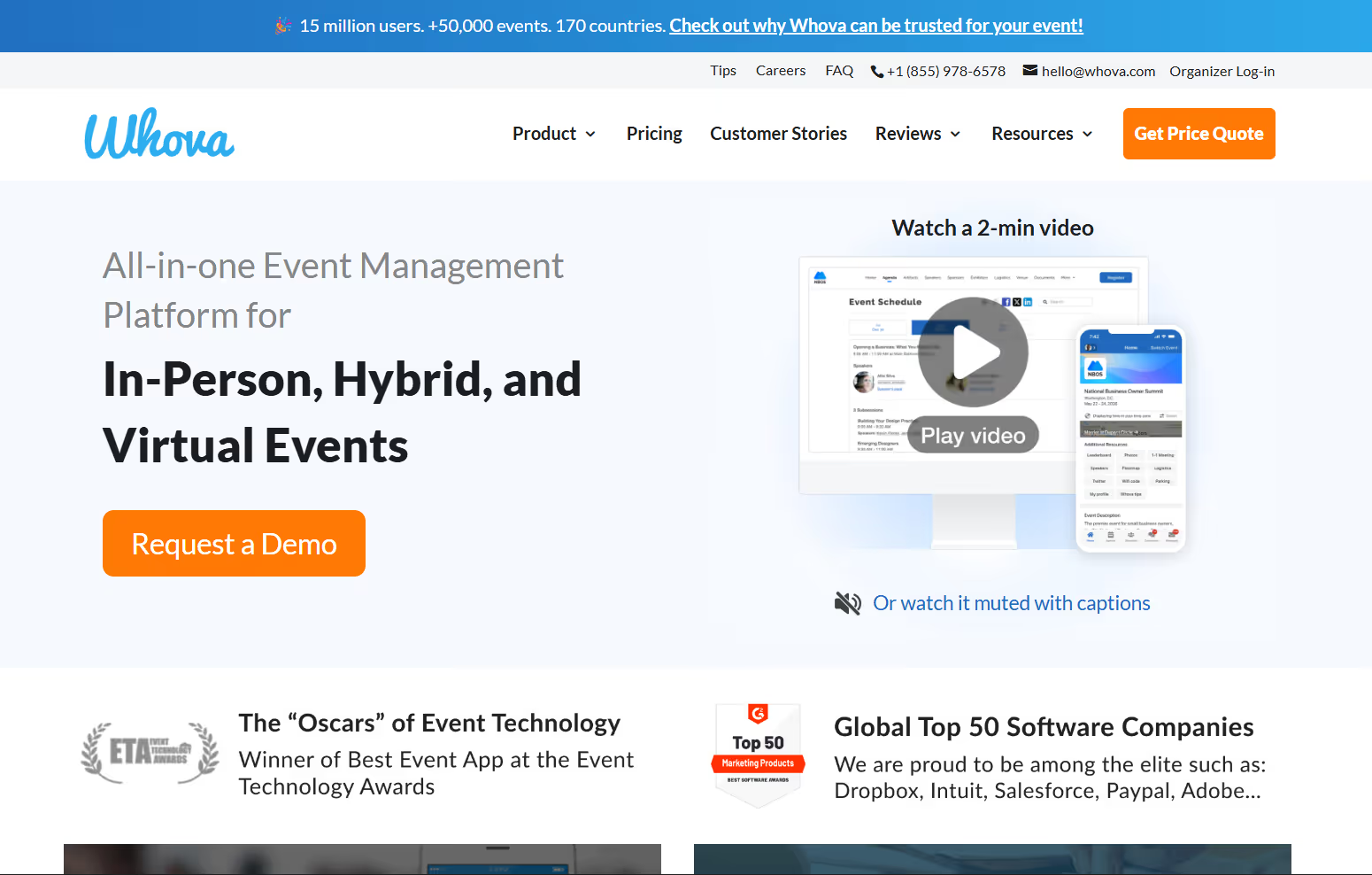
Whova is a mobile-first event management platform often evaluated alongside EventMobi, especially by teams running conferences, workshops, and association events. It’s commonly chosen when attendee interaction, agenda personalization, and in-app communication are higher priorities than advanced registration workflows or on-site logistics.
Core functionality:
- Registration & Mobile Check-In: App-based ticket scanning and attendee management for in-person events.
- Mobile Event App Experience: A native mobile app with personalized agendas, speaker and sponsor profiles, session access, and push notifications to keep attendees informed throughout the event.
- Engagement & Interaction Tools: Live polls, Q&A, surveys, gamification, and announcements designed to increase session participation and audience interaction.
- Agenda & Speaker Management: Tools to manage session scheduling, speaker details, exhibitor listings, and agenda updates in one place.
- Attendee Networking & Community Features: Discussion forums, direct messaging, contact exchanges, and content sharing that encourage networking before, during, and after the event.
- Event Analytics & Reporting: Post-event insights focused mainly on engagement activity and attendance trends, rather than real-time on-site operations.
Common challenges noted by users:
- App navigation complexity makes it harder for attendees to find sessions or information quickly.
- Notification fatigue, with frequent alerts reducing the impact of essential messages
- Data reliability issues, including missing attendee contact details or inconsistencies between mobile and desktop views
Pricing: Custom pricing based on event size, format, and selected features.
Also Read: Top 10 Whova Alternatives and Competitors in 2026
3. vFairs
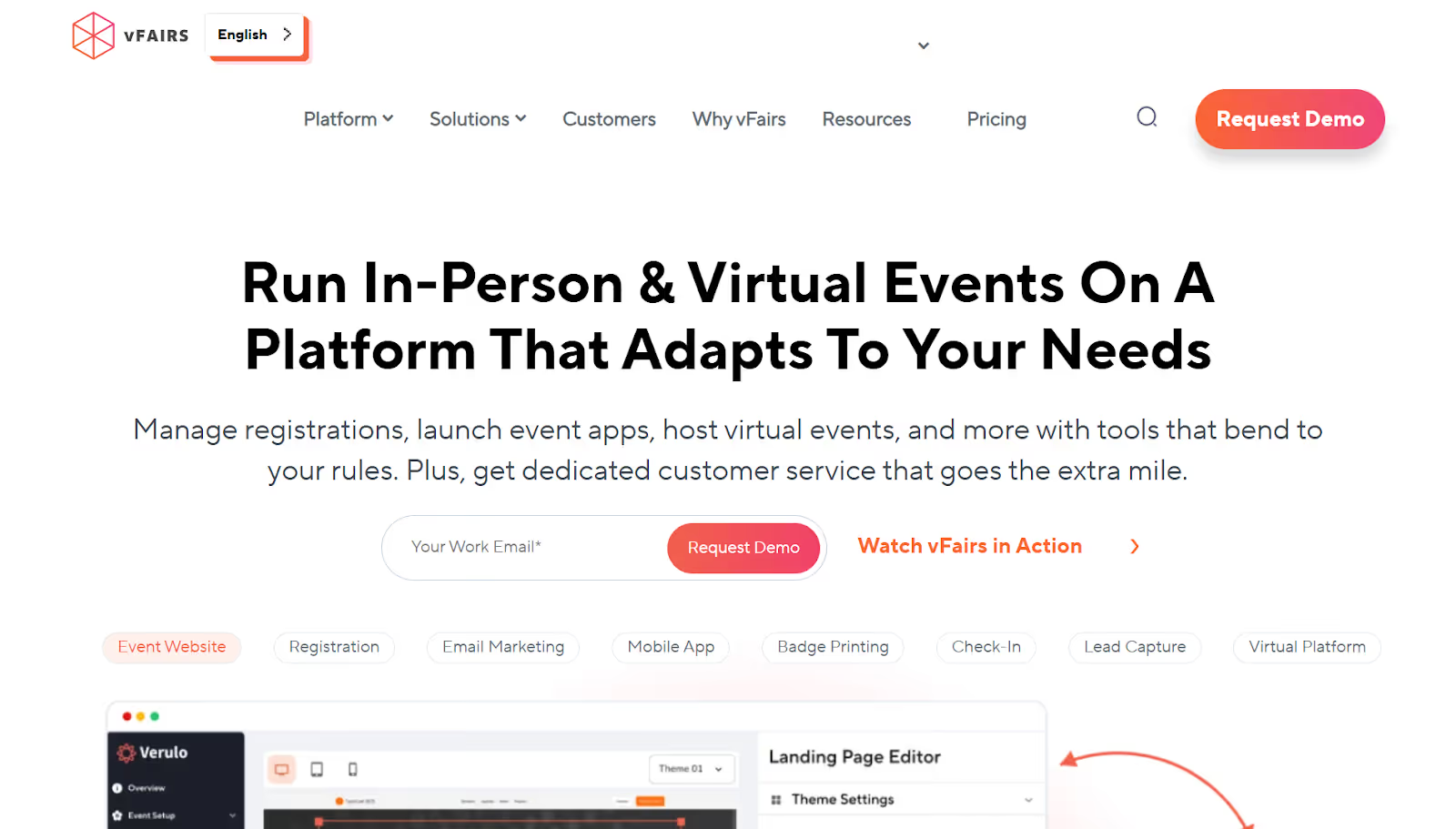
vFairs is a virtual-first event platform best known for its immersive, 3D-style digital environments. It’s often considered alongside EventMobi when planning online conferences, virtual expos, career fairs, or hybrid events. It comes in handy in situations where the visual experience and virtual interaction are more important than on-site execution.
Primary capabilities:
- Immersive 3D Event Spaces: Interactive virtual halls, auditoriums, and booths that allow attendees to explore events in a more visual, game-like environment, offering a different experience than EventMobi’s app-centric interface.
- Virtual & Hybrid Event Delivery: Tools to support fully virtual and hybrid formats, including digital conferences, expos, networking events, and recruitment-focused programs.
- Registration & Attendee Management: Built-in registration, ticketing, and access controls to manage attendee participation across virtual environments.
- Branding & Customization: Broad customization options for virtual layouts, environments, and branding to align with event themes and sponsor requirements.
- Event Marketing Tools: Email campaigns, landing pages, and promotional features designed to help drive registrations and event awareness.
- Live and On-Demand Content: Live-streamed sessions, session replays, and content libraries that allow attendees to engage with programming during and after the event.
Common challenges reported by users:
- Administrative complexity, with routine tasks like content updates, configuration changes, and reporting taking more time than expected
- Gaps in operational depth, such as limited sales-rep visibility and slower feature rollout
- Usability hurdles that can slow setup for organizers and make navigation, session discovery, and chat less intuitive for attendees
- Technical reliability concerns, including connectivity issues during live sessions
- Delays in live-stream replays and occasional timing issues in chat and interaction features
Pricing: Custom pricing based on event scale, format, and selected features.
4. Stova
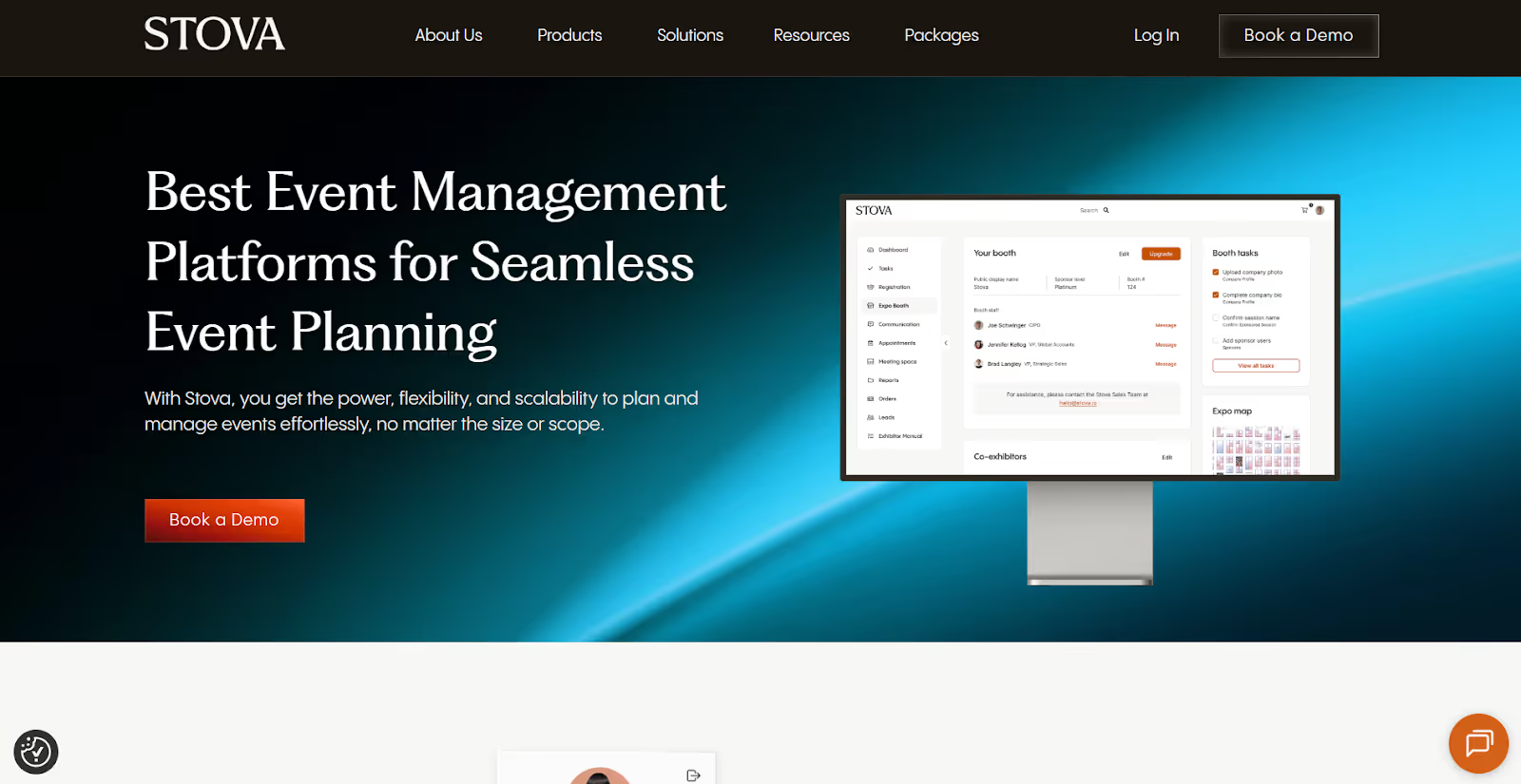
Stova is an all-in-one event management platform formed from the merger of Aventri, MeetingPlay, and Eventcore. It’s designed to serve corporate event teams, nonprofits, educational institutions, and public-sector agencies. Often evaluated alongside EventMobi, Stova appeals to teams looking for a consolidated system that combines registration, mobile apps, virtual delivery, networking, and on-site tools under one umbrella.
Key functionality:
- Attendee Networking & Engagement: Tools that support interaction and community-building before, during, and after events.
- On-site Check-In & Attendance Tracking: In-person check-in tools to manage arrivals and track participation at live events, comparable at a high level to EventMobi’s on-site entry capabilities.
- Enterprise-Ready Controls & Scale: Role-based access, multi-user permissions, configurable workflows, and security infrastructure built to support larger organizations.
- Event Registration & Management: Online registration, attendee tracking, and meeting management features for managing event logistics.
- Reporting & Insights: Standard reports across registration, attendance, and engagement activity.
Common challenges reported by users:
- Design and layout constraints that often require technical expertise to customize properly
- Inconsistent user experience following the platform merger, with some teams citing confusing settings and navigation
- Limited flexibility when advanced customization or complex workflows are required
Pricing:
- Starter plan: Flat pricing starting around $4,995 for smaller or less complex events
- Higher-tier plans: Approximately $1,995 and up, plus per-registrant fees (typically $3.00–$5.60), with custom enterprise pricing available
5. Bizzabo

Bizzabo is an enterprise-focused event management platform designed primarily for B2B conferences and large-scale programs. It supports in-person, virtual, and hybrid formats and is widely adopted by organizations across sectors such as technology, healthcare, marketing, and finance. Compared to EventMobi, which is often favored for app-based engagement, Bizzabo places greater emphasis on analytics, sponsorship measurement, and multi-event management.
Core capabilities:
- Event Registration & Program Management: Branded registration flows, agenda creation, session scheduling, and tools to manage multiple events within a single account.
- Event Marketing Automation: Email workflows, customizable campaigns, and promotional tools to support registration growth and attendee outreach.
- Enterprise-Level Security & Controls: Gated registrations, single sign-on (SSO), custom-branded apps, dedicated IPs, and centralized content libraries designed for enterprise compliance needs.
- Sponsor & Exhibitor Analytics: Lead capture and reporting dashboards that help sponsors measure engagement across sessions, booths, and digital touchpoints.
- Attendee Engagement Features: Networking tools, live chat, polls, surveys, gamification, and interactive content designed to drive participation across sessions and formats.
- Mobile Event App: A native app offering personalized agendas, session access, push notifications, and real-time updates.
Common challenges noted by users:
- Complex setup for advanced features, often requiring onboarding or additional training
- Customization limitations that may fall short of enterprise expectations.
- Premium pricing, which can be difficult to justify for smaller teams or single-event use cases
- Occasional registration-related issues, particularly during high-traffic periods
Pricing: Tiered pricing based on event size and feature requirements. Plans typically start at $499 per user per month (billed annually, with a three-user minimum), with custom pricing and add-ons available for larger or enterprise deployments.
6. Cvent

Cvent is a large-scale, enterprise event management platform frequently considered when you outgrow lighter tools like EventMobi. Cvent is designed to support the whole event lifecycle, from early planning and sourcing through on-site execution and post-event analysis. This expansive scope makes it a common choice for global enterprises running multiple, complex events each year.
Core capabilities:
- Advanced Registration & Attendee Management: Highly configurable registration flows with approval processes, group registrations, automated communications, and complex form logic.
- Venue Sourcing & Housing Management: Integrated tools for venue discovery, RFP distribution, contract management, and hotel room block coordination.
- On-site Event Technology: Check-in kiosks, badge printing, RFID-based tracking, and attendance management to support significant, in-person events.
- Analytics & Performance Reporting: Cross-event reporting that consolidates registration, attendance, and engagement data into a single performance view.
- CRM & MarTech Integrations: Native integrations with Salesforce, HubSpot, Marketo, and other enterprise marketing and CRM systems.
- Enterprise Governance & Controls: Capabilities such as single sign-on (SSO), multi-factor authentication, role-based access, budget oversight, and task management to support large, distributed teams.
- Attendee Engagement Features: Personalized agendas, networking tools, live chat, polls, Q&A, and interactive sessions, offering a broader engagement toolkit than many app-first platforms, such as EventMobi.
- Event Marketing & Promotion: Centralized email campaigns, lead capture, and social promotion tools designed to support large event portfolios.
Common challenges reported by users:
- Steep onboarding and learning curve, particularly for smaller teams or those new to enterprise platforms
- Interface complexity, which can feel overwhelming due to the breadth of features
- Higher total cost, especially when compared to more modular or lightweight event technology solutions
Pricing: Custom pricing, typically structured as an annual license combined with per-registrant fees.
Also Read: Top 10 Cvent Alternatives and Competitors
7. Micepad
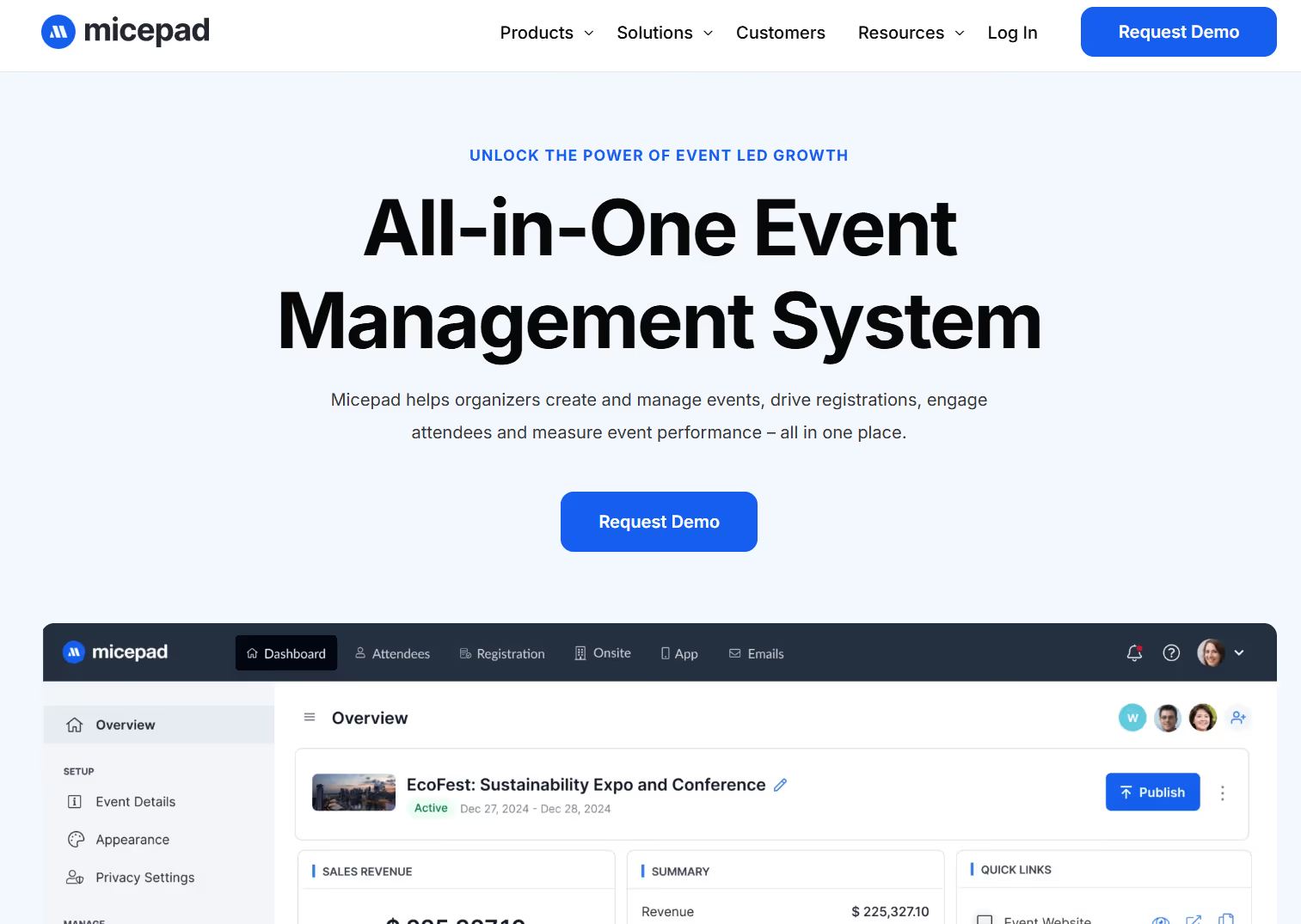
Micepad is a flexible event management platform commonly used for virtual and hybrid events. It is often evaluated as an EventMobi alternative by teams seeking greater control over branding, engagement, and registration. It has been adopted by organizations such as Standard Chartered, Tableau, and Experian, and supports a wide range of event formats. That includes conferences, summits, and smaller community-driven meet-ups.
Key capabilities:
- Virtual & Hybrid Event Delivery: A scalable event environment with custom branding and multiple engagement touchpoints, designed to support large audiences and interactive programming.
- Registration & Ticketing: Custom registration forms, multiple ticket types, and support for various payment options.
- On-site & Contactless Check-In: QR code-based check-in, support for last-minute registrations, and on-demand badge printing to manage arrivals efficiently at in-person or hybrid events.
- Event App & Agenda Management: Interactive agendas, speaker profiles, information pages, and document libraries that help speakers and attendees stay aligned throughout the event.
- Audience Engagement Tools: Gamification, live polls, and Q&A features designed to turn passive attendees into active participants.
- Real-Time ROI & Engagement Tracking: Dashboards that track participation and engagement metrics before, during, and after the event, giving you visibility into performance.
What users often find challenging:
- Steeper onboarding for new users, particularly for teams without prior event-tech experience
- Not a plug-and-play solution, requiring more upfront planning and configuration
- Limited visual immersion, such as the absence of a 3D lobby for large forums or summits
- Occasional latency issues, especially between video and audio during live translation scenarios
Pricing: Tiered, per-event pricing starting at $697 per event, with custom enterprise plans available.
8. Cadence
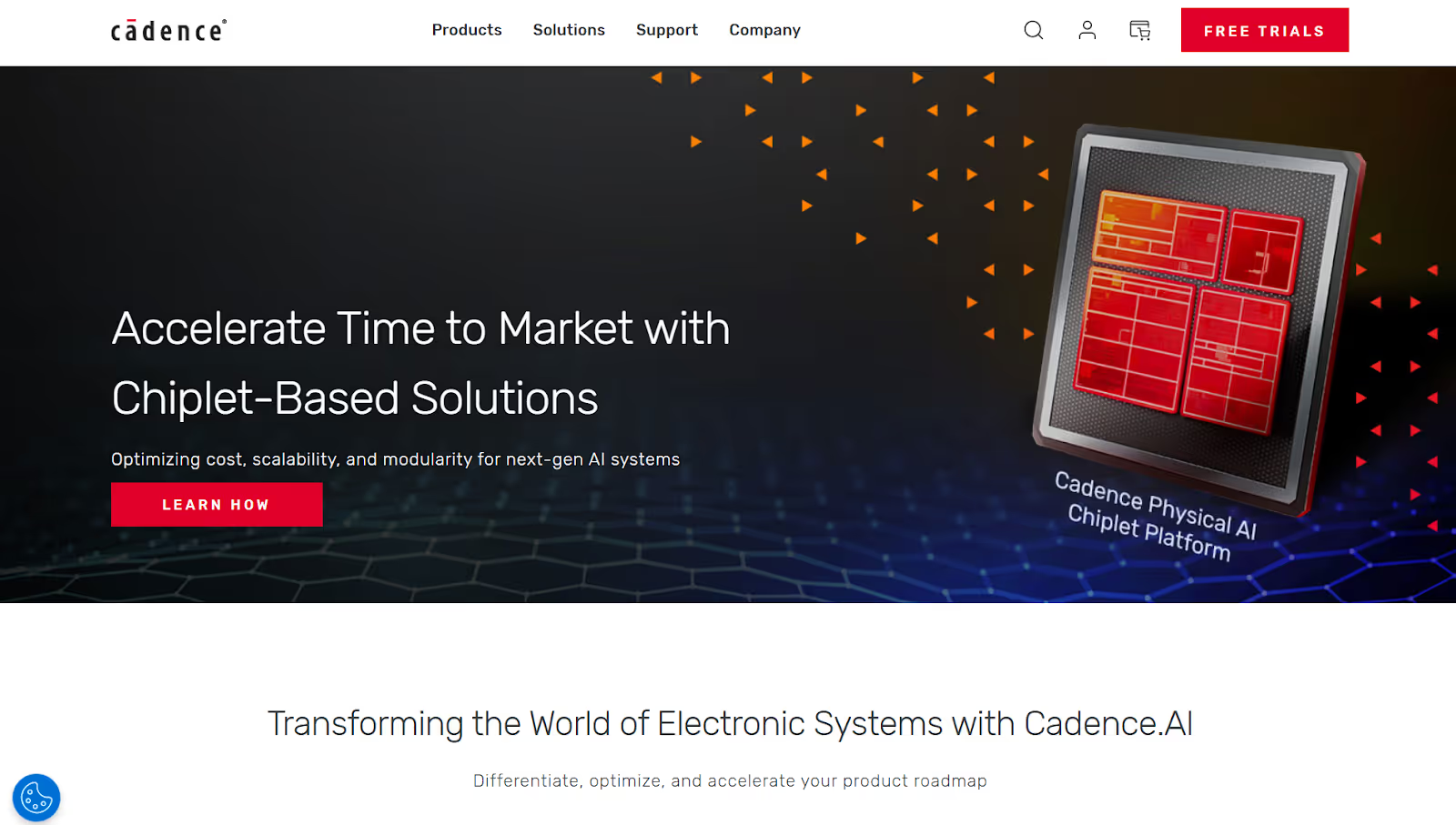
Cadence is an all-in-one event management platform often evaluated as an alternative to EventMobi by teams running in-person, virtual, and hybrid events. It’s been used globally by organizations such as AstraZeneca, Harvard, and Bayer, and supports a wide range of event types. That includes internal celebrations, brand activations, conferences, and large congresses.
Key capabilities:
- Unified Event Experience: A modern, simplified interface that brings together event schedules, live feeds, attendee lists, in-app messaging, surveys, and registration pages in one platform.
- Registration & Attendee Management: Built-in registration workflows designed to manage event access and attendee data.
- Engagement & Interaction Tools: Features such as live feeds, surveys, messaging, and session engagement help keep attendees informed and involved.
- Advanced Features in Premium & Enterprise Plans: Custom pages, lead retrieval tools, meeting scheduling, and performance metrics that help you track engagement and measure event impact.
- Insights & Reporting: Analytics designed to provide visibility into attendee behavior and participation across sessions and touchpoints.
- Dedicated Customer Support: Hands-on support included with higher-tier plans to help teams manage setup, execution, and live event operations.
What users often find challenging:
- Missing or limited session recording functionality
- Inconsistent email delivery, with some attendees not receiving reminders
- User experience limitations, with navigation feeling less intuitive than expected
- Pricing concerns, with some teams feeling the cost is high relative to the value delivered
Pricing: Flexible, custom pricing based on event size, format, and selected features.
9. Eventtia
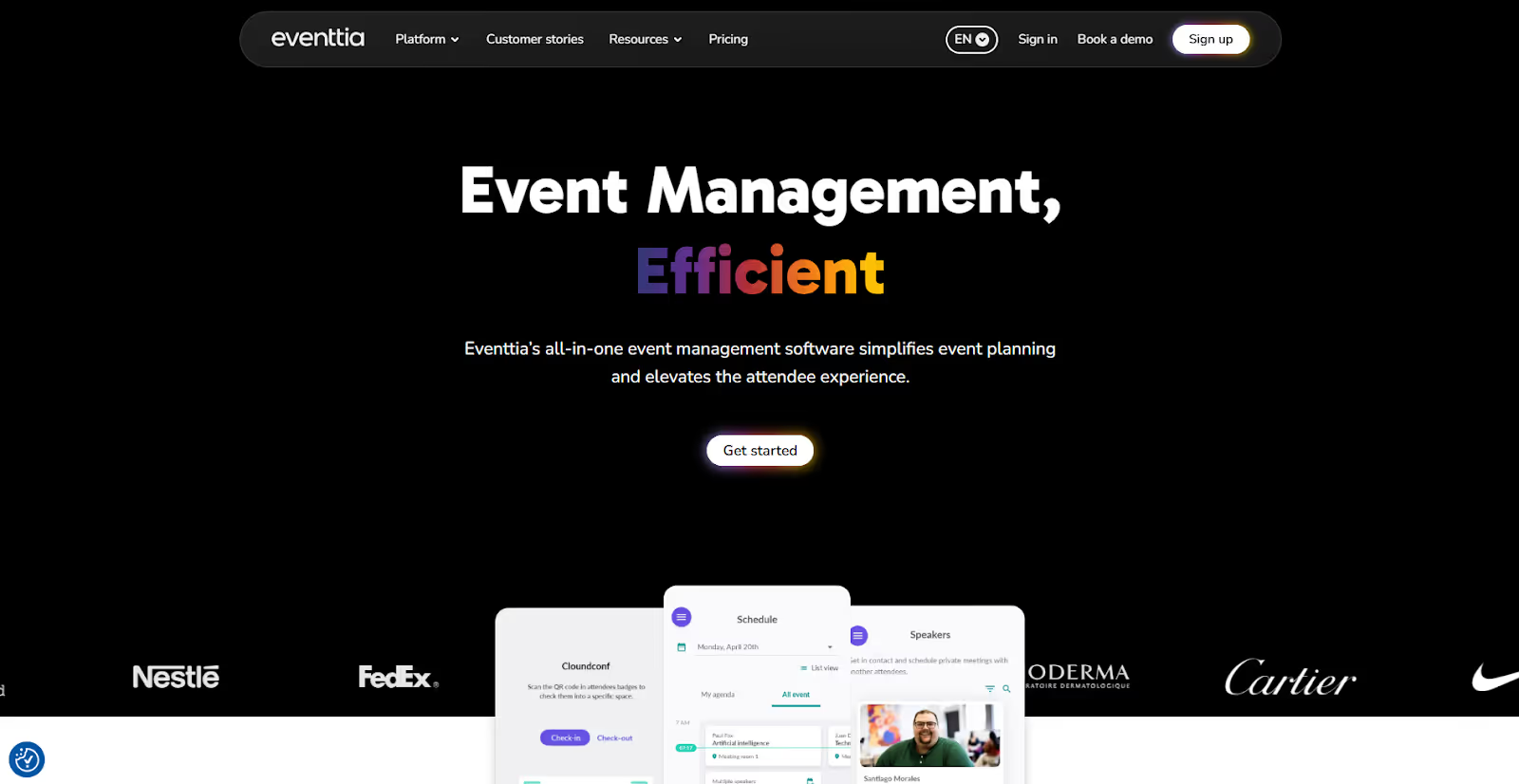
Eventtia is a flexible, modular event management platform used across consumer, corporate, and B2B events worldwide. Its customer base includes retail brands, pharmaceutical firms, NGOs, government organizations, and professional event agencies. While EventMobi leans heavily toward attendee-facing mobile experiences, Eventtia emphasizes configurability through a robust back-office system combined with web and mobile touchpoints.
Notable capabilities:
- Centralized Multi-Event Management: A unified portal and event calendar that allows you to manage multiple events and ongoing programs throughout the year from a single environment.
- Customizable Registration Workflows: Support for both online and on-site registration with flexible logic designed to adapt to different event formats and audiences.
- Multilingual Event Support: Language options designed for international audiences and globally distributed events.
- Networking & Matchmaking Features: Structured networking through attendee matchmaking and one-on-one meeting scheduling, supporting more intentional connections.
- On-site Check-In & Badging: QR code-based check-in and badge printing through a dedicated app to manage attendee arrivals at in-person events.
- Built-In Marketing & Promotion Tools: Email campaigns, landing pages, and social media integrations to support promotion and audience growth without relying entirely on external tools.
- Enterprise-Grade Controls & Extensibility: White-label branding, single sign-on (SSO), role-based permissions, audit logs, unlimited API calls, custom portals, data lake integrations, and premium support SLAs.
Challenges commonly noted by users:
- Integration limitations, especially with invoicing systems and CRMs such as Salesforce
- Gaps in guest-facing web experiences, including the absence of basic content tools like image editing
- A complex backend interface that can feel less intuitive and require onboarding time
Pricing: License-based, tiered pricing starting at approximately $1,500, with usage credits valid for 12 months.
10. Accelevents
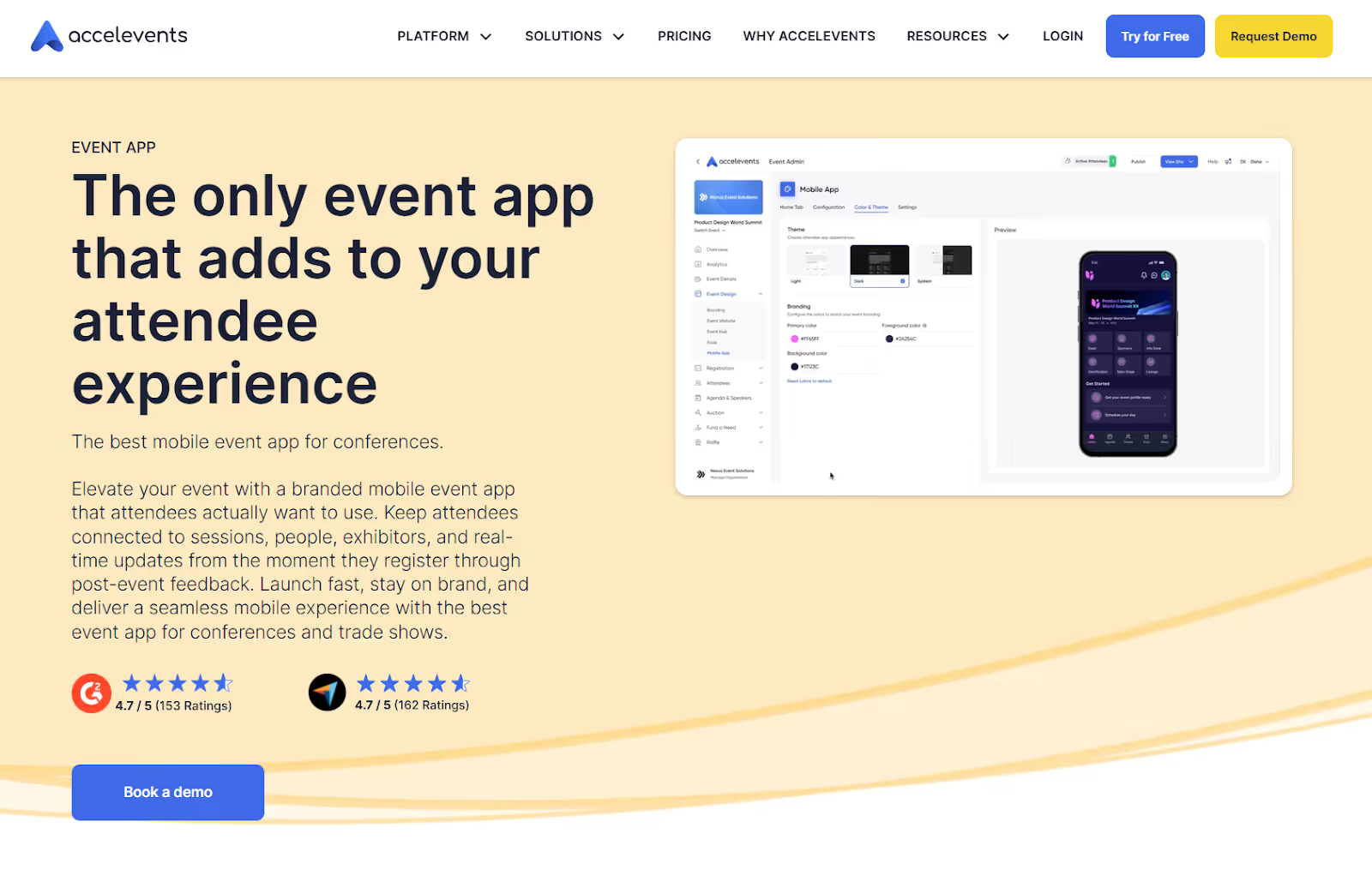
Accelevents is an all-in-one event management platform built for speed, flexibility, and scale. It supports in-person, virtual, and hybrid events and is often considered an EventMobi alternative for teams that want stronger on-site capabilities alongside digital engagement. The platform is commonly used for conferences, trade shows, and multi-day programs where fast setup and attendee throughput are priorities.
Key capabilities:
- Custom Registration & Ticketing: Flexible registration workflows with customizable forms and ticket types designed to support a range of event formats.
- Contactless Check-In & Badge Printing: QR-based self check-in, on-site kiosks, and on-demand badge printing using a drag-and-drop badge designer to ease entry and reduce queues.
- Analytics & ROI Tracking: Reporting tools to track attendance, engagement, and exhibitor ROI across sessions and touchpoints.
- CRM & Marketing Integrations: Native integrations with platforms such as Salesforce and HubSpot to support lead follow-up and post-event reporting.
- Customer Support: Responsive, hands-on support that many users highlight as a strong differentiator, particularly during live events.
Common limitations:
- Platform complexity and learning curve, especially during initial setup and configuration
- Software bugs and glitches, which can create confusion during setup or execution
- Limited customization in certain areas affects accessibility and the overall event hub experience.
- Smaller integration ecosystem compared to enterprise incumbents
- Less advanced budgeting tools than those offered by high-end enterprise platforms
Pricing: Tiered pricing starting at $7,500 for a single event and $13,500 for multiple events, with custom enterprise and white-label plans available.
Also Read: 8 Best Event Attendance Tracking Types & Tools 2025
Seeing platform options is only half the decision. The next step is evaluating EventMobi alternatives through the lens of execution, scalability, and operational fit.

The Operational Bottlenecks Teams Face with EventMobi
EventMobi is a well-known event management platform. For teams focused on content delivery and in-app experiences, it can be a solid starting point. It centralizes event information, supports virtual and hybrid formats, and helps keep attendees informed throughout the event lifecycle.
However, once your events grow in size or operational complexity, hidden friction often emerges. Based on recurring user feedback, several limitations become more noticeable as teams scale. These include:
- Limited customization flexibility: Organizers often feel constrained by branding and editing options, making it difficult to fully tailor the event experience to specific design or workflow requirements.
- Cumbersome badge-printing workflows: Users frequently report challenges with badge printing, which can slow down on-site operations, especially at high-volume events.
- Session management challenges: Managing session order and organization often becomes difficult, particularly for complex agendas, multi-day programs, or bilingual events.
- Integration gaps: Limited native integrations mean teams often rely on third-party tools to manage sessions and workflows efficiently, adding unnecessary complexity to the event tech stack.
- Editing limitations: Making quick changes to announcements, ticketing logic, or session structures can feel restrictive, slowing teams down when agility is critical.
These constraints are a key reason many organizers like you begin evaluating EventMobi alternatives.
Key Aspects to Evaluate in EventMobi Alternatives
Choosing the right EventMobi alternative means selecting a platform that doesn’t just manage mobile agendas or registrations, but also supports the full event lifecycle. That includes aspects such as check-in, data handoff, brand consistency, long-term reporting, and more. Below is a detailed evaluation framework for event directors, operations managers, and enterprise teams to assess alternatives effectively.
1. Complete Registration Control
Registration is the first operational gatekeeper. Get it wrong, and every downstream workflow becomes harder. Check:
- Support for tiered ticket types (VIP, early bird, group discounts, etc.)
- Conditional logic and approval flows for complex registrations
- Support for last-minute registrations that don’t break workflows
- Strong payment gateway support (Stripe, PayPal, etc.)
- Easy email confirmations and reminder workflows
2. On-site Readiness & Flow Management
When attendees arrive, you need speed, accuracy, and reliability, not sales gimmicks. Look out for:
- Contactless check-in with QR, barcode, or facial recognition
- High-throughput badge printing on demand
- Session scanning & access control with offline support
- Low-latency hardware performance under peak arrival loads
- Intelligent failover for connectivity issues
Platforms that treat on-site check-in as an afterthought are fine for small meet-ups, but not for events where flow design matters.
3. Brand Consistency & Experience Ownership
Your event should reflect your brand, not the platform’s brand. Look out for:
- True white-labeling across websites, apps, kiosks, and signage
- Custom domains and branded touchpoints
- Personalized agendas and intelligent session recommendations
- Smooth attendee journeys across mobile and desktop
4. Deep Engagement Tools That Drive Insight
Engagement features should translate into measurable action, not just activity stats. Verify:
- Gamification, polls, live Q&A, and networking lounges
- Structured 1:1 meeting capabilities
- Real-time participation tracking
- Engagement tied to individual attendee profiles
Platforms that capture only passive clicks fail to provide actionable insights.
5. Integration Power & Clean Data Flow
Your event tech shouldn’t be a silo. Instead, data should move smoothly across systems. Ensure:
- Native CRM integrations (Salesforce, HubSpot, etc.)
- MarTech and automation workflows (Marketo, Eloqua, etc.)
- Payment processor integrations
- Bi-directional APIs with clean documentation
- Ownership of raw data and export access
6. Scalability for Any Event Size
Your platform should support both small gatherings and multi-thousand-attendee conferences without capex headaches.
- Consistent performance for small internal meetings
- Reliable operation for large, global events
- Auto-scaling during peak concurrency
- No surprises in operational pricing at scale
7. Real-Time Analytics & ROI Attribution
Strong analytics kill guesswork before, during, and after the event. Ensure the following:
- Live dashboards for check-in, session attendance, and engagement
- Metrics tied to pipeline and revenue via CRM sync
- Predictive insights (e.g., session popularity, attendance forecasting)
- Post-event reporting without heavy manual processing
If you can’t answer “what worked, and why?” with confidence, the data isn’t doing its job.
8. Support, Partnership & Long-Term Roadmap
Your technology partner should be strategic, not reactive. Ensure they have:
- Strong onboarding and implementation support
- SLA clarity and escalation paths
- Proactive product roadmaps
- Regional delivery and logistics support
9. Security, Compliance & Trust
Events are data-intensive, and that means risk. Verifying the standards and practices below helps avoid data security lapses:
- SOC 2 Type II, ISO 27001 certifications (where applicable)
- GDPR, CCPA, and regional compliance assurances
- End-to-end encryption (at rest and in transit)
- Role-based access, SSO, and MFA
- Audit logs and incident reporting
Next, to move from shortlisting to confident decision-making, especially for complex, high-volume, or mission-critical events, use the checklist below.
A No-Nonsense Checklist for Choosing the Right EventMobi Alternative
- Start with how your event actually operates: Document real-world requirements like attendee volume, peak check-in times, badge printing needs, session access control, exhibitor expectations, and reporting depth. This helps you avoid platforms that demo well but struggle under live event pressure.
- Define non-negotiables early: Separate must-haves (contactless check-in, on-demand badge printing, CRM integrations, security compliance) from features that are nice to add later.
- Review live performance: Look beyond feature pages. Review peer feedback and third-party reviews to understand how the platform performs during peak arrival windows, session changes, and last-minute updates. Also, verify how responsive support is when things go wrong.
- Calculate total cost, not just license fees: Account for per-attendee charges, add-ons, integrations, hardware, on-site services, training, and post-event support. A lower entry price can quickly become more expensive over the event's full lifecycle.
- Confirm alignment with your event format: Ensure the platform supports your primary format: in-person, hybrid, or virtual, without requiring manual workarounds or additional tools.
- Refer to case studies that reflect your scale: Prioritize platforms with proven experience in events of a similar size, exhibitor count, and geographic reach. Real-world execution stories are often more revealing than product claims.
Wrapping Up
Exploring EventMobi alternatives means looking beyond feature lists and focusing on how each platform holds up across planning, on-site execution, and post-event reporting. The right fit depends on your event scale, operational complexity, data requirements, and how well the platform supports the way your events actually run.
That said, for in-person and hybrid events, execution is the real stress test. This is where many tools fall short. fielddrive stands apart as an intelligence-driven on-site event partner. It works with teams early to design attendee flow, plan the proper on-site setup, and deliver touchless check-in, live badge printing, session scanning, and analytics. And, all of this without the unwanted last-minute firefighting.
If you’re ready to move beyond EventMobi and choose a solution built for real-world event planning and execution, request a fielddrive demo. You'll notice the difference that on-site intelligence makes.
FAQs
1. Can EventMobi alternatives support complex badge logic and access rules?
Yes, many alternatives offer granular control over badge types, access permissions, and session eligibility. This includes role-based badges, restricted sessions, sponsor-only areas, and dynamic access rules that adapt as registrations change.
2. What should you look for if exhibitor ROI is a priority?
Look beyond basic lead scanning. Advanced platforms offer custom lead qualifiers, real-time exhibitor dashboards, session-level engagement data, and clean CRM syncs.
3. Will switching platforms increase training time for your team?
It depends on the platform. Some alternatives require upfront onboarding but reduce manual work during live events. The trade-off is often less firefighting on-site in exchange for more structured preparation.
4. Can EventMobi alternatives scale across multiple events or annual programs?
Yes, many are designed for long-term programs, not one-off events. They support reusable workflows, centralized reporting, consistent branding, and scalable pricing.
5. How does EventMobi compare to other event management apps?
EventMobi is a versatile event management platform with a strong focus on attendee engagement, mobile event experiences, registration, and hybrid event delivery. Compared with other event management apps, however, the best fit depends on your priorities. Platforms such as Cvent offer deeper enterprise event management capabilities, while fielddrive specializes in on-site execution, including high-speed check-in, live badge printing, attendee tracking, access control, and real-time event data.
6. Is EventMobi suitable for large conferences or only small events?
EventMobi can support both smaller events and large conferences. Its platform is designed for formats ranging from one-day seminars to multi-day conferences, with pricing options for individual events and year-round event programs. For particularly large or operationally complex events, however, organizers should also evaluate requirements such as peak check-in volumes, badge printing, session access, integrations, and on-site support when deciding whether EventMobi is the right fit.
7. What features does EventMobi offer for event organizers?
EventMobi offers tools for event registration, event websites and mobile apps, attendee engagement, agenda management, networking, virtual and hybrid events, on-site check-in, badge printing, attendance tracking, lead capture, and event analytics. Its modular approach allows organizers to select capabilities based on their event format and requirements.
8. What is the best alternative to EventMobi?
The best EventMobi alternative depends on what your event needs most. For teams prioritizing on-site execution, fielddrive is a strong alternative, offering high-speed attendee check-in, on-demand badge printing, session scanning, access control, lead retrieval, integrations, and real-time event analytics. Other options may be better suited to specific requirements, such as Cvent for broad enterprise event management, Whova for attendee engagement, or vFairs for virtual-heavy events.
.svg)
.svg)
.svg)
Want to learn how fielddrive can help you elevate your events?
Book a call with our experts today


.svg)