

.svg)
.png)
Top 18 Conference Management Platforms for Efficient Event Planning in 2026
Explore 18 conference management platforms for in-person, virtual, and hybrid events, with insights on pricing, strengths, and how to choose based on scale and onsite needs.
.avif)
CONTENT
Planning a conference today is a different game. Attendees expect smoother check-ins, clearer communication, and zero downtime, and organizers are under more pressure than ever to deliver it all without burning out. That’s usually the moment you start searching for the “right” conference management platform… and instantly get hit with a wall of options.
Some look identical. Some promise the world. Some confuse you more than they help.
So this guide cuts through the noise. In this blog, you’ll see 18 different options to choose from. You’ll also learn what each platform actually does, where it fits, and how organizers are using them to run events that feel organized, intentional, and stress-free.
By the end, you’ll have a clear sense of which tools deserve a spot on your shortlist, and which ones don’t.
Let’s get into it.
Key Takeaways
- Choosing the right conference management platform comes down to event scale, onsite needs, and how well tools like fielddrive, Eventcube, Bizzabo, vFairs, Almabase, and Eventbrite fit your workflow.
- Platforms now differ widely in their strengths; some focus on hybrid engagement, while others focus on advanced onsite workflows.
- Pricing varies sharply, but real value comes from reliability, automation, and smooth integration with your existing registration and marketing stack.
- Virtual, in-person, and hybrid conferences require unified systems that minimize manual work and provide organizers with complete visibility.
- Shortlisting becomes easier when you define your non-negotiables first.
What Conference Management Platforms Do and Why They Matter Today
A conference management platform is simply a tool that helps you run your event without having to jump between systems. It consolidates the planning, schedules, and attendee details in one place, making things easier to manage.
In practice, it handles the everyday tasks that usually pile up. You can set up registration, sort tickets, organise sessions, keep track of speakers, and monitor attendee activity from a single dashboard. This makes a noticeable difference when your event has many moving parts or when you are juggling both in-person and online audiences.
Here is why these platforms matter today:
- They keep everything in one system, which saves time and cuts confusion.
- They make it simpler to run hybrid or multi-track events.
- They give you valuable data instead of scattered numbers.
- They help your team stay organized without feeling stretched thin.
In the end, a solid conference management platform gives you the structure to run a smoother, more confident event from start to finish.
18 Top Conference Management Platforms
Selecting the right conference management platform can transform your event operations completely. Each platform listed below offers unique strengths tailored to specific use cases and organizational needs.
Let's look at them in detail.
1. fielddrive

fielddrive is made for teams that want their onsite operations to feel calm, fast, and easy to manage. It handles the check-in rush, prints badges within seconds, and organizes attendee movement without creating extra work for your staff. Instead of juggling manual tasks or worrying about long lines, your team can stay focused on hosting and keeping the event running smoothly.
Because fielddrive works with the registration tools you already use, it fits naturally into your existing workflow. It strengthens the onsite portion of your event without forcing you to rebuild everything from scratch. Exhibitors also get simple lead-capture tools that make follow-ups easier and more reliable.
Best For: Corporate events, conferences, and trade shows want stronger onsite support and a better arrival experience.
Key Features
- Facial recognition check-in for fast, contactless entry.
- Badge printing takes about six seconds.
- Lead-capture app for exhibitors.
- Real-time attendee flow tracking.
- Session access control for restricted spaces.
- Integrations with major registration platforms.
- Global onsite support in 50+ countries.
- Secure, privacy-focused data handling.
Why Organizers Choose it
- Speeds up the busiest moments of your event with fast, reliable check-ins that keep lines moving.
- Gives staff real visibility into attendee flow, enabling them to manage space and make quick decisions.
- Makes exhibitors happy with simple, trackable lead capture they can trust.
- Strengthens your onsite setup without asking you to change the registration tools you already use.
2. Eventcube
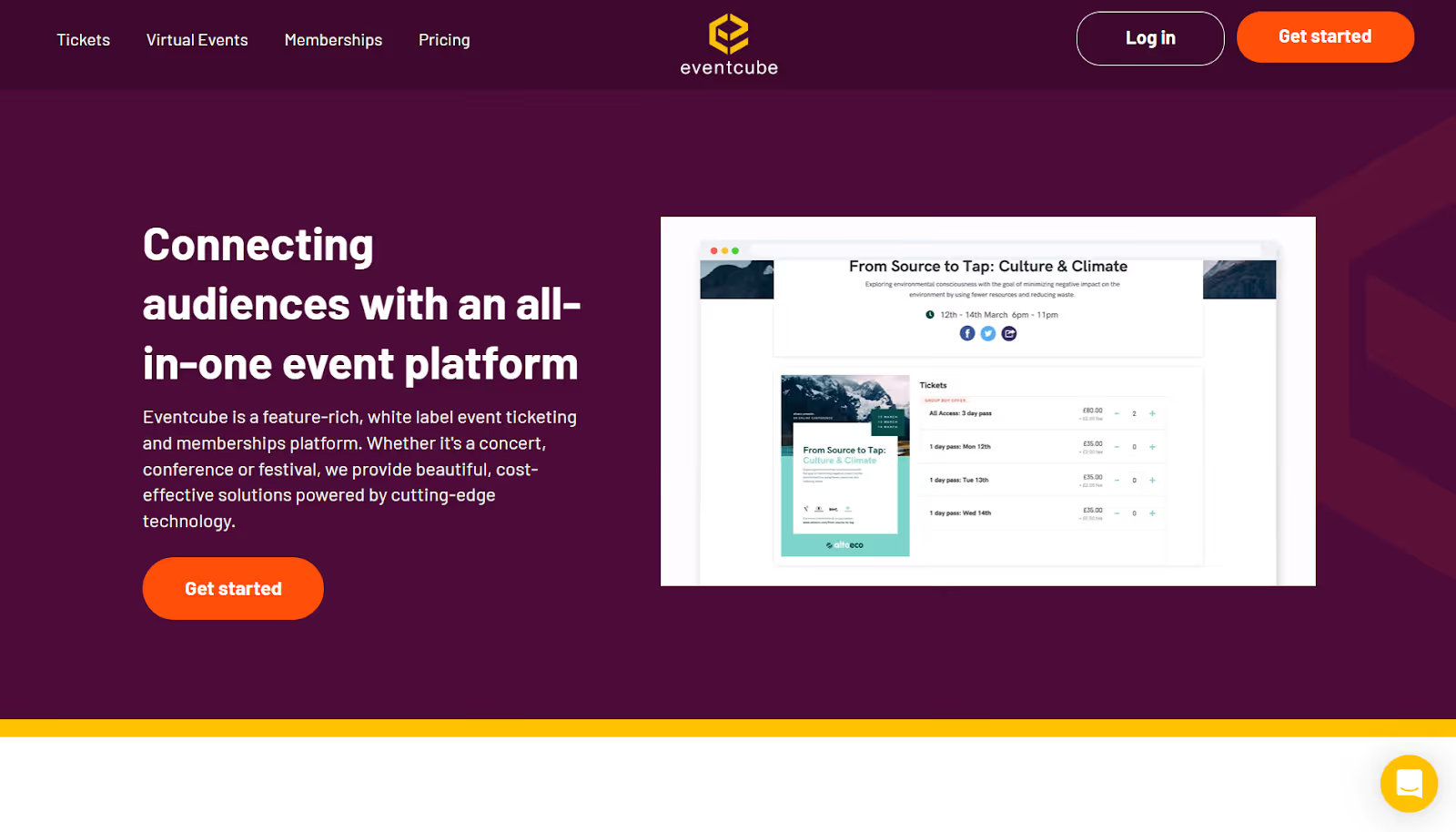
Eventcube delivers a white-label event management platform with instant payout capabilities. You create fully branded ticket stores, manage diverse event types, and receive payments directly through your preferred gateway.
The platform emphasizes flexibility and control for organizers. You design registration experiences that match your brand identity while accessing powerful backend tools for audience management.
Best for: Event promoters and organizations wanting complete brand control.
Key features:
- Instant payouts direct to your account.
- Multiple payment gateways, including Stripe and PayPal.
- Built-in email marketing and campaign tools.
- Virtual event support with streaming integration.
- Membership management capabilities.
- Custom registration forms with logic.
Potential Cons
- The user interface can feel clunky or unintuitive, which may slow down adoption.
- Reporting and analytics features are somewhat basic or limited, making deep event performance tracking harder.
- Extra fees may get added during checkout, which can be surprising for attendees or organizers.
- Because of its wide set of features, there is a learning curve; new users might need time to use it effectively.
- Some users report occasional bugs or technical quirks that need workarounds.
Why Organizers Choose It
- Offers full brand control, letting your conference look and feel like your own.
- Supports instant payouts, which help teams maintain cash flow while planning multi-day events.
- Keeps attendee data in your hands, which is essential for long-term conference growth.
- Let's you build tailored registration flows that work for different ticket types and audiences.
3. Bizzabo

Bizzabo powers enterprise-level conferences with comprehensive tools for complex event portfolios. You manage multiple conferences, build sophisticated registration flows, and access deep analytics that prove event ROI.
The platform excels at handling large-scale B2B conferences with multiple tracks, extensive networking requirements, and strong sponsorship programs. You gain flexibility to create customized experiences for different attendee segments.
Best for: Medium to large enterprises running multi-day conferences with complex registration needs and extensive sponsor management.
Key features:
- Advanced event website builder with full customization.
- Sophisticated registration flows with conditional logic.
- Comprehensive sponsor and exhibitor management.
- Agenda builder with session tracking.
- Mobile app for attendee engagement.
- Lead retrieval and tracking tools.
- Deep analytics on ticket sales and attendee behavior.
Potential Cons
- Higher price point reflects enterprise focus.
- Minimum three-user requirement for the main plan.
- Some users report that the reporting interface is complex.
- Requires significant setup time for full configuration.
Why Organizers Choose it
- Handles large, multi-track conferences without feeling overwhelming for your team.
- Helps you build tailored experiences for different attendee groups, from sponsors to VIPs.
- Combines websites, registration, mobile engagement, and analytics in one connected system.
- Offers firm support for enterprises that need consistency across multiple events in a year.
4. vFairs
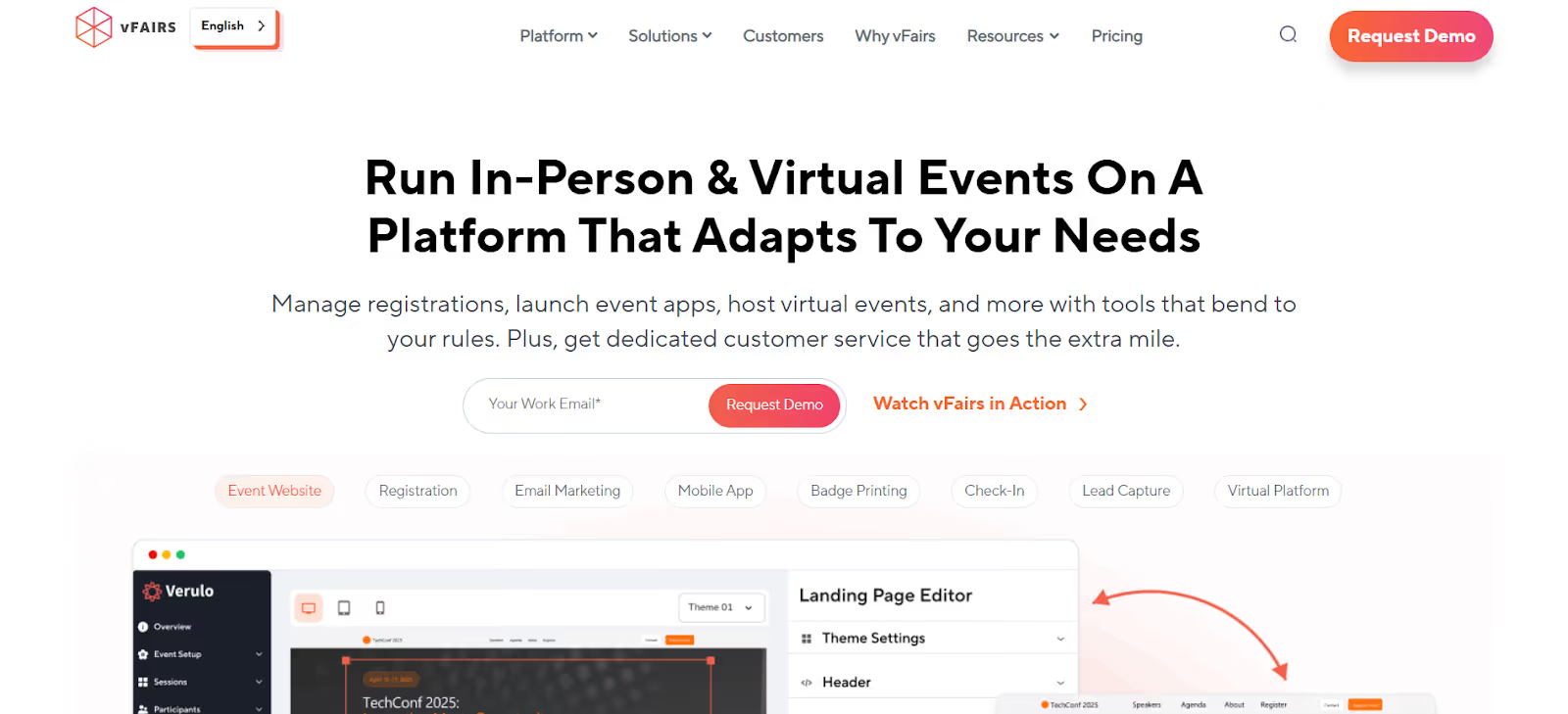
vFairs specializes in hybrid and virtual conferences with immersive 3D environments. You create interactive exhibit halls, customize landing pages, and engage attendees through gamification features that drive participation.
The platform supports smooth transitions between virtual and in-person components. You deliver consistent experiences regardless of how attendees choose to participate.
Best for: Organizations running hybrid conferences, trade shows, job fairs, and events requiring strong virtual components.
Key features:
- Custom 3D exhibit halls and venues.
- Mobile apps for check-in and badge printing.
- Live, semi-live, and on-demand webinar support.
- Integration with Zoom, Teams, and streaming platforms.
- Gamification with scavenger hunts and contests.
- Networking tools with video chat capabilities.
Potential Cons
- 3D customization requires additional time investment.
- Higher learning curve for complex features.
- Virtual components may overwhelm in-person-only events.
- Pricing can escalate with advanced features.
Why Organizers Choose it
- Creates a unified flow for both onsite and virtual attendees, keeping both groups engaged.
- Gives organizers clear insights into session attendance and engagement across formats.
- Helps sponsors gain meaningful visibility beyond static listings.
- Keeps complex hybrid or virtual conferences organized through a structured, easy-to-manage setup.
5. Almabase
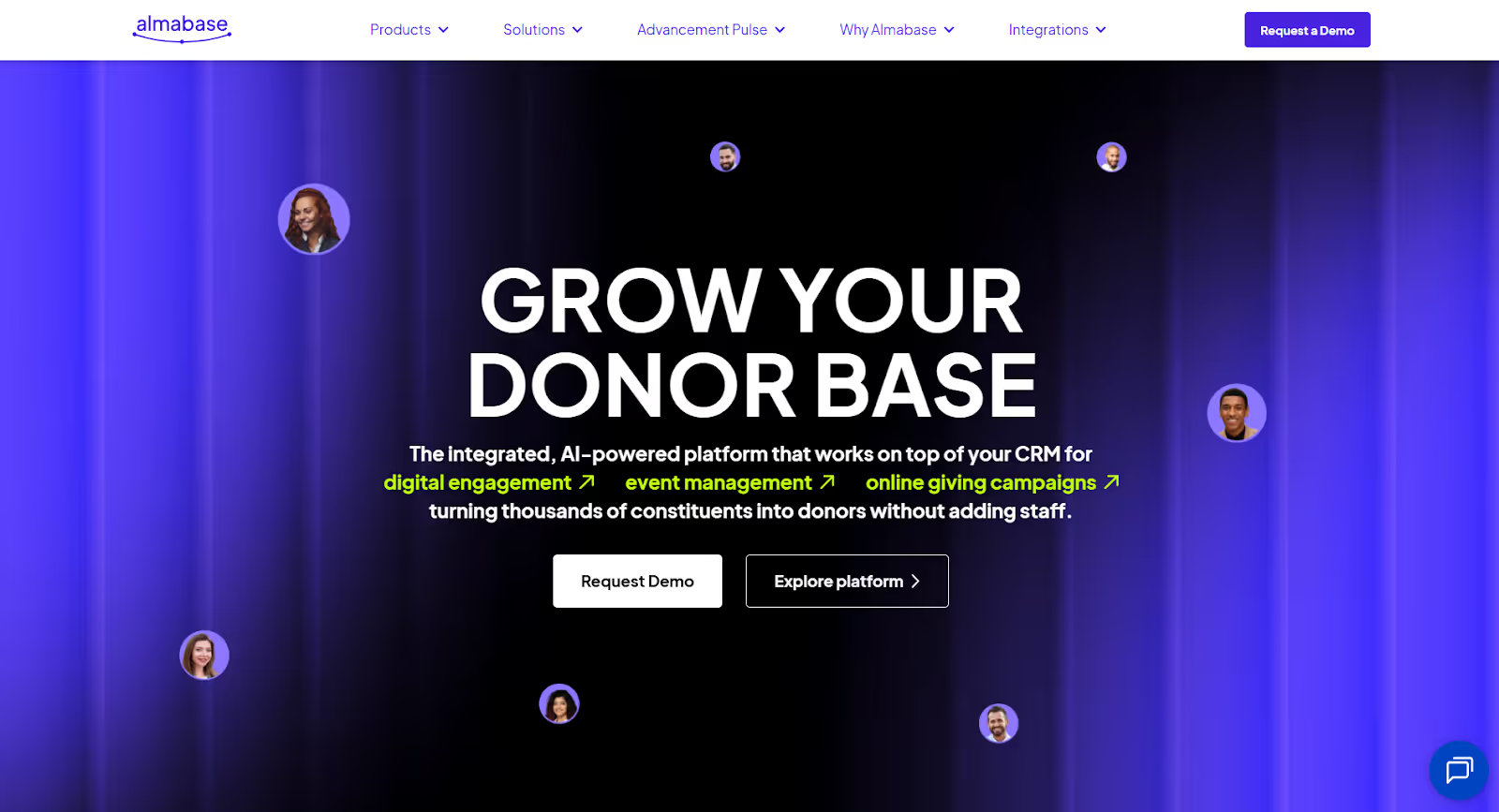
Almabase is built for education teams that run events with long-term goals in mind. Instead of treating events as standalone moments, it connects every RSVP, ticket, and interaction to your broader alumni and donor strategy.
Here, you get to create branded pages, manage ticketing, track participation, and keep your advancement CRM updated without extra work. It is built around the reality of how schools, colleges, and nonprofits plan reunions, galas, donor events, and community programs.
Best for: Higher education institutions, K-12 schools, and educational nonprofits running alumni events, reunions, fundraising galas, and donor stewardship programs.
Key features
- Custom registration forms with flexible ticketing.
- Branded event pages that match your institution.
- Native sync with Blackbaud Raiser's Edge NXT.
- Fundraising tools are built into the registration flow.
- Automated email and text communication.
- Mobile check-in for smooth arrivals.
- Sub-event management for multi-day programs.
- Donor and gift data synced directly to your CRM.
- Reporting on attendance, ticket sales, and audience segments.
- Support for in-person, virtual, and hybrid formats.
- Affiliation-based discounts and membership pricing.
Potential cons
- Not suited for events outside the education and nonprofit space.
- Some advanced customizations require learning time.
- Complex email designs need HTML knowledge.
- Set up can take time for large institutions.
- Smaller user community compared to general platforms.
- Occasional minor UI glitches.
Why Organizers Choose It
- Connects events directly to alumni engagement and fundraising goals, which most general platforms do not support.
- Helps advancement teams see how attendance relates to giving behavior, making it easier to plan relationship-driven events.
- Keeps CRM data accurate through a true two-way sync with Blackbaud, reducing staff admin work.
- Let's teams build polished event pages and communication flows without relying on designers or developers.
6. Eventbrite
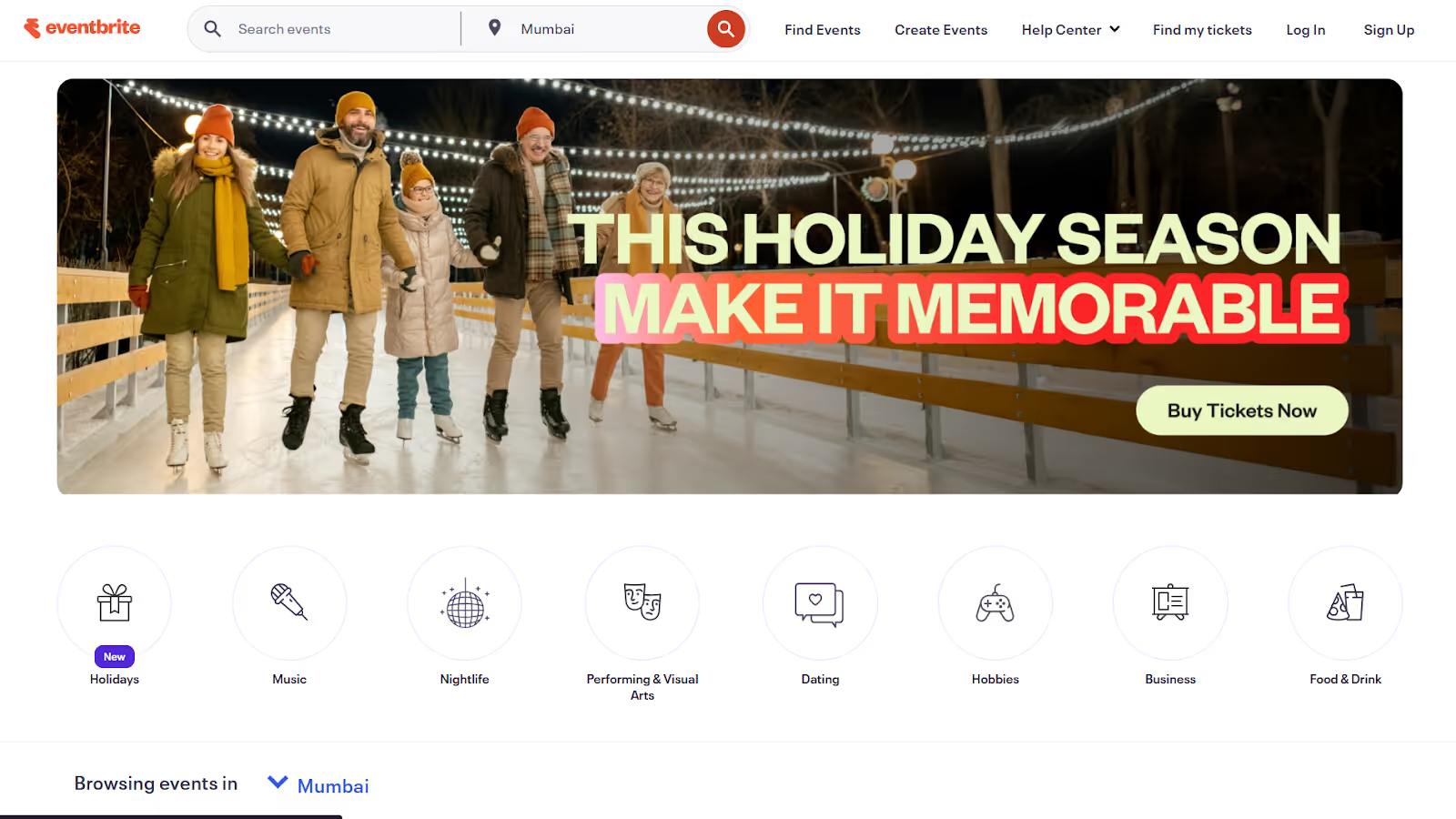
Eventbrite provides accessible event management tools for organizations of all sizes. You create events quickly, sell tickets across multiple channels, and tap into broad promotional networks that drive discovery.
The platform emphasizes ease of use and quick setup. You can launch ticket sales within minutes, with no technical expertise or lengthy configuration required.
Best for: Small to medium events, community gatherings, workshops, and organizers prioritizing simplicity and broad reach.
Key features:
- Quick event creation and publishing.
- Broad promotional network for discovery.
- Mobile ticketing with QR codes.
- Social media integration for promotion.
- Basic attendee management tools.
- Email marketing to ticket buyers.
- Check-in apps for event day.
- Integration with marketing platforms.
Potential Cons
- Limited customization for complex conferences.
- Higher fees compared to some competitors.
- Basic analytics lack the depth needed for sophisticated use cases.
- Less suitable for multi-track conferences.
Why Organizers Choose it
- Makes it easy to get a conference live and sell tickets in minutes, which helps teams with limited setup time.
- Gives events extra reach by surfacing them in a large public marketplace where people already search for conferences.
- Handles payments smoothly and reliably sends funds, helping organizers stay on top of cash flow.
- Keeps check-in and attendee management simple so smaller teams don’t feel overwhelmed on event day.
7. Eventzilla
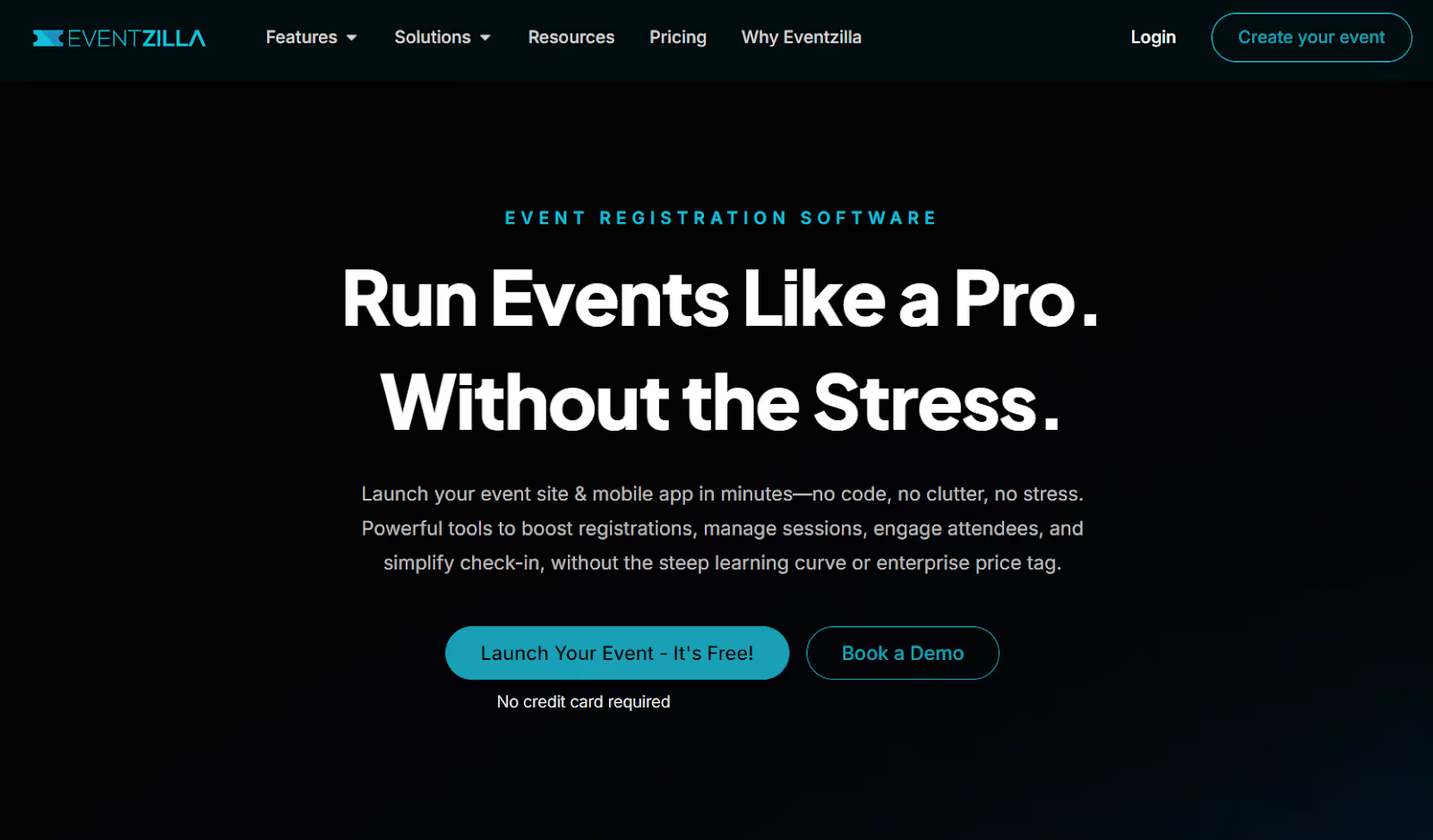
Eventzilla balances robust functionality with budget-friendly pricing. You manage registrations, check-ins, schedules, and promotions through an organized dashboard that keeps complex events under control.
The platform serves nonprofits, educational institutions, and small- to medium-sized businesses that need conference features without enterprise costs.
Best for: Nonprofits, SMBs, and educational institutions managing conferences with multiple sessions on limited budgets.
Key features:
- Drag-and-drop schedule builder for sessions.
- Multiple payment gateway integration.
- Automated reminder emails.
- Attendance tracking and reporting.
- Mobile-optimized registration pages.
- Discount codes and promotional tools.
- Data export for analysis.
- Session-based registration options.
Potential Cons
- The interface is less modern than those of newer platforms.
- Limited customization options.
- Smaller support team.
- Mobile app features are less developed.
Why Organizers Choose it
- Helps organizers map multi-session, multi-track agendas without getting lost in logistics.
- Supports conferences that need registration options for different sessions, speakers, or tracks.
- Automates attendee reminders and updates, freeing the team from communication work.
- Offers an affordable way to run structured conferences without jumping to an expensive enterprise platform.
8. Ticketbud
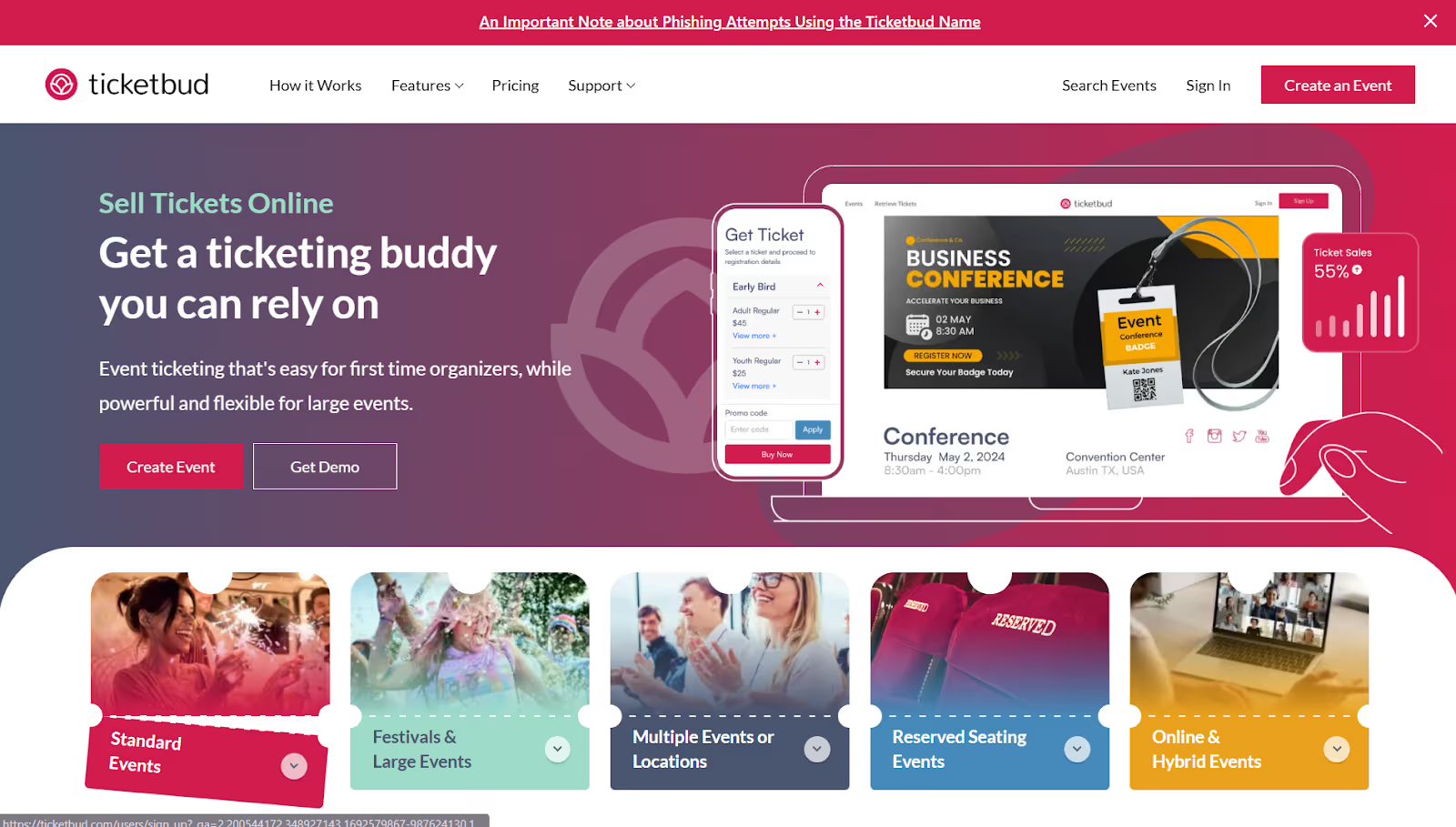
Ticketbud emphasizes flexible payment options and comprehensive promotional tools. You customize payment schedules, integrate Facebook marketing, and create branded ticketing experiences that align with your conference identity.
The platform offers white-label solutions for organizations managing multiple conferences. You maintain brand consistency while serving different audiences.
Best for: Event organizations that need flexible payment options, robust social promotion tools, and white-label capabilities.
Key features:
- Daily, weekly, or monthly payout options.
- Facebook Pixel integration for remarketing.
- Custom URLs for tracking campaigns.
- Point-of-sale capabilities for onsite sales.
- Integration with Salesforce and Zapier.
- Comprehensive reporting dashboards.
- White-label solutions available.
- Multiple currency support.
Potential Cons
- Interface prioritizes function over aesthetics.
- Limited conference-specific features.
- Additional setup costs for white-label.
- A smaller platform means fewer integrations.
Why Organizers Choose it
- Gives organizers control over when they get paid, which is helpful for conferences with upfront costs.
- Makes promotion easier by connecting with the marketing tools organizers already use.
- Supports branded ticketing setups for teams that want to maintain their conference identity.
- Handles onsite ticket sales and check-ins smoothly, helping events that expect walk-up registrations.
9. Ticket Tailor
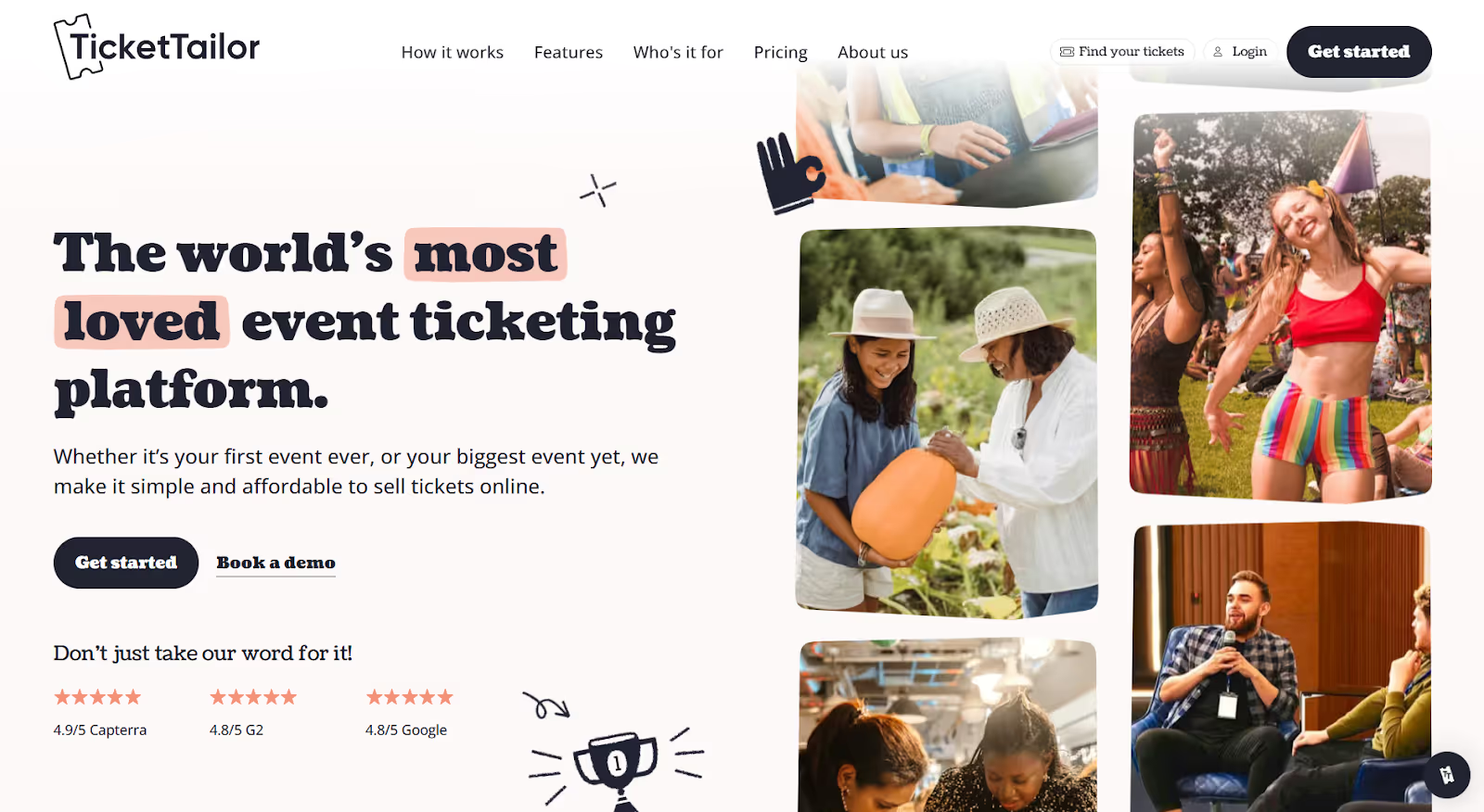
Ticket Tailor champions low fees and straightforward functionality. You create unlimited ticket types, manage recurring conferences, and offer password-protected access for exclusive events.
The platform suits organizations tired of high platform fees eating into conference budgets. You maintain profitability while accessing features needed for successful events.
Best for: Budget-conscious organizers running regular conferences who want low fees without sacrificing essential features.
Key features:
- Unlimited ticket types and categories.
- Recurring event management.
- Password-protected exclusive tickets.
- Custom URLs for brand consistency.
- Built-in check-in mobile app.
- Discount codes and voucher systems.
- Donation options for fundraising.
- Social media promotion tools.
Potential Cons
- Limited advanced conference features.
- Simpler interface lacks polish.
- Smaller ecosystem of integrations.
- Analytics are less comprehensive.
Why Organizers Choose it
- Keeps costs predictable and low, making it appealing to conferences looking to protect their margins.
- Supports flexible pricing models, including VIP passes, group rates, and member-only access.
- Works well for recurring conferences where organizers want a repeatable setup they don’t need to rebuild.
- Gives organizers full ownership of attendee data, which matters for long-term community building.
10. Cvent

Cvent provides comprehensive conference management with a strength in venue sourcing and complex event logistics. You use tools for large-scale corporate conferences that require detailed planning and robust reporting.
The platform serves enterprise organizations with extensive event portfolios. You manage multiple conferences across geographies through centralized systems.
Best for: Large enterprises and organizations running extensive corporate conference programs with complex logistics needs.
Key features:
- Venue sourcing and management tools.
- Event diagramming and floor planning.
- Comprehensive speaker management.
- Check-in and badging solutions.
- Trade show lead capture tools.
- Meeting scheduling for attendees.
- Extensive reporting and analytics.
- Enterprise-grade integration capabilities.
Potential Cons
- Higher cost reflects enterprise focus.
- Navigating the platform might require an investment in training.
- It can feel overwhelming for smaller conferences.
Why Organizers Choose it
- Trusted by enterprises for handling large conference programs that require strict operational control.
- Consolidates venue sourcing, logistics, and attendee workflows so teams avoid juggling multiple systems.
- Provides reporting that supports executive-level decision-making across event portfolios.
- Offers proven stability for conferences where even minor operational failures are unacceptable.
11. BigMarker
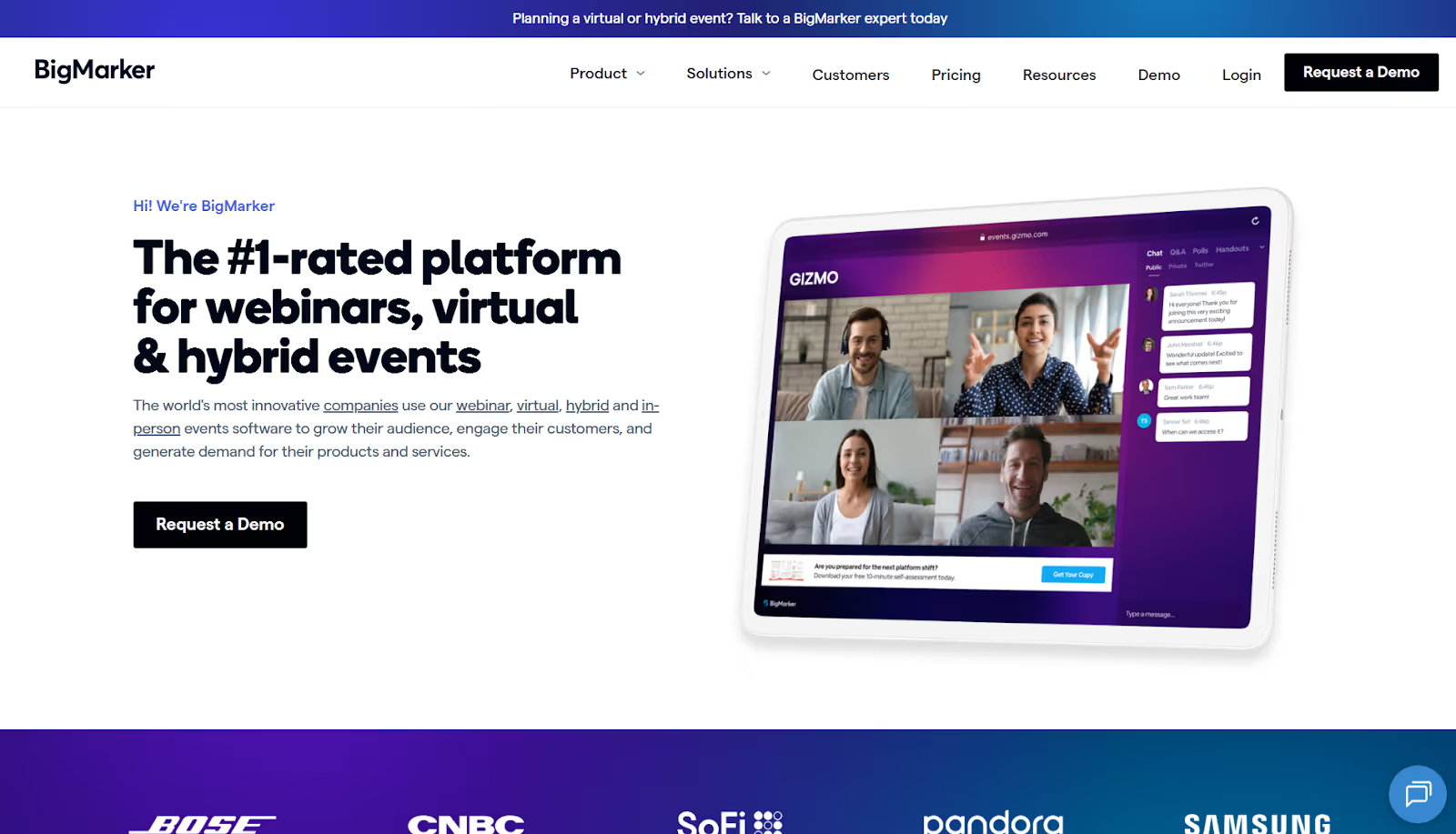
BigMarker focuses on webinar and virtual conference capabilities. You host live presentations, automated on-demand content, and hybrid events via browser-based technology that requires no downloads.
The platform emphasizes ease for attendees. They can join sessions instantly in a web browser without installing software or creating accounts.
Best for: Webinar-heavy conferences, virtual summits, and hybrid events prioritizing accessibility and ease of attendance.
Key features:
- Live and automated webinar capabilities.
- Interactive polls and Q&A features.
- Registration page builder.
- Email automation for attendees.
- Recording and replay functionality.
- Integration with marketing platforms.
- Analytics on attendance and engagement.
Potential Cons
- Less suitable for in-person conference components.
- Limited networking capabilities.
- Customization options are more restricted.
Why Organizers Choose it
- Removes technical friction for attendees by keeping everything browser-based.
- Excels at delivering long-form content, such as summits, workshops, and multi-session webinars.
- Let's organizers automate replays and follow-ups to extend the life of their conference content.
- Supports marketing-led teams that rely on webinars as part of their lead-gen engine.
12. Goldcast
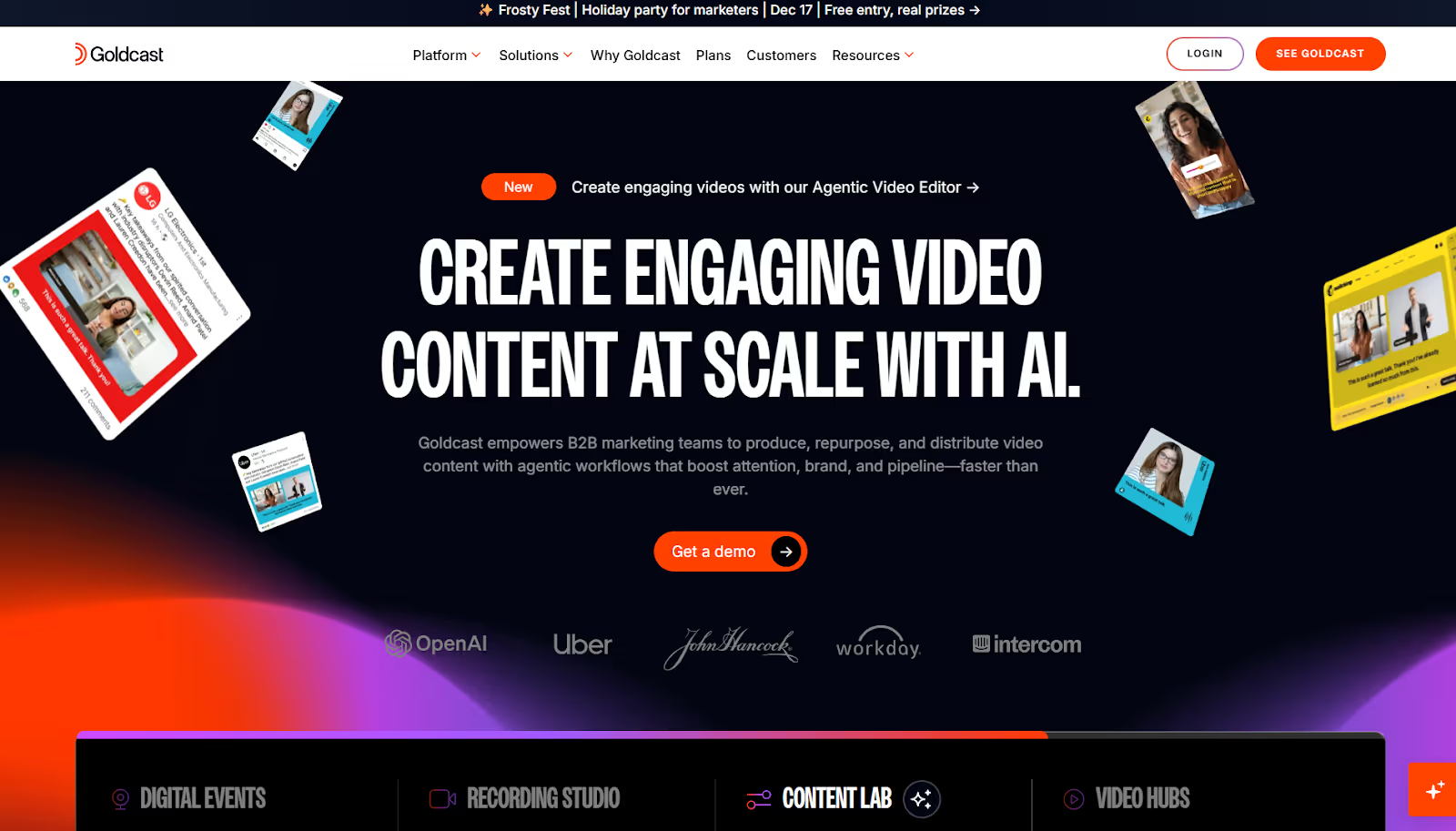
Goldcast specializes in B2B virtual and hybrid conferences, focusing on engagement and pipeline generation. You create branded experiences that feel cohesive across all attendee touchpoints.
The platform serves marketing teams who measure conference success through marketing-qualified leads and pipeline contribution.
Best for: B2B marketing teams running virtual and hybrid conferences focused on lead generation and pipeline acceleration.
Key features:
- Custom-branded event experiences.
- Multi-track session management.
- Interactive engagement features.
- Integration with marketing automation.
- Pipeline reporting and attribution.
- Social promotion tools.
- Networking lounges for attendees.
- Post-event content hubs.
Potential Cons
- Less suitable for non-B2B conferences.
- Newer platform with a smaller user base.
- You need to pay premium pricing for full features.
- Limited in-person event capabilities.
Why Organizers Choose it
- Gives B2B teams clear visibility into how sessions and interactions contribute to the pipeline.
- Aligns conference experiences with marketing operations, making handoffs to sales a smooth experience.
- Offers branded, polished virtual environments that reflect enterprise-level positioning.
- Helps teams treat conferences as revenue programs rather than isolated events.
13. EventMobi
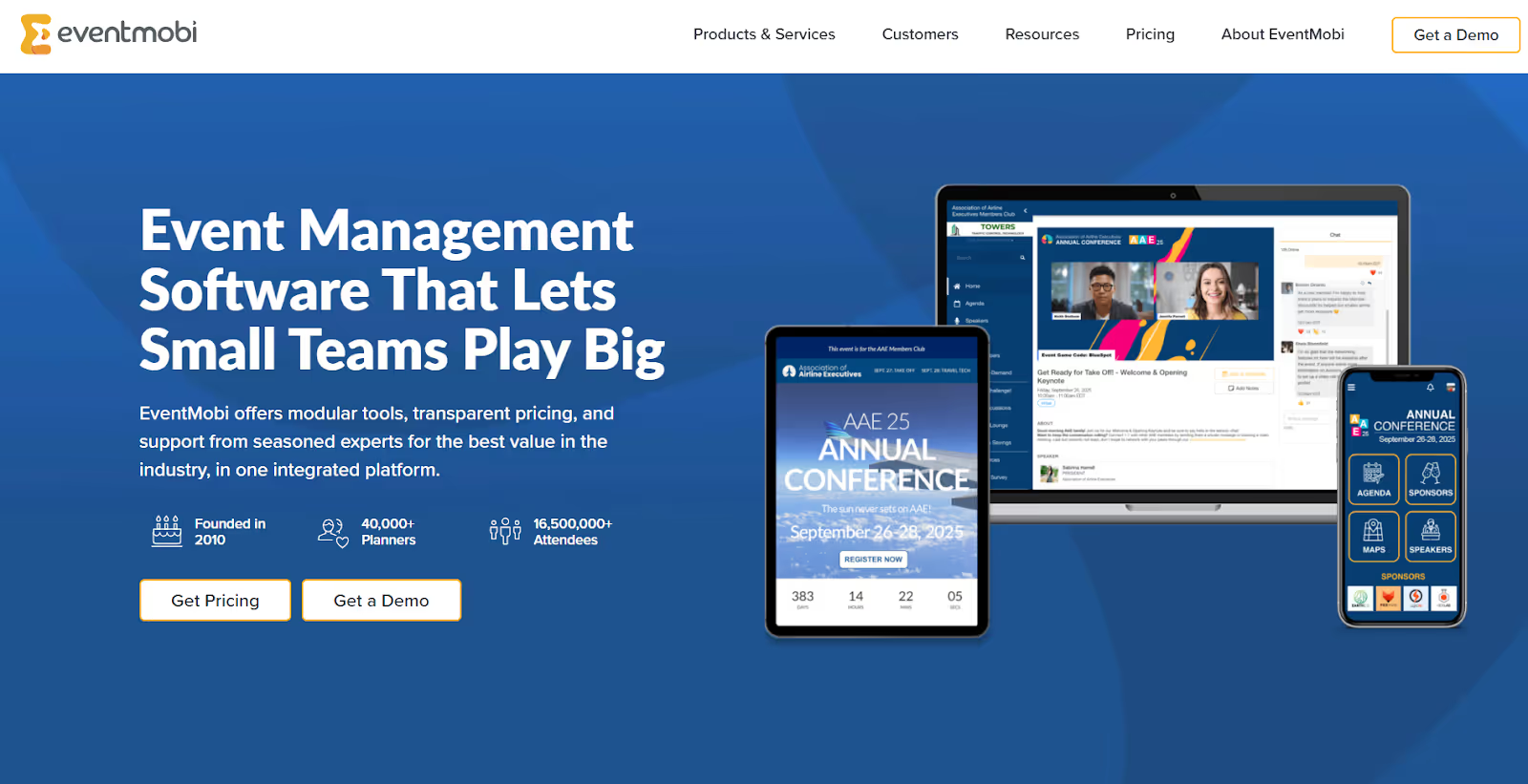
EventMobi emphasizes attendee engagement through gamification and networking features. You create interactive experiences that keep participants involved throughout your conference.
The platform provides basic conference management tools wrapped in engagement-focused features. You prioritize participation over pure logistics.
Best for: Conferences prioritizing attendee engagement, networking, and interactive participation over complex logistics.
Key features:
- Gamification with points and leaderboards.
- Video networking capabilities.
- Session check-in tracking.
- Badge printing integration.
- Live polling during sessions.
- Attendee-to-attendee messaging.
- Activity feeds and social walls.
- Mobile app for engagement.
Potential Cons
- Logistics features are less comprehensive.
- Some features require secondary apps.
- Customization options are limited.
- Manual operations are also needed occasionally.
Why Organizers Choose it
- Prioritizes attendee participation through interactive tools that keep audiences active, not passive.
- Makes networking feel intentional with features designed to spark attendee-to-attendee connections.
- Works well for associations and member-driven events where engagement is the primary value.
- Adds gamified elements that boost session attendance and exhibitor visits organically.

14. Splash
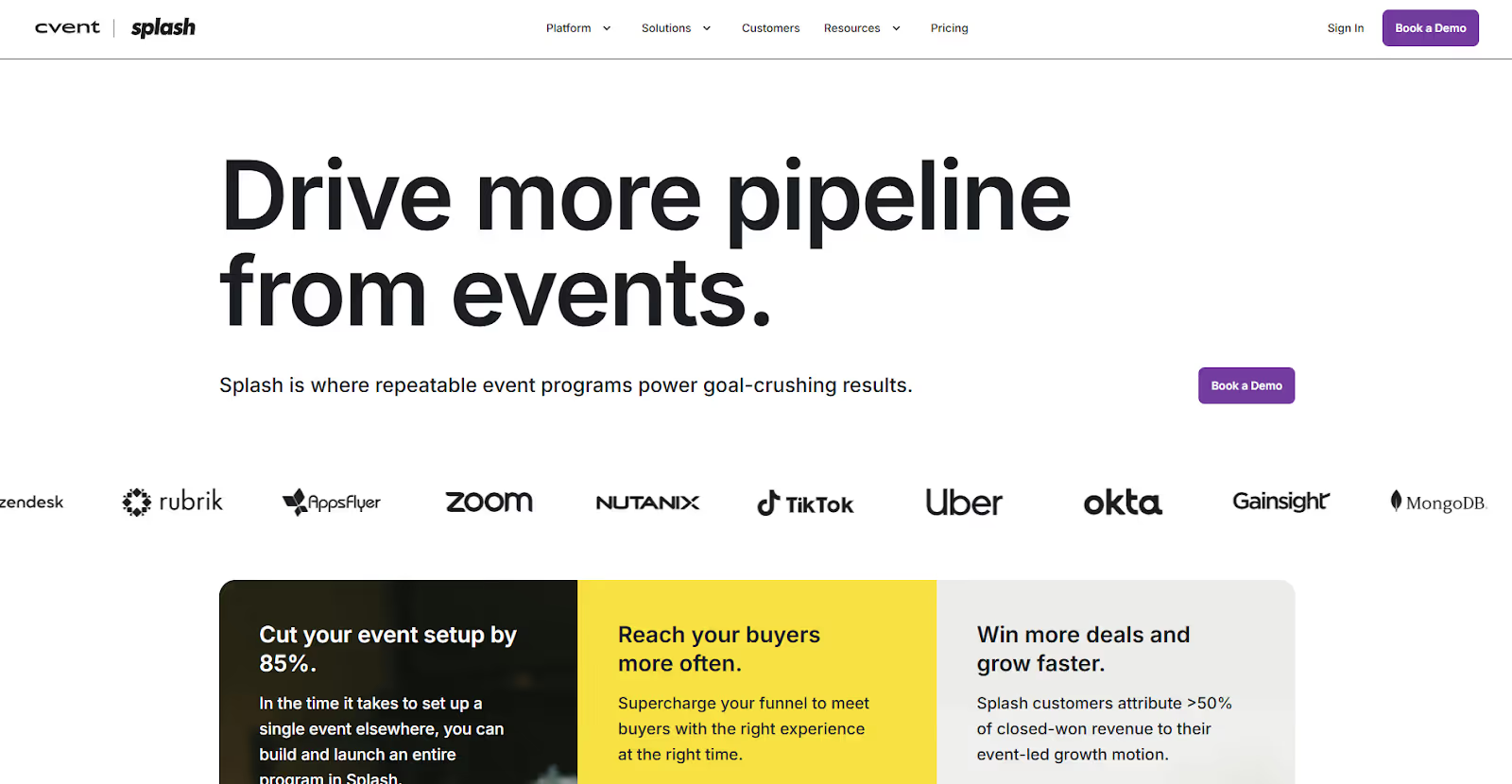
Splash combines event marketing and management into a visually focused platform. You create stunning event pages, manage registrations, and track marketing performance through integrated tools.
The platform serves marketing teams who view conferences as brand experiences. You maintain visual consistency while accessing practical event management capabilities.
Best for: Brand-conscious organizations seeking beautiful event pages alongside robust registration and marketing tools.
Key features:
- Designer-quality event page templates.
- Registration and ticketing management.
- Email marketing integration.
- Social media promotion tools.
- Event marketing analytics.
- Guest list management.
- Check-in capabilities.
- Integration with marketing platforms.
Potential Cons
- You need to pay a higher cost to avail of visual capabilities.
- Limited features compared to other enterprise platforms.
- Smaller support team.
Why Organizers Choose it
- Gives marketing teams visually impressive event pages without needing designers.
- Keeps branding consistent across invites, pages, and onsite touchpoints.
- Provides marketing analytics that help teams understand which campaigns actually convert.
- Ideal for conferences that double as brand showcases or customer-facing experiences.
15. Attendify
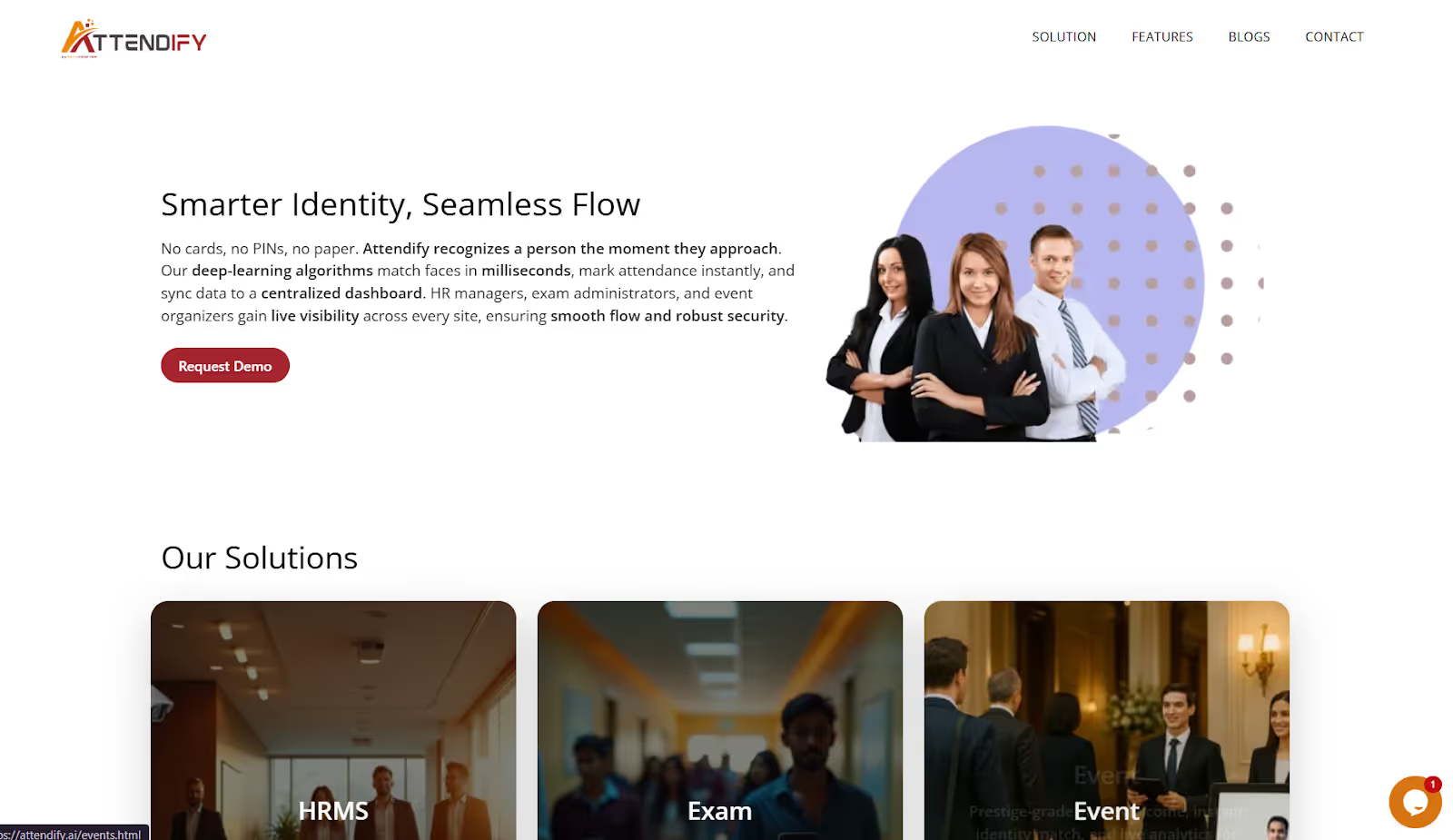
Attendify delivers mobile-first conference experiences through custom event apps. You engage attendees through their smartphones with personalized agendas, networking tools, and real-time updates.
The platform recognizes that mobile devices are the primary companion for the conference. You reach attendees where they naturally spend attention.
Best for: Conferences where mobile engagement, networking, and real-time communication are priorities.
Key features:
- Custom mobile event apps.
- Personalized attendee agendas.
- In-app networking and messaging.
- Live polling and Q&A.
- Push notifications for updates.
- Sponsor visibility in the app.
- Gamification elements.
- Analytics on app engagement.
Potential Cons
- Registration features are less developed.
- Less suitable for smaller conferences.
Why Organizers Choose It
- Centers the entire conference experience inside a mobile app that attendees naturally rely on.
- Enables real-time communication, ensuring organizers can adapt quickly during the event.
- Makes networking easier with profile browsing and messaging built directly into the app.
- Works well for conferences where attendee movement, updates, and engagement need tight coordination.
16. Whova
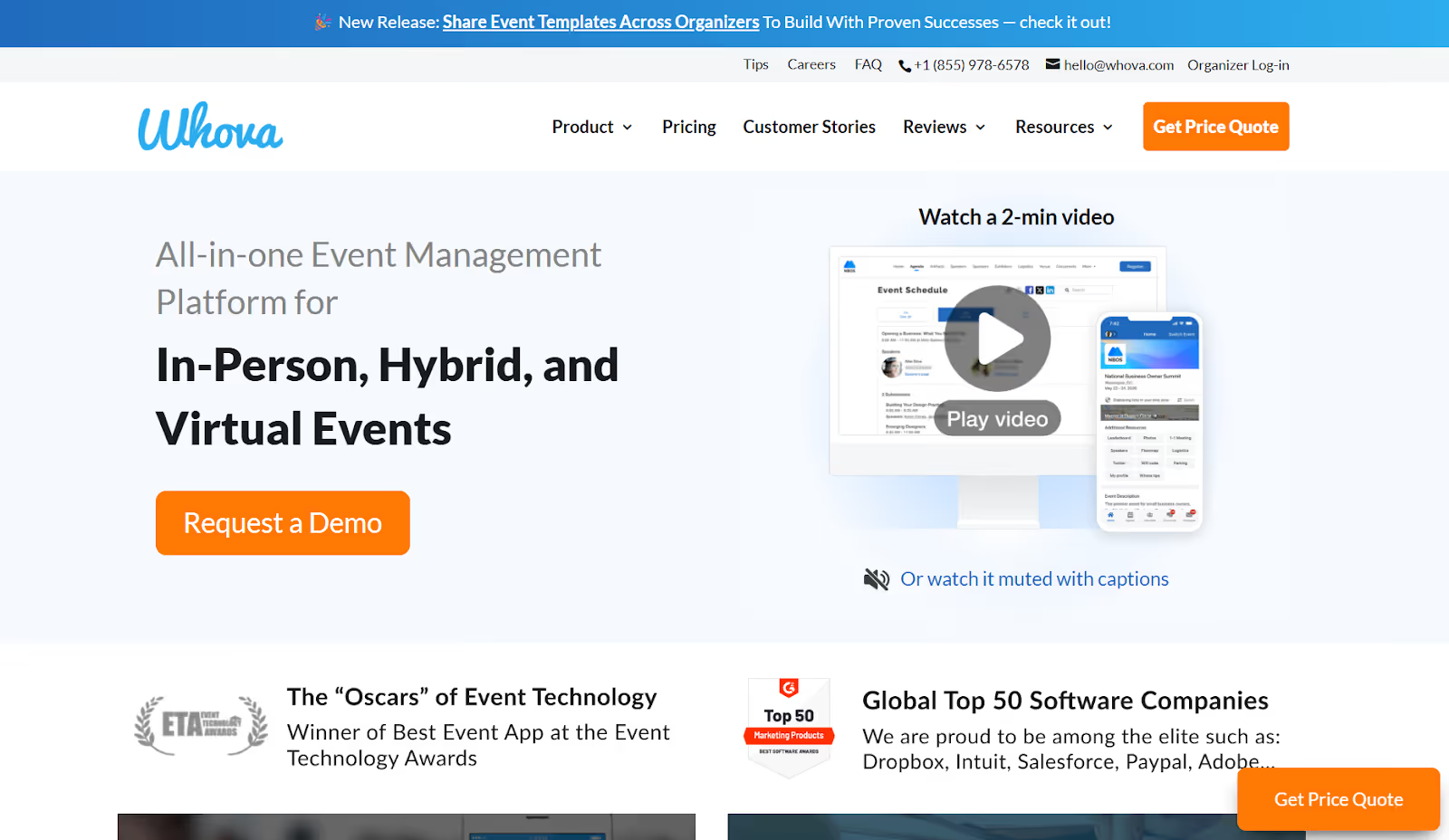
Whova provides all-in-one conference management with award-winning mobile networking. You handle registration, scheduling, attendee engagement, and exhibitor management through integrated tools.
The platform maintains 99.9% uptime reliability. You trust critical conference functions to a stable infrastructure that performs when needed.
Best for: Conferences requiring comprehensive features, strong mobile networking, and reliable performance at accessible price points.
Key features:
- Complete registration and ticketing system.
- Mobile app with good networking.
- Agenda builder with track management.
- Exhibitor and sponsor tools.
- Live polling and surveys.
- Attendee-to-attendee messaging.
- Real-time analytics dashboards.
- Integration with major platforms.
Potential Cons
- The interface can feel busy with many features.
- Customization requires platform familiarity.
- Support resources can be overwhelming.
Why Organizers Choose it
- It offers organizers an all-in-one toolkit that reduces the need for add-ons or multiple vendors.
- Delivers consistently reliable performance across conferences of all sizes.
- Includes strong mobile networking tools that help attendees build meaningful connections.
- Provides organizers with actionable real-time data during the event, not just after.
Also Read: Using Mobile Event Apps for Ultimate Experience
17. Hopin
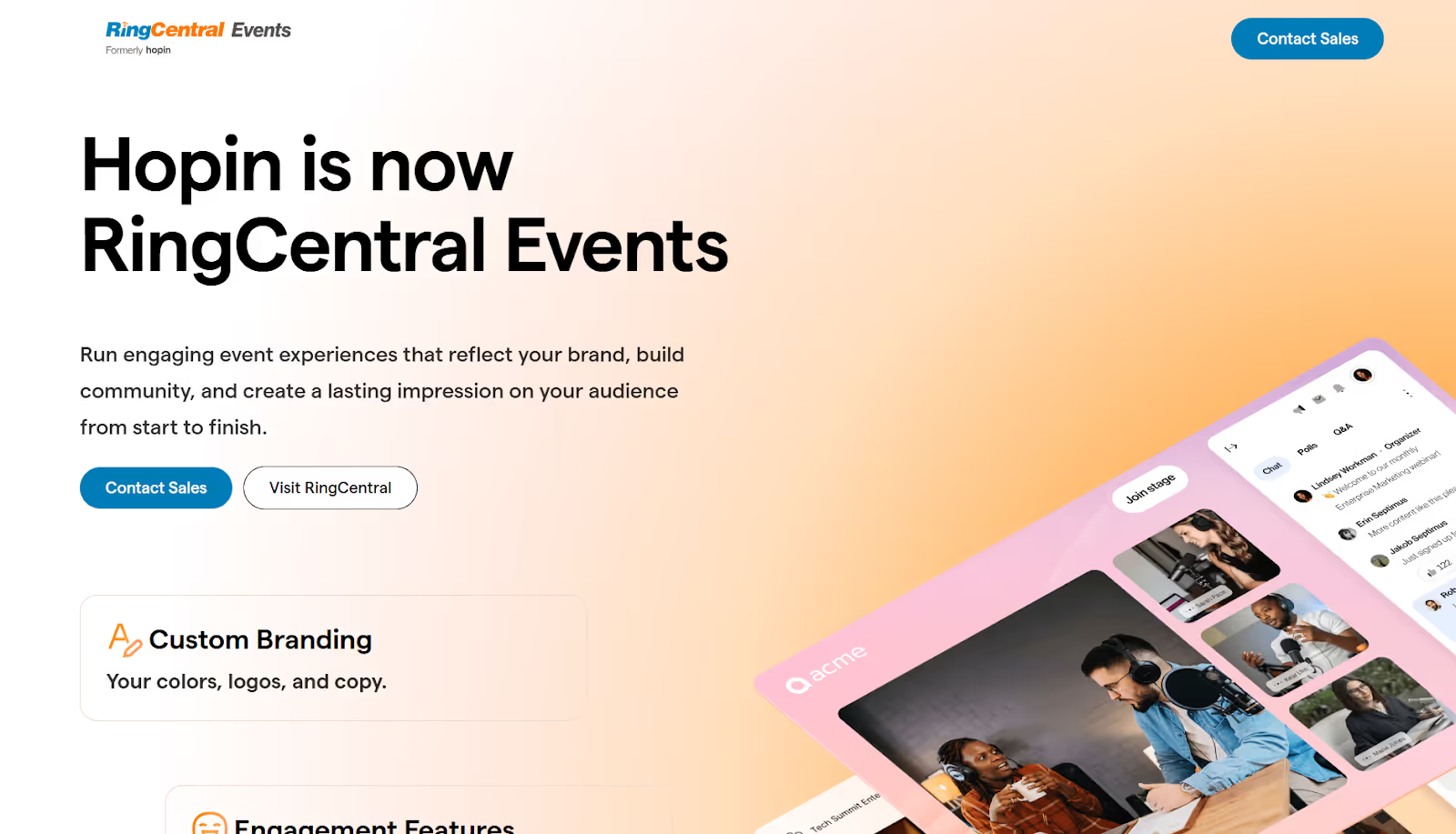
Hopin specializes in immersive virtual and hybrid conferences. You create virtual venues with reception areas, keynote stages, networking spaces, and expo halls for exhibitors.
The platform replicates physical conference experiences in digital environments. Attendees naturally move between areas rather than navigate confusing interfaces.
Best for: Virtual and hybrid conferences requiring immersive environments and sophisticated virtual networking capabilities.
Key features:
- Virtual venue with multiple areas.
- Reception overview spaces.
- Stages for keynote presentations.
- One-on-one networking areas.
- Virtual expo booths for exhibitors.
- Integration with Eventbrite and Mailchimp.
- Live streaming capabilities.
- Breakout rooms for sessions.
Potential Cons
- Less suitable for in-person-only events.
- It can be overwhelming for smaller events.
- You need to pay a higher cost for the full feature set.
Why Organizers Choose it
- Creates immersive virtual environments that feel more like real conferences than webinars.
- Gives attendees the freedom to move between areas and experiences at their own pace.
- Supports exhibitors and sponsors through structured virtual booths and engagement tools.
- Works well for organizations needing a polished, high-interaction virtual or hybrid presence.
18. Webex Events
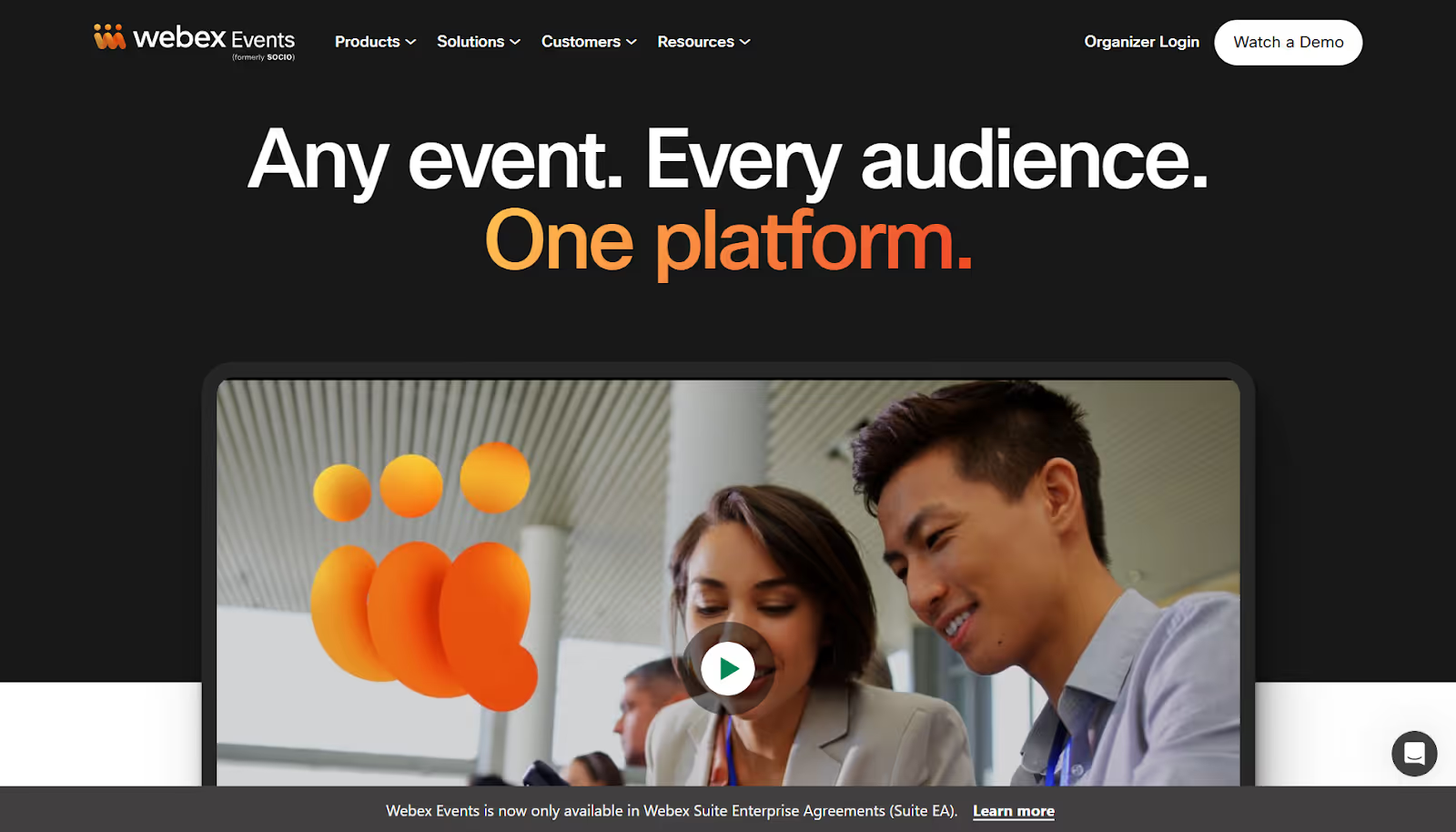
Webex Events delivers enterprise event management across virtual, hybrid, and in-person formats. You manage complex conference portfolios through centralized platforms that scale to organizational needs.
The platform serves large organizations running multiple conferences requiring consistent branding, reporting, and operational processes.
Best for: Enterprise organizations managing multiple large conferences requiring standardization, advanced analytics, and portfolio management.
Key features:
- Multi-format event support.
- Centralized event portfolio management.
- Custom mobile apps for conferences.
- Advanced registration workflows.
- Comprehensive sponsor management.
- Integration with enterprise systems.
- Detailed analytics and reporting.
- White-label capabilities.
Potential Cons
- Enterprise pricing reflects comprehensive features.
- Requires significant implementation time.
- It may be overpowered for single conferences.
Why Organizers Choose it
- Supports organizations running multiple large conferences by centralizing everything in a single scalable system.
- Keeps branding consistent across events with customizable, enterprise-ready experiences.
- Gives teams portfolio-wide insights to compare events and improve future planning.
- Connects smoothly with CRMs and marketing tools, so data flows automatically into existing workflows.
With these 18 conference management platforms laid out, you now have a clear overview of features, strengths, and solutions to help streamline your event planning.
Also Read: AI-Powered Personalization with Event AI Tools: The Next Frontier in Event Marketing
How to Choose the Right Platform for Your Event?
You have compared platforms and identified essential features. Now you need a decision framework that matches the right solution to your specific situation.
Identify Your Event Type and Size
Your conference characteristics determine which platforms fit your needs. A 200-person academic conference has different requirements than a 2,000-person corporate summit.
Consider these event factors:
- Format: in-person only, virtual only, or hybrid with both components.
- Duration: single-day workshop, multi-day conference, or recurring event series.
- Complexity: single track versus multiple concurrent sessions.
- Audience type: corporate professionals, academics, consumers, or mixed groups.
- Geographic spread: local, national, or international attendance.
Platforms specialize in different scales and formats. Some excel at small, focused events while others handle massive conferences across multiple locations. Match platform strengths to your conference profile.
Set Feature Priorities
Every platform offers dozens of features. You need to separate must-haves from nice-to-haves based on your actual operations.
Build your priority list:
- Identify three to five features you absolutely cannot compromise on.
- List features that would make your job easier but are not deal-breakers.
- Recognize features you might never use, even though they sound appealing.
- Identify pain points from previous conferences and identify features that address them.
- Talk to your team about which capabilities matter most to their roles.
This prioritization prevents you from selecting platforms with impressive feature lists that fail to meet your core needs. A platform with advanced networking tools does not help if its check-in system creates bottlenecks.
Assess Your Team's Tech Comfort
Platform sophistication must match your team's capabilities. Complex systems that require extensive training create operational risks.
Evaluate your team realistically:
- Technical skill level across staff who will use the platform daily.
- Time available for training before your conference.
- Appetite for learning new tools versus preference for familiar interfaces.
- IT support availability for technical issues.
- Staff turnover and the need to regularly retrain new team members.
Some platforms offer powerful features but steep learning curves. Others prioritize simplicity with fewer advanced options. Neither approach is wrong, but the mismatch between platform complexity and team capabilities causes problems.
Compare Pricing Models
Platform costs vary dramatically based on pricing structures. Understanding the total cost of ownership helps you budget accurately.
Analyze pricing comprehensively:
- Look at the platform fee. Is it subscription, per-ticket, or percentage-based?
- Payment processing fees apply to every registration.
- Add-on costs for features like mobile apps, branding, or integrations.
- Set up fees for initial configuration and training.
- Support costs if premium assistance requires paid tiers.
- Hidden fees that appear only in fine print or during checkout.
Calculate projected costs for your expected attendance. A platform with low base fees but high per-ticket charges might cost more than one with higher flat fees once you reach certain attendance levels.
Test with Demos or Trials
Platform marketing materials show ideal scenarios. Real testing reveals how tools actually work for your specific needs.
Make demos productive:
- Request demos using your actual conference data when possible.
- Test workflows you will use frequently, not just flashy features.
- Involve team members who will use the platform daily.
- Try building a registration page, creating an agenda, and running check-in simulations.
- Take free trials seriously by running real tasks, not just browsing features.
- Note which tasks feel intuitive versus which require help documentation.
Pay attention to small friction points during testing. Minor annoyances compound over dozens of hours of conference planning. Platforms that feel effortless during demos usually work smoothly during actual events.
Consider Integration and Long-Term Scalability
Your conference might start small but grow over time. Your platform should support current needs while accommodating future expansion.
Think beyond your next event:
- Integration with tools you already use and plan to adopt.
- Capacity to handle larger attendance without platform changes.
- Support for additional event formats if you expand from in-person to hybrid.
- Data portability, in case you eventually need to switch platforms.
- Vendor stability and track record serving organizations like yours.
- Product roadmap showing platform investment in new capabilities.
Switching platforms mid-growth is disruptive and expensive. Select a solution such as fielddrive, which provides you with the ability to do third-party integrations that scale with you, and prevent future migrations.
The right platform matches your current reality while supporting your growth trajectory. Avoid both overbuying capabilities you will never use and underbuying tools that force you to switch platforms after one conference. Talk to peers who run similar events, read reviews from organizers with your event profile, and trust your assessment during hands-on testing.
Final Thoughts!
Choosing the right conference management platform can feel overwhelming, especially when every tool promises something different. But now that you’ve seen how each option stacks up, you’re in a much stronger position to decide what truly supports your goals, smoother operations, better attendee experiences, or simply less stress on event day.
As you plan your next event, keep your workflow, team size, and long-term needs at the center of your decision. And if you’re looking for a platform that simplifies onsite operations, speeds up check-ins, and keeps everything moving without friction, fielddrive is worth exploring as a reliable partner.
You don’t need to figure it all out alone. Book a demo and see what a streamlined, well-orchestrated conference could look like for your team.
FAQ’s
1. Which one is the most widely used conference management system (CMS) for organizing the conference?
There is no single dominant CMS. Platforms like fielddrive and Cvent are widely adopted in different segments, depending on event size and requirements.
2. What software to use for event planning?
Event planners use tools for registration, scheduling, budgeting, communication, and onsite coordination, choosing platforms that match their workflow and team size.
3. What is the best platform for live events?
The best live event platform depends on event size, engagement needs, production complexity, required integrations, and the level of onsite or virtual support.
4. What are the seven stages of event planning?
Define objectives, set the budget, choose the venue, plan logistics, promote the event, manage execution, and evaluate performance afterward.
.svg)
.svg)
.svg)
Want to learn how fielddrive can help you elevate your events?
Book a call with our experts today


.svg)