

.svg)
.webp)
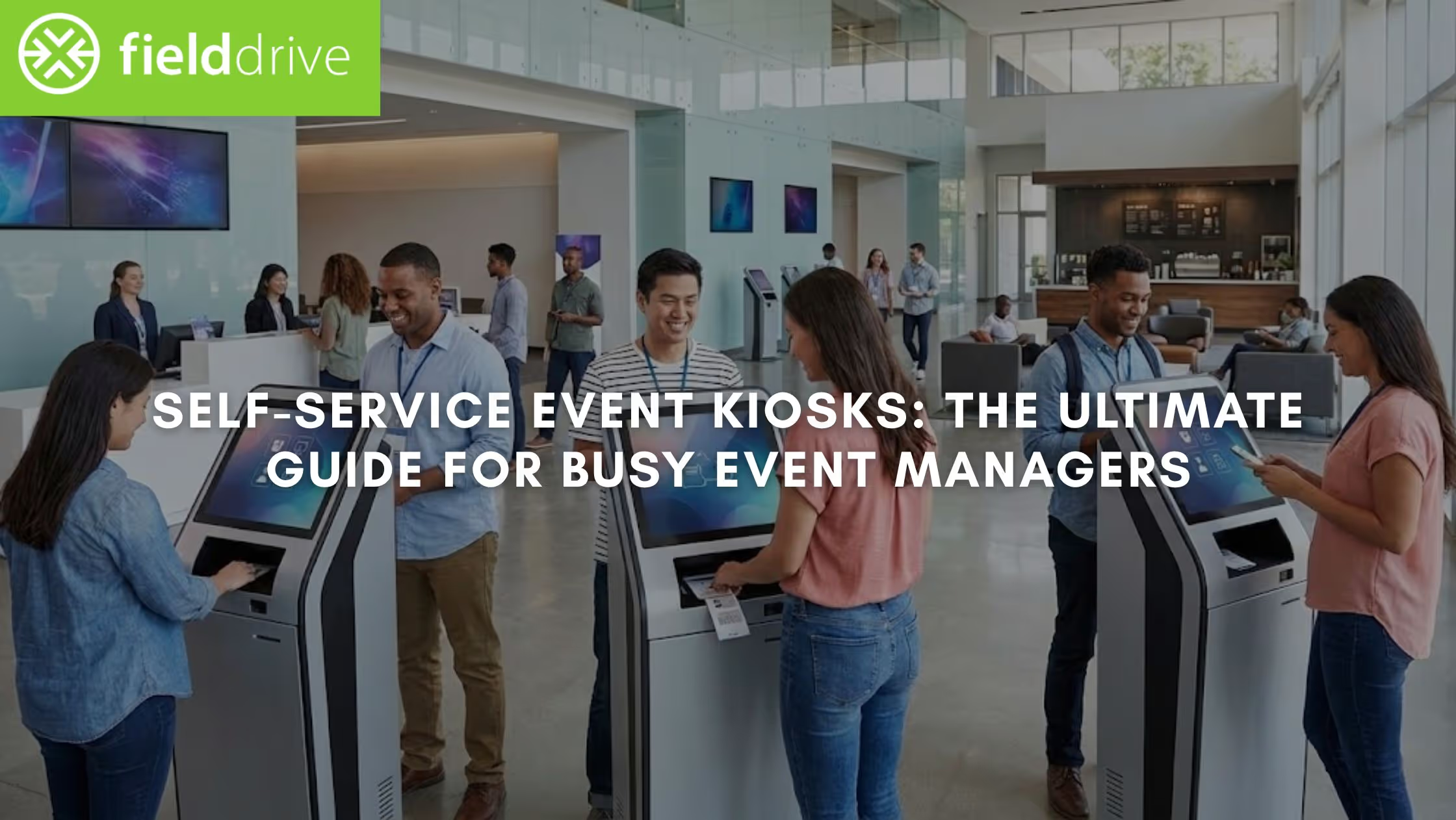
Sixty minutes. Two thousand attendees. One registration desk is already forming a bottleneck.
You've spent months planning every detail, but the first thing your attendees experience is a line. Every minute they wait is a minute they're not networking, engaging with exhibitors, or experiencing what you built. Automated check-in systems using facial recognition or AI kiosks reduce entry wait times by 60%, and your attendees feel the difference immediately.
Self-service event kiosks have become essential infrastructure for events processing hundreds or thousands of attendees. They solve problems you used to accept as unavoidable. This guide shows you what self-check-in kiosks do and how to deploy them correctly.
Key Takeaways
- Self-service event kiosks speed up check-in, processing 200–300 attendees per hour and reducing queues effectively.
- Kiosks work best for events with 300+ attendees, peak arrival windows, multiple badge types, and last-minute updates.
- Planning kiosk count, queue flow, and hybrid-assisted zones ensures a smooth check-in and prevents congestion.
- Real-time data sync provides live visibility into attendance, peak traffic, and kiosk efficiency for quick decisions.
- Implementing kiosks reduces staffing needs, improves data accuracy, and creates a professional first impression for attendees.
What Problems Self-Service Event Kiosks Actually Solve?
Traditional staffed check-in creates dependencies that break down under pressure. Each attendee needs someone to look up their name, verify registration, print their badge, and answer questions. When 500 people arrive in 30 minutes, the system collapses.
You hire more staff, add more printers, expand your registration desk, but you're still fighting the same bottleneck. The problem isn't effort or planning. It's the model itself.
Self-service kiosks break the dependency chain. Attendees check themselves in, verify their information, and print badges without waiting for staff. The operational shift is immediate. You move from 15-20 attendees per hour per staff member to 200 attendees per hour per kiosk.
Here's what changes when you implement self-service correctly:
- Your team focuses on service, not repetitive tasks. Staff handle exceptions and assist attendees who need help, rather than manually processing every check-in.
- Data accuracy improves immediately. Attendees verify their own information before printing. Typos get caught in real time, not after you've printed incorrect badges.
- Last-minute changes become manageable. When registration updates sync continuously, walk-ups and day-of modifications happen seamlessly without manual workarounds.
- You gain visibility you never had before. Real-time dashboards show precisely who's checked in, when peaks hit, and where congestion builds before it becomes a problem.
The operational reality is straightforward. Manual check-in requires linear scaling. More attendees mean proportionally more staff, printers, desk space, and coordination. Self-service lets you scale without incurring the same overhead. That's not just efficiency. That's changing how check-in fundamentally works.
When Self-Service Kiosks Make Sense for Events?
Not every event needs kiosks. A 50-person board meeting with pre-assigned seating works fine with a staffed desk. But once your event crosses certain thresholds, self-service becomes the more brilliant operational choice.
Self-service delivers the best return when you're dealing with these realities:
- Concentrated arrival windows. When hundreds of attendees show up within the same hour, traditional check-in creates bottlenecks you can't staff your way out of. Kiosks handle volume spikes that would otherwise require your registration team to double or triple in size.
- Multiple attendee categories with different requirements. Managing exhibitors, speakers, VIPs, and general attendees with varying badge types and access levels can get complex fast. Kiosks with conditional logic route each group correctly, without your team having to memorize decision trees.
- On-demand badge customization. Events requiring role-based badges, sponsor logos, or session access credentials benefit from printing that adjusts automatically based on registration data. No pre-printing stacks of badges that might be wrong.
- Realistic budget constraints. Kiosks reduce registration staff requirements significantly while maintaining or improving service quality. The budget you save often covers the cost of the technology investment.
- Integration with your existing registration platform. If your registration system has API capabilities, kiosks sync data in real time. You eliminate the manual export-import cycle that causes errors and creates extra work.
The decision usually comes down to math. Calculate expected attendees per hour during peak check-in, average time per manual check-in, and staff needed to avoid lines. Compare that to kiosk throughput. For most events with over 300 attendees, the numbers decisively favor self-service.
How Self-Service Event Kiosks Work in Practice?
Self-service event kiosks follow a structured, predictable flow that supports high-volume check-in environments. From the moment attendees arrive to the point where badges are issued and attendance is recorded, each step is designed to work consistently at scale.
Let’s look at each phase in detail.
The Check-In Flow
Attendees interact with kiosks through a simple, optimized sequence for speed. They scan a QR code from their confirmation email, enter their email address, or use facial recognition if you've enabled it. The system instantly looks up their registration, displays their information for verification, and prints their badge automatically.
The entire process takes three to fifteen seconds per attendee, depending on badge complexity and whether they need to update information. The speed advantage comes from eliminating manual lookup and reducing decision points to the absolute minimum.
Badge Printing Integration
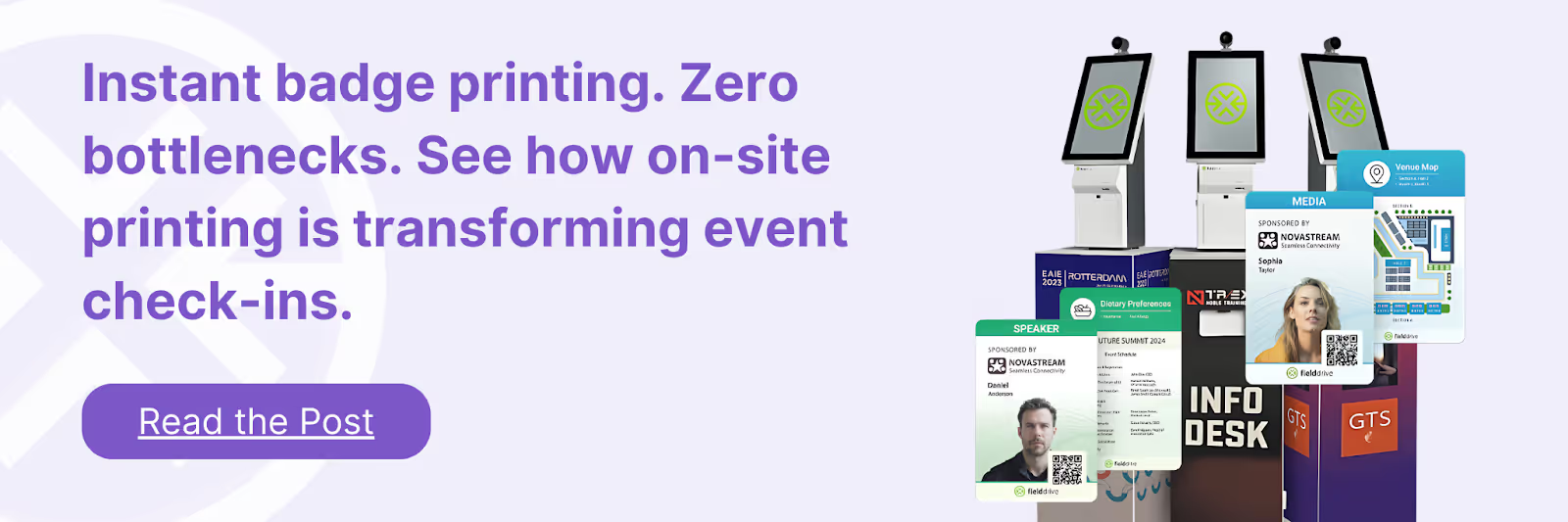
Kiosks connect directly to commercial-grade badge printers that produce full-color, double-sided badges on demand. Print speeds average 6 seconds per badge, meaning one kiosk processes 200-300 attendees per hour, depending on arrival patterns.
Badge design pulls from your registration database in real time. Attendee names, companies, roles, and custom fields are automatically displayed. Sponsor logos, QR codes for session tracking, and color-coded access levels all print without manual intervention. You design the template once, and the system handles the rest.
Real-Time Data Synchronization
Modern kiosks continuously sync with your registration platform. When someone registers at the last minute or updates their information online, kiosks reflect the change immediately. This eliminates the pre-event data freeze that was once standard practice because technology couldn't keep up.
You gain visibility through dashboards that update as attendees arrive. You see which sessions are filling up, when peak times occur, and whether specific attendee segments are showing up as expected. This data helps you make real-time operational decisions during the event.

Kiosk and Queue Layout Planning for High-Volume Events
Physical layout determines whether kiosks solve your throughput problem or create new ones. You can deploy the best technology available, but if attendees can't figure out where to go or how to use it, you're back to manual check-in.
Layout planning starts with understanding your arrival patterns, venue constraints, and attendee behavior. Get these elements right, and check-in becomes invisible. Get them wrong, and you'll spend the event managing workarounds instead of running your program.
Today, let’s focus on getting things right.
Number of Kiosks Required per Attendee Volume
The calculation is straightforward but requires honest estimates. Start with your total attendee count and expected arrival window. If 2,000 people are arriving over three hours, that's 667 attendees per hour. Each kiosk processes approximately 200 attendees per hour at steady state.
You need four kiosks to maintain flow without queues forming. But arrival patterns aren't steady. Most attendees show up in the first hour. If 60% of your audience arrives in that window, you're handling 1,200 people in 60 minutes, which means you actually need six kiosks to avoid backups.
The formula accounts for these variables:
- Peak arrival percentage. How concentrated is your check-in window? Conference opening sessions create sharp spikes. Multi-day trade shows spread arrivals more evenly.
- Kiosk processing time. Three seconds per check-in if attendees only scan QR codes. Fifteen seconds if they're updating information or selecting sessions.
- Buffer capacity. Add 20-30% extra capacity beyond your calculated need to handle unexpected surges, technical issues with individual kiosks, or attendees who need assistance.
Planning too few kiosks means lines form quickly and defeat the purpose of self-service. Planning too many wastes the budget and floor space. Most organizers find the sweet spot by testing assumptions with pilot events or soft launches before major conferences.
Queue Flow and Physical Space Requirements
Queue design matters as much as kiosk count. You need clear pathways from entry to kiosks to the event floor.
Physical space requirements include:
- Kiosk footprint. Each unit needs approximately 4-6 square feet of floor space, plus clearance for attendees to approach and use the interface comfortably.
- Queue zones. Designate areas where lines can form without blocking traffic. Retractable stanchions or floor markings help guide flow during peak times.
- Signage placement. Directional signs at venue entrances, elevator banks, and hallway intersections prevent confusion. Attendees should never wonder where registration is located.
- Staff positioning. Place staff at queue entry points to answer questions, direct attendees to available kiosks, and assist anyone having trouble with self-service.
If one kiosk develops a line while others sit idle, staff can redirect traffic to the other kiosks. If badge pickup creates secondary congestion, you can add a separate collection area downstream.
The goal is continuous flow. During peak times, attendees should move from the venue entrance to badge printing to the event floor in under 2 minutes. Any longer and you're creating the same problem you're trying to solve.
For streamlined results, try solutions like fielddrive's touchless check-in kiosks, designed to maintain this flow even during peak arrival surges.
Assisted and Self-Service Check-In Zones
Hybrid setups combine the efficiency of kiosks with the flexibility of staffed stations. This approach accounts for the reality that not every attendee is comfortable with self-service, and that some situations require human intervention.
Create two distinct zones:
- Self-service zone. The primary check-in area has multiple kiosks for attendees who have confirmation emails, QR codes, or registration numbers. This zone processes 80-90% of your volume.
- Assisted check-in zone. A smaller staffed area for walk-ups, attendees with registration issues, badge reprints, or anyone who needs personal help. This zone handles exceptions without slowing down the main flow.
The division improves speed and accessibility. Tech-savvy attendees use kiosks without waiting. Those who prefer or need staff assistance get personalized attention. Neither group interferes with the other.
Staff in the assisted zone need access to the same registration database, mobile check-in devices, and badge-printing capabilities. They're handling problems the kiosks can't resolve automatically, so they need full system access.
Hardware, Staffing, and Safety Considerations for Self-Service Kiosks
Technology deployment entails operational requirements that extend beyond the equipment itself. You need to plan for maintenance, support, security, and contingency scenarios that will inevitably occur during multi-day events.
Hardware Requirements and Reliability
Kiosks operate in high-traffic environments under sustained load. Equipment quality determines whether it runs continuously or fails during peak times.
Key hardware considerations:
- Printer reliability. Badge printers need to handle hundreds of continuous prints without jamming or running out of supplies. Stock extra ribbon cartridges and badge stock on-site.
- Network connectivity. Kiosks require stable internet or local network connections to sync with registration systems. Plan for backup cellular connections if the venue's WiFi is unreliable.
- Power management. Ensure adequate electrical capacity and surge protection. Battery backup systems prevent data loss during brief power interruptions.
- Physical durability. Touchscreens, card readers, and printers are heavily used. Choose equipment rated for commercial deployment, not consumer-grade alternatives.
Testing hardware under load before your event prevents surprises. Run through complete check-in cycles and verify that all components work together reliably.
Staffing Models That Support Self-Service
Self-service doesn't mean zero staff. You still need people, but their roles change. Instead of performing every check-in manually, staff focus on oversight, troubleshooting, and guest service.
Effective staffing models include:
- Greeters at entry points. Direct attendees to self-service kiosks, answer basic questions, and identify anyone who needs assisted check-in.
- Technical support near kiosks. Handle equipment issues, assist attendees with interface issues, and keep printers stocked with supplies.
- Roaming problem solvers. Move through the check-in area to address issues before they become visible problems, clear minor equipment jams, and assist with unusual registration situations.
Tip: Staff-to-kiosk ratios typically run 1:3 or 1:4. Four kiosks might need one dedicated support person, plus a supervisor to manage the overall area. Compare this to traditional check-in, where you'd need 10-12 people to handle the same volume.
Security and Data Protection
Event check-in involves personal data that must be protected. Kiosks need to meet security standards appropriate for your industry and geography.
Security measures to implement:
- Data encryption. All communication between kiosks and registration systems should use encrypted connections. Badge data should not be stored locally on kiosk devices.
- Access controls. Administrative functions require authentication. Attendees should only see their own information during check-in.
- Compliance requirements. If you're operating in Europe, GDPR compliance is mandatory. This includes obtaining proper consent, limiting data retention, and providing data deletion on request.
- Physical security. Kiosks contain valuable equipment. Position them in visible areas with adequate supervision to prevent theft or tampering.
Work with vendors who understand event industry security requirements. Solutions should include ISO certifications, regular security audits, and clear data handling policies.
Tips to Measure Event Check-In Performance and Outcomes Using Self Check-In Kiosks
Data from your check-in system tells you whether your deployment is working and where improvements are needed. The metrics that matter go beyond simple check-in counts to reveal operational efficiency and attendee experience.
Track these performance indicators:
- Average check-in time per attendee. Measure from when someone approaches a kiosk to when they receive their printed badge. Times under 10 seconds indicate smooth operation. Times over 30 seconds suggest interface problems or data sync issues.
- Peak arrival patterns. Identify when most attendees check in. Use this data to schedule staff shifts, plan kiosk availability, and inform attendees about optimal arrival times for future events.
- Kiosk utilization rates. Calculate how many attendees each kiosk processes per hour. Uneven utilization means your layout needs adjustment, or signage isn't directing traffic effectively.
- Error and exception rates. Count how many check-ins require staff intervention. High exception rates indicate issues with registration data quality or kiosk configuration.
- No-show tracking. Real-time visibility into who checked in versus who registered helps you understand actual attendance and informs capacity planning for sessions and food service.
Compare these metrics across multiple events to establish baselines and measure improvements. Your second event with kiosks should run more smoothly than your first as you refine layout, staffing, and configuration based on real performance data.
Post-event analysis should include:
- Attendee feedback on check-in experience. Survey questions about wait times, ease of use, and overall satisfaction provide qualitative context for quantitative metrics.
- Staff observations and suggestions. Your team knows where problems occurred and often has practical ideas for improvements.
- Cost analysis. Calculate total check-in costs, including equipment rental, staff time, and supplies. Compare to previous events to quantify ROI.
How Does fielddrive Support Self-Service Event Kiosks at Scale?
When you need to move thousands of attendees through check-in without delays, you need technology that's been tested at scale. We've built self-service kiosk systems specifically for the demands of high-volume events, combining fast processing, reliable hardware, and real-time data integration.
fielddrive addresses the complete check-in workflow from an organizer's perspective because we understand your frustrations. They were once our frustrations. Attendees use our touchless check-in kiosks with multiple verification methods, including QR codes, email lookup, and facial recognition. Once verified, badges print automatically in approximately six seconds using high-quality thermal printers that handle sustained throughput without jamming.
What sets our system apart:
- Real-time platform integration. fielddrive connects directly with major registration systems through APIs, ensuring data stays synchronized throughout your event. Last-minute registrations, updates, and cancellations are reflected immediately at kiosks.
- Customizable badge design. Create role-specific badges with sponsor logos, access levels, and session permissions that print on demand based on registration data.
- Scalable deployment. The same system works for 500-person conferences and 10,000-attendee trade shows. Kiosk counts scale up or down based on your event size and arrival patterns.
- Analytics dashboard. Monitor check-in status, attendance trends, and operational metrics in real time. You can also export detailed reports for post-event analysis.
Our solution includes ISO 27001 and ISO 27701 certifications for data security, GDPR compliance for European events, and eco-friendly badge printing options for sustainability-focused organizations.
However, dont take our word for it, experience it yourself from the projects we have done so far.
- At BAM Marketing Congress 2024, we processed over 2,000 attendees with a streamlined facial recognition check-in that eliminated traditional bottlenecks.
- OMcollective reduced their check-in window from chaotic multi-hour operations to efficiently processing 1,000 attendees in a single hour.
- GlobalFoundries has relied on fielddrive for 15 consecutive events, with their team noting that our technology holds up better than alternatives they've tested during peak conditions.
Moreover, our lead retrieval app extends beyond check-in to help exhibitors capture qualified leads during events. Real-time data sync pushes lead information directly to CRM systems, enabling immediate follow-up while prospects are still engaged. This improves both exhibitor ROI and attendee experience, which has always been our focus.
fielddrive operates from six global logistics hubs, providing equipment delivery and support across 50+ countries. Whether you're running a conference in Singapore, a trade show in London, or a product launch in Dubai, the same reliable technology and support team backs your event.
Final Thoughts!
Self-service event kiosks solve a specific problem: how to check in hundreds or thousands of attendees quickly during compressed arrival windows. When deployed correctly with adequate capacity, clear layout, and proper support, they transform check-in from a necessary friction point into a smooth, professional first impression.
Your decision to implement kiosks should start with an honest assessment of your event's characteristics. If you're processing more than 300 attendees with concentrated arrival patterns, self-service will likely deliver faster throughput and lower costs than a fully staffed check-in.
Having said that, planning makes the difference between kiosks that solve problems and kiosks that create new ones. fielddrive kiosks provide touchless scanning, high-speed badge printing, and real-time data integration, ensuring smooth check-in even during peak arrival times. Test everything before attendees arrive.
If you're ready to eliminate check-in bottlenecks at your next event, book a demo today and see how our kiosk solutions can streamline your operations while improving the attendee experience.
FAQ’s
1. What are the seven types of kiosks?
The seven types include informational, self-service, ticketing, photo, internet, wayfinding, and interactive kiosks. Each type serves specific functions, from providing directions to processing transactions efficiently.
2. What is the difference between a kiosk and a POS?
A kiosk allows self-service interactions, information access, or ticketing without staff. A POS is primarily for sales transactions and requires staff to operate or oversee payments.
3. What is a common use of a self-service kiosk?
A common use of a self-service kiosk is event check-in, enabling attendees to verify registration, print badges, or access information quickly without staff assistance.
4. What is an example of a self-service kiosk?
Examples include airport check-in kiosks, hotel check-in stations, retail ordering terminals, and event kiosks that handle badge printing and attendee registration verification.
5. What problems can occur during self-check-in?
Issues include network failures, printer jams, incorrect registration data, unclear instructions, insufficient kiosks during peak arrivals, or attendees needing staff assistance to resolve exceptions.
.svg)
.svg)
.svg)
Want to learn how fielddrive can help you elevate your events?
Book a call with our experts today


.svg)