

.svg)
.webp)

CONTENT
Event teams are under pressure to prove ROI fast. As budgets grow, leadership expects event technology to show measurable impact, not just “engagement.” In Bizzabo’s benchmarking report, 39% of respondents said their 2024 event budgets were $1M+, and 53% expected budgets to increase in 2025.
SpotMe is a well-known enterprise event platform built around engagement and data capture that can flow into CRM workflows. But some teams start looking elsewhere when they hit common fit issues, such as pricing and packaging, flexibility for different event types, scaling operations (not just attendees), or analytics that stakeholders can act on quickly.
This list helps teams compare alternatives based on real requirements, use case fit, budget model, onsite execution, integrations, and reporting, so the platform matches the program, not the other way around.
Key Highlights
- Why teams look beyond SpotMe: pricing structure, packaging limits, flexibility challenges, analytics depth, and scalability needs.
- What modern event programs require: stronger onsite execution, faster check-in, real-time dashboards, robust networking, and CRM-ready data.
- How this comparison helps: each alternative is evaluated through event formats, engagement tools, onsite operations, usability, integrations, and pricing clarity.
- What the top 9 platforms offer: a practical breakdown of strengths, best-fit use cases, and cost alignment for enterprise, mid-market, and agency-led events.
- Why fielddrive is a top contender: unmatched onsite performance, live badging, exhibitor lead capture, and analytics built for ROI-driven event teams.
Evaluation Criteria: How We Chose the Best SpotMe Alternatives
To keep this list practical, each platform was assessed against the same set of criteria that matter during selection, rollout, and show-day execution.
- Event formats supported: Coverage for in-person, virtual, and hybrid events, plus multi-event programs and regional series.
- Engagement and networking: Tools for audience interaction, matchmaking, meetings, communities, and sponsor or exhibitor value.
- Onsite operations and analytics depth: Check-in, badging, lead capture, session tracking, dashboards, and reporting that supports ROI conversations.
- Ease of use: Setup effort for organizers and smooth experience for attendees across registration, app usage, and onsite flows.
- Pricing transparency and scalability: Clarity on packaging, add-ons, volume pricing, and whether costs scale predictably with event growth.
- Ideal customer profile fit: Best match by team type and complexity, including enterprise programs, mid-market teams, and agencies running events for clients.
Best 9 SpotMe Alternatives and Competitors for Modern Event Teams
Choosing the right event engagement platform can make or break the attendee experience. Here are the top SpotMe alternatives that offer stronger features, better scalability, and real results for fast-moving event teams.
Quick Comparison Table: SpotMe vs Top Alternatives
1. fielddrive

fielddrive is an on-site event tech platform focused on check-in, live badging, lead retrieval, access control, and real-time analytics. It differs from SpotMe by prioritizing show-day execution and operational data capture over app-first engagement workflows.
Key features
- Fast check-in and live badge printing: On-site kiosks support on-demand printing to reduce the limitations of pre-printed badge workflows.
- Real-time attendance tracking: Live visibility into check-ins, attendee movement, and event performance so teams can act during the event, not after.
- Session analytics and access control: Session scanning and controlled entry help track attendance and manage access to workshops and VIP areas.
- Lead capture built for exhibitors: Single-tap badge scanning, real-time data sync, offline capability, and reporting aimed at improving exhibitor follow-up and ROI.
- Platform-agnostic integrations: Integration services designed to sync registration and attendee data in real time across integrated platforms, helping teams keep data consistent across their stack.
Pricing: Custom pricing based on event scale, onsite requirements, and solution scope.
Best fit for: Enterprise events, exhibitions, and conferences where operational speed, controlled entry, exhibitor lead performance, and real-time event analytics are core success metrics.
2. Cvent Event Platform

Cvent is a broad event marketing and management ecosystem designed to support large programs across in-person, virtual, and hybrid events. It is built for teams that need end-to-end coverage across registration, onsite execution, engagement, and reporting.
Key features
- Registration and event websites: Online registration capabilities and branded event website creation as part of the registration flow.
- Attendee engagement tools: Mobile event app features like agenda building, networking, chat, Q&A, polls, and surveys.
- Networking and appointment scheduling: Dedicated solutions for meetings and appointment scheduling, especially relevant for trade shows and high-touch programs.
- Reporting and analytics: Event and attendee insights plus post-event measurement tools designed to track performance and ROI.
Pricing: Scaled enterprise pricing model with an annual license fee plus per-registrant fee, per Cvent’s pricing structure.
Best fit for: Large enterprises running multiple global events, conferences, and trade shows that need an end-to-end ecosystem across registration, onsite, engagement, and analytics.
3. Bizzabo

Bizzabo positions itself as an “Event Experience OS” built to unify event experiences from website to mobile app to onsite check-in, with a strong emphasis on branding, engagement, and measurable outcomes.
Key features
- Branded event apps and attendee hub: Mobile app engagement plus a unified brand experience across touchpoints.
- Networking and matchmaking: Tools designed to help attendees connect, including AI-driven community and networking capabilities.
- Content and agenda management: Platform positioning and product coverage includes core event setup and participant experience across formats.
- Analytics and reporting: Reporting and analytics are included as part of the Event Experience OS feature set.
Pricing: Published starting price: Bizzabo lists pricing starting at $17,999 per year (billed annually) with a minimum of 3 users, with packages that include reporting and analytics, mobile app, and registration tools.
Best fit for: Conferences and content-driven events where brand experience, engagement, and a unified event portfolio system matter most.
4. RingCentral Events (formerly Hopin)
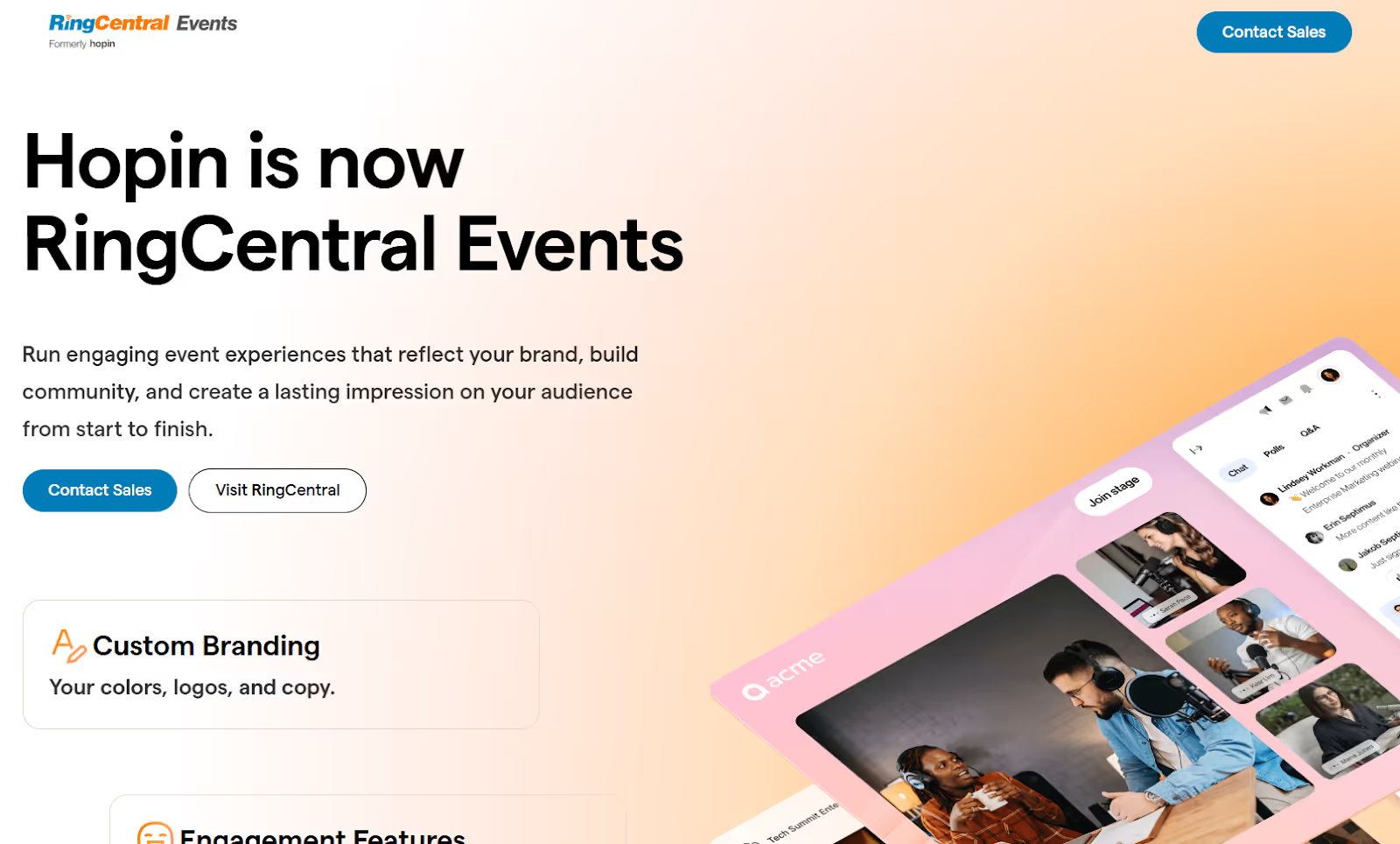
RingCentral Events is a virtual-first events platform (formerly Hopin) designed to run webinars, virtual conferences, and hybrid programs with stages, networking, and expo-style sponsor areas.
Key features
- Virtual stages and sessions: Multi-area virtual venue setup with dedicated spaces for programming and attendee flow.
- Attendee chat and engagement: Built-in engagement elements like chat, Q&A, and interactive apps.
- Sponsor and expo booths: Expo-style areas designed for sponsors and exhibitors to connect with attendees.
- Engagement analytics: Platform positioning includes measurement and performance visibility across events.
Pricing: Starts at about $99/organizer/month (Pro); the next tier Pro+ is around $199/month; Enterprise runs about $299/month. These are annual-billing prices for unlimited events and attendees with increasingly advanced features.
Best fit for: Virtual-heavy programs and hybrid events where the “virtual venue” experience, sponsor expo areas, and digital engagement are central to the event strategy.
5. Swapcard
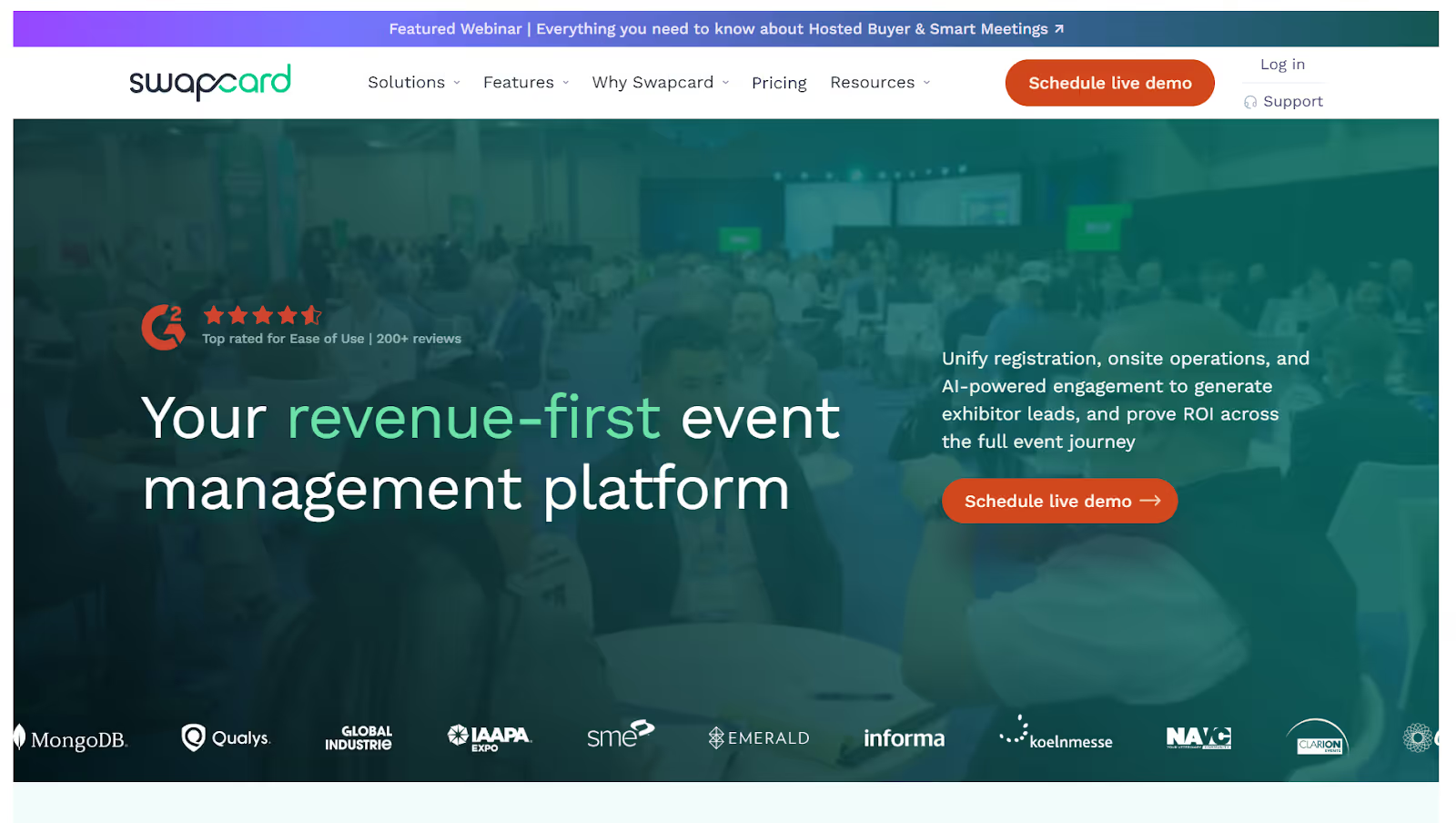
Swapcard is designed to spark strong business connections using AI matchmaking, quality networking, and tools that boost exhibitor and sponsor ROI. It focuses on meaningful meetings and community-style engagement, with AI improving match accuracy and outcomes. Ideal when networking and exhibitor success matter most, especially for trade shows and high-connection events.
Key features
- AI-powered attendee matchmaking: Matches attendees using AI, with emphasis on driving quality meetings and measurable outcomes.
- Event web and mobile app experience: Web and mobile experiences designed to support networking and engagement across event formats.
- Exhibitor and sponsor tools: Partner features positioned around lead capture, matchmaking, and ROI visibility.
- Analytics and engagement insights: Engagement tracking tied to networking and exhibitor performance visibility.
Pricing: Custom, scalable pricing: Swapcard explains pricing as a combination of an annual license fee plus volume-based components tied to attendee and exhibitor totals, with additional packages for services.
Best fit for: Trade shows, conferences, and networking-led events where AI matchmaking, meetings, and exhibitor value are the main success metrics.
6. vFairs: Immersive Virtual Venues for Online Expos and Hybrid Events
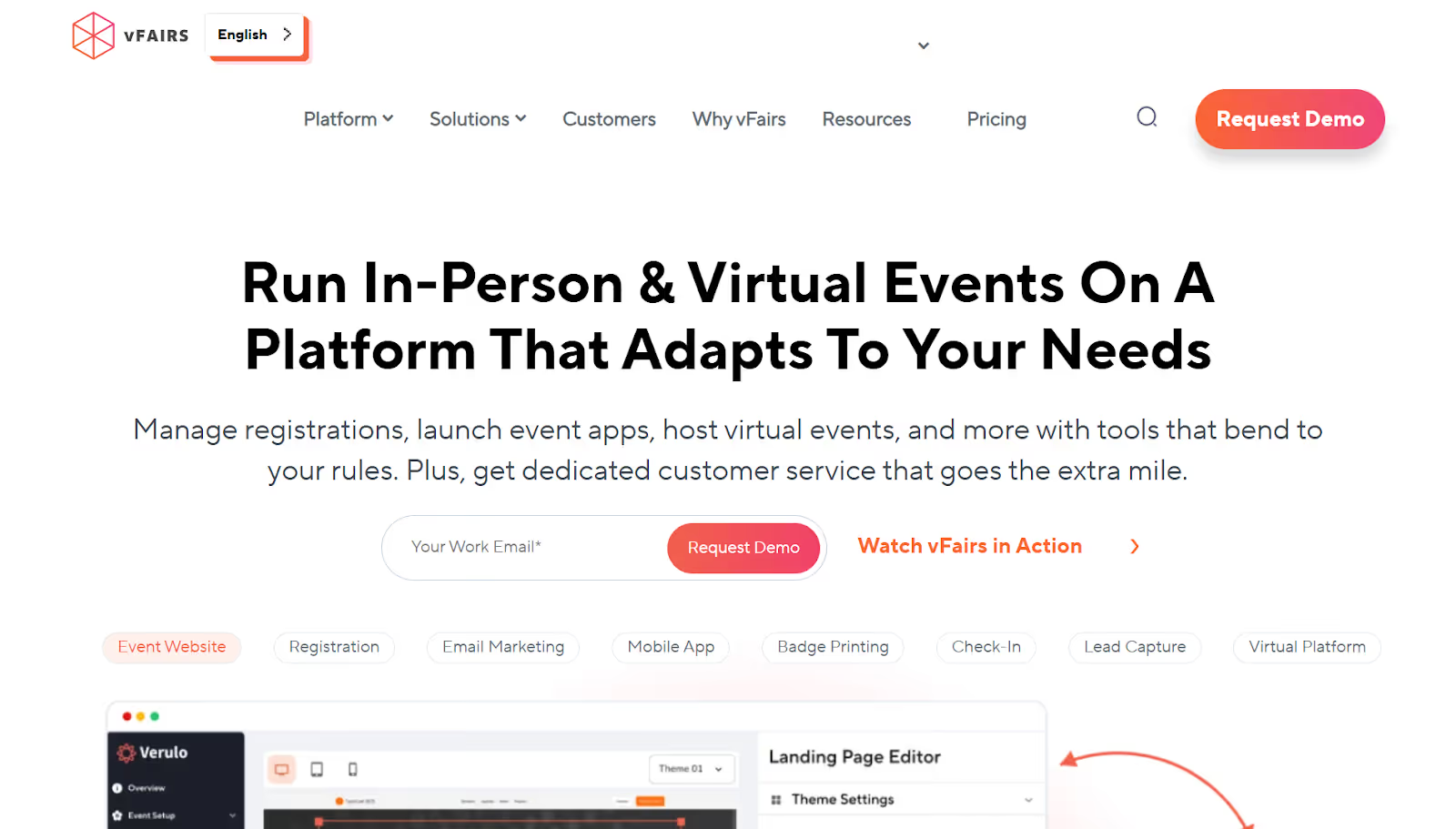
vFairs is built for teams that want a visually immersive virtual environment for events, with structured spaces like exhibit halls, webinars, and networking areas. It is a strong fit when the virtual experience itself is a core part of attendance and sponsor value.
Key features
- 3D virtual venues: Custom-designed virtual environments that bring events to life and create a “place” for attendees to navigate.
- Networking and connection spaces: Built to support attendee interaction and engagement within the virtual experience.
- Webinar and booth experiences: Virtual event platform capabilities include speaker sessions and exhibitor-style engagement within the online venue.
- Engagement tracking and analytics: Reporting modules provide real-time data on registrations, logins, booth visits, and downloadable reports, with dashboards for organizers and exhibitors.
Pricing: Custom pricing with demo-led quotes based on scope and requirements.
Best fit for: Virtual expos, job fairs, trade shows, and large online events where immersive environments, booths, and virtual programming are central to the event format.
7. Whova: Community-First Event App for Attendee Interaction
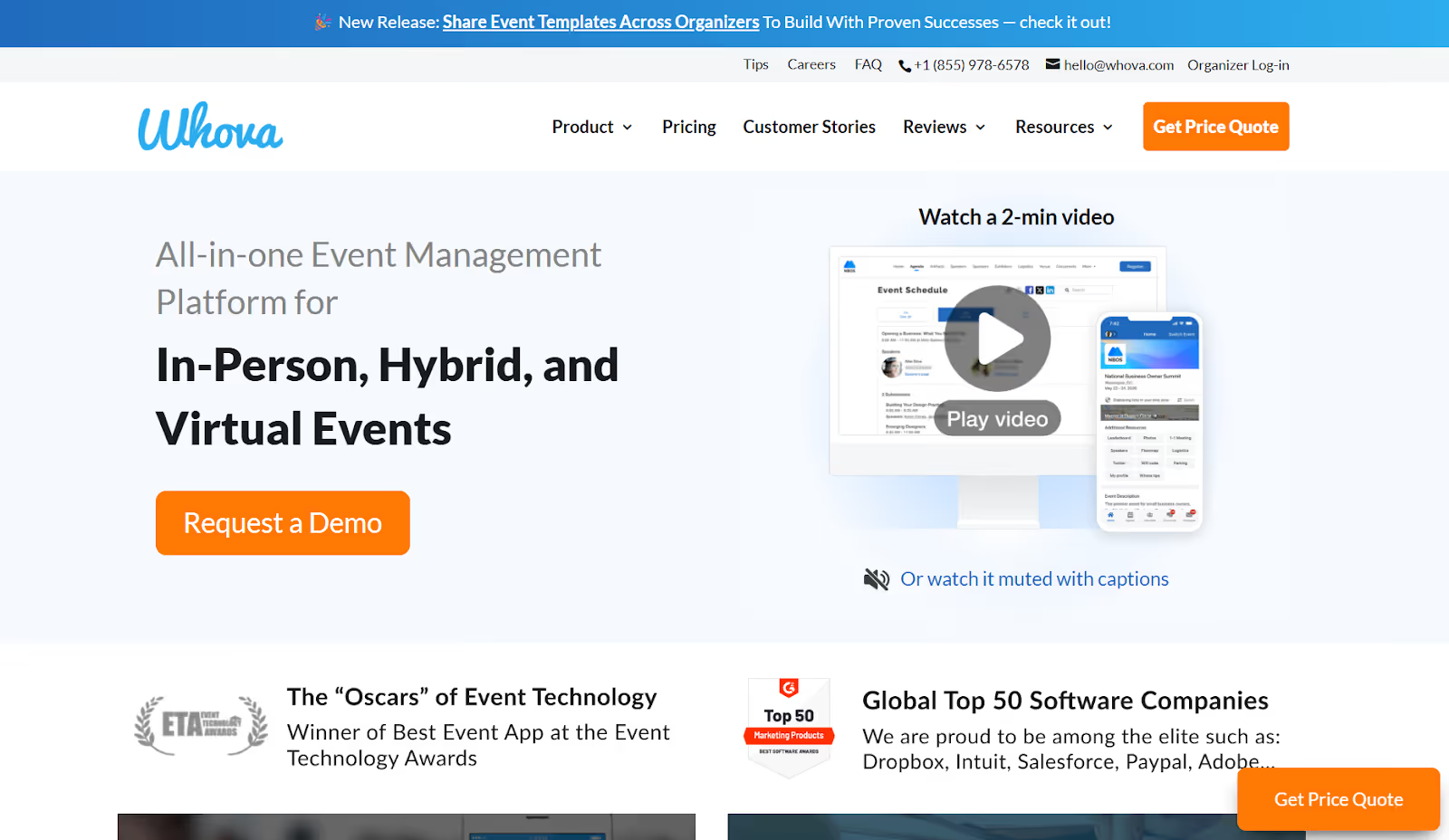
Whova is an all-in-one event platform centered around attendee experience, community interaction, and organizer efficiency across in-person, hybrid, and virtual events. It is typically chosen when simplicity, engagement, and broad coverage matter more than heavy customization.
Key features
- Event agendas and updates: Agenda access and event information that keeps attendees aligned throughout the event.
- Attendee networking: Community and connection features to help participants meet and interact.
- Live polls, Q&A, and session interaction: Interactive tools for virtual and hybrid sessions, such as Q&A, polls, and chat.
- Sponsor visibility and lead tools: Whova includes lead retrieval as part of its solution set for events that need sponsor value.
Pricing: Quote-based pricing that varies by event size and service options, with organizers paying for the platform (attendees can use the app for free).
Best fit for: Academic events, associations, community gatherings, and mid-size conferences that want a reliable attendee app, built-in engagement, and a broad all-in-one setup without heavy implementation overhead.
8. Accelevents
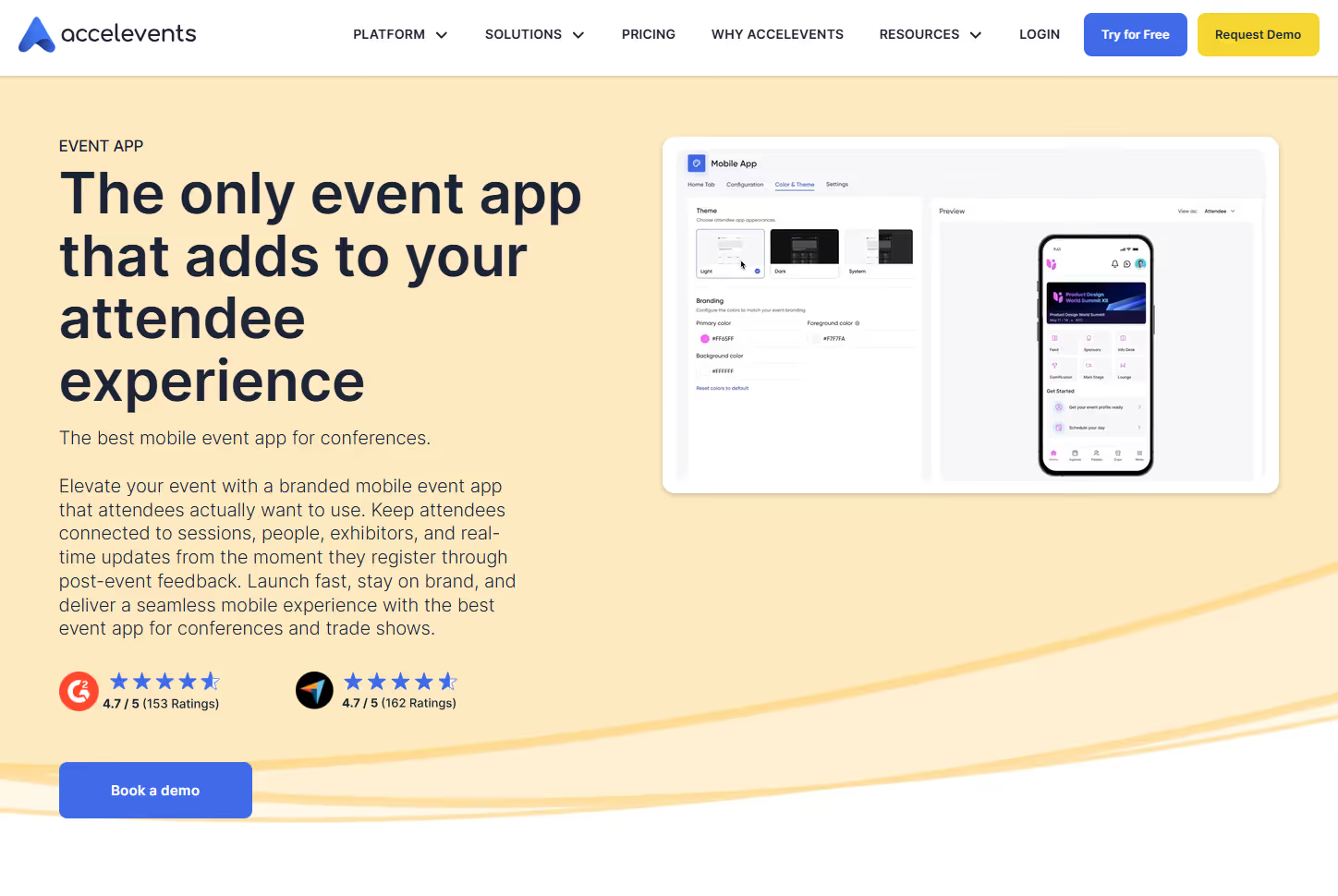
Accelevents is made to run in-person, virtual, and hybrid events in one unified system, covering registration, check-in, badge printing, and lead capture. It brings core event operations together so teams don’t have to juggle multiple tools. The platform leans toward an all-in-one operations and registration workflow rather than an engagement-first enterprise solution.
Key features
- Ticketing and registration: Configurable registration paths and data capture designed to sync into downstream systems.
- On-site check-in and badge printing: Built-in onsite flows with native badge design and printing support.
- Lead capture: Lead capture is positioned as part of the same platform that runs registration and onsite.
- Supports virtual, hybrid, and in-person formats: Positioned to handle multiple event types and sizes.
Pricing: Accelevents’ pricing starts with the Professional plan at about $7,500 for a single event, while the Business plan begins around $13,500 for unlimited events. Larger Enterprise and White Label plans are custom quoted, and all tiers include 24/7 live support.
Best fit for: Teams running conferences, trade shows, and multi-format programs that want one platform covering registration, onsite execution, and lead capture in a single workflow.
9. Brella
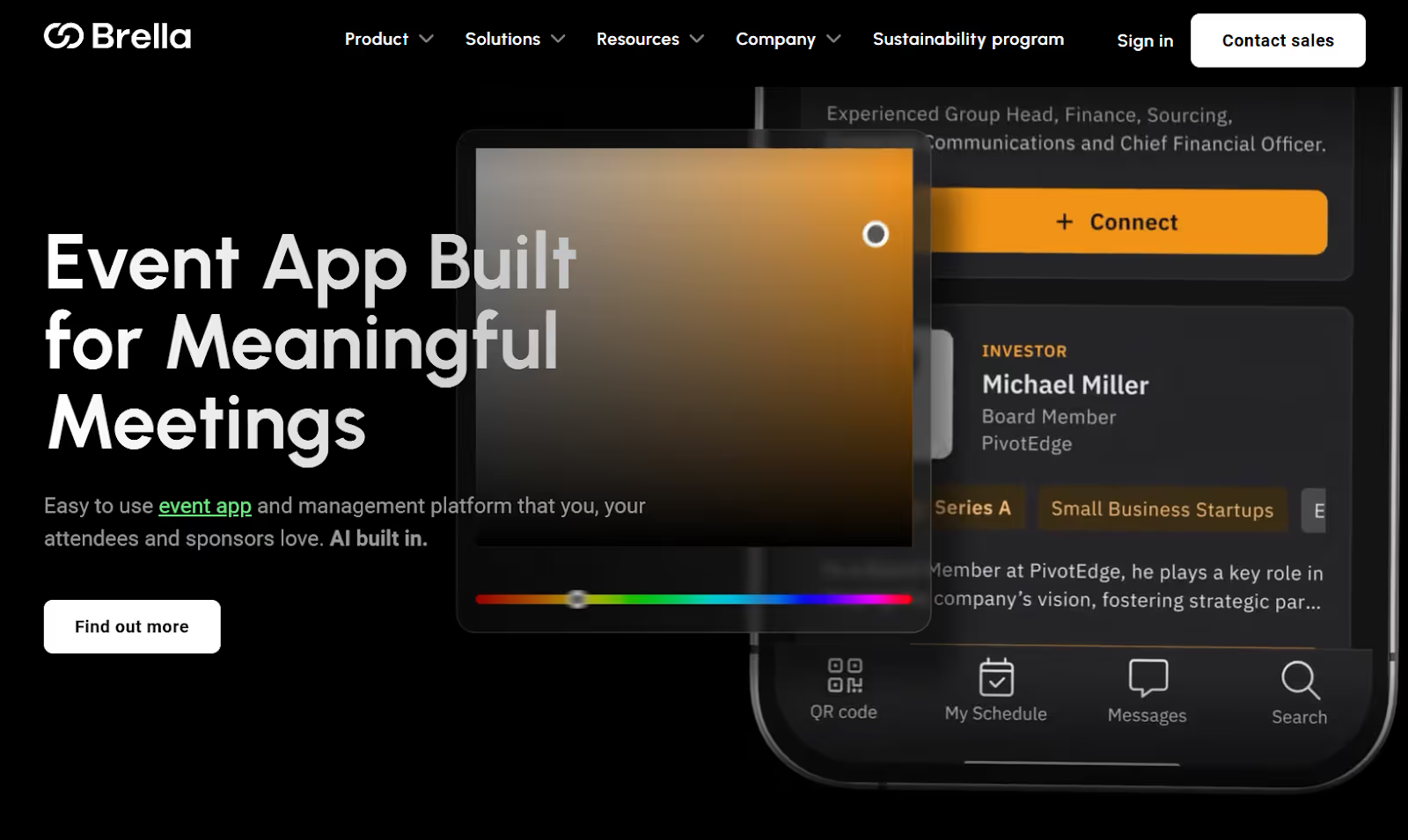
Brella is an event platform centered on networking outcomes, with AI-powered matchmaking and a customizable, white-labeled event app experience. It is typically chosen when 1:1 meetings, sponsor ROI, and attendee connections are core success metrics.
Key features
- AI-powered matchmaking: Designed to drive meaningful connections and improve attendee and sponsor outcomes.
- Event app experience: White-labeled iOS and Android apps with agenda management and attendee messaging in one place.
- Networking and meetings workflows: Built to help attendees manage meetings and schedules from a central hub.
- Ticketing and registration via Stripe: Brella’s organizer documentation notes Stripe as the integrated payment system used for ticket sales and registration forms.
Pricing: Custom pricing based on event scope and needs, with sales-led demos.
Best fit for: Trade shows, conferences, and networking-led events where 1:1 meetings, matchmaking, and sponsor value are the primary outcomes.
How to Pick the Right SpotMe Alternative.
Choosing a SpotMe alternative is about fit, not feature volume. The right platform should support your event format and reporting goals without adding unnecessary cost or operational burden.
- Match the platform to your primary format first: virtual-first, onsite-heavy, or true hybrid that needs unified data across touchpoints
- Align the tool to your scale: number of events per year, attendee volume, sessions, exhibitors, and multi-venue complexity
- Pressure-test the pricing model: annual contracts for portfolios, per-event pricing for one-offs, usage-based only when volume is predictable
- Validate data needs early: dashboards, exports, CRM and marketing integrations, lead capture quality, and how fast ROI reporting can be produced
- Avoid paying for what you will not use: app-heavy suites for onsite-only needs, onsite ops tools for networking-only events, complex builds for lean teams
- Treat demos as workflow tests: check-in speed, badge rules, session scanning, exhibitor leads, and stakeholder-ready reporting
- Run a pilot before committing: confirm reliability, organizer effort, attendee experience, and support responsiveness under real show-day conditions
Final Thoughts
The best SpotMe competitor is the one that matches your event motion. Most tools differ in format fit, onsite execution depth, and how clearly they turn activity into reporting.
There is no one-size-fits-all platform because conferences, exhibitions, and virtual series need different strengths and pricing models.
Choose based on goals, then validate in demos or a pilot: check-in and badging rules, session tracking, lead capture quality, integrations, and reporting speed. If onsite control and real-time analytics matter most, book a fielddrive demo.
FAQs
1) Why do teams switch from SpotMe to another platform?
Most switches happen when pricing or packaging no longer fits, the team’s event formats change, or they need stronger onsite execution, cleaner integrations, or faster ROI reporting.
2) Which SpotMe alternative is best for onsite-heavy conferences and exhibitions?
Look for platforms built around check-in speed, live badge printing, access control, session tracking, and lead capture. If show-day flow and real-time operational visibility are priorities, shortlist onsite-first tools early.
3) Which option is best for virtual-first events and webinars?
Choose a platform that is strong in virtual sessions, sponsor spaces, networking, and engagement analytics. The best fit is usually the one that makes streaming and attendee interaction reliable without a heavy setup.
4) How should pricing be compared across competitors?
Compare the total cost of ownership, not just the headline plan. Include add-ons (apps, badges, lead capture, analytics), implementation or services, hardware, and what scales with attendee volume or number of events.
5) What integrations matter most when replacing SpotMe?
Start with your source of truth: CRM and marketing automation. Then, validate registration sync, lead capture mapping, badge data accuracy, and whether reporting can be automated instead of manually stitched together.
.svg)
.svg)
.svg)
Want to learn how fielddrive can help you elevate your events?
Book a call with our experts today


.svg)