

.svg)
.webp)

Corporate teams now expect mobile meeting apps to hold an entire event day together. With the pace of internal gatherings leaving no room for scattered updates, the app has become the single hub that keeps everyone aligned.
In 2025, AI moved to the center of that experience, guiding meeting flow and resolving scheduling conflicts that once slowed teams down. Planners are embracing this shift. 50% now prioritize AI, and mobile apps are considered a standard part of the event experience.
Hybrid participation adds complexity by stretching programs across rooms, devices, and time zones. Compliance requirements have tightened alongside this shift, so every mobile interaction is built around permission controls, consent paths, and responsible data handling.
In this article, we’ll explore how mobile meeting apps help events, highlight leading platforms, and guide you in choosing the right one.
Key Highlights:
- Mobile meeting apps shape how corporate events operate, especially as AI becomes central to planning and decision support.
- The strongest platforms help teams manage complexity without adding operational weight or extra tools to juggle.
- Evaluating an app through a corporate lens means looking past features and focusing on governance, adaptability, and long-term fit.
- On-site precision remains essential, and fielddrive provides the validated attendee data and access accuracy that mobile apps cannot supply on their own.
- Combining a capable mobile app with fielddrive gives organizations a more accountable, audit-friendly event ecosystem.
What Mobile Meeting Apps Actually Do for Corporate Teams
Mobile meeting apps consolidate the tools teams need to run a smooth event day. Instead of relying on emails or hallway updates, the app provides real-time updates, engagement tools, and actionable insights.
Here’s what that looks like in practice:
- Live Agenda Updates: The app updates session times and room changes instantly, so the schedule stays aligned without side conversations or last-minute paper fixes.
- Targeted Secure Messaging: Organizers send targeted updates to defined groups, keeping time-sensitive or sensitive information inside a controlled channel instead of scattered across personal chats.
- Interactive In-Room Engagement: Polls, Q&A, and short feedback prompts turn quiet rooms into readable signals, giving presenters clear cues while the meeting is still running.
- Session & Journey Analytics: The app tracks which sessions people join, which items they tap, and where interest drops, giving teams concrete input for future planning cycles.
- Unified Workspace: Agendas, documents, maps, and announcements sit in one app, so attendees and organizers are not switching between separate tools during critical moments.
Also Read: 30+ Creative Corporate Events Examples and Ideas to Engage
With these features in mind, let’s explore the best mobile meeting apps for corporate events in 2026.
Best Mobile Meeting Apps for Corporate Events in 2026
In 2026, mobile meeting apps do more than manage schedules: they capture engagement, connect attendees, and provide actionable insights for hybrid programs. Let’s see how these platforms achieve it.
1. SpotMe
For leadership meetings and SKOs where every interaction needs follow-through, SpotMe keeps your mobile meeting app tied directly to your CRM. Engagement in sessions, chats, and content does not stay trapped in the app, it flows into your systems so your teams can act on it.
Key Features
- Branded Mobile Experience: Create fully branded apps with custom menus, icons, and layouts for a native feel.
- Connection Tools: Enable participant matching, private/video meetings, and social feeds to foster engagement.
- Interactive Insights: Use polls, quizzes, word clouds, and Q&A to capture real-time, individual-level feedback.
- Secure, Supported Delivery: Ensure GDPR, SOC 2, and ISO 27001 compliance with 24/7 professional support for setup, check-in, badge printing, and global events.
2. Whova
Whova unifies registration, logistics, and engagement into a single mobile layer, streamlining AGMs, training conferences, and internal summits. Kiosk check-in, announcements, and agendas live in one environment, reducing onboarding friction and confusion.
Key Features
- Event Operations: Manage registration, agendas, badges, self-check-in, and announcements.
- Attendee Experience: Provide personal agendas, multi-track schedules, documents, maps, and real-time updates.
- Engagement Tools: Drive interaction with push notifications, polls, surveys, social walls, gamification, and community boards.
- Expo Support: Offer digital booths, QR lead capture, banners, coupons, and ROI reporting for product teams or partners.
- Networking Features: Enable SmartProfiles, business card scanning, messaging, video calls, matchmaking, and speed networking.
3. Airmeet
Teams running town halls, learning festivals, and virtual off-sites use Airmeet to create an experience that feels closer to a live room than a standard call.
It’s built for high-stakes internal communication and learning, extending that experience to mobile so employees can both watch and actively participate at scale.
Key Features
- Internal Events: Support conferences, town halls, off-sites, rewards programs, and company updates with tools for internal audiences.
- Attendance Boost: Drive participation with reminders, secure SSO, and listen-only mode for flexible access.
- Networking: Recreate informal interactions with speed networking, social lounges, and private meetings.
- CRM & Analytics: Integrate with HubSpot and other tools to track attendance, engagement, and booth interactions.
4. Bizzabo
Bizzabo provides an event operating system with a strong mobile layer. The app integrates with registration, content, and on-site hardware, keeping data consistent and giving teams control over complex internal summits and customer-facing conferences.
Key Features
- SmartBadge Integration: Connect via wearable SmartBadges for 1:1 messaging and networking.
- Sponsor Tools: Offer sponsors splash screens, promotions, contact options, and post-event lead analytics.
- Brandable Experience: Align a fully branded app with event sites and on-site experiences using near real-time engagement data.
- Event Management: Use templates, duplication, AI Copilot, and 2,500+ integrations to run multiple events seamlessly.
5. EventMobi
EventMobi empowers lean enterprise teams to run conference-grade experiences without heavy internal tech. Its modular platform and mobile app create strong attendee experiences while keeping setup and costs manageable.
Key Features
- Modular App: Pick only the features you need: registration, badges, engagement tools, or communities, via the mobile app.
- Attendee Journey: Combine agendas, maps, people search, and wayfinding for seamless navigation at multi-track events.
- Networking & Meetings: Enable profiles, messaging, and 1:1 meeting requests for colleagues, leaders, and sponsors.
- Engagement Tools: Capture feedback and spotlight content with chat, Q&A, polls, surveys, gamification, and video libraries.
- Analytics & Branding: Apply drag-and-drop branding and track usage, page views, networking, and content engagement.
6. Cvent Attendee Hub
Attendee Hub extends Cvent’s registration and venue ecosystem into a mobile app, offering personalized, always-on experiences while keeping event data centralized. Perfect for corporate events with varied capacity limits, access rules, and stakeholders.
Key Features
- Smart Agendas: Let attendees build agendas with AI recommendations, respecting capacity and access.
- AI Networking: Suggest connections, enable 1:1 messaging, and host text discussions for ongoing engagement.
- Session Engagement: Use live Q&A, polls, surveys, gamification, and downloadable content for interactive sessions.
- Sponsor & Lead Support: Offer exhibitor directories, virtual booths, splash pages, games, and in-app forms to capture leads.
- Integrated Insights: Track content, analytics, engagement scores, and sponsor metrics, all synced with existing workflows.
7. PheedLoop
PheedLoop, with its Go! mobile app, provides a unified platform for event, learning, and community management across on-site and hybrid programs. Registration, floor plans, streaming, and analytics sync in real time, keeping internal events aligned even when formats or tracks change late in the planning cycle.
Key Features
- Cross-Event Mobile: Use PheedLoop Go! for in-person, virtual, and hybrid events with real-time synced schedules and updates.
- Organizer Controls: Manage sessions, speakers, files, seating, and multilingual access for global teams.
- White-Label App: Deliver a fully branded app with custom name, icons, splash screens, and graphics.
- Networking & Social: Enable meeting booking, badge scanning, social feeds, privacy settings, and file sharing.
- Gamification & Sponsors: Drive engagement with challenges, leaderboards, and prize desks while promoting sponsors with banners and lead capture.
Also Read: A Guide to Successful Corporate Event Planning: Steps and Tips
Now, let’s explore the key factors to consider when choosing the right mobile meeting app for your organization.
What to Look for in a Corporate-Grade Mobile Meeting App
Selecting a corporate mobile meeting app goes beyond event management. You’re enabling decision flow, risk oversight, and team alignment during high-visibility programs. Evaluating with that lens highlights key focus areas:
1. Alignment with Internal Security
Ensure the app respects your organization’s identity and compliance standards. SSO, SOC 2 certification, and encryption keep the platform within corporate guardrails and streamline IT approvals.
2. AI to Reduce Planning Strain
Prioritize tools that route agendas, flag conflicts, or suggest connections automatically, easing administrative burdens so coordinators can focus on high-impact tasks.
3. Leadership-Ready Controls
Support structured discussions, moderated input, and targeted participation to keep executive-level conversations clear and efficient.
4. Reliability Across Participation Styles
The app should handle boardroom, remote, and mobile attendees seamlessly, preventing troubleshooting during hybrid or shifting setups.
5. Integrations for Follow-Through
Push attendance, engagement, and follow-up data directly into CRM and automation systems, ensuring programs feed into business processes rather than remaining isolated.
Also Read: Simple Ways to Engage Attendees at Your Corporate Event
While mobile apps manage schedules and communication, fielddrive plays a crucial role in ensuring secure entry, access, and real-time tracking on-site.
fielddrive’s Role in Your Onsite Event Operations
When your team runs multi-track meetings or internal events, mobile apps manage schedules and communication. They don’t control what happens at the venue’s entry points or restricted rooms.
That onsite layer needs precise identity checks, secure access, and dependable operational flow. fielddrive covers that gap by validating who arrives, confirming where they’re allowed to go, and capturing real-time data from every movement across the venue.
Here’s how fielddrive strengthens that onsite foundation:
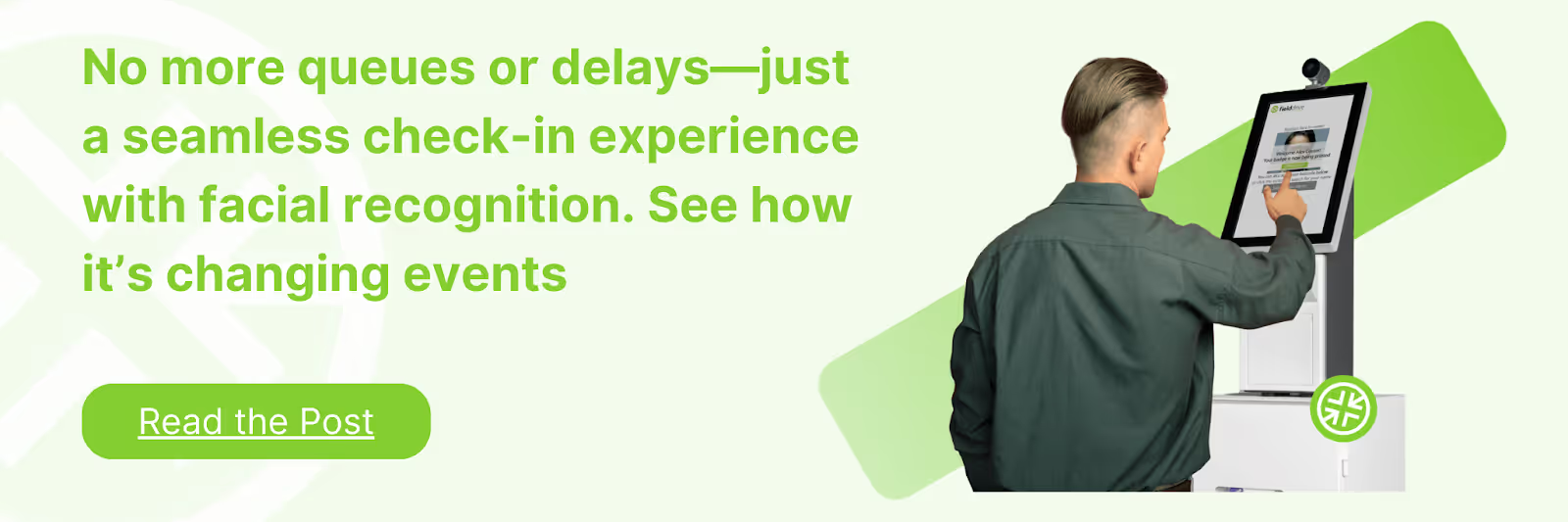
- Facial recognition check-in: Your attendees enter without manual lookups or delays. The system identifies them instantly, prints badges on the spot, and keeps flows predictable even at scale.
- GDPR-compliant access control: You control entry to leadership tracks, closed-door meetings, or entitlement-based rooms using secure scanning options backed by strong data protection protocols.
- On-site badge printing: Badges are printed on demand using the correct data from your registration system, reducing misprints and ensuring every person is linked to the right sessions.
- Real-time session analytics: You get accurate attendance numbers, dwell-time insights, and session-level metrics sourced from actual on-site behavior, not app engagement assumptions.
- Vendor-agnostic integrations: fielddrive works with the registration platform you already use, keeping your data flow consistent from pre-event registration to onsite execution.
fielddrive gives your event a dependable onsite source of truth, so every room, check-in point, and attendee action is verified and reliable.
Conclusion
Choosing a mobile meeting app is a strategic call that reflects how your organization sets standards for its internal events. A well-selected platform supports clearer decision-making and gives stakeholders confidence that each gathering fits into a broader operational approach.
fielddrive adds a complementary layer by supplying verified onsite data that strengthens accountability across sessions and access points. Together, the right app and fielddrive create a complete environment where digital planning and trusted in-person records work in sync.
Book a demo with fielddrive to add verified onsite data to your event stack.
FAQs
1. How much training do employees need to use a mobile meeting app?
Most users become self-sufficient in 5-15 minutes with guided onboarding and SSO. Admins may need 30-45 minutes for setup, depending on workflow complexity.
2. Do mobile meeting apps support multilingual corporate audiences?
Yes. Strong platforms offer localized interfaces, translated content, and interpretation integrations, plus support for regional formats and right-to-left languages.
3. How are confidential briefings or closed-door sessions handled?
Corporate-grade apps use session-level access controls, encrypted documents, private channels, and audit logs, with optional compliance standards like SOC 2 or ISO 27001.
4. Do mobile meeting apps reduce manual coordination during multi-day events?
Yes. Features like real-time agenda updates, automated reminders, self-service check-in, and capacity monitoring significantly cut onsite staff workload.
5. How do mobile meeting apps support sustainability goals?
They replace paper agendas and signage with digital schedules, QR-based navigation, and usage analytics that track paper saved and reduced waste.
.svg)
.svg)
.svg)
Want to learn how fielddrive can help you elevate your events?
Book a call with our experts today


.svg)