

.svg)
.webp)
Inclusive Event Design: Ensuring Accessibility and ADA Compliance
Learn how to create accessible event designs that comply with ADA standards, ensuring inclusivity and equal access for all attendees, regardless of ability.
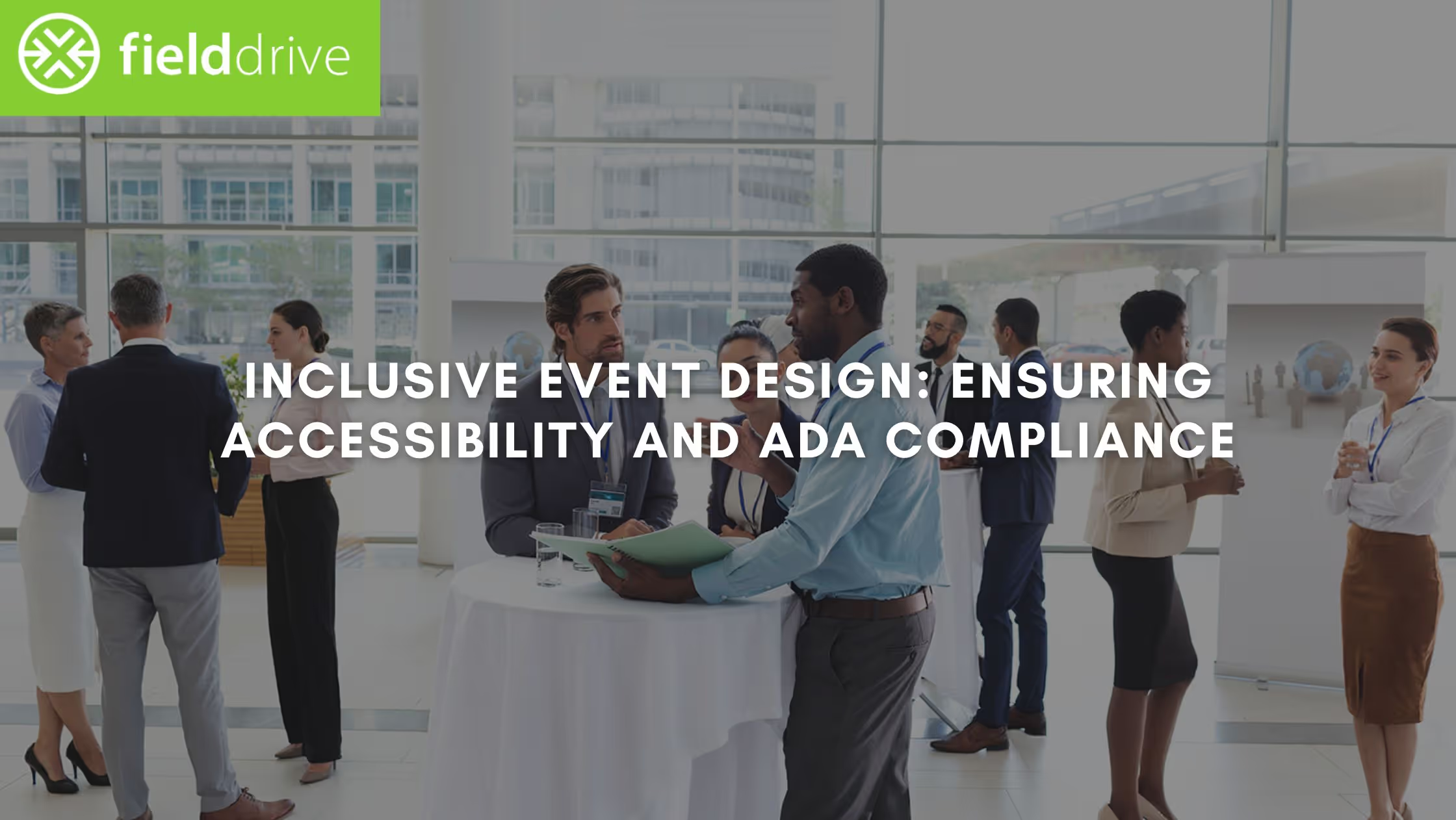
Making accessibility a central element of event design has become a vital part of modern events. Beyond meeting legal requirements such as the Equality Act 2010 in the UK or the Americans with Disabilities Act (ADA) in the US, inclusive event design reflects a commitment to diversity. It guarantees a positive experience for all attendees.
In this blog, we will explore actionable strategies for creating accessible events, from understanding your legal obligations to implementing inclusive design, and how advanced event technology can further enhance accessibility and attendee engagement.
Key Takeaways:
- Accessible event design goes beyond legal compliance (Equality Act 2010/ADA) and ensures inclusivity for all attendees.
- A comprehensive accessibility statement should include compliance info, accessible transportation, and virtual/hybrid setup instructions.
- Choosing an accessible venue means ensuring wheelchair access, clear signage, and proper seating arrangements.
- Accessible event materials and communication should be screen reader-friendly, with content available in multiple formats.
- Advanced technology, like facial recognition check-ins, can streamline processes while maintaining inclusivity.
Understand Legal Obligations (Equality Act 2010/ADA)
Event organisers must first be aware of their legal obligations surrounding accessibility. Compliance with laws like the Equality Act 2010 in the UK and the ADA in the U.S. is crucial not only for creating an inclusive environment but also for avoiding potential lawsuits.
1. Equality Act 2010 (UK)
Requires service providers to make reasonable adjustments to ensure disabled individuals have equal access to services. In the context of events, this includes physical access (e.g., ramps, elevators) and access to event materials and digital platforms.
2. Americans with Disabilities Act (ADA)
Similar in scope, the ADA ensures that events held in the U.S. provide the same access for attendees with disabilities, focusing on physical access, digital services, and effective communication.
Insight: According to a recent study, 100% of event organisers acknowledge the importance of being fully ADA-compliant.
However, nearly one-third of them are either unsure of their venue’s ADA compliance status or know their venue is not fully compliant. This gap in compliance can expose event organisers to significant risk.
Also Read: 5 Experiential Event Tech Tools That Are Reshaping Engagement in 2025
Once you're clear on your legal obligations, creating a detailed accessibility statement is the next step in ensuring a truly inclusive event.
How to Develop a Comprehensive Accessibility Statement
An accessibility statement provides a clear guide for attendees with disabilities, outlining necessary accommodations. It ensures transparency and trust, especially as over 80% of venues report limited wheelchair-accessible seating, making it crucial to communicate detailed accessibility measures.
Key Components:
- Compliance Statement: Include a clear reference to your adherence to ADA or Equality Act requirements, ensuring legal compliance.
- Accessible Transportation and Parking: Provide detailed information about accessible parking spaces and transportation options available for attendees with mobility impairments.
- Accommodation Details: Outline available services such as sign language interpreters, captioning, and audio descriptions for those with hearing or visual impairments.
- Virtual and Hybrid Setup Instructions: For virtual or hybrid events, ensure your event platform is screen reader-friendly and accessible. Provide specific instructions for navigating the online components of your event.
Tips on Choosing an Accessible Venue
The venue is one of the most critical aspects of an accessible event. When selecting a venue, it’s essential to evaluate how it accommodates attendees with various disabilities, ensuring a seamless experience for all.
What to Look For:
- Wheelchair Access: Ensure ramps, elevators, and wide doorways are available for easy movement.
- Restrooms: Accessible toilets should be clearly marked and easy to navigate.
- Signage: High-contrast, easy-to-read signage should direct attendees to essential areas such as restrooms and emergency exits.
- Seating Arrangements: Designate accessible seating options and make sure wheelchair users and others requiring special accommodations have access to these areas.
With the right venue in place, the next challenge is to design your event in a way that caters to a variety of needs and formats.
How to Design for Multiple Needs and Formats
Accessibility isn’t one-size-fits-all. Events must be designed to accommodate a range of abilities and needs, ensuring that all attendees can fully participate, both in-person and virtually.
1. Physical Accessibility
- Ensure easy access to seating, stages, and activities for individuals with mobility challenges.
- Consider pathways with appropriate lighting and tactile guides for visually impaired attendees.
2. Digital Accessibility
- Ensure your event platforms, websites, and apps follow Web Content Accessibility Guidelines (WCAG), making them usable by individuals with various disabilities.
- Offer content in multiple formats (e.g., large text, audio, Braille) to meet diverse attendee needs.
3. Session Formats
- Provide both in-person and virtual options for attendees who cannot physically attend.
- Offer captioning, sign language interpretation, and audio descriptions for sessions to improve accessibility for attendees with hearing or visual impairments.
Along with physical and digital design, it's equally important to ensure that all your event materials are accessible to every participant.
Learn to Make Inclusive Event Materials and Communication
Event materials, whether in print, digital, or other formats, must be accessible to everyone, ensuring equal access to vital information for all attendees.
Accessibility Tips:
- Screen Reader-Compatible: Ensure all digital materials, such as websites, PDFs, and event apps, are screen reader-friendly for visually impaired attendees.
- Clear and Large Fonts: Use large, high-contrast fonts for printed materials to improve readability.
- Multiple Formats: Offer materials in various formats, such as audio, Braille, or large print, and ensure availability in multiple languages if necessary.
Furthermore, one of the best ways to make your event truly inclusive is by tapping into the invaluable insights of those with lived experience.
Importance of Consulting People with Lived Experience
People with disabilities have valuable insights that can help identify barriers that may not be immediately apparent to event organizers. Involving individuals with lived experiences ensures that accessibility is approached comprehensively and practically.
How to Integrate This Approach:
- Collaborate with Disability Advocates: Work closely with experts and consultants who specialize in accessibility and disability rights throughout the planning process to identify potential barriers early on.
- Gather Direct Feedback from Attendees: Conduct surveys or organize focus groups with individuals who have disabilities to collect their input. This feedback can guide adjustments to your accessibility strategies, ensuring they align with the real-world challenges faced by attendees.
To further enhance your event's inclusivity, ensuring that your staff and volunteers are fully trained in accessibility is key.
Train Staff and Volunteers in Accessibility
Staff and volunteers are the ones who play the most active role in ensuring an event is accessible. Proper training ensures they are equipped to assist attendees with disabilities and create a welcoming environment for all.
Training Tips:
- Mobility and Hearing Impairments: Teach staff how to assist people with mobility challenges and those who are deaf or hard of hearing.
- Assistive Technologies: Provide training on how to use assistive technologies, such as hearing loops, communication devices, or screen readers.
- Emergency Evacuation Procedures: Ensure staff are well-versed in accessible evacuation procedures so that they can assist attendees with disabilities during emergencies.

Accessible Registration and Feedback Mechanisms
An inclusive registration process is essential to ensure that all attendees can easily sign up and participate without facing obstacles. Similarly, offering accessible channels for attendees to provide feedback is vital for fostering ongoing improvement and refinement.
Accessible Online Registration
- Ensure online registration forms are screen reader-compatible and easy to navigate.
- Allow attendees to request specific accommodations during the registration process, such as sign language interpreters or reserved seating.
Feedback Mechanisms
- Provide multiple channels for attendees to offer feedback, such as surveys, phone calls, or video responses.
- Regularly analyse feedback to identify areas where accessibility can be improved and implement changes for future events.
Inclusive Activity and Networking Planning
Networking and activities should be designed inclusively, so all attendees can participate, regardless of their physical abilities or disabilities.
Networking Options
- Offer both seated and standing options to accommodate attendees with different mobility needs.
- Provide virtual networking options to ensure those who cannot attend in person can still engage with others.
Activity Design
- Plan activities that are inclusive of all abilities, such as sensory-friendly spaces, adaptive sports activities, or games that can be easily modified to accommodate different needs.
- Incorporate virtual activities for remote attendees, so they can still participate in networking and socializing.
Need for Ongoing Evaluation and Improvement
Accessibility should be an ongoing process, with regular evaluations after each event to assess and improve how accessibility needs are met.
Over 76% of venues have invested in structural modifications in the last five years to stay ADA-compliant, with nearly 20% spending over $100,000 and almost 5% exceeding $1 million. This underscores the importance of continual investment and refinement in accessibility efforts.
How to Measure:
- Gather feedback from attendees, specifically about accessibility and any barriers they encountered.
- Use crowd tracking and real-time monitoring to assess the flow of attendees and identify areas where accessibility improvements are needed.
Conclusion
Accessible events go beyond legal compliance, they create an inclusive environment for all attendees. By prioritizing accessibility in every aspect, from venues to design, organizers ensure a more equitable experience. As demand grows, so does the need for technology that streamlines the process and enhances the attendee experience.

fielddrive’s advanced event technology solutions, including facial recognition check-ins and real-time attendee tracking, can help ensure your event is both efficient and inclusive.
Ready to take your event accessibility to the next level? Book a demo today to explore how our innovative solutions can enhance your next event.
FAQs
Q: How can I ensure my event's digital content is accessible?
A: Ensure all digital materials, such as websites and apps, follow Web Content Accessibility Guidelines (WCAG), making them compatible with screen readers. Also, provide alternative formats like audio or large print for key content.
Q: What are the best ways to collect feedback from attendees with disabilities?
A: Offer multiple accessible feedback options, such as surveys with screen reader compatibility, phone or video calls, and a dedicated email address. Ensure the process is easy and accommodating for all abilities.
Q: How can I make virtual events more accessible?
A: Use platforms that are screen reader-friendly, provide captions, and offer sign language interpretation. Also, ensure the platform is easy to navigate and accessible to attendees with various disabilities.
Q: What are some strategies for training event staff on accessibility?
A: Provide staff with training on how to assist attendees with mobility and sensory impairments, use assistive technologies, and handle emergency evacuation procedures for individuals with disabilities.
Q: How do I incorporate sensory-friendly features into an event?
A: Designate quiet areas, control lighting and sound levels in certain spaces, and provide noise-canceling headphones or sensory kits. Offering activities that are flexible and can be adjusted for different sensory needs is also important.
.svg)
.svg)
.svg)
Want to learn how fielddrive can help you elevate your events?
Book a call with our experts today


.svg)