

.svg)
.webp)
Event Mobile App Features List: What Matters Most for Organizers in 2026
Discover a comprehensive list of mobile event app features from agenda & networking to check-in, lead capture, & analytics that every organizer should evaluate.
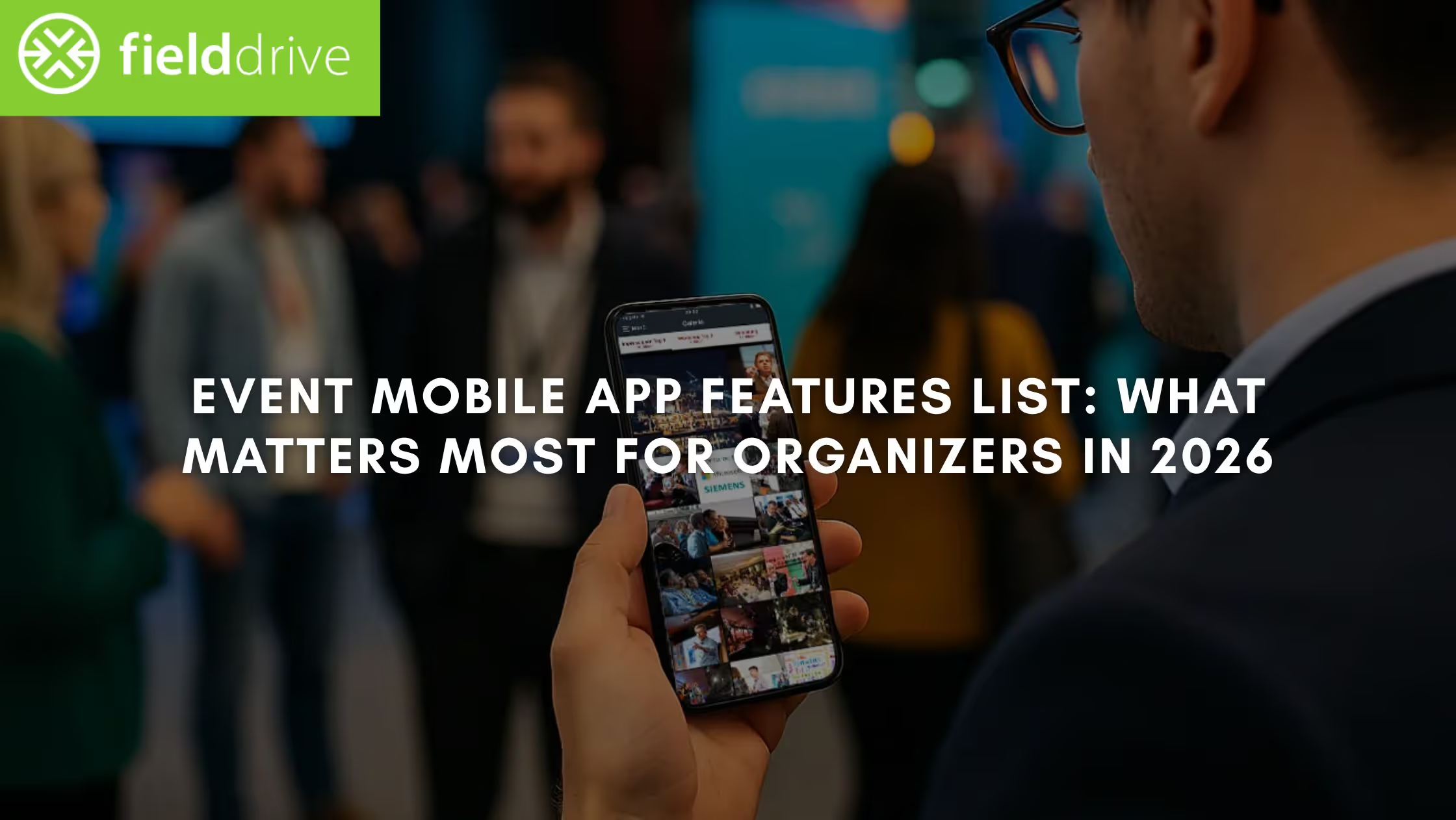
Event mobile apps have become a core operational layer for conferences, trade shows, corporate meetings, and association events. Attendees now expect real-time updates, frictionless navigation, personalized experiences, and seamless communication across in-person and hybrid formats. Organizers, meanwhile, need tools that improve on-site efficiency, reduce manual work, and generate reliable data for sponsors and internal stakeholders.
The importance of mobile event apps is reflected in industry adoption: about 67.5% of attendees consider a mobile event app essential for in-person conferences, showing how critical these tools have become to attendee satisfaction and overall engagement.
A solid event mobile app isn’t defined by the number of features it offers. What matters is whether those features solve real operational needs, streamline workflows, support engagement, and provide clear measurement throughout the event.
In this article, you’ll find a clear breakdown of the event mobile app features that truly matter in 2025, from attendee experience essentials to the advanced capabilities that distinguish high-performing platforms.
TL;DR (Key Takeaways)
- The event mobile app features that matter most are those that directly influence outcomes: smoother check-in, clearer navigation, stronger networking, and reliable lead capture.
- Real-time analytics and integrations have become must-haves, not add-ons, for organizers who need visibility across sessions, exhibitors, and traffic patterns.
- AI-driven recommendations, capacity indicators, and automation tools help teams manage complexity at scale and improve attendee satisfaction.
The Features That Matter Most in Modern Event Apps
Event apps influence far more than convenience. They shape attendee movement, session turnout, engagement quality, exhibitor ROI, and the event team's ability to operate confidently. These are the features that have the greatest impact on modern events, explained with clarity, not clutter.
1. Fast, Reliable Check-In
A smooth entry sets the tone for the entire event. Attendees expect to walk in without delays, and organizers need accurate real-time numbers.
A strong event app should support:
- QR or NFC-based check-in
- Instant badge scanning
- Real-time attendee verification
These capabilities reduce queues, ease staff load, and produce cleaner data from the start.

2. Personal Agendas That Stay Updated
Attendees rely on the app to build a schedule that reflects their interests. A personal agenda must update instantly when:
- Rooms change
- Speakers shift
- Sessions run over time
A static or outdated agenda leads to missed sessions and repeated support inquiries.
3. Push Notifications That Actually Add Value
Notifications are the backbone of real-time event communication. They guide attendees to the right sessions, share critical updates, and help manage crowd flow. But they must be purposeful, not intrusive, to maintain trust.
4. Interactive Maps & Easy Navigation
Large venues and expo halls make navigation one of the biggest on-site challenges. An intuitive map system helps people find:
- Session rooms
- Exhibitor booths
- Registration desks
- Amenities (Wi-Fi zones, food areas, help stations)
Clear navigation improves attendee satisfaction and increases exhibitor visibility.
5. Direct Messaging & Meeting Scheduling
Meaningful networking doesn’t happen by accident. Messaging tools and meeting requests allow attendees to:
- Coordinate with peers
- Schedule business introductions
- Secure time with exhibitors
For corporate events and trade shows, this becomes a measurable value driver.
6. Attendee Profiles That Support Better Networking
Profiles help attendees identify relevant connections. At minimum, profiles should include name, role, company, and interests, with opt-in controls for visibility. Clean, functional profiles give networking purpose and direction.
7. Content Access: Slides, Resources, Brochures
Attendees increasingly expect digital access to session slides, speaker handouts, exhibitor brochures, and product demos. A resource library inside the app reduces printing costs, supports accessibility, and centralizes information.
8. Engagement Tools: Polls, Q&A, Surveys
Well-designed engagement tools strengthen session participation. Polls and Q&A add interaction, while surveys provide insight into attendee sentiment and content relevance. Good apps make these tools intuitive to use for both presenters and participants.
9. Exhibitor & Sponsor Tools That Deliver Real ROI
For trade shows and conferences, an event app must create measurable value for partners, not just visibility. Exhibitors expect tools that help them generate leads, track engagement, and understand attendee interest.
The most effective apps offer:
- Lead retrieval via badge scanning
- Real-time lead notes and qualification
- Exhibitor profiles with products, videos, and contact info
- Analytics showing profile views, content downloads, and meeting requests
These features directly influence whether exhibitors return the following year, making them essential for revenue-based events.
10. Lead Retrieval Built Into the App (Not Separate Hardware)
Mobile-based lead capture eliminates dependency on rented devices and reduces administrative support. Exhibitors should be able to:
- Scan attendee badges
- Add custom notes
- Sync leads instantly
- Export directly or connect to their CRM
This simplifies post-event follow-up and ensures cleaner, more actionable data.
11. Offline Access for Critical Information
Network reliability varies across venues. A well-designed event app should allow attendees to access:
- Agendas
- Maps
- Speaker profiles
- Bookmarked sessions
even when Wi-Fi is unavailable. Offline access prevents frustration and increases trust in the app during peak traffic.
12. Multi-Language and Accessibility Support
Events with international or diverse audiences rely on inclusive app design. Key considerations include:
- Support for multiple languages
- Readable typography
- Screen reader compatibility
- High-contrast modes
Accessibility is no longer optional; it reflects the professionalism of the event itself.
13. Session Capacity Indicators & Room Insights
Modern apps help organizers manage rooms more effectively by showing:
- When sessions are nearing capacity
- Live entry numbers
- Overflow room availability
These insights support better crowd management and reduce attendee disappointment.
14. Smart Search That Helps Attendees Find What They Need
Search should cover:
- Sessions
- Speakers
- Exhibitors
- Topics
- Resources
A strong search function reduces friction and helps attendees navigate complex programs efficiently.
15. Centralized Communication Hub
A clean communication center, where attendees can see updates, alerts, and important notices, keeps everything in one place. This reduces over-reliance on email and helps ensure messages aren’t missed.
16. Bookmarking & Session Reminders
Simple but powerful features like bookmarking, reminders, and “add to calendar” options significantly improve session attendance and reduce conflicts. They also help attendees plan their day without flipping between tools.
Also read: Event Technology Trends to Track
What Separates a Good Event App from a Great One
Most event apps cover the fundamentals, agendas, maps, notifications, and basic engagement. But when organizers are making a final vendor decision, the question shifts from “What features does it have?” to “How well does it support the entire lifecycle of my event?”
Great event apps distinguish themselves not through quantity, but through execution, reliability, and data sophistication. This is where the real evaluation begins.
1. Real-Time Analytics That Support Operational Decisions
Basic reporting is backward-looking. The strongest platforms give organizers visibility while the event is happening: live attendance counts, room flow patterns, session demand surges, and real-time engagement signals.
This transforms the app from a convenience tool into an operational decision engine. Teams can adjust staffing, open overflow rooms, communicate proactively with attendees, and share credible numbers with sponsors before the event even ends.
Related: Event Data Analytics: Improving Events
2. Intelligent Recommendations and Better Networking
AI-driven recommendations, whether for sessions, exhibitors, or attendee connections, reduce decision fatigue and help participants navigate large programs more effectively.
Instead of browsing long lists, attendees receive suggestions based on their interests, role, or previous interactions. This elevates the app’s usefulness and increases engagement without requiring heavy input from the organizing team.
3. Advanced Check-In and Access Control Options
Speed and reliability at the entrance heavily influence attendee perception. Great event apps support fast, automated check-in workflows, facial recognition (where appropriate), and instant badge or session access validation.
These capabilities minimize queues and reduce the number of staff required at registration desks, a major operational win for conferences and high-volume trade shows.
4. Integrations That Actually Reduce Work, Not Add to It
Most vendors advertise integrations. Only a few deliver integrations that truly streamline workflows. A best-in-class event app synchronizes effortlessly with registration systems, CRM tools, marketing automation, badge printers, and lead retrieval processes.
Instead of exporting files or reconciling spreadsheets, your data moves cleanly across the stack, reducing errors and accelerating follow-up.
5. Support for Hybrid and On-Demand Content
Even when events are primarily in-person, hybrid flexibility is now a strategic advantage. Apps that support livestream sessions, on-demand replay, virtual chat, or in-app content hubs make the event accessible to remote audiences while capturing additional engagement data.
This extends the event's reach and provides long-term value beyond the event days.
6. Branding Flexibility and White-Label Options
A great event app feels like an extension of the event brand, not an unrelated third-party tool. Professional solutions allow organizers to customize home screens, colors, typography, and navigation.
This consistency enhances credibility with sponsors, exhibitors, and attendees, especially in corporate or association environments.
7. Enterprise-Level Security and Compliance
Security can be the factor that disqualifies otherwise strong platforms. Mature event apps maintain strict data governance, including encrypted storage, GDPR compliance, audit logs, biometric-safe workflows, and SSO options.
This is essential for events hosted by corporations, associations, government entities, or any organization that handles sensitive attendee data.
8. Operational Tools That Give Staff Real Control
Great platforms support the team running the event, not just the attendees. Tools like automated room-capacity warnings, staff communication channels, real-time alerts (“queue forming,” “speaker delayed,” “session full”), and dynamic agenda updates reduce operational burdens and help teams keep the event running smoothly.
The Real Difference
Good event apps help attendees navigate the schedule.
Great event apps enable the entire on-site ecosystem to function predictably, measurably, and efficiently.
They support attendees, organizers, exhibitors, and sponsors in equal measure, and that balance is what ultimately elevates one platform above another.
Related: Top Tips On How To Improve Session Access Control During Events
How to Choose the Right Event App for Your Event Type
Selecting an event mobile app is ultimately a decision about outcomes: smoother operations, higher engagement, and better reporting for internal stakeholders and sponsors. Features matter, but what matters more is whether the platform aligns with the type of event you’re running and the level of complexity you need to manage.
Use the framework below to evaluate platforms with confidence.
1. Match the App’s Strengths to Your Event Format
Different events place different demands on technology, so the first step is aligning the platform’s core strengths with your event’s purpose.
For conferences and education-heavy programs:
- Real-time agenda updates
- Room capacity indicators
- Session scanning and CEU tracking
- Engagement tools like polling and Q&A
For trade shows and expos:
- Lead retrieval and exhibitor analytics
- Digital brochures and product listings
- Meeting scheduling
- Interactive maps optimised for booth discovery
For corporate or association meetings:
- SSO and enterprise-grade security
- Controlled access to internal sessions
- Strong branding and white-label options
This alignment prevents you from overbuying features you won’t use or, worse, selecting an app that lacks a critical capability for your event format.
2. Evaluate On-Site Operating Reliability
A mobile app may look polished in a demo, but what matters is how it performs the moment thousands of attendees arrive. The most important questions focus on reliability during peak usage:
- How quickly does the platform process check-ins?
- What happens if Wi-Fi drops?
- How are agenda changes pushed to attendees?
- Can staff monitor the live room occupancy and session flow?
On-site reliability often determines whether the event feels controlled or chaotic, and it’s where the gap between good and great platforms becomes obvious.
3. Look Beyond Features - Assess the Data Quality
Many platforms offer analytics, but the depth and accuracy of that data vary significantly. A strong event app produces reliable attendance numbers, clearly attributes engagement to individuals, and exports cleanly into CRM or BI systems without manual fixing.
If the data lacks consistency, context, or traceability, even the most advanced feature set loses its value. Organizers depend on accurate reporting to justify budgets, measure sponsor ROI, and improve future events, so data quality should be considered a primary criterion, not a secondary one.
4. Check Integration Strength, Not Just Compatibility Claims
An app isn’t truly useful if it operates in isolation. The most effective platforms integrate tightly with registration systems, CRM tools, badge printers, and lead retrieval workflows. Instead of relying on “compatible with…” statements, ask vendors to demonstrate actual workflows:
- How attendee data moves from registration → app → check-in
- How exhibitor leads move from the app → CRM
- How session attendance syncs with marketing or certification platforms
True integrations eliminate manual work, reduce the risk of error, and ensure data consistency across the event ecosystem.
5. See How the App Performs Under Real Conditions
Demos often show the best-case scenario, not the realities of event-day pressure. Instead of a staged walkthrough, ask the vendor for real examples of the app under load, such as peak-hour check-in performance, rapid session update workflows, or actual analytics dashboards from past events.
How a platform behaves during stress is far more important than how it looks in a controlled environment.
6. Understand the Level of Support Behind the Software
Even the best-designed apps require operational support. What differentiates vendors is how they partner with the event team. Consider whether they offer on-site technicians, event-day remote assistance, rapid response windows, and a dedicated success manager.
Reliable support ensures your internal team can focus on execution rather than troubleshooting technology.
7. Consider Scalability for Future Events
Your event needs today may look very different from your event needs in two years. A future-ready app should support growth across attendee volume, program complexity, exhibitor expectations, and multi-event annual calendars.
Choosing a platform with limited scalability often forces organizers to re-evaluate vendors far sooner than planned.
How fielddrive Supports the Features That Matter Most
A modern event app is only as strong as the infrastructure behind it. fieldDrive supports organizers across the full event lifecycle with technologies that reinforce the features discussed above, especially in areas where reliability, speed, and data accuracy directly impact attendee experience.
- Fast, Secure Check-In and On-Site Badge Printing
fielddrive’s check-in ecosystem, including QR scanning, NFC, and optional facial recognition, reduces queues and maintains high throughput even during peak arrival times. Real-time validation and automated badge printing strengthen both attendee flow and operational efficiency.
- Reliable Data for Analytics and Post-Event Reporting
Accurate data is essential for understanding session performance, exhibitor ROI, and attendee behavior. fielddrive’s scanning ecosystem and analytics tools ensure that data collected from check-in, sessions, and lead retrieval feeds into a single, consistent reporting layer.
- Strong Integrations With Registration, Mobile Apps, and CRM Systems
fieldDrive’s platform connects seamlessly with leading registration providers and event apps. This ensures clean data exchange and minimizes manual effort for organizers managing complex event infrastructures.
- Support for Exhibitors and Sponsors
With mobile-based lead retrieval and real-time performance insights, exhibitors get measurable outcomes while organizers maintain visibility across the show floor. This strengthens sponsor relationships and supports renewal decisions.
- On-Site Expertise That Reduces Operational Risk
Technology matters, but execution matters more. fielddrive’s global team supports organizers on-site, helping manage check-in flows, session access, and scanning reliability during high-traffic moments. This operational backbone sets Fieldrive apart from software-only solutions.
Case in Point: SETAC Europe’s Annual Meeting
At SETAC Europe’s 34th Annual Meeting in Seville, organizers needed their event app, registration system, and on-site tools to function as one connected operation. With more than 2,700 attendees and an existing registration platform already in place, efficiency depended on clean integration rather than replacing systems.
By pairing fielddrive’s on-site technology with SETAC’s registration infrastructure, the event team enabled self-service check-in, on-demand badge printing, and real-time attendance visibility without relying on pre-printed badges or manual lookups. Entry bottlenecks were reduced, attendee flow improved, and organizers gained accurate post-event data, including no-show reporting, to support future planning.
The result was a faster arrival experience for attendees and fewer operational touchpoints for staff, demonstrating how tightly integrated event apps and on-site systems can simplify execution at scale.
Conclusion
The strongest event mobile apps don’t stand out because they offer the longest feature list. They stand out because they solve the problems that matter most to organizers: smoother check-in, better session flow, meaningful attendee engagement, and clear reporting for sponsors and internal stakeholders. When an app supports these outcomes consistently, it becomes part of the event’s operational backbone rather than an optional enhancement.
As you evaluate platforms, prioritize the features that directly influence attendee experience, operational reliability, and downstream analytics. A modern event app should make your team faster, your decisions clearer, and your attendee journey more intuitive, while giving exhibitors and sponsors the measurable results they look for each year.
fielddrive brings these capabilities together with fast, reliable check-in, real-time analytics, seamless integrations, and tools that support exhibitors as effectively as they support attendees. If you’re looking for a platform that strengthens every stage of your event lifecycle, from arrival to reporting, the next step is straightforward.
Request a Demo to see how fielddrive can support your next event with the technology and on-site execution it deserves.
FAQs
1. What are the must-have features in a mobile event app?
At a minimum, every event app should include personal agendas, push notifications, interactive maps, session details, attendee profiles, and offline access. For BoFu-level evaluation, you should also expect check-in tools, session tracking, lead retrieval, exhibitor dashboards, and real-time analytics.
2. How do event apps improve attendee engagement?
Modern event apps drive engagement through features like session bookmarking, personalized recommendations, live polling, Q&A, resource libraries, and networking tools. Engagement grows when the app simplifies navigation and connects attendees to relevant content, not just when it adds more features.
3. How do I compare different event mobile apps?
Focus on reliability and analytics rather than the feature list. Test the app’s check-in performance, integration depth, ease of use, and real-time reporting. For trade shows, evaluate lead retrieval quality and exhibitor insights. For conferences, prioritize session tools, recommendations, and engagement metrics.
4. What features matter most for hybrid or virtual events?
Hybrid events require livestream support, on-demand access, remote Q&A, virtual exhibitor booths, digital resources, and chat tools. The app should maintain a unified experience for both in-person and remote audiences while feeding data into the same analytics engine.
5. How do event apps help organizers measure ROI?
Apps track attendance, session popularity, engagement behavior, exhibitor performance, lead volume, content consumption, and meeting activity. When combined with strong CRM or marketing integrations, they allow organizers to quantify which channels drove registrations and which touchpoints influenced pipeline or renewals.
.svg)
.svg)
.svg)
Want to learn how fielddrive can help you elevate your events?
Book a call with our experts today


.svg)