

.svg)
.png)

CONTENT
In 2026, lead capture is no longer just an event app. It is part of the revenue system. Teams are expected to capture clean data quickly, keep scanning even when venue connectivity drops, sync reliably to CRM fields, and report what the event actually delivered.
That pressure is directly tied to speed and data quality. Marketing studies show that conversion rates are up to 8x higher when teams attempt contact within five minutes compared to waiting longer. The MIT Lead Response Management Study also found that the odds of successfully contacting a lead decline sharply as response time increases, including a 100x drop when response time extends from five minutes to thirty minutes.
That is why many teams are looking for alternatives to iCapture: stronger offline-first scanning, better CRM integrations, cleaner analytics, and event performance tracking that connects to the pipeline. This guide breaks down the most effective tools available today and how to choose the right fit for your event workflow.
What We'll Learn in This Blog
- Why teams are moving beyond iCapture: offline gaps, limited enrichment, and weak analytics no longer match 2026 lead quality needs.
- What modern lead capture must deliver: fast universal scanning, clean CRM sync, dedupe rules, qualification, and revenue-focused reporting.
- How to evaluate alternatives: prioritize offline reliability, badge and QR compatibility, strong integrations, enrichment depth, and real-time dashboards.
- What the top alternatives offer: a clear breakdown of nine tools, their strengths, limitations, and best-fit use cases across event workflows.
- Why fielddrive stands out: a complete solution for enterprise exhibitors with offline-first capture, structured qualification, and performance analytics.
Why Consider an iCapture Alternative in 2026
In 2026, lead capture is judged less by how many leads you collect and more by how quickly those leads turn into meetings, pipeline, and revenue. Teams switch when their current tool cannot keep up with offline realities, clean CRM sync, and ROI visibility.
- iCapture works well for trade show forms and basic lead capture workflows, but it can feel limited when you need richer enrichment, more flexible scanning flows, and stronger reporting across events.
- Offline capture has become a baseline requirement. If the tool struggles with poor connectivity, reps miss scans, data gets messy, and follow-up slows down.
- CRM sync expectations are higher now. Teams want field mapping that stays clean, deduping, ownership rules, and routing that prevents “new lead clutter” in Salesforce or HubSpot.
- Lead qualification needs to happen onsite, not later. Modern teams want quick scoring, intent tags, notes, and mandatory questions that help sales prioritize the right conversations post-event.
- Many teams also want a more universal workflow across multiple shows, badge types, and QR-based activations, so staff do not relearn a different process every event.
Evaluation Criteria for iCapture Alternatives
The best iCapture alternatives are the ones that reduce friction onsite and reduce cleanup work after the event. Use these criteria to separate “scan and export” tools from systems that actually improve lead quality and event ROI.
- Offline scanning and data capture: Works reliably with poor Wi-Fi, saves scans locally, and syncs automatically when connectivity returns. Also check for offline access to custom questions, notes, and lead scoring.
- Badge and QR scanning coverage: Supports common badge types, QR codes, and business cards with consistent accuracy. Bonus points for flexible workflows like scanning plus quick qualifier questions, or scanning at sessions and booths without separate setups.
- CRM and marketing automation integrations: Native integrations (or stable middleware support) for Salesforce, HubSpot, Marketo, Pardot, Dynamics, and common event registration tools. Look for field mapping, dedupe rules, ownership routing, campaign attribution, and error logs so syncing does not silently fail.
- Lead enrichment and qualification: Let's reps qualify leads on the floor using required questions, picklists, tags, intent signals, scoring, and notes. If enrichment is offered, evaluate how it handles company standardization, job role capture, and duplicate merging.
- Real-time analytics and dashboards: Shows what is happening during the event: scans per rep, lead quality distribution, top sessions or booth traffic, follow-up status, and export or sync health. Post-event reporting should make it easy to connect activity to meetings, pipeline, and ROI.
- Ease of use and mobile support: Fast onboarding, minimal taps per lead, reliable iOS and Android apps, and admin controls that do not require constant vendor support. Also check for multi-user management, role permissions, and quick training for booth staff.
1. fielddrive — Best Overall Lead Capture and Event Data Platform
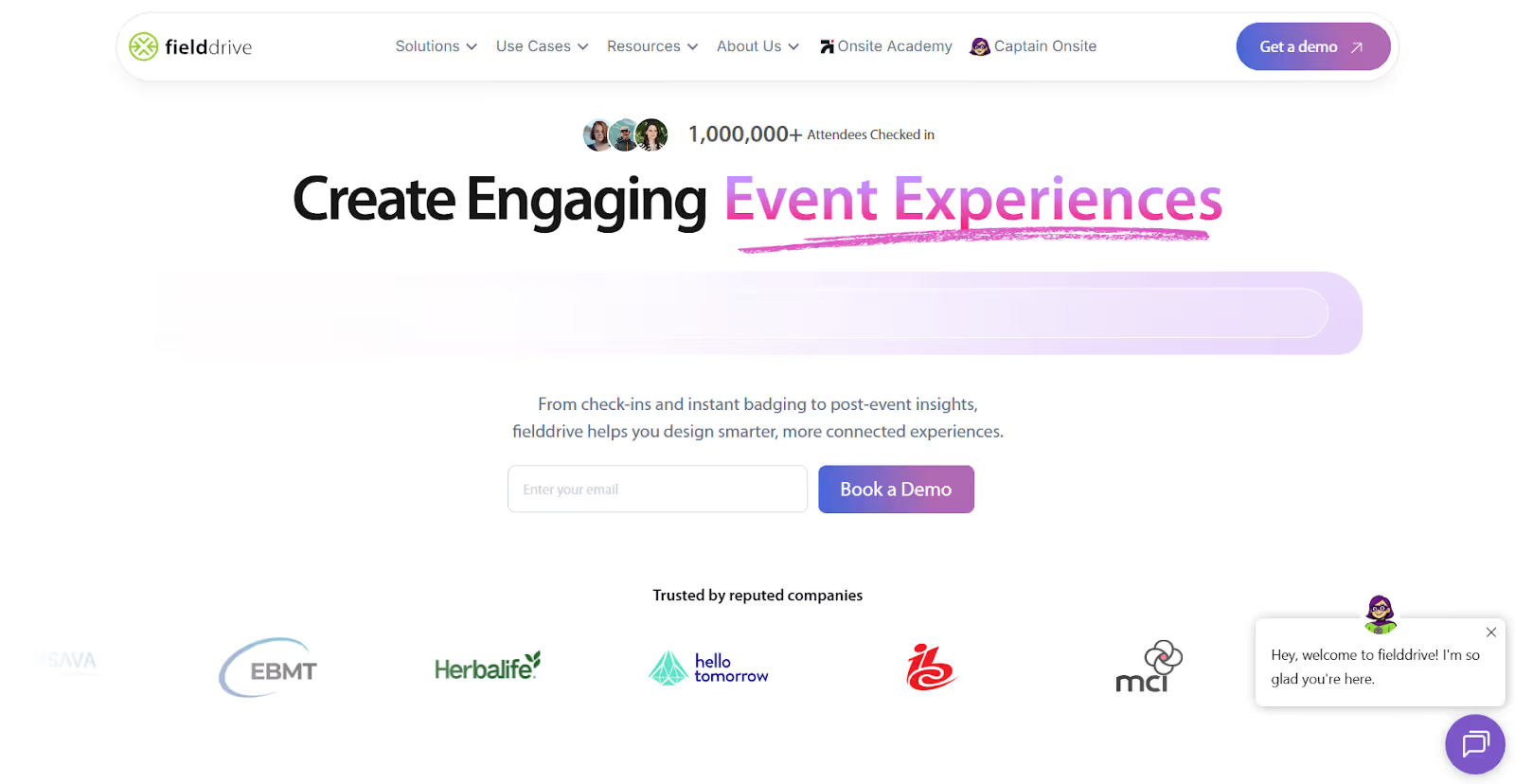
fielddrive delivers a comprehensive suite of on-site event technology solutions that go far beyond basic badge scanning. Designed to power both attendee experiences and exhibitor ROI, the platform integrates lead capture with real-time analytics, check-in technology, badge printing, and data visibility so teams can act quickly and intelligently across the entire event lifecycle.
Powerful Lead Retrieval Built for Real Results: fielddrive’s lead retrieval app enables exhibitors to capture, qualify, and sync visitor data instantly using a simple single-tap QR scanning workflow that works even without internet connectivity. Custom qualifiers, real-time dashboards, and analytics ensure that captured leads are meaningful and actionable, reducing manual data cleanup and improving post-event follow-ups.
Seamless Check-In and Badge Printing: The platform provides fast, touchless check-in solutions using QR codes and facial recognition to process attendees quickly and securely. Custom badge printing kiosks deliver branded, full-color badges in seconds, eliminating the need for pre-printed materials and reducing onsite friction.
Real-Time Event Analytics for Data-Driven Decisions: fielddrive’s analytics tools give organizers and exhibitors a live view of event dynamics, including check-ins, session attendance, lead activity, and attendee behavior. This real-time insight allows teams to make informed decisions during the event instead of waiting for post-event reports, helping optimize staffing, engagement, and follow-up strategies.
Flexible Offline-Ready Lead Capture: When connectivity becomes unreliable, lead retrieval continues seamlessly. Data syncs automatically once the connection is restored, ensuring no lost opportunities and uninterrupted capture throughout the event.
Integration with Existing Platforms: fielddrive integrates with popular registration systems, CRM platforms, and marketing automation tools, keeping attendee and lead data synchronized across systems. This eliminates manual transfers and supports faster, more structured follow-up processes.
Best Fit For: Enterprise exhibitors, large trade shows, and event teams that require end-to-end visibility, offline reliability, structured qualification tools, real-time dashboards, and a unified event data strategy within a single platform.
2. Popl — Universal Badge Scanner With AI Enrichment
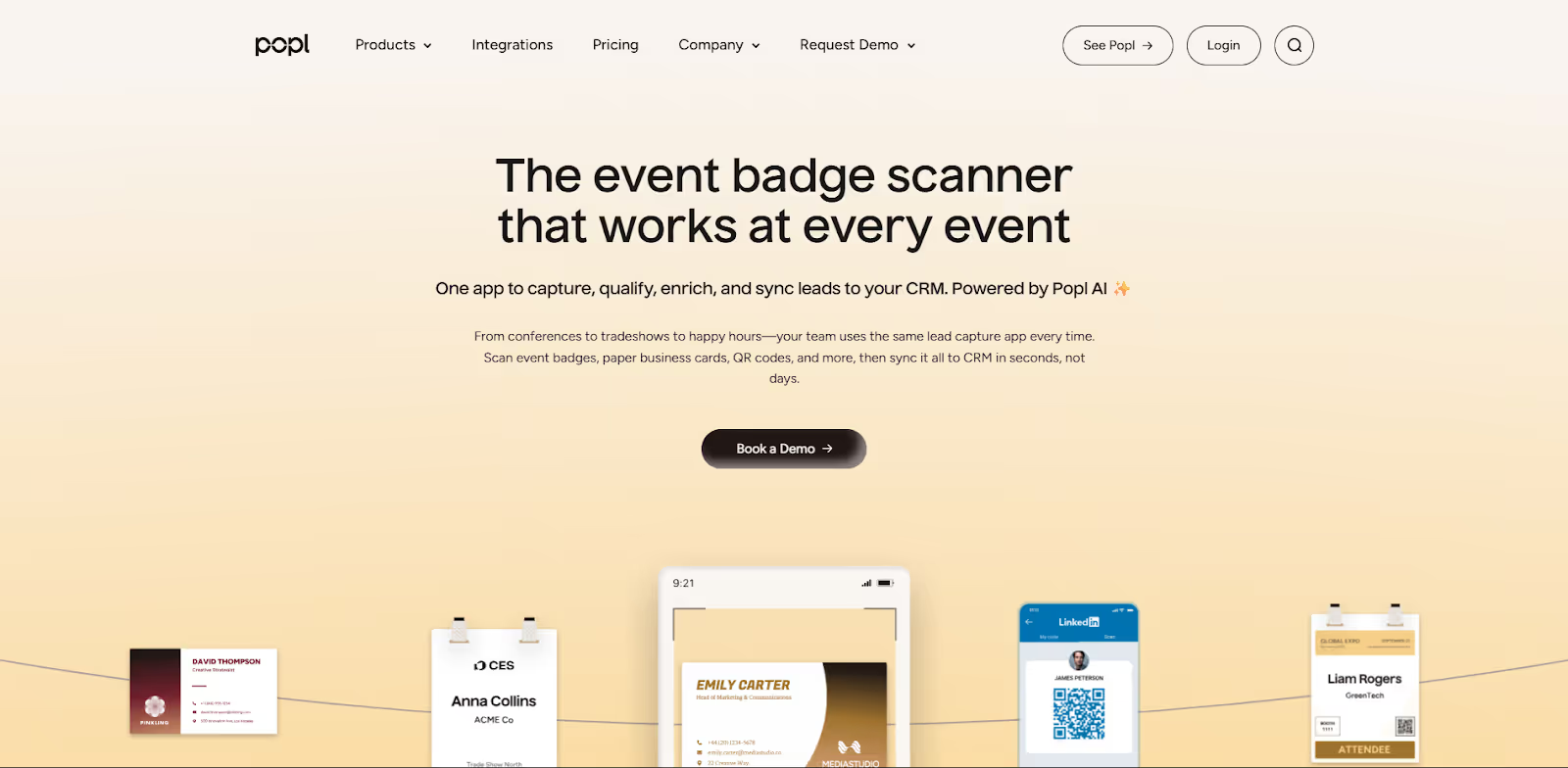
Popl is built for teams that want one scanner that works anywhere, captures leads fast, and fills in missing data automatically so the CRM record is usable right away.
- Universal scanning across badges, business cards, and QR codes
Popl positions itself as a “universal badge scanner” that can scan event badges, business cards, and QR codes with one app, so teams do not have to rely on show-specific workflows. - AI-powered enrichment to complete lead records
Popl highlights AI enrichment that adds missing contact and company details and is designed to push more complete records into your CRM quickly. - Offline capture that syncs when you are back online
Popl states it captures and stores leads offline and automatically syncs once the device reconnects, which is critical for crowded venues and expo halls. - CRM integrations designed for fast “scan to CRM” workflows
Popl focuses heavily on sending scanned and enriched leads into CRMs in seconds, including Salesforce-focused workflows.
Best fit for: Mid-market and enterprise GTM teams that want a universal scanner, strong enrichment, and fast CRM sync without relying on event organizer badge API kits.
3. momencio — Intelligent Lead Capture With Behavioral Insights
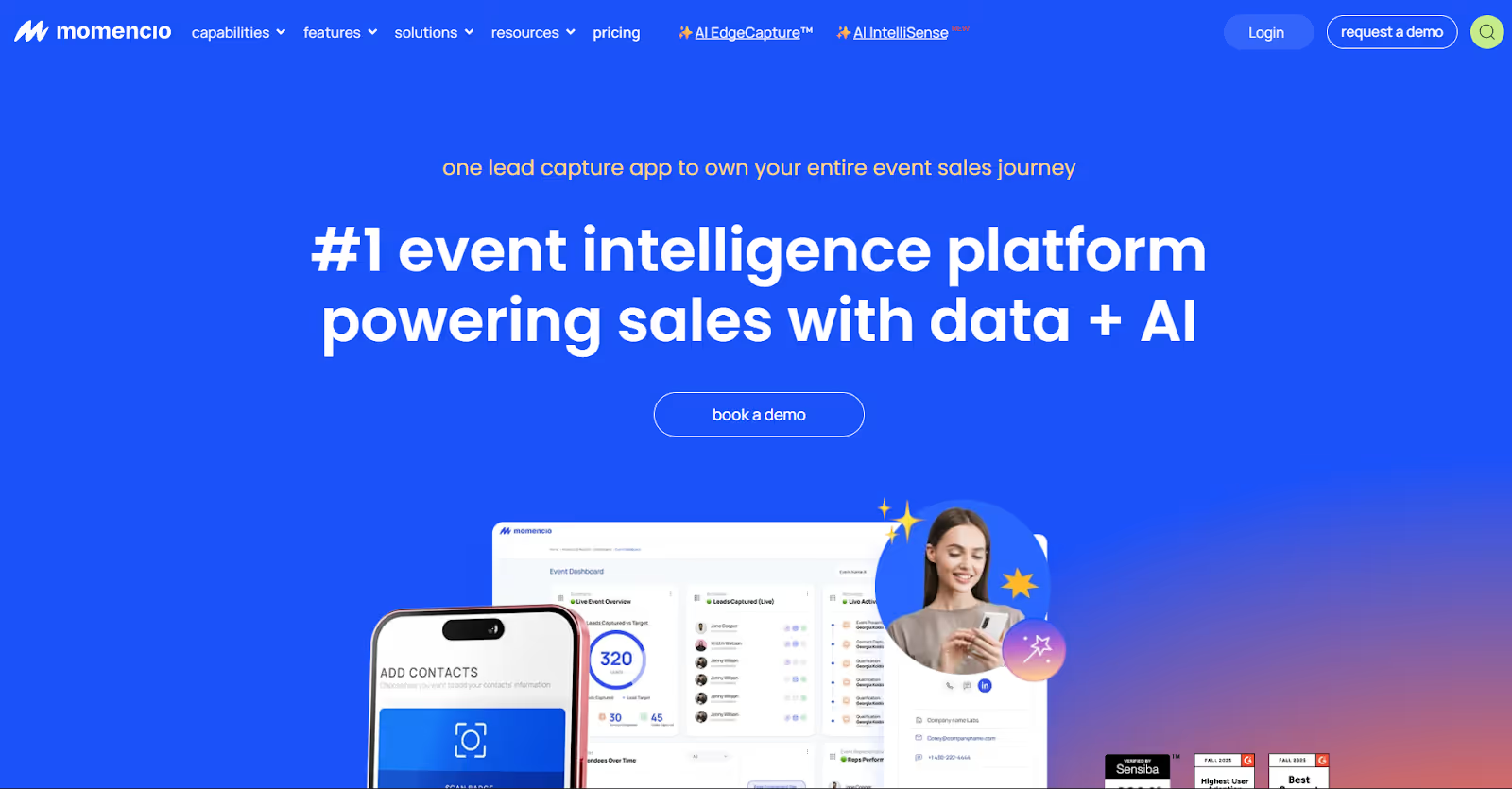
momencio is designed for teams that care about what happens after the scan. Its positioning emphasizes lead intelligence, content engagement tracking, and real-time dashboards that help prioritize follow-up based on intent signals.
- Lead capture plus engagement tracking: momencio positions its product as an event lead capture app that lets teams capture leads and track engagement, with an emphasis on converting event activity into pipeline signals.
- Lead scoring and qualification built into the workflow: momencio highlights lead scoring as a core capability and also supports survey-style capture to collect onsite context and qualification inputs.
- Behavioral signals and real-time lead intelligence: With AI IntelliSense messaging, momencio emphasizes real-time behavioral and engagement analysis so teams can prioritize leads and take action faster.
- Live dashboards focused on performance and outcomes: momencio highlights live event dashboards that surface lead quality, rep performance, content engagement, and pipeline value during and after the event.
Best fit for: Teams that want to prioritize lead quality and conversion, especially when content engagement and behavioral insights are central to how sales decides who to follow up with first.
4. Captello — Lead Capture With Engagement Features
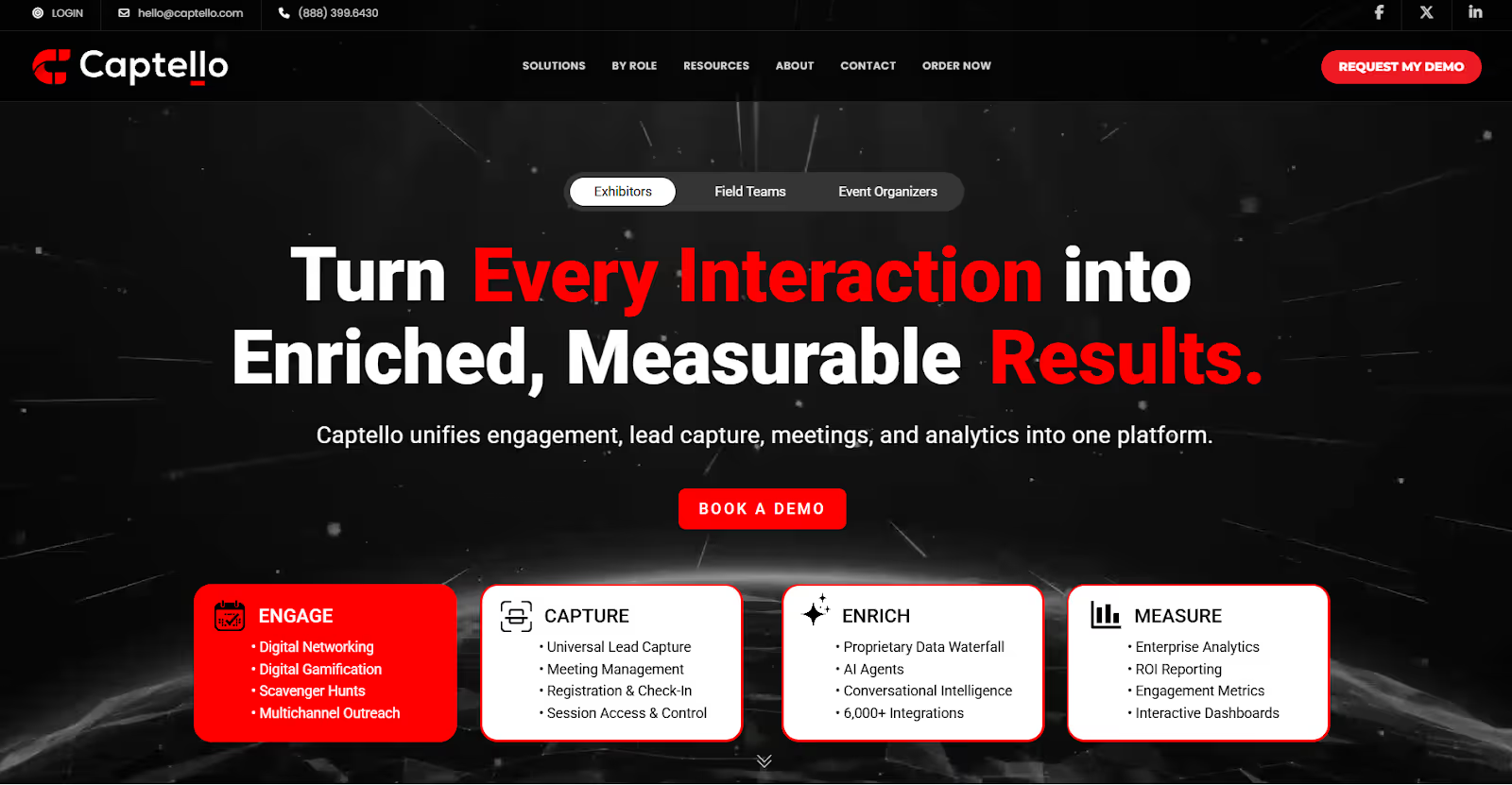
Captello is a good pick when the goal is not only to capture leads, but also to pull people into your booth with interactive experiences, then convert that engagement into usable, qualified lead data.
- Lead capture built to be fully customizable: Captello positions its platform as customizable lead retrieval where teams can capture and qualify leads, then automate workflows instead of relying on basic “scan and export.”
- Engagement layer that boosts booth participation: Captello actively leans into gamification and interactive activations (games, contest-style mechanics, incentives) to increase participation and capture lead data through integrated forms.
- Universal lead capture across event types: Captello describes “universal lead capture” for live and virtual events, which is useful when your team needs one consistent workflow across multiple shows and formats.
- QR-led capture flows: Captello also highlights QR-driven capture approaches (QR codes connected to forms) that reduce friction and manual entry in booth environments.
Best fit for: Teams that want interactive booth experiences (games, contests, incentives) while still keeping lead capture structured, qualified, and shareable for follow-up.
Also Read: The Ultimate Pre-Event Management Plan and Checklist You Need in 2026
5. Whova Lead Retrieval — Easy Lead Capture Inside the Event App
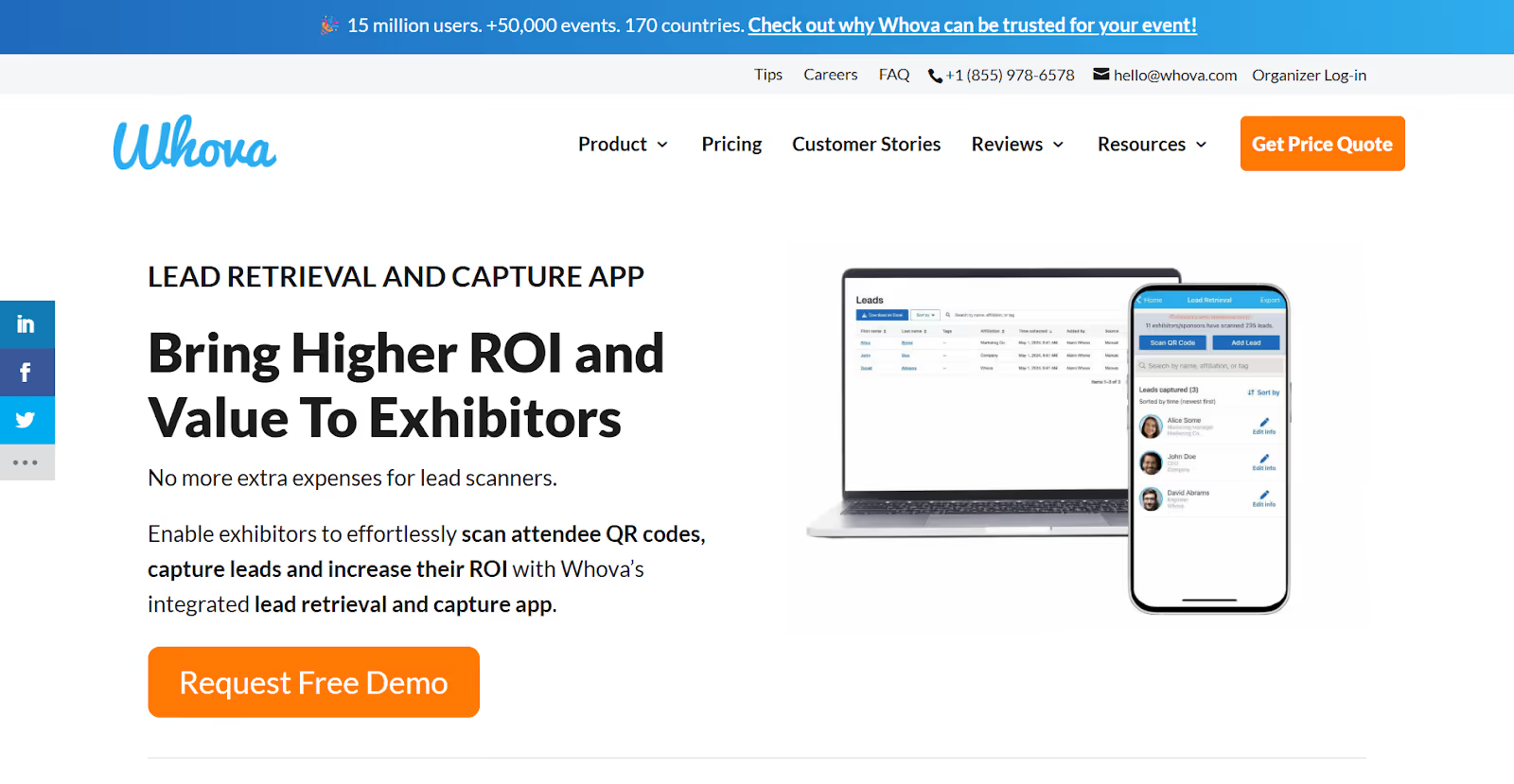
Whova Lead Retrieval is a practical choice when the event is already running on Whova, and you want something simple that booth teams can use immediately without adding a separate lead capture stack.
- Built into the Whova event ecosystem: Whova positions lead retrieval as part of its exhibitor and trade show tooling inside the Whova app environment, which reduces setup complexity when the organizer is already using Whova.
- QR code scanning workflow for lead capture: Whova’s Lead Retrieval Tool is designed around scanning attendee QR codes to generate leads, replacing the “fishbowl of business cards” approach with a simple in-app process.
- Export and post-event handling: Whova provides guidance for exhibitors on reviewing leads and exporting them (for example, exporting to a spreadsheet), which makes it workable for teams that mainly need clean lists for follow-up.
- Organizer and exhibitor value angle: Whova frames lead retrieval as a way to improve exhibitor ROI without extra lead scanning hardware, using QR scanning plus lead management.
Best fit for: Smaller teams, sponsors, and exhibitors who want an easy workflow inside Whova and do not need advanced enrichment, deep analytics, or complex qualification logic.
6. Zoho Backstage Lead Capture — Built Into the Event App
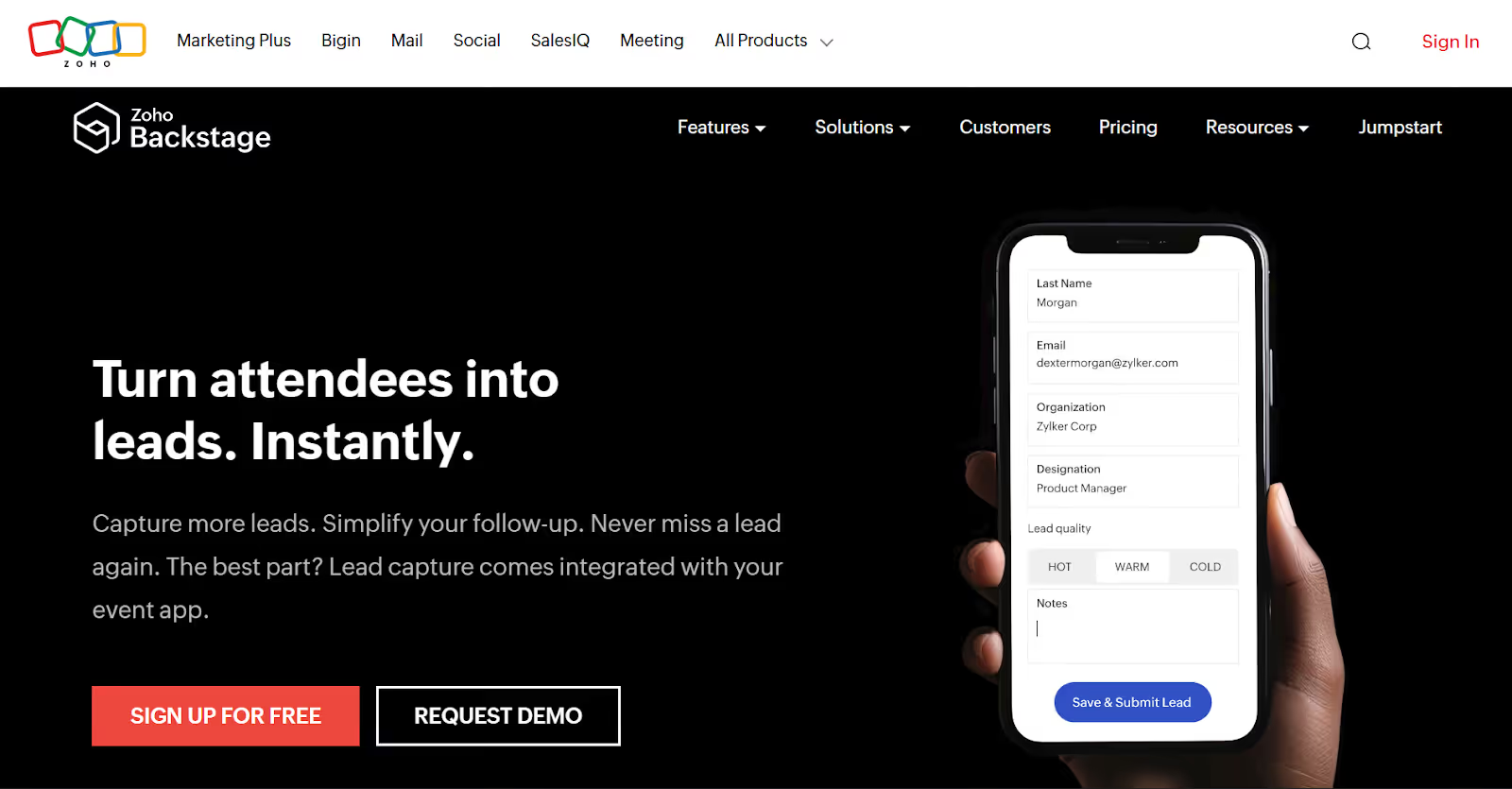
Zoho Backstage’s Lead Capture is best when your event program already runs on Backstage, and you want lead capture to live inside the same event ecosystem, not as a separate scanning tool.
- Lead capture is integrated with the Zoho Backstage event app so exhibitors can collect leads without adopting a separate platform.
- Capture leads “with just a tap” as positioned by Zoho, built to replace business cards and manual note-taking.
- Onsite qualification is simple and structured: exhibitors can qualify leads as Hot, Warm, or Cold and use qualifiers to support assignment workflows.
- QR-based lead capture is supported in the attendee app (leads can be added by scanning a QR code from a badge or ticket).
- Export workflows are built in (Zoho provides steps for exporting lead lists from the Lead Capture tool, including filtering by lead quality).
Best fit for Zoho ecosystem users and smaller to mid-sized event teams that want a straightforward, integrated workflow more than advanced enrichment or complex analytics.
7. vFairs Lead Capture — Part of an All-In-One Event Platform
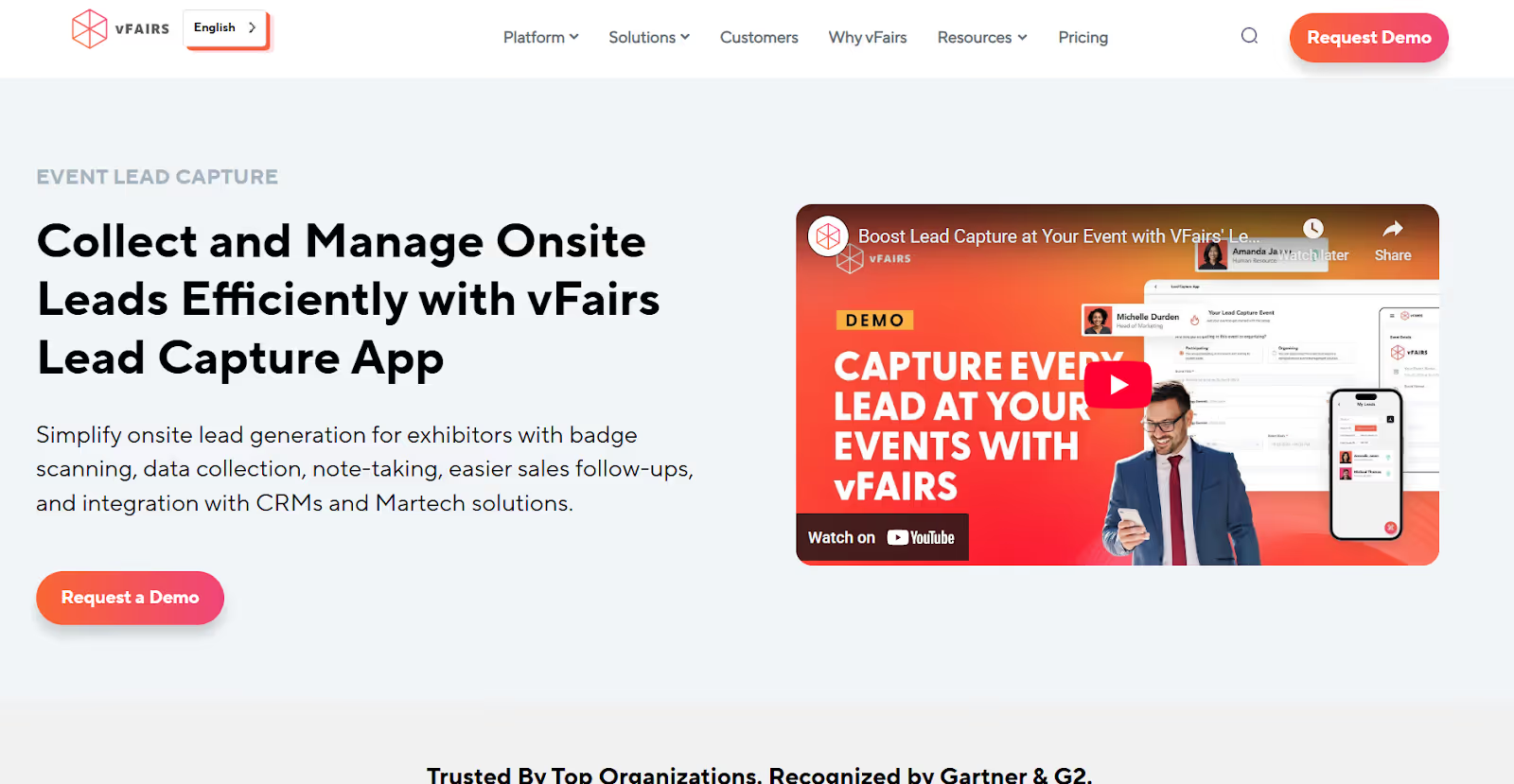
vFairs is a good choice when you want lead capture to plug into a broader event platform, especially for organizers or programs running hybrid and in-person events where exhibitor lead management needs to stay consistent.
- Lead capture app designed for onsite exhibitor lead generation: vFairs positions its lead capture app for badge scanning, data collection, note-taking, smoother follow-ups, and integrations with CRMs and marketing tech tools.
- QR and badge scanning plus manual capture options: The vFairs lead capture app supports scanning attendee QR codes or badges and also allows manual entry, so reps can capture leads even when scanning is not possible.
- Lead qualification controls: vFairs highlights lead management capabilities like scoring, tags, and notes as part of its onsite lead capture and “lead information” tooling for exhibitors.
- CRM integration and reporting angle: vFairs positions its solution around integrating exhibitor lead data with CRM and martech systems and enabling better visibility for follow-up and outcomes.
Best fit for: Organizers and event programs that want lead capture plus event management in one ecosystem, and exhibitors that want a platform-native tool rather than stitching together multiple vendors.
8. Mobly — Mobile-First Lead Capture That Replaces Badge Scanners
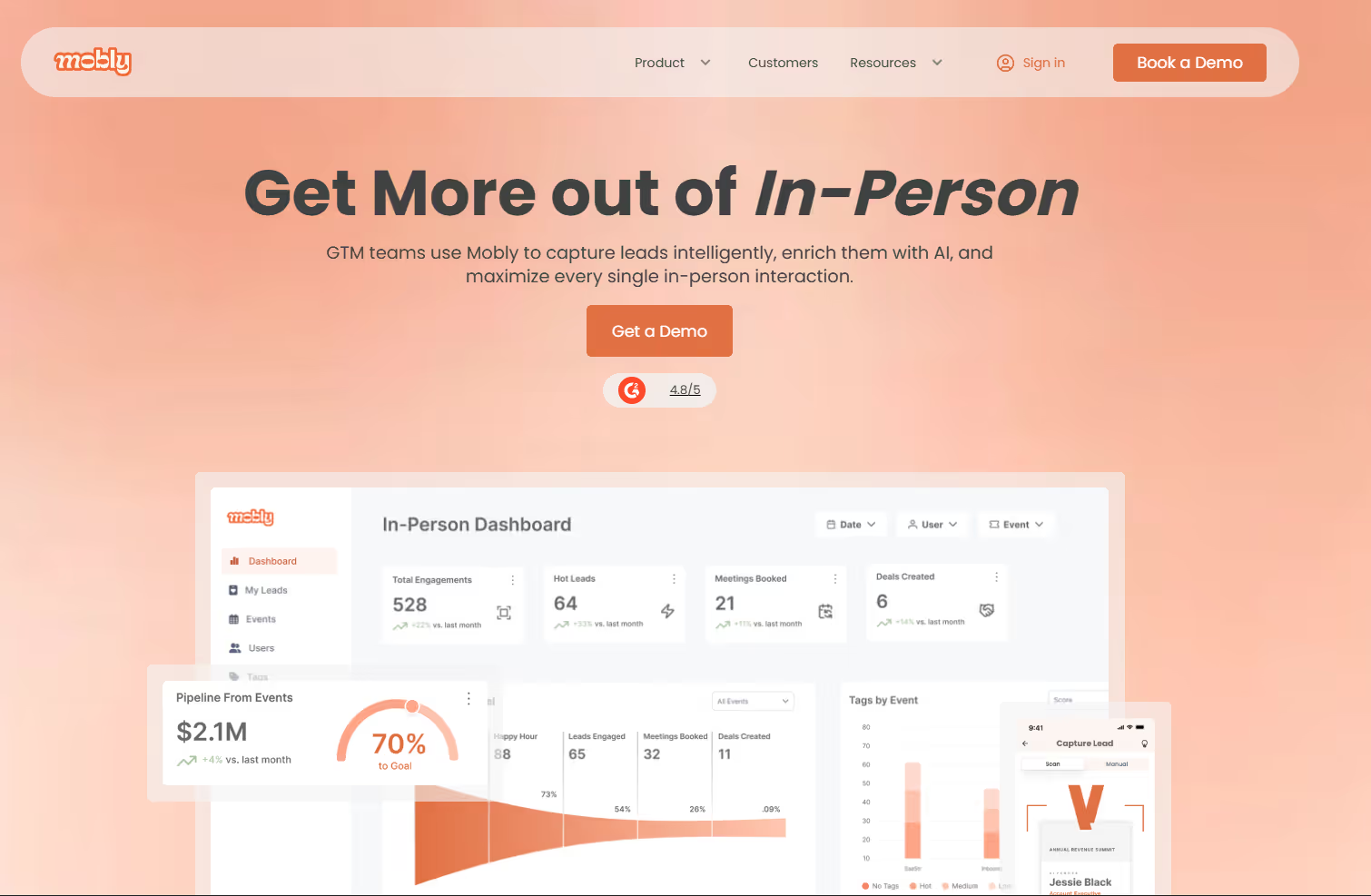
Mobly positions itself as an event marketing and lead capture platform built to replace traditional badge scanners. The focus is simple: capture leads at any in-person event, enrich and validate the data, then sync it to your CRM with minimal manual work.
- Universal event lead capture that works across formats: Mobly’s lead capture app is designed to “work at any event” and capture more than just badges, including business cards and notes through OCR-based capture.
- Offline capture for unreliable venue connectivity: Mobly explicitly supports offline capture, saving leads locally and uploading them once you are back online.
- Structured context with tags, notes, and voice memos: The platform supports adding tags, notes, and qualifying information on the spot, including voice memos, so leads carry usable context into the CRM.
- CRM integrations designed for “scan to CRM” workflows: Mobly promotes real-time data syncing and includes an integrations layer with tools like HubSpot, Salesforce, and meeting tools like Calendly.
- Salesforce integration with mapping and engagement logging: Mobly’s Salesforce integration guide highlights setup steps such as field mapping, tags, and engagement logging so event-captured leads sync with a usable structure.
Best fit for: Field marketing and revenue teams that want a mobile-first alternative to renting badge scanners, plus offline capture and CRM sync with structured lead context.
9. Zuddl — Modular Event Platform With Universal Lead Capture and Analytics
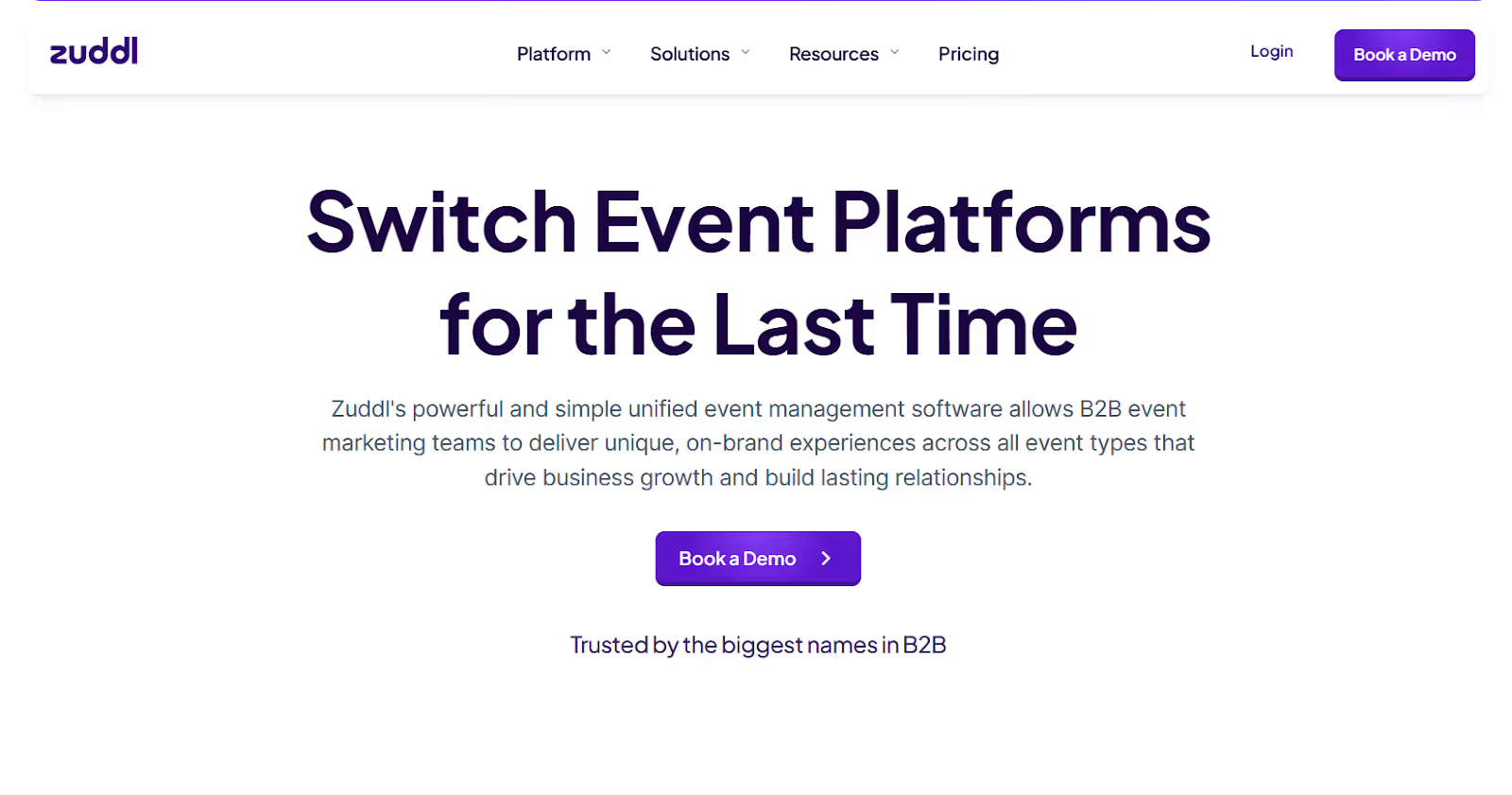
Zuddl is a unified event management platform built for B2B event teams, and it also offers a Universal Lead Capture app that works beyond Zuddl-powered events. The value is straightforward: capture leads reliably onsite, qualify them fast, and push clean data into your CRM with real-time visibility into performance.
- Universal lead capture that works even outside Zuddl events: Zuddl positions its lead capture app for both Zuddl-powered and third-party events, which is useful if your team attends many shows and wants one consistent workflow.
- Offline capture with automatic syncing when you are back online: Zuddl explicitly supports offline scanning, editing, and even exporting leads while offline, then syncing once connectivity returns.
- Fast QR and badge scanning designed for booth speed: Their documentation highlights a QR scanning engine optimized for quick reads, and the app-store listing is built around exhibitors capturing and managing leads on the floor.
- Qualification built into the capture workflow: Zuddl’s support docs describe qualifying captured leads based on engagement, so both teams can capture context and prioritize follow-up instead of dumping raw scans into a spreadsheet.
- Real-time dashboards and full event analytics layer: Zuddl promotes unified dashboards and pre-event, live, and post-event reporting to track registrations, attendance, engagement, and performance in one place.
Best fit for: Teams that want a single platform for event execution plus a universal lead capture workflow, especially when CRM sync and ROI reporting matter as much as scanning speed.
Comparison Table: iCapture vs. Top Alternatives (2026)
If you are comparing iCapture against modern lead capture stacks, these tools map cleanly to the 2026 must-haves: offline capture, universal scanning, fast CRM sync, and visibility into lead quality and event ROI.
Also Read: Event Partner Management in 2026: How Top Event Teams Choose Right
Conclusion
In 2026, lead capture is no longer judged by how many contacts get collected. Exhibitors and event teams expect tools that work reliably offline, capture cleaner data with qualification and enrichment, and sync into CRM and marketing systems without manual cleanup. Analytics matters too, because budgets are increasingly defended with performance reporting, not scan counts.
The best iCapture alternatives raise the bar in two ways: they make onsite workflows faster for reps, and they make post-event follow-up more measurable for revenue teams. If your team needs offline lead capture plus real-time dashboards and CRM-ready data, book a demo with fielddrive to see how it supports faster onsite execution and clearer post-event ROI reporting.
FAQs
1) What is the biggest reason teams replaced iCapture in 2026?
Most switches happen when teams need stronger offline reliability, cleaner CRM syncing, and better reporting than “leads captured.” If the tool cannot support qualification, deduping, and ROI visibility, follow-up quality drops even when scan volume is high.
2) Which alternative is best for proving event ROI, not just collecting leads?
Tools that combine lead capture with dashboards and performance reporting are best for ROI tracking. Platforms like fielddrive and momencio are built around visibility into lead quality and event performance, not only scanning.
3) Are universal badge scanners better than event-specific lead retrieval apps?
Universal scanners work well when your team attends many shows and wants one consistent workflow across badge types and QR formats. Event-specific apps can be simpler when the organizer already runs the full event on that platform, and you only need basic capture.
4) How important is offline mode, realistically?
Very. Even strong venues can have congested Wi-Fi on expo floors. Offline capture prevents missed scans and ensures your team can keep moving, then sync cleanly once connectivity returns.
5) What CRM questions should be asked before buying a lead capture tool?
Confirm field mapping, dedupe behavior, ownership routing, campaign attribution, and error handling. If the tool cannot show sync failures clearly, you risk spending days cleaning data after every event.
.svg)
.svg)
.svg)
Want to learn how fielddrive can help you elevate your events?
Book a call with our experts today


.svg)