

.svg)
.webp)
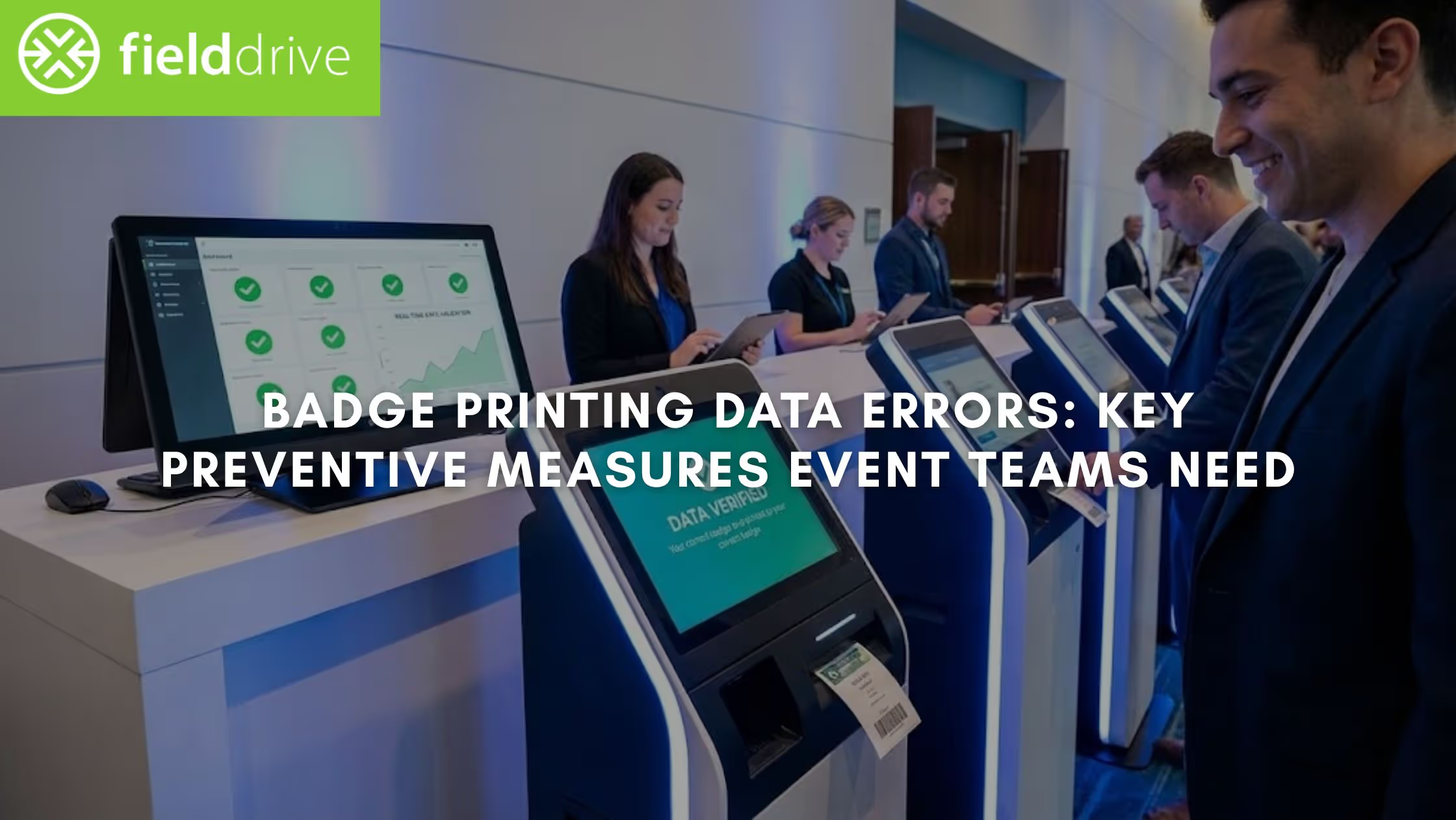
There’s nothing more frustrating for an attendee than reaching a live badge-printing kiosk and seeing one print with the wrong name or access level. These errors slow down badge printing and undermine the professional experience you work so hard to deliver.
The scale of this problem is only growing. The global event badge printing kiosks market is projected to grow to $3.32 billion by 2033 at a 12.7% CAGR. That reflects how heavily modern events now rely on fast, on-demand badge printing at check-in. That said, the quality of the data feeding those systems becomes critical.
At high-volume events, even a small percentage of inaccurate records can quickly snowball into long queues, repeated reprints, and frustrated attendees before the event begins. In this article, we'll break down badge printing data errors. You'll also learn the exact steps to prevent bad data from disrupting badge printing, and hence, check-in.
In a Nutshell
- "Bad" data spreads fast at live events. Even a single inaccurate record can block kiosks, slow queues, and force manual fixes, especially at high-volume or multi-day events.
- Most errors start before the event. Uncontrolled registration fields, poor data formatting, and disconnected systems are the root causes of most data errors in badge printing.
- Track the right metrics to find real issues. Focus on the reprint rate, duplicate badges, missing fields, and check-in time to pinpoint where data breaks down.
- Design workflows that prevent, not react. Standardized fields, real-time sync, inline validation, and controlled onsite edits stop inconsistent data from reaching the printer.
- Post-event cleanup protects exhibitor ROI. Reviewing corrections and cleaning data before handoff ensures accurate leads and stronger exhibitor trust for future events.
Understanding Badge Printing Data Errors (and Why They Pop Up)
Before you can prevent badge printing data errors, you need a clear understanding of what they are, why they occur, and how to measure them. At live events, badge printing is only as reliable as the data flowing into your on-site systems.
Badge printing data errors occur when the information used for live, on-demand badge printing is inaccurate, incomplete, or mismatched at check-in.
Why It Matters:
- At high-volume events, these errors are more damaging because they scale instantly. A single faulty record can block a kiosk, delay dozens of attendees, and force staff to intervene manually.
- Multi-day conferences and exhibitions face even higher risk. Data changes daily, access rules vary by session, and badges often double as security credentials. When badge-printing data errors occur in these environments, they compromise security, exhibitor trust, and the credibility of the entire event.
Also Read: On-Site Badge Printing for Events: A Convenient and Personalized Solution
Common Types of Badge Printing Data Errors
Most badge printing data errors fall into a few repeatable categories that surface at the registration desk.
- Misspelled or outdated attendee names
Example: An attendee updated their profile after registration, but the change never synced to the badge system. The badge prints an old name, forcing a manual correction and reprint during peak arrival time. - Duplicate badges for the same attendee
Example: A delegate registers twice using different email addresses. Both records exist, and two badges are printed, confusing attendance tracking. - Incorrect company or job title
Example: A sponsor upgrades their role shortly before the event. The badge still prints the original title, creating awkward networking and branding issues. - Wrong attendee type or access permissions
Example: A paid workshop attendee is printed as “General Admission” and denied session entry. Staff have to intervene on the spot to correct access. - Missing or truncated fields
Example: Long company names or combined name fields exceed badge layout limits. Hence, the printer cuts off critical information, reducing badge readability and professionalism. - The wrong badge template is printed.
Example: A staff member receives an attendee badge design. This creates confusion in secure areas and increases the risk of unauthorized access.
Why These Errors Happen at Events
Data errors in badge printing rarely result from a single failure. They are usually the result of disconnected processes and last-minute changes. Typical reasons include:
- Manual data entry and last-minute edits: On-site teams often correct names or roles under pressure, increasing the chance of mistakes.
- Multiple data sources: CRMs, registration platforms, spreadsheets, and email updates create conflicting records.
- Lack of real-time data synchronization: When registration systems don’t sync instantly with badge printing, outdated information gets printed.
- Unclear badge purpose: If organizers don’t define whether badges are for networking, security, or access control, data fields become inconsistent.
- Poor artwork or data formatting: Names in all caps, merged columns, or low-resolution assets can delay printing or cause unreadable badges.
- Miscommunication in branding needs: Unclear branding requirements around badge variations lead to incorrect outputs onsite, such as wrong logo placement, mismatched brand colors, etc.
To control the damage, you need to move beyond guesswork and start tracking the right indicators. That begins with accurately measuring errors in badge-printing data.
Key Metrics to Track Badge Printing Data Errors
Measuring such data errors requires more than generic feedback from registration staff. You need clear, repeatable metrics captured directly at check-in. These include:
- Badge reprint rate: This shows how often incorrect badges are printed and corrected onsite.
- Formula: (Number of reprinted badges ÷ total badges printed) × 100
- A rising reprint rate usually signals upstream data quality issues.
- Duplicate badge rate: Tracks how often multiple badges are printed for the same attendee record.
- Missing or invalid field rate: Measures how many badges contain incomplete or unusable data fields.
- Average check-in time per attendee: Longer check-in times often correlate with frequent data corrections.
- Peak queue length during arrival windows: Spikes here usually indicate errors in badge-printing data slowing kiosk throughput.
How to measure these metrics in reality:
- Track reprints directly at live badge-printing kiosks.
- Use real-time dashboards instead of manual counts or post-event estimates.
- Compare registration data with actual onsite check-in records to identify discrepancies.
- Flag recurring correction patterns by field or attendee type.

Tracking these metrics shows you where the errors surface. The next step is fixing them with a repeatable, event-ready prevention framework.
How to Prevent Badge Printing Data Errors: A Practical, Step-by-Step Framework
Preventing badge-printing data errors involves designing workflows that prevent bad data from reaching the printer. High-scale live events demand a system that works before the event, during peak arrival, and after the event ends.
Below is a practical, field-tested framework used by enterprise event teams to keep live badge printing accurate, secure, and scalable.
Framework: Prevent → Validate → Correct → Learn
Let's simplify these stages.
1. Before the Event: Prevent Errors at the Source
Most errors originate weeks before the event, not at the registration desk. This phase is where organizers have the most control.
A. Standardize Required Registration Fields
Decide upfront which fields are non-negotiable for badge printing. As a bare minimum, lock in:
- First name
- Last name
- Company
- Job title
- Attendee type or access level
Pro Tip: If a field has to appear on the badge, make it mandatory in registration. Optional fields create inconsistent outputs onsite.
B. Limit Free-text Inputs
Free-text fields invite spelling errors, inconsistent job titles, and formatting issues. Replace free-text wherever possible with:
- Dropdowns for attendee types
- Controlled lists for access levels
- Character limits for company names
This dramatically reduces data errors in badge printing caused by truncated or unreadable text.
C. Sync Registration Platforms With Onsite Systems
Disconnected systems are one of the most significant sources of errors in badge printing data. Ensure your registration platform syncs directly with onsite check-in and badge printing systems in real time. This prevents:
- Printing outdated names
- Missing last-minute updates
- Duplicate records from parallel data sources
D. Test Badge Templates Using Real Attendee Data
Never test badge designs with placeholder names. Instead:
- Import real registration records
- Test long names, double surnames, and international characters
- Validate font sizes and field limits
This avoids last-minute layout issues that cause reprints during peak arrival windows.
E. Establish a “Data Lock” Timeline
One of the biggest causes of badge errors is uncontrolled updates too close to showtime. Here's a recommended framework you may follow while limiting edits:
- T-14 days: Registration data open for edits
- T-72 hours: Core identity fields locked (name, company)
- Event days: Only controlled onsite overrides allowed
This ensures badge layouts remain stable while still allowing flexibility for real-world changes.
Edge Cases To Plan For: Enterprise events fail when edge cases are ignored. Plan workflows for:
2. During the Event: Validate & Correct in Real Time
Even with perfect preparation, live events change fast. The goal onsite is to validate data instantly and correct it without slowing queues. For that, ensure the following:
A. Allow On-Site Edits With Permission Controls
Not every staff member should edit attendee data. Set clear roles, for instance:
- Registration staff can correct names or companies.
- Supervisors handle access-level changes.
- Ensure all edits are logged automatically.
How it helps: This prevents well-intentioned fixes from introducing new errors in badge printing data.
B. Deploy Touchless Check-in Kiosks
Touchless check-in reduces human error at the most critical moment. Look out for options like:
- QR code scanning
- Facial recognition check-in
- RFID
Key Insight: Minimize manual lookups and speed up validation. Less typing means fewer mistakes in the badge printing flow.
C. Use Inline Validation Before Printing
Advanced badge printer setups support:
- Preview screens before print
- Required-field checks
- Duplicate detection
If something looks wrong, staff can correct it before the badge prints, not after a misprint.
3. After the Event: Learn From the Data
The biggest mistake teams make is treating such badge printing data errors as a one-day problem. Post-event analysis is where long-term improvement happens.
A. Review Error Metrics
Look closely at the badge reprint rate, duplicate badge rate, and other metrics as mentioned above. Patterns here reveal where your registration setup needs refinement.
B. Identify Error-prone Fields
Job titles, company names, and access levels are usually the biggest offenders and are most often corrected onsite. If the same fields cause issues repeatedly, redesign how they’re collected or validated next time.
C. Clean Data Before Exhibitor Handoff
Exhibitors judge your event by the quality of the leads they receive. Clean data protects exhibitor ROI and strengthens long-term partnerships. Before sharing data:
- Remove duplicates.
- Confirm corrected fields are final.
- Ensure badge scans match verified attendee records.
D. Apply Insights to Future Events
Use what you learn to simplify registration forms, adjust badge layouts, and refine onsite workflows. You'll find that with each passing event, the flow becomes smoother, faster, and more reliable.
Also Read: Top On-Demand Badge Printing Tips for Pop-Up Events
To bring the strategies above to life, here’s a real case study. It shows how a professional organizer solved badge-printing challenges at scale with fielddrive’s live badging and touchless check-in solutions.
Real-World Case Study: Preventing Badge Printing Errors at Scale
LEAF, Inc. runs large-scale education conferences with around 1,000 attendees, where smooth check-in and accurate badge data are critical. Before working with fielddrive, their team faced recurring badge issues that slowed entry, created security gaps, and increased manual work for staff.
To solve this, LEAF partnered with us to introduce live, on-demand badge printing, ensuring badges were always printed with the most current attendee data. Here's how we helped them:
Challenge → Solution → Result
Wrapping Up
Badge printing data errors rarely come from a single typo or printer issue. They stem from fragmented data sources, unclear workflows, and a lack of real-time validation. By tracking the right metrics and applying a prevent → validate → correct → learn framework, you can stop errors before they reach the kiosk.
This is where fielddrive helps teams move beyond reactive fixes. Alongside fast, on-demand badge printing, it supports accurate access control through session scanning, clean data flow via smooth integrations, and stronger exhibitor outcomes. Backed by onsite expertise, these solutions are built for high-volume, enterprise events where accuracy matters.
If you’re planning a large or complex event and want to reduce badge printing data errors before doors open, now is the time to review your workflows. To learn more, start a conversation with our team.
FAQs
1. Can badge printing data errors affect post-event reporting and analytics?
Yes. Errors at check-in often cascade into inaccurate attendance counts, flawed session data, and unreliable exhibitor reports. If badges don’t reflect real attendee identities, post-event insights and ROI calculations become misleading or unusable.
2. What’s the difference between registration data errors and badge printing data errors?
Registration errors originate during sign-up, while badge-printing data errors occur when incorrect, outdated, or misformatted data reaches on-site systems. Even clean registration data can fail if badge layouts, syncing, or validation rules are poorly configured.
3. How should we handle badge data for multi-day events with changing access rules?
Multi-day events require dynamic badge logic. Static badge setups often fail here, resulting in denied entry or repeated manual overrides. Ensure access permissions are updated daily based on session registrations or ticket upgrades.
4. How should we handle badge printing accuracy for international or multilingual events?
Standardize character limits, test non-English scripts early, and avoid forcing translations at print time. Data errors often occur when badge templates aren’t designed to handle varied name lengths or character sets.
5. What is the best way to prevent badge errors caused by spreadsheet uploads?
Avoid spreadsheets as a primary source in the days leading up to the event date. If unavoidable, enforce strict column rules, lock formats, and run automated validation checks before data reaches badge printers or on-site systems.
.svg)
.svg)
.svg)
Want to learn how fielddrive can help you elevate your events?
Book a call with our experts today


.svg)