

.svg)
.png)
.avif)
CONTENT
Corporate events operate at a different scale because every program carries brand risk, executive oversight, and measurable business impact. That level of visibility forces teams to keep consistency, compliance, and stakeholder coordination locked in from the start.
General event tools strain under that pressure. They weren’t built for enterprise guardrails, regional policies, or the pace of cross-department approvals that corporate teams handle week after week.
Security raises the stakes even further. With breach costs averaging £3.74 million, event data can’t sit in systems that lack governance, auditability, or predictable controls.
Against that backdrop, this article explains why corporate event software stands apart, how to evaluate the right platform, and which solutions serve enterprise events best.
Key Highlights:
- Corporate events require structured software to maintain consistency, compliance, and visibility across teams.
- Choosing the right platform depends on integrations, security, format flexibility, and handling multiple simultaneous events.
- On-site execution is a key pressure point: delays, check-ins, and badge distribution can impact the entire program.
- fielddrive adds a focused onsite layer with fast check-ins, real-time flow tracking, and seamless badge printing to keep events running smoothly.
What Corporate Event Software Actually Does
Corporate events move smoothly only when the structure behind them is stable. The software keeps that structure intact by organizing the parts that shape the attendee journey and the internal rules that guide the event team.
Here’s what that looks like when it’s working well:
- Registration with reliable data capture: Forms collect information in a controlled format so downstream systems receive clean, usable records.
- Branded event sites that hold to guidelines: Pages follow approved visual standards, which helps distributed teams launch events without drifting from the style system.
- Multi-track agenda management: Sessions, capacities, and timing stay organized as the schedule expands across speakers and tracks.
- Check-in and attendance processes: Entry and session logging run from the same environment, giving a clear picture of who arrived and where they participated.
- Analytics tied to business outcomes: Attendance patterns and engagement signals feed into reporting that supports pipeline, partner metrics, or internal objectives.
- Compliance steps built into the workflow: Required approvals, policies, or consent paths are part of the process instead of being tracked in separate documents.
- Engagement features connected to event goals: Messages, Q&A, and interactions guide attendees toward sessions, content, or briefings that matter to the organization.
- Governance and data standards that hold across events: Access controls, identity rules, and structured data fields keep every event aligned with the same internal expectations.
Also Read: Trade Show Event Management Platform Software
Once you know what strong corporate event software should deliver, the next step is choosing the right platform.
Best Corporate Event Software Solutions (2026)
Each tool on this list brings a different strength to the table, so you can match the software to the style of program you’re building.
Here’s a closer look at the platforms worth considering.
1. Cvent

Cvent fits corporate teams that run frequent, complex events and need every stage of the event lifecycle in one place. It brings registration, planning tools, check-in, badging, mobile apps, webinars, and venue sourcing together, which makes it easier to manage programs at scale without switching platforms.
Key Features
- Unified lifecycle management: Covers approvals, budgeting, sourcing, planning, promotion, onsite tools, and post-event analytics in one ecosystem.
- Powerful registration and websites: Lets teams build branded registration pages and launch field or repeatable programs quickly through templates.
- Robust onsite execution: Supports fast check-in, live badging, and mobile app engagement to keep entry points and attendee movement organized.
- Wide integration range: Connects cleanly to CRM, marketing automation, HR, travel, virtual event tools, and analytics platforms using the App Marketplace.
- Strong global footprint: Manages large-scale in-person, virtual, hybrid, and webinar programs with enterprise-ready availability, support, and infrastructure.
2. Bizzabo

Bizzabo positions itself around connected, branded event experiences for modern B2B teams. Its Event Experience OS brings together tools for networking, mobile engagement, onsite execution, and hybrid delivery, helping corporate teams create unified experiences across formats.
Key Features
- Experience-focused tools: Uses intuitive mobile engagement, networking features, and AI-powered interactions to support richer attendee participation.
- Klik SmartBadges: Offers wearable technology that drives real-time connection data and interaction insights during large corporate events.
- Operational scalability: Templates, duplication options, and account-level settings speed up multi-event production.
- AI assistance: Copilot provides instant answers and guidance inside the platform to reduce back-and-forth during planning.
- Enterprise support and services: Includes onsite badging, hardware, production services, and 24/7 customer support with dedicated success teams.
3. Webex Events
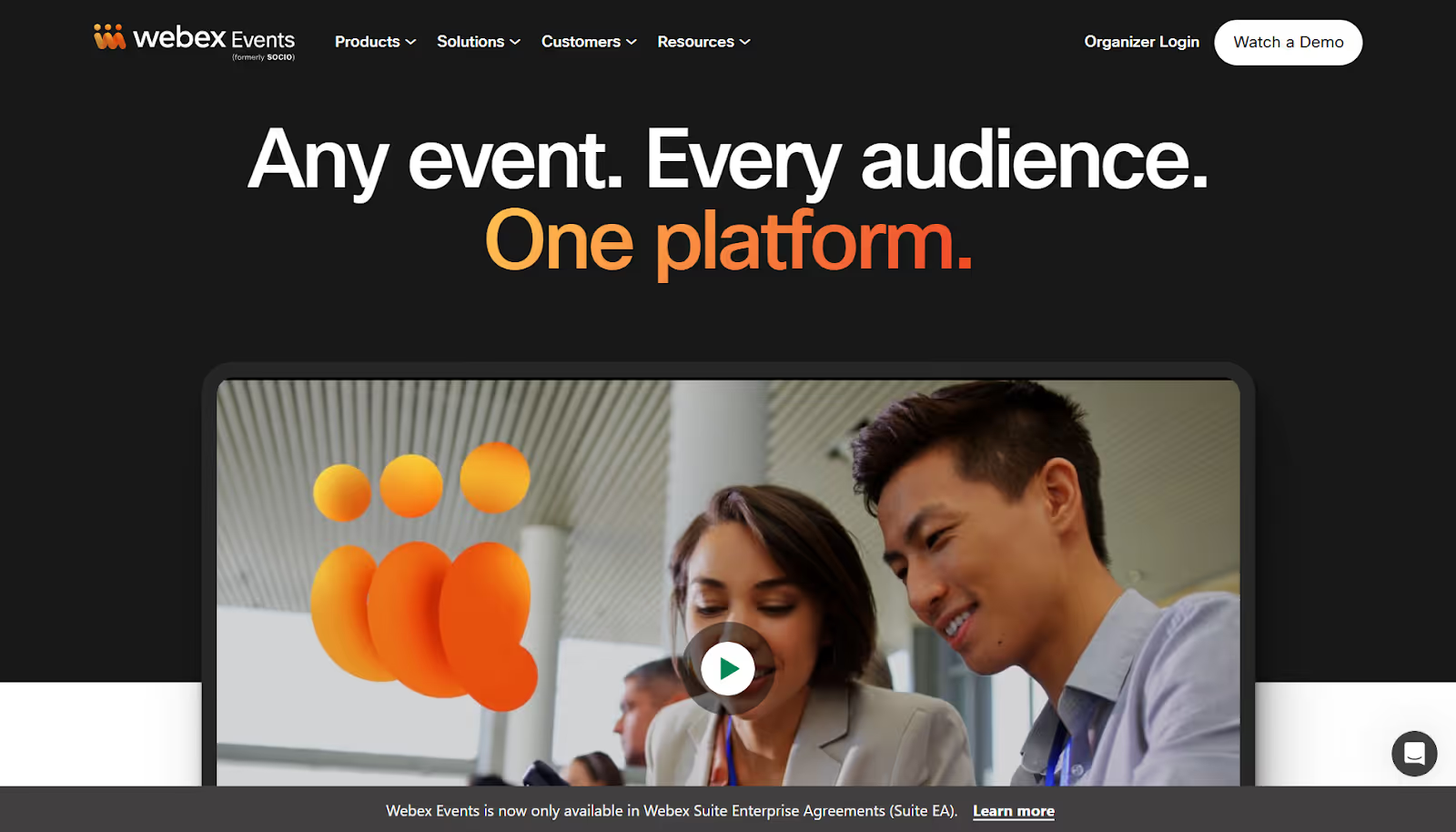
Webex Events works well for corporate teams that need a single environment to run in-person, virtual, and hybrid programs without juggling separate tools.
The platform suits companies that want branded registration, onsite workflows, and virtual production capabilities under one roof. Here’s where it stands out for corporate use.
Key Features
- Unified event formats: You can switch between in-person, virtual, and hybrid without rebuilding the event.
- Branded registration flows: Multiple ticket types, pricing tiers, discount rules, and instant payouts support complex corporate enrollment needs.
- On-site check-in and badge printing: Corporate teams can run controlled entry points with built-in printing, live displays, and lead capture.
- Mobile event app: Attendees access agendas, content, and updates in one customizable app for onsite or remote participation.
4. SpotMe
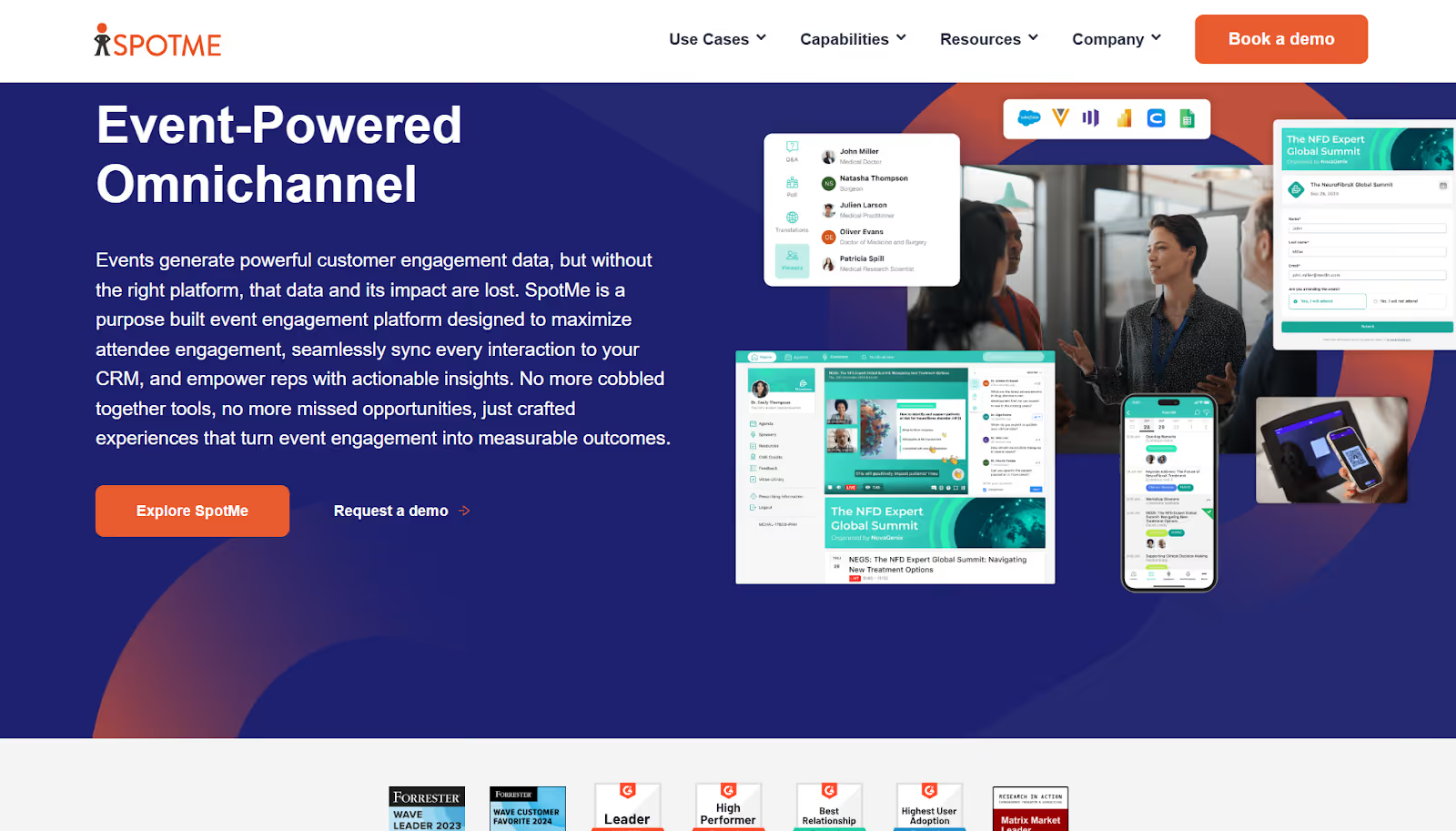
SpotMe approaches corporate events with an engagement-focused mindset. The platform captures attendee interactions, connects them to your CRM, and helps your team build sessions and journeys that fit each audience segment.
It supports organizations that prioritize relationship-building and want their events to reflect that focus.
Key Features
- Personalized journeys: Agendas, content paths, and on-site experiences adapt to each attendee’s role or interest area.
- CRM-ready insights: Session activity and content engagement sync directly into your CRM so follow-ups reflect real behavior.
- Format versatility: Conferences, internal meetings, virtual gatherings, field marketing events, and roadshows live in the same system.
- Enterprise compliance: Certifications such as GDPR, SOC 2 Type II, and ISO 27001 support regulated industries.
- Global support teams: Production help, onsite delivery, and 24/7 assistance to back your team when you scale.
5. vFairs
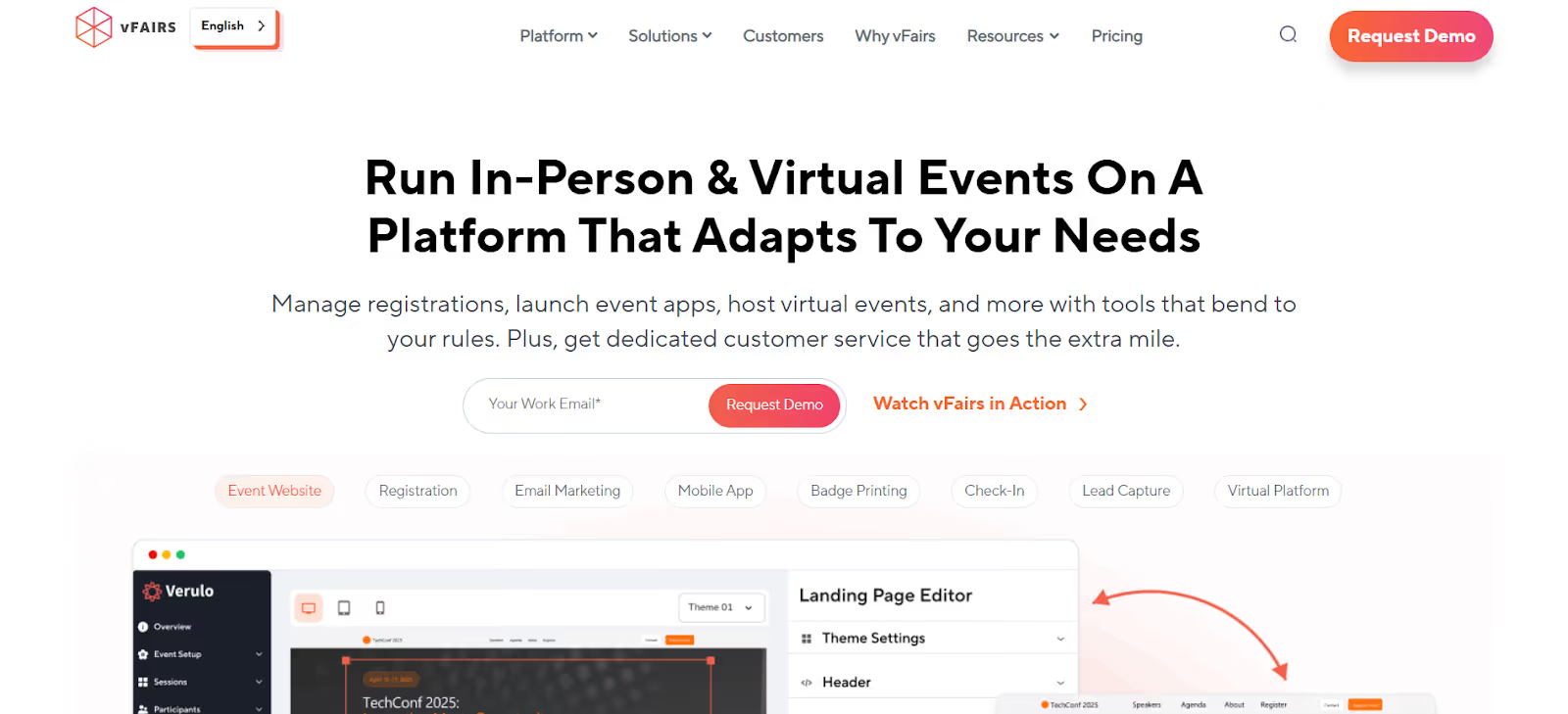
When your events shift between virtual, hybrid, and onsite formats, you need a system that adapts without sending you to separate tools. vFairs supports that flexibility by offering registration, onsite workflows, and a full virtual venue in one platform.
Your team can move from online audiences to onsite traffic without rebuilding processes each time. Its strong compliance and security controls also help protect sensitive attendee or partner data.
Key Features
- Multi-format delivery in one environment: Move from virtual to hybrid or onsite without recreating structures or splitting your data.
- On-site execution with control: Instant badge printing, check-in tools, and optional facial recognition help with large arrivals and managed access.
- Built-in engagement layers: Mobile apps, networking features, and lead capture tools support deeper interaction across exhibitors, sponsors, and attendees.
- Dedicated operational guidance: Project managers, 24/7 live technical support, and optional onsite staff help you run events without gaps.
- Enterprise-level compliance: GDPR, SOC 2, CCPA, and ISO 27001 coverage ensures your event data stays within required standards.
6. EventMobi
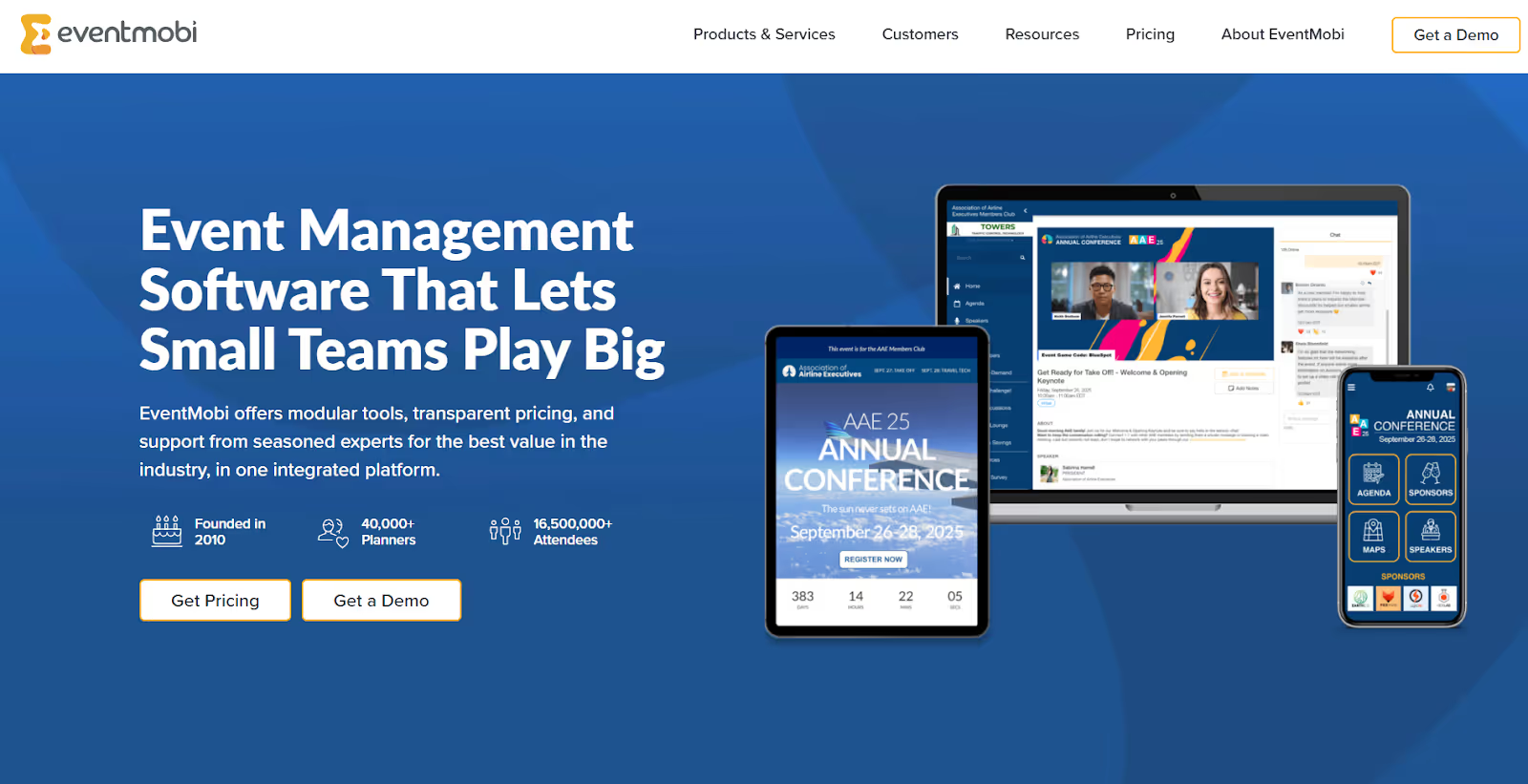
Sometimes the challenge isn’t the event itself, but the size of the team behind it. EventMobi helps when you’re running conferences or meetings without a huge internal crew, giving you tools that stay manageable even as agendas grow.
You can add features only when you need them, which keeps the platform from feeling heavy when you’re working fast or managing several responsibilities at once.
Key Features
- Modular structure: Pick the exact components you need for each event, whether it’s registration, a mobile app, or onsite support.
- Straightforward onsite flow: Badge creation, printing, and check-in tools help you keep arrivals organized without extra equipment or complicated setups.
- Support that fills staffing gaps: Their team can handle design, virtual production, or onsite guidance when your schedule is tight.
- Brand-first controls: The platform gives you enough customization to keep everything aligned with your internal brand standards.
- Flexible cost model: Per-event pricing or subscriptions give you room to adjust based on how often your organization runs programs.
7. Swoogo
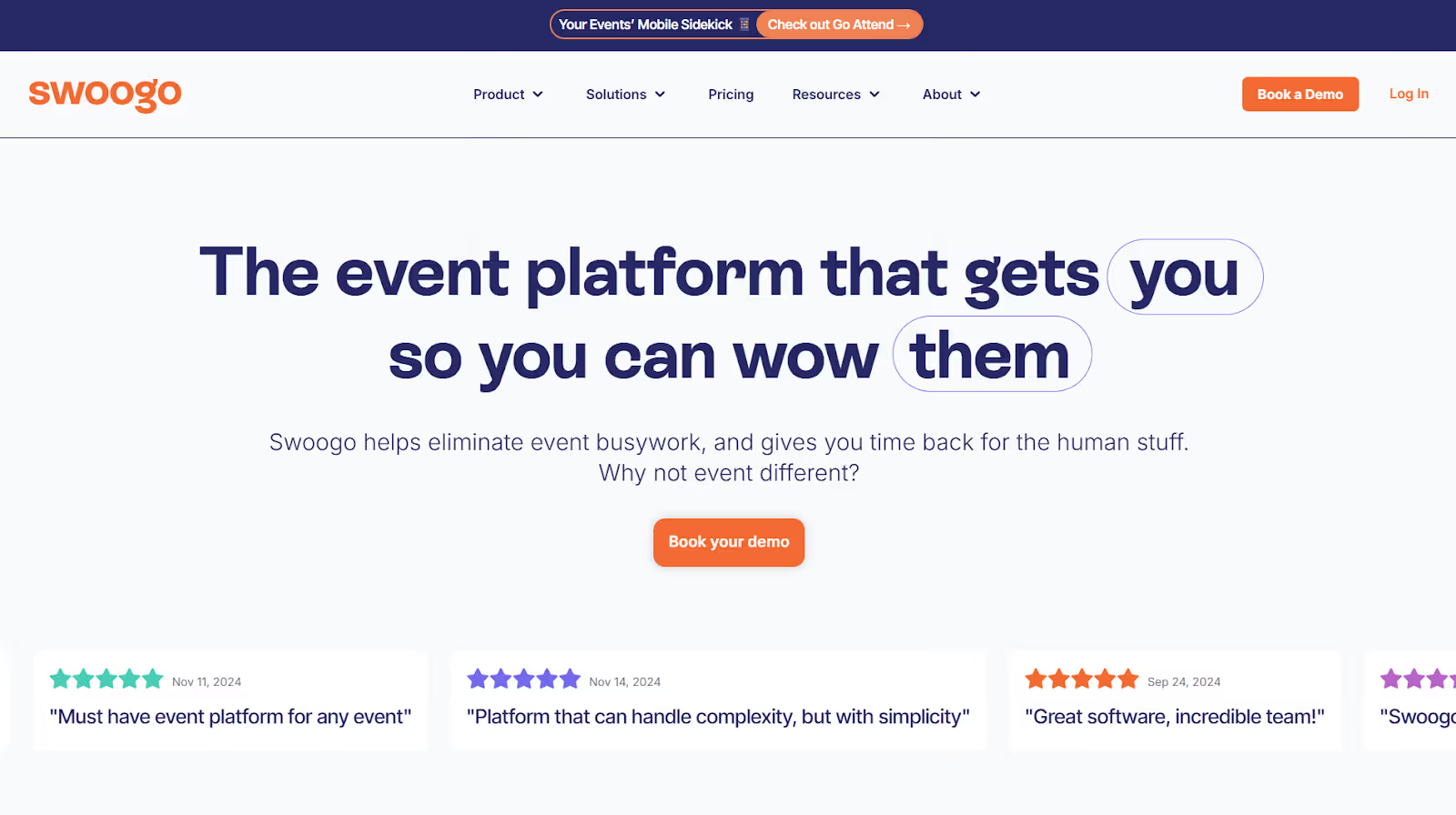
Swoogo leans into speed and flexibility, especially if your events rely on detailed registration paths or fast turnarounds. The builder gives you room to set rules, organize audiences, and shape complex flows without calling in a developer every time something changes.
And when questions arise during busy planning periods, their support team responds quickly with practical help rather than generic guidance.
Key Features
- Customizable registration logic: Create pathways for different attendee types using rules, fields, and branching options without technical overhead.
- Consistent setup across formats: Use the same tools to plan in-person, virtual, or hybrid programs without switching environments.
- Responsive help: A trained support team answers quickly and focuses on solving the actual issue instead of routing tickets.
- Clear event visibility: Reporting and tracking tools make it easier to follow attendance trends and see what’s happening as events progress.
- Integration-ready design: Connect your CRM or internal systems so information moves cleanly into the tools your teams rely on.
Also Read: How to Choose Enterprise Event App Software for Enhanced Engagement
With the leading platforms outlined, the next step is understanding how to choose the one that fits your organization best.
How to Choose the Right Corporate Event Platform
The simplest way to evaluate a platform is to see how well it fits the way your organization already works. This keeps the decision grounded in real operational needs. Here are the areas that reveal whether a system is ready for corporate use.
1. Integrations
Your events rely on CRM updates, marketing automation triggers, HR data, and financial workflows. The platform should move information into those systems cleanly. When SSO and identity rules match your internal setup, access stays predictable for your team.
2. Security
Corporate events involve information that requires accountability. Role-based permissions, audit logs, and data residency options help you meet internal and regional expectations without building extra steps around the tool.
3. Formats
Your schedule may shift between in-person, hybrid, and virtual. A capable platform supports all formats in one place, so workflows stay consistent even when event styles change.
4. Volume
Corporate calendars often run multiple programs at once. The platform should handle that load, keep reporting organized, and give your team a clear picture of everything in motion.
Also Read: 10 Best Event Ticket Scanner Software and Apps for 2026
Meeting these criteria is important, but ensuring smooth onsite execution is where fielddrive truly adds value.
How fielddrive Supports Corporate Teams Onsite
Corporate events often hit pressure points during on-site execution. That is where delays, long entry lines, or slow badge distribution can impact the entire day. fielddrive focuses on solving those exact moments with tools built for busy in-person corporate environments.
The aim is simple: to help your team keep movement smooth and maintain control over who goes where. Here’s how fielddrive does that:
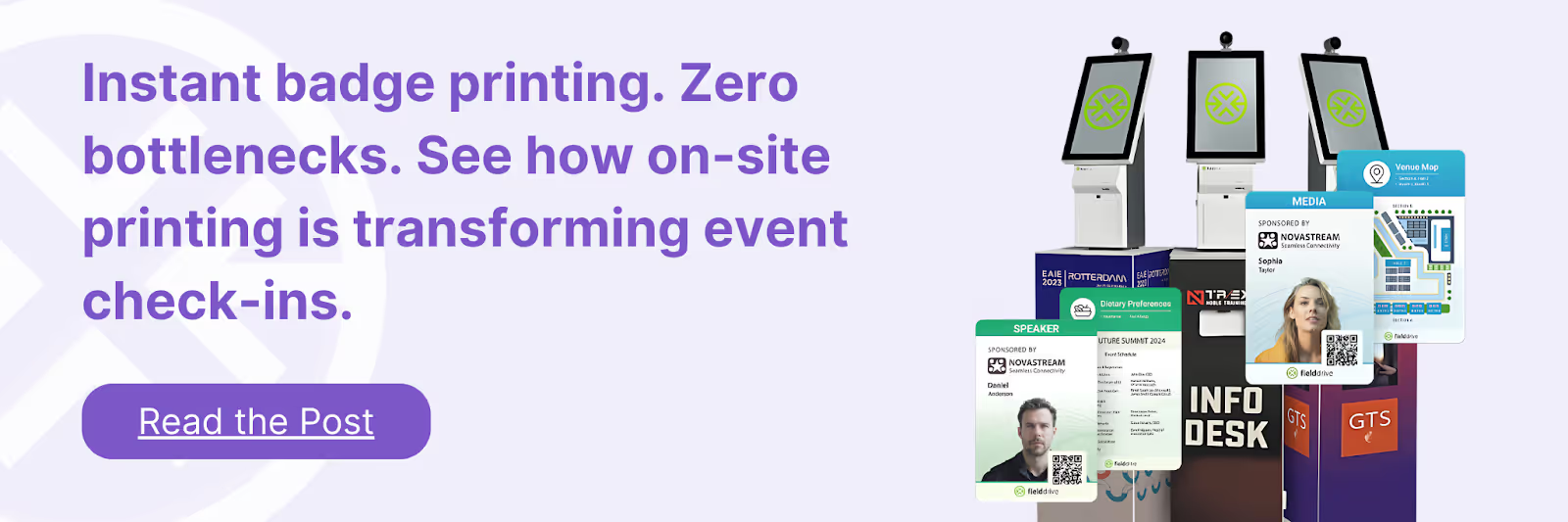
- Fast facial recognition check-ins that move people through entry points without manual verification. This cuts waiting time and keeps the start of the event steady.
- On-site badge printing that produces custom badges on demand. This removes pre-printing errors and supports consistent branding for employees, guests, and partners.
- Session scanning and access control that help regulate attendance in leadership meetings or restricted rooms. These tools work offline when the network is unstable.
- Live attendee flow data that shows how people move through the venue. It helps your team adjust schedules, staffing, or room setups while the event is still running.
- Vendor-agnostic integrations that connect fielddrive with the registration system your company already uses. There’s no need to replace your existing infrastructure.
This makes fielddrive a practical onsite layer for corporate teams that want reliable entry control, consistent badge output, and real-time visibility during high-volume events.
Conclusion
Selecting the right corporate event platform comes down to choosing an environment that supports how your programs operate and grow. Once you understand what each system enables, the decision becomes clearer and far less about comparing features.
The right choice gives your team stability, faster setup, and smoother coordination as your event calendar expands. It becomes a base you can build on rather than a tool you constantly work around.
As you bring that foundation into the onsite experience, fielddrive adds a focused layer that keeps live execution steady and controlled. That support helps your team stay confident throughout the event.
Ready to strengthen your onsite execution? Book a demo with fielddrive today!
FAQs
1. What metrics measure the long-term impact of corporate events?
Beyond attendance and engagement, organizations track multi-quarter indicators like deal acceleration and partner pipeline growth. They also measure employee retention, post-event knowledge adoption, and leadership visibility.
2. What makes corporate event software different from internal scheduling tools?
Scheduling tools manage availability, while corporate event software supports audience-facing programs with structured workflows, oversight, and controlled information paths.
3. How early should teams introduce the platform into planning?
It works best when adopted at the start, so timelines, tasks, and data collection follow one structure instead of being rebuilt mid-process.
4. Can corporate event software help standardize how regional teams run events?
Yes. Templates, naming rules, and approval paths let distributed teams follow shared processes without constant supervision.
5. How does it support collaboration across departments?
Each team works inside one environment with defined access, allowing marketing, finance, IT, and leadership to stay aligned without scattered documents.
.svg)
.svg)
.svg)
Want to learn how fielddrive can help you elevate your events?
Book a call with our experts today


.svg)