

.svg)
.webp)
Best Badging Platforms for Multi-site Events: What to Look For
A practical guide to choosing badging platforms for multi-site events, covering centralized control, badge printing, offline readiness, logistics, integrations, and onsite support.
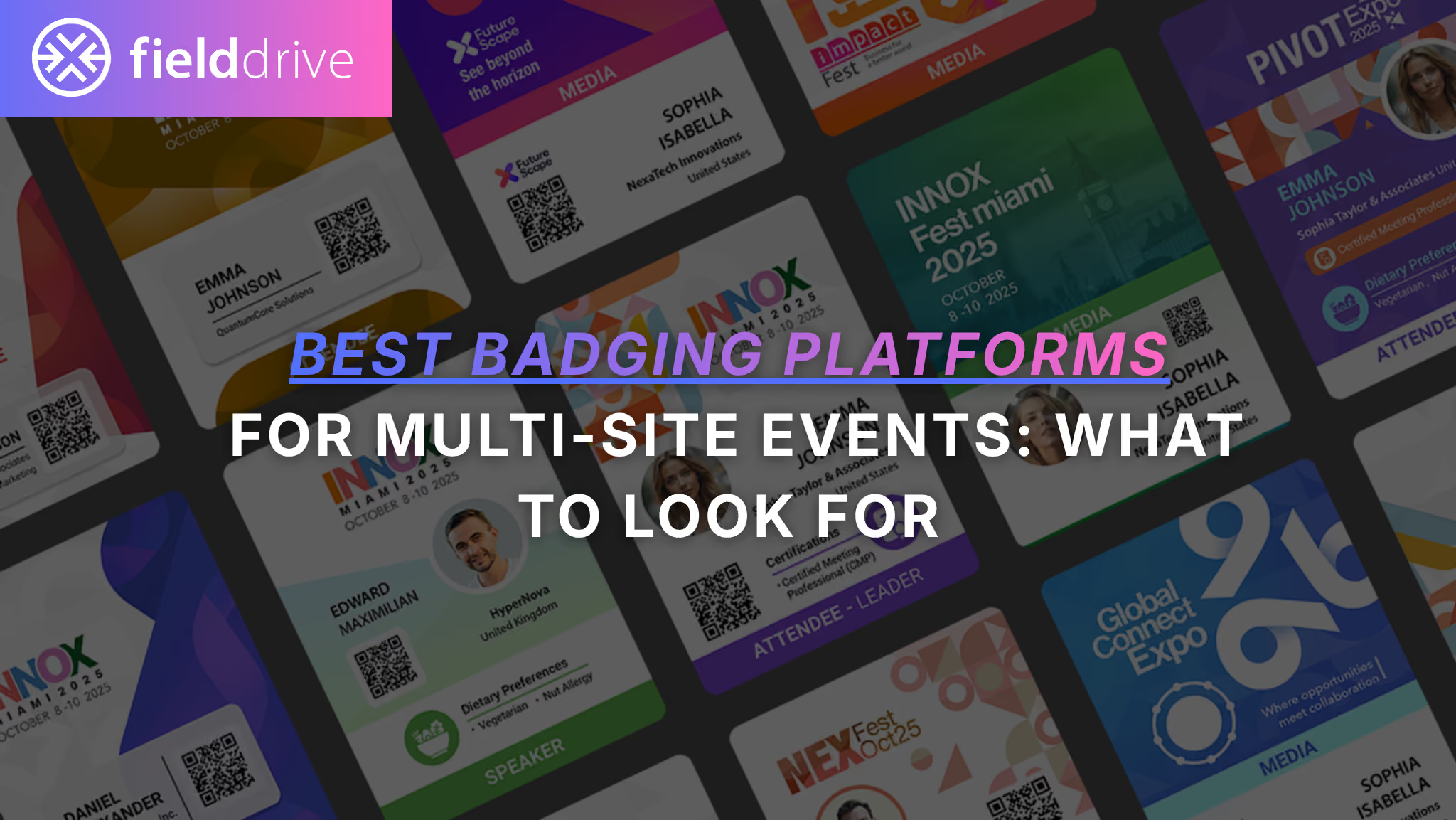
Multi-site badging is not one check-in desk multiplied. It is one onsite operation running in several places at once.
Whether you’re managing a multi-venue conference, a multi-city roadshow, concurrent regional meetups, or a campus-wide event, badging becomes more than badge printing. You need consistent attendee data, consistent branding, consistent access rules, and consistent onsite execution across different locations, staff teams, hardware setups, and network conditions.
This guide breaks down what multi-site readiness really means, the non-negotiable features to look for, and how popular badging platforms compare so you can shortlist the right solution with confidence.
TL;DR
The best badging platform for multi-site events is the one that gives you centralized control while staying fast and reliable at every location.
Prioritize print speed, queue management, offline readiness, role-based permissions, and hardware support. Multi-site events often create multiple arrival peaks at once, not one controlled registration desk.
Ask vendors to prove resilience. What still works if Wi-Fi is weak at Site B while badge reprints spike at Site C?
Do not ignore logistics. Shipping, spares, setup, training, and troubleshooting matter more when your event is spread across multiple venues, cities, or countries.
If you need an end-to-end onsite stack with kiosks, badge printing, scanning apps, analytics, hardware logistics, and onsite support, fielddrive is typically a strong fit.
What Multi-site Event Badging Really Involves
Multi-site badging is less about whether a platform can print a badge and more about whether it can run multiple onsite operations without fragmenting your event.
Here’s what adds complexity.
1. One Attendee Database, Many Entry Points
Attendees may check in at:
- A main venue in the morning
- A partner hotel workshop at noon
- A satellite networking event later
- A second city or regional location on another date
Your badging system needs one source of truth so attendees are not duplicated, re-registered, miscategorized, or given the wrong access.
A strong multi-site setup should answer questions like:
- Has this attendee already checked in somewhere else?
- Is this badge valid at this venue?
- Can this attendee access this session, room, or building?
- Was this badge reprinted at another site?
- Which location handled the latest update?
2. Badge Governance at Scale
Multi-site events usually involve more people touching the badge workflow.
Without proper governance, you can end up with:
- Different badge templates at different sites
- Inconsistent sponsor branding
- Wrong access labels
- Unauthorized template edits
- Reprints without approval
- Local workarounds that break reporting
You need centralized control over templates, branding, access rules, and print permissions, while still giving local teams enough flexibility to handle onsite realities.
3. Inventory, Printers, and Staff Across Locations
For one event site, logistics are already important. For multi-site events, logistics become a risk multiplier.
You may need to coordinate:
- Printers
- Kiosks
- Scanners
- Badge stock
- Lanyards
- Backup devices
- Routers
- Power supplies
- Local support teams
- Staff training
- Venue-specific layouts
A strong platform should not only provide software. It should help you understand how the onsite setup will actually run.
4. Same-day Changes Multiply
Walk-ins, substitutions, VIP upgrades, lost badges, title changes, and misspellings are normal.
Across multiple sites, those exceptions happen more often and can quickly create queues if the workflow is not built for them.
Your system should make it easy to:
- Edit attendee details
- Reprint badges
- Track who made changes
- Control who can approve changes
- Sync updates across sites
- Keep the main queue moving
The danger is not one exception. The danger is every location improvising its own exception process.
.avif)
The Non-negotiables for Multi-site Badging Platforms
Use this as your evaluation checklist.
Centralized Admin and Role-based Access
Look for:
- One admin dashboard for all sites
- HQ-level control over templates and rules
- Site-level roles for local staff
- Restricted permissions for temporary staff
- Controls over who can edit, print, reprint, or override records
- Reporting by site, venue, city, or region
Multi-site badging needs central governance without slowing local teams down.
Fast On-demand Badge Printing
Ask:
- Can badges be printed on demand as attendees arrive?
- What is the documented print speed?
- Does speed change for full-color badges?
- What happens under peak load?
- How fast are reprints?
- Can the platform handle multiple printers per site?
fielddrive advertises around 6-second badge printing for full-color badges. For multi-site events, this matters because multiple locations may experience peak arrivals at the same time.
Offline and Low-connectivity Readiness
Connectivity varies dramatically across sites. One venue may have strong internet. Another may have weak Wi-Fi, strict firewall rules, or dead zones near the registration area.
Ask vendors:
- Does check-in work offline?
- Does badge printing work offline?
- Can edits be made offline?
- Can session scanning continue offline?
- How does data sync back to the master record?
- How are conflicts resolved?
- What happens if two sites update the same attendee?
If a vendor cannot explain failure modes clearly, that is a risk.
Device and Printer Management Across Locations
Multi-site-friendly platforms should support:
- Multiple printers and print stations per site
- Standardized templates across devices
- Fast station setup
- Device assignment by location
- Printer failover
- Spare kit management
- Quick replacement if a device fails
A printer issue at one location should not become a full-site registration slowdown.
Reprint Controls and Audit Trails
Reprints are unavoidable. Uncontrolled reprints are risky.
Look for:
- Reprint permissions
- Reprint reasons
- Badge version tracking
- Staff-level audit logs
- Visibility into who reprinted what, where, and when
- Restrictions for VIP, staff, exhibitor, or restricted-access badges
This is both a security feature and a cost-control feature.
Security and Compliance
At minimum, ask about:
- GDPR readiness
- Data minimization
- Data retention
- Data processing agreements
- Access controls
- Encryption
- Audit logs
- SSO
- Biometric data handling, if facial recognition is used
For multi-site events, access control matters because more people, devices, and locations are involved.
Integrations With Registration, CRM, and Lead Retrieval
Multi-site events collapse when data gets stuck in one place.
Confirm:
- Registration sync
- CRM integrations
- API or webhook availability
- Field mapping
- Real-time or scheduled updates
- Export workflows
- Lead retrieval outputs
- Session scanning outputs
A badge is only as reliable as the data behind it.
Logistics and Onsite Support Model
Multi-site means more points of failure.
Clarify:
- Who ships hardware?
- Who handles customs if needed?
- Where are spares staged?
- Is onsite support available at each location?
- What happens if two sites need help at once?
- Are support hours aligned across time zones?
- Is there a deployment playbook for each site?
For multi-site badging, support is not a nice-to-have. It is part of the platform’s real-world performance.
Questions to Ask Vendors
Use these during demos and procurement calls.
- Can we run multiple venues or cities under one event with site-level roles and reporting?
- Can HQ control badge templates while local teams only print and reprint?
- How do you prevent duplicate check-ins across locations?
- What happens if internet drops at one venue?
- Do you support offline check-in and offline badge printing?
- How do you manage multiple printers and print stations per site?
- How do you handle walk-ins and substitutions across multiple sites?
- What is your average badge print time under load for full-color badges?
- How do you ship, track, and replace hardware across cities or countries?
- What audit logs do we get for reprints, edits, and permission changes?
- Which registration platforms do you integrate with?
- How does field mapping work?
- How does exhibitor lead retrieval work across sites?
- What does support escalation look like when two sites have issues at once?
- Can we pilot one site before rolling out across all locations?
Feature Comparison Table: Multi-site Badging Platform Readiness
This table focuses on multi-site realities: centralized governance, printing, offline readiness, logistics, support, and onsite execution. Where capabilities vary by plan, region, or setup, confirm the details directly with each vendor.
Common Multi-site Scenarios and What to Prioritize
Scenario 1: One Conference Across Multiple Venues
Example: a convention center, partner hotel workshops, and offsite networking receptions.
Prioritize:
- Central attendee record
- Site-level staff roles
- Badge reprint controls
- Consistent session scanning
- Real-time visibility by venue
Look for one admin layer with site-level permissions and reporting.
Scenario 2: Multi-city Roadshow
Example: the same event format repeated across cities.
Prioritize:
- Repeatable hardware kits
- Shipping and logistics
- Standard badge templates
- Local team training
- Consistent workflows
- Consolidated reporting across cities
Look for vendor-supported logistics and a playbook-style onsite deployment model.
Scenario 3: Concurrent Regional Events
Example: multiple cities running on the same day.
Prioritize:
- Offline readiness
- Support escalation
- Standardized templates
- Local printer redundancy
- Central monitoring
- Clear permission controls
Look for systems designed for parallel onsite operations, not just a single venue.
Scenario 4: Campus-wide or Multi-building Event
Example: a career fair, internal summit, university event, or corporate campus activation.
Prioritize:
- Fast self-service check-in
- Kiosk footprint
- Local network constraints
- Building-level access rules
- Badge pickup points
- Staff simplicity
Look for kiosk-based flows with minimal staff intervention and quick printing.
Scenario 5: High-security Corporate Event
Prioritize:
- Audit logs
- Controlled reprints
- Secure search
- Strong privacy posture
- Role-based permissions
- Optional identity verification
- Documented compliance practices
Look for configurable check-in rules, staff permissions, and security documentation.
Where fielddrive Typically Fits for Multi-site Events
fielddrive is commonly a strong match when your biggest risk is onsite execution across multiple locations.
It is especially relevant when you need:
- End-to-end onsite delivery, including kiosks, printers, scanning apps, analytics, and support
- High-throughput arrivals with on-demand badge printing
- Consistent badge templates and check-in workflows
- Contactless check-in options, including QR, manual lookup, and optional facial recognition
- Lead retrieval and session scanning across sites
- Real-time analytics and consolidated reporting
- Logistics support for multi-venue, multi-city, or multi-country deployments
- Sustainable or low-plastic badging options, depending on event requirements
If your concern is “this cannot fail at Site C,” an onsite-first provider with hardware, software, logistics, and support is often safer than a software-only setup that leaves hardware ownership unclear.
.avif)
Practical Multi-site Rollout Plan
1. Pilot One Site First
Test printing, templates, staff roles, check-in speed, reprints, and exception handling at one location before scaling.
2. Standardize Badge Templates and Rules
Lock the elements that must stay consistent:
- Branding
- Badge size
- QR format
- Access indicators
- Sponsor placements
- Staff and VIP rules
- Reprint rules
Allow controlled flexibility only where local teams genuinely need it.
3. Define the Spare Kit Policy
Each site should know what backup equipment is available.
Plan for:
- Extra printers
- Badge stock buffer
- Cables
- Power strips
- Routers
- Replacement devices
- Emergency support contacts
4. Write the Day-of Playbook
Include:
- Check-in flow
- Walk-in process
- VIP edits
- Badge reprint rules
- Printer failure steps
- Offline mode instructions
- Escalation paths
- Post-event data reconciliation
5. Reconcile Data Post-event
Make sure you have one consolidated view of:
- Attendance
- Check-ins by site
- Session scans
- Badge reprints
- Lead retrieval
- Access control activity
- No-shows
- Exceptions
This is what turns multi-site execution into useful event intelligence.
FAQ
What’s the Difference Between an Event Management Platform and an Onsite Badging Platform?
Event management platforms typically focus on registration, websites, email, agendas, mobile apps, and reporting.
Onsite badging platforms focus on check-in throughput, badge printing, onsite resilience, hardware, access control, and support.
Many teams use both: one system for registration and another specialist layer for onsite execution.
Do I Need Badge Printers at Every Location?
If attendees can enter at multiple locations, you will usually need print capability at each entry point.
Even a smaller setup at each site is better than sending attendees to one central desk or relying on pre-printed badges that can’t handle changes.
How Do Multi-site Events Prevent Duplicate Check-ins?
You need a single attendee identity across the event, with check-in status synced or reconciled across sites.
The platform should support rules for:
- First check-in
- Re-entry
- Session access
- Badge reprints
- Lost badges
- Multi-site attendance
What Badge Materials Work Best for Multi-day, Multi-venue Events?
Prioritize durability, scan reliability, and comfort.
If sustainability is a goal, ask about recyclable, biodegradable, or zero-plastic options. Also ask whether holders, lanyards, or badge formats can be reused or reduced.
How Do Lead Retrieval Apps Work Across Multiple Sites?
Exhibitors or staff scan attendee badges using QR codes, barcodes, NFC, or another credential format.
For multi-site events, the key requirement is that scans map to the same attendee record and export cleanly for CRM or reporting workflows.
Does fielddrive Support Multi-site Events?
Yes. fielddrive is designed for onsite event delivery and can support multi-location deployments. Confirm your specific venue routing, governance, integration, and support requirements during scoping.
Does fielddrive Provide Badge Printers and Kiosks?
Yes. fielddrive’s offering includes onsite hardware and software, including kiosks, badge printing, scanning apps, and analytics.
Does fielddrive Support Contactless or Facial-recognition Check-in?
fielddrive supports multiple contactless check-in methods and optional facial recognition check-in.
If you use biometrics, align consent, privacy, and retention processes with your legal requirements.
Can fielddrive Integrate With Our Registration or CRM System?
fielddrive supports integrations with registration, CRM, and event systems. Confirm the exact integration path, sync frequency, field mapping, and access rules for your stack.
Conclusion: How to Pick the Best Badging Platform for Your Multi-site Event
For multi-site events, the best badging platform is the one that can prove it can keep every location aligned without slowing people down.
Look for:
- Central governance
- Fast badge printing
- Offline readiness
- Site-level permissions
- Reprint controls
- Logistics and onsite support
- Clean integrations
- Consolidated reporting
Once you shortlist two or three vendors, run a single-site pilot and test the bad day scenarios: printer failure, Wi-Fi drop, duplicate attendee, last-minute VIP edit, badge reprint spike, and simultaneous check-in surges.
That is where multi-site readiness becomes obvious.
If you want to see how an onsite-first stack can support multi-site delivery, fielddrive is a strong place to start.
.svg)
.svg)
.svg)
Want to learn how fielddrive can help you elevate your events?
Book a call with our experts today


.svg)